

Turn recordings into transcripts and summaries in minutes
Upload audio or video for multilingual transcription, AI notes, and action items
4 Best Android Transcription Apps in 2026: Free to Paid Options Compared
The Biggest Mistake in Meeting Notes: You're Recording What Was Said, Not What Needs to Be Done
I attend about 15 meetings a week—weekly syncs, project updates, one-on-ones, cross-department coordination. What used to scare me wasn't the meetings themselves, but the aftermath: action items scattered in my head, and two days later a subordinate asks, "Are we still doing that thing from last time?" I'd flip through three minutes of notes and still might not find it.
Most people take meeting notes by typing while listening, trying to capture every word. But what really matters isn't who said what—it's three things: what was decided, who's responsible, and when it's due.
That's why many people install a recording app and still don't solve the problem: the audio file sits on your phone, and you have to listen from the beginning when you need it; the transcript comes out, but 2,000 lines of text are just as hard to scan for key points. If you've been there, this article is for you—our team tested 4 popular Android transcription apps, from completely free to paid team plans.
Before Choosing an App, Understand These 4 Key Points
1. Where exactly are the free limitations? Free doesn't mean unusable, but you need to know whether it limits "storage" or "features." Some tools keep transcripts for only 3 days, some don't support importing old audio files, some limit each session to a few minutes. If it limits importing old files, your past meeting recordings are as good as wasted.
2. Can it handle "meetings," not just "live dictation"? How do you record online meetings (Zoom, Google Meet, Microsoft Teams)? Do you invite a meeting bot, or directly capture system audio? The former is awkward in client meetings—an unfamiliar account appears on the list, and the client will definitely ask who that is.
3. Can you use the output directly after transcription? A transcript is only half the battle. Does it have summaries, chapters, action items? Can you ask questions directly about the content? Can you export to the document tools you already use? The key to saving time is actually in this part.
4. How smooth is recording on mobile and organizing on desktop? Recording on an Android phone is convenient, but you'll likely end up organizing on a computer. Cross-platform sync, team sharing, and seat management determine whether this tool can go from "personal toy" to "departmental workflow."
Tinrec — The One Our Team Kept
In a nutshell: Tinrec is an AI meeting notes and collaboration tool for individuals and teams, available on mobile (Android/iOS), desktop, and web. It doesn't just convert speech to text—it turns meetings into searchable, queryable, further-processable data that can be shared with the team.
Here's how it works in practice:
During the meeting, the desktop version directly captures system audio, handling Zoom, Google Meet, Microsoft Teams, and Webex online meetings without inviting a bot. This is especially important for us—having an unfamiliar account in a client meeting is a big minus. For offline meetings or interviews, just record and transcribe on your phone.
As soon as the meeting ends, AI automatically generates summaries, chapters, key points, and action items. I look most at the action items column: who's responsible for what, what's the deadline—copy directly into our project sheet, saving the entire post-meeting rework.
Post-meeting Q&A is where I see the biggest difference. After recording, you can ask it directly, e.g., "What was the conclusion about the budget in the last meeting?" It doesn't dump a list of keyword search results—it answers directly. I don't have to listen to a 40-minute recording again.
Taking results with you is also smooth: transcripts and summaries can be exported to Notion, Google Docs, OneNote, Dropbox, etc., and you can use Agent post-processing to generate reports, tables, and documents—ready to use as weekly report material.
My own test conditions: an Android phone placed on the conference room table, recording a 45-minute cross-department meeting with air conditioning noise and people talking over each other. The transcript came out usable as a draft for meeting minutes; a few internal product codenames were misrecognized—after adding these codenames to team hotwords, it stabilized. This design is very practical for teams with many proper nouns.
Three reasons I think it's worth it:
- No bot for online meetings. No need to change meeting invitations or explain an extra account to clients—this is key to whether the process can truly be adopted.
- Chinese and multilingual meeting experience. Supports Chinese, Traditional Chinese, and multilingual meeting scenarios, with real-time translation during recording and viewing in original, translated, or bilingual mode; no need to switch tools for mixed Chinese-English meetings.
- Meeting data stays. The team plan has an independent team space where meeting data belongs to the team, with member and seat management, usage analytics, audit logs, audio recycle bin (30-day retention), and team hotwords. When a member leaves or loses their seat, data is transferred to other active members, not tied to the person.
Stop organizing recordings by hand
Upload audio or video and automatically get a transcript, summary, and action items
Honest limitations: The free version provides basic quota, suitable for trying out recording, importing, summaries, and transcription; if you meet almost daily like me, you'll eventually need to upgrade. Also, file import and web link import consume quota; real-time recording currently doesn't deduct minutes under an active team plan. Please refer to the official purchase page for pricing and benefits.
Who it's for: Those who need Chinese meeting notes, post-meeting summaries and action items, record on mobile but mainly organize on desktop, or need to preserve meeting data for the whole team. If your meetings are mainly in English, or you only occasionally need live dictation, the following options are also great.
Besides Tinrec, What Other Options Are There?
Google Live Transcribe (built into Android). Completely free, supports over 80 languages (including Traditional Chinese), and can recognize applause, music, and other environmental sounds—the most familiar live dictation tool for Android users. But it's almost only "live": transcripts are kept on-device for only 3 days, no support for uploading old audio files, and no summaries, action items, or Q&A. Suitable for quick notes, live dictation in class; if you need to organize meetings afterward, it can't help—importing existing audio or video files for transcription and summary is something Tinrec can do and it can't.
Atter App. Free, ad-free, no quota limits, supports mobile recording, gallery videos, watch recordings, and other import methods, provides transcripts, translation, summaries, key chapters, and AI Q&A; reviewers also mention that recognition accuracy still has room for improvement. If you work solo and want unlimited transcription of your audio files, it's worth a try. But when the team needs to share meeting data, manage member seats, view usage and operation logs, Tinrec's team space, seat management, usage analytics, and audit logs are what it currently lacks.
Otter.ai. A veteran choice for English meetings, free version offers 300 minutes per month, and team and enterprise capabilities are mature. If you mainly record English meetings, it's great value. As for Traditional Chinese meeting scenarios and using team hotwords to maintain your company's own product terminology, Tinrec is relatively closer to Chinese teams.
Pitfall Guide: The 4 Most Common Mistakes When Choosing an Android Transcription App
Pitfall 1: Only looking at "free," not clearly seeing where the limits are. Some tools are free but only keep data for 3 days, can't import old files, or have a single-session length limit. The right approach is to first ask yourself: what I need most is "live dictation" or "organizing old recordings"? The answer determines which tool to choose.
Pitfall 2: Trusting official accuracy claims. No tool should promise a fixed 98% or 99% accuracy, because real conference rooms have air conditioning noise, people talking over each other, and your company's own proper nouns. The practical approach: take a real meeting recording from last week and try it (remember to get participants' consent first), and see if the transcript can be used directly as a draft.
Pitfall 3: Using a transcription tool as a dictation machine. If you only produce a transcript, you're using only one-third of its capability. Like Tinrec's AI Q&A—after recording, directly ask "What was the conclusion of this meeting?" "Which action items are unassigned?"—much faster than manually flipping through the transcript.
Pitfall 4: Ignoring cross-platform and team needs. Recording on mobile today, organizing on desktop tomorrow—if data is stuck on a single device, it's painful; if meeting content is ultimately for the team, think ahead about data ownership, seats, and permissions, don't wait until someone leaves to find the records went with them.
Conclusion: Which One Should You Choose?
- Only need pure live dictation, no organizing → Google Live Transcribe (free, but only keeps 3 days)
- Solo work, want unlimited processing of single files → Atter App
- Meetings mainly in English → Otter.ai
- Chinese and Traditional Chinese meetings, need post-meeting summaries and action items → Tinrec
- Want to use AI to ask key points directly after recording → Tinrec (AI Q&A is its most obvious differentiator)
- Record on mobile, organize on desktop, and preserve data for the team → Tinrec; when team size exceeds 3, go directly to the team plan: first-time eligible can try 7 days, 1 free seat, 300 minutes team shared import quota; paid seats are USD 29.80/seat/month, annual USD 199/seat (about USD 16.58/month), each paid seat provides 2,000 minutes team shared import quota per month, real-time recording currently doesn't deduct minutes under an active team plan.
My advice: first run your own meeting workflow with the free version, confirm that transcript quality and post-meeting organization really save you time, then decide whether to upgrade. No matter how powerful the tool, if it doesn't fit your workflow, it's a waste of money. Finally, recording and transcription involve personal data and local regulations; get participants' consent before recording, and for important decisions, cross-check with the transcript and recording playback.
References
- 2026 Selected 6 Speech-to-Text App Recommendations: Solving Meeting Notes and Transcript Organization Pain Points - Tinrec Blog
- SoundType AI Ultra-Precise Transcript, Speech-to-Text, AI Dictation - Google Play App
- Speech to Text - Google Play App
- Speech Real-Time Conversion to Text APP Recommendations 1. iPhone/iPad "Notes" APP Supports real-time conversion to text Cost: Free Supports Chinese, English
- Free Unlimited AI Speech-to-Text Tool, Say Goodbye to Transcript Organization Hassles: Atter App | Lin Weiqing's Salon
Turn every recording into actionable outcomes
Get 60 free transcription minutes when you sign in. No credit card required.
Related Reading
You might also like

4 Best iPhone Transcription Tools in 2026: Is Apple's Built-in Transcription Enough?
iPhone's built-in Voice Memos can turn recordings into transcripts, but you only get text—no summaries or action items. This article shows you the 4 steps to generate text from iPhone recordings, then compares the built-in feature, Tinrec, PLAUD, and Granola, with key buying factors, pitfalls to avoid, and scenario-based recommendations.

How to Transcribe Apple Watch Recordings in 2026: A 5-Step Guide
Recording on Apple Watch is intuitive, but the real challenge is turning those recordings into text. This guide walks through 5 steps from recording on the watch, syncing to iPhone, choosing a transcription tool, organizing the transcript, and exporting it. It also covers 4 key factors to consider before choosing a tool and common pitfalls, and compares Tinrec, Notta, Otter.ai, and Apple's built-in solution to help you decide which fits your needs.

2026年4款抖音视频语音转文字工具横向对比:从免费到付费一次看懂
实测4款抖音视频语音转文字工具,从免费到付费,比较转写准确度、AI摘要、翻译与团队协作,并分享选购标准与避坑指南。

5 Best IG Reels to Transcript Tools in 2026: Which Saves More Time for Chinese Recognition and Post-Meeting Organization?
IG Reels to transcript is not just about turning video into text. This article starts with common misconceptions, breaks down what transcripts can do for content creators and social teams, what core capabilities to look for, and 5 key points when choosing a tool. Using Tinrec's recording transcription, AI summary, AI Q&A, and team space as an example, it explains how to turn a single Reel into reusable text assets.
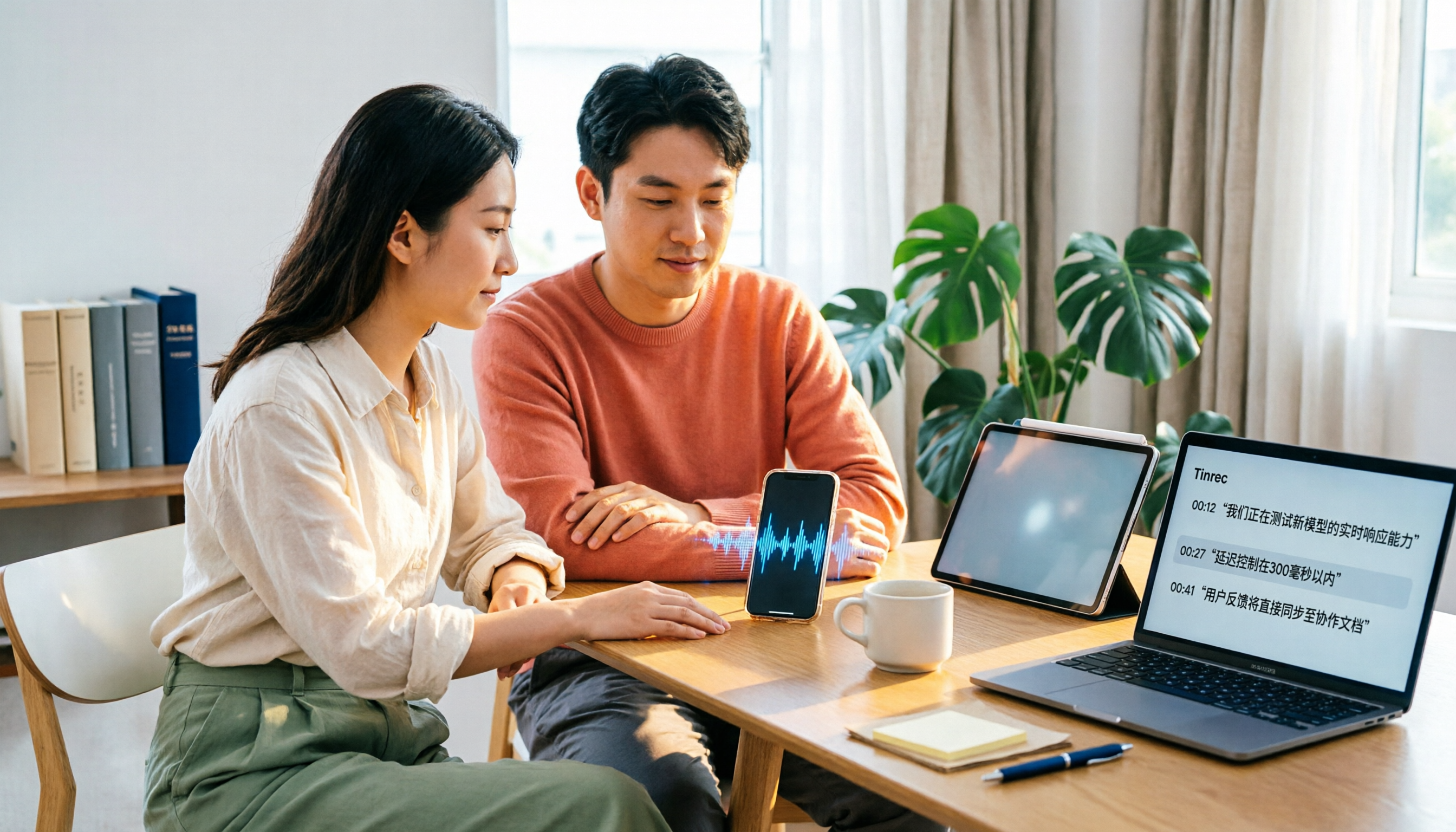
4 Xiaohongshu Video-to-Text Tools Tested for 2026: Which One Can Actually Transcribe Videos Without Subtitles?
Extracting text from Xiaohongshu videos isn't about whether a tool exists—it's about what you plan to do with the text. This article starts with three key questions and compares four tools: Tinrec, BibiGPT, Shiyi, and SnapWC. Learn the difference between grabbing subtitles and AI speech-to-text transcription, plus workflows for videos without subtitles, output formats, and tips for team sharing.
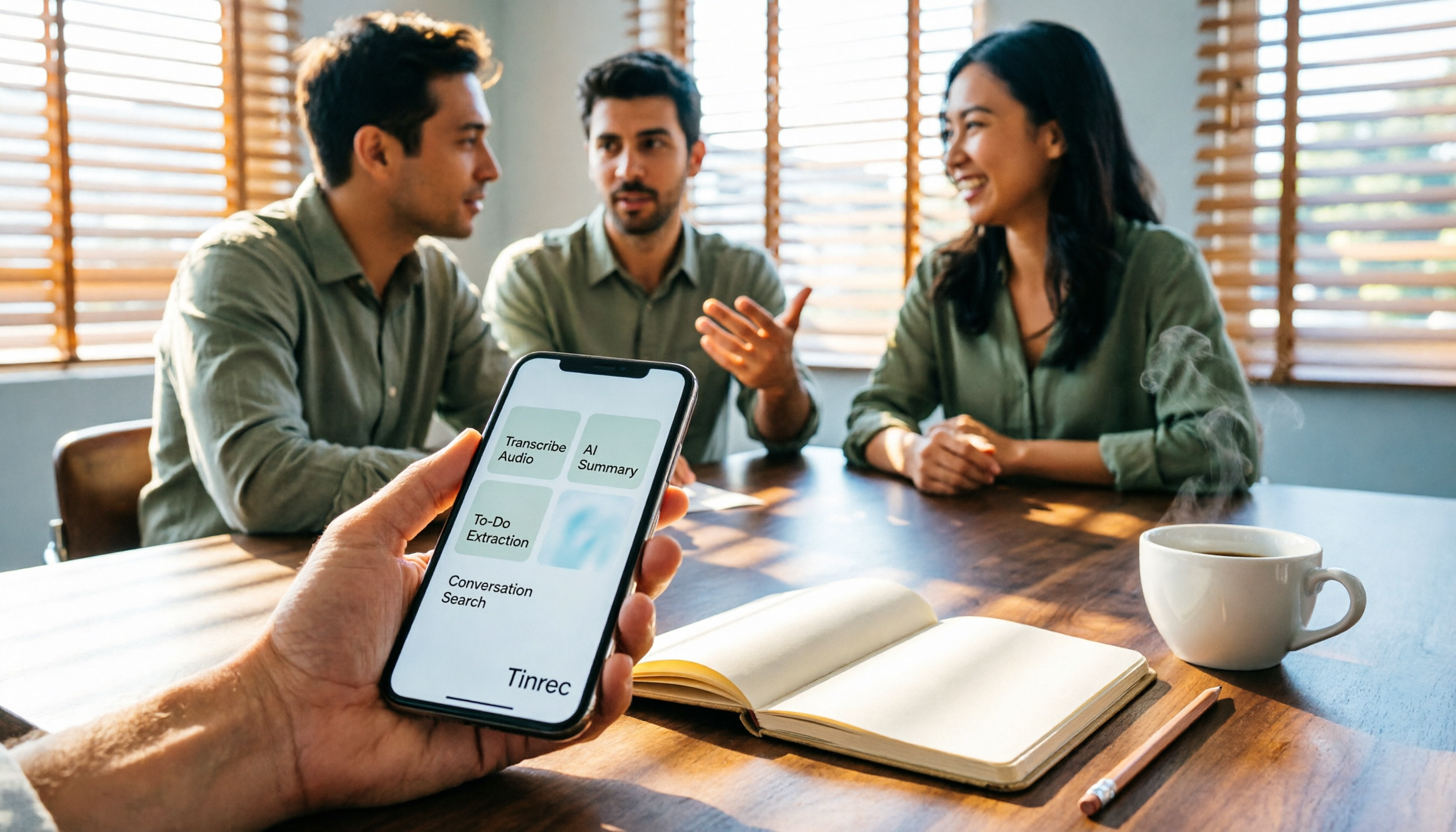
5 Huawei Phone Audio-to-Text Tools Tested in 2026: Which AI Meeting Notes Save the Most Time?
A hands-on 2026 comparison of audio-to-text tools for Huawei phones, tested in real meeting scenarios. The article compares Huawei's built-in recorder, Otter.ai, Notta, and Tinrec, and explains four key factors for choosing a tool: real-world accuracy, post-meeting organization, bot-free online meeting recording, and cross-platform export. It highlights Tinrec's AI summaries, action item extraction, and AI chat query, and concludes with recommendations for different use cases.
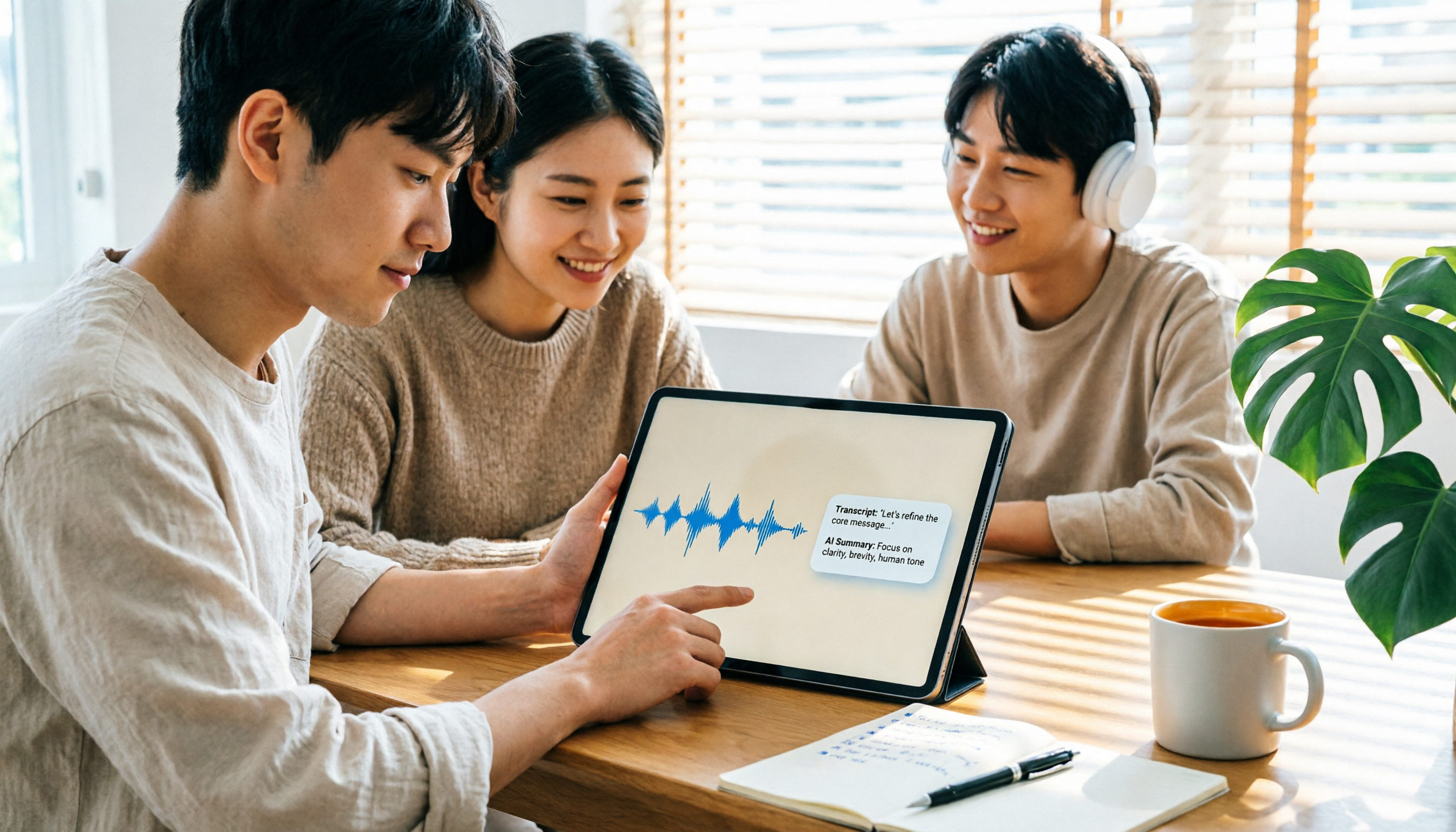
2026 iPad Audio-to-Text Note-Taking Guide: Real-Time Transcripts, AI Summaries, and Tool Selection
Should you use built-in features or third-party apps for iPad audio-to-text note-taking? This guide covers selection criteria, Chinese transcription, post-meeting AI organization, cross-platform export, and team permissions, comparing Tinrec, Apple Notes, Otter.ai, and PLAUD Note, plus practical tips to avoid pitfalls.

5 Best Browser-Based Audio-to-Text Tools in 2026: No Install, Which Handles Chinese Meetings Best?
How do you choose a browser-based audio-to-text tool without wasting time? This article examines four key factors—no installation, Chinese recognition, post-meeting organization, and team data ownership—and compares Tinrec, Notta, TurboScribe, Granola, and Otter.ai from a mid-level manager's hands-on perspective. It covers Tinrec's real-world performance and limitations in bot-free recording, AI Q&A, action item extraction, and team workspaces.

Tinrec vs OmniTranscript 2026: 5-Dimension Comparison for Chinese TikTok Transcripts
How to choose a TikTok video-to-text tool? This article reviews 5 transcript tools: Tinrec, OmniTranscript, WayinVideo, BibiGPT, and Dictationer, comparing them across Chinese language support, AI post-processing, export formats, free quotas, and team collaboration to help you find the best TikTok transcription solution.