

Turn recordings into transcripts and summaries in minutes
Upload audio or video for multilingual transcription, AI notes, and action items
5 Best IG Reels to Transcript Tools in 2026: Which Saves More Time for Chinese Recognition and Post-Meeting Organization?
The most common pitfall is thinking that "IG Reels to transcript" just means throwing a video at AI and copying a block of text. In practice, the problem usually isn't whether it can transcribe, but what happens after: no paragraphs, unclear who said what, numbers and technical terms full of errors, and you still have to re-listen yourself. Even more common is that you only plan to use the same Reel once—grab a quote for a story, and the entire transcript sits in your notes app, never opened again.
A more reasonable approach is to treat transcription as the first step in your content workflow, not the end. Take Tinrec as an example: it connects recording, transcription, summarization, to-dos, Q&A, and export into one flow. The transcript is no longer a one-time product, but material you can continue to process, search, and query. Below, from a practical usage perspective, we break down what IG Reels to transcript can do and what to watch out for.
What Can IG Reels to Transcript Do for You?
Scenario 1: Turn spoken content into an editable script Reels dialogue usually only exists in the video. If you want to rewrite it into a blog post or newsletter, you have to type it out sentence by sentence. With Tinrec, after uploading an audio or video file, the system transcribes and automatically generates a summary and chapters. You can first look at the structure, then pick paragraphs to rewrite, without re-listening from the first sentence.
Scenario 2: Create subtitles and verify content If you speak too fast or swallow words during filming, adding subtitles later becomes stuck. With a transcript, you can directly compare text and recording to confirm every proper noun and number, and subtitles go up faster.
Scenario 3: Analyze the script rhythm of similar accounts To understand why someone else's Reels retain viewers, reading is faster than watching. After organizing public video material you want to study into transcripts, use keyword search to find opening hooks and where product names appear, then refer back to the video.
Scenario 4: Extend one video into multiple assets The greatest value of a transcript is that it can be reprocessed. Tinrec supports AI Q&A around content. You can directly ask "What are the three selling points mentioned in this video?" or "What is the call to action at the end?" and organize the answers into posts, scripts, or presentations.
What Are the Core Capabilities of IG Reels to Transcript?
Real-time recording to text It's not transcribing after recording, but producing text while recording. Tinrec's real-time transcription is suitable for interviews, on-site filming, and meetings. You can watch the text to confirm no key points are missed, without waiting until the end to discover a segment wasn't recorded.
File and link import Already-filmed videos can be uploaded directly. Tinrec supports audio and video file transcription, and also provides web link import as a supplementary capability to handle some public video content; actual importable sources and scope vary by current product version, so it's recommended to test with your own material first.
AI summary, chapters, and to-dos The transcript is the raw material; the summary is the finished product. Tinrec organizes long content into summaries, chapters, and key points, and extracts to-dos from discussions. For content teams, this compresses a one-hour interview into a three-minute readable version.
AI Q&A After transcription, you can directly ask questions about the content. Tinrec's AI Q&A can follow up on single or multiple data sets, such as "Is the interviewee's statement about price consistent?" or "Which section mentions competitors?" saving time from repeated searching.
Multi-format export and third-party integration Tinrec supports export in multiple file formats and can bring results to Notion, Google Docs, OneNote, Dropbox, and other tools for further editing. For teams with an existing workflow, this step determines whether the transcript will actually be used.
Real-time translation and bilingual viewing If the material is in a foreign language or team members speak different languages, Tinrec can display original text, translation, or bilingual content during recording, so cross-language communication doesn't require opening another translation tool.
Practical Application Scenarios
Content creators: One Reel becomes three assets
After filming a Reel, first upload to get a transcript, then use AI summary to capture core arguments. The same transcript can be split into social posts, newsletter paragraphs, or even the opening script for the next video. Tinrec's value isn't in typing for you, but in turning spoken content into reusable text assets, reducing the time spent writing from scratch each time.
Social and marketing teams: Competitor script breakdown
Studying competitors' Reels by watching is slow; reading is much faster. After converting public material into transcripts, mark what was said in the first three seconds, which sentence the product name appears in, and how the call to action ends. This becomes an actionable script reference. Tinrec supports exporting results to documents and spreadsheets, so teams can collaborate in existing tools.
Stop organizing recordings by hand
Upload audio or video and automatically get a transcript, summary, and action items
Interviews and research: Quickly get quotable sentences
In user interviews or expert interviews, the most valuable thing is the original words. Tinrec retains the full transcript and supports search. You can use keywords to locate the segment where the interviewee mentions a pain point, then check the recording to confirm tone, making quotations more reliable.
Team knowledge retention: Content no longer leaves with people
When IG content becomes a routine team task, data scattered on personal devices is a risk. Tinrec's team version provides an independent team space. Meetings and video data belong to the team, and usage permissions are managed by roles and seats: valid members can view, play, and read data even without a seat; only after obtaining a seat can they record, upload, edit, and export.
5 Things to Note When Choosing an IG Reels to Transcript Tool
1. Recognition performance for Chinese and mixed Chinese-English Taiwanese Reels often mix Chinese and English product names. When choosing a tool, test with the expressions you use most, not just official accuracy numbers. Tinrec covers Chinese, Traditional Chinese, and multilingual scenarios, and provides a team hotword feature to maintain common terms and improve recognition of professional vocabulary; actual results are still affected by recording quality, noise, accent, and overlapping speakers.
2. Can the transcript be used directly afterward? Tools that only give a block of plain text are ultimately limited. In addition to transcripts, Tinrec produces summaries, chapters, key points, and to-dos, and supports AI Q&A, mind maps, and post-processing outputs like reports, tables, and documents. Transcription is just the starting point of the process.
3. Can data be reviewed and verified? AI will inevitably mishear sometimes. The key is whether you can quickly return to the original segment to confirm. Tinrec retains audio and supports transcript search. Important numbers and quotes should be checked against the recording.
4. Team collaboration and data ownership If IG content is made by multiple people, confirm whether the tool is a shared account or a true team space. Tinrec's team version distinguishes roles and seats: roles determine who can manage the team, members, audit, and settings; seats determine who can record, upload, edit, and export. Team resources belong to the team. When a member leaves or loses a seat, their responsible resources can be handed over to other valid members.
5. Do plans and quotas match your pace? For occasional material organization, start with the free version; for short-term concentrated projects, consider a weekly card; for stable weekly needs, Pro is more suitable; for long-term data retention, an annual card is appropriate. The team version currently offers a 7-day trial for first-time eligible users, 1 free seat, and 300 minutes of shared team import quota; paid seats are USD 29.80/seat/month, annual payment USD 199/seat/year, equivalent to about USD 16.58/month, with each paid seat providing 2,000 minutes of shared team import quota per month. Also, before transcribing others' videos or recordings, confirm compliance with local laws and platform rules, and obtain consent when necessary. Prices and benefits are subject to the official purchase page.
Frequently Asked Questions
Q1: Can IG Reels be transcribed directly by pasting a link? Not every link is supported; it depends on the tool and the video's public status. Tinrec's web link import is a supplementary capability that can handle some public video content; a more stable approach is to save the material as an audio or video file and upload it, which has higher success rate and controllability.
Q2: Can transcript accuracy be guaranteed? It's not advisable to believe any fixed 98% or 99% claims. Accuracy depends on recording quality, background noise, accent, speaking speed, and whether multiple people speak overlapping. Tinrec's positioning is to provide high-quality transcription under clear audio and common scenarios, and use summaries and Q&A to help you grasp key points faster; important information should still be checked against the original text and recording.
Q3: Is the free version enough? It depends on how often you organize material. For an occasional Reel or one or two interviews, the free version's basic quota lets you experience the full process; if you produce weekly, you'll need a more stable plan. Tinrec's personal version offers free, weekly card, Pro monthly, and Pro annual, so you can choose based on task type.
Q4: What's the difference between team and personal versions? Personal version data is managed by the individual account; the team version is an independent team space where meetings and video data belong to the team, and adds member invitations, role and seat management, shared benefits, usage analytics, audit logs, team hotwords, and audio recycle bin. When a member exits, team data is not taken away but handed over to other valid members.
Q5: Where else can the transcript be used? More uses than you think: subtitles, blog posts, newsletters, podcast show notes, social posts, and even the script structure for the next video. Tinrec supports multi-format export and integration with Notion, Google Docs, OneNote, Dropbox, and other third-party tools, and also has built-in AI Q&A and document, table, and report generation, letting transcripts enter your production line directly.
Conclusion
IG Reels to transcript is not about turning video into text, but about making spoken content that is said only once into searchable, queryable, reusable material. When choosing a tool, rather than obsessing over accuracy numbers, ask: how much work do I still have to do after transcription? Take Tinrec as an example: it connects recording, transcription, summarization, to-dos, Q&A, and export into one flow. Individuals can start with the free version, and content teams can evaluate team space and seat management. If you already have a Reel you want to reuse, try transcribing it first and see how much you can extend from the text version.
References
- Free IG Video Transcript Generator | Instagram Reels to Text
- Instagram Transcript Generator | Convert Reels to Text Online
- Instagram Reel to Text Free Online Tool | SpeakApp
- Free Instagram Transcript Generator - Fast and Up to 99% Accurate
- Instagram Transcription Generator | Free Real-time Video to Text | Proactor AI
Turn every recording into actionable outcomes
Get 60 free transcription minutes when you sign in. No credit card required.
Related Reading
You might also like

4 Best iPhone Transcription Tools in 2026: Is Apple's Built-in Transcription Enough?
iPhone's built-in Voice Memos can turn recordings into transcripts, but you only get text—no summaries or action items. This article shows you the 4 steps to generate text from iPhone recordings, then compares the built-in feature, Tinrec, PLAUD, and Granola, with key buying factors, pitfalls to avoid, and scenario-based recommendations.

How to Transcribe Apple Watch Recordings in 2026: A 5-Step Guide
Recording on Apple Watch is intuitive, but the real challenge is turning those recordings into text. This guide walks through 5 steps from recording on the watch, syncing to iPhone, choosing a transcription tool, organizing the transcript, and exporting it. It also covers 4 key factors to consider before choosing a tool and common pitfalls, and compares Tinrec, Notta, Otter.ai, and Apple's built-in solution to help you decide which fits your needs.

4 Best Android Transcription Apps in 2026: Free to Paid Options Compared
A mid-level manager who attends 15 meetings a week tested 4 Android transcription apps: from completely free live dictation to meeting tools that automatically generate summaries, action items, and AI Q&A. We break down each app's free limitations, best use cases, and pitfalls to help you choose the one that truly saves time.

2026年4款抖音视频语音转文字工具横向对比:从免费到付费一次看懂
实测4款抖音视频语音转文字工具,从免费到付费,比较转写准确度、AI摘要、翻译与团队协作,并分享选购标准与避坑指南。

4 Xiaohongshu Video-to-Text Tools Tested for 2026: Which One Can Actually Transcribe Videos Without Subtitles?
Extracting text from Xiaohongshu videos isn't about whether a tool exists—it's about what you plan to do with the text. This article starts with three key questions and compares four tools: Tinrec, BibiGPT, Shiyi, and SnapWC. Learn the difference between grabbing subtitles and AI speech-to-text transcription, plus workflows for videos without subtitles, output formats, and tips for team sharing.

5 Huawei Phone Audio-to-Text Tools Tested in 2026: Which AI Meeting Notes Save the Most Time?
A hands-on 2026 comparison of audio-to-text tools for Huawei phones, tested in real meeting scenarios. The article compares Huawei's built-in recorder, Otter.ai, Notta, and Tinrec, and explains four key factors for choosing a tool: real-world accuracy, post-meeting organization, bot-free online meeting recording, and cross-platform export. It highlights Tinrec's AI summaries, action item extraction, and AI chat query, and concludes with recommendations for different use cases.
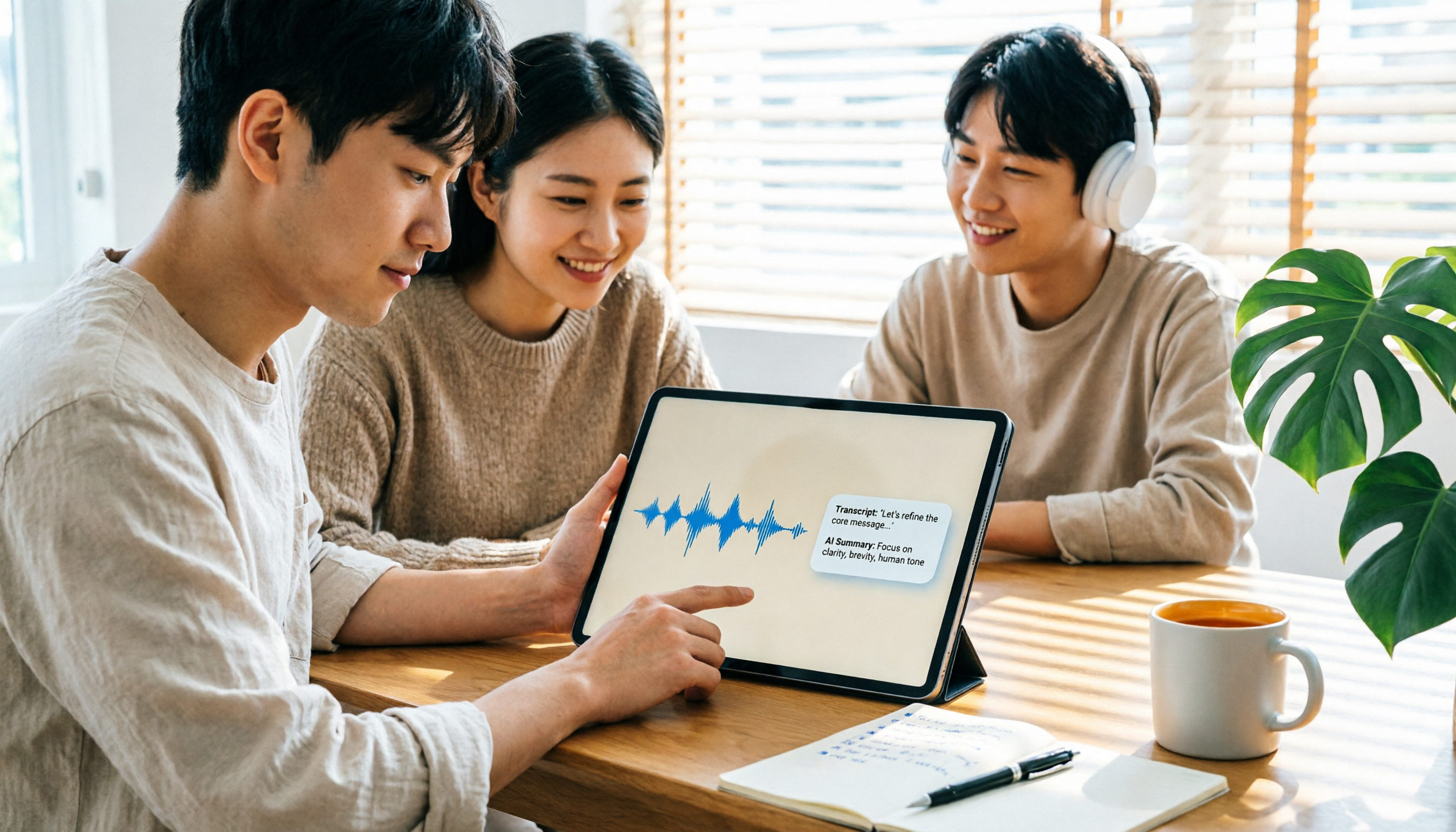
2026 iPad Audio-to-Text Note-Taking Guide: Real-Time Transcripts, AI Summaries, and Tool Selection
Should you use built-in features or third-party apps for iPad audio-to-text note-taking? This guide covers selection criteria, Chinese transcription, post-meeting AI organization, cross-platform export, and team permissions, comparing Tinrec, Apple Notes, Otter.ai, and PLAUD Note, plus practical tips to avoid pitfalls.

5 Best Browser-Based Audio-to-Text Tools in 2026: No Install, Which Handles Chinese Meetings Best?
How do you choose a browser-based audio-to-text tool without wasting time? This article examines four key factors—no installation, Chinese recognition, post-meeting organization, and team data ownership—and compares Tinrec, Notta, TurboScribe, Granola, and Otter.ai from a mid-level manager's hands-on perspective. It covers Tinrec's real-world performance and limitations in bot-free recording, AI Q&A, action item extraction, and team workspaces.

Tinrec vs OmniTranscript 2026: 5-Dimension Comparison for Chinese TikTok Transcripts
How to choose a TikTok video-to-text tool? This article reviews 5 transcript tools: Tinrec, OmniTranscript, WayinVideo, BibiGPT, and Dictationer, comparing them across Chinese language support, AI post-processing, export formats, free quotas, and team collaboration to help you find the best TikTok transcription solution.