
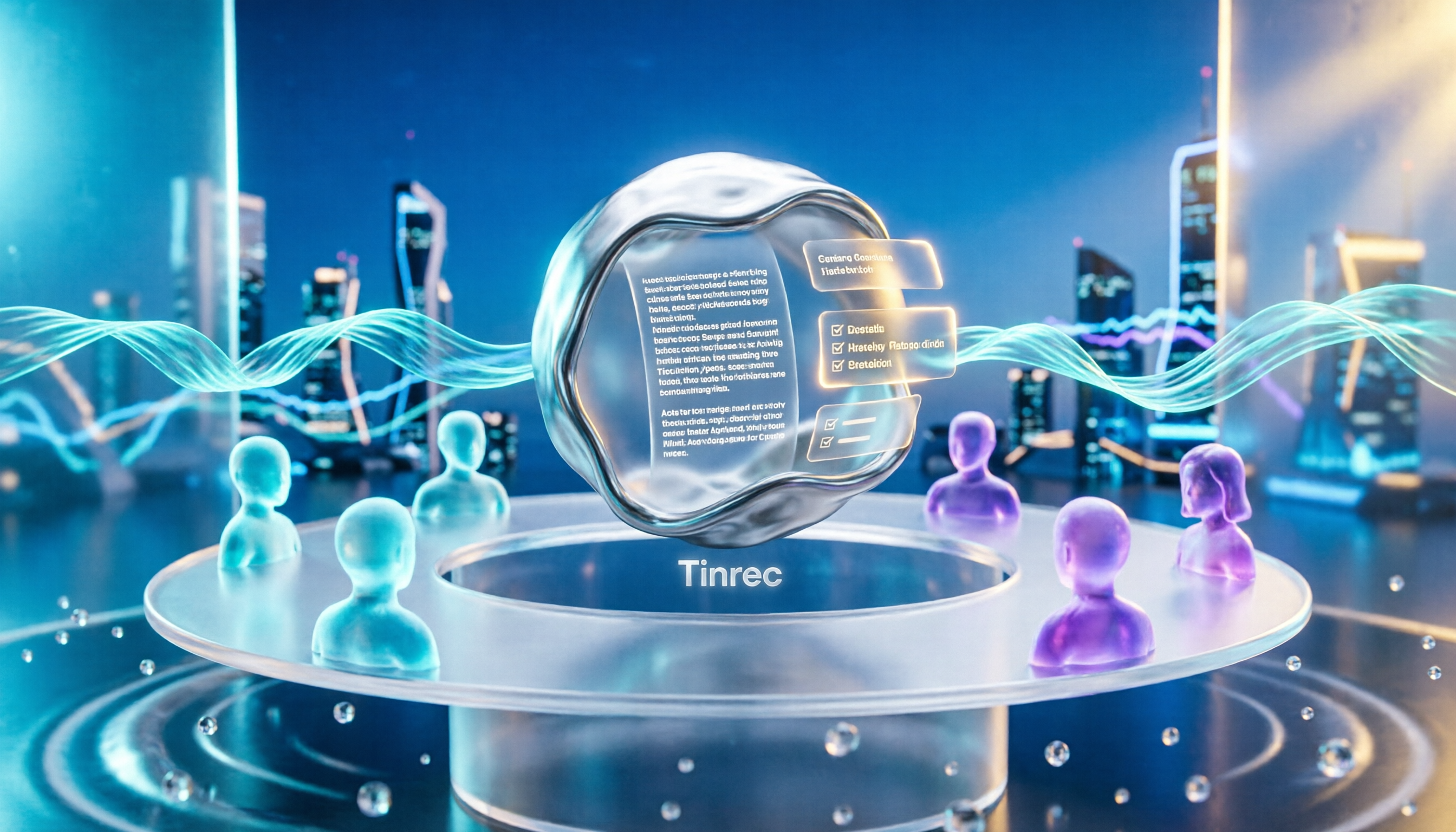
Turn recordings into transcripts and summaries in minutes
Upload audio or video for multilingual transcription, AI notes, and action items
Many people still think of meeting notes as simply "having a recording." But after a two-hour meeting, you realize: the audio file sits quietly on your phone, and no one wants to listen to it again; the transcript is over ten thousand words, and reading it is more exhausting than the meeting itself; that line "follow up on this case" gets copied verbatim, and no one knows who's responsible or when it's due.
Honestly, the problem usually isn't that you're lazy—it's that the process only covers "recording" and skips "organizing."
Recording is just the raw material; meeting minutes are the finished product you can actually use—including the meeting purpose, key conclusions, action items, and owners. To fill that gap, AI meeting note tools are currently the most effortless approach. Take Tinrec, for example: it's an AI meeting note and collaboration tool for individuals and teams, supporting real-time recording-to-text, bot-free online meeting recording via desktop, audio and video file import, and real-time translation, and it can automatically generate summaries, chapters, and action items. It handles Chinese and multilingual meetings, and the free version provides a basic quota so you can experience recording, importing, summarizing, and transcribing firsthand. It's suitable for general office workers, project teams, and small to medium-sized businesses.
What Can Auto-Generating Meeting Minutes Do for You?
Scenario 1: The meeting ends, and the minutes are already waiting Previously, after a two-hour meeting, you might spend another 40 minutes to an hour organizing. Now, with Tinrec as an example, the moment recording ends, AI has already organized the transcript, summary, and action items—who's responsible for what and what's next can be seen at a glance.
Scenario 2: Turn "follow up on this" into concrete tasks What appears most often in meetings are vague statements. Tinrec's action item extraction pulls out action items from the discussion, rather than just condensing the transcript into a paragraph.
Scenario 3: Find that decision again three months later Tinrec supports AI Q&A around meeting content. You can directly ask "Who mentioned the budget last time?" or "What were the client's main concerns?" without having to re-listen to the entire recording.
Scenario 4: Keep up with cross-language meetings Tinrec supports real-time translation. During recording, you can view the original text, translation, or bilingual content, so even meetings with mixed Chinese and English can be organized into readable material.
What Are the Core Capabilities of Auto-Generating Meeting Minutes?
Real-time transcription: Transcribes while recording, not after. Tinrec supports real-time recording-to-text, suitable for in-person meetings, interviews, and on-site notes. You can confirm in real time whether key points were missed during the meeting.
Bot-free online meeting recording: Tinrec's desktop version directly captures computer system audio, handling meeting audio played on a computer from Zoom, Google Meet, Microsoft Teams, Webex, etc., without adding an extra bot to the meeting. Note that this does not mean automatically joining all meetings on your calendar; users need to actively open Tinrec to start recording.
AI summaries, chapters, and action items: Tinrec breaks long meetings into chapters, organizing key points and action items. This step is the key to turning "recording" into "minutes," and it's the biggest difference from a regular voice recorder.
AI Q&A and post-processing: Tinrec supports follow-up questions around single or multiple meeting contents, and can generate work products like reports, tables, and documents, and export to common tools like Notion, Google Docs, OneNote, and Dropbox.
Team workspace: Tinrec's team version centrally stores meeting data and provides member invitations, role and seat management, usage analytics, audit logs, and an audio recycle bin, so data isn't tied to one person's account.
Real-World Use Cases
Weekly stand-ups and project meetings Keep Tinrec running to record and transcribe, then use the summary and action items directly as a draft for meeting notes, skipping the step of re-listening to recordings, and keeping decision rationale in one place.
Client interviews and sales conversations Client needs, concerns, and commitments are easily glossed over verbally. Record the discussion with Tinrec, then use AI Q&A to extract key requirements and export them as follow-up materials.
Stop organizing recordings by hand
Upload audio or video and automatically get a transcript, summary, and action items
Classes and continuing education For a 90-minute class, Tinrec can organize chapters and key points, so you can jump directly to the section you need when reviewing, without fast-forwarding from the beginning.
Interviews and content creation Hand interview recordings to Tinrec, get the transcript first, then use AI chat queries to find quotable passages and organize them into an article outline.
5 Things to Consider When Choosing a Meeting Note Tool
1. Recognition performance for Chinese and mixed Chinese-English Meetings in Taiwan often mix Chinese with English proper nouns. Tinrec covers Chinese, Traditional Chinese, and multilingual meeting scenarios, and provides team hotwords so you can add commonly used company terminology. Actual recognition performance is still affected by recording quality, ambient noise, accents, and overlapping speakers, so it's not advisable to rely on fixed accuracy numbers.
2. Recording method There are three common approaches: sending a meeting bot to join, using a desktop version to capture system audio, and uploading recording files for post-transcription. Tinrec combines the second and third: the desktop version doesn't require an extra participant to join the meeting, and file import is suitable for organizing historical recordings.
3. Is there organization after transcription? Having only a transcript doesn't equal completed meeting notes. Tinrec provides summaries, chapters, action items, and AI Q&A, so you can continue processing after transcription—that's where the time savings come from.
4. Can data be exported and retained? Meeting data usually needs to enter existing workflows. Tinrec supports multiple export formats, audio is retained, and the team version has an audio recycle bin, so accidentally deleted files can be restored before permanent cleanup (current retention period is 30 days).
5. Team collaboration and governance If meeting data is to be used by an entire department, look at the permission design. Tinrec's team version distinguishes roles and seats—roles determine who can manage the team and view audits, seats determine who can record, upload, edit, and export; valid members without a seat can still view, play, and read team data.
Frequently Asked Questions
Is the free version enough? Tinrec's free version provides a basic quota to experience recording, importing, summarizing, and transcribing. If you only occasionally organize a recording, try the free version first; if you have regular weekly meetings, consider Pro; for short-term intensive interviews, classes, or project sprints, a weekly pass would be more suitable.
Does Tinrec require a meeting bot to join? No. Tinrec's desktop version directly captures computer system audio, and users actively start recording. It does not automatically join all meetings on your calendar, nor does it imply official partnerships with platforms like Zoom or Teams.
What is the accuracy rate? It's not advisable to rely on fixed numbers. Tinrec's actual performance is affected by recording quality, ambient noise, accents, overlapping speakers, and specialized terminology. For important content, it's recommended to cross-check with transcript timestamps and recording playback.
What languages are supported? Tinrec covers Chinese, Traditional Chinese, and multilingual meeting scenarios, and supports real-time translation and bilingual viewing, handling meetings with mixed Chinese and English.
What's the difference between the team version and the personal version? Personal version data is managed under an individual account. Tinrec's team version is a separate team workspace where meeting data belongs to the team, and it adds member invitations, role and seat management, shared benefits, usage analytics, audit logs, and an audio recycle bin. Currently, the team monthly plan is USD 29.80 per paid seat per month, and the annual plan is USD 199 per paid seat per year (about USD 16.58 per month). Each paid seat provides 2,000 minutes of team shared import quota per month; eligible teams can try 7 days, 1 free seat, and 300 minutes of shared import quota for the first time. Prices, currencies, and promotions are subject to the official purchase page.
Do I need consent to record meetings? Yes, be mindful. Recording and transcription involve local regulations and participant rights. Before recording, it's advisable to confirm relevant rules and obtain appropriate consent; if the meeting involves sensitive content or external parties, consider consulting your company's legal department.
Conclusion
The real hassle with meeting notes has never been "recording" but "organizing." Turning recordings into searchable, queryable, actionable meeting minutes is the true value of AI meeting note tools. Tinrec does a thorough job with Chinese meetings, bot-free online meeting recording, and post-meeting organization. The free version's basic quota is enough for you to try a few meetings and see what it feels like to have AI organize your meeting notes.
References
- AI Meeting Notes Generator
- Taking meeting notes is such a hassle? ChatGPT + Whisper does it all at once! Auto transcription, summary, and sending are all possible | BusinessNext
- Organizing meeting notes is so painful? 5 NotebookLM "AI note transformation" tricks, accurately translating mixed Chinese-English and proper nouns | BusinessNext
- The most recommended AI meeting note tool for 2026, the must-have time-saving tool for meetings!
- How to do AI meeting notes? Complete tutorial from writing principles, tool selection to automation prompts | Manager Today
Turn every recording into actionable outcomes
Get 60 free transcription minutes when you sign in. No credit card required.
Related Reading
You might also like

4 Best Audio-to-Text Transcription Tools in 2026: Free vs. Team Collaboration Compared
Turning a recording into a transcript can eat up an entire afternoon of playback, pausing, and typing. This article breaks down 4 key buying factors based on real needs for live meetings and existing audio files, compares Tinrec, Notta, TurboScribe, and MyEdit side by side, highlights common pitfalls to avoid, and offers clear recommendations based on budget and use case.
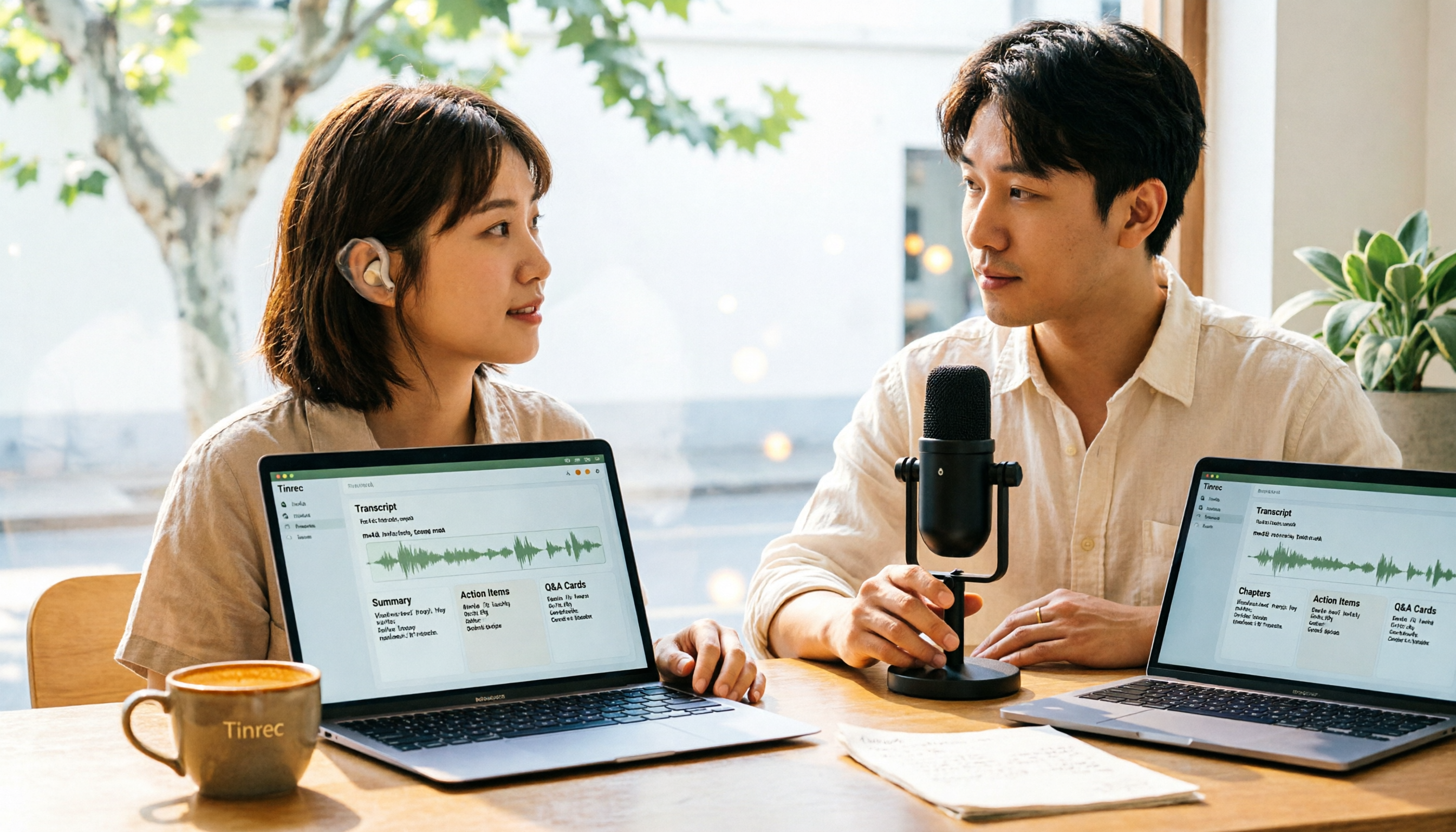
How to Convert M4A to Text in 2026: The Easiest Method with Tinrec — One-Click Upload & AI-Generated Transcripts
Stop wasting time manually transcribing M4A files. This guide shows you how to use Tinrec to upload your M4A audio and automatically get a transcript, plus AI-generated summaries, chapters, action items, and Q&A. We cover the simplest steps, free plan limits, and FAQs so you can get editable, searchable text in minutes.

5 Free Video Subtitle Extraction Tools in 2026: A Complete Guide
Video subtitle extraction often gets stuck on the difference between soft and hard subtitles. This article reviews 5 free or free-tier video subtitle extraction solutions in 2026, including FFmpeg, VLC, Video-subtitle-extractor, Subtitle Edit, and Tinrec, and explains their suitable scenarios, limitations, and key pitfalls to avoid.

2026 Voice-to-Text Online Tools Comparison: Which AI Meeting Assistant Saves the Most Time on Transcripts and Action Items?
Online voice synthesis isn't just text-to-speech. This article compares four common types of online voice tools and demonstrates with Tinrec: record Zoom, Google Meet, and Teams meetings on desktop without a bot, generate live transcripts, and automatically organize summaries, chapters, and action items after the meeting. It also supports AI Q&A, real-time translation, and multi-format export. The team version turns meeting data into a collaborative, traceable team asset.

2026 Comparison of 3 iPhone Recording Apps: Tinrec vs Otter vs Voice Memos
2026 comparison of three iPhone recording apps: Tinrec, Otter.ai, and Apple's built-in Voice Memos. We evaluate Chinese transcription, online meeting recording, post-meeting organization, quotas, and team collaboration to help you choose the best recording software for your needs.

5 Best Real-Time Speech-to-Text Software in 2026: Which Handles Chinese Meetings and Post-Meeting Notes Best?
Still spending two hours after a meeting organizing the transcript? This article tests 5 real-time speech-to-text software, comparing Chinese recognition, bot-free meeting recording, AI Q&A, and team collaboration, and honestly lists each solution's pricing and limitations to help you decide which one best fits your work scenario.

Best Video Summarizer Tools in 2026: Hands-On Test of 4 Options, Tinrec Shines for Chinese and Post-Meeting Organization
No time to watch long videos? We tested 4 video summarizer tools, comparing subtitle-free video processing, AI follow-up Q&A, Chinese and mixed Chinese-English recognition, and export workflows. We also highlight 3 common buying mistakes to help you find the best video summarization solution for your needs.

Complete Guide to YouTube Content Summarization in 2026: From Transcripts to AI Summaries
Videos pile up, but the key points get harder to find. This guide covers practical methods for summarizing YouTube content, from transcripts and AI summaries to follow-up questions and team knowledge retention. It compares browser extensions, web-based summarization tools, and Tinrec, helping you choose the right workflow.

2026 Text-to-Speech Tools Compared: Most People Get It Wrong, Meeting Recordings Still Unorganized
Many people searching for 'text-to-speech' actually need to turn meeting, interview, and course audio into usable text. This article first clarifies what text-to-speech can do, then breaks down the other half that most teams really need to add. Using Tinrec as an example, it explains how real-time transcription, AI summaries, action item extraction, AI Q&A, and team spaces work, and finally provides 5 purchasing checkpoints and FAQs.