
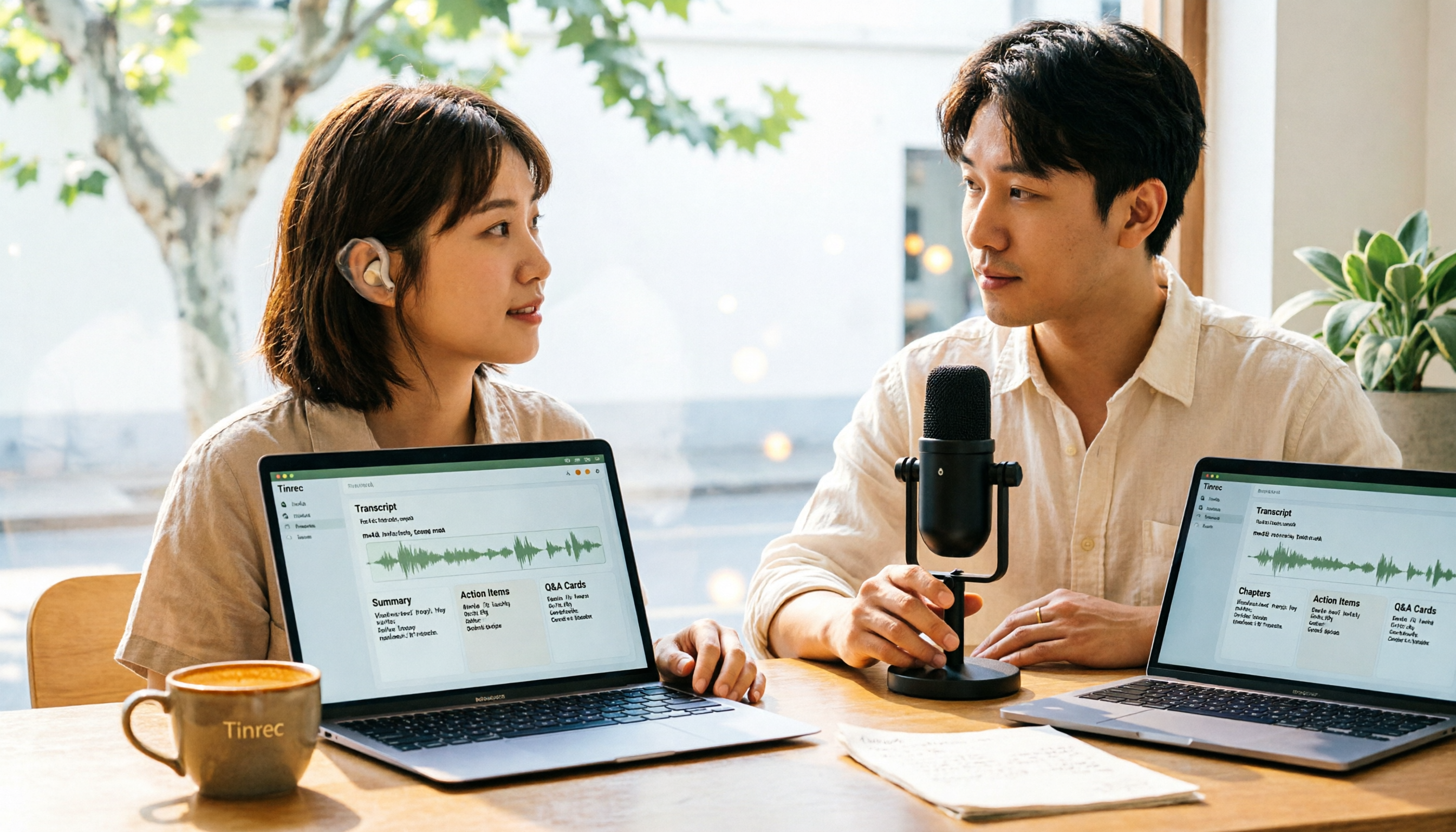
Turn recordings into transcripts and summaries in minutes
Upload audio or video for multilingual transcription, AI notes, and action items
Why Most People Waste Time Converting M4A to Text
Many people think converting M4A to text is as simple as dropping the file into an online converter, hitting start, and waiting a few seconds for the text to appear. But in reality, the transcript often comes out without paragraphs, with punctuation errors, or even as one big block of text. You still end up listening to the whole recording again and manually editing it.
Another common mistake is focusing only on speed and ignoring what happens after transcription. If the transcript can't be searched, highlighted, or turned into action items, it's just a text file sitting in a folder.
A better approach is to find a tool that handles everything from transcription to organization. Tinrec is that kind of tool.
What is Tinrec?
Tinrec is an AI meeting notes and collaboration tool for individuals and teams. It supports uploading audio files for transcription, live recording, and bot-free recording of online meetings on desktop. It automatically generates summaries, chapters, action items, and mind maps. The free plan offers basic credits, perfect for those who want to try it out.
In short: Tinrec turns meetings and recordings into searchable, collaborative, and actionable data.
The Easiest Way to Convert M4A to Text: How Tinrec Does It
With Tinrec, you don't need to install plugins or convert your audio to another format. Here's the basic workflow:
- Sign up and log in to Tinrec.
- Choose to upload an audio file and select your M4A file.
- The system automatically starts transcribing. When done, you'll see the transcript.
- Next to the transcript, AI-generated summaries, chapters, and key points appear.
- If you need to dig deeper, use AI Q&A to ask questions directly.
- Finally, export the content in the format you need.
Overall, from upload to usable text, you save a huge amount of time compared to manual transcription. Note that actual transcription time varies depending on file length and system load.
Tinrec's Core Features at a Glance
Audio & Video File Transcription: Upload existing M4A, MP3, or other audio files, and Tinrec automatically converts them into transcripts. Great for organizing meeting recordings, interviews, lectures, or voice memos.
Bot-Free Online Meeting Recording: The Tinrec desktop app captures your computer's system audio directly, handling Zoom, Google Meet, Microsoft Teams, Webex, and more without a meeting bot. You start recording manually, and by the time the meeting ends, the transcript is nearly ready.
AI Summaries & Chapters: Long meetings make it hard to find key points. Tinrec automatically generates summaries and chapters so you can quickly grasp the discussion flow.
Action Item Extraction: It pulls out action items from meeting discussions, so you can follow up right after the meeting.
AI Q&A: This is my personal favorite feature. You can ask Tinrec directly, "What was the meeting conclusion?" or "Who is responsible for what?" It answers based on semantic understanding, no need to manually flip through dozens of pages of transcripts.
Real-Time Translation & Bilingual View: For cross-language meetings, you can view the original text, translation, or bilingual content while recording.
Multi-Format Export: Supports exporting to common document formats and integrating results into Notion, Google Docs, OneNote, Dropbox, and other tools.
Team Workspace: The team plan offers a separate team workspace where meeting data belongs to the team, with management capabilities for members, roles, seats, usage analytics, and audit logs.
Real-World Use Cases
Meeting Notes: Upload an M4A meeting recording to Tinrec, and within minutes you have a transcript and summary. No need to re-listen after the meeting; just review chapters and action items to stay on track.
Stop organizing recordings by hand
Upload audio or video and automatically get a transcript, summary, and action items
Interview Organization: Journalists or researchers record interviews with a voice recorder, upload the M4A file, and get text. Then use AI Q&A to find key quotes and insights mentioned by interviewees.
Course Learning: Convert online or in-person lecture recordings into transcripts, and use AI summaries for review—more efficient than listening to recordings repeatedly.
Personal Voice Memos: Capture ideas on the go while driving or walking, then upload to Tinrec to turn them into searchable notes.
What to Look for When Choosing an M4A-to-Text Tool
Supports Uploading Existing Audio Files: Not every tool accepts M4A uploads. Tinrec supports audio file transcription, making it straightforward for pre-recorded M4A files.
Post-Transcription Organization: Tools that only give you a transcript require extra work. Tinrec provides summaries, chapters, action items, and Q&A, effectively handling the "organization" part too.
Language Support & Chinese Performance: Tinrec covers Chinese, Traditional Chinese, and multilingual meeting scenarios, and supports team hotwords. Actual recognition accuracy depends on recording quality, accent, noise, and technical terminology.
Export Formats & Third-Party Integrations: Tinrec supports multiple export options, so you can bring content into your existing workflow without being locked into a single platform.
Free Credits & Pricing Transparency: Tinrec's personal plan includes a free version, weekly pass, Pro monthly, and Pro annual. We recommend starting with the free version to see if it meets your needs before considering a paid plan.
Privacy & Data Handling: Recordings and transcripts may contain sensitive information. When choosing a tool, pay attention to the official documentation on data processing and permission management.
Conclusion: Is Tinrec Worth Trying?
If you're looking for a language tool that can quickly convert M4A to text and then help you summarize, ask questions, export, and organize, Tinrec is one of the few options on the market that meets all these needs at once.
It's especially suitable for office workers, freelancers, and small to medium teams who frequently handle meeting recordings, interviews, courses, or voice memos. The free version offers basic credits, allowing you to test with your own M4A files before deciding to upgrade.
Overall, the easiest way to convert M4A to text isn't finding a website that only converts files, but finding a workflow that connects "transcription" and "subsequent use." Tinrec is designed with that in mind.
FAQ
Q1: How many minutes can I transcribe with Tinrec's free version?
The free version offers basic credits, suitable for light use. For actual minutes and the latest plan details, please refer to Tinrec's official page.
Q2: How long does it take to get a transcript after uploading an M4A file?
Tinrec starts transcribing automatically after upload. Completion time depends on file length and current system load, but typically you get a transcript within minutes.
Q3: Can I edit and export the transcript?
Yes. The transcript supports proofreading and editing, and can be exported to common formats like txt, docx, pdf, srt, or brought into tools like Notion, Google Docs, etc.
Q4: Does Tinrec support Chinese and Taiwanese Hokkien?
Tinrec covers Chinese, Traditional Chinese, and multilingual meeting scenarios, and supports real-time translation and team hotwords. Actual recognition accuracy depends on recording quality, accent, background noise, and technical terminology.
Q5: Does Tinrec have a team plan? How is pricing calculated?
Yes. The team plan offers a separate team workspace, member and seat management, shared benefits, usage analytics, audit logs, and an audio recycle bin. Eligible teams can enjoy a 7-day trial, 1 free seat, and 300 minutes of shared team import credits. Paid seats are USD 29.80 per month, or USD 199 per year (about USD 16.58/month). Actual prices are subject to the official purchase page.
Q6: Is my recording data safe?
Tinrec provides permission management mechanisms such as team workspaces, roles, and seats. For details on data processing, storage, and privacy, please refer to the official privacy policy and terms of service. Also, be mindful of local laws before recording and obtain participant consent when necessary.
References
Turn every recording into actionable outcomes
Get 60 free transcription minutes when you sign in. No credit card required.
Related Reading
You might also like

4 Best Audio-to-Text Transcription Tools in 2026: Free vs. Team Collaboration Compared
Turning a recording into a transcript can eat up an entire afternoon of playback, pausing, and typing. This article breaks down 4 key buying factors based on real needs for live meetings and existing audio files, compares Tinrec, Notta, TurboScribe, and MyEdit side by side, highlights common pitfalls to avoid, and offers clear recommendations based on budget and use case.

5 Free Video Subtitle Extraction Tools in 2026: A Complete Guide
Video subtitle extraction often gets stuck on the difference between soft and hard subtitles. This article reviews 5 free or free-tier video subtitle extraction solutions in 2026, including FFmpeg, VLC, Video-subtitle-extractor, Subtitle Edit, and Tinrec, and explains their suitable scenarios, limitations, and key pitfalls to avoid.

2026 Voice-to-Text Online Tools Comparison: Which AI Meeting Assistant Saves the Most Time on Transcripts and Action Items?
Online voice synthesis isn't just text-to-speech. This article compares four common types of online voice tools and demonstrates with Tinrec: record Zoom, Google Meet, and Teams meetings on desktop without a bot, generate live transcripts, and automatically organize summaries, chapters, and action items after the meeting. It also supports AI Q&A, real-time translation, and multi-format export. The team version turns meeting data into a collaborative, traceable team asset.

2026 Comparison of 3 iPhone Recording Apps: Tinrec vs Otter vs Voice Memos
2026 comparison of three iPhone recording apps: Tinrec, Otter.ai, and Apple's built-in Voice Memos. We evaluate Chinese transcription, online meeting recording, post-meeting organization, quotas, and team collaboration to help you choose the best recording software for your needs.

5 Best Real-Time Speech-to-Text Software in 2026: Which Handles Chinese Meetings and Post-Meeting Notes Best?
Still spending two hours after a meeting organizing the transcript? This article tests 5 real-time speech-to-text software, comparing Chinese recognition, bot-free meeting recording, AI Q&A, and team collaboration, and honestly lists each solution's pricing and limitations to help you decide which one best fits your work scenario.

Best Video Summarizer Tools in 2026: Hands-On Test of 4 Options, Tinrec Shines for Chinese and Post-Meeting Organization
No time to watch long videos? We tested 4 video summarizer tools, comparing subtitle-free video processing, AI follow-up Q&A, Chinese and mixed Chinese-English recognition, and export workflows. We also highlight 3 common buying mistakes to help you find the best video summarization solution for your needs.
5 AI Meeting Note Tools Tested and Compared for 2026: Which One Saves the Most Time Auto-Generating Meeting Minutes?
Still spending an hour after a meeting writing up notes? This article starts with common meeting note pitfalls, distills common approaches into 5 key selection criteria, and uses Tinrec to demonstrate how to automatically turn recordings into transcripts, summaries, and action items. It also covers the differences between the free and team versions, how to record online meetings without a bot, real-world use cases, and FAQs.

Complete Guide to YouTube Content Summarization in 2026: From Transcripts to AI Summaries
Videos pile up, but the key points get harder to find. This guide covers practical methods for summarizing YouTube content, from transcripts and AI summaries to follow-up questions and team knowledge retention. It compares browser extensions, web-based summarization tools, and Tinrec, helping you choose the right workflow.

2026 Text-to-Speech Tools Compared: Most People Get It Wrong, Meeting Recordings Still Unorganized
Many people searching for 'text-to-speech' actually need to turn meeting, interview, and course audio into usable text. This article first clarifies what text-to-speech can do, then breaks down the other half that most teams really need to add. Using Tinrec as an example, it explains how real-time transcription, AI summaries, action item extraction, AI Q&A, and team spaces work, and finally provides 5 purchasing checkpoints and FAQs.