

Turn recordings into transcripts and summaries in minutes
Upload audio or video for multilingual transcription, AI notes, and action items
5 Best Real-Time Speech-to-Text Software in 2026: Which Handles Chinese Meetings and Post-Meeting Notes Best?
The Pain Begins After the Meeting Ends
A two-hour online meeting, followed by two more hours writing up the minutes—this is the daily routine for many office workers.
What's worse is when meetings mix Chinese and English, with multiple people talking over each other. Afterwards, trying to dig out "who said they'd handle what" from the recording means constantly pausing, playing back, and typing.
If you've ever experienced "there's a recording, but nobody wants to open it again," the problem usually isn't that you're not diligent enough—it's that the tool only helped you "record it," not "organize it into usable data."
This article compiles 5 real-time speech-to-text software I've personally tested, covering real-time capability, Chinese recognition, post-meeting output, and team collaboration all at once.
Before Choosing Real-Time Speech-to-Text Software, Understand These 4 Key Points
1. Is it "real-time" or "upload after the fact"? Some tools focus on uploading files to transcribe, suitable for organizing historical recordings; but if you want to see text as the meeting happens, you need to confirm it supports live transcription while recording.
2. How does the meeting audio get into the tool? A common approach is sending a "meeting bot" to join as a participant; another is capturing system audio directly from your computer. The former requires advance setup, and some companies block external bots; the latter doesn't add an extra participant, which is more convenient for those concerned about the meeting roster.
3. What comes after the transcript? A tool that only gives you a transcript is essentially handing the organizing work right back to you. Summaries, chapters, action items, and the ability to ask questions about the meeting content—that's where the real time savings are.
4. Is this data for personal or team use? If only you can see the meeting notes, when a colleague leaves or someone takes over, the data often disappears with them. Whether there's a team space and distinctions between members and seats determines whether meeting content can become an organizational asset.
Tinrec—The Top Choice After Testing
Tinrec is an AI meeting notes and collaboration tool for individuals and teams, supporting desktop, web, and mobile. It doesn't just convert audio to text; it organizes meeting recordings into searchable, summarizable, queryable, and exportable data.
Record online meetings without a meeting bot. The desktop version captures system audio directly, handling Zoom, Google Meet, Microsoft Teams, Webex, and other online meetings without adding a bot to the participant list. Open Tinrec before the meeting and hit record; the transcript appears as people speak. After the meeting, AI has already organized the summary, chapters, and action items—who's responsible for what and by when, all at a glance. Note that this is user-initiated recording, not automatic joining of every meeting on your calendar.
The transcript is just the starting point; post-meeting organization is the main event. After recording, you can directly ask questions about the meeting content, such as "Who mentioned the budget in the last meeting?" It doesn't just throw keyword search results at you—it answers based on semantic understanding. Results can also be exported to Notion, Google Docs, OneNote, Dropbox, and other tools, or post-processed with an Agent to generate reports, tables, and documents, connecting the transcript back to your existing workflow.
Chinese and multilingual meetings. Supports Chinese, Traditional Chinese, and multilingual meeting scenarios, and you can view the original text, translation, or bilingual content during recording. Actual recognition performance is affected by recording quality, noise, accents, overlapping speech, and technical terminology. The team version also offers hotword management, allowing you to add frequently used product names and proper nouns.
Stop organizing recordings by hand
Upload audio or video and automatically get a transcript, summary, and action items
The team version keeps meeting data around. The team version is a separate team space, not multiple people sharing one account. You can create multiple teams, invite members via link, set owners/admins/regular members, and assign or revoke seats. Roles determine who can manage the team; seats determine who can record, upload, edit, and export. Members without seats can still view, play, and read team data. Admins can also view usage trends, member rankings, and activity logs. Pricing: team monthly is USD 29.80 per paid seat per month, annual is USD 199 per paid seat per year (about USD 16.58 per month). Each paid seat provides 2,000 minutes of shared team import quota per month; eligible new teams also get a 7-day trial with 1 free seat and 300 minutes of shared import quota. Real-time recording under an active team plan and seat currently does not deduct minutes. The personal version has a free plan, weekly pass, Pro monthly, and Pro annual—choose based on your usage frequency.
Limitations should also be clear. File and web link imports consume the shared team import quota—it's not unlimited. The personal free plan provides a basic quota, enough for light use; for long-term heavy organizing, you'll need to evaluate paid plans. Also, for important content, it's recommended to cross-check with transcript timestamps and recording playback—AI can still miss or misinterpret details.
Who it's for. If you frequently hold Chinese or mixed Chinese-English meetings, don't want a meeting bot on the roster, want to ask questions directly about meeting content afterwards, and need cross-device use, Tinrec is currently one of the smoothest choices.
Besides Tinrec, What Other Options Are There?
Notta. A multi-platform transcription and meeting notes tool with significant overlap with Tinrec. Free plan: 120 minutes per month, max 3 minutes per session; Pro annual works out to about USD 8.17 per month (1,800 minutes per month); Business annual is about USD 16.67 per seat per month. If your needs center on multilingual transcription and translation, it offers many plan options. However, its meeting capture includes meeting bots and uploads; Tinrec's desktop version doesn't need a bot to join, and post-meeting data can settle in the team space.
Otter.ai. A mature English AI meeting assistant. The Basic free plan offers a generous 300 minutes per month; Pro annual is about USD 8.49 per user per month, including 1,200 minutes of in-app recording and 10 file imports per month. If your meetings are almost all in English, it's a cost-effective choice; but if your main focus is Chinese meetings, consider this first.
Granola. An AI meeting notes tool that also captures system audio without a bot. Basic is free, Business is USD 14 per user per month, Enterprise is USD 35 per user per month. Its feature is combining user handwritten notes with AI. Note that it doesn't support uploading pre-recorded audio files and doesn't save meeting audio; if you need to keep recordings and import existing files afterwards, Tinrec offers more flexibility.
TurboScribe. A cost-effective file transcription tool. Free plan: 3 files per day, max 30 minutes per file; Unlimited annual is USD 120 (about USD 10 per month). Paid version supports files up to 10 hours or 5 GB, with multiple file uploads at once. It has an advantage for batch processing large volumes of long audio files; but real-time meeting recording, post-meeting Q&A, action item extraction, and team collaboration are not its focus.
Pitfall Guide: The 3 Most Common Mistakes When Choosing Real-Time Speech-to-Text Software
Pitfall 1: Only looking at promotional numbers like "98% accuracy." That's usually measured in favorable conditions. Real meeting rooms have air conditioning noise, keyboard sounds, and people talking over each other—performance will definitely be lower. Test with your own recording; it's far more reliable than ads.
Pitfall 2: Ignoring "how the meeting gets recorded." Tools that use meeting bots often require explaining things when company security policies or external participants ask. If this matters to you, prioritize solutions that capture system audio from the desktop, and remember to inform participants proactively.
Pitfall 3: Only using the tool as "audio-to-text." That's using only part of its features. After recording, directly asking "What was the conclusion of this meeting?" is much faster than manually scrolling through a 30-minute transcript; tools that can export and continue generating reports are the ones that truly save time.
Conclusion: Which One Should You Choose?
In one sentence: for Chinese meetings, bot-free recording, and post-meeting organization, Tinrec is the most balanced choice among these.
- Need Chinese/mixed Chinese-English meeting transcription → Tinrec (Chinese and multilingual meeting experience is its main feature)
- Don't want a meeting bot on the roster → Tinrec (desktop captures system audio)
- Want to ask questions directly about meeting content and find key points after recording → Tinrec (post-meeting Q&A and action item extraction)
- Cross-device use on phone + computer → Tinrec (desktop, web, and mobile)
- Meeting data needs to be handed off to the team → Tinrec team version (team space, members, seats, usage and activity logs)
- Meetings almost all in English, budget priority → Otter.ai (mature English scenarios, large free quota)
- Need to batch process large volumes of long audio files → TurboScribe
Start with a free plan, validate recognition performance and organization workflow with one or two real meetings, and consider upgrading if it works well—no need to pay from the start.
References
Turn every recording into actionable outcomes
Get 60 free transcription minutes when you sign in. No credit card required.
Related Reading
You might also like

4 Best Audio-to-Text Transcription Tools in 2026: Free vs. Team Collaboration Compared
Turning a recording into a transcript can eat up an entire afternoon of playback, pausing, and typing. This article breaks down 4 key buying factors based on real needs for live meetings and existing audio files, compares Tinrec, Notta, TurboScribe, and MyEdit side by side, highlights common pitfalls to avoid, and offers clear recommendations based on budget and use case.
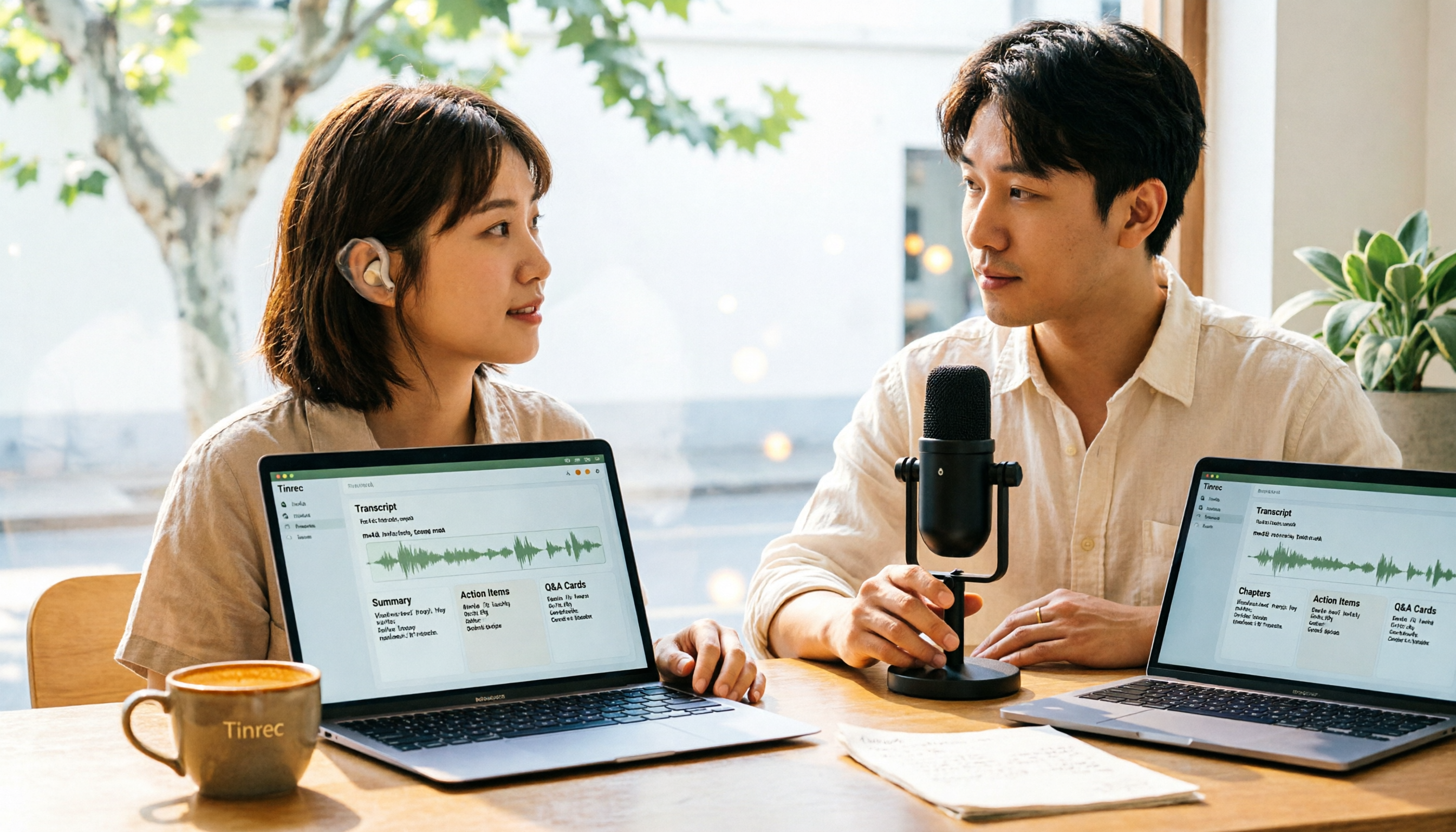
How to Convert M4A to Text in 2026: The Easiest Method with Tinrec — One-Click Upload & AI-Generated Transcripts
Stop wasting time manually transcribing M4A files. This guide shows you how to use Tinrec to upload your M4A audio and automatically get a transcript, plus AI-generated summaries, chapters, action items, and Q&A. We cover the simplest steps, free plan limits, and FAQs so you can get editable, searchable text in minutes.

5 Free Video Subtitle Extraction Tools in 2026: A Complete Guide
Video subtitle extraction often gets stuck on the difference between soft and hard subtitles. This article reviews 5 free or free-tier video subtitle extraction solutions in 2026, including FFmpeg, VLC, Video-subtitle-extractor, Subtitle Edit, and Tinrec, and explains their suitable scenarios, limitations, and key pitfalls to avoid.

2026 Voice-to-Text Online Tools Comparison: Which AI Meeting Assistant Saves the Most Time on Transcripts and Action Items?
Online voice synthesis isn't just text-to-speech. This article compares four common types of online voice tools and demonstrates with Tinrec: record Zoom, Google Meet, and Teams meetings on desktop without a bot, generate live transcripts, and automatically organize summaries, chapters, and action items after the meeting. It also supports AI Q&A, real-time translation, and multi-format export. The team version turns meeting data into a collaborative, traceable team asset.
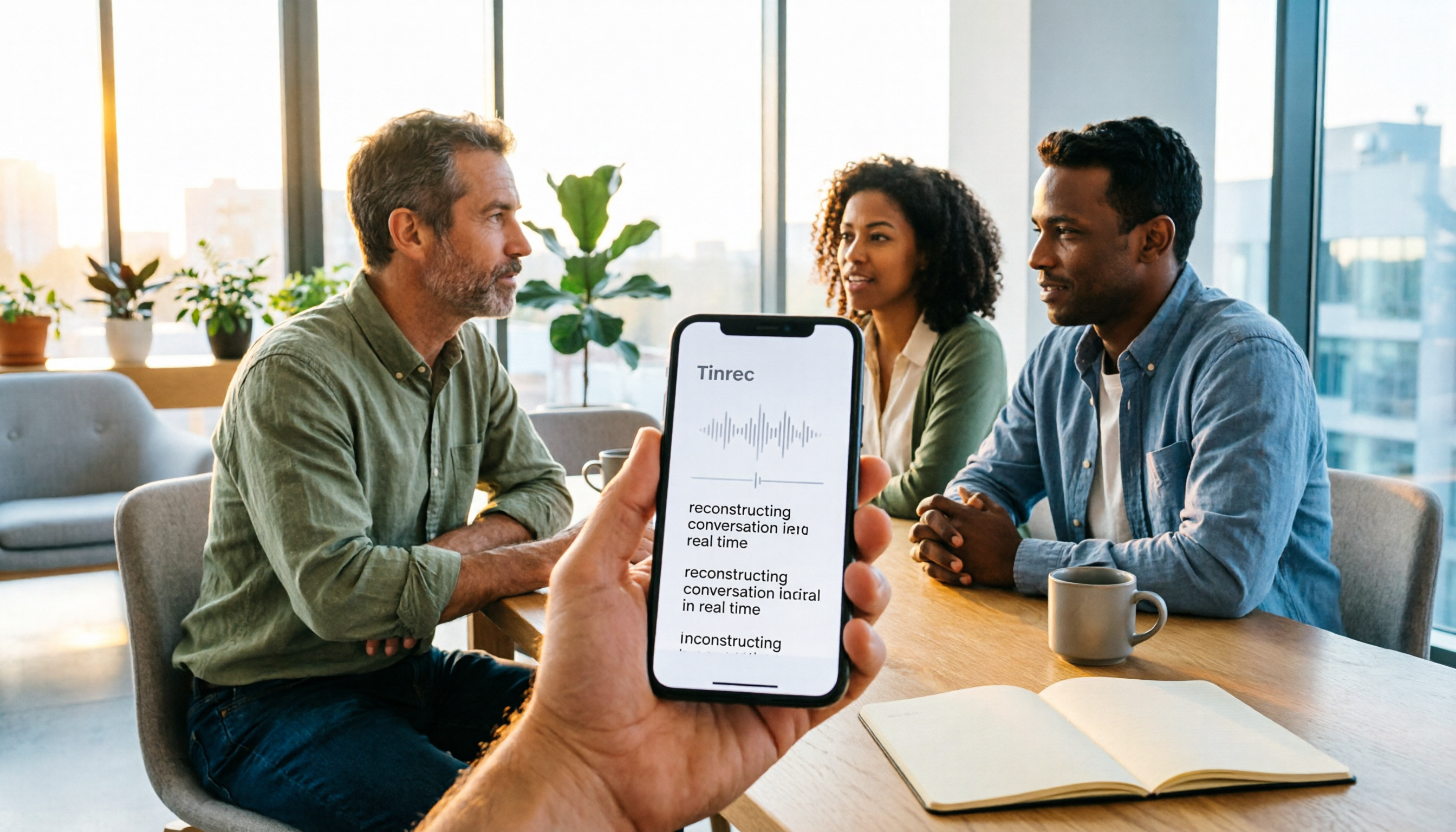
2026 Comparison of 3 iPhone Recording Apps: Tinrec vs Otter vs Voice Memos
2026 comparison of three iPhone recording apps: Tinrec, Otter.ai, and Apple's built-in Voice Memos. We evaluate Chinese transcription, online meeting recording, post-meeting organization, quotas, and team collaboration to help you choose the best recording software for your needs.

Best Video Summarizer Tools in 2026: Hands-On Test of 4 Options, Tinrec Shines for Chinese and Post-Meeting Organization
No time to watch long videos? We tested 4 video summarizer tools, comparing subtitle-free video processing, AI follow-up Q&A, Chinese and mixed Chinese-English recognition, and export workflows. We also highlight 3 common buying mistakes to help you find the best video summarization solution for your needs.
5 AI Meeting Note Tools Tested and Compared for 2026: Which One Saves the Most Time Auto-Generating Meeting Minutes?
Still spending an hour after a meeting writing up notes? This article starts with common meeting note pitfalls, distills common approaches into 5 key selection criteria, and uses Tinrec to demonstrate how to automatically turn recordings into transcripts, summaries, and action items. It also covers the differences between the free and team versions, how to record online meetings without a bot, real-world use cases, and FAQs.

Complete Guide to YouTube Content Summarization in 2026: From Transcripts to AI Summaries
Videos pile up, but the key points get harder to find. This guide covers practical methods for summarizing YouTube content, from transcripts and AI summaries to follow-up questions and team knowledge retention. It compares browser extensions, web-based summarization tools, and Tinrec, helping you choose the right workflow.

2026 Text-to-Speech Tools Compared: Most People Get It Wrong, Meeting Recordings Still Unorganized
Many people searching for 'text-to-speech' actually need to turn meeting, interview, and course audio into usable text. This article first clarifies what text-to-speech can do, then breaks down the other half that most teams really need to add. Using Tinrec as an example, it explains how real-time transcription, AI summaries, action item extraction, AI Q&A, and team spaces work, and finally provides 5 purchasing checkpoints and FAQs.