

Turn recordings into transcripts and summaries in minutes
Upload audio or video for multilingual transcription, AI notes, and action items
A Two-Hour Video, But You Only Need Five Minutes
You bought three online courses, each two hours long, but you're still stuck at the first 20 minutes of the first one.
You recorded a one-hour client meeting, and later you want to find who mentioned the budget, but you have to drag the progress bar and listen from the beginning.
Not to mention foreign-language videos—the ones without subtitles—where even the player can't help you.
The common thread in these scenarios is: you don't need to watch it all, you need to grasp the key points. Video summarizer tools are designed to solve this. But tools on the market vary widely—some can only handle YouTube videos with subtitles, while others just throw the transcript to AI and call it a summary.
I tested 4 tools and will clearly explain the differences so you can directly judge which one suits you.
Before Choosing a Video Summarizer, Understand These 4 Key Points
First, can it handle videos without subtitles?
Many tools first grab YouTube subtitles and then send them to AI for summarization. Once subtitles are disabled, or if it's not a YouTube link (like your own meeting recording), these tools simply stop working. When trying them out, test with your own material, not just the official demo.
Second, can you continue to ask follow-up questions after summarization?
Just reading an AI summary often leads to knowing the gist but missing details. Being able to ask follow-up questions like 'What was the conclusion of this meeting?' or 'What did the course say about pricing?' is the dividing line between practical and not.
Third, performance with Chinese and mixed Chinese-English.
Meetings and courses in Taiwan rarely use a single language throughout. A tool's ability to handle Chinese, Traditional Chinese, and mixed Chinese-English is more important than the number of supported languages listed officially.
Fourth, can you export the output?
After summarizing, do you want content you can paste into Notion or Google Docs, or can you only view it within the tool? This determines whether it can truly integrate into your workflow.
Tinrec – The Most Convenient Tool After Testing
Tinrec is an AI meeting notes and collaboration tool for individuals and teams, available on web, desktop, and mobile. Its core purpose is to turn 'sound' into 'usable data.'
Its biggest difference from pure video summarizer tools is the breadth of input sources. You can directly upload existing audio or video files, or import some public video links; but more practically, it also supports real-time recording to text and capturing computer system sound via the desktop version to record online meetings on Zoom, Google Meet, Microsoft Teams, Webex, etc.—without needing an extra meeting bot to join.
In actual use, the process is like this: after a meeting or video is processed, Tinrec generates a transcript, AI summary, and chapters, breaking long content into easily browsable sections. For project meetings, it can automatically extract action items—who is responsible for what and what follow-ups are needed—listed directly.
What truly sets it apart is AI Q&A. After processing, you can directly ask it 'Who mentioned the budget in the last meeting?' or 'What did this course say about pricing?' It doesn't give you keyword search results but answers directly based on content semantics. Moreover, Q&A can span multiple data sources, which is much more practical for those who have accumulated dozens of meetings than a single summary.
For output, Tinrec supports exporting results to Notion, Google Docs, OneNote, Dropbox, etc., and can further generate reports, tables, and meeting minutes through Agent post-processing. It supports Chinese meetings, mixed Chinese-English, and multilingual content, and during recording, you can switch between original text, translation, or bilingual view.
Stop organizing recordings by hand
Upload audio or video and automatically get a transcript, summary, and action items
Two things to note. First, importing web links is a supplementary capability for Tinrec, not its main focus. If you only occasionally want to summarize a YouTube video, it won't be the lightest option. Second, the official does not promise fixed accuracy numbers—actual performance is affected by recording quality, ambient noise, accents, and overlapping speakers. For important content, it's recommended to cross-check with transcript timestamps and original audio playback.
For pricing, the personal version offers a free version (with basic quota), weekly card, Pro monthly, and Pro annual. Choose based on usage frequency. If a whole team shares meeting data, the team version is a separate team space, not multiple people sharing a personal account: first-time eligible users can try 7 days, 1 free seat, and 300 minutes of shared team import quota; team monthly is USD 29.80 per paid seat per month, annual is USD 199 per paid seat per year (about USD 16.58 per month), each paid seat provides 2,000 minutes of shared team import quota per month. Actual prices and benefits are subject to the official purchase page.
**Who it's for:** People who frequently need to process Chinese meeting or course recordings, want to use AI to follow up on key points after meetings, and need to switch between mobile and computer.
Besides Tinrec, What Other Options Are There?
Monica AI An online tool focused on YouTube video summarization. Paste a link to generate a summary and transcript, with a visual mind map. It supports multilingual videos and allows you to choose the transcript language. If you only need to process public YouTube videos, it's quick to get started. However, its focus is on 'single video summarization,' with no team space, and it cannot accumulate multiple meetings into a cross-file database for follow-up questions—you can't ask it 'What was last month's decision?' based on the transcript.
MemoAI A video summarization service combined with ChatGPT. Besides summaries, it can generate structured mind maps, which are easier to digest for those who prefer bullet-point reading. Note that, like most similar tools, it struggles with videos without subtitles, and it only accepts video links, not your own meeting recordings, and lacks team governance capabilities like members and seats.
EaseMate AI A free online YouTube video summarizer. Paste a URL to get an AI summary. It's registration-free, unlimited use, and allows AI conversation about the video content. For those who occasionally need to quickly grasp key points and don't want to pay, it has the lowest barrier. But its scope is limited to YouTube videos, not existing audio files or online meetings, and it lacks post-meeting output workflows beyond summaries.
Pitfall Guide: 3 Most Common Mistakes When Choosing a Video Summarizer
Pitfall 1: Assuming all tools can handle videos without subtitles. Many tools first grab subtitles and then summarize. They fail when subtitles are disabled or the source is not YouTube. Test with your own material, not just ads.
Pitfall 2: Only comparing free minutes, ignoring input sources. No matter how large the free quota, if it only accepts YouTube links, it's meaningless for those who need to organize meeting recordings. First confirm whether the tool can handle your file format, then discuss quota.
Pitfall 3: Treating the transcript as the end goal. The transcript is just raw material. What really saves time is the summary, chapters, action items, and follow-up Q&A. If a tool only gives you a wall of text, you still have to read it all yourself—that's only half the work saved.
Conclusion: Which One Should You Choose?
Need to organize Chinese meetings, courses, and videos together → Tinrec (supports audio/video files, real-time recording, and online meetings)
Want to use AI to follow up on details after meetings, find answers across multiple data sources → Tinrec (AI Q&A can span multiple data sources)
Team needs to share meeting data, manage members and usage → Tinrec (team space, roles, seats, and usage analytics)
Only need to summarize public YouTube videos, zero budget → Monica AI or EaseMate AI
Prefer mind maps and bullet-point reading → MemoAI
Finally, two common questions. Is the free version enough? If you use it two or three times a week for meetings or video organization, start with the free version or a short-term plan—no need to pay upfront. Can accuracy be guaranteed? No tool can guarantee 100%. It's recommended to test with your own recordings first to confirm that Chinese and mixed Chinese-English recognition meets your needs before deciding to upgrade.
References
- Summarize YouTube with GPT: Free Online Video Summary Tool
- Videos too long to watch? Essential for learning and fandom! Quickly summarize long videos and translate foreign videos! - PanSci
- ChatGPT YouTube Summary Tips: From Transcript to Summary - Mr. Mad
- Free AI Video Summarizer - Monica
- EaseMate AI YouTube Video Summary: Free Online YouTube Video Summarizer
Turn every recording into actionable outcomes
Get 60 free transcription minutes when you sign in. No credit card required.
Related Reading
You might also like
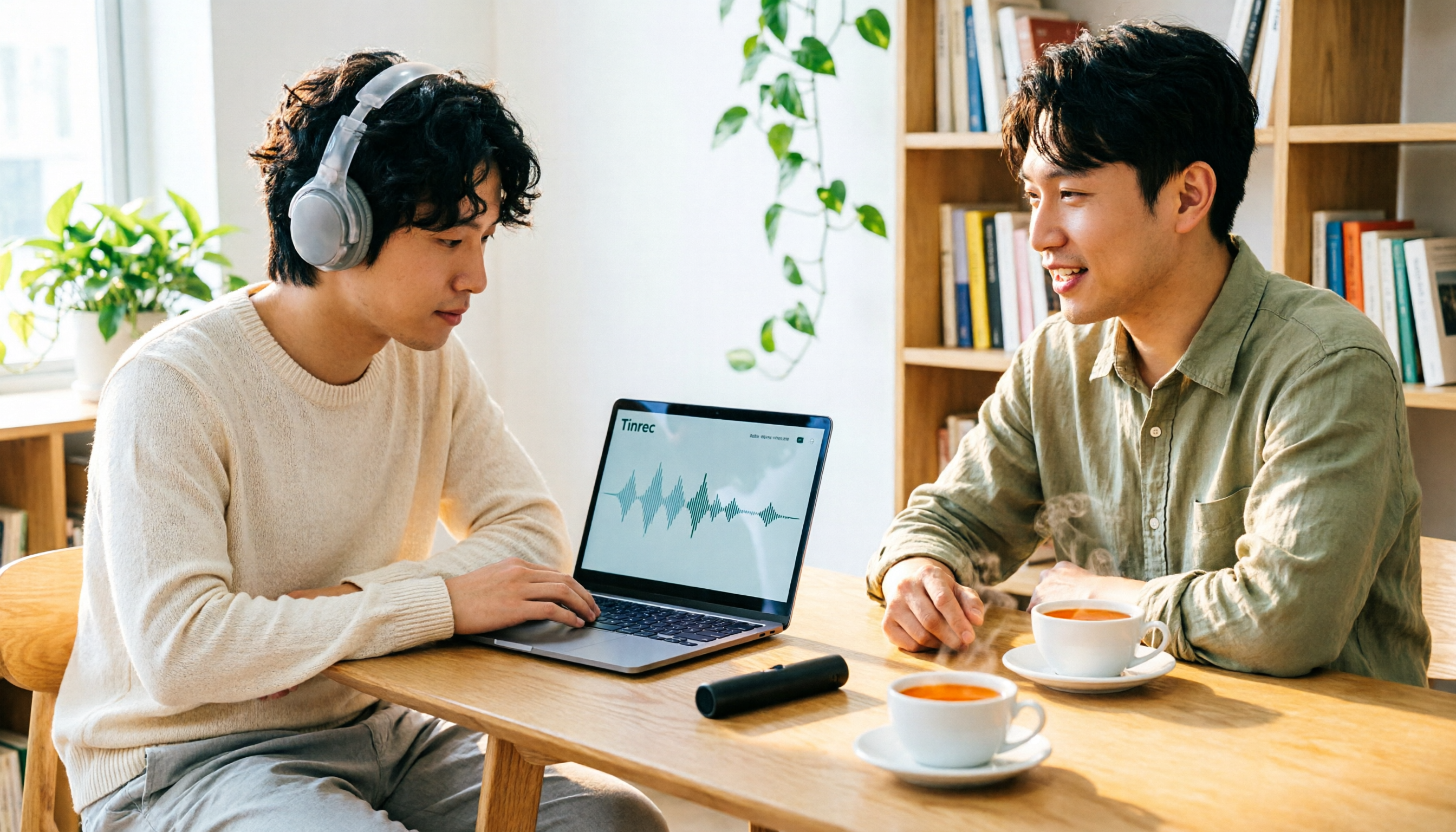
4 Best Audio-to-Text Transcription Tools in 2026: Free vs. Team Collaboration Compared
Turning a recording into a transcript can eat up an entire afternoon of playback, pausing, and typing. This article breaks down 4 key buying factors based on real needs for live meetings and existing audio files, compares Tinrec, Notta, TurboScribe, and MyEdit side by side, highlights common pitfalls to avoid, and offers clear recommendations based on budget and use case.
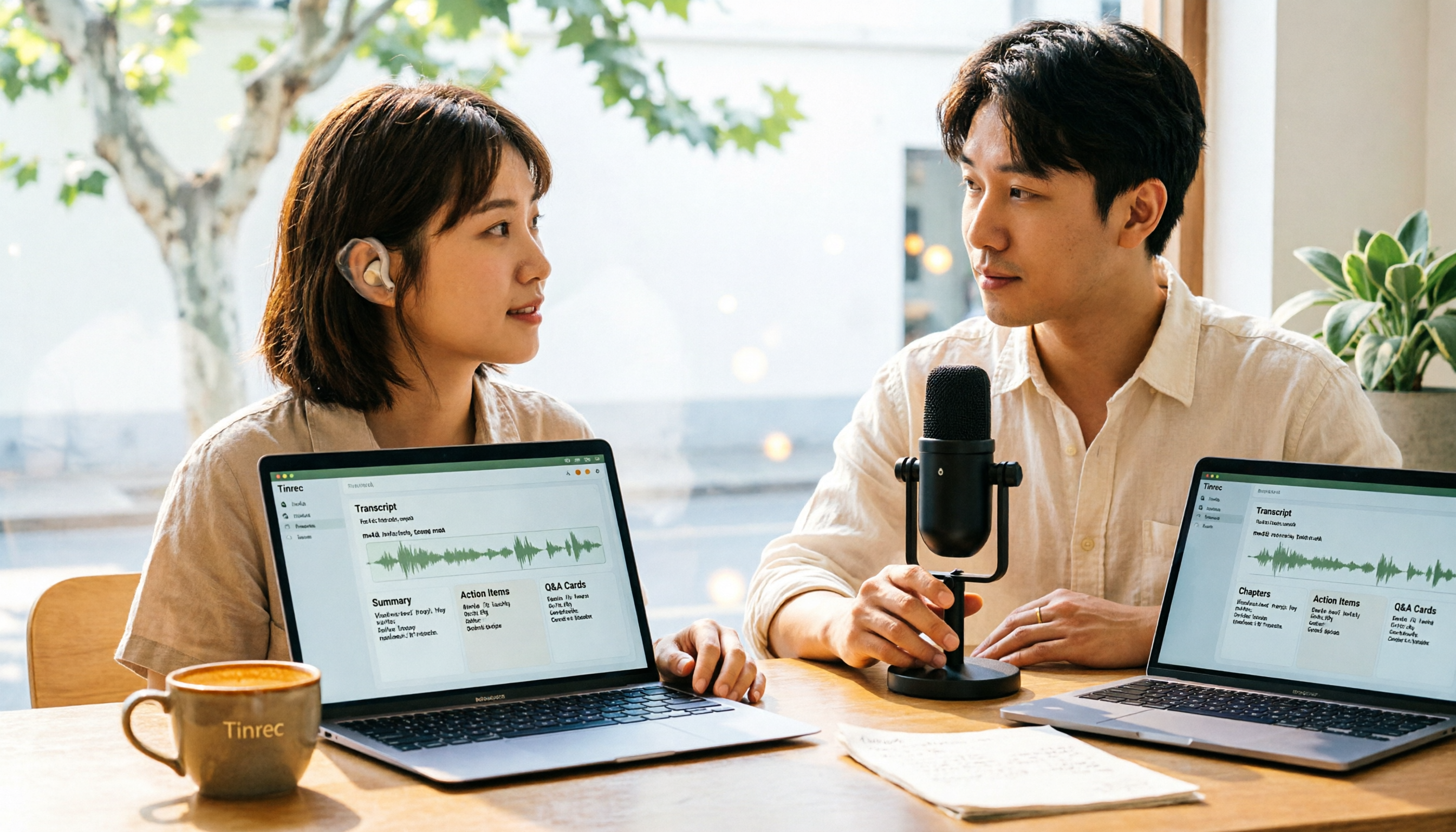
How to Convert M4A to Text in 2026: The Easiest Method with Tinrec — One-Click Upload & AI-Generated Transcripts
Stop wasting time manually transcribing M4A files. This guide shows you how to use Tinrec to upload your M4A audio and automatically get a transcript, plus AI-generated summaries, chapters, action items, and Q&A. We cover the simplest steps, free plan limits, and FAQs so you can get editable, searchable text in minutes.

5 Free Video Subtitle Extraction Tools in 2026: A Complete Guide
Video subtitle extraction often gets stuck on the difference between soft and hard subtitles. This article reviews 5 free or free-tier video subtitle extraction solutions in 2026, including FFmpeg, VLC, Video-subtitle-extractor, Subtitle Edit, and Tinrec, and explains their suitable scenarios, limitations, and key pitfalls to avoid.

2026 Voice-to-Text Online Tools Comparison: Which AI Meeting Assistant Saves the Most Time on Transcripts and Action Items?
Online voice synthesis isn't just text-to-speech. This article compares four common types of online voice tools and demonstrates with Tinrec: record Zoom, Google Meet, and Teams meetings on desktop without a bot, generate live transcripts, and automatically organize summaries, chapters, and action items after the meeting. It also supports AI Q&A, real-time translation, and multi-format export. The team version turns meeting data into a collaborative, traceable team asset.
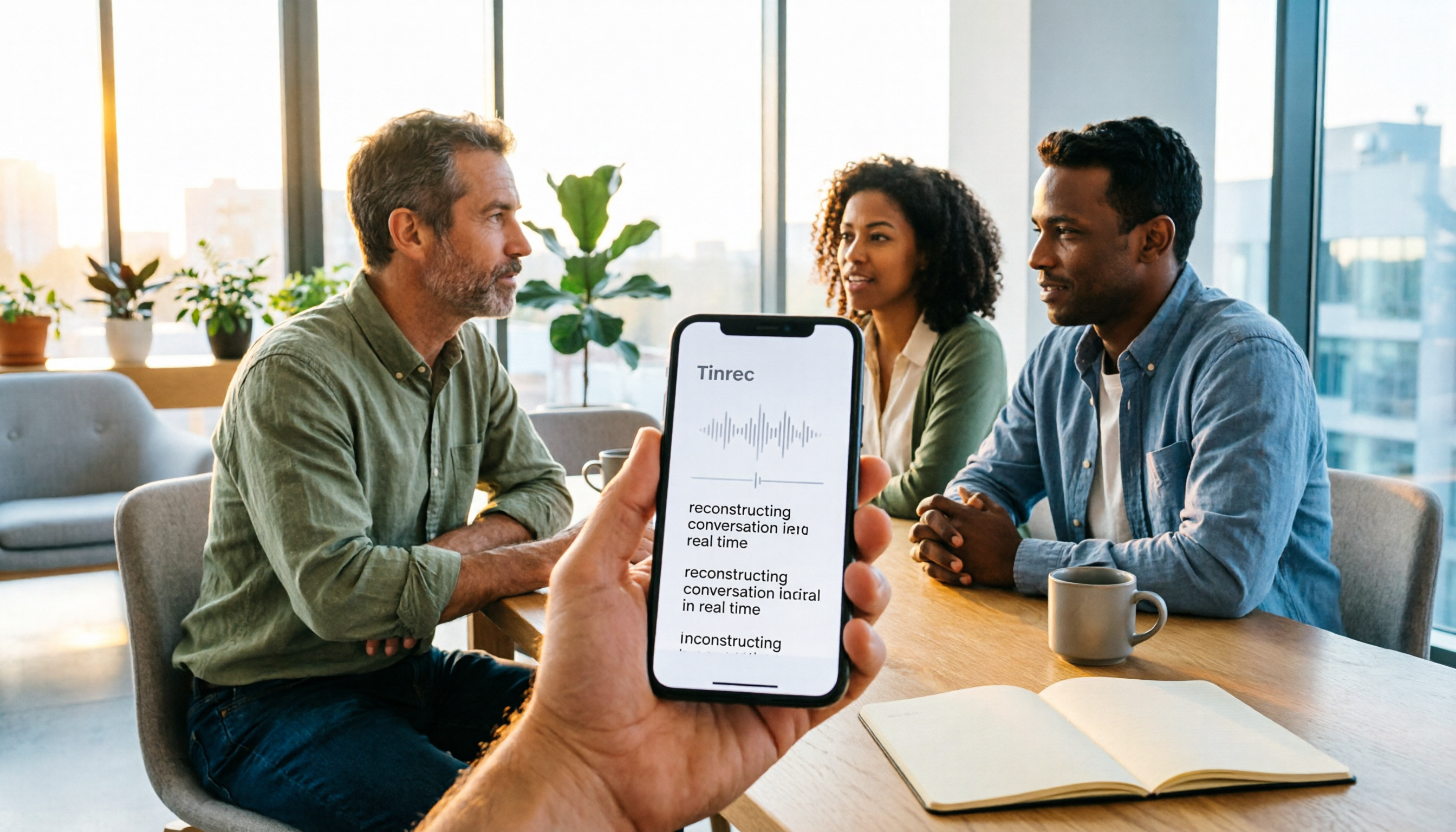
2026 Comparison of 3 iPhone Recording Apps: Tinrec vs Otter vs Voice Memos
2026 comparison of three iPhone recording apps: Tinrec, Otter.ai, and Apple's built-in Voice Memos. We evaluate Chinese transcription, online meeting recording, post-meeting organization, quotas, and team collaboration to help you choose the best recording software for your needs.

5 Best Real-Time Speech-to-Text Software in 2026: Which Handles Chinese Meetings and Post-Meeting Notes Best?
Still spending two hours after a meeting organizing the transcript? This article tests 5 real-time speech-to-text software, comparing Chinese recognition, bot-free meeting recording, AI Q&A, and team collaboration, and honestly lists each solution's pricing and limitations to help you decide which one best fits your work scenario.
5 AI Meeting Note Tools Tested and Compared for 2026: Which One Saves the Most Time Auto-Generating Meeting Minutes?
Still spending an hour after a meeting writing up notes? This article starts with common meeting note pitfalls, distills common approaches into 5 key selection criteria, and uses Tinrec to demonstrate how to automatically turn recordings into transcripts, summaries, and action items. It also covers the differences between the free and team versions, how to record online meetings without a bot, real-world use cases, and FAQs.

Complete Guide to YouTube Content Summarization in 2026: From Transcripts to AI Summaries
Videos pile up, but the key points get harder to find. This guide covers practical methods for summarizing YouTube content, from transcripts and AI summaries to follow-up questions and team knowledge retention. It compares browser extensions, web-based summarization tools, and Tinrec, helping you choose the right workflow.

2026 Text-to-Speech Tools Compared: Most People Get It Wrong, Meeting Recordings Still Unorganized
Many people searching for 'text-to-speech' actually need to turn meeting, interview, and course audio into usable text. This article first clarifies what text-to-speech can do, then breaks down the other half that most teams really need to add. Using Tinrec as an example, it explains how real-time transcription, AI summaries, action item extraction, AI Q&A, and team spaces work, and finally provides 5 purchasing checkpoints and FAQs.