
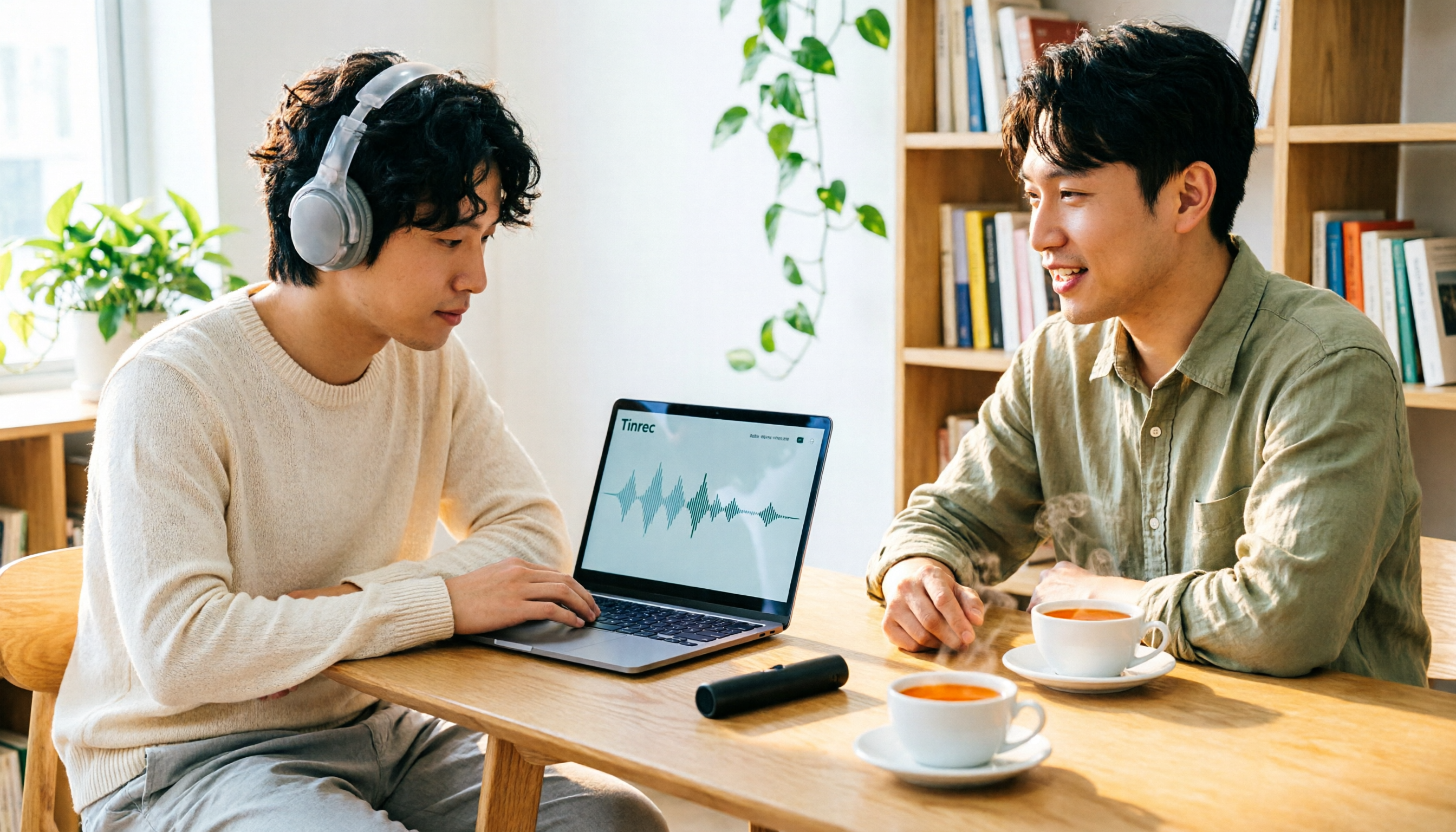
Turn recordings into transcripts and summaries in minutes
Upload audio or video for multilingual transcription, AI notes, and action items
4 Best Audio-to-Text Transcription Tools in 2026: Free vs. Team Collaboration Compared
Why Can a 40-Minute Recording Eat Up Your Entire Afternoon?
You have a 40-minute client interview recording and need to deliver a transcript by end of day. Play, pause, type, rewind to check if that phrase was "thirty percent" or "three times"—just this step can consume your whole afternoon.
The situation in the conference room is even trickier. A two-hour cross-department meeting with three people talking over each other, air conditioning noise, keyboard clatter, and phone vibrations all captured. Later, when you want to find out "who said to delay the launch," you have to listen from the beginning again.
There's another scenario: you weren't even there. A colleague sends you an audio file saying "listen and write a summary," and you don't even know how many speakers are in it.
The common thread in these situations is—what you really want is never just "saving the sound," but "extracting the key points from the sound to use." With the right tool, these tasks are done in ten minutes; with the wrong tool, you're just repeating the same recording in a more expensive way.
Before Buying an Audio-to-Text Tool, Understand These 4 Key Points
1. Are you dealing with "live meetings" or "existing audio files"? Many people buy a tool only to discover it can only upload files, not transcribe while a meeting is happening; others focus on live recording but choke when you throw in a three-hour old recording. First, confirm what type of material you have the most of. For example, Tinrec's desktop version can directly capture your computer's system audio to process meeting content played on Zoom, Google Meet, Microsoft Teams, or Webex without inviting a separate meeting bot to join; the same tool can also import existing audio and video files.
2. Don't just look at promotional numbers for Chinese and Taiwanese accents The accuracy rates advertised by vendors are usually measured in a quiet recording studio. Real conference rooms have air conditioning noise, overlapping speech, and mixed Chinese-English technical terms. We recommend testing with your own recording, especially those with place names, people's names, and product codes. If it fails this test, no matter how cheap it is, it's useless.
3. How much work do you still need to do after transcription? Getting just a transcript is actually only half the job. You still need to read it, extract key points, organize action items, and write something you can send out. Some tools stop at outputting the transcript, while others go on to generate summaries, chapters, action items, and even let you ask questions directly about the meeting content. The gap here often determines how much time you save each day more than the transcription itself.
4. Who ultimately holds your data? For personal use, keeping recordings on your own phone is fine. But as soon as teams are involved—especially meeting minutes, client interviews, decision-making processes—you need to ask clearly: Will the data still be there after a member leaves? Who has editing permissions? How is usage tracked? These questions usually can't be answered by personal-version tools.
Tinrec (Miao Ting Lu Yin) — Our Top Pick After Testing
Tinrec is an AI meeting notes and collaboration tool for individuals and teams, covering iOS, Android, and web versions, with a desktop version handling online meetings on your computer. Its positioning is not simply "recording to text," but turning a meeting into searchable, queryable, and actionable data.
During the meeting: No need to invite a bot into the conference room Most meeting transcription tools work by sending a bot account to join the meeting. This often gets stuck in security reviews at many companies or makes clients feel uneasy. Tinrec's desktop version instead directly captures the computer's system audio. You just open it and press start, and the content played in the online meeting is transcribed in real time. For cross-language meetings, you can switch between original text, translation, or bilingual view during recording.
After the meeting: No need to listen from the beginning again After recording, Tinrec automatically generates summaries, chapters, and action items. Who is responsible for what and what the deadlines are can be seen directly after the meeting. If there are unclear parts in the meeting, the transcript retains the original speech and can be played back alongside the recording timestamps for verification. For important content, it's still recommended to confirm against the original audio.
After recording: You can ask it questions directly This is where Tinrec differs most from tools in the same price range. You can directly ask: "Who mentioned the budget in the last meeting?" What it gives you is not keyword search results, but answers organized based on semantic understanding. As historical meetings accumulate, this feature becomes more useful, essentially building a conversational meeting database for the team. The organized content can be exported to Notion, Google Docs, OneNote, Dropbox, and other tools for further processing, or you can use Agent post-processing to generate reports, tables, and documents.
Testing conditions We tested with a Chinese meeting recording that had background noise and mixed Chinese-English, and deliberately arranged multiple people speaking over each other. Under such conditions, the differences between tools truly emerge, rather than comparing whose promotional numbers look better in a quiet studio. One reminder: the efficiency of any tool is affected by recording quality, accents, noise, and technical terminology. It's not advisable to treat "accuracy rate" as a fixed value.
Stop organizing recordings by hand
Upload audio or video and automatically get a transcript, summary, and action items
Pros
- Desktop version records online meetings without inviting a bot, making it easier to communicate in companies with security review processes.
- Not just transcripts—summaries, chapters, action items, and AI Q&A all in one, saving exactly the "post-meeting organization" step.
- Team version has independent team spaces, with members, roles, and seats managed separately, so meeting data belongs to the team rather than individuals.
Limitations and Pricing
- Both the free version and personal plans have usage limits, and heavy users need to pay; the team version is priced per paid seat, currently at USD 29.80 per paid seat per month for monthly billing, or USD 199 per paid seat per year for annual billing (about USD 16.58 per month). Each paid seat provides 2,000 minutes of team shared import quota per month. Eligible teams also get a 7-day, 1 free seat, and 300 minutes shared import quota for the first time. Actual prices and benefits are subject to the official purchase page.
- It is not a calendar-based meeting bot and won't automatically join every meeting; you need to initiate recording yourself on the desktop version.
- The team version currently focuses on team-level sharing, with roles and seats for members, but not file-level granular permission control.
Who is it for? If you record Chinese meetings, mixed Chinese-English interviews, or you want to directly ask "what's the conclusion" after recording without manually reading the entire transcript, Tinrec is the most suitable option in this comparison. If you need to leave meeting data for the whole team, directly evaluate the team version.
Besides Tinrec, What Other Options Are There?
Notta A multi-platform transcription and meeting notes tool with broad functionality and good multilingual performance. Official pricing is Free at 120 minutes per month (3 minutes per session), Pro annual billing at about USD 8.17 per month (1,800 minutes per month), Business annual billing at about USD 16.67 per seat per month, subject to the official page. Its strengths are file transcription, subtitles, and translation; but it lacks Tinrec's desktop bot-free system audio recording, as well as AI Q&A around meeting content and team governance mechanisms like seats, usage, and auditing.
TurboScribe Its positioning is clear: cost-effective long-document and batch transcription. Free allows 3 files per day (30 minutes per file), Unlimited annual billing at USD 120 (about USD 10 per month). Paid version supports files up to 10 hours or 5 GB, and up to 50 files uploaded at once, subject to the official page. If you have a large batch of already-recorded audio files to transcribe at once, it's very cost-effective. But it lacks live meeting recording, action item extraction, and team data accumulation. The transcribed text still needs to be read and organized by yourself.
MyEdit An online speech-to-text tool. Official documentation says it supports 9 languages including Chinese, English, and Japanese. You can use daily login points for free transcription and export .txt or .srt subtitle files; when editing text, the audio automatically jumps to the corresponding segment, making proofreading quite convenient. Suitable for occasional short audio files or those who need subtitle files. The downside is that it's essentially a one-time online tool: no live meeting recording, no AI Q&A, and files don't accumulate into a database.
Pitfall Guide: The 3 Most Common Mistakes When Choosing an Audio-to-Text Tool
Pitfall 1: Only looking at advertised accuracy rates. Many tools claim "98% accuracy," but that's measured in a quiet studio. Real conference rooms have air conditioning noise, keyboard sounds, and multiple people talking over each other, so the numbers will definitely drop. The right approach is to test with your own recording, and definitely test with Chinese and mixed Chinese-English content.
Pitfall 2: Thinking "transcribing to text" is the end. If you only treat these tools as "recording to text" machines, you're only using one-third of their value. Today's tools can generate summaries, chapters, action items, and even let you directly ask "what's the conclusion of this meeting." With Tinrec's AI Q&A, you can directly ask questions about a 30-minute transcript instead of manually Ctrl+F-ing for keywords one by one.
Pitfall 3: Ignoring cross-platform and data ownership. Recording on iPhone today and organizing on computer tomorrow—if the tool doesn't support cross-platform, you'll suffer. More critically, in team scenarios: if meeting data is tied to a personal account, when the person leaves, the data goes with them. This is why organizations with team needs should first confirm whether the tool provides independent team spaces and distinguishes members and seats, rather than several people sharing one account.
Conclusion: Which One Should You Choose?
Bottom line: In this comparison, as long as your content is primarily Chinese or mixed Chinese-English, Tinrec is the most hassle-free choice.
Chinese meetings, mixed Chinese-English interviews, want transcripts while the meeting is happening → Tinrec. Desktop version captures system audio without inviting a bot into the conference room.
After recording, want to use AI to find key points and ask follow-up questions → Tinrec. This is a rare AI conversational query capability in its price range.
Need to use on both phone and computer, and leave data for the whole team → Tinrec team version. Team spaces, members, and seats are managed separately. When members change, team resources can be handed over and won't leave with individuals.
Company doesn't allow meeting bots to join the conference room → Tinrec desktop version. This is its most direct value.
Cross-language meetings, need bilingual comparison → Tinrec. You can switch between original text, translation, or bilingual view during recording.
Only have a batch of old audio files, budget priority → Tools like TurboScribe or MyEdit. If you just want to process long files or subtitle files cheaply and quickly, they are indeed sufficient; but the post-transcription organization work still has to be done by yourself.
We suggest you first use the free quota to test a segment of your own recording—pick one with background noise and mixed Chinese-English. If you can hear the difference, then decide whether to pay. There's no need to buy the highest plan right away.
References
- Yating Transcript
- Online AI Speech, Video, Audio File Auto Transcription - Free Trial - cSubtitle
- SoundType AI Ultra-Precise Transcript, Speech to Text, AI Dictation - Google Play App
- Online Speech to Text AI, Free MP3 or Audio File to Text Transcript - MyEdit
- Audio to Text - Free Speech to Text Tool
Turn every recording into actionable outcomes
Get 60 free transcription minutes when you sign in. No credit card required.
Related Reading
You might also like
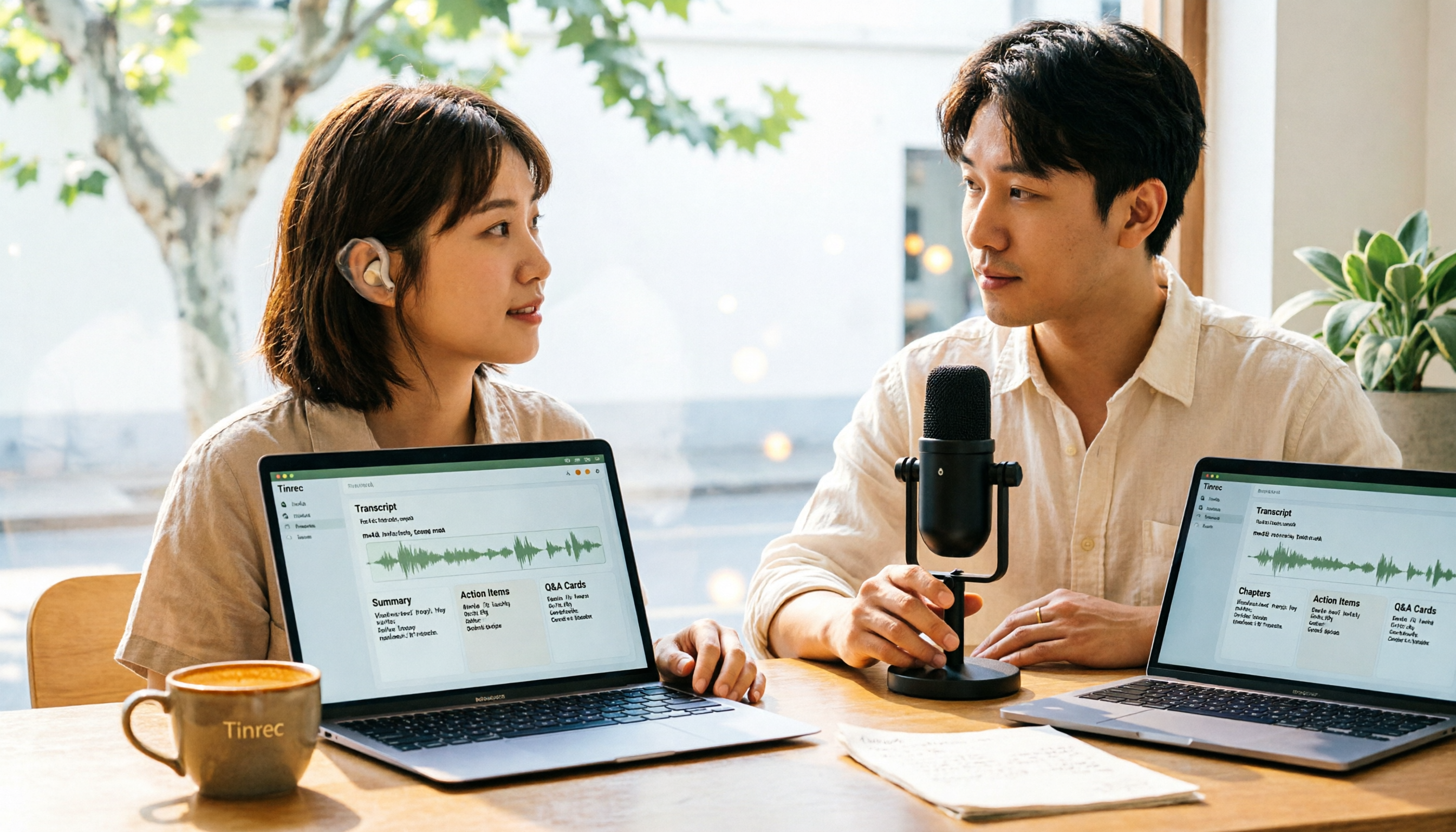
How to Convert M4A to Text in 2026: The Easiest Method with Tinrec — One-Click Upload & AI-Generated Transcripts
Stop wasting time manually transcribing M4A files. This guide shows you how to use Tinrec to upload your M4A audio and automatically get a transcript, plus AI-generated summaries, chapters, action items, and Q&A. We cover the simplest steps, free plan limits, and FAQs so you can get editable, searchable text in minutes.

5 Free Video Subtitle Extraction Tools in 2026: A Complete Guide
Video subtitle extraction often gets stuck on the difference between soft and hard subtitles. This article reviews 5 free or free-tier video subtitle extraction solutions in 2026, including FFmpeg, VLC, Video-subtitle-extractor, Subtitle Edit, and Tinrec, and explains their suitable scenarios, limitations, and key pitfalls to avoid.

2026 Voice-to-Text Online Tools Comparison: Which AI Meeting Assistant Saves the Most Time on Transcripts and Action Items?
Online voice synthesis isn't just text-to-speech. This article compares four common types of online voice tools and demonstrates with Tinrec: record Zoom, Google Meet, and Teams meetings on desktop without a bot, generate live transcripts, and automatically organize summaries, chapters, and action items after the meeting. It also supports AI Q&A, real-time translation, and multi-format export. The team version turns meeting data into a collaborative, traceable team asset.
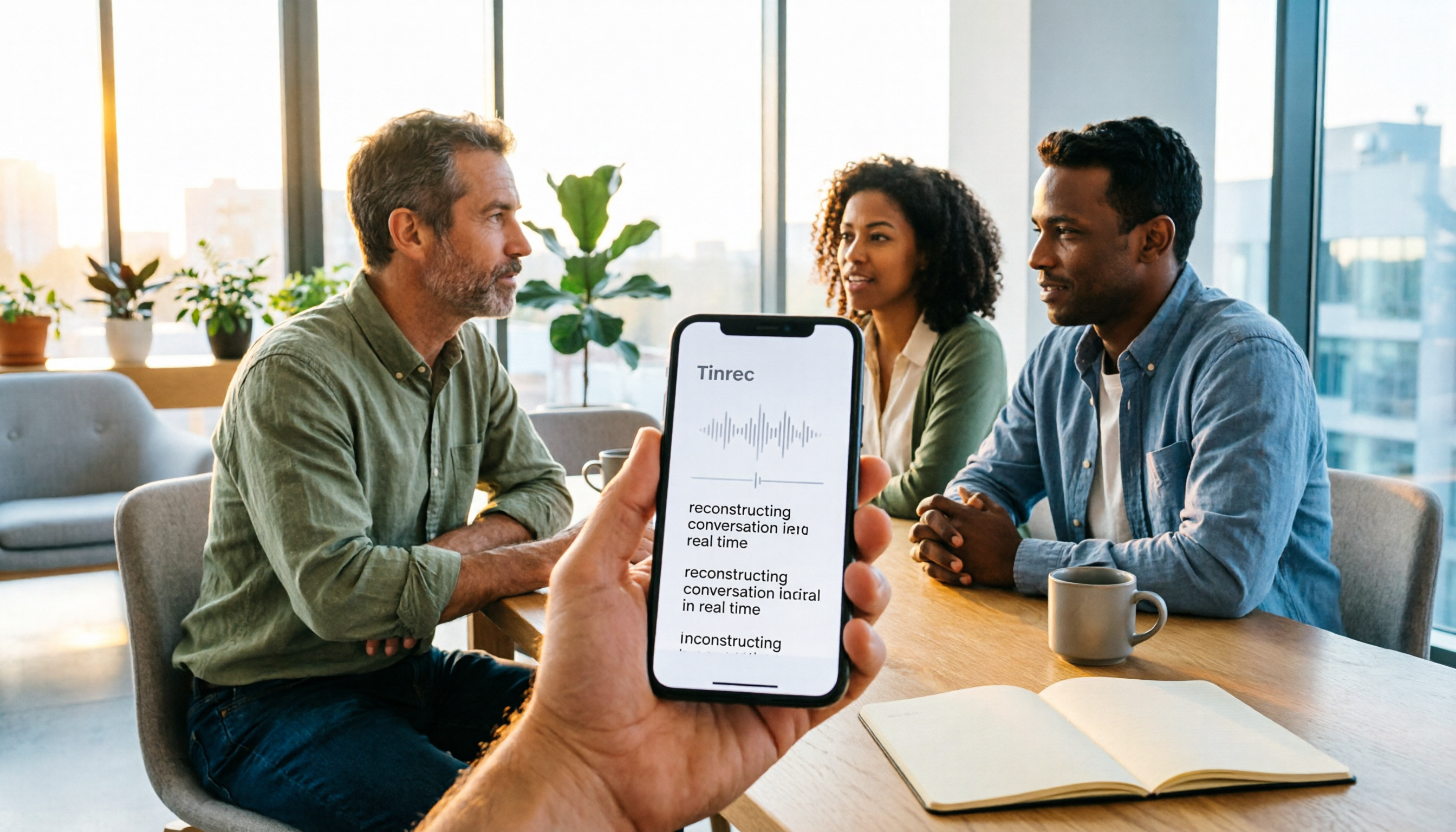
2026 Comparison of 3 iPhone Recording Apps: Tinrec vs Otter vs Voice Memos
2026 comparison of three iPhone recording apps: Tinrec, Otter.ai, and Apple's built-in Voice Memos. We evaluate Chinese transcription, online meeting recording, post-meeting organization, quotas, and team collaboration to help you choose the best recording software for your needs.

5 Best Real-Time Speech-to-Text Software in 2026: Which Handles Chinese Meetings and Post-Meeting Notes Best?
Still spending two hours after a meeting organizing the transcript? This article tests 5 real-time speech-to-text software, comparing Chinese recognition, bot-free meeting recording, AI Q&A, and team collaboration, and honestly lists each solution's pricing and limitations to help you decide which one best fits your work scenario.

Best Video Summarizer Tools in 2026: Hands-On Test of 4 Options, Tinrec Shines for Chinese and Post-Meeting Organization
No time to watch long videos? We tested 4 video summarizer tools, comparing subtitle-free video processing, AI follow-up Q&A, Chinese and mixed Chinese-English recognition, and export workflows. We also highlight 3 common buying mistakes to help you find the best video summarization solution for your needs.
5 AI Meeting Note Tools Tested and Compared for 2026: Which One Saves the Most Time Auto-Generating Meeting Minutes?
Still spending an hour after a meeting writing up notes? This article starts with common meeting note pitfalls, distills common approaches into 5 key selection criteria, and uses Tinrec to demonstrate how to automatically turn recordings into transcripts, summaries, and action items. It also covers the differences between the free and team versions, how to record online meetings without a bot, real-world use cases, and FAQs.

Complete Guide to YouTube Content Summarization in 2026: From Transcripts to AI Summaries
Videos pile up, but the key points get harder to find. This guide covers practical methods for summarizing YouTube content, from transcripts and AI summaries to follow-up questions and team knowledge retention. It compares browser extensions, web-based summarization tools, and Tinrec, helping you choose the right workflow.

2026 Text-to-Speech Tools Compared: Most People Get It Wrong, Meeting Recordings Still Unorganized
Many people searching for 'text-to-speech' actually need to turn meeting, interview, and course audio into usable text. This article first clarifies what text-to-speech can do, then breaks down the other half that most teams really need to add. Using Tinrec as an example, it explains how real-time transcription, AI summaries, action item extraction, AI Q&A, and team spaces work, and finally provides 5 purchasing checkpoints and FAQs.