

Turn recordings into transcripts and summaries in minutes
Upload audio or video for multilingual transcription, AI notes, and action items
4 AI Agent Meeting Tools Tested in 2026: Which One Actually Gets the Post-Meeting Work Done?
Having to "meet again" after the meeting — that's the real pain for most people
It's 2 PM on a Wednesday. You just finished a 50-minute cross-department meeting where you discussed budgets, schedules, and locked in three action items.
You save the recording to a folder, thinking "I'll organize it later" — and later never comes.
The next day, you need to submit meeting minutes. You have to listen to the recording again while trying to remember who said what. Just to find that one number the client mentioned, you drag the progress bar back and forth a dozen times.
If you've been in this situation, what you really need isn't a recorder — it's an AI Agent that can keep helping you finish things after the meeting ends.
This article uses the same mixed Chinese-English meeting recording to actually compare 4 AI Agent meeting tools, and lays out the buying factors that really matter for work scenarios in Taiwan.
Before Choosing an AI Agent Meeting Tool, Understand These 5 Key Points
1. Is it a note-taker, or an Agent that can actually take action? Many tools only convert speech to text and stop there. The real difference is what happens after the meeting: can it automatically generate summaries, chapters, action items, or even reports and tables? This determines whether you save 10 minutes or 2 hours.
2. Chinese and mixed Chinese-English recognition experience. Meetings in Taiwan rarely use a single language throughout. It's common to have two English technical terms mixed into a Chinese sentence. In these cases, the gap between tools becomes much more obvious than when comparing English-only recordings.
3. Do you need a bot to join the meeting? Meeting bots are convenient, but they add an unfamiliar account to the attendee list. Some companies even ban them outright. If this matters to you, look for a recording method that doesn't require an extra participant.
4. Can meeting data be retained and queried? If the only way to search recorded content is Ctrl+F for keywords, its usefulness is limited. Being able to ask questions directly about the meeting and keep transcripts in a team space is where the long-term value lies.
5. How are quotas and seats calculated? Individual "minutes" and team "seats" are two completely different pricing logics. For individual use, look at the monthly fee; for team use, look at the number of seats, shared quotas, and admin permissions.
Tinrec — Our Top Recommendation After Testing
Tinrec is an AI meeting notes and collaboration tool for individuals and teams, supporting mobile, desktop, and web versions.
It's different from what people typically think of as a "speech-to-text" tool. What really sets it apart is what happens after the meeting ends.
Bot-free recording of online meetings. When hosting a Zoom, Google Meet, Microsoft Teams, or Webex meeting, the Tinrec desktop app directly captures your computer's system audio without inviting a bot to join as a participant. For many companies, this is crucial — no unfamiliar account appears on the attendee list. Note that this does not mean it automatically joins all calendar meetings; you still need to manually start recording, and it does not imply official partnerships with these platforms.
Transcription is just the starting point; post-meeting output is the focus. You can see the transcript during the meeting, and after it ends, AI organizes summaries, chapters, key points, and action items. Long meetings can be broken into easy-to-browse structures, or even organized into mind maps. When reviewing, you don't need to re-listen to 50 minutes — just read the summary and click back to the corresponding section to verify the original text.
You can ask questions directly about the meeting content. This is the most impactful part. You can ask "What was the conclusion of this meeting?" or "What concerns did the client mention?" and AI will answer based on the meeting content, rather than giving you a bunch of keyword search results. For cross-language meetings, you can switch between original text, translation, or bilingual view.
Meeting results can be further processed. Beyond transcripts and summaries, you can generate reports, tables, and documents, and export to Notion, Google Docs, OneNote, Dropbox, and other tools you already use. For those who need to submit weekly reports or meeting minutes, this eliminates an extra round of work.
Stop organizing recordings by hand
Upload audio or video and automatically get a transcript, summary, and action items
The team version keeps data in the team's hands. The team version isn't "multiple people sharing one account" — it's an independent team space: you can create multiple teams, invite members via link, and distinguish between owner, admin, and regular member. Meeting data belongs to the team; when a member leaves or loses their seat, the data remains in the team after handover. It's important to distinguish between "roles" and "seats" — roles determine who can manage the team and settings, while seats determine whether someone can record, upload, edit, and export; active members without a seat can still view, play, and read team data. Admins can also view usage trends, member details, and audit logs, and maintain company terminology using team hotwords.
Currently, the team version offers a 7-day trial for first-time eligible users, including 1 free seat and 300 minutes of shared team import quota; paid seats are USD 29.80/month or USD 199/year (about USD 16.58/month), with each paid seat providing 2,000 minutes of shared team import quota per month. Real-time recording within team plans is currently not deducted by the minute; file and web link imports use shared team import minutes. Prices and benefits are subject to change; please refer to the official purchase page before ordering.
Limitations to note. The free version provides basic quota, suitable for trying it out first; if you have a high volume of meetings and often import long audio files, consider moving to a weekly pass or Pro. Also, transcription quality can be affected by recording environment, accents, simultaneous speakers, and technical terminology. For important numbers, it's recommended to verify against transcript timestamps and recording playback.
Who is it for? If you often have Chinese or mixed Chinese-English meetings, don't want a bot in the meeting, want to ask AI directly for key points after recording, or even want to turn meeting notes into team assets, Tinrec is currently the closest fit for these needs.
Besides Tinrec, What Other AI Agent Meeting Tools Are Worth Considering?
Otter.ai: A mature AI meeting assistant covering Zoom, Teams, and Meet, also offering desktop capabilities. It's strongest for English business meetings. Free Basic plan includes 300 minutes per month; Pro annual billing is about USD 8.49/user/month. If your meetings are almost entirely in English and your budget is limited, it's more cost-effective than Tinrec; however, Chinese and mixed Chinese-English organization is not its strong suit, and unlike Tinrec, it can't turn meeting results into reports, tables, and team data.
Granola: Also a bot-free AI meeting note tool, focusing on "your notes + AI enhancement." Basic is free, Business is USD 14/user/month. The difference is it doesn't support uploading pre-recorded audio files and doesn't save meeting audio; if you need to import interviews, courses, or historical recordings, Tinrec is much more complete in this regard.
PLAUD Note/NotePin: Representatives of AI recording hardware. NotePin costs USD 159, Note Pro USD 189, and Pro membership is USD 99.99/year. Suitable for on-the-go recording and phone call recording. The downside is you need to carry an extra device and pay a separate membership fee; Tinrec requires no hardware purchase and works on mobile, desktop, and web, and can handle online meetings directly.
Pitfall Guide: The 4 Most Common Mistakes When Choosing an AI Agent Meeting Tool
Pitfall 1: Only looking at "transcription accuracy" and ignoring post-meeting output. Many people end up caring only about word error rate, and buy a tool that only gives them a transcript. What really eats your time is organizing and delivering. When choosing a tool, first look at what it can give you after the meeting.
Pitfall 2: Thinking having a bot join the meeting is hassle-free. Some companies don't allow third-party bots into meeting rooms, and some platforms require the host to approve each time. Rather than getting stuck on this every time, look for a method like the Tinrec desktop app that directly captures system audio.
Pitfall 3: Only comparing price and ignoring who owns the data. Meetings recorded with a personal account may be lost when the person leaves or changes devices. For team use, the focus should be on team space, roles, and seat design, not just the monthly fee.
Pitfall 4: Not understanding quota rules. "Real-time recording" and "file import" often use two different quotas. For example, with Tinrec's team version, real-time recording within team plans is currently not deducted by the minute; file and link imports use shared import minutes. Confirm your usage pattern before purchasing.
One final reminder: recording and transcription involve personal data and privacy. Before recording, please confirm local regulations and obtain consent from participants.
Summary: Which One Should You Choose for Your Situation?
Simply put, for most users in Taiwan, the answer will be Tinrec.
- Often have Chinese or mixed Chinese-English meetings → Tinrec (Chinese and multilingual meetings are its strong suit)
- Don't want a bot joining the meeting → Tinrec (desktop app captures system audio)
- Want to ask AI directly after recording, need post-meeting deliverables → Tinrec (summaries, action items, AI Q&A, and Agent post-processing)
- Team needs to share meeting data, view usage and audit → Tinrec team version (space, roles, seats, and recycle bin)
- Meetings are almost entirely in English, budget is 0 → Otter.ai free version (one of the few exceptions in this article)
- Often on the go, need to record phone calls → PLAUD-type recording hardware
We suggest starting with a trial of Tinrec's free version or team version, and testing with your own real meeting recordings. If you find it really saves you a round of post-meeting work, then consider upgrading to a weekly pass or Pro — no need to pay upfront.
References
Turn every recording into actionable outcomes
Get 60 free transcription minutes when you sign in. No credit card required.
Related Reading
You might also like
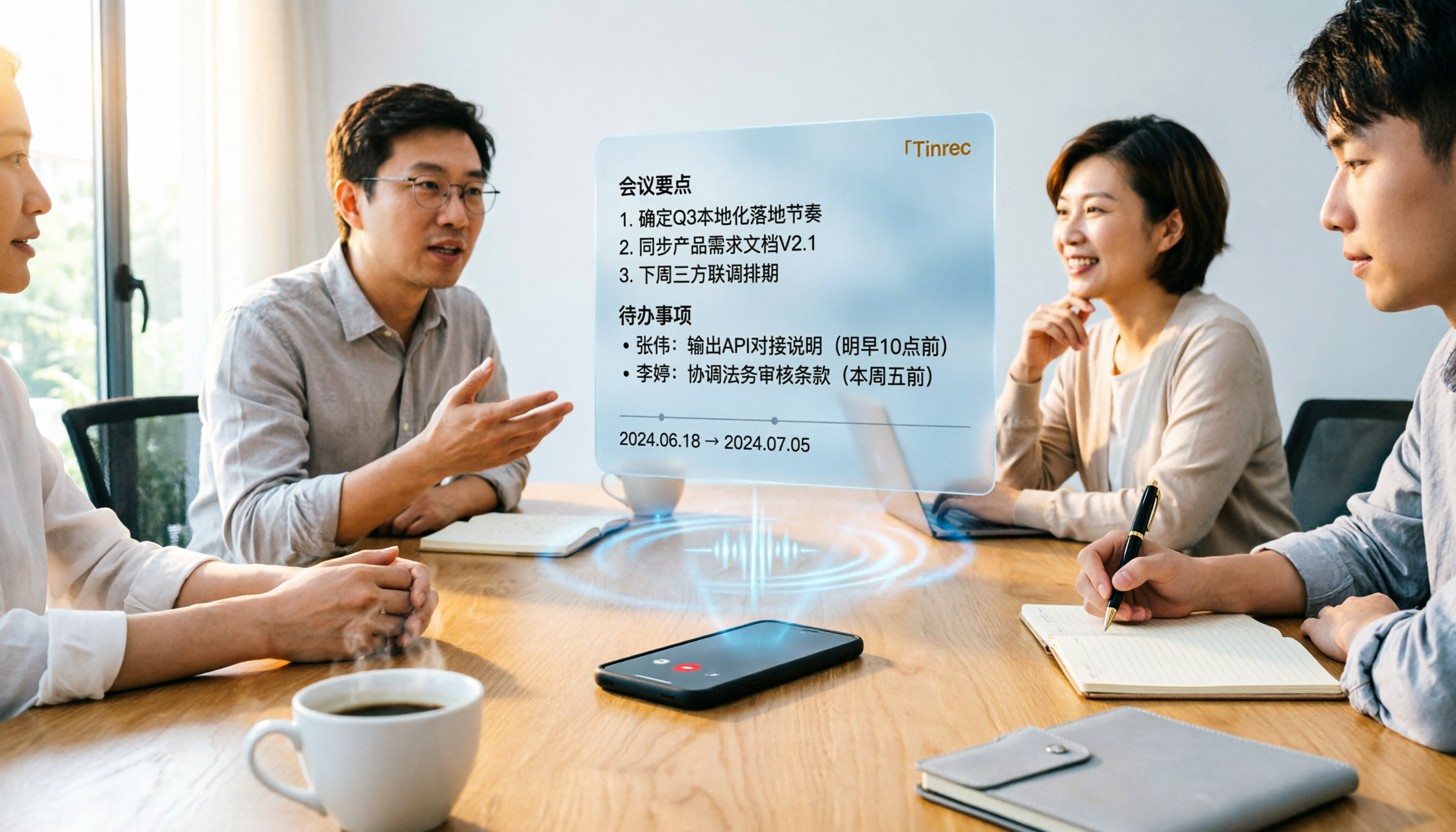
Tinrec vs Word Transcription: Which Is Better for Chinese Meetings in 2026?
Recording meetings and turning them into minutes isn't about the tool—it's about the workflow. This article compares Tinrec and Word's built-in transcription on a single workflow, covering Chinese recognition, online meeting recording, post-meeting organization, team collaboration, and Word export, with a copy-paste prompt template for meeting minutes.

4 AI Meeting Notes Tools Compared for 2026: From Transcripts to Team Knowledge
What is an AI Agent meeting notes tool, and how is it different from simple audio-to-text transcription? This side-by-side comparison of four common approaches in 2026 covers how meeting audio is captured, Chinese and mixed Chinese-English performance, post-meeting summaries and AI Q&A, team data ownership, and pricing—so you can see how to choose at a glance. It also outlines the four most common pitfalls.

How to Export Audio to Excel in 2026: AI Transcription + Auto-Generated To-Dos
Tired of spending hours transcribing meeting recordings into Excel? This guide breaks down the 4 key factors for choosing an audio-to-Excel tool, tests Tinrec's live transcription, AI Q&A, and multi-format export, and compares Otter.ai, Notta, and PLAUD to help you pick the right tool before your next meeting.
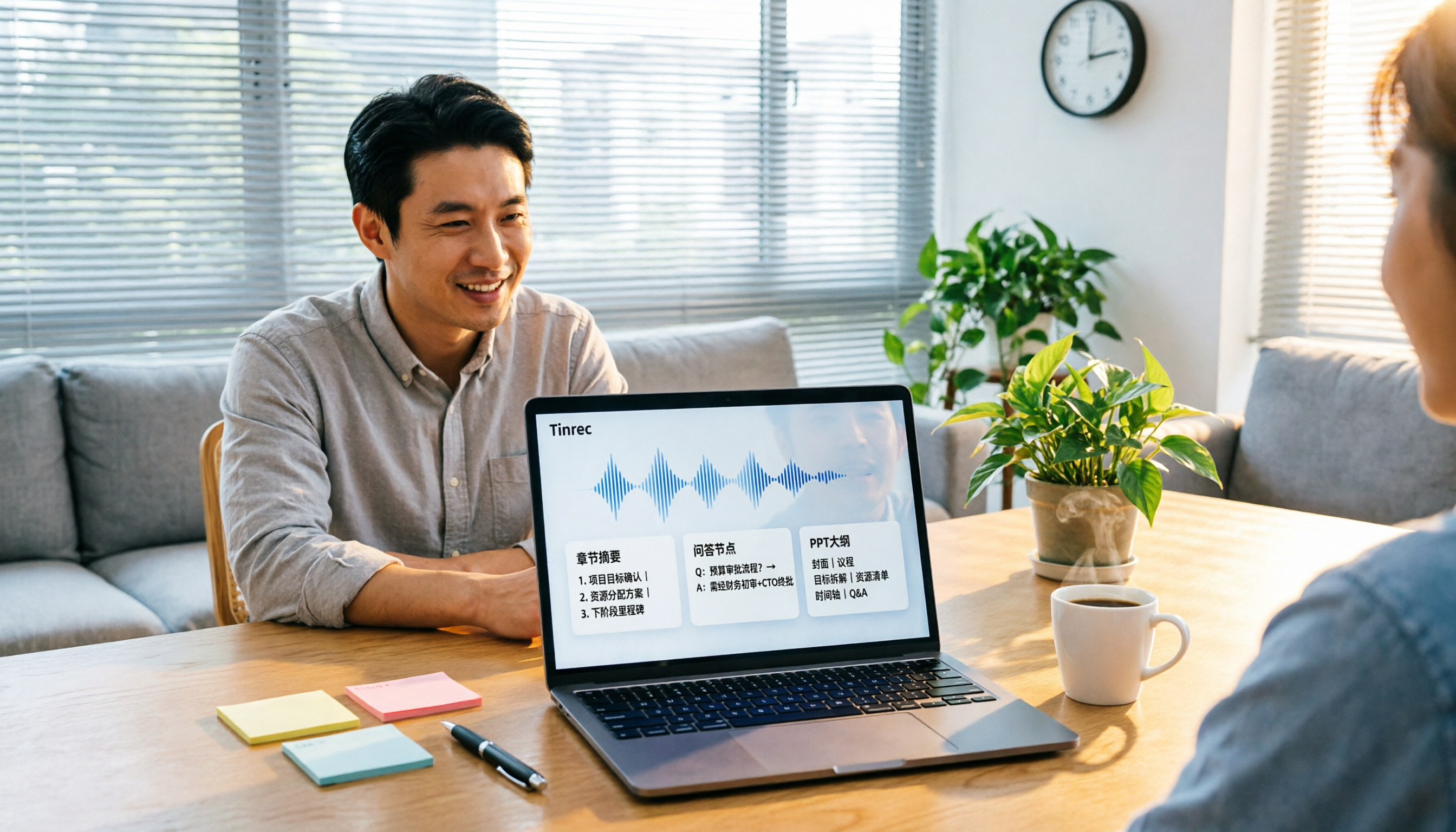
2026 Comparison of 4 Audio-to-Report Tools: From Transcript to PPT Outline, Which Saves the Most Time?
Turning meeting recordings into reports and PPTs often gets stuck not at transcription, but at post-transcription organization. This article breaks down the differences among 4 audio-to-report tools, covering summary sections, AI Q&A, export formats, and team seats, and explains how to connect meeting content into a PPT outline.
2026 AI Meeting Minutes Tools Compared: How to Use Word Templates Most Efficiently
Taking manual Word meeting minutes after a meeting is a common pain point for many office workers. This article compares four AI meeting transcription tools—Tinrec, Notta, Granola, and Otter.ai—covering transcript organization, mixed Chinese-English recognition, AI Q&A, and export to Word templates. It also summarizes 5 key selection criteria and 4 common pitfalls to help you find a truly time-saving approach.

2026 AI Meeting Notes Tools Compared: Which Handles Chinese Transcripts and Action Items Best?
Tired of replaying recordings and typing transcripts after meetings? We tested 4 AI meeting note tools, comparing recording methods, Chinese and mixed-language recognition, summary and action item generation, team sharing, and seat management. We also highlight 3 common pitfalls to help you find a tool that turns meetings into usable documents.

Which AI Meeting Minutes Tool Is Best? 2026 Hands-On Test of 4 Tools: Tinrec Beats Word Copilot for Chinese Meetings
Meeting minutes aren't just about format—they need to flow smoothly from recording to final output. This article breaks down the fields a standard meeting minutes should have, compares Word's built-in Copilot and Tinrec in terms of source materials, Chinese meetings, post-meeting output, and team knowledge retention, and highlights key considerations when choosing an AI meeting minutes tool, along with Tinrec's personal and team plan pricing.
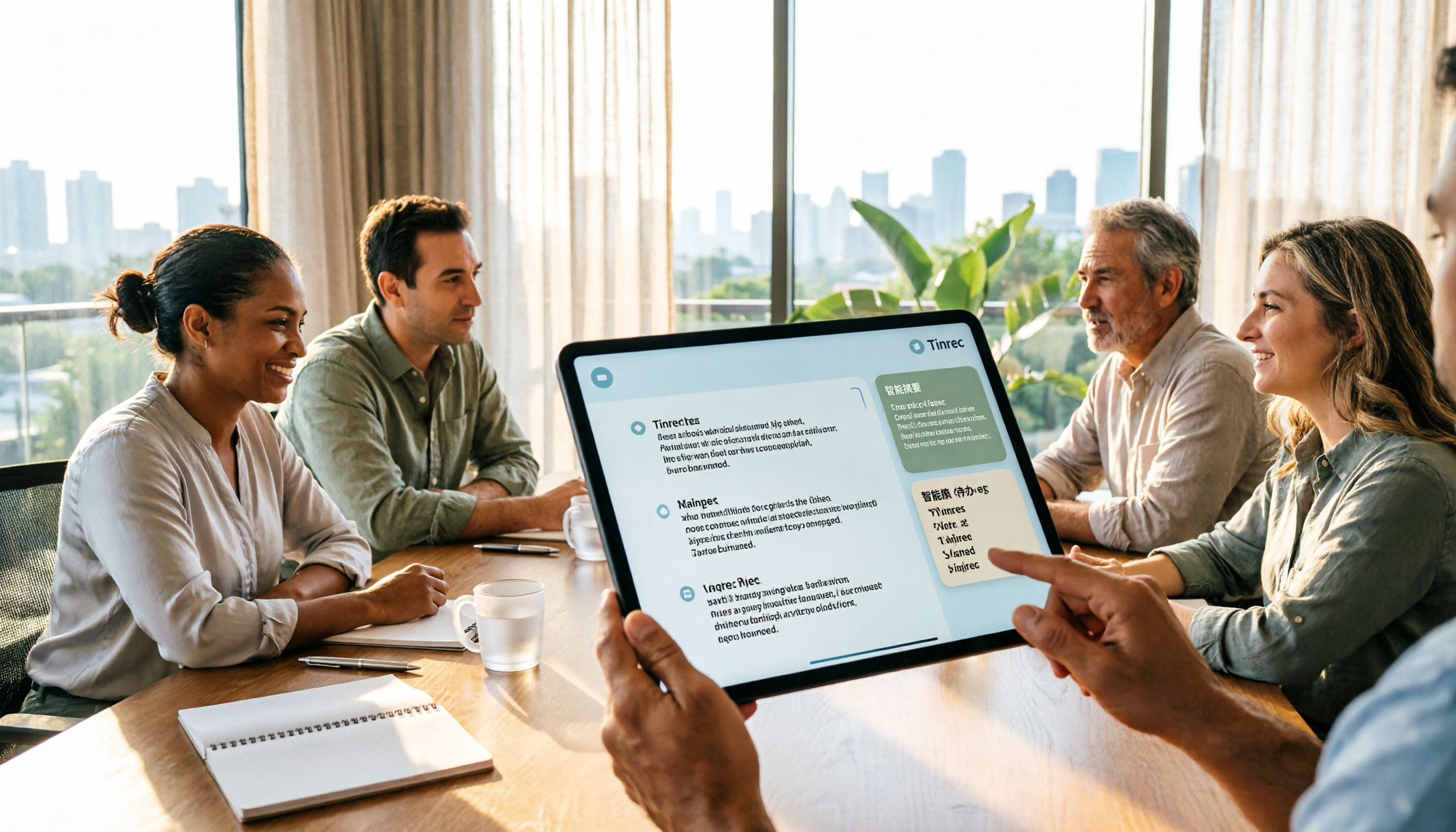
2026 AI Meeting Notes Showdown: Tinrec vs Plaud Note — Which Fits You Best Across 5 Key Dimensions?
AI Agent meeting notes: which one to choose? This article compares software-based Tinrec (Miao Ting Lu Yin) and hardware-based Plaud Note across 5 dimensions, breaking down audio capture, mixed Chinese-English meetings, post-meeting summaries and action items, export workflows, and team seat governance. It concludes with clear guidance on which work scenario suits which tool.
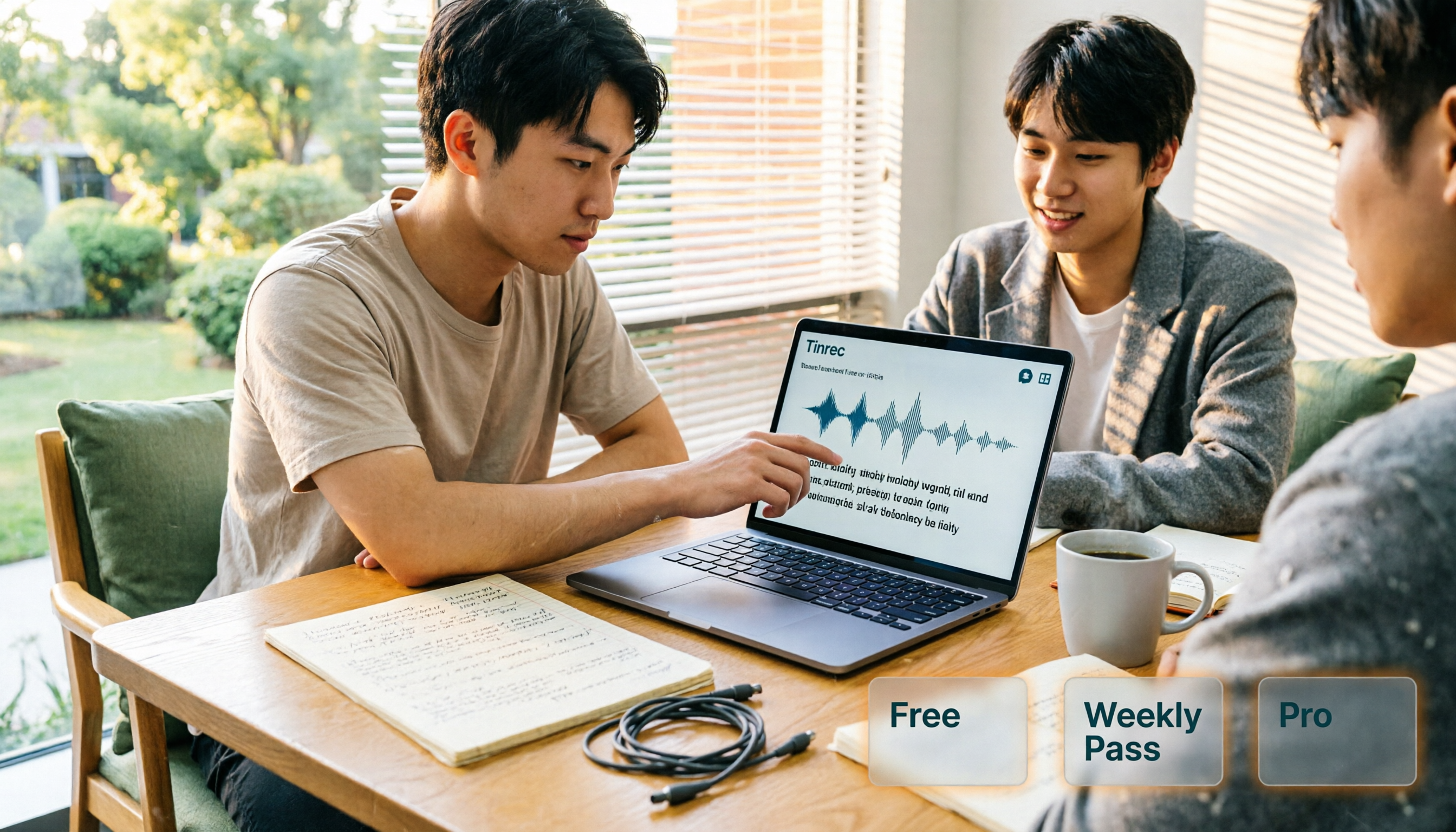
AI Personal Assistant Free Plans in 2026: 3 Options Compared
A 2026 guide to free AI personal assistant plans. Based on a college senior's real experience, learn how an AI personal assistant can help you organize class recordings, group discussions, and interview transcripts. We break down Tinrec's free version, weekly pass, and Pro plan, plus 5 key things to consider before buying.