
Turn recordings into transcripts and summaries in minutes
Upload audio or video for multilingual transcription, AI notes, and action items
2026 AI Meeting Minutes Tools Compared: How to Use Word Templates Most Efficiently
Pain Point: You Can't Finish Meeting Minutes—Usually Not Because You Type Too Slowly
After a two-hour meeting, you return to your seat and open a blank Word template. The "Discussion Items" section blinks for ten minutes, and all you can remember is "I think budget was mentioned."
Another scenario: you type furiously during the meeting, but end up with only fragmented keywords. The actual decisions made, who is responsible, and when things are due—none of it is captured.
Still others record the entire meeting, then put on headphones and listen again, filling in notes as they go. A two-hour meeting takes another two hours.
These situations look like "not typing fast enough," but they're actually the same problem: you're trying to record and organize at the same time. A more reasonable approach is to let AI generate the transcript and key points first, and you only handle three things: judgment, refinement, and formatting.
Before Choosing an AI Meeting Minutes Tool, Understand These 5 Key Points
1. Does it give you a transcript, or structured content that can go into a Word template? Many tools excel at "accurate transcription," but only provide a full transcript. You still have to retype the summary, decisions, and action items yourself. A truly time-saving tool outputs structured content like summaries, sections, and action items directly, so you just export to a document and paste into your company template. If you don't think this through, you're wasting effort.
2. How does it capture audio for online meetings? Does it need a bot to join the meeting room? Traditional meeting bots join as a "participant," which some companies block and some clients mind. Some tools capture system audio on the desktop without adding an extra participant. If you often have external meetings, confirm this first.
3. Can it handle Chinese and mixed Chinese-English meetings? Meetings in Taiwan are rarely pure Chinese or pure English; they're usually "let's sync on this case next week." When choosing a tool, don't just look at how many languages it supports. Look at how it handles mixed Chinese-English, technical terms, and names—whether it has hotwords or a glossary to enhance accuracy.
4. Can you search back after recording? If you find a number doesn't match while writing minutes, you'll need to go back and find "what was actually said." If the tool supports AI Q&A around the recording, you can directly ask "what was the decision?" without manually dragging the timeline.
5. Is the free quota enough for a month? "Free" can mean different things: some offer a fixed number of minutes per month, some limit single-session length, and some only count uploaded files, not live recording. Calculate how many meetings you have per month and how long each is, then decide whether to pay.
Tinrec — The Best Choice for "Minutes + Word Template" After Testing
Tinrec is an AI meeting recording and collaboration tool for individuals and teams, supporting web, desktop, and mobile. It covers live recording, online meetings, audio/video files, and some web links as input sources.
Its biggest difference from ordinary recording software is that it also connects the "after recording" part.
During the meeting: Bot-free recording, transcript appears as you speak. The desktop version directly captures your computer's system audio. For online meetings like Zoom, Google Meet, Microsoft Teams, and Webex, you don't need to invite an extra meeting bot. For offline meetings or interviews, you can use live recording and transcribe as you speak. Note that this is "recording initiated by you," not automatically joining every meeting on your calendar.
After the meeting: Summary, sections, and action items all at once. Tinrec automatically generates AI summaries and sections, and extracts action items from the discussion. Compared to common fields in Word meeting minutes templates—meeting info, attendees, discussion points, decisions, action items—the content you need is mostly there. What's left is your judgment and text refinement.
Post-meeting follow-up: Ask it directly, no need to re-listen. This is the most practical part in my opinion. After recording, you can do AI Q&A around the meeting content, such as "What was the conclusion on the budget?" or "What concerns did the client mention?" It doesn't give you a list of keyword search results; it answers after organizing. Most pure transcription tools on the market don't have this layer.
Output and extension: Tinrec supports multiple export formats. You can export transcripts, summaries, and action items as documents, then bring them into your existing Word template for formatting. It also exports to Notion, Google Docs, OneNote, Dropbox, and other tools for further processing. When you need standardized deliverables, you can use Agent post-processing to generate reports, tables, and documents. For cross-language meetings, it also has real-time translation, allowing you to view the original, translation, or bilingual content.
Stop organizing recordings by hand
Upload audio or video and automatically get a transcript, summary, and action items
Team use: If meeting data is not just for you, Tinrec's team version provides an independent team space. Meeting data belongs to the team, not tied to an individual account. Teams can create multiple spaces, invite members via join links, and distinguish roles and seats—roles determine who can manage the team and members, seats determine who can record, upload, edit, and export. Members who are active but have no seat can still view, play, and read team data. Admins can also see usage trends, member rankings, and details, and query and export audit logs. Team hotwords can enhance recognition of your product names and technical terms. Currently, the first eligible team trial is 7 days, 1 free seat, and 300 minutes of shared onboarding quota. Team paid seats are USD 29.80/month or USD 199/year (about USD 16.58/month). Each paid seat provides 2,000 minutes of team shared onboarding quota per month. Live recording under an active plan is currently not deducted by minutes. Actual prices, currencies, and promotions are subject to the official purchase page.
What we need to be honest about: The free version has quota limits, and heavy users need to pay. The personal version is divided into free, weekly card, Pro monthly, and Pro annual. How to choose depends on how often you use it. Also, transcription and summary quality can be affected by recording quality, noise, accents, overlapping speech, and technical terms. For important information, we recommend cross-checking with the transcript timestamps and recording.
Who it's for: If you have Chinese or mixed Chinese-English meetings, don't want a bot joining the meeting room, want to ask AI directly for conclusions after recording, and need to output to your company's existing Word minutes format—Tinrec is currently the smoothest choice.
Besides Tinrec, What Other Options Are There?
Notta A multilingual transcription tool with significant overlap with Tinrec. The free version offers 120 minutes per month, max 3 minutes per session. Pro annual is about USD 8.17/month (1,800 minutes per month). File transcription and translation are its strengths. It still focuses on transcription, subtitles, and translation; Tinrec additionally provides AI Q&A around meetings and Agent post-processing, so you don't have to organize again after recording.
Granola A bot-free AI meeting notes tool. Basic is free, Business is USD 14/user/month. Its approach is "your handwritten notes + AI enhancement," great for people who like to take notes while listening. Note that it does not support uploading pre-recorded audio files and does not save meeting audio. Tinrec retains recordings and supports file import, giving more flexibility for later review or re-listening.
Otter.ai A mature choice for English business meetings. Basic offers 300 free minutes per month and also has desktop capabilities. If your meetings are almost entirely in English, Otter is a reasonable option. But Chinese and mixed Chinese-English organization, bilingual Chinese-English transcripts, and processes to turn meeting data into team assets are not its strong suit.
Pitfall Guide: 4 Most Common Mistakes When Using AI for Meeting Minutes
Pitfall 1: Treating the transcript as meeting minutes. The essence of minutes is to "move things forward." Only record decisions, action items, key data, and unresolved issues. The transcript is an attachment for verification. Pasting the entire transcript into a Word template means no organization.
Pitfall 2: Only looking at official accuracy rates. Numbers measured in a quiet studio differ greatly from real meeting rooms with air conditioning noise, keyboard sounds, and multiple people talking over each other. We suggest using your own meeting recording and trying the free quota first.
Pitfall 3: Ignoring the output format. First, open your company's Word template and see what fields it has. Then check whether the tool can output the corresponding structure. Tools that only copy plain text versus tools that can export documents and then apply templates—the time saved is very different.
Pitfall 4: Buying a tool but only using it as a voice recorder. If you only use it as "audio to text," you're only using one-third of its capabilities. For example, Tinrec's AI Q&A lets you ask "What was the conclusion of this meeting?" right after recording, much faster than flipping through a 30-minute transcript yourself.
Summary: Which One Should You Choose?
For the process of "AI generates meeting minutes content, then apply to Word template," Tinrec is the most recommended choice in this test.
- Chinese or mixed Chinese-English meetings, need to produce decisions and action items afterward → Tinrec
- Online meetings without an extra bot joining → Tinrec (desktop captures system audio)
- Want to ask AI directly after recording "who mentioned the budget last time" → Tinrec (AI Q&A)
- Minutes need to become team assets, need to manage members, seats, and usage → Tinrec Team
- Meetings almost entirely in English, zero budget → Otter.ai
We suggest starting with the free quota and running through the entire process with your own meeting recording: transcription, review summary and action items, export to document, paste into Word template. After one run, you'll know whether you need to upgrade.
References
- How to use AI for meeting minutes? How to organize meeting transcripts? | AI voice-to-transcript tutorial | 104 Career Power
- AI meeting minutes organization tips! 6 steps to use Gemini Notebook and prompt templates, voice-to-text, mixed Chinese-English no problem | 104 Career Power
- Meeting minutes: Microsoft Word free AI note feature | Microsoft Word
- Meeting minutes organization template | TryAI Government AI Application Experiment Station
- AI meeting minutes & document processing: meeting summaries, official document writing, SOP automation | Mason AI Lab
Turn every recording into actionable outcomes
Get 60 free transcription minutes when you sign in. No credit card required.
Related Reading
You might also like

4 AI Agent Secretaries Tested in 2026: Which One Nails Chinese Meeting Notes and Post-Meeting To-Dos?
Only three lines of notes after a meeting? This article breaks down the difference between AI Agent secretaries and regular AI secretary apps, four key buying factors, and tests Tinrec, Fireflies.ai, Granola, and Notta on Chinese meetings, bot-free recording, and post-meeting action items, with pricing, limitations, and pitfalls to avoid.

How to Choose an AI Recording Agent in 2026: 5 Steps from Recording to Team Collaboration
An AI recording agent isn't just about buying hardware. This article starts with common misconceptions and compares Tinrec and PLAUD Note in terms of hardware requirements, online meeting recording, input sources, post-meeting organization, team collaboration, and pricing limits. It then walks you through 5 steps from recording to searchable meeting data for your team. Suitable for office workers, project teams, and budget-conscious users.
Tinrec vs Notta 2026: 5-Dimension Comparison — Which Audio-to-Document Tool Is Worth Choosing?
Audio-to-document tools aren't just about transcription accuracy — what matters is whether you get a raw transcript or a ready-to-deliver document. This article compares Tinrec and Notta across 5 key dimensions, briefly reviews Otter.ai and TurboScribe for specific use cases, and covers free tiers, pricing, and common pitfalls to help you choose the right audio-to-document tool.

2026 Recording-to-PPT Tools Compared: Why Tinrec Beats PLAUD and Notta
A 2026 hands-on comparison of recording-to-PPT tools, evaluating Tinrec, PLAUD, and Notta. From the perspective of 'what to do after recording,' it explains how Tinrec's bot-free online meeting recording, Chinese-friendly interface, and post-meeting AI summaries make it a better fit than PLAUD hardware and Notta for most meeting presentation scenarios.
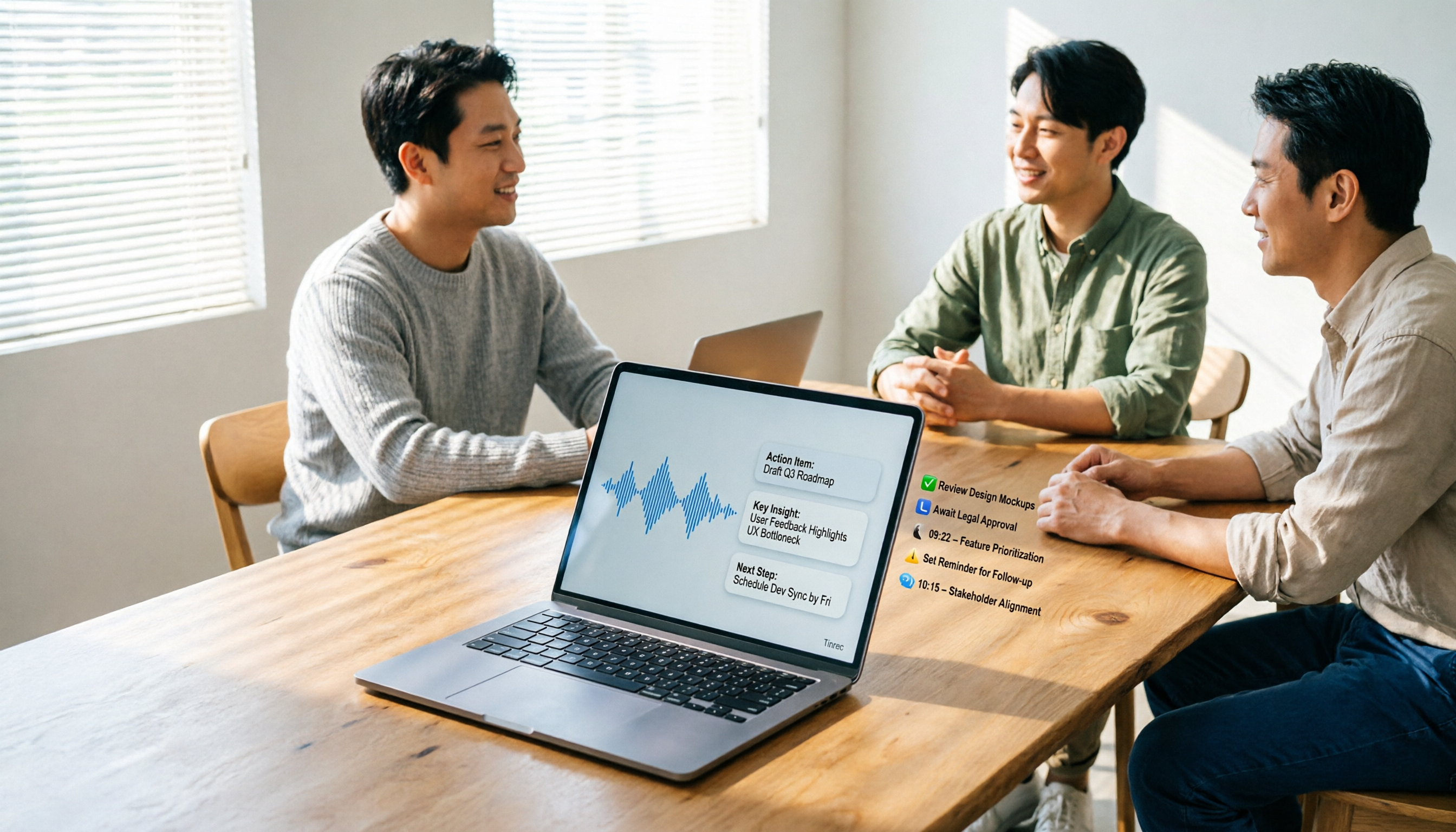
5 AI Meeting Agents Tested in 2026: Which One Turns Transcripts into Actionable Data?
The real cost of a meeting starts after it ends. Drawing from real-world use cases, this article shares hands-on observations and buying criteria for 5 AI meeting agents in 2026, and how I use Tinrec to turn a meeting recording into summaries, action items, and team-searchable meeting data.
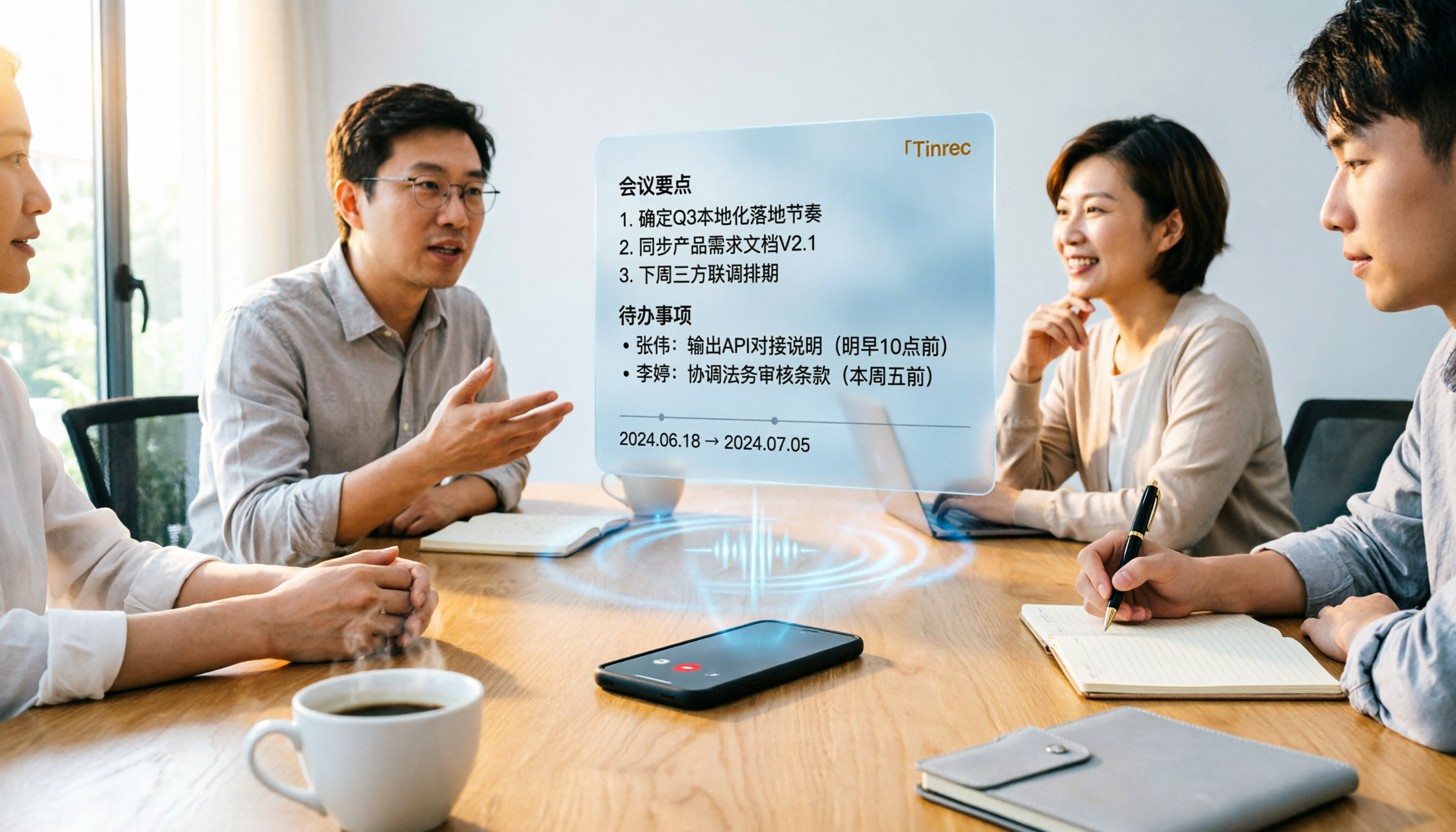
Tinrec vs Word Transcription: Which Is Better for Chinese Meetings in 2026?
Recording meetings and turning them into minutes isn't about the tool—it's about the workflow. This article compares Tinrec and Word's built-in transcription on a single workflow, covering Chinese recognition, online meeting recording, post-meeting organization, team collaboration, and Word export, with a copy-paste prompt template for meeting minutes.

4 AI Meeting Notes Tools Compared for 2026: From Transcripts to Team Knowledge
What is an AI Agent meeting notes tool, and how is it different from simple audio-to-text transcription? This side-by-side comparison of four common approaches in 2026 covers how meeting audio is captured, Chinese and mixed Chinese-English performance, post-meeting summaries and AI Q&A, team data ownership, and pricing—so you can see how to choose at a glance. It also outlines the four most common pitfalls.

How to Export Audio to Excel in 2026: AI Transcription + Auto-Generated To-Dos
Tired of spending hours transcribing meeting recordings into Excel? This guide breaks down the 4 key factors for choosing an audio-to-Excel tool, tests Tinrec's live transcription, AI Q&A, and multi-format export, and compares Otter.ai, Notta, and PLAUD to help you pick the right tool before your next meeting.
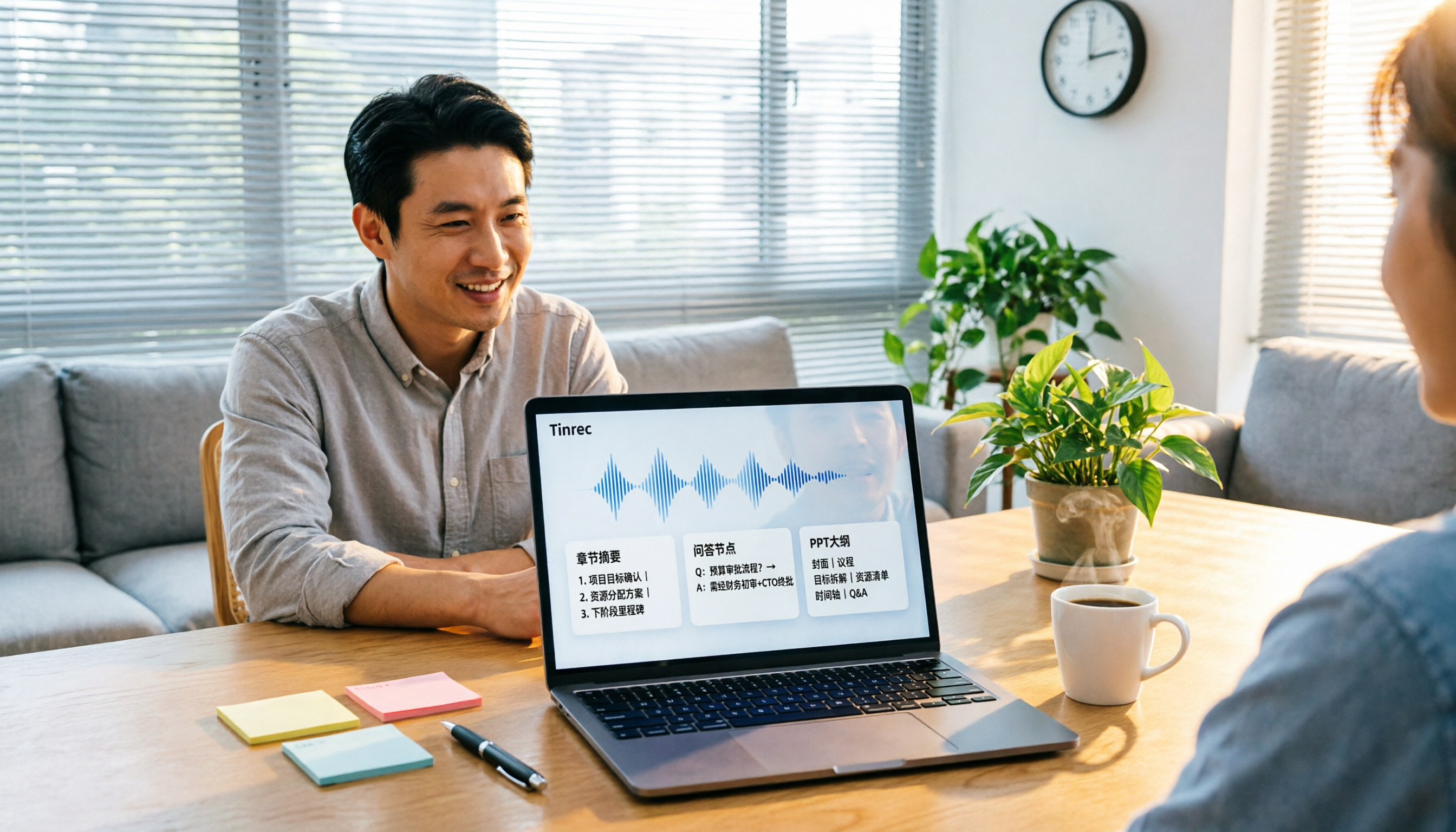
2026 Comparison of 4 Audio-to-Report Tools: From Transcript to PPT Outline, Which Saves the Most Time?
Turning meeting recordings into reports and PPTs often gets stuck not at transcription, but at post-transcription organization. This article breaks down the differences among 4 audio-to-report tools, covering summary sections, AI Q&A, export formats, and team seats, and explains how to connect meeting content into a PPT outline.