

Turn recordings into transcripts and summaries in minutes
Upload audio or video for multilingual transcription, AI notes, and action items
How to Export Audio to Excel in 2026: AI Transcription + Auto-Generated To-Dos
Why Does Turning Audio into an Excel Table Always Mean an All-Nighter?
It's 5:30 PM on a Friday. You have a 1-hour-42-minute meeting recording on your phone, and your boss drops a message in the group chat: "Organize the action items into an Excel table before you leave, with owners and deadlines." So you put on your headphones, start from minute one, pausing and typing, and by the time the table is done, it's already 9 PM.
The second scenario is even trickier: the recording is full of mixed Chinese and English, and after listening three times, you still can't tell if they said "next Wednesday" or "the 3rd of next month." The third scenario happens in cross-department meetings—three managers take turns speaking, and what you need isn't just a transcript, but a table that tracks "who, does what, by when."
The common thread across these three scenarios is: what you're missing isn't an Excel file, but a workflow that goes from "recording" to "usable table." Below, we'll first explain how to choose a tool, then break down the actual steps.
Before Exporting Audio to Excel, Understand These 4 Key Points
1. Don't just look at "can it export?"—look at "what does the export look like?" Many tools can export text to a file, but when you open it, it's a giant block of text with no line breaks—throwing that into Excel still means manually splitting it into columns. The real time-saver is a tool that structures the content before export: one column for action items, one for owners, one for deadlines. Paste it into a spreadsheet and it's ready to use.
2. Whether the transcript has timestamps determines if you can go back and check later AI summarization has its limits. When it comes to key numbers or commitments, you'll eventually need to go back to the original recording. If the transcript has timestamps, you can jump to that exact moment in a second; if not, you'll have to fast-forward from the beginning. This is where the cost of post-meeting verification differs the most.
3. Can you "ask AI before exporting"? The traditional workflow is: export the transcript, read it yourself, then organize the table. A newer workflow is: first ask the tool "What were the conclusions of this meeting?" "Who mentioned the budget?"—confirm the key points, then have it generate the table. The former takes 30 minutes of reading; the latter lets you finalize in 3 minutes.
4. Where does it go after export? Your workflow might not be Excel—it could be Notion, Google Docs, or your company's shared cloud. Whether the tool can export the same content to multiple places directly affects how many times you'll have to re-paste.
These four points are exactly where most people get stuck on the "audio to Excel" path.
Tinrec – Our Top Pick After Hands-On Testing
Tinrec is an AI meeting notes and collaboration tool for individuals and teams, available on iOS, Android, desktop, and web. It's not positioned as a "voice recorder," but as a way to turn meetings into searchable, collaborative, actionable data—that's the biggest difference from ordinary transcription tools when it comes to "exporting audio to a table."
No bot to invite during meetings. For online meetings (Zoom, Google Meet, Microsoft Teams, Webex), you can use the desktop app to capture system audio directly—no extra bot account needed to join the room. Tinrec doesn't auto-join meetings via calendar; you initiate recording yourself. During the meeting, the transcript is generated in real time; when it ends, AI has already prepared the summary, chapters, and action items. What used to take 90 minutes of re-listening is compressed into "review and fine-tune."
Ask directly after recording, no need to dig. This is where Tinrec stands out most from similarly priced tools. After recording, you can ask it "Who was responsible for the budget in the last meeting?" "What concerns did the client have about the delivery date?" It answers based on semantic understanding, not just a list of keyword search results. Get clarity first, then generate the table—columns fall into place naturally.
Tables and documents can be further processed. Tinrec supports multi-format export, bringing transcripts, summaries, and action items into Notion, Google Docs, OneNote, Dropbox, and other tools you already use. It also offers an internal Agent for post-processing, generating reports, tables, and documents based on meeting content. For anyone who has to submit weekly reports and track action items, this eliminates starting from a blank sheet.
Stop organizing recordings by hand
Upload audio or video and automatically get a transcript, summary, and action items
For teams, data doesn't leave with people. If you're a department or project team, the team plan offers a dedicated team space: meeting recordings, transcripts, action items, and folders are stored centrally, and new members can review past meetings. Admins can manage member roles and seats, view usage trends and details, and query and export audit logs. When a member leaves, is removed, or loses their seat, their team resources can be transferred to other active members without interruption. The team plan currently offers a 7-day trial for first-time eligible users, 1 free seat, and 300 minutes of shared team import quota; paid seats are USD 29.80/month or USD 199/year (about USD 16.58/month), with each paid seat providing 2,000 minutes of shared team import quota per month.
Limitations to be clear about. The free plan provides a basic quota, suitable for running through the workflow once. If you have a large number of meetings and files to organize every week, you'll need to consider Pro or the team plan. Also, transcription quality is affected by the recording environment—air conditioning noise, multiple people talking over each other, and technical jargon can all degrade results. For important content, it's recommended to use the transcript's timestamps to go back and verify against the original recording. The team plan currently focuses on team-level sharing; active members without a seat can still view, play, and read team data, but recording, uploading, editing, and importing/exporting require a seat.
Who is it for? If you frequently need to turn meeting, interview, or lecture recordings into trackable tables, want to use AI to find key points and then export, or your team needs to retain meeting data—Tinrec is the smoothest choice on this list.
Besides Tinrec, What Other Options Are There?
Otter.ai: A mature choice for English business meetings. The Basic free plan offers 300 minutes per month, and Pro annual billing is about USD 8.49/month. It has a high mindshare for English meetings, but Chinese and mixed Chinese-English meetings are not its strong suit. If your meetings are almost entirely in English and you only need basic transcription, it's a cost-effective option; but if you need Chinese transcripts plus post-meeting AI Q&A and team data retention, Tinrec's workflow is a better fit.
Notta: A direct competitor with good multilingual transcription. The Free plan offers 120 minutes per month, up to 3 minutes per session, and Pro annual billing is about USD 8.17/month. It's suitable for users focused on file transcription, translation, and subtitles. However, for "bot-free desktop recording of online meetings" and "post-meeting AI Q&A organization before export," Tinrec offers higher integration and a stronger team space concept.
PLAUD Note / NotePin: AI recording devices on the hardware route. NotePin is priced at about USD 159, suitable for scenarios requiring portable recording and phone call recording. If you already want a standalone device, it's convenient; but you'll need to carry an extra device and charge it. Tinrec requires no hardware—desktop, web, and mobile can handle both online and offline meetings.
Pitfall Guide: The 4 Most Common Mistakes in Audio-to-Excel
Pitfall 1: Only looking at "supports export," not the structure after export. Being able to export doesn't mean it's usable. We recommend taking your own meeting recording for a free trial to see if the output has a column concept—action items, owners, and deadlines separated means real time saved.
Pitfall 2: Treating AI summaries as transcripts. Summaries are good for quickly grasping key points, but when it comes to amounts, dates, and commitments, always go back to the transcript and recording to verify. When choosing a tool, whether the transcript has timestamps is far more important than how pretty the summary looks.
Pitfall 3: Ignoring data ownership. Meeting recordings stored under a personal account can easily disappear entirely when someone leaves, changes phones, or forgets to back up. For team use, prioritize solutions with a dedicated team space and resource handover mechanisms.
Pitfall 4: Buying a tool but only using one-third of its capabilities. If you only use the tool as "audio to text," you'll still have to read the transcript yourself to make a table. With Tinrec's AI Q&A—ask directly after recording "What were the conclusions and action items of this meeting?" and then have it generate tables and documents—that's where real time savings happen.
Conclusion: Which One Should You Choose?
In one sentence: If your recordings are mainly in Chinese, mixed Chinese-English, or team meetings, and your ultimate goal is a trackable table, Tinrec is the most suitable top pick on this list.
- Need Chinese meeting transcripts and want to organize them directly into a table after export → Tinrec (multi-format export + Agent post-processing to generate tables and documents)
- Want to ask AI "What are the conclusions? Who is responsible for what?" before generating files → Tinrec (AI Q&A)
- Don't want to invite an extra bot to online meetings → Tinrec (desktop app captures system audio)
- Need to use on phone, tablet, and computer without carrying extra hardware → Tinrec (iOS/Android/desktop/web)
- Multiple people sharing meeting data, need to manage seats and usage → Tinrec team plan (team space, roles and seats, usage analytics, audit logs)
- Meetings are almost entirely in English, only need basic transcription → Otter.ai, the rare case where we recommend another tool in this article
If you're still evaluating, we suggest running through one complete meeting with the free plan—from recording, transcription, AI Q&A to exporting a table—and you'll naturally know which version you need. Final reminder: before recording, obtain consent from participants in accordance with local laws. That's more important than which tool you choose.
References
Turn every recording into actionable outcomes
Get 60 free transcription minutes when you sign in. No credit card required.
Related Reading
You might also like

4 AI Agent Secretaries Tested in 2026: Which One Nails Chinese Meeting Notes and Post-Meeting To-Dos?
Only three lines of notes after a meeting? This article breaks down the difference between AI Agent secretaries and regular AI secretary apps, four key buying factors, and tests Tinrec, Fireflies.ai, Granola, and Notta on Chinese meetings, bot-free recording, and post-meeting action items, with pricing, limitations, and pitfalls to avoid.

How to Choose an AI Recording Agent in 2026: 5 Steps from Recording to Team Collaboration
An AI recording agent isn't just about buying hardware. This article starts with common misconceptions and compares Tinrec and PLAUD Note in terms of hardware requirements, online meeting recording, input sources, post-meeting organization, team collaboration, and pricing limits. It then walks you through 5 steps from recording to searchable meeting data for your team. Suitable for office workers, project teams, and budget-conscious users.

Tinrec vs Notta 2026: 5-Dimension Comparison — Which Audio-to-Document Tool Is Worth Choosing?
Audio-to-document tools aren't just about transcription accuracy — what matters is whether you get a raw transcript or a ready-to-deliver document. This article compares Tinrec and Notta across 5 key dimensions, briefly reviews Otter.ai and TurboScribe for specific use cases, and covers free tiers, pricing, and common pitfalls to help you choose the right audio-to-document tool.

2026 Recording-to-PPT Tools Compared: Why Tinrec Beats PLAUD and Notta
A 2026 hands-on comparison of recording-to-PPT tools, evaluating Tinrec, PLAUD, and Notta. From the perspective of 'what to do after recording,' it explains how Tinrec's bot-free online meeting recording, Chinese-friendly interface, and post-meeting AI summaries make it a better fit than PLAUD hardware and Notta for most meeting presentation scenarios.
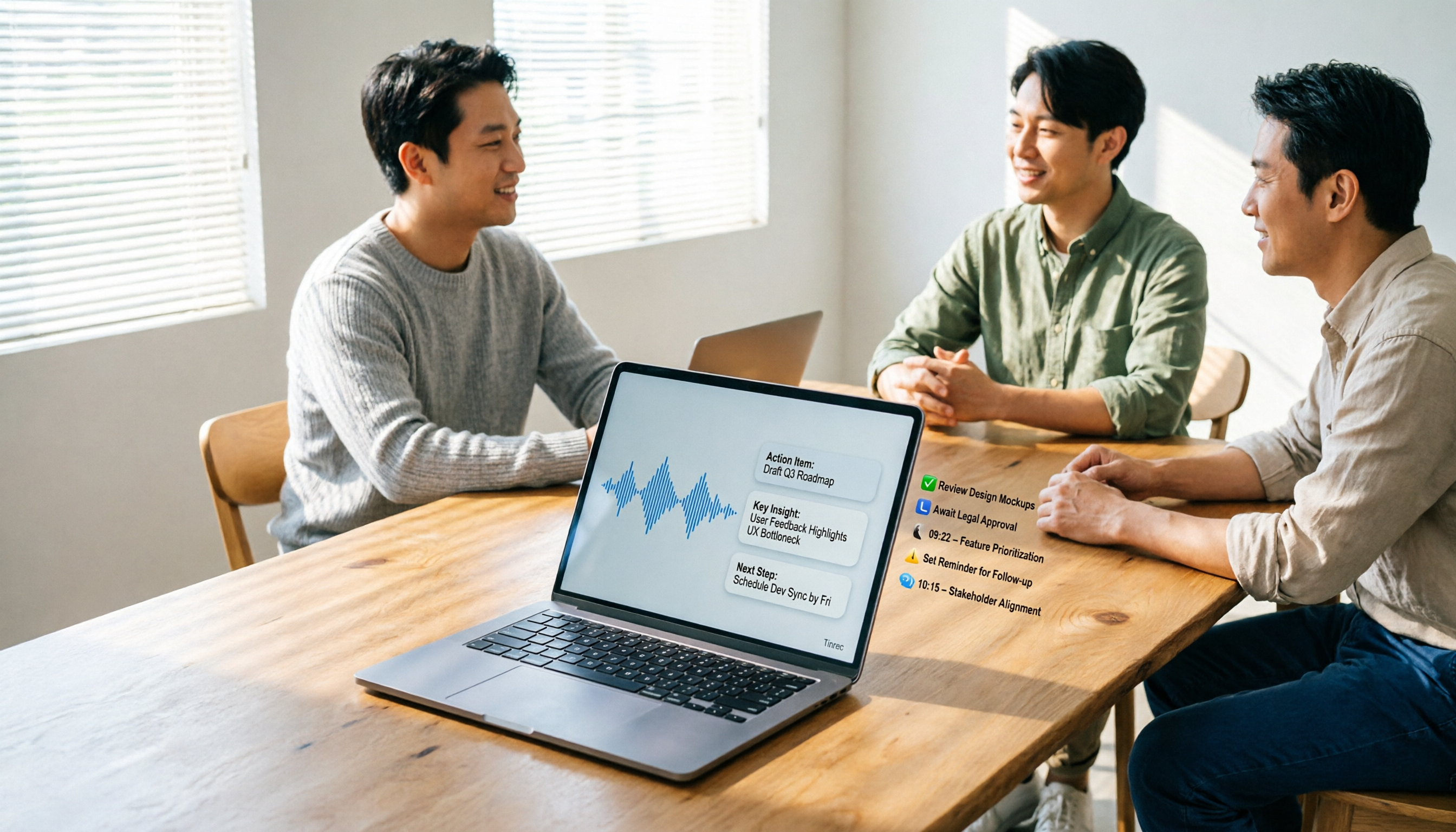
5 AI Meeting Agents Tested in 2026: Which One Turns Transcripts into Actionable Data?
The real cost of a meeting starts after it ends. Drawing from real-world use cases, this article shares hands-on observations and buying criteria for 5 AI meeting agents in 2026, and how I use Tinrec to turn a meeting recording into summaries, action items, and team-searchable meeting data.
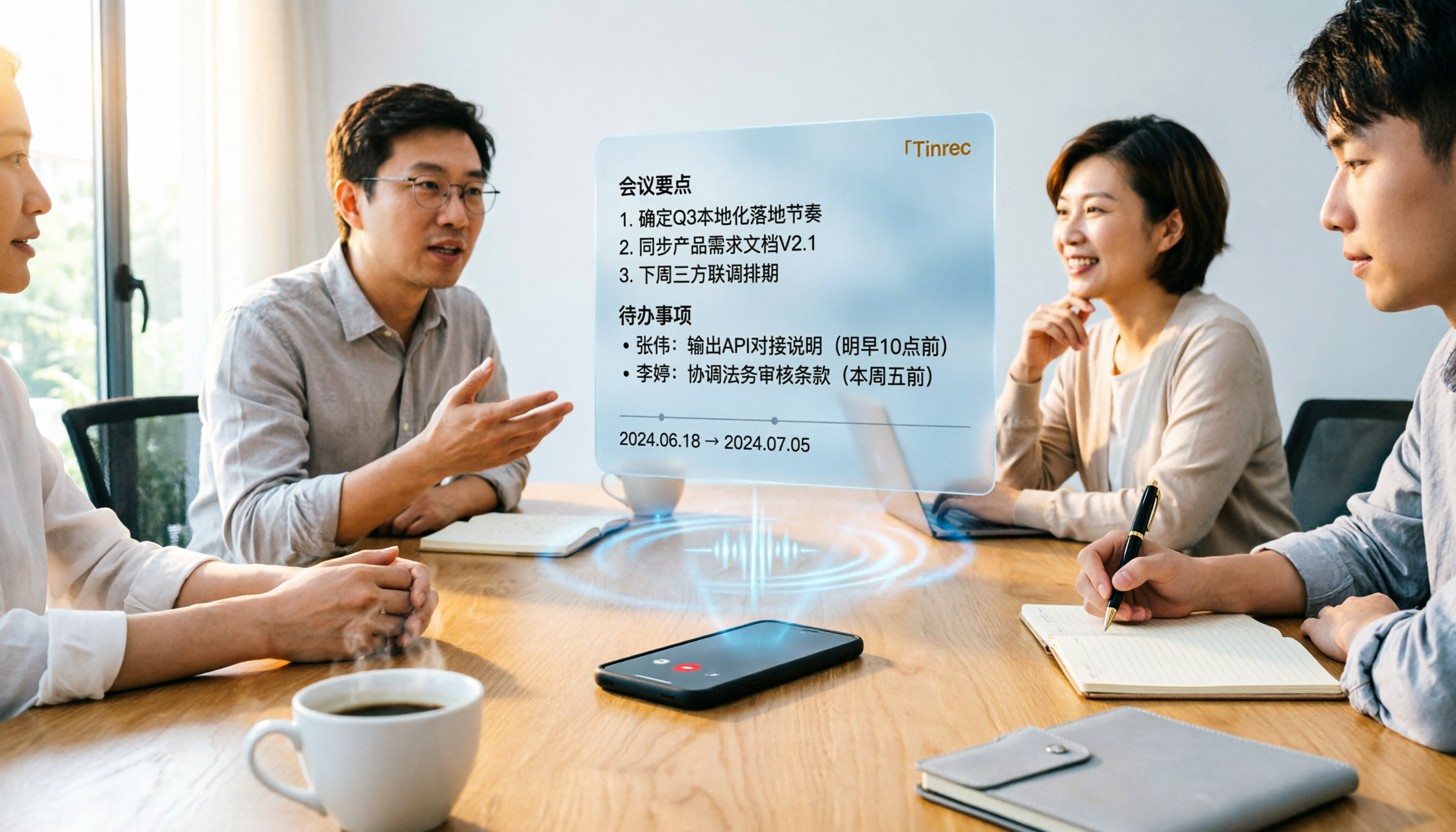
Tinrec vs Word Transcription: Which Is Better for Chinese Meetings in 2026?
Recording meetings and turning them into minutes isn't about the tool—it's about the workflow. This article compares Tinrec and Word's built-in transcription on a single workflow, covering Chinese recognition, online meeting recording, post-meeting organization, team collaboration, and Word export, with a copy-paste prompt template for meeting minutes.

4 AI Meeting Notes Tools Compared for 2026: From Transcripts to Team Knowledge
What is an AI Agent meeting notes tool, and how is it different from simple audio-to-text transcription? This side-by-side comparison of four common approaches in 2026 covers how meeting audio is captured, Chinese and mixed Chinese-English performance, post-meeting summaries and AI Q&A, team data ownership, and pricing—so you can see how to choose at a glance. It also outlines the four most common pitfalls.

2026 Comparison of 4 Audio-to-Report Tools: From Transcript to PPT Outline, Which Saves the Most Time?
Turning meeting recordings into reports and PPTs often gets stuck not at transcription, but at post-transcription organization. This article breaks down the differences among 4 audio-to-report tools, covering summary sections, AI Q&A, export formats, and team seats, and explains how to connect meeting content into a PPT outline.
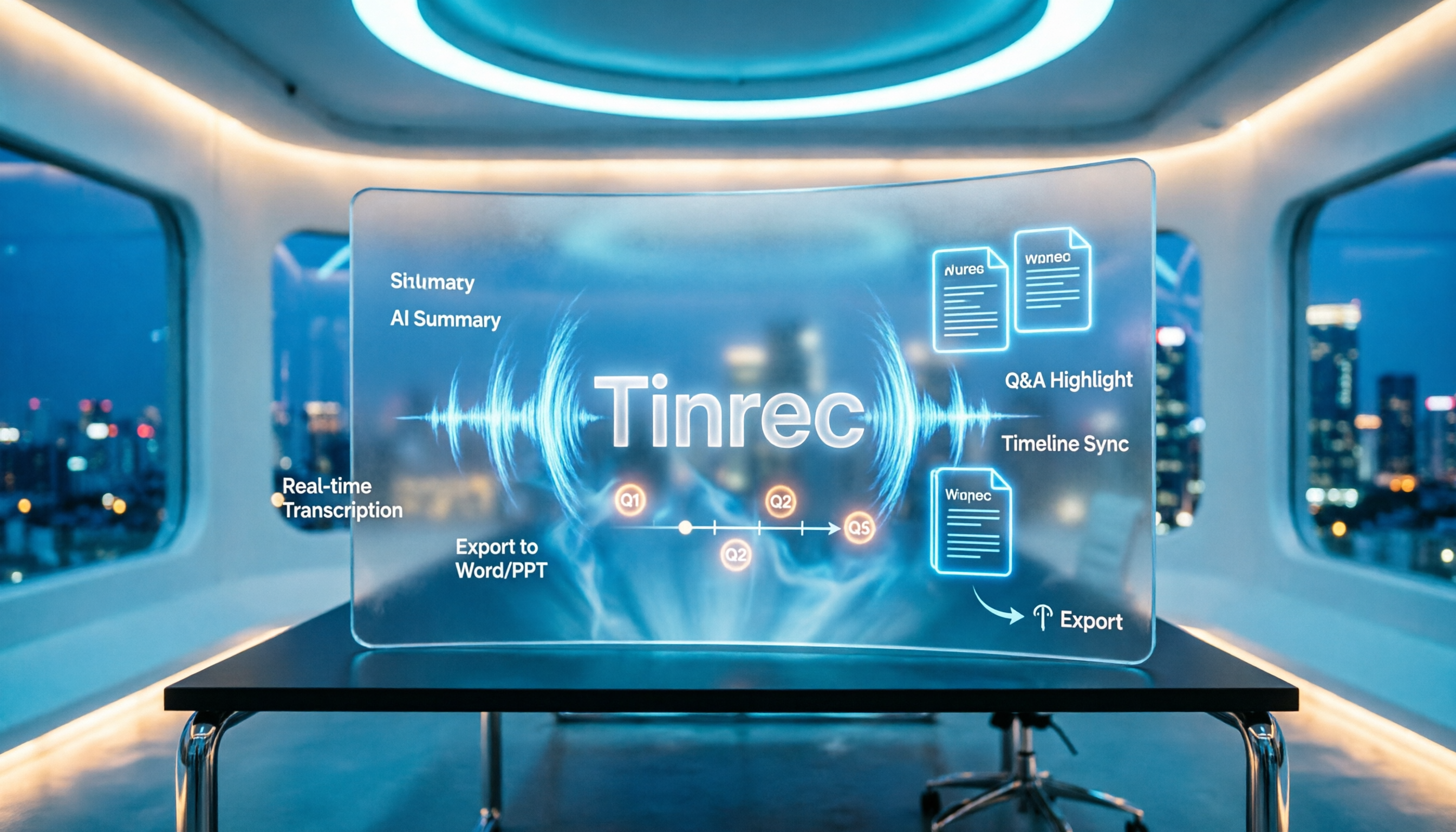
2026 AI Meeting Minutes Tools Compared: How to Use Word Templates Most Efficiently
Taking manual Word meeting minutes after a meeting is a common pain point for many office workers. This article compares four AI meeting transcription tools—Tinrec, Notta, Granola, and Otter.ai—covering transcript organization, mixed Chinese-English recognition, AI Q&A, and export to Word templates. It also summarizes 5 key selection criteria and 4 common pitfalls to help you find a truly time-saving approach.