
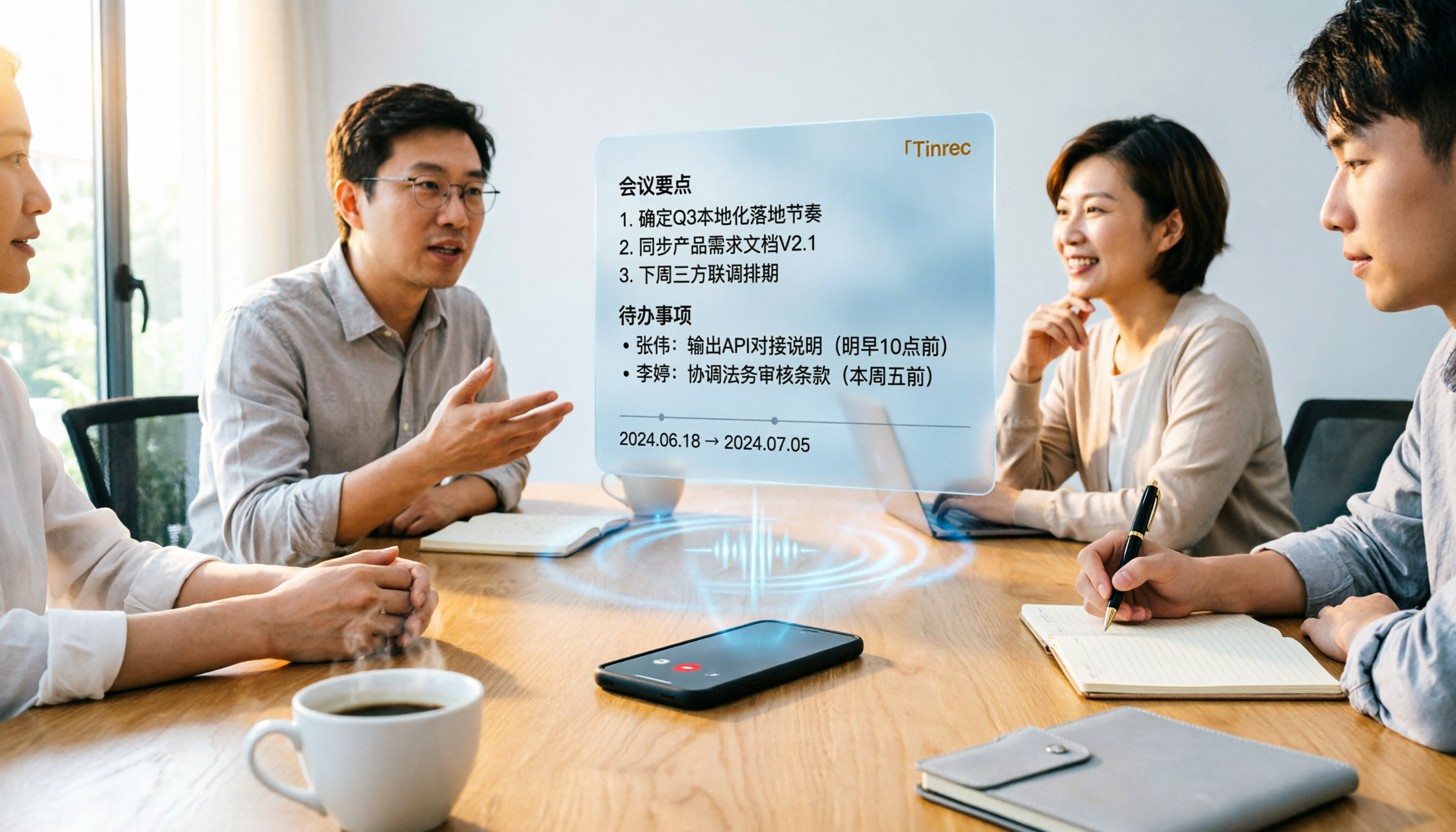
Turn recordings into transcripts and summaries in minutes
Upload audio or video for multilingual transcription, AI notes, and action items
Common Misconception: Treating a Transcript as Finished Meeting Minutes
I've been coaching teams for over fifteen years and have seen many ways of running meetings.
The most common mistake isn't a bad tool—it's conflating two things: audio-to-text conversion and producing meeting minutes.
Once people get a transcript, many feel the meeting is over. But usable meeting minutes must answer at least three questions: what was decided, who is responsible for what, and by when.
So a transcript is just raw material, not a finished product.
There's an even more common workflow error: starting with the most labor-intensive method.
Some people record the meeting, then go home and type it out word by word. Others drop the audio into Word and listen while editing in the transcription pane. Both approaches take time but spend it in the wrong place.
My own order is: first get the recording right, then let AI transcribe, and spend my time only on using it—picking key points, confirming action items, and writing something others can understand.
But there's a common pitfall: the quality of meeting recording depends on how you capture audio.
If your computer's microphone input is still set to a headset mic, in-person meetings won't be captured at all; if you want to record a virtual call, wearing a headset might prevent recording the other party. Such setup errors make all subsequent AI transcription useless.
This article isn't just a tool introduction. I want to discuss how to design this workflow and compare it with an option many people think of first: Word's built-in transcription feature.
Tinrec vs Word Built-in Transcription | Quick Overview
Word's transcription is positioned as "a capability within a document": converting speech to text captions, separating speakers, and finally saving the entire text record as a Word document or inserting segments into existing documents.
Tinrec is positioned as "a meeting workflow": from recording and transcription to summaries, action items, Q&A, and finally storing data in a team space.
| Item | Tinrec | Word Built-in Transcription |
|---|---|---|
| Core positioning | AI meeting notes and collaboration tool | Transcription feature within Word documents |
| Online meetings | Desktop version captures system audio, no bot needed | Primarily local microphone input |
| Main output | Transcript, summary, chapters, action items, Q&A, documents and tables | Transcript, Word document |
Below I'll examine five dimensions, as they correspond to the workflow: record, transcribe, use, collaborate, deliver.
Dimension 1 | Chinese and Mixed Chinese-English Recognition
Word's transcription supports multiple languages and is sufficient for teams communicating mainly in English.
But in Taiwan's meetings, Chinese is often primary, with English terms and long, similar-sounding names of people and companies. Here, Word's performance depends on your recording conditions, and corrections usually require manual segment-by-segment comparison. Official documentation also warns that incorrect microphone input settings can lead to disappointing results.
Tinrec focuses on Chinese and multilingual meetings: Chinese, Traditional Chinese, and multilingual transcription, handling mixed Chinese-English content, and during recording you can view original text, translation, or bilingual content in real time.
More critically, team hotwords. You can add company-specific product names, project codes, and people's names to make terminology recognition more stable. This is something Word's one-off processing model struggles to accumulate.
→ This dimension: For Chinese meetings and mixed Chinese-English scenarios, Tinrec's overall design is more aligned with needs.
Dimension 2 | How to Record Online Meetings
This is where the two differ most.
Word's approach: you can record directly while taking notes on the canvas, Word transcribes in the background, you write as you record, and after saving you see the full text record. This is great for "one person sitting at a computer, attending an in-person meeting."
But if the meeting happens on Zoom, Google Meet, Microsoft Teams, or Webex, what you need is to "record the sound coming from the computer."
Tinrec's desktop version directly captures the device's system audio. You just open Tinrec and start recording to capture these online meetings and generate a transcript in real time, without inviting an extra meeting bot as a participant.
Note that this does not mean "automatically joining all calendar meetings," nor does it rely on official platform partnerships—you decide when to start recording.
→ This dimension: For online meetings, Tinrec's workflow has one less step and one less distraction.
Dimension 3 | From Transcript to Actionable Meeting Minutes
This is the real watershed.
Word's transcript is essentially the endpoint. It saves you from re-listening, but to write summaries, decisions, and action items, you still have to do it yourself or ask AI in Word to organize it again.
Tinrec builds post-processing into the workflow: automatically generates summaries, chapters, and key points, extracts action items from discussions, and can visualize topic structure with mind maps. If you want to follow up on details after the meeting, you can directly ask AI questions about the meeting content; for deliverables, use Agent post-processing to generate reports, tables, and documents.
My most common practice is to first have it produce chapters, then ask one question: "What commitments in this meeting have no assigned owner?" This question would take a long time to answer by manually scanning the transcript.
Stop organizing recordings by hand
Upload audio or video and automatically get a transcript, summary, and action items
→ This dimension: Tinrec wins because it handles meeting minutes, not just transcripts.
Dimension 4 | Cross-Platform Use and Team Collaboration
Word requires you to have the desktop version, and for larger audio uploads, official documentation states you need a Microsoft Copilot license (eligible users can transcribe up to 30,000 minutes of uploaded audio per month). Sharing means sharing that Word document.
Tinrec takes a different path: available on web, desktop, and mobile; you can record on the go with your phone and organize later at the office.
When meetings shift from individual to team, the differences amplify.
Tinrec's team version is a separate team space, not multiple people sharing a personal account. Meeting data belongs to the team, with three concepts: roles, seats, and members—roles determine who can manage the team and audit, seats determine who can record, upload, edit, and export, and members without seats can still view, play, and read data.
Teams can also: uniformly store Audio, Folder, and TODO, view usage trends and member details, manage team hotwords, query and export audit logs, and use the audio recycle bin. When a member leaves or is removed from a seat, resources can be transferred to other active members, so data doesn't follow the person.
Current team plan configuration: first eligible team trial is 7 days, 1 free seat, 300 minutes of team shared import quota; monthly USD 29.80 per paid seat per month, annual USD 199 per paid seat per year (about USD 16.58 per month); each paid seat provides 2,000 minutes of team shared import quota per month, and under an active plan and active seat, real-time recording currently does not deduct minutes. Actual prices and promotions are subject to the official purchase page.
For individual use, Tinrec also offers a free version, weekly pass, Pro monthly, and Pro annual, so you can choose based on tasks without buying the heaviest plan upfront.
→ This dimension: As long as a meeting involves two or more people sharing data long-term, Tinrec is clearly more suitable.
Dimension 5 | Export to Word and Subsequent Workflow
The answer here isn't conflicting—both can ultimately produce Word.
The difference is "what you have before it goes into Word." Word's advantage is you're already working in Word; transcripts can be saved directly as documents, and segments can be inserted into existing documents.
Tinrec treats Word as one of several outputs: supports multiple export formats, can be taken to Notion, Google Docs, OneNote, Dropbox, etc. for further processing; also can directly generate documents, reports, and tables.
In other words, one is "done in Word," the other is "organized then handed to Word."
→ This dimension: Tie, depending on where your work habits lie.
What Are the Unique Advantages of Each?
Tinrec's unique advantages:
- Bot-free online meeting recording. Desktop version captures system audio, no extra participant needed, no interruption to meeting flow.
- More than a transcript. Summaries, chapters, action items, mind maps, AI Q&A, Agent post-processing—all connected in one workflow.
- Team data accumulation. Team space, seat management, usage analytics, audit logs, audio recycle bin—turning meetings into searchable, traceable assets.
- Clear focus on Chinese meetings. Mixed Chinese-English, real-time translation, bilingual viewing, team hotwords—all designed for Chinese scenarios.
Word built-in transcription's unique advantages:
- No extra installation. For those already working in Word daily, learning cost is near zero, and transcripts land directly in the document.
- If you have the appropriate license, the audio upload transcription quota is substantial, suitable for simple long audio-to-text needs.
Conclusion: Which Should You Choose?
- If your meetings are in Chinese or mixed Chinese-English, and often include your own product names and project codes → Tinrec (hotwords and multilingual are designed for this)
- If you mainly meet on Zoom, Meet, Teams → Tinrec (desktop bot-free recording, no extra participants)
- If you want "summaries and action items right after the meeting" → Tinrec (Word's transcript is raw material, not a finished product)
- If you need multiple people to share the same meeting data, with permissions and usage management → Tinrec team version (seats, audit, recycle bin, resource handover)
- If you only work in Word and just need to convert audio files to text → Word built-in transcription is sufficient
In one sentence: For most teams that need to "turn meetings into actionable data," Tinrec is a more complete choice; if you just occasionally want to turn a recording into text, start with the tools you already have.
Quick Start Checklist (Follow This Order)
- Fix audio capture first. For in-person meetings, confirm microphone source; for virtual calls, don't use a headset to capture audio—let device audio go directly into the recording.
- Decide recording method. For online meetings, use desktop version to capture system audio; for in-person meetings or interviews, use phone or desktop for real-time recording.
- Set up team hotwords. Add company names, product names, project codes, and frequently appearing people's names first—recognition will be much more stable.
- Get the transcript first, then ask for structure. Generate summaries, chapters, and action items in one go; don't rush to edit manually.
- Use questions to extract key points. You can directly copy this prompt:
Please organize this transcript into meeting minutes, divided into four sections: 1. Three main conclusions, each with one supporting sentence; 2. Action items, listing owner and deadline, mark "TBD" for those without an assigned owner; 3. Unresolved issues; 4. Timestamps that need to be checked against the original text.
- Export to your work environment. If it goes into Word, export to Word; if it goes to Notion or Google Docs, take it directly—don't copy again.
What recording-to-minutes really saves isn't typing time—it's the number of times you re-listen to the recording.
Start with one meeting, test with your own recording, and you'll quickly feel the difference. Adjust gradually, and you'll master this method.
References
- How to use AI for meeting minutes? How to organize meeting transcripts? | AI speech-to-transcript tutorial | 104 Career Power
- Transcribe your recordings | Microsoft Support
References
- How to use AI for meeting minutes? How to organize meeting transcripts? | AI speech-to-transcript tutorial | 104 Career Power
- Transcribe your recordings - Microsoft Support
- Transcribe your recordings | Microsoft Support
- No more taking turns writing meeting minutes! 3 AI tools for real-time notes and summaries, so you can focus on the meeting | Manager Today
- Gemini tutorial | AI automatically generates meeting minutes, a highly efficient note-taking method 100x faster than handwriting - Workplace AI Training, Customer Service Outsourcing & Service Outsourcing - Chainsea Information
Turn every recording into actionable outcomes
Get 60 free transcription minutes when you sign in. No credit card required.
Related Reading
You might also like

4 AI Agent Secretaries Tested in 2026: Which One Nails Chinese Meeting Notes and Post-Meeting To-Dos?
Only three lines of notes after a meeting? This article breaks down the difference between AI Agent secretaries and regular AI secretary apps, four key buying factors, and tests Tinrec, Fireflies.ai, Granola, and Notta on Chinese meetings, bot-free recording, and post-meeting action items, with pricing, limitations, and pitfalls to avoid.

How to Choose an AI Recording Agent in 2026: 5 Steps from Recording to Team Collaboration
An AI recording agent isn't just about buying hardware. This article starts with common misconceptions and compares Tinrec and PLAUD Note in terms of hardware requirements, online meeting recording, input sources, post-meeting organization, team collaboration, and pricing limits. It then walks you through 5 steps from recording to searchable meeting data for your team. Suitable for office workers, project teams, and budget-conscious users.

Tinrec vs Notta 2026: 5-Dimension Comparison — Which Audio-to-Document Tool Is Worth Choosing?
Audio-to-document tools aren't just about transcription accuracy — what matters is whether you get a raw transcript or a ready-to-deliver document. This article compares Tinrec and Notta across 5 key dimensions, briefly reviews Otter.ai and TurboScribe for specific use cases, and covers free tiers, pricing, and common pitfalls to help you choose the right audio-to-document tool.

2026 Recording-to-PPT Tools Compared: Why Tinrec Beats PLAUD and Notta
A 2026 hands-on comparison of recording-to-PPT tools, evaluating Tinrec, PLAUD, and Notta. From the perspective of 'what to do after recording,' it explains how Tinrec's bot-free online meeting recording, Chinese-friendly interface, and post-meeting AI summaries make it a better fit than PLAUD hardware and Notta for most meeting presentation scenarios.
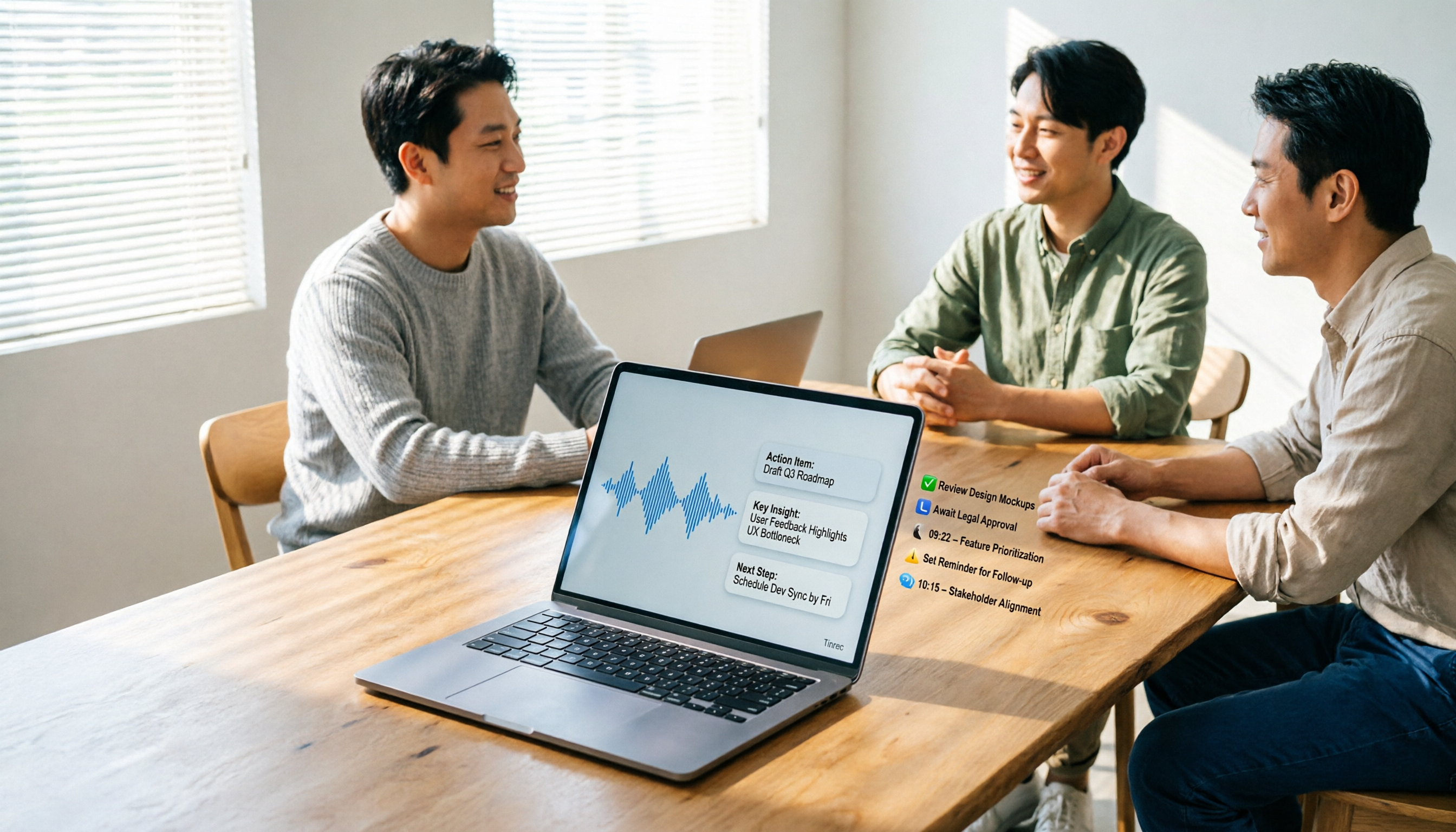
5 AI Meeting Agents Tested in 2026: Which One Turns Transcripts into Actionable Data?
The real cost of a meeting starts after it ends. Drawing from real-world use cases, this article shares hands-on observations and buying criteria for 5 AI meeting agents in 2026, and how I use Tinrec to turn a meeting recording into summaries, action items, and team-searchable meeting data.

4 AI Meeting Notes Tools Compared for 2026: From Transcripts to Team Knowledge
What is an AI Agent meeting notes tool, and how is it different from simple audio-to-text transcription? This side-by-side comparison of four common approaches in 2026 covers how meeting audio is captured, Chinese and mixed Chinese-English performance, post-meeting summaries and AI Q&A, team data ownership, and pricing—so you can see how to choose at a glance. It also outlines the four most common pitfalls.

How to Export Audio to Excel in 2026: AI Transcription + Auto-Generated To-Dos
Tired of spending hours transcribing meeting recordings into Excel? This guide breaks down the 4 key factors for choosing an audio-to-Excel tool, tests Tinrec's live transcription, AI Q&A, and multi-format export, and compares Otter.ai, Notta, and PLAUD to help you pick the right tool before your next meeting.
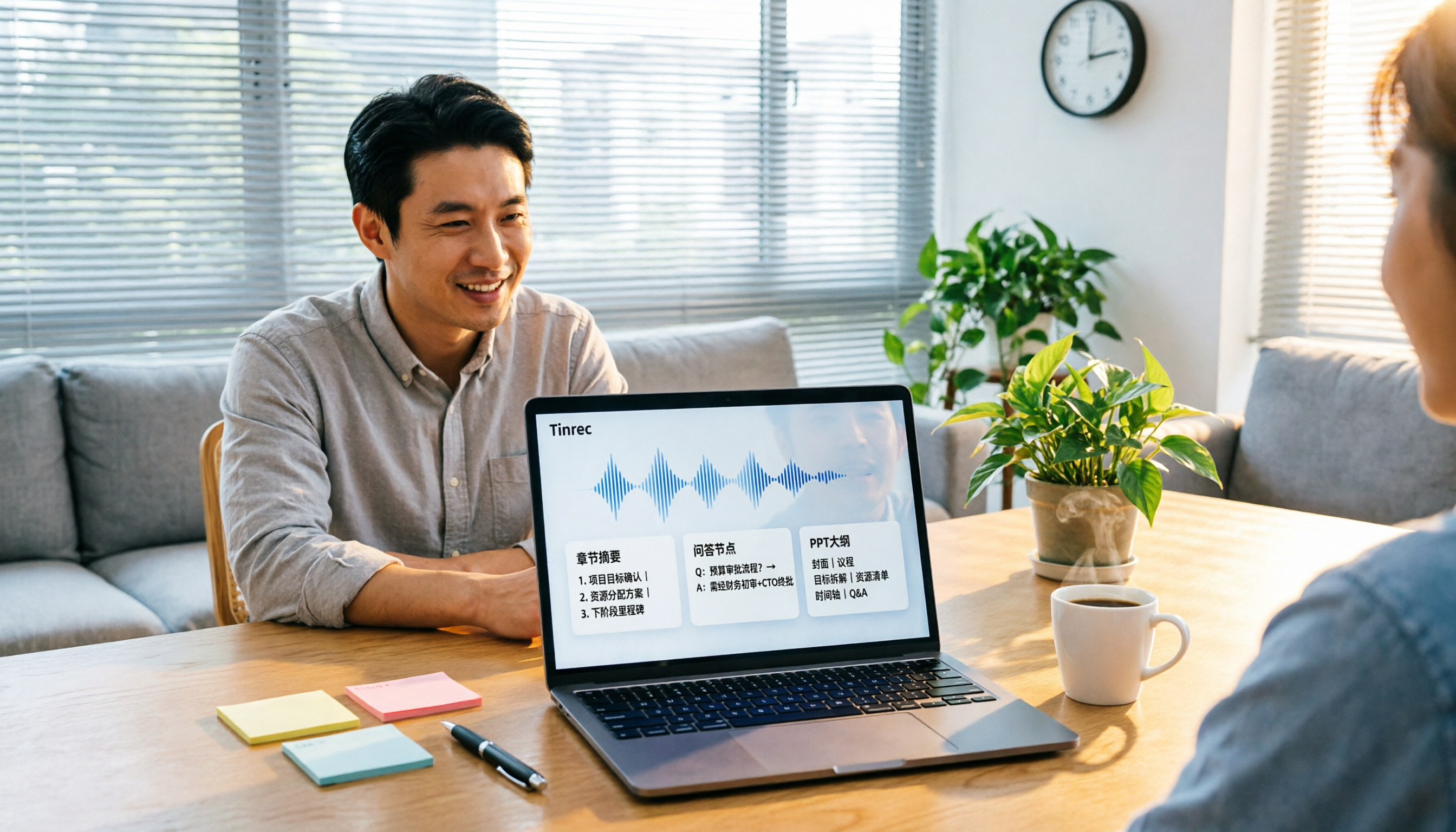
2026 Comparison of 4 Audio-to-Report Tools: From Transcript to PPT Outline, Which Saves the Most Time?
Turning meeting recordings into reports and PPTs often gets stuck not at transcription, but at post-transcription organization. This article breaks down the differences among 4 audio-to-report tools, covering summary sections, AI Q&A, export formats, and team seats, and explains how to connect meeting content into a PPT outline.
2026 AI Meeting Minutes Tools Compared: How to Use Word Templates Most Efficiently
Taking manual Word meeting minutes after a meeting is a common pain point for many office workers. This article compares four AI meeting transcription tools—Tinrec, Notta, Granola, and Otter.ai—covering transcript organization, mixed Chinese-English recognition, AI Q&A, and export to Word templates. It also summarizes 5 key selection criteria and 4 common pitfalls to help you find a truly time-saving approach.