
Turn recordings into transcripts and summaries in minutes
Upload audio or video for multilingual transcription, AI notes, and action items
2026 Comparison of 4 Audio-to-Report Tools: From Transcript to PPT Outline, Which Saves the Most Time?
The real work starts after the meeting—you don't need a recording, you need deliverable data
When it comes to "audio to report," the first thing to determine isn't "which one transcribes accurately," but "which one lets you deliver something within half an hour after the meeting."
A two-hour meeting might produce a transcript in just a few minutes. But turning it into a readable report or a few PPT slides often takes another two hours. The difference lies in whether the tool can handle the "post-transcription" phase.
If you're looking for a "record in, report out" workflow, these decision points will be more useful than a spec sheet.
Before Choosing an Audio-to-Report Tool, Understand These 5 Key Points
1. What does it leave you after transcription?
A transcript is just raw material. What really saves time are summaries, sections, key points, and action items—these form the skeleton of a report. A tool that only gives you a transcript is essentially handing the organization work right back to you.
2. Does it have AI Q&A and post-processing?
After recording, can you directly ask "What was the conclusion of this meeting?" or "Who is responsible for which item?" That makes a big difference. Even better is whether it can generate reports, tables, and documents from the meeting content—that's the key to "generating reports."
3. Output formats determine what you can produce
If a tool can only export plain text, you'll have to format your PPT from scratch. If it can export to Notion, Google Docs, OneNote, or Dropbox, it directly plugs into your existing workflow.
4. Handling Chinese and mixed Chinese-English meetings
Meetings in Taiwan rarely use pure Chinese; technical terms, product names, and English abbreviations are common. How a tool handles mixed Chinese-English content directly affects how much you'll need to edit later.
5. For team use, governance matters
When multiple people share access, it's important to distinguish "roles," "seats," and "members" as three different concepts. Roles determine who can manage the team; seats determine who can record, upload, edit, and export. Members without a seat can still view and play team data.
Tinrec—The One That Best Fits the "Recording to Report" Workflow
Tinrec is an AI meeting notes and collaboration tool for individuals and teams, available on web, desktop, and mobile.
It aims to solve not just "turning voice into text," but organizing meeting recordings into searchable, summarizable, queryable, exportable, and further processable data.
Bot-free recording for online meetings
The desktop version captures your computer's system audio directly, handling Zoom, Google Meet, Microsoft Teams, Webex, and other online meetings without inviting a meeting bot. Note that this is not "automatically joining all calendar meetings"—users still need to actively open Tinrec to start recording.
Automatic post-meeting organization, not just a transcript
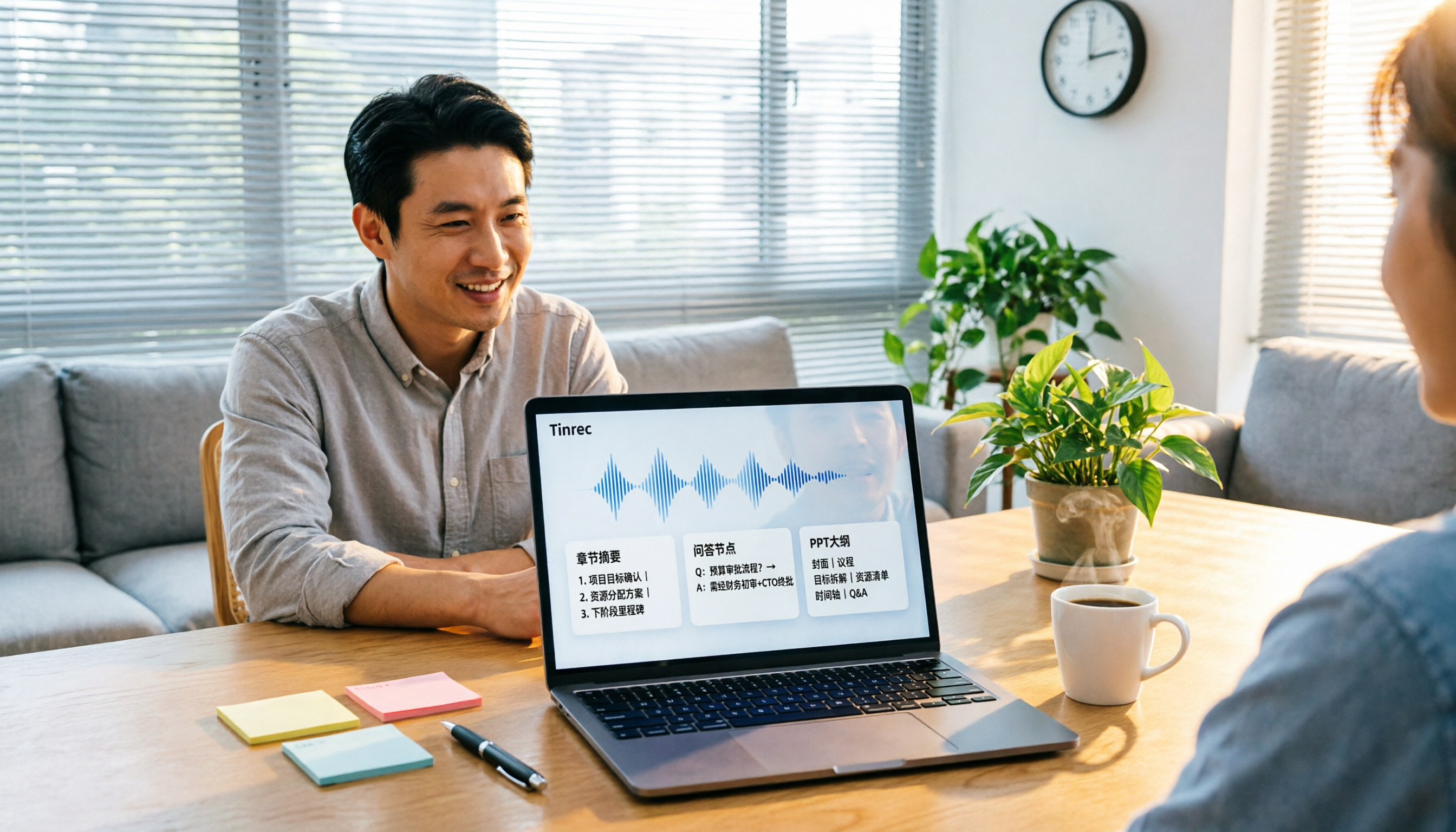
Transcription happens in real-time during recording. After the meeting, the system generates an AI summary, sections, key points, and action items, and can even create a mind map. For those who often write meeting minutes, this step saves the most noticeable time.
AI Q&A: Continue asking after recording
You can directly ask Tinrec in a conversational way: "Who mentioned the budget in the last meeting?" It will answer based on the meeting content, not just throw a list of keyword search results at you.
Agent post-processing: Turn meetings into deliverable documents
This is the most direct part of "generating reports." Tinrec can generate reports, tables, and documents based on meeting content, suitable for briefings, reviews, and post-meeting delivery. To be clear—it produces structured text data; you still need to format the PPT yourself, but the outline, sections, and key points can be used directly as the skeleton for your PPT.
Export and team knowledge retention
Organized content can be exported to Notion, Google Docs, OneNote, Dropbox, and other tools for further processing. The team version centralizes meeting data in a team space, where members can view, query, and reuse past meetings, and data isn't lost when members leave.
About accuracy
Stop organizing recordings by hand
Upload audio or video and automatically get a transcript, summary, and action items
Officially, fixed numbers are not recommended for external commitments. Actual performance is affected by recording quality, ambient noise, accents, overlapping speakers, and technical terminology. If your team frequently uses specific terms, you can use "team hotwords" to maintain recognition quality.
Limitations to be clear about
The personal version has a free plan, weekly pass, Pro monthly, and Pro annual; their quotas and prices are subject to the official purchase page, and this article does not list fixed numbers. The current team version terms: first-time eligible users can try 7 days, 1 free seat, 300 minutes of team shared import quota; paid seats are USD 29.80/seat/month, annual USD 199/seat/year (about USD 16.58/month), each paid seat provides 2,000 minutes of team shared import quota per month, and real-time recording is not deducted by minutes under a valid plan and active seat.
Who it's for
If you need to turn meeting recordings into deliverable reports or presentation materials, and want to use AI to query details after recording, Tinrec is currently the most complete workflow. For teams that want to retain meeting data together, its team space, seat management, and usage analytics are also useful.
Besides Tinrec, What Other Options Are There?
Otter.ai
A mature choice for English business meetings. The free Basic plan offers 300 minutes per month; Pro annual is about USD 8.49/user/month. If your meetings are almost entirely in English and budget is limited, it's a more cost-effective option than Tinrec. But if your meeting content is mainly Chinese or mixed Chinese-English, Tinrec is more tailored for organizing and bilingual viewing of such content.
Fireflies.ai
Strong in meeting automation and extensive third-party integrations. Free plan is USD 0, Pro is USD 10/seat/month. Its main operation is having a meeting bot join the meeting; Tinrec uses desktop system audio capture, so no extra bot enters the meeting room.
Notta
A multi-platform transcription tool with high overlap with Tinrec. Free version offers 120 minutes per month, max 3 minutes per single item; Pro annual is about USD 8.17/month. It performs well in document transcription and translation; Tinrec is more complete in bot-free online meeting recording, AI Q&A, and Agent post-processing.
Pitfall Guide: 4 Most Common Mistakes When Choosing an Audio-to-Report Tool
Pitfall 1: Assuming "can transcribe" equals "can generate reports"
A transcript is not a report; in between are summaries, sections, key points, and action items. When choosing a tool, look directly at what it does after transcription.
Pitfall 2: Expecting the tool to make the PPT for you
Currently, most AI meeting tools produce text structures, not presentation files. The real approach is to let the tool organize the outline, sections, and key points, and then you move them into PPT. If your expectation is "press a button and get a formatted presentation," adjusting expectations is more realistic.
Pitfall 3: Only looking at free minutes, ignoring export and collaboration
A large free quota doesn't mean it's usable. If export formats are basic and can't connect to your existing workflow, you'll still end up manually copying and pasting. Export capability is as important as quota.
Pitfall 4: Confusing "roles" and "seats" when purchasing for a team
Roles determine who can manage the team; seats determine who can actually use recording, upload, edit, and export. Active members without a seat can only view and play. Clarify before purchasing so you don't find out someone can't use it after buying.
Conclusion: Which One Should You Choose?
In one sentence: If your goal is "record in, deliverable data out," Tinrec is the most complete workflow among these.
- To turn meeting recordings into reports, tables, or PPT outlines → Tinrec (has summaries, sections, action items, and Agent post-processing)
- Meetings are often mixed Chinese-English, need bilingual viewing → Tinrec (supports real-time translation and bilingual content)
- Don't want to invite another bot into the meeting room → Tinrec (desktop bot-free recording)
- Team wants to retain past meetings as a shared database → Tinrec (team space, seat management, usage analytics, audit logs)
- Meetings are almost entirely in English, budget priority → Otter.ai (free 300 minutes per month, one of the few exceptions recommended in this article)
We suggest starting with Tinrec's free version, trying it with a real meeting you have on hand, and seeing if its summaries and action items are something you can directly use, then deciding whether to upgrade.
Recording and transcription involve others' privacy. Please comply with local regulations and obtain consent from participants when needed.
References
- How to record audio in PPT? Complete guide to PowerPoint narration recording (2026)
- Record a slide show with narration and slide timings - Microsoft Support
- Add or delete audio in your PowerPoint presentation - Microsoft Support
- How to use PowerPoint 2010 to record narration and make a video by Teacher Huang Lingling
- Add or delete audio in your PowerPoint presentation | Microsoft Support
Turn every recording into actionable outcomes
Get 60 free transcription minutes when you sign in. No credit card required.
Related Reading
You might also like

4 AI Agent Secretaries Tested in 2026: Which One Nails Chinese Meeting Notes and Post-Meeting To-Dos?
Only three lines of notes after a meeting? This article breaks down the difference between AI Agent secretaries and regular AI secretary apps, four key buying factors, and tests Tinrec, Fireflies.ai, Granola, and Notta on Chinese meetings, bot-free recording, and post-meeting action items, with pricing, limitations, and pitfalls to avoid.

How to Choose an AI Recording Agent in 2026: 5 Steps from Recording to Team Collaboration
An AI recording agent isn't just about buying hardware. This article starts with common misconceptions and compares Tinrec and PLAUD Note in terms of hardware requirements, online meeting recording, input sources, post-meeting organization, team collaboration, and pricing limits. It then walks you through 5 steps from recording to searchable meeting data for your team. Suitable for office workers, project teams, and budget-conscious users.
Tinrec vs Notta 2026: 5-Dimension Comparison — Which Audio-to-Document Tool Is Worth Choosing?
Audio-to-document tools aren't just about transcription accuracy — what matters is whether you get a raw transcript or a ready-to-deliver document. This article compares Tinrec and Notta across 5 key dimensions, briefly reviews Otter.ai and TurboScribe for specific use cases, and covers free tiers, pricing, and common pitfalls to help you choose the right audio-to-document tool.

2026 Recording-to-PPT Tools Compared: Why Tinrec Beats PLAUD and Notta
A 2026 hands-on comparison of recording-to-PPT tools, evaluating Tinrec, PLAUD, and Notta. From the perspective of 'what to do after recording,' it explains how Tinrec's bot-free online meeting recording, Chinese-friendly interface, and post-meeting AI summaries make it a better fit than PLAUD hardware and Notta for most meeting presentation scenarios.
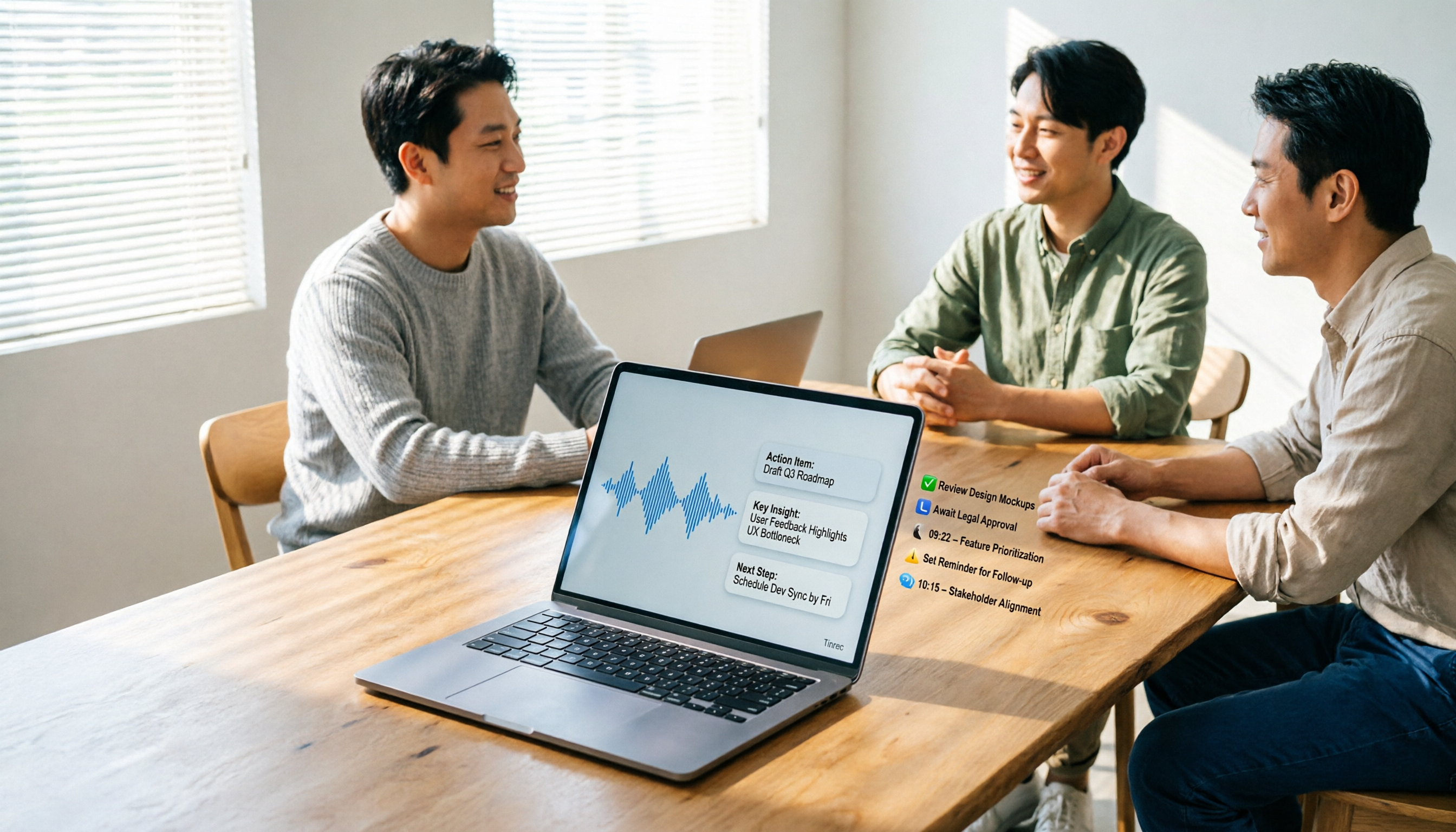
5 AI Meeting Agents Tested in 2026: Which One Turns Transcripts into Actionable Data?
The real cost of a meeting starts after it ends. Drawing from real-world use cases, this article shares hands-on observations and buying criteria for 5 AI meeting agents in 2026, and how I use Tinrec to turn a meeting recording into summaries, action items, and team-searchable meeting data.
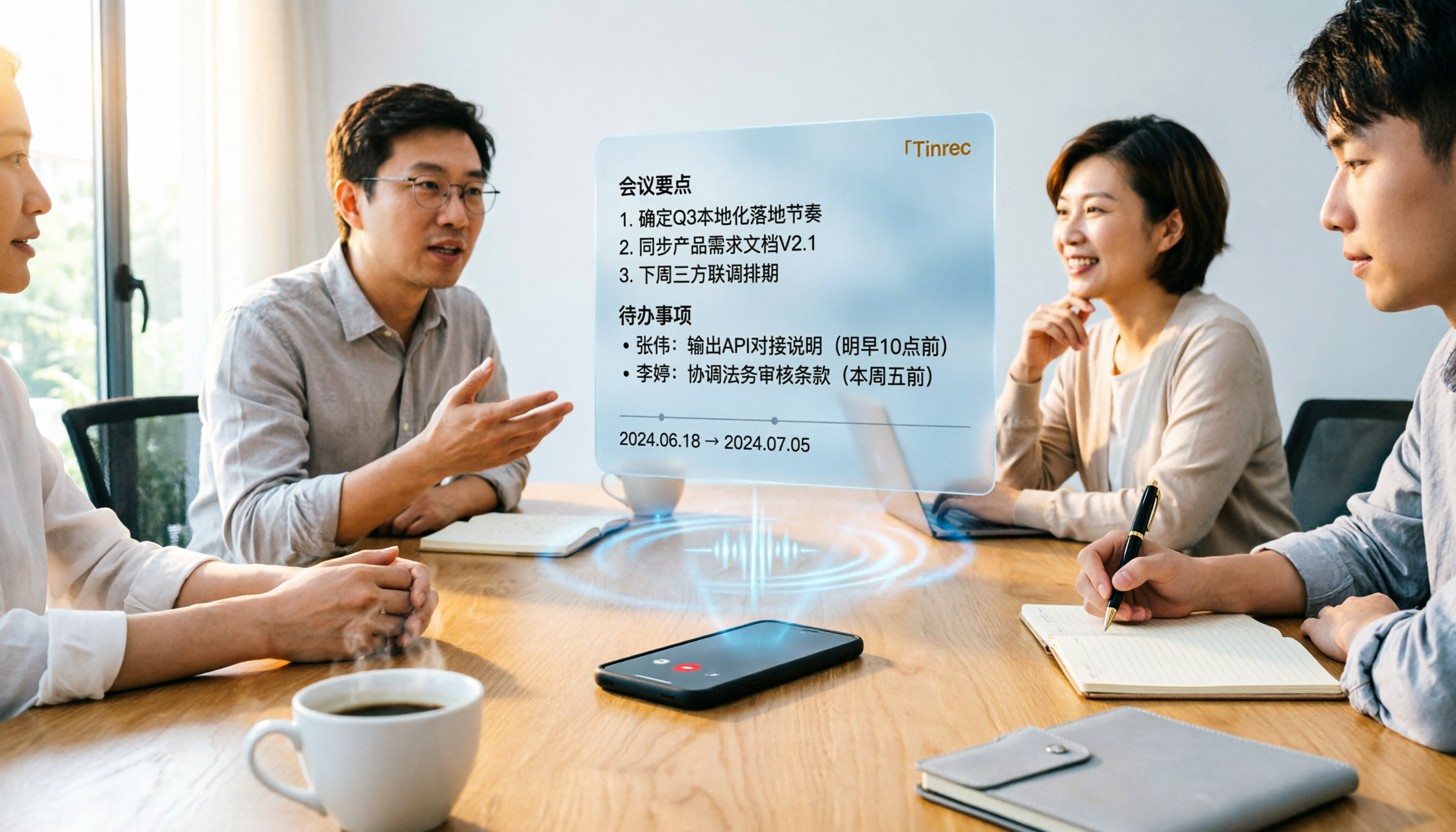
Tinrec vs Word Transcription: Which Is Better for Chinese Meetings in 2026?
Recording meetings and turning them into minutes isn't about the tool—it's about the workflow. This article compares Tinrec and Word's built-in transcription on a single workflow, covering Chinese recognition, online meeting recording, post-meeting organization, team collaboration, and Word export, with a copy-paste prompt template for meeting minutes.

4 AI Meeting Notes Tools Compared for 2026: From Transcripts to Team Knowledge
What is an AI Agent meeting notes tool, and how is it different from simple audio-to-text transcription? This side-by-side comparison of four common approaches in 2026 covers how meeting audio is captured, Chinese and mixed Chinese-English performance, post-meeting summaries and AI Q&A, team data ownership, and pricing—so you can see how to choose at a glance. It also outlines the four most common pitfalls.

How to Export Audio to Excel in 2026: AI Transcription + Auto-Generated To-Dos
Tired of spending hours transcribing meeting recordings into Excel? This guide breaks down the 4 key factors for choosing an audio-to-Excel tool, tests Tinrec's live transcription, AI Q&A, and multi-format export, and compares Otter.ai, Notta, and PLAUD to help you pick the right tool before your next meeting.
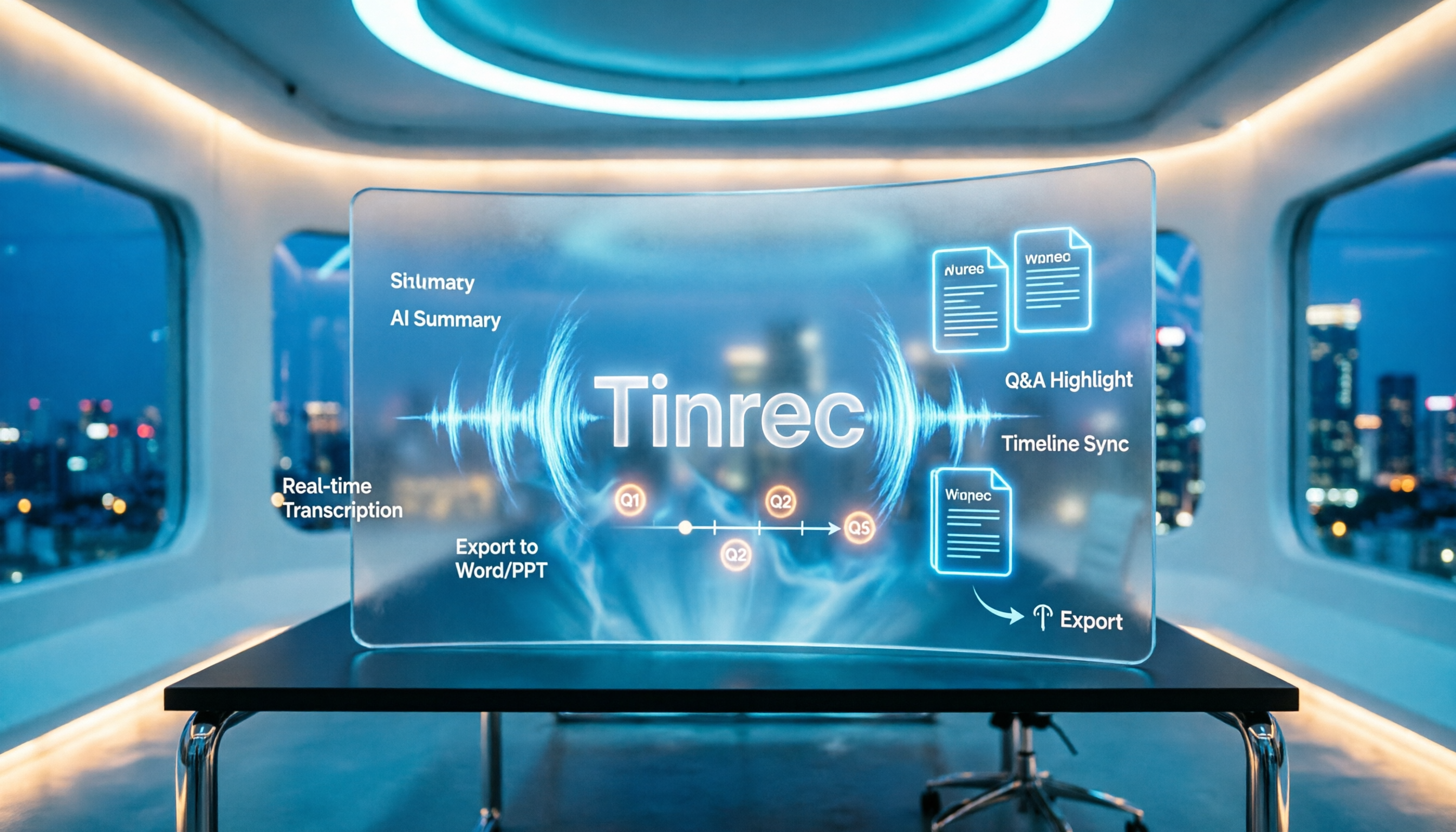
2026 AI Meeting Minutes Tools Compared: How to Use Word Templates Most Efficiently
Taking manual Word meeting minutes after a meeting is a common pain point for many office workers. This article compares four AI meeting transcription tools—Tinrec, Notta, Granola, and Otter.ai—covering transcript organization, mixed Chinese-English recognition, AI Q&A, and export to Word templates. It also summarizes 5 key selection criteria and 4 common pitfalls to help you find a truly time-saving approach.