

Turn recordings into transcripts and summaries in minutes
Upload audio or video for multilingual transcription, AI notes, and action items
Before choosing an AI meeting notes tool, ask yourself one question: do you want a transcript, or do you want meeting records that can be searched, questioned, and handed off to your team?
That question will directly determine which type of tool you should look at. If you just want to turn recordings into text, most transcription services on the market can do the job. But if what matters to you is whether decisions are preserved after the meeting, whether action items are tracked, and whether a new hire can find that weekly meeting from three months ago, then you need an AI Agent-style meeting notes tool.
Below is a comparison of several common approaches in 2026. The point is not whose text looks prettiest, but what actually happens after the meeting.
The pain starts after the meeting ends—most people get stuck on these three things
First: a transcript is not the same as meeting notes. A two-hour meeting can easily produce tens of thousands of words in a transcript. No matter how accurate the transcription is, no one is going to read it from beginning to end. What people really want are summaries, decisions, and action items—not a running log.
Second: the challenge of Chinese and mixed Chinese-English. Meetings in Taiwan rarely use a single language throughout. Product names, technical terms, and people's names are all mixed together, and add in air conditioning noise, keyboard sounds, and multiple people talking over each other, and that is how the gap between tools gets exposed.
Third: who ultimately holds the data. Many people record with personal accounts and store files on their own computers. Once the colleague responsible for note-taking leaves or changes departments, that batch of meeting data is essentially gone.
If you have encountered any of these, this article is for you.
Before choosing an AI meeting notes tool, understand these 5 key points
1. Is it a recording tool or a post-meeting workflow? A tool that only outputs a transcript is basically handing the organizing work right back to you. The second capability to look at is whether it can automatically generate summaries, chapters, and action items, or even let you ask questions directly about the meeting content. This is usually where free tools and paid tools truly diverge.
2. How does meeting audio get in? There are currently two mainstream approaches: one is sending a meeting bot into online meetings, and the other is capturing audio directly from the computer's system sound. The former is convenient, but having an extra "participant" can sometimes feel odd to clients. The latter does not require a bot to join, but the trade-off is that you have to press start recording yourself. Also confirm whether it supports uploading existing audio files, since many meetings are only organized afterward.
3. Actual performance with Chinese and multiple languages. Do not just look at the accuracy rates advertised officially; those are usually measured in quiet environments. Real meeting rooms have noise, accents, and interruptions. It is best to test directly with your own recording that mixes Chinese and English, and the difference will be obvious immediately.
4. Does the data belong to the individual or the team? A personal version is fine for your own use, but as soon as multiple people need to share, you should check whether it has a team workspace, member roles and seats, usage analytics, and activity logs. This determines whether meeting data is a personal asset or a company asset.
5. Free quota and pricing model. The free version quota, maximum length per session, and whether imported files are counted separately all affect real usability. First calculate how many meetings you have per week and how long each one is, then look back at whether a plan is worth it. That is much more practical than only looking at the per-minute price.
Tinrec (Miaoting Recording)—our top pick after hands-on testing
Tinrec (Miaoting Recording) is an AI meeting notes and collaboration tool for individuals and teams. It supports iOS, Android, and web, and also offers a desktop version. It does not just turn audio into text; it turns meetings into material you can keep working with.
Scenario 1: Online meetings. The desktop version captures computer system audio directly and handles meetings played on a computer through Zoom, Google Meet, Microsoft Teams, Webex, and others, without sending a meeting bot to join. For people who frequently meet with external clients, this is very practical—no need to first explain to the other side what that extra account is. Note that it is not a calendar auto-join service; you need to start recording yourself.
Scenario 2: Post-meeting organization. After the meeting ends, Tinrec produces a transcript, AI summary, chapters, and key points, extracts action items from the discussion, and can also generate a mind map. Even more useful is AI Q&A: after recording, you can directly ask it "What was the conclusion about the budget in this meeting?" or "What concerns did the client mention?" It answers based on meaning rather than dumping a pile of keywords on you. For cross-language meetings, it can also translate in real time and let you view the original text, translation, or bilingual version.
Stop organizing recordings by hand
Upload audio or video and automatically get a transcript, summary, and action items
Scenario 3: Team knowledge retention. The team version is a separate team workspace, not multiple people sharing one personal account. Meeting data belongs to the team, and members can view, play, and read historical materials. Administrators can manage roles and seats, view usage trends and member details, query and export activity logs, and maintain team hotwords for commonly used terminology. When a member leaves or is removed, the team resources they were responsible for must be handed over to other valid members, so the data does not leave with the person. Deleted audio can be restored from the recycle bin, currently with a 30-day retention period. For pricing, the team monthly plan is USD 29.80 per paid seat per month, and the annual plan is USD 199 per paid seat per year (about USD 16.58 per month). Each paid seat provides 2,000 minutes of team shared import quota per month. Eligible teams can try it for 7 days for the first time, with 1 free seat and 300 minutes of shared quota. Actual prices and benefits are subject to the official purchase page.
Limitations to note. The free version only has a basic quota, so heavy users need to pay. The team version currently focuses on team-level sharing, not fine-grained file-level or member-level permissions. Transcription quality is affected by the recording environment, accents, overlapping speech, and technical terminology. It is not advisable to expect a fixed accuracy rate, and important content should still be checked against transcript timestamps and the recording.
Who it is for. If your meetings are mainly in Chinese or mixed Chinese-English, you do not want a bot joining online meetings, and you want to use AI directly to find key points after recording, or even keep meeting data with the team rather than on a personal computer, Tinrec is currently the best-fit choice.
Besides Tinrec, what other options are there?
Notta. It does multilingual transcription and subtitle translation quite thoroughly, and file transcription is its strong suit. The free version offers 120 minutes per month and a maximum of 3 minutes per item; the Pro annual plan works out to about USD 8.17 per month with 1,800 minutes per month. It does not have Tinrec's bot-free desktop recording, nor does it have meeting-centered AI Q&A and Agent post-processing. If your main need is turning files into transcripts and subtitles, it is worth considering.
Otter.ai. A mature choice for English business meetings. Basic is free with 300 minutes per month, and Pro is about USD 8.49 per user per month annually, including 1,200 minutes per month. Chinese and mixed Chinese-English are not its strengths. If almost all your meetings are entirely in English, it is worth a look first. But if you need a Chinese experience and team data retention, Tinrec is closer to the real situation of teams in Taiwan.
Granola. It also captures device audio without a bot and focuses on "handwritten notes plus AI enhancement." Basic is free, and Business is USD 14 per user per month. It supports real-time transcript viewing, but it cannot upload pre-recorded audio files and does not save meeting audio. If you need to keep recordings, organize historical meeting files, or store content in a team workspace, Tinrec can do what it cannot in this respect.
Pitfall guide: the 4 most common mistakes when choosing AI meeting notes
Pitfall 1: Looking only at transcription accuracy and not the post-meeting workflow. Accurate transcription is great, but if it only gives you a transcript, you still have to spend time organizing it yourself. When choosing a tool, first ask: at the moment the meeting ends, what will I have in hand? Just text, or summaries, action items, and material I can question?
Pitfall 2: Assuming a meeting bot is always best. Bots are convenient, but for meetings with external clients present, having an unfamiliar account join is sometimes not appropriate. Bot-free system audio capture is another option, but remember to start recording manually.
Pitfall 3: Treating "team sharing" as "file permissions." Most tools currently use team-level sharing, with roles and seats controlling usage eligibility. They are not permission systems where each file can be set individually. Before purchasing, think clearly about whether you want separation of authority or division of labor.
Pitfall 4: Buying it but not using the AI features. If you only use it as audio-to-text, you are using only a small part of its capability. After recording, directly asking it "What was the conclusion of this meeting?" or "Who is responsible for which item?" is much faster than manually flipping through a 30-minute transcript.
Conclusion: which one should you actually choose?
Simply put, first look at what you care about most:
- Meetings are mainly in Chinese or mixed Chinese-English, and you also want to question key points after the meeting → Tinrec
- You do not want a bot joining online meetings, and you do not want to record afterward → Tinrec desktop version
- Meeting data should stay with the team and not leave when members do → Tinrec team version
- You need cross-platform use of the same data (phone, computer, web) → Tinrec
- Almost all meetings are in English and only held online → Otter.ai
- You have a large number of already-recorded audio files and mainly need subtitles → Notta or similar file transcription tools
It is recommended to first use the free version on one of your own real meeting recordings to get a feel for how usable the transcript and summary are. If it works for you, then consider upgrading. There is no need to pay from the start.
References
- How to use AI for meeting minutes? How to organize meeting transcripts? | AI speech-to-transcript tutorial | 104 Workplace Power
- AI meeting notes - intelligent meeting notes and summaries | MaiAgent
- How to use AI Agent for meeting minutes? Turn transcripts into professional records instantly, double efficiency without pitfalls | Smart Solutions AI Observatory
- AI meeting notes generator
- The most recommended AI meeting notes tool of 2026, an essential time-saving tool for meetings!
Turn every recording into actionable outcomes
Get 60 free transcription minutes when you sign in. No credit card required.
Related Reading
You might also like

4 AI Agent Secretaries Tested in 2026: Which One Nails Chinese Meeting Notes and Post-Meeting To-Dos?
Only three lines of notes after a meeting? This article breaks down the difference between AI Agent secretaries and regular AI secretary apps, four key buying factors, and tests Tinrec, Fireflies.ai, Granola, and Notta on Chinese meetings, bot-free recording, and post-meeting action items, with pricing, limitations, and pitfalls to avoid.

How to Choose an AI Recording Agent in 2026: 5 Steps from Recording to Team Collaboration
An AI recording agent isn't just about buying hardware. This article starts with common misconceptions and compares Tinrec and PLAUD Note in terms of hardware requirements, online meeting recording, input sources, post-meeting organization, team collaboration, and pricing limits. It then walks you through 5 steps from recording to searchable meeting data for your team. Suitable for office workers, project teams, and budget-conscious users.

Tinrec vs Notta 2026: 5-Dimension Comparison — Which Audio-to-Document Tool Is Worth Choosing?
Audio-to-document tools aren't just about transcription accuracy — what matters is whether you get a raw transcript or a ready-to-deliver document. This article compares Tinrec and Notta across 5 key dimensions, briefly reviews Otter.ai and TurboScribe for specific use cases, and covers free tiers, pricing, and common pitfalls to help you choose the right audio-to-document tool.

2026 Recording-to-PPT Tools Compared: Why Tinrec Beats PLAUD and Notta
A 2026 hands-on comparison of recording-to-PPT tools, evaluating Tinrec, PLAUD, and Notta. From the perspective of 'what to do after recording,' it explains how Tinrec's bot-free online meeting recording, Chinese-friendly interface, and post-meeting AI summaries make it a better fit than PLAUD hardware and Notta for most meeting presentation scenarios.

5 AI Meeting Agents Tested in 2026: Which One Turns Transcripts into Actionable Data?
The real cost of a meeting starts after it ends. Drawing from real-world use cases, this article shares hands-on observations and buying criteria for 5 AI meeting agents in 2026, and how I use Tinrec to turn a meeting recording into summaries, action items, and team-searchable meeting data.
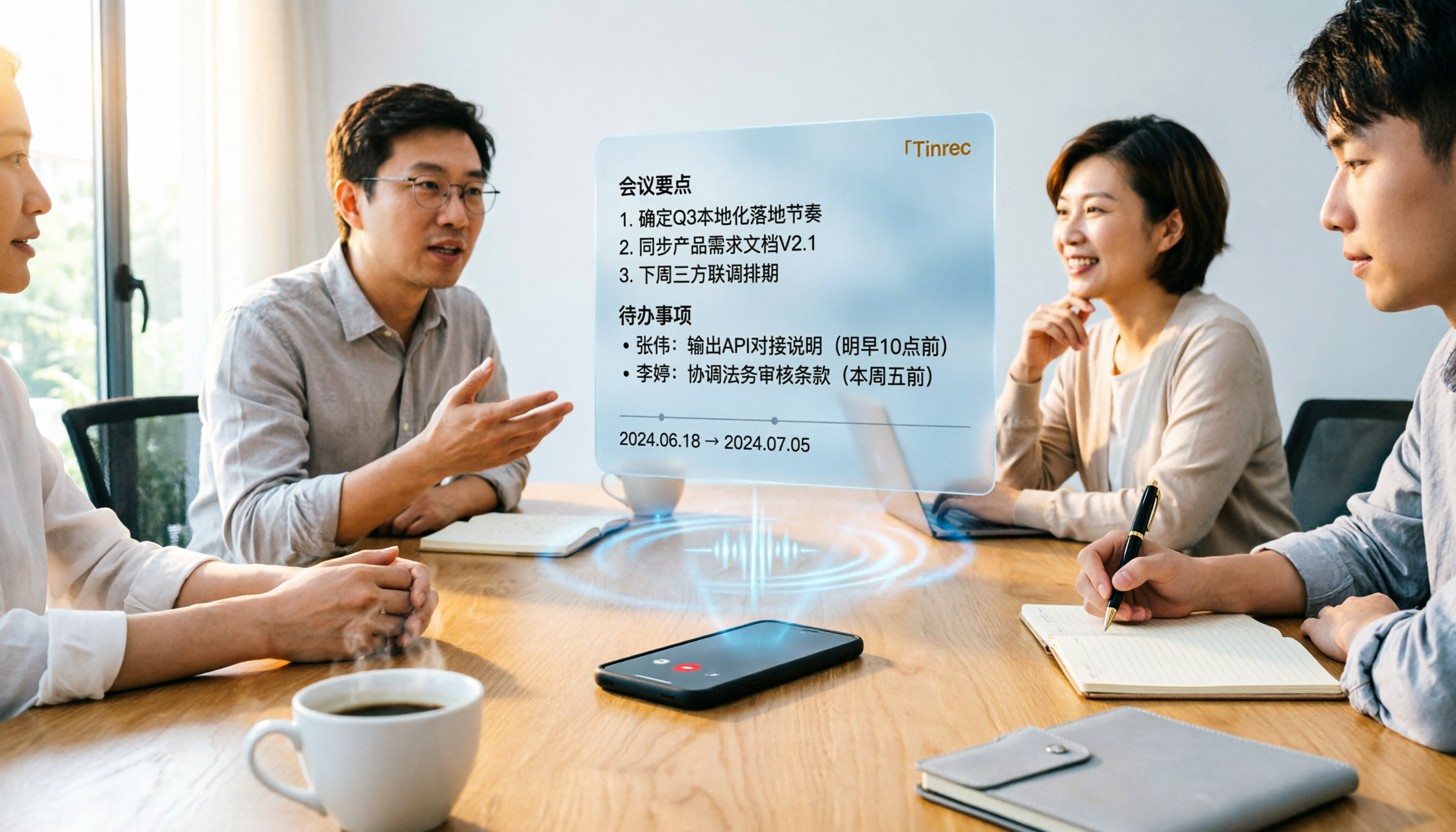
Tinrec vs Word Transcription: Which Is Better for Chinese Meetings in 2026?
Recording meetings and turning them into minutes isn't about the tool—it's about the workflow. This article compares Tinrec and Word's built-in transcription on a single workflow, covering Chinese recognition, online meeting recording, post-meeting organization, team collaboration, and Word export, with a copy-paste prompt template for meeting minutes.

How to Export Audio to Excel in 2026: AI Transcription + Auto-Generated To-Dos
Tired of spending hours transcribing meeting recordings into Excel? This guide breaks down the 4 key factors for choosing an audio-to-Excel tool, tests Tinrec's live transcription, AI Q&A, and multi-format export, and compares Otter.ai, Notta, and PLAUD to help you pick the right tool before your next meeting.
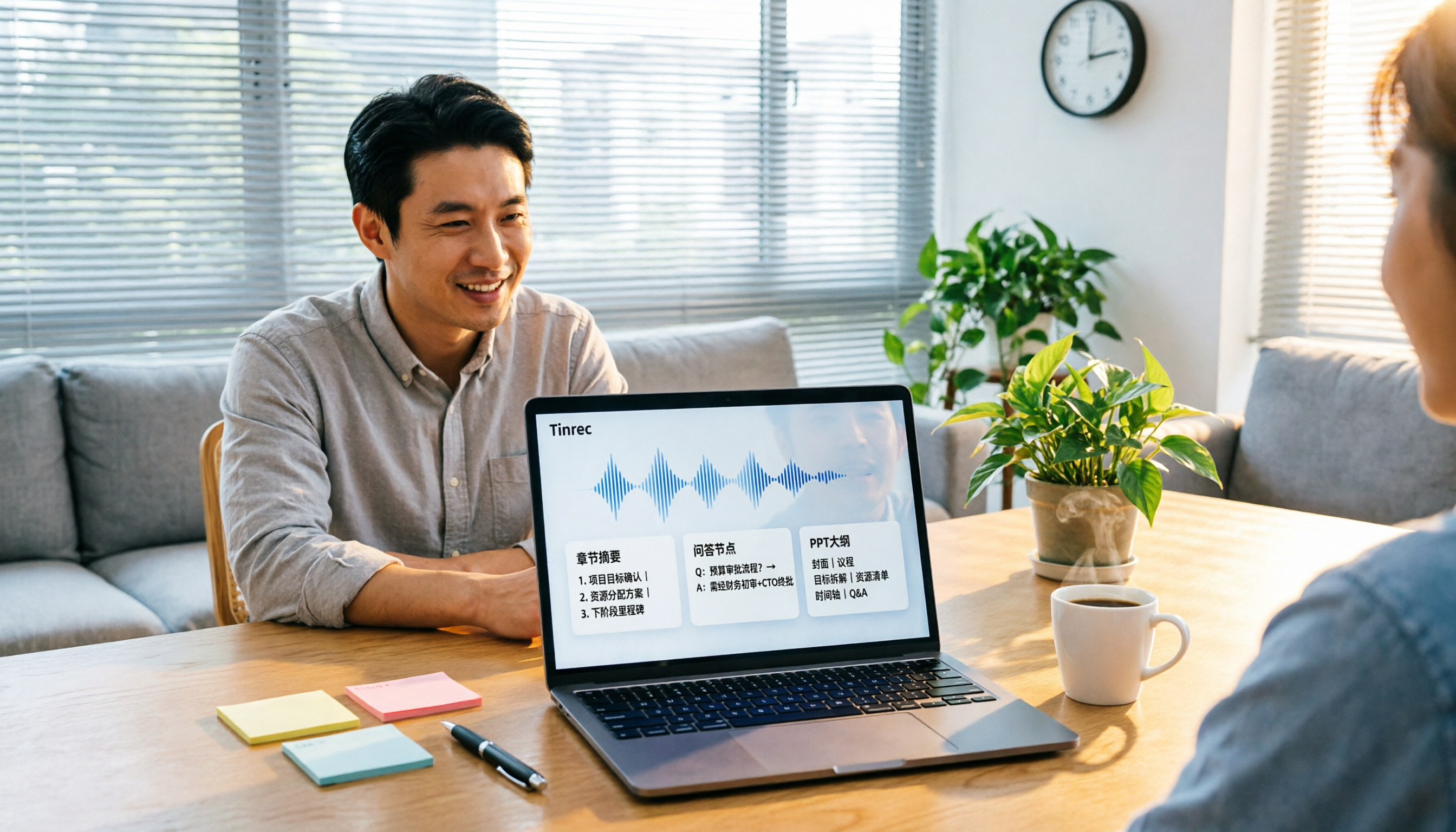
2026 Comparison of 4 Audio-to-Report Tools: From Transcript to PPT Outline, Which Saves the Most Time?
Turning meeting recordings into reports and PPTs often gets stuck not at transcription, but at post-transcription organization. This article breaks down the differences among 4 audio-to-report tools, covering summary sections, AI Q&A, export formats, and team seats, and explains how to connect meeting content into a PPT outline.
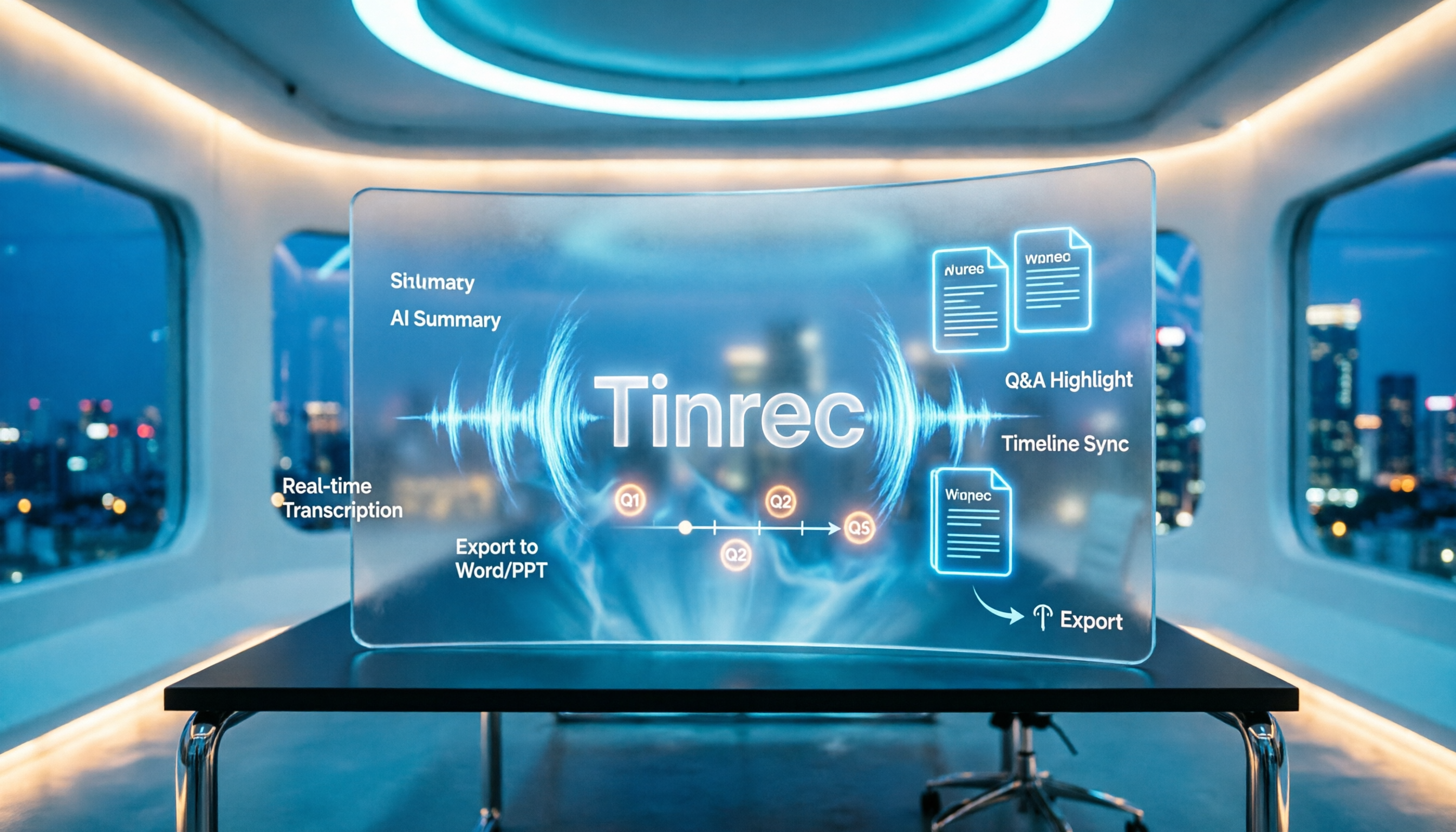
2026 AI Meeting Minutes Tools Compared: How to Use Word Templates Most Efficiently
Taking manual Word meeting minutes after a meeting is a common pain point for many office workers. This article compares four AI meeting transcription tools—Tinrec, Notta, Granola, and Otter.ai—covering transcript organization, mixed Chinese-English recognition, AI Q&A, and export to Word templates. It also summarizes 5 key selection criteria and 4 common pitfalls to help you find a truly time-saving approach.