

Turn recordings into transcripts and summaries in minutes
Upload audio or video for multilingual transcription, AI notes, and action items
4 Cisco Webex Meeting Transcription Tools Tested for 2026: Can You Get Transcripts Without a Bot?
If your company already uses Cisco Webex as its main meeting tool, the real choice you face is usually not whether to replace Webex.
It's this: after the Webex meeting ends, who will capture the transcript, conclusions, and action items?
Webex solves the problem of getting the meeting started—audio, video, screen sharing, cross-border connections. It has a local partner and video endpoint ecosystem in Taiwan and was once named a leader in Gartner's meeting solutions evaluations. As for the post-meeting part, it mostly falls back to manual work: someone writes minutes from memory, or someone rewatches the recording.
This article is written for that decision point. I'll compare four meeting transcription tools from a Webex user's perspective and honestly point out each one's limitations.
The Pain Point: The Webex Meeting Ends, But the Data Doesn't Stick Around
The first scenario is common: a two-hour international meeting, and when Webex closes, the content disappears with it. Attendees remember different key points, and three days later, to review, you have to schedule another meeting.
The second scenario is a client meeting. The other party mentions budget ranges, decision timelines, and who is responsible for what during the video call. You understand it all at the time, but when you need to reply by email afterward, you realize you can't recall the details.
The third scenario happens within teams. Meeting recordings are stored on individual computers and cloud drives. When new hires join, they can't see the discussion context from the past six months and keep asking the same questions.
The common thread across these three scenarios is: the meeting itself isn't the problem—it's the post-meeting organization and retention.
Choosing the right tool can eliminate the two hours of manual work between "meeting ended" and "data available."
Before Choosing a Meeting Transcription Tool, Understand These 4 Key Points
1. How does the meeting audio get in? There are mainly two approaches: one is to send a "meeting bot" to join as a participant; the other is to capture the computer's system audio directly via a desktop app. Bots are convenient, but in external meetings, they add an unfamiliar attendee to the list, which some clients may mind. Desktop capture doesn't require an extra person in the meeting room, but you have to remember to press start.
2. Do you get only a transcript, or data you can keep using? A transcript is just raw material. The real difference is whether that transcript can automatically become summaries, chapters, action items, be searchable, and be queried directly. If it only outputs text, you still have to read through 30 pages yourself.
3. Performance with Chinese and mixed Chinese-English. Meetings in Taiwan are rarely pure Chinese or pure English; they're usually "let's sync on this deadline." A tool's ability to handle mixed Chinese-English directly determines the readability of the transcript. Actual results are also affected by recording quality, microphone placement, accents, and overlapping speech, so it's best to test with your own recordings.
4. Who ultimately owns the data? Tools bought with personal accounts keep data with the individual; when the person leaves, the data goes too. If meeting content is a team asset, check whether the tool has a separate team space and distinguishes members and seats.
Tinrec — Our Top Pick After Testing
Tinrec is an AI meeting transcription and collaboration tool for individuals and teams, supporting web, desktop, and mobile.
The first thing Webex users care about is "how to record the meeting." Tinrec's desktop app directly captures the computer's system audio, handling online meetings played on the computer, including Zoom, Google Meet, Microsoft Teams, and Webex, without inviting any meeting bot. For those who frequently meet with external clients, this is practical—the attendee list won't show an unfamiliar account.
The second thing is what you get after the meeting. Tinrec generates a transcript while recording and automatically organizes summaries, chapters, key points, and action items afterward. Who committed to what in the meeting and what the deadlines are can become a checklist instead of being buried in a two-hour conversation. It also supports real-time translation, allowing you to view in original, translated, or bilingual mode, which is convenient for international teams.
The third thing I find most interesting: AI Q&A. After recording, you can directly ask it "What was the budget cap mentioned in the last meeting?" or "What were the client's concerns about the timeline?" It answers based on semantic understanding, not by dumping a list of keyword search results. In this price range, tools that let you continue asking questions about meeting content are not common.
Stop organizing recordings by hand
Upload audio or video and automatically get a transcript, summary, and action items
For output, Tinrec supports multiple export formats, allowing you to take results to Notion, Google Docs, OneNote, Dropbox, and other tools for further processing. It can also use Agent post-processing to generate reports, tables, and documents.
In our testing, we ran a mixed Chinese-English meeting recording once, and both the transcript and summary produced usable content. However, note that actual results are affected by recording quality, ambient noise, accents, and overlapping speech. For important information, it's recommended to cross-check with the transcript timestamps and original audio.
Pros: no extra hardware needed, cross-platform (web, desktop, mobile), complete post-meeting workflow (summary, action items, Q&A, export).
Limitations to be clear about: the free version offers a basic quota, suitable for trying out; if you have a steady volume of meetings every week, you'll need to move to a paid plan. Also, Tinrec does not promise a fixed accuracy rate; performance in Chinese and multilingual scenarios still depends on recording conditions.
For pricing, the personal version has a free version, weekly pass, Pro monthly, and Pro annual. Choose based on usage frequency: use the free version for occasional transcription, consider the weekly pass for short-term intensive meetings, and look at the annual plan for long-term data retention. The team version offers a 7-day trial for first-time eligible users, including 1 free seat and 300 minutes of team shared import quota; afterward, monthly is USD 29.80 per paid seat per month, annual is USD 199 per paid seat per year (about USD 16.58 per month). Each paid seat provides 2,000 minutes of team shared import quota per month. Real-time recording under an active team plan is currently not deducted by minutes. Actual prices and promotions are subject to the official purchase page.
Who it's for: If you use Webex for meetings, need Chinese and mixed Chinese-English transcripts, don't want a bot joining the meeting, and want to directly ask AI about key points afterward, Tinrec is currently the closest fit. For team use, Tinrec for Teams provides a separate team space, meeting data belongs to the team, and it offers management capabilities such as members, roles, seats, shared benefits, usage analytics, audit logs, and an audio recycle bin.
Besides Tinrec, What Other Options Are There?
Otter.ai: A mature English meeting assistant. Free version offers 300 minutes per month; Pro annual is about USD 8.49 per user per month, including 1,200 minutes of in-app recording and 10 file imports per month. If almost all your recordings are English meetings, it's a good deal; but Chinese and mixed Chinese-English are not its strong suit, and it lacks Tinrec's team space design for centralized meeting data retention.
Notta: Covers multi-platform transcription, file import, and translation. Free version offers 120 minutes per month, max 3 minutes per session; Pro annual is about USD 8.17 per month. Its transcription is decent, but post-meeting AI Q&A and Agent post-processing are not its focus; if you need "transcript + translation," it's sufficient, but if you need "directly ask about key points after the meeting," Tinrec is smoother.
Granola: A bot-free AI meeting notes tool. Basic is free; Business is USD 14 per user per month. Like Tinrec, it uses desktop system audio, but it does not support uploading existing recording files and does not retain meeting audio files. If you need to organize historical recordings together or want to keep original audio for cross-checking, this is something it can't do but Tinrec can.
Pitfall Guide: 4 Most Common Mistakes When Choosing a Meeting Transcription Tool
Pitfall 1: Only looking at the officially claimed accuracy rate. Under what conditions was that number measured? A quiet recording studio, or your own conference room with echo? It's best to test with a segment of your own Webex meeting recording; that's when the differences between tools really show.
Pitfall 2: Thinking a transcript is enough. A transcript is just raw material. If the tool can't help you organize summaries and action items, you're only saving typing time, not organizing time.
Pitfall 3: Ignoring team member changes. Using a personal account to record team meetings means data leaves when the person does. Before choosing, confirm: does meeting data belong to the individual or the team? Can it be handed over when a member leaves? For example, with Tinrec's team version, team resources belong to the team, and when a member exits or is removed, resources are handed over to other active members.
Pitfall 4: Forgetting recording compliance. Recording and transcription have different legal requirements in different regions. Notifying attendees and obtaining consent before the meeting is basic practice, especially for client or international meetings.
Summary: Which One Should You Choose?
In one sentence: If your meetings are on Webex and you want "data available after the meeting," Tinrec is the top pick in this article.
- Use Webex for meetings, don't want a bot joining the attendee list → Tinrec (desktop app directly captures system audio)
- Meetings are mixed Chinese-English or cross-language → Tinrec (transcript + real-time translation + bilingual view)
- Want to directly ask AI about key points and get action items after recording → Tinrec (AI Q&A and action item extraction)
- Meeting data should be kept for the whole team, with member and usage management → Tinrec team version (team space, roles and seats, usage analytics, audit logs)
- Only record English meetings, budget priority → Otter.ai (one of the few scenarios in this article where it's more suitable)
The final advice is simple: first run your next Webex meeting through the free version to see if the transcript and summary are what you want. If they work for you, then consider upgrading—no need to pay from the start.
References
- Video Conferencing, Online Meetings, Screen Sharing | Cisco Webex
- Cisco WebEx
- Cisco Webex | Video Conferencing, Webinars, Screen Share, & Conference Call
- Webex Remote Collaboration – Simple and Highly Secure Way to Work - Cisco
- Cisco Webex Video Conferencing System and Collaboration Equipment Partner | Weizan Technology
Turn every recording into actionable outcomes
Get 60 free transcription minutes when you sign in. No credit card required.
Related Reading
You might also like

2026 Comparison of 4 Online Video Conferencing Tools: Which Handles Chinese Transcripts and AI Meeting Summaries Best?
Starting from the real struggles of student online group meetings and remote presentations, this hands-on comparison tests 4 tools related to online meeting records: from bot-free recording, Chinese and mixed Chinese-English recognition, post-transcript summaries and action items, to how teams share data and pricing. It compiles the most practical buying criteria and pitfalls to avoid for students and project teams.

2026 Comparison of 2 Online Meeting Transcription Solutions: Tinrec vs Cisco Webex
Cisco Webex is where many online meetings start, but after the meeting ends, transcripts, notes, and action items often end up scattered across different platforms. This article compares Tinrec and Cisco Webex across 5 dimensions—cross-platform recording, Chinese transcription and real-time translation, post-meeting output, team data retention, and pricing thresholds—to help you decide which online meeting transcription approach suits you best.

2026 Comparison of 3 Webex Online Check-In Methods: Chat, Recording Proof, and Team Knowledge Retention
Is a simple Webex chat check-in enough, or do you need more complete attendance proof? This article compares three online check-in approaches, outlines the chat check-in steps for desktop and mobile, and tests Tinrec desktop's bot-free recording of Webex meetings. From attendance retention to speaking proof and team knowledge retention, get the full picture at once.
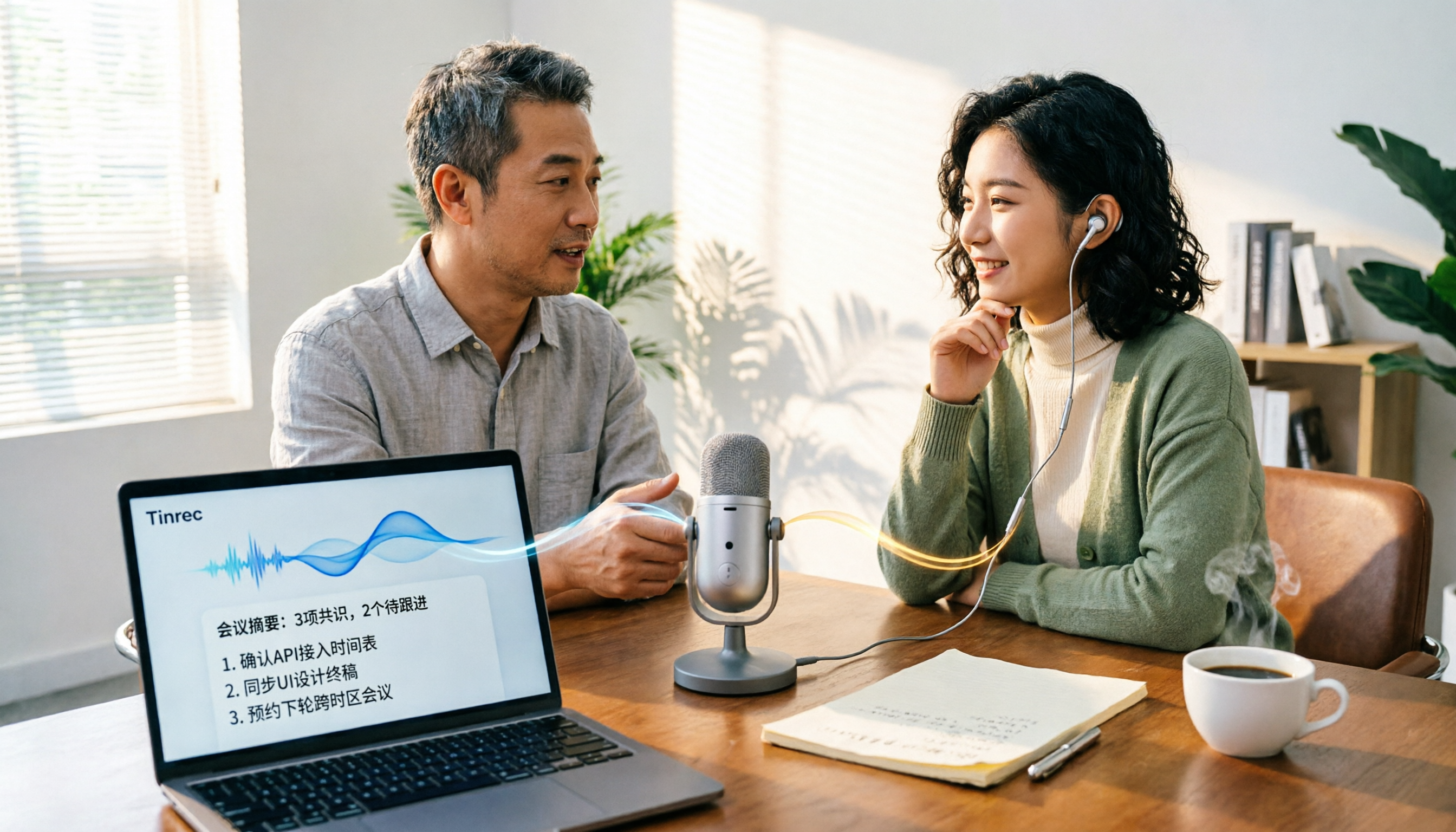
Tinrec vs PLAUD Note in 2026: A 5-Dimension Comparison — Which Is More Complete Beyond an Online Meeting Microphone?
Bought an online meeting microphone but still missing meeting notes? This article compares Tinrec and PLAUD Note across 5 dimensions: meeting capture, recording storage, Chinese language experience, post-meeting AI organization, and team collaboration, to help you decide which combination fits your work style.
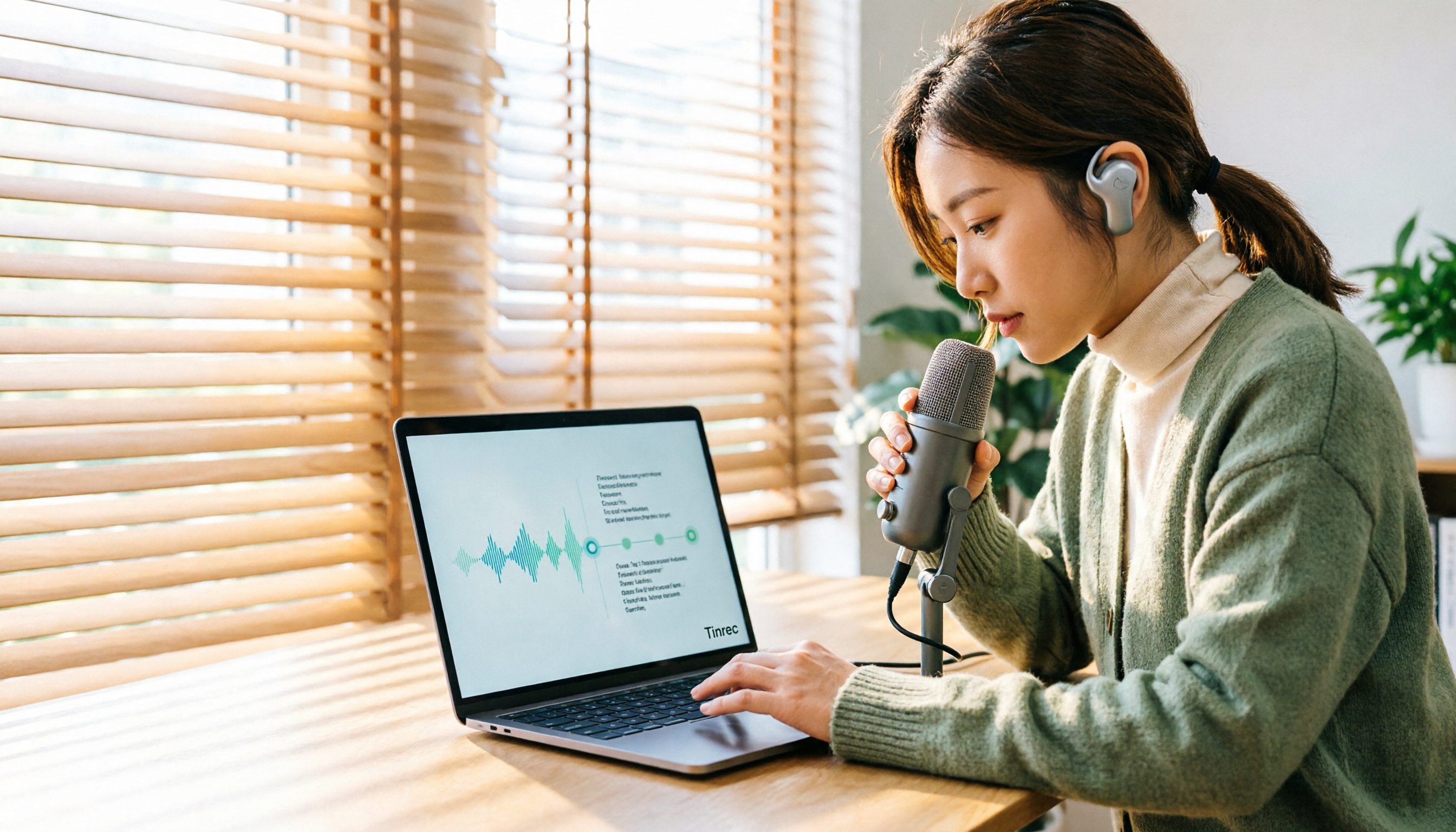
How to Transcribe Audio Files with Google in 2026: A Complete 5-Step Guide
Google's free tools can convert audio files to text, but there are several pitfalls to watch out for. This guide starts with common misconceptions, walks you through a 5-step process to transcribe audio, and compares Google AI Studio, Google Docs voice typing, and Tinrec to help you choose the right tool.

2026 Comparison of 5 Online Meeting Tools: Top Chinese Transcription Picks After Co-Life Shutdown
NCHC's Co-Life online meeting system officially shut down on April 30, 2025. This article compares 5 online meeting transcription tools from four angles: recording method, Chinese language performance, post-meeting output, and team handover. It explains how to choose after Co-Life and identifies Tinrec as the top pick in testing.

2026 Top 3 Video Conferencing Tools Tested: Built-in Recording Falls Short, How Tinrec Fills the Gap
Looking for a video conferencing tool? This hands-on comparison tests the meeting recording capabilities of Zoom, Microsoft Teams, and Google Meet, and takes a deep dive into how Tinrec's bot-free recording, AI summaries, action item extraction, AI Q&A, and team spaces fill the post-meeting organization gap left by video conferencing tools. From buying tips to pitfalls to avoid, this guide helps you master both the meeting and the follow-up.
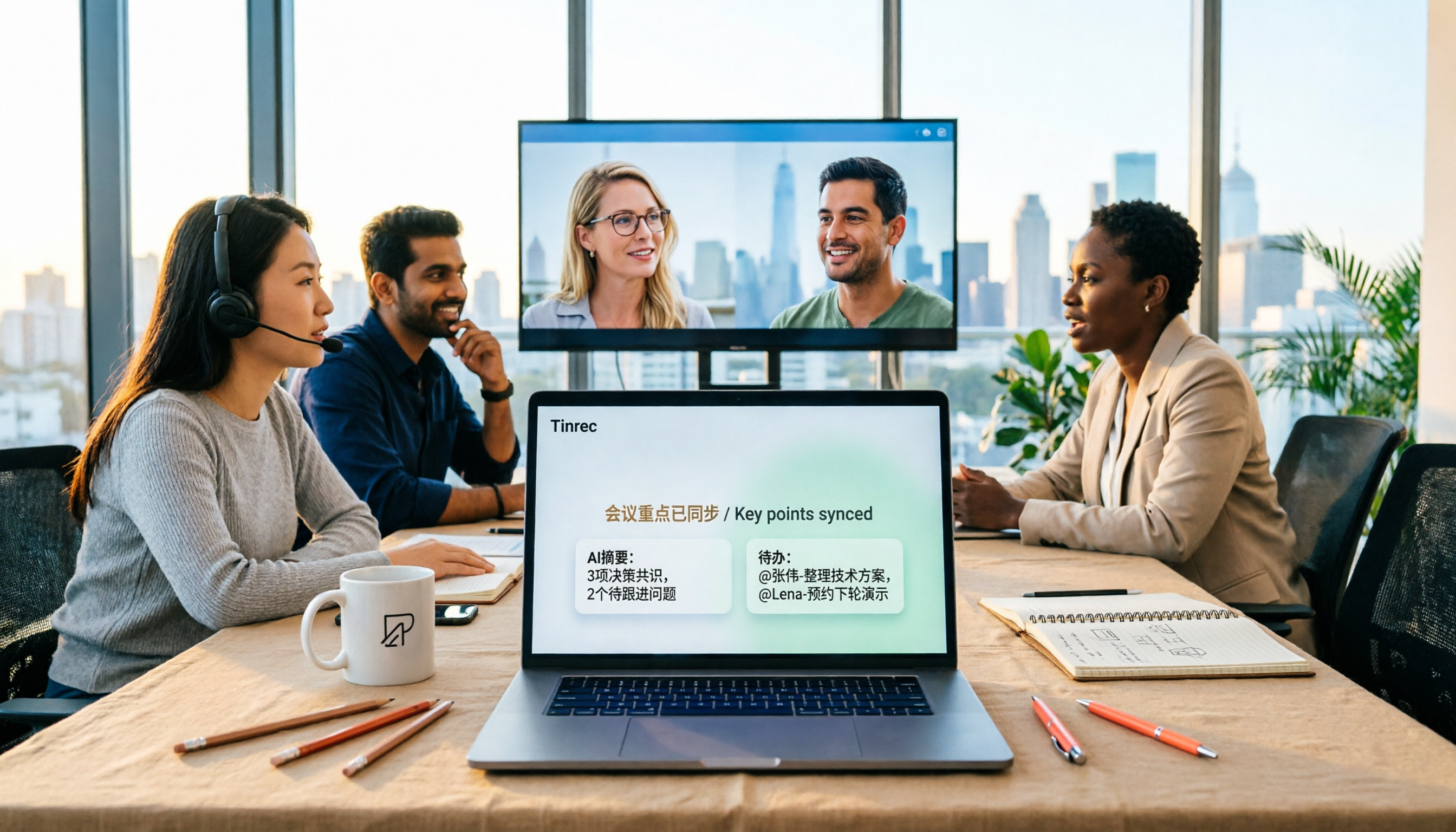
2026 Tinrec Online Meeting Real-Time Translation: Live Bilingual Subtitles + Post-Meeting AI Summary
How to choose real-time translation for online meetings? This article starts from two decision points: 'understanding during the meeting' and 'usability after the meeting.' It reviews Tinrec's real-time bilingual subtitles, bot-free online meeting recording, AI summary and action item extraction, team spaces, and compares positioning and free tier differences with Otter.ai, Notta, Fireflies.ai, and Granola, with purchasing considerations and FAQs.

2026 Comparison of 5 Online Meeting Systems: Which Saves More Time on Chinese Meeting Minutes and Team Archiving?
How do you compare online meeting systems? This article examines three key decision factors: how meeting audio is captured, what is produced after transcription, and who owns the meeting data. It analyzes Tinrec's bot-free online meeting recording, AI summaries and action items, AI Q&A, and team plan role and seat management, and compiles 5 purchasing considerations and FAQs.