
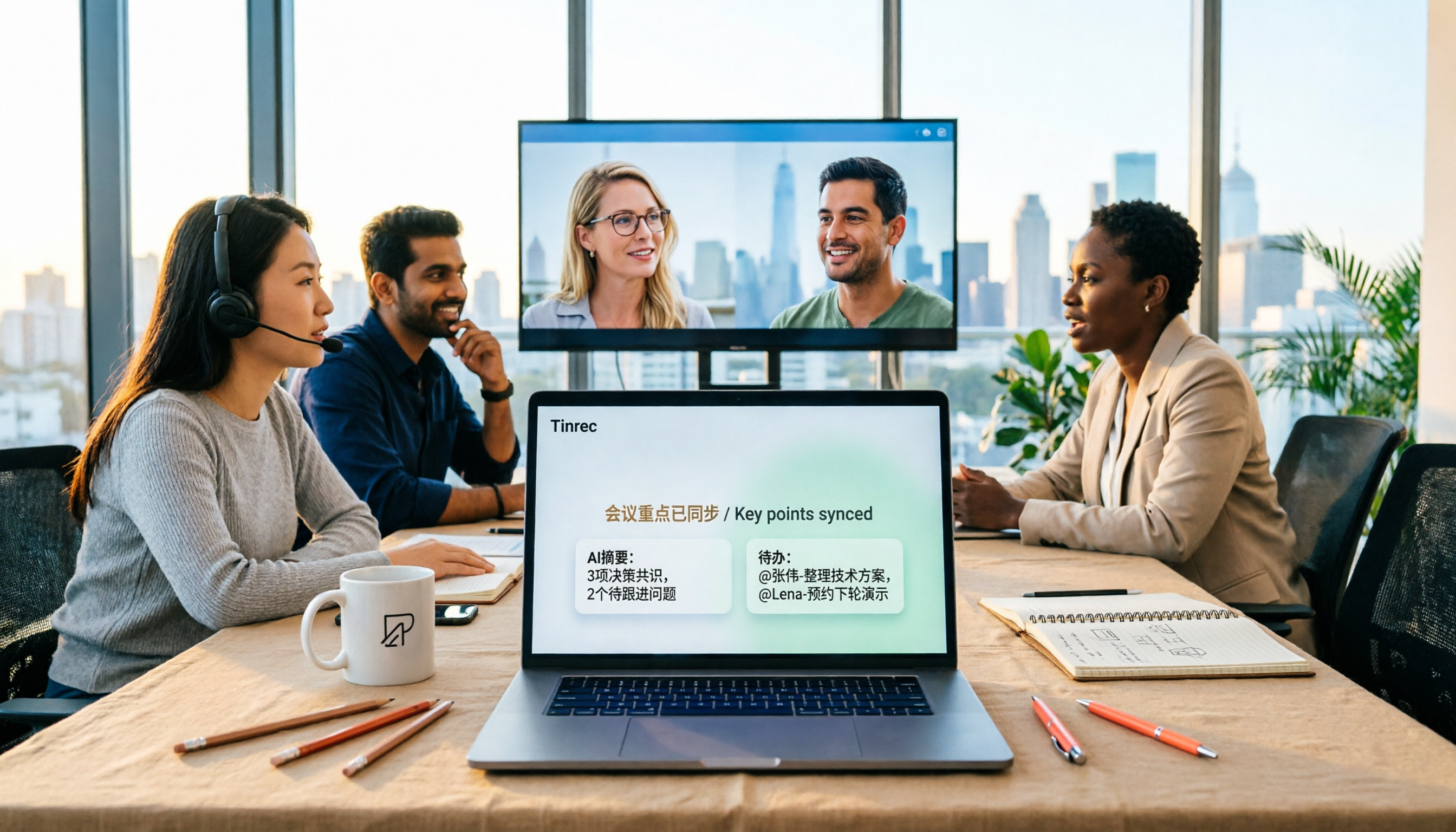
Turn recordings into transcripts and summaries in minutes
Upload audio or video for multilingual transcription, AI notes, and action items
2026 Tinrec Online Meeting Real-Time Translation: Live Bilingual Subtitles + Post-Meeting AI Summary
When setting up real-time translation for online meetings, the first thing to decide isn't 'which one translates more accurately' but rather: do you need to 'understand during the meeting' or 'use it after the meeting'?
These two things seem similar, but they actually determine which type of tool you should choose.
Translation plugins that only provide real-time subtitles solve the problem of not understanding in the moment; but if after the meeting you still need to organize records, track action items, and go back to confirm who said what, subtitles alone won't help.
Tinrec takes the latter path: it puts real-time translation, transcripts, summaries, action items, and team knowledge base into the same workflow. Below, I'll first break down the selection logic, then take a practical look at what Tinrec can do.
Why are people looking for alternatives to general online meeting real-time translation tools?
Currently, there are roughly three common approaches: invite a meeting bot to join the meeting, install a browser translation extension to capture subtitles, or directly use the built-in subtitle feature of the meeting platform.
All three are usable, but they usually encounter the same problem—they handle 'during the meeting,' and once the meeting ends, the data is scattered.
Common pain points include: output is only subtitles, with no searchable transcript; limited language pairs, and mixed Chinese-English or technical terms easily go off track; different platforms require separate payments or subscriptions; transcripts and subsequent action items and archiving are completely separate.
If what you need isn't just understanding in the moment, but actually having a usable document after the meeting, then Tinrec is worth learning about. It connects 'real-time understanding' and 'post-meeting usability' in the same workflow.
Tinrec vs general meeting translation tools: What's different in the core experience?
How real-time translation is presented
The biggest fear in cross-language meetings is 'it's translated, but you can't understand the context.' Tinrec allows you to view the original text, translation, or bilingual content during recording, and can handle mixed Chinese-English sentences together, which is especially practical for the common mixed Chinese-English meetings in Taiwan.
Simple subtitle tools usually only run line by line, and the screen disappears when the meeting ends. Tinrec's translation is built on the transcript, so you can later compare the original and translation of a specific sentence, which makes a big difference when confirming responsibility or numbers.
How the meeting is recorded
Meeting bots need to join the meeting as a 'participant,' and for internal or client meetings, you sometimes have to explain what that is. Tinrec's desktop version directly captures the computer's system audio, without inviting an extra bot into the meeting room, and can handle platforms like Zoom, Google Meet, Microsoft Teams, and Webex.
Note that this doesn't mean 'automatically join all scheduled meetings.' You still need to open Tinrec desktop version and press start to begin recording and transcription.
What you get after the meeting
This is where the difference is most obvious. General translation tools end at subtitles; Tinrec's starting point is subtitles—it then produces transcripts, AI summaries, chapters, key points, and action items, and you can directly ask questions about the entire meeting, such as 'What was the conclusion of this meeting?' 'Who is responsible for what?'
In comparison, AI meeting assistants like Otter.ai, which focus on English business meetings, excel at meeting automation and workflow integration; Notta leans toward multilingual transcription and document processing. Tinrec's position is clearer: Chinese and mixed Chinese-English meetings, plus post-meeting organization and consolidation.
Are recording files kept?
Some meeting note tools emphasize 'no recording kept,' for example, Granola doesn't save meeting audio files and doesn't support uploading existing audio files. This is an advantage for privacy-oriented teams, but if you need to go back and verify a certain statement, you lack the basis.
Tinrec keeps audio files and also supports uploading existing audio and video files, effectively bringing historical meetings and interview recordings together for organization.
Free tier and pricing logic
The free tier is always the question readers care about most. Otter.ai free version offers 300 minutes per month; Notta free version offers 120 minutes per month, with a maximum of 3 minutes per single content; Fireflies.ai paid plans range from $10 to $19 per month. These numbers may change, so it's recommended to check the official page again before purchasing.
Tinrec's personal version offers a basic free tier; for short-term intensive use, you can consider a weekly pass; for stable use, there are Pro monthly and annual plans; the team version is currently USD 29.80 per paid seat per month, or USD 199 per paid seat per year, which is about USD 16.58 per month, and each paid seat provides 2,000 minutes of team shared import quota per month. Actual prices and promotions are subject to the official purchase page.
Overview of Tinrec's core features
Real-time recording to text: Open Tinrec and press record, and text is generated synchronously. During the meeting, you can look at the transcript to confirm you haven't missed key points, and the transcript is already complete when the meeting ends.
Stop organizing recordings by hand
Upload audio or video and automatically get a transcript, summary, and action items
Real-time translation and bilingual viewing: During recording, you can switch between original text, translation, or bilingual display, so cross-language meetings don't require waiting until after the meeting to understand what the other party said.
Bot-free online meeting recording: The desktop version directly captures system audio, handling online meetings on Zoom, Google Meet, Microsoft Teams, Webex, etc., without needing an extra bot account to join.
AI summary, chapters, and action items: Long meetings are automatically split into chapters, so you can first look at the summary for key points, then pick out action items from the discussion, without having to go through everything yourself.
AI Q&A and follow-up outputs: This is the part I use most myself. For a one-hour meeting, you don't need to reread thirty pages of transcript; just ask it for conclusions, decisions, and responsible parties; when delivering, it can also generate reports, tables, or documents, and export to Notion, Google Docs, OneNote, Dropbox, etc. for further processing.
Team spaces: The team version collects meeting data into independent team spaces, allowing you to create multiple spaces, invite members via link, and distinguish owners, admins, and regular members; it also provides seat allocation, team hotwords, usage analytics, audit logs, and audio recycle bin.
Practical use cases
Cross-language client meetings: The other party presents in English, you ask questions in Chinese. Tinrec generates bilingual transcripts while the meeting goes on, and after the meeting you can directly ask 'What are the three concerns the client mentioned?' which is much faster than going back through the recording.
Multinational team weekly meetings: A fixed weekly meeting, where the key is accumulation. After collecting each weekly meeting into the team space, new members can directly review historical discussions without relying on word of mouth.
Online courses and lectures: The speaker talks fast and uses many technical terms. Real-time subtitles first keep you from missing a beat, and after the meeting you can review with the summary, which is more efficient than rewatching a two-hour video.
Interviews and research recordings: Upload existing audio files, convert them to transcripts, then use AI Q&A to find viewpoints and citation material, and export to your existing document workflow.
Points to note when choosing an online meeting real-time translation tool
Platform compatibility: First confirm whether it can handle the meeting software you use daily. Tinrec works across platforms by capturing system audio on the desktop version, not limited to a single meeting service.
Post-meeting usability: Tools that only provide subtitles mean starting from zero after the meeting. When choosing a tool, you can ask yourself: will this data still be findable a week later?
Whether audio files are kept: Keeping audio files makes verification easier, but it also involves privacy and authorization. Regardless of which tool you use, it's recommended to inform participants and obtain consent, and comply with local regulations.
Quota and pricing method: Minutes, number of seats, and import quota are three different units of calculation; look clearly at whether it's 'per person' or shared by 'the entire team.'
Team governance capabilities: When multiple people use it, roles and seats should be viewed separately. In Tinrec's team version, roles determine who can manage the team and settings, and seats determine who can record, upload, edit, and export; members without seats can still view, play, and read team data, but cannot perform resource usage operations.
Summary: Is Tinrec worth a try?
If your need is only 'understanding during the meeting,' existing subtitle tools may be enough. But if what you want is a document after the meeting that can be searched, questioned, and further processed, Tinrec is currently one of the few choices that strings real-time translation, transcripts, summaries, action items, and team spaces into one workflow.
It is especially suitable for three types of people: office workers who frequently hold mixed Chinese-English meetings, sales and customer success teams who need to keep records of client communications, and managers who want to consolidate meeting content into team assets.
The free version offers a basic quota; testing it once with a real meeting of your own is more direct than reading ten reviews. Note that transcription and translation quality can be affected by recording environment, accents, overlapping speakers, and technical terms; for important content, it's still recommended to verify against the transcript timestamps and recording.
FAQ
Q1: What's the difference between Tinrec and general meeting translation tools? General tools end at subtitles; Tinrec ends at a meeting document you can continue to use: transcript, summary, chapters, action items, AI Q&A, and exportable reports and documents.
Q2: Do I need to invite a meeting bot to join? No. Tinrec's desktop version directly captures computer system audio and can handle online meetings on Zoom, Google Meet, Microsoft Teams, Webex, etc. But note, this doesn't automatically join all meetings on your calendar; you need to actively start recording.
Q3: Is the free version enough? The free version offers a basic quota, suitable for first experiencing the recording, import, summary, and transcription workflow. If you have stable needs every week, you can consider Pro monthly or annual plans; for short-term intensive meetings, a weekly pass is available.
Q4: What's the difference between the team version and the personal version? Personal version data belongs to the individual account; the team version is an independent team space, where meeting data belongs to the team, and it adds member invitations, role and seat management, shared benefits, usage analytics, audit logs, and audio recycle bin.
Q5: Can accuracy be guaranteed? It's not recommended to expect that. Actual performance is affected by recording quality, background noise, accents, overlapping speakers, and technical terms. Tinrec can improve the recognition experience of technical vocabulary through team hotwords, but important information should still be verified against the original text.
Q6: Do I need to inform participants about meeting recording in advance? It's recommended. Recording and transcription involve personal data and local regulations; for cross-border meetings, especially, note that regulations differ by country, and obtaining consent is the safest approach.
References
- Online meeting translation: supports over 60 languages
- Online meetings and real-time translation: complete guide
- Vurbo.ai real-time voice translation and note-taking tool
- ViiTor real-time translation - AI translation & real-time bilingual subtitles & free - Chrome Web Store
- AI real-time translation subtitles: 90+ languages, 95% high accuracy, secure encryption
Turn every recording into actionable outcomes
Get 60 free transcription minutes when you sign in. No credit card required.
Related Reading
You might also like

2026 Comparison of 4 Online Video Conferencing Tools: Which Handles Chinese Transcripts and AI Meeting Summaries Best?
Starting from the real struggles of student online group meetings and remote presentations, this hands-on comparison tests 4 tools related to online meeting records: from bot-free recording, Chinese and mixed Chinese-English recognition, post-transcript summaries and action items, to how teams share data and pricing. It compiles the most practical buying criteria and pitfalls to avoid for students and project teams.

2026 Comparison of 2 Online Meeting Transcription Solutions: Tinrec vs Cisco Webex
Cisco Webex is where many online meetings start, but after the meeting ends, transcripts, notes, and action items often end up scattered across different platforms. This article compares Tinrec and Cisco Webex across 5 dimensions—cross-platform recording, Chinese transcription and real-time translation, post-meeting output, team data retention, and pricing thresholds—to help you decide which online meeting transcription approach suits you best.

2026 Comparison of 3 Webex Online Check-In Methods: Chat, Recording Proof, and Team Knowledge Retention
Is a simple Webex chat check-in enough, or do you need more complete attendance proof? This article compares three online check-in approaches, outlines the chat check-in steps for desktop and mobile, and tests Tinrec desktop's bot-free recording of Webex meetings. From attendance retention to speaking proof and team knowledge retention, get the full picture at once.
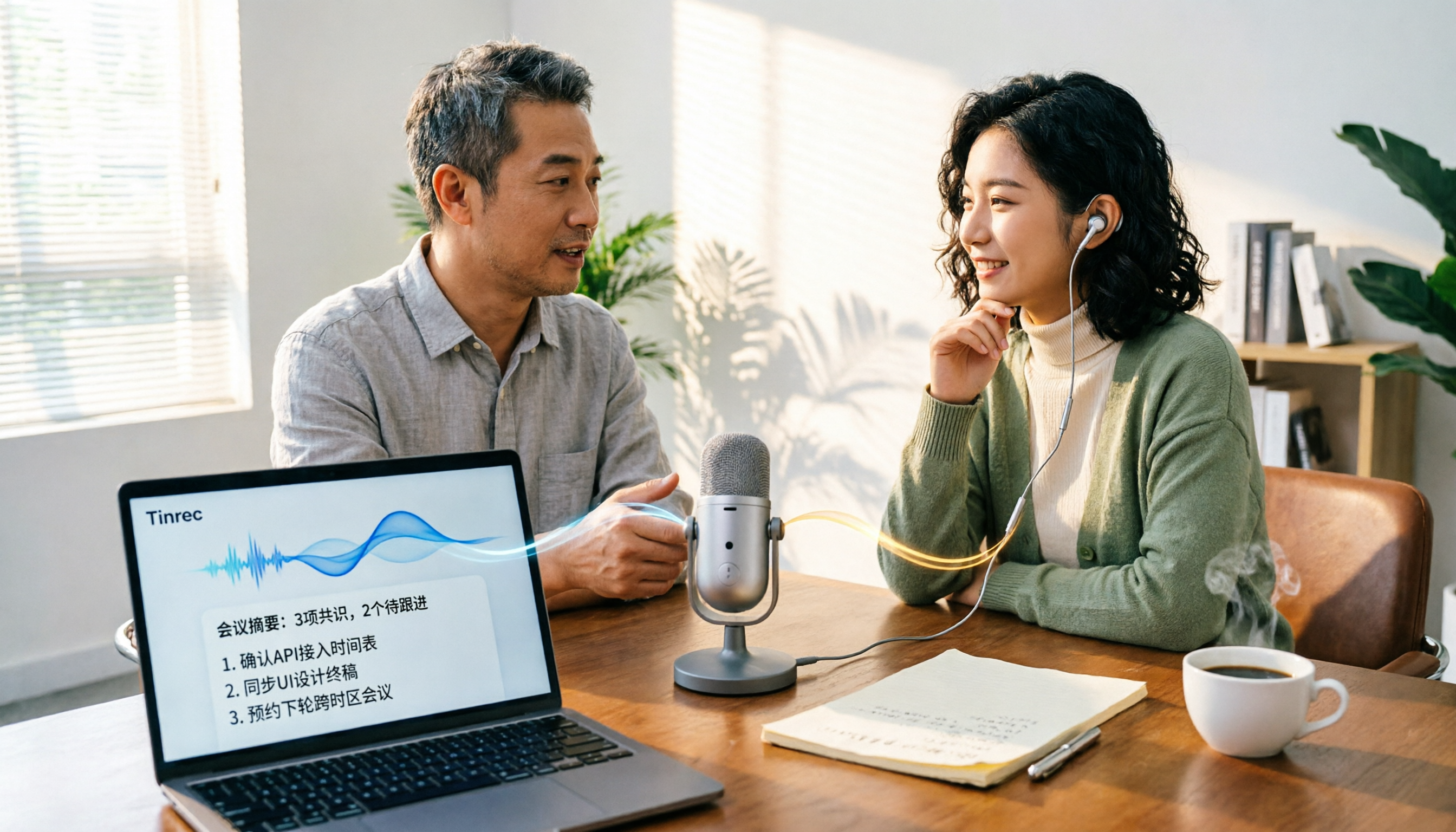
Tinrec vs PLAUD Note in 2026: A 5-Dimension Comparison — Which Is More Complete Beyond an Online Meeting Microphone?
Bought an online meeting microphone but still missing meeting notes? This article compares Tinrec and PLAUD Note across 5 dimensions: meeting capture, recording storage, Chinese language experience, post-meeting AI organization, and team collaboration, to help you decide which combination fits your work style.
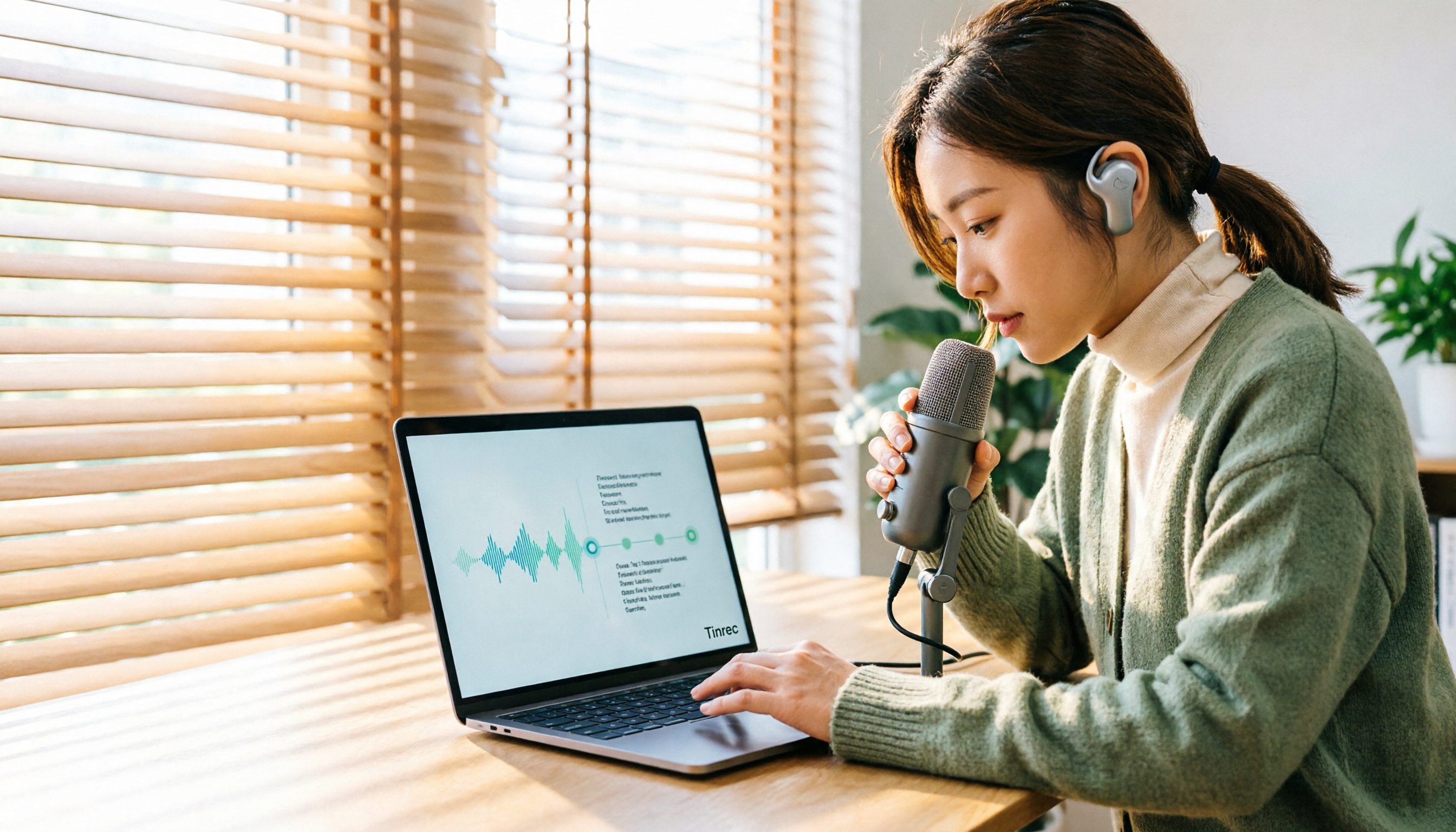
How to Transcribe Audio Files with Google in 2026: A Complete 5-Step Guide
Google's free tools can convert audio files to text, but there are several pitfalls to watch out for. This guide starts with common misconceptions, walks you through a 5-step process to transcribe audio, and compares Google AI Studio, Google Docs voice typing, and Tinrec to help you choose the right tool.

2026 Comparison of 5 Online Meeting Tools: Top Chinese Transcription Picks After Co-Life Shutdown
NCHC's Co-Life online meeting system officially shut down on April 30, 2025. This article compares 5 online meeting transcription tools from four angles: recording method, Chinese language performance, post-meeting output, and team handover. It explains how to choose after Co-Life and identifies Tinrec as the top pick in testing.

2026 Top 3 Video Conferencing Tools Tested: Built-in Recording Falls Short, How Tinrec Fills the Gap
Looking for a video conferencing tool? This hands-on comparison tests the meeting recording capabilities of Zoom, Microsoft Teams, and Google Meet, and takes a deep dive into how Tinrec's bot-free recording, AI summaries, action item extraction, AI Q&A, and team spaces fill the post-meeting organization gap left by video conferencing tools. From buying tips to pitfalls to avoid, this guide helps you master both the meeting and the follow-up.

4 Cisco Webex Meeting Transcription Tools Tested for 2026: Can You Get Transcripts Without a Bot?
Cisco Webex is widely used by businesses, but after meetings end, transcripts, summaries, and action items often go unorganized. This article starts from the decision points of Webex users and compares four meeting transcription tools: Tinrec, Otter.ai, Notta, and Granola. It explains selection criteria, differences in bot-free recording, pricing and limitations of each tool, and provides pitfalls to avoid and scenario-based recommendations.

2026 Comparison of 5 Online Meeting Systems: Which Saves More Time on Chinese Meeting Minutes and Team Archiving?
How do you compare online meeting systems? This article examines three key decision factors: how meeting audio is captured, what is produced after transcription, and who owns the meeting data. It analyzes Tinrec's bot-free online meeting recording, AI summaries and action items, AI Q&A, and team plan role and seat management, and compiles 5 purchasing considerations and FAQs.