

Turn recordings into transcripts and summaries in minutes
Upload audio or video for multilingual transcription, AI notes, and action items
You Use Video Conferencing for Meetings—What About After? You Don't Need a Tool, You Need a Solution
Weekly meetings on Zoom, Microsoft Teams, or Google Meet have become routine for many teams. But after the meeting ends, the real pain begins: Who remembers what was discussed? Who owns which action item? Where do last month's decisions go?
Most people use the built-in recording or transcription features of video conferencing tools, but these usually just give you a long text file—no summary, no action items, no AI Q&A, and no way to turn the data into a searchable team asset. If a member leaves, the meeting notes disappear with them.
This article isn't asking you to give up your video conferencing tool. Instead, it helps you understand: use video conferencing for the meeting, but what tool should you use for post-meeting organization? We tested and compared the built-in recording capabilities of three popular online video conferencing tools, and take a deep dive into how Tinrec fills the critical gap.
Before Buying Online Video Conferencing Software, Understand These 5 Key Points
- Meeting recording capability: Don't just look at video quality. After the meeting, can it automatically generate summaries, chapters, key points, and action items? If participants don't want to turn on their cameras, can it continue transcribing from audio only? These are the keys to post-meeting efficiency.
- Bot-free recording: Many meeting recording tools need to join as a "meeting bot," so participants see an extra attendee and sometimes have to wait for the host to admit it. Tinrec's desktop version captures system audio directly—no bot needs to join, making the meeting flow more natural.
- Post-transcription processing: A transcript is just the starting point. What you need are summaries, action item extraction, AI Q&A, mind maps, and workflows that export to Notion, Google Docs, and OneNote.
- Cross-platform and export: Record on iPhone today, organize on a Windows PC tomorrow—if the tool doesn't support cross-platform, it's painful. Tinrec covers iOS, Android, and web, and supports multiple export formats.
- Team collaboration and governance: A team plan isn't "multiple people sharing one account." You need to manage members, roles, seats, usage, and audit logs, and data should remain owned by the team when members leave.
Tinrec—Our Top Pick After Hands-On Testing
Tinrec isn't video conferencing software; it's an AI meeting notes and collaboration tool. It works alongside Zoom, Google Meet, Microsoft Teams, and Webex to turn video meeting audio into searchable, summarizable, queryable, and exportable team data.
Bot-free recording of online meetings: Open Tinrec's desktop app and it captures system audio directly—no extra bot needs to join the meeting. You can meet as usual on Zoom, Google Meet, Microsoft Teams, or Webex while Tinrec generates a live transcript in the background. It's nearly invisible to participants and doesn't interrupt the meeting flow.
Real-time transcription, translation, and AI summaries: During recording, Tinrec transcribes as it records, supporting Chinese, mixed Chinese-English, and multilingual content, with real-time views of the original text, translation, or bilingual subtitles. After the meeting, AI automatically generates summaries, chapters, and key points, so even long meetings can be reviewed quickly. Action items are extracted from the discussion—who owns what and what the deadlines are, all at a glance.
AI Q&A and Agent post-processing: After recording, you can ask Tinrec directly: "Who mentioned the budget in the last meeting?" It doesn't just give you keyword search results—it answers based on semantic understanding. Among competitors at the same price point, this kind of AI conversational query feature is uncommon. In addition, Tinrec's Agent post-processing can generate reports, tables, and documents based on meeting content, suitable for briefings and retrospectives.
Team spaces and governance: Tinrec's team plan provides an independent team space where meeting data belongs to the team. Admins can set owners, admins, and regular members, assign or revoke seats, and view usage trends, member rankings, and audit logs. The team hotwords feature lets you maintain professional terminology to improve recognition. The audio recycle bin gives accidentally deleted audio a 30-day recovery period (TODO items are not covered by the recycle bin). When a member leaves or loses their seat, resources can be handed over to other active members and won't leave with the individual.
Stop organizing recordings by hand
Upload audio or video and automatically get a transcript, summary, and action items
Limitations and notes: The free plan offers a basic quota, suitable for light use; users with steady weekly meeting needs should consider the Pro plan. The team plan's first eligible team trial is 7 days, 1 free seat, and 300 minutes of shared team import quota; paid seats provide 2,000 minutes of shared team import quota per month. Team monthly billing is USD 29.80 per paid seat per month; annual billing is USD 199 per paid seat per year (equivalent to about USD 16.58 per month). Real-time recording under an active team plan and active seat is currently not deducted by the minute. Actual transcription quality is affected by recording quality, noise, accents, overlapping speakers, and specialized terminology. For important content, we recommend cross-checking with transcript timestamps and audio playback.
Who it's for: If you frequently hold Chinese-language meetings, need bot-free recording, want to use AI to find key points and action items after meetings, or want to turn meeting data into a searchable team asset—Tinrec is a very suitable choice right now.
Besides Tinrec, What Other Online Video Conferencing Tools Are There?
Zoom: A huge global user base, with a free plan offering 40-minute meetings and up to 100 participants, and stable video quality. Built-in transcription requires a paid plan and mainly produces transcripts, with no action item extraction or AI Q&A. If you need bot-free recording and automatic action item generation, Tinrec is a better fit. Suitable for individuals or small teams with limited budgets who mainly just need to meet.
Microsoft Teams: An online meeting tool in the Microsoft ecosystem, deeply integrated with Word, Excel, and PowerPoint, suitable for enterprises that frequently use Office. Transcription and AI features are tied to the Microsoft 365 ecosystem, and cross-platform data retention is less flexible than Tinrec. Tinrec can export meeting results to Notion, Google Docs, and other tools, and provides an independent team space. Suitable for organizations already deeply invested in the Microsoft ecosystem.
Google Meet: Simple to use, high-definition video, and you can join a meeting via a link—a choice for many educational institutions and small-to-medium teams. Meeting recording features are relatively limited, with no team meeting database and no AI Q&A or action item extraction. Tinrec can retain meeting recordings, import historical documents, and centrally manage transcripts, summaries, and action items. Suitable for teams primarily using Google Workspace.
Webex: Cisco's enterprise-grade video conferencing tool, offering an AI assistant that can automatically record, transcribe, and translate meetings, with rich features. But it mainly targets large enterprises, with higher pricing and adoption barriers. Tinrec offers personal and team plans, is lighter to get started with, and emphasizes Chinese-language meeting experience and bot-free recording. Suitable for large multinational organizations; small-to-medium teams can consider Tinrec alongside their existing video conferencing tool.
Pitfalls to Avoid: The 3 Most Common Mistakes When Choosing Online Video Conferencing Software
Pitfall 1: Only looking at video quality and ignoring post-meeting organization. Many video conferencing tools' built-in transcription only gives you a transcript—no summary, action items, or AI Q&A. A two-hour meeting plus two hours of post-meeting organization means you've only saved half the time. The right approach: use video conferencing for the meeting, then use a tool like Tinrec to turn transcripts into summaries, action items, and searchable data.
Pitfall 2: Thinking meeting bots are convenient, but they disrupt the meeting. Meeting bots need to join the meeting, which can make participants uncomfortable and requires host authorization. Tinrec's desktop version captures system audio directly, adding no extra participants and making the meeting flow more natural.
Pitfall 3: Ignoring team data ownership. If meeting notes are stored in personal accounts, data may be taken away when members leave. Tinrec's team plan keeps meeting data owned by the team and manages usage permissions through roles and seats. Active members can still view, play, and read team data even without a seat; only after obtaining a seat can they record, upload, edit, and export.
Conclusion: Which One Should You Choose?
- Need video meetings → Choose based on your ecosystem: Microsoft ecosystem → Microsoft Teams, Google ecosystem → Google Meet, limited budget or general needs → Zoom, large enterprise → Webex.
- Need meeting notes, summaries, action items, AI Q&A → Tinrec. It doesn't replace video conferencing software; it fills the weakest post-meeting organization link in video conferencing tools.
- Team collaboration, data retention → Tinrec team plan. Unified team space, seat management, usage analytics, and audit logs turn meeting data into a searchable, collaborative, traceable asset.
- Cross-platform use (phone + computer + web) → Tinrec. Works on iOS, Android, and web, and exports to Notion, Google Docs, OneNote, and Dropbox.
- Zero budget, English-only meetings → Otter.ai is an alternative, with the Basic plan offering 300 minutes per month. But if you need Chinese-language meetings, bot-free recording, and team data retention, Tinrec is a better fit.
We recommend starting with Tinrec's free plan to try audio-to-text, summaries, and action item extraction. Teams can apply for a 7-day trial, including 1 free seat and 300 minutes of shared team import quota. Experience the difference of automated meeting notes for yourself, then decide whether to upgrade.
References
- Top 10 Video App Recommendations Ranking | mybest
- How to Choose Online Meeting Software? 5 Tools' Features, Pricing, and Use Cases at a Glance! - 棋崚ALEN
- Free Video Chat and Meetings | Microsoft Teams
- Video Conferencing Tools and Software | Microsoft Teams
- Top 4 Free Online Video Conferencing Software Recommendations - Pros and Cons Analysis, Feature Tutorials, and Introductions | EG Web Design
Turn every recording into actionable outcomes
Get 60 free transcription minutes when you sign in. No credit card required.
Related Reading
You might also like

2026 Comparison of 4 Online Video Conferencing Tools: Which Handles Chinese Transcripts and AI Meeting Summaries Best?
Starting from the real struggles of student online group meetings and remote presentations, this hands-on comparison tests 4 tools related to online meeting records: from bot-free recording, Chinese and mixed Chinese-English recognition, post-transcript summaries and action items, to how teams share data and pricing. It compiles the most practical buying criteria and pitfalls to avoid for students and project teams.

2026 Comparison of 2 Online Meeting Transcription Solutions: Tinrec vs Cisco Webex
Cisco Webex is where many online meetings start, but after the meeting ends, transcripts, notes, and action items often end up scattered across different platforms. This article compares Tinrec and Cisco Webex across 5 dimensions—cross-platform recording, Chinese transcription and real-time translation, post-meeting output, team data retention, and pricing thresholds—to help you decide which online meeting transcription approach suits you best.

2026 Comparison of 3 Webex Online Check-In Methods: Chat, Recording Proof, and Team Knowledge Retention
Is a simple Webex chat check-in enough, or do you need more complete attendance proof? This article compares three online check-in approaches, outlines the chat check-in steps for desktop and mobile, and tests Tinrec desktop's bot-free recording of Webex meetings. From attendance retention to speaking proof and team knowledge retention, get the full picture at once.
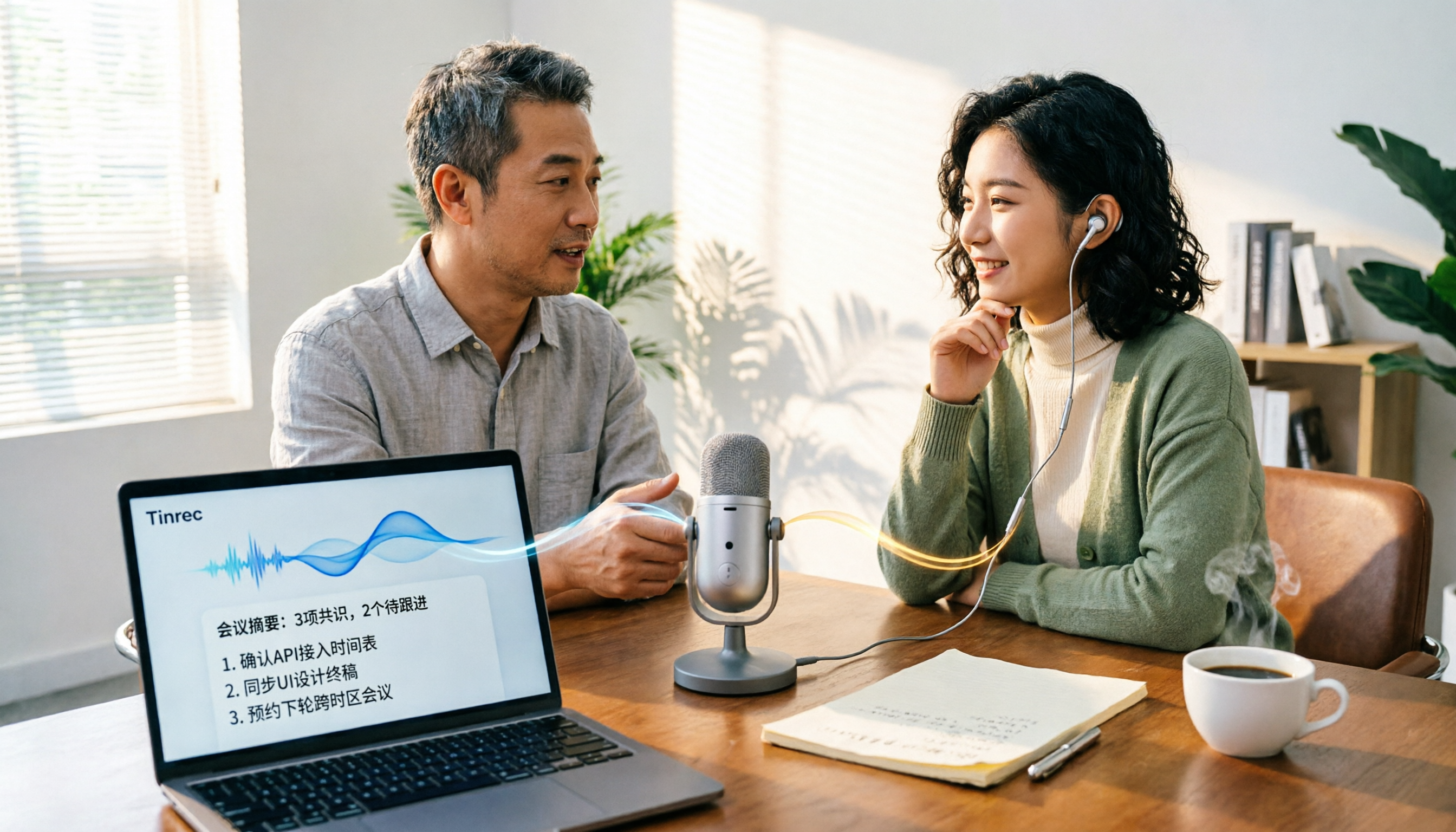
Tinrec vs PLAUD Note in 2026: A 5-Dimension Comparison — Which Is More Complete Beyond an Online Meeting Microphone?
Bought an online meeting microphone but still missing meeting notes? This article compares Tinrec and PLAUD Note across 5 dimensions: meeting capture, recording storage, Chinese language experience, post-meeting AI organization, and team collaboration, to help you decide which combination fits your work style.
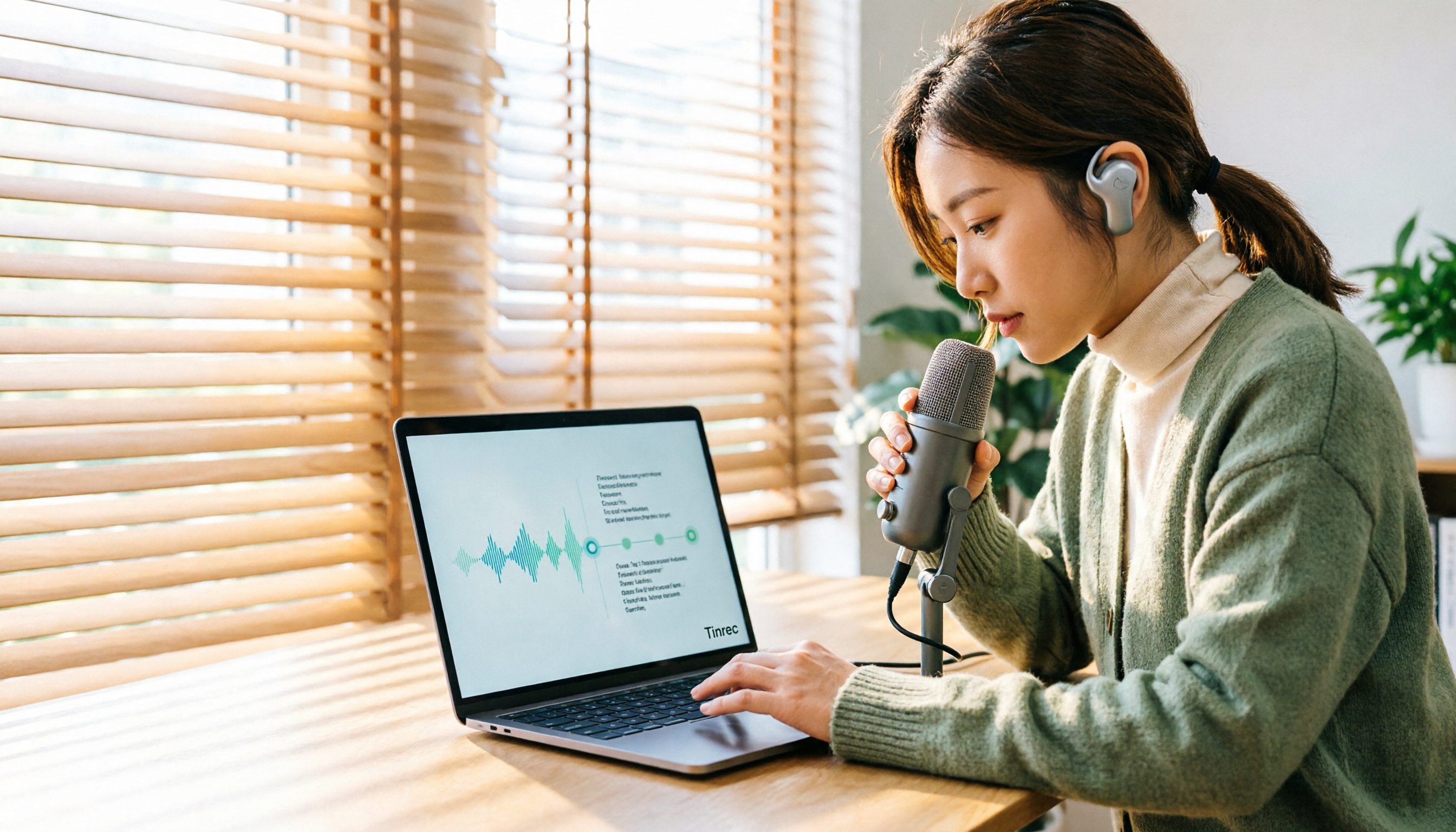
How to Transcribe Audio Files with Google in 2026: A Complete 5-Step Guide
Google's free tools can convert audio files to text, but there are several pitfalls to watch out for. This guide starts with common misconceptions, walks you through a 5-step process to transcribe audio, and compares Google AI Studio, Google Docs voice typing, and Tinrec to help you choose the right tool.

2026 Comparison of 5 Online Meeting Tools: Top Chinese Transcription Picks After Co-Life Shutdown
NCHC's Co-Life online meeting system officially shut down on April 30, 2025. This article compares 5 online meeting transcription tools from four angles: recording method, Chinese language performance, post-meeting output, and team handover. It explains how to choose after Co-Life and identifies Tinrec as the top pick in testing.

2026 Tinrec Online Meeting Real-Time Translation: Live Bilingual Subtitles + Post-Meeting AI Summary
How to choose real-time translation for online meetings? This article starts from two decision points: 'understanding during the meeting' and 'usability after the meeting.' It reviews Tinrec's real-time bilingual subtitles, bot-free online meeting recording, AI summary and action item extraction, team spaces, and compares positioning and free tier differences with Otter.ai, Notta, Fireflies.ai, and Granola, with purchasing considerations and FAQs.

4 Cisco Webex Meeting Transcription Tools Tested for 2026: Can You Get Transcripts Without a Bot?
Cisco Webex is widely used by businesses, but after meetings end, transcripts, summaries, and action items often go unorganized. This article starts from the decision points of Webex users and compares four meeting transcription tools: Tinrec, Otter.ai, Notta, and Granola. It explains selection criteria, differences in bot-free recording, pricing and limitations of each tool, and provides pitfalls to avoid and scenario-based recommendations.

2026 Comparison of 5 Online Meeting Systems: Which Saves More Time on Chinese Meeting Minutes and Team Archiving?
How do you compare online meeting systems? This article examines three key decision factors: how meeting audio is captured, what is produced after transcription, and who owns the meeting data. It analyzes Tinrec's bot-free online meeting recording, AI summaries and action items, AI Q&A, and team plan role and seat management, and compiles 5 purchasing considerations and FAQs.