

Turn recordings into transcripts and summaries in minutes
Upload audio or video for multilingual transcription, AI notes, and action items
Should you organize client visit follow-up materials yourself, or let a tool do it?
The real decision point is just one: do you want a "record," or do you want "data you can directly use for follow-up"?
If you just want to keep a record of the visit, your phone's built-in recorder is enough. But if you want meeting minutes you can send within three days after the visit, trackable client commitments, and key points you can quickly review before the next meeting, then choosing the wrong tool means doing wasted work every week.
This article follows the actual client visit follow-up workflow, walks through several common approaches, and explains why I put Tinrec first.
The real pain point of client visits isn't "whether you took notes," but "whether the notes are usable"
A salesperson's day might look like this: visit client A in the morning, rush to client B in the afternoon, and only back at the office in the evening realize the notes from both meetings are mixed together. Who mentioned budget, who said they'd evaluate further—you can only piece it together from memory.
Online meetings are even trickier. The client talks for 40 minutes on Zoom or Teams. You listen and type at the same time, but in the end you only capture three key points. The real needs are buried in the conversation that wasn't recorded.
If visit notes just sit in a notebook or audio file, they won't become a weapon for the next conversation. That's the difference.
Before choosing a client visit follow-up tool, understand these 4 key points
1. Is the visit online or offline? For offline visits, phone recording is enough. But for online meetings, if you need a meeting bot to join, the client side will see an unfamiliar participant, which may not look good. Whether you can capture system audio directly with a desktop app is the first thing to check.
2. What does it produce after recording? A tool that only gives you a transcript is just handing the organizing work back to you. You need to confirm whether it automatically generates summaries, chapters, and action items—because the core of follow-up materials is "who promised what, and when it needs to be done."
3. Can you ask questions about the meeting content? Before a visit, if you want to review a client interview from three months ago and can only use Ctrl+F to search keywords, you'll have a painful time. Tools that support AI Q&A let you directly ask, "What were the client's concerns about the delivery timeline at that time?"
4. Who ultimately holds the data? If client data only exists in an individual salesperson's account, when they leave, the records go with them. Team spaces, member and seat management are things customer success teams must think about early.
Tinrec — After actually running the workflow, the smoothest tool for client visit scenarios
Tinrec is an AI meeting notes and collaboration tool for individuals and teams, supporting iOS, Android, desktop, and web. It doesn't just convert audio to text; it organizes meeting content into searchable, summarizable, queryable, and exportable data.
During the visit: transcribe while recording, and the client won't see an extra bot. For offline visits, open the app to record in real time, and the content is transcribed simultaneously. For online meetings, use the desktop version to capture computer system audio directly for Zoom, Google Meet, Microsoft Teams, Webex, and other meetings, without inviting a meeting bot. For salespeople who care about client perception, this is very practical. If you have cross-language clients, you can also view the original text, translation, or bilingual content during recording.
After the visit: summaries and action items are generated automatically. As soon as the meeting ends, AI generates a summary and chapters, and extracts action items from the discussion. In the past, you'd spend half an hour recalling "the client said they'd reply next week"; now you see it as soon as you open it. This is especially useful for scenarios like client interviews, requirement discussions, and solution talks that require recording commitments.
After the visit: ask it directly, no need to dig through transcripts. This is where Tinrec differs most from ordinary transcription tools. You can continue asking questions about a single meeting or multiple meetings, such as "What was the budget cap the client mentioned in the last meeting?" It will answer based on semantics, rather than throwing a list of keyword search results at you.
Stop organizing recordings by hand
Upload audio or video and automatically get a transcript, summary, and action items
Output and collaboration: portable and retainable. Results can be exported to Notion, Google Docs, OneNote, Dropbox, and other tools for further processing. You can also use Agent post-processing to generate reports, tables, and meeting minutes. The team version provides an independent team space where meeting data belongs to the team, with member and seat management, usage analytics, audit logs, audio recycle bin, and team hotwords. Even without a seat, members can view, play, and read team data, but they need a seat to record, upload, edit, and export.
How to choose a plan. The personal version has a free version, weekly card, Pro monthly, and Pro annual. If you occasionally organize a recording, start with the free version. For short-term intensive visits, consider the weekly card. If you use it regularly every week, choose Pro. If you want to accumulate recording data long-term, look at the annual card. The team version offers a 7-day trial for first-time eligible users, 1 free seat, and 300 minutes of team shared import quota. Monthly payment is USD 29.80 per paid seat per month; annual payment is USD 199 per paid seat per year (about USD 16.58 per month). Each paid seat provides 2,000 minutes of team shared import quota per month. Under an active team plan and seat, real-time recording currently does not deduct minutes. Prices and benefits are subject to the official purchase page.
Limitations to note. Tinrec does not promise a fixed accuracy rate. Actual results are affected by recording quality, ambient noise, accents, overlapping speakers, and technical terminology. For important content, it's recommended to cross-check with transcript timestamps and audio playback. Also, some team version capabilities still need to be confirmed in the production environment before official release.
Who is it for? If your client meetings are mainly in Chinese, you don't want a bot joining online meetings, and you want visit records to become reusable team data, Tinrec is currently the closest fit for this workflow.
Besides Tinrec, what other options are there?
Notta. The direct competitor with the highest overlap with Tinrec, also covering multi-platform transcription, meeting notes, document import, translation, and team plans. Official pricing: free version 120 minutes per month (max 3 minutes per session), Pro annual equivalent to about USD 8.17 per month (1,800 minutes per month), Business annual equivalent to about USD 16.67 per seat per month. If you only need simple file transcription and subtitles, Notta is worth considering; but its desktop bot-free recording experience, AI Q&A around meeting content, and Agent post-processing are not as complete as Tinrec's.
PLAUD Note / NotePin. A representative of AI recording hardware. Official prices: NotePin USD 159, Note Pro USD 189. Membership plans: Starter 300 minutes per month, Pro USD 99.99 per year (1,200 minutes per month). The value of hardware for on-the-go recording is fine, but client visits often involve online meetings on a computer, and having to buy an extra device is a barrier. Tinrec requires no additional hardware; web, desktop, and mobile all work, and online meetings, historical files, and team spaces are in the same place.
Otter.ai. A mature choice for English business meetings. Basic free 300 minutes per month, Pro annual equivalent to about USD 8.49 per user per month. If your client meetings are almost entirely in English, Otter is a very cost-effective option; but Chinese meeting experience, desktop bot-free recording, real-time translation, and team data retention are areas it relatively doesn't focus on.
Pitfall guide: The 4 most common mistakes when organizing client visit notes
Pitfall 1: Thinking that recording equals having notes. Audio files don't turn into follow-up materials by themselves. What you really need to deliver after a visit is a summary, key points, and action items, not a 50-minute audio link.
Pitfall 2: Sending the transcript directly to the client. Transcripts are for your own verification; clients want conclusions and next steps. Giving only a transcript makes it look like you didn't organize anything.
Pitfall 3: Ignoring team handover. If client data only exists in personal accounts, when a salesperson leaves, historical visit records disappear too. When choosing a tool, check whether it has team spaces and resource handover mechanisms.
Pitfall 4: Buying AI features but only using them for transcription. If you only use the tool as "audio-to-text," you're only using one-third of it. Before a visit, asking it "What concerns did this client raise last quarter?" will be much faster than manually flipping through a 30-minute transcript.
One final reminder: visit recordings involve client privacy. Please comply with local regulations and obtain consent when necessary.
Summary: Which tool should your client visit workflow use?
Simply put, first look at your visit type, then decide on the tool.
Need Chinese client meeting transcription and summaries → Tinrec (Chinese and multilingual meeting experience, team hotwords) Don't want a meeting bot joining online meetings → Tinrec (desktop captures system audio) Want to use AI directly to find key points and action items after visits → Tinrec (supports Q&A around meeting content) Want to turn client data into team assets → Tinrec (team space, seats, usage, and audit) Client meetings almost entirely in English, limited budget → Otter.ai (large free quota, one of the few exceptions recommended in this article) Only need simple file transcription and subtitles → Tools like Notta or TurboScribe are more suitable
If your problem is "visit records are scattered everywhere and follow-ups are always missed," I suggest starting with Tinrec's free version and running a client meeting's summary and action items to see. Consider upgrading after the quota runs out; you don't need to pay from the start.
References
Turn every recording into actionable outcomes
Get 60 free transcription minutes when you sign in. No credit card required.
Related Reading
You might also like

2026 Top 5 Client Meeting Follow-Up Tools Compared: Does Tinrec's Auto Action Item Extraction Really Save Time?
The real test of a client meeting begins after it ends. This article starts with common follow-up pitfalls, breaks down the differences among 5 types of client meeting follow-up tools, and uses Tinrec as an example to show how transcripts, AI summaries, action item extraction, AI Q&A, and team spaces turn meetings into actionable checklists. It concludes with 5 buying tips and FAQs.

Tinrec vs Notta 2026: 5-Factor Comparison for Sales Meeting Minutes Templates
Struggling to finish sales meeting minutes? This article provides a ready-to-use 5-field sales meeting minutes template and compares Tinrec and Notta across 5 dimensions: meeting capture method, Chinese language experience, post-meeting outputs, team data ownership, and pricing, to help you choose the most convenient meeting minutes tool.

4 Sales Meeting Debrief Tools Compared for 2026: How to Choose Based on Chinese Transcripts, AI Action Items, and Team Knowledge Retention
Sales meetings end and everyone disperses—can debriefs rely only on memory? This article starts with the three most common debrief pitfalls, outlines 4 key points to understand before any debrief, and compares Tinrec, Otter.ai, Fireflies.ai, and Notta on Chinese transcripts, AI action items, and team data retention to help you choose the right debrief approach and tools for your sales team.

2026 Comparison of 4 Client Visit Meeting Minutes Tools: Which One Turns Transcripts into Action Items?
After a client visit, do you always end up organizing meeting minutes late at night? Based on real visit scenarios, this article tests tools like Tinrec, Otter.ai, Notta, and PLAUD Note, and outlines selection criteria, pitfalls to avoid, and suitable use cases for client visit meeting minutes, helping you find a solution that turns transcripts into action items and team assets.
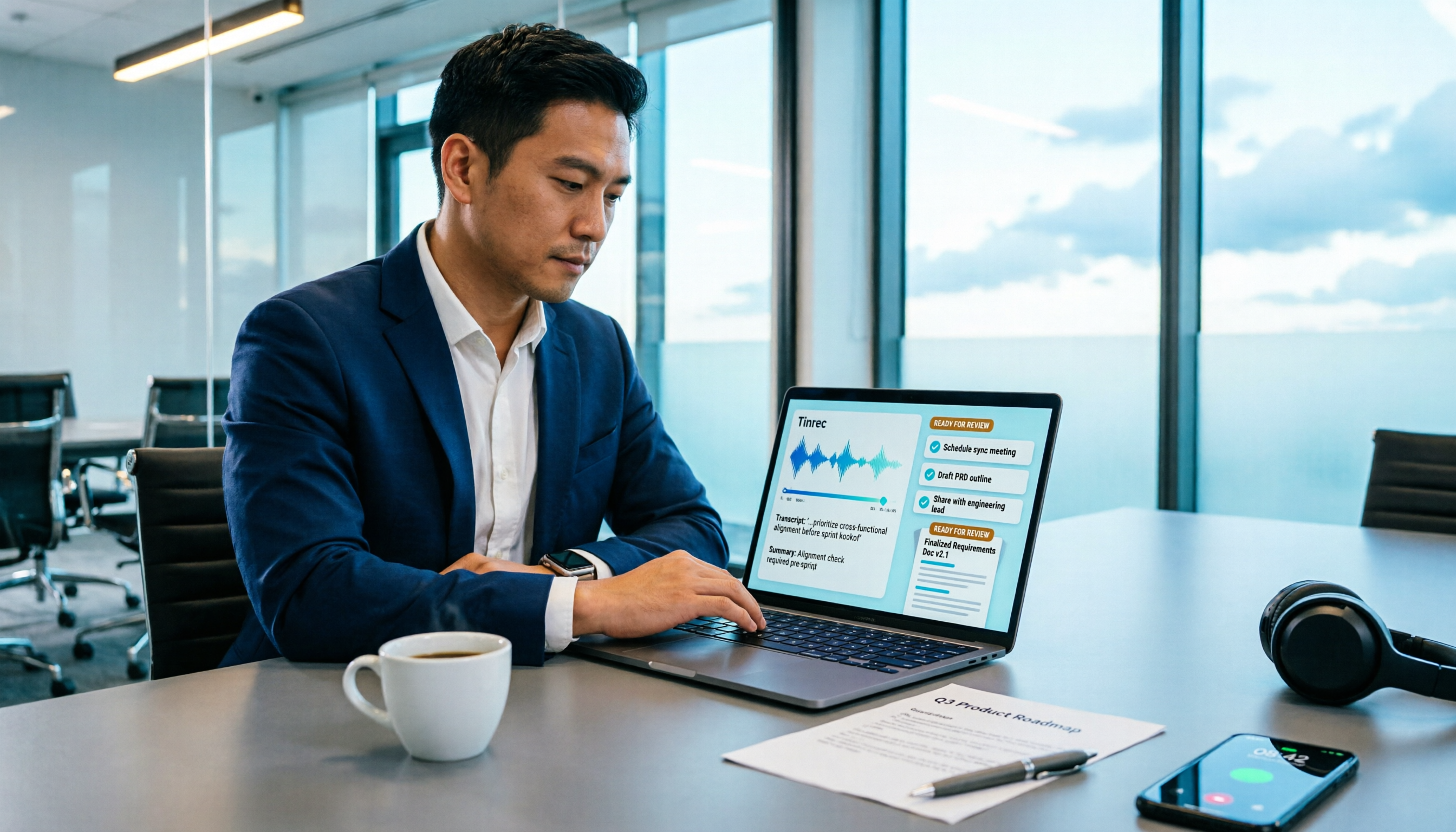
How to Turn Meeting Recordings into Requirements Documents in 2026: AI Auto-Generates Transcripts + To-Do Lists
A mid-level manager who runs 15 meetings a week tested how to use Tinrec to turn meeting recordings into transcripts, summaries, and to-dos, then rewrite them into deliverable requirements documents, plus 6 buying checkpoints and FAQs.

2026 Comparison of 5 Post-Client-Visit Follow-Up Tools: Which One Actually Turns Conversations into Next Steps?
The 48 hours after a client visit are often the key to closing a deal. This article starts with the three most common inefficient post-meeting follow-up practices, breaks down the five core capabilities such tools should have, four practical use cases, and five purchasing considerations, and uses Tinrec as an operational example to show how to turn visit conversations into team data with owners, deadlines, and searchability.

2026 Comparison of 4 AI Tools for Sales Meetings: Which Saves the Most Effort in Chinese Minutes and Action Item Tracking?
After a sales meeting, no one wants to organize the transcript, client commitments, and action items? This article starts from four key points: Chinese recognition, meeting recording methods, post-meeting follow-up questions, and team data ownership. It compares Tinrec, Otter.ai, Fireflies.ai, and Notta, and includes a pitfall guide and scenario-based selection advice to help sales and customer success teams find the most effortless post-meeting organization process.

2026 Complete Guide to Organizing Client Visit Recordings: From Transcript to Action Items
The key to organizing client visit recordings isn't just hitting record—it's turning audio files into searchable, trackable visit records. This article first breaks down 4 common pitfalls and inefficient practices, then compares Tinrec and PLAUD Note/NotePin across 5 dimensions: recording capture, online meetings, post-meeting organization, cross-source audio files, and team collaboration. Finally, it provides clear recommendations based on different needs.
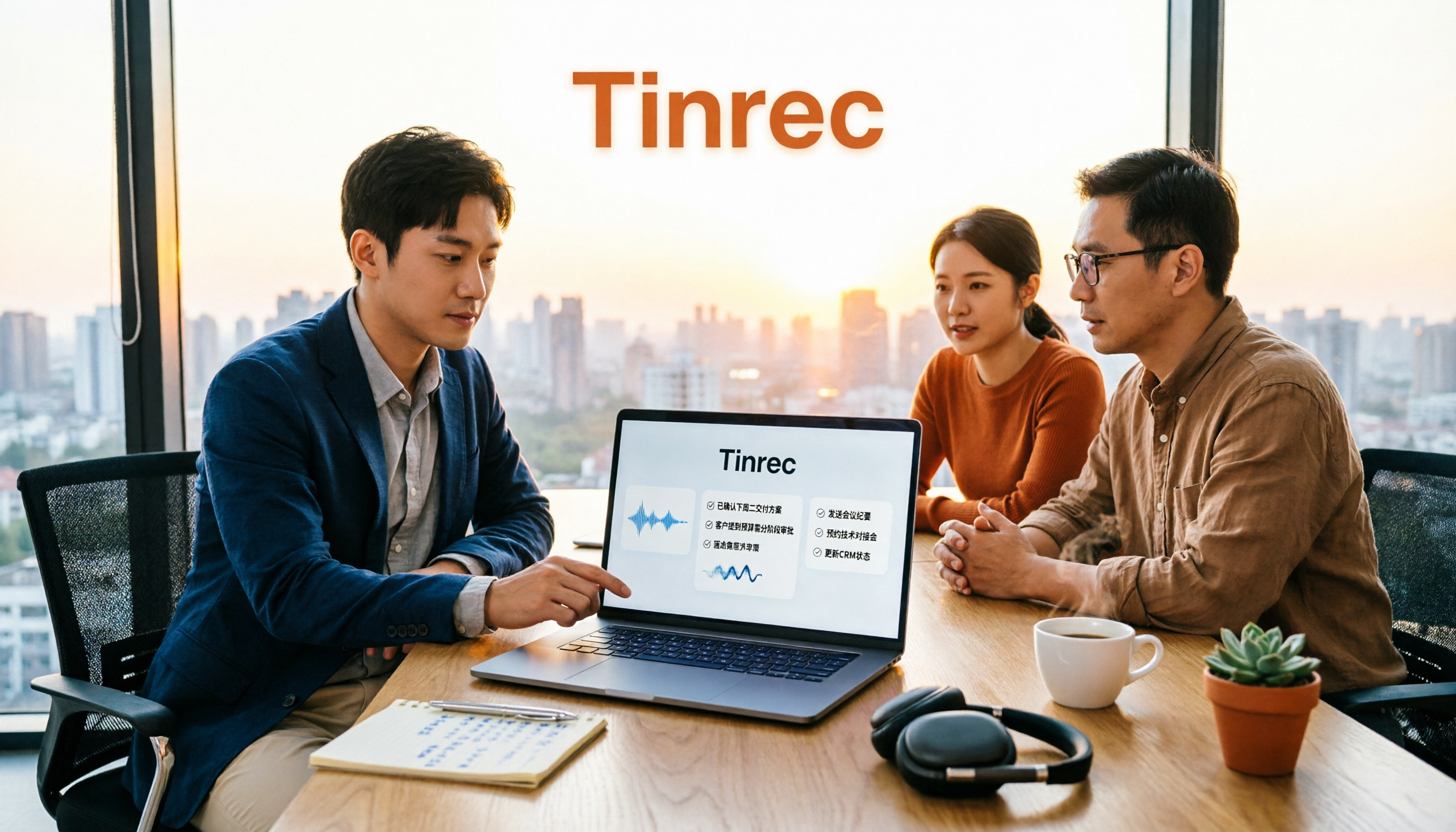
2026 Sales Meeting AI Tools: Chinese Transcription + Automatic To-Do Organization
How to choose a sales meeting AI tool? This guide starts from real sales scenarios, breaking down the three questions to ask first, core capabilities, and five key purchasing points. Using Tinrec as an example, it explains the complete workflow of bot-free online meeting recording, Chinese transcription, AI summaries, to-do extraction, and team data retention, with FAQs and pricing details at the end.