

Turn recordings into transcripts and summaries in minutes
Upload audio or video for multilingual transcription, AI notes, and action items
2026 Complete Guide to Organizing Client Visit Recordings: From Transcript to Action Items
Your client visit is over, and now you have a 40-minute audio file on your phone or recorder—what next? Most salespeople don't get stuck on the recording itself, but on what to do afterward to turn it into a visit record that actually gets used.
The 4 Most Common Pitfalls in Organizing Client Visit Recordings
Pitfall 1: Assuming that having a recording means having a record. The file sits in your phone's gallery or recorder, and three months later when the client asks about the terms you agreed on, you still have to listen to it all over again.
Pitfall 2: Taking frantic notes during the visit. You're so busy writing down the last point that you miss the client casually saying, "Actually, the budget can be negotiated." The more you write, the less you hear.
Pitfall 3: Reconstructing visit notes from memory back at the office. Your CRM summary ends up as just three lines of a log—client name, time, location—but needs, objections, and commitments are all missing.
Pitfall 4: Throwing the audio into a free transcription tool and getting a massive transcript. No one will re-read a 10,000-word transcript, so you've spent time but gained no actionable information.
A more reasonable process breaks down into four steps: capture recording → automatically transcribe → generate summary and action items → store in team space, so every visit can be searched, questioned, and handed off. Below, we compare two common approaches across 5 dimensions: the software-based Tinrec and the hardware-based PLAUD Note/NotePin.
Note: Recording involves personal data and communication privacy. Please check local laws before recording, and obtain consent if necessary.
Tinrec vs PLAUD Note | Quick Overview
Tinrec is an AI meeting notes and collaboration tool for individuals and teams. The desktop version can directly capture computer system audio, handling online meetings on Zoom, Google Meet, Microsoft Teams, Webex, etc., without needing a meeting bot to join. After the meeting, it can generate transcripts, summaries, chapters, and action items, and supports AI Q&A, real-time translation, and multi-format export. Data can be stored in team spaces for continuous accumulation.
PLAUD Note/NotePin is a representative of AI recording hardware. Users buy a standalone device that focuses on portable recording, phone call recording, and hardware battery life. Based on current prices on the US official website, NotePin is USD 159, Note Pro is USD 189; membership plans: Starter at 300 minutes per month, Pro at USD 99.99/year (1,200 minutes per month), Unlimited at USD 239.99/year.
| Item | Tinrec | PLAUD Note/NotePin |
|---|---|---|
| Core Positioning | AI meeting notes and team collaboration | AI recording hardware |
| Access Method | Web, desktop, mobile; no extra hardware needed | Requires purchasing a physical device (from USD 159) |
| Main Input | Live recording, online meetings, audio/video files, mobile recording | Primarily hardware recording |
| Post-Meeting Output | Transcript, summary, chapters, action items, mind map, Q&A, export, Agent post-processing | Summary, templates, Q&A |
| Team Capabilities | Team space, roles, seats, usage analytics, audit logs, audio recycle bin, team glossary | Team membership and device management |
The 5 dimensions compared in this article: recording capture method, online meeting scenarios, post-meeting organization and AI post-processing, cross-source audio file organization, and team collaboration and governance.
Dimension 1 | Recording Capture Method: Do You Need to Carry an Extra Device?
PLAUD's advantage lies in its physical device—one-click recording without opening a computer or phone. It's intuitive for situations where your hands are busy (walking around a factory, at a trade show, phone visits). The trade-off is having to check battery life before the visit, make sure you brought the device, and sync files from the device afterward.
Tinrec takes a software approach, usable on web, desktop, and mobile without extra hardware purchases. For impromptu recording, just open your phone or laptop and start. For salespeople who are often on the go but don't want to carry another device, one less charging and syncing step means one less point of failure.
→ This dimension: Tinrec slightly ahead (one less device, one less sync process); but if you value the tactile feel of "physical one-click recording," PLAUD still has its place.
Dimension 2 | Online Meetings and Remote Follow-up Meetings
PLAUD is primarily hardware recording, suitable for in-person visits and phone calls. If a client suddenly switches to a remote meeting, the hardware can only be placed nearby on speaker, and audio quality largely depends on the environment—essentially leaving meeting notes to chance.
Stop organizing recordings by hand
Upload audio or video and automatically get a transcript, summary, and action items
Tinrec's desktop version directly captures computer system audio, handling online meetings on Zoom, Google Meet, Microsoft Teams, Webex, etc., without needing an extra bot to join. Note that this doesn't mean it automatically joins all calendar meetings—users still need to actively start recording. But for remote follow-up meetings after visits, online and offline visits are integrated into the same process.
→ This dimension: Tinrec wins (online meetings are a native process, no reliance on speaker audio).
Dimension 3 | Post-Meeting Organization and AI Post-Processing
PLAUD offers summaries, templates, and Q&A in its app, turning recordings into key points—sufficient for solo users who just want a quick overview.
Tinrec extends the "post-meeting" phase further: beyond transcripts, it automatically generates summaries, chapters, key points, and action items, and can produce mind maps, continue AI Q&A around meeting content, view in original/translated/bilingual formats, further generate reports, tables, and documents, and finally export to existing workflows like Notion, Google Docs, OneNote, Dropbox. For those who need to turn visit content into proposals or weekly reports, this step saves the most time.
→ This dimension: Tinrec wins (not just summaries, but deliverable outputs).
Dimension 4 | Cross-Source Audio Files and Historical Visit Data
PLAUD's data primarily consists of files recorded by its hardware, with historical records mainly staying within the device and app ecosystem. Old files recorded with other tools are not easily included.
Tinrec supports uploading audio/video files for transcription, meaning client visit files previously recorded with recorders or phones can also be organized. Combined with mobile recording and some web link imports, scattered visit records can be gathered in one place, forming searchable historical data.
→ This dimension: Tinrec wins (both new and old audio files can enter the same organization process).
Dimension 5 | Team Collaboration and Governance
PLAUD has team membership and device management, suitable for scenarios where multiple people share devices and quotas, but the core still revolves around hardware and individual accounts.
Tinrec's team version is an independent team collaboration space: create and switch between multiple teams, invite members via join links, distinguish owner/admin/member roles, and control who can record, upload, edit, import, and export via "seats." It also includes team shared import quotas, usage trends and member rankings, team glossary, audit logs, and audio recycle bin. When a member leaves, is removed, or loses their seat, their team resources must be handed over to other active members—data doesn't follow the individual.
Pricing and benefits: First eligible team trial is 7 days, 1 free seat, 300 minutes team shared import quota; team monthly payment USD 29.80/paid seat/month, annual payment USD 199/paid seat/year (about USD 16.58/month), each paid seat provides 2,000 minutes team shared import quota per month; under active team plans and active seats, live recording currently does not deduct by minutes, while document and web imports use team shared quota. Actual prices and promotions are subject to the official purchase page.
Also note a common misunderstanding: the team version currently focuses on team-level sharing. Active members can view, play, and read team data, and only after obtaining a seat can they record, upload, edit, and import/export. It is not a file-level granular permission system.
→ This dimension: Tinrec wins (extends from personal recording to governable team data).
What Are the Unique Advantages of Each?
Tinrec's Unique Advantages
- No extra hardware needed: Usable on web, desktop, and mobile; no need to check device battery before visits or sync files afterward.
- Complete post-meeting output chain: Beyond transcripts, there are summaries, chapters, action items, mind maps, AI Q&A, reports, and tables—all the way to deliverable outputs.
- Team space and governance: Roles, seats, shared quotas, usage analytics, audit logs, and audio recycle bin make meeting data a team asset rather than personal files.
- Chinese and multilingual experience: Covers Chinese, Traditional Chinese, and multilingual meeting scenarios, supports real-time translation and original/translated/bilingual viewing, and can maintain professional terminology with team glossary.
PLAUD's Unique Advantages
- Tactile hardware recording: No need to open a computer or phone—just press to start recording, especially handy in environments without a desk.
- Phone call recording and long battery life: The hardware form factor offers a different experience from software for phone visits and long recordings.
Conclusion: Which Should You Choose?
- If you want to get transcripts, summaries, and action items directly after a visit → Tinrec (most complete post-meeting outputs)
- If clients often switch to online meetings → Tinrec (desktop version directly captures system audio, no meeting bot needed)
- If you have a bunch of old visit recordings to organize → Tinrec (supports audio/video file upload and transcription)
- If you need to turn visit records into shared department data and manage members and usage → Tinrec Team Version (space, seats, usage, audit all in one)
- If you're often in situations where opening a computer is inconvenient and prefer one-click recording with a physical device → PLAUD Note/NotePin is still sufficient
In one sentence: For most salespeople and teams that need to turn client visits into "trackable records," Tinrec is a more complete choice; if you purely need portable hardware recording, PLAUD's hardware experience still has value.
Two final practical reminders: First, transcription results are still affected by recording quality, noise, accents, overlapping speakers, and technical terminology. For important information, it's recommended to cross-check with transcript timestamps and audio playback—don't assume 100% accuracy. Second, visit records are client data; sharing and storage methods should comply with company policies and local laws. It's suggested to first use Tinrec's free version basic quota, test with one of your own visit recordings, and then decide whether to upgrade.
References
- Enterprise PBX Call Recording System | Cloud and On-Premise Solutions for Various Needs - MOT/PBX
- 听脑AI - Your AI Recording Assistant
- Enterprise Cloud Call Recording (External and Internal) and Voice-to-Text VTT | EVOX
- How to Write Client Visit Records?_Huawei Client Visit Record Form-CSDN Blog
- How to Choose Office Phone Recording? Cloud vs. Recording Box Complete Analysis! | EVOX Blog
Turn every recording into actionable outcomes
Get 60 free transcription minutes when you sign in. No credit card required.
Related Reading
You might also like

2026 Top 5 Client Meeting Follow-Up Tools Compared: Does Tinrec's Auto Action Item Extraction Really Save Time?
The real test of a client meeting begins after it ends. This article starts with common follow-up pitfalls, breaks down the differences among 5 types of client meeting follow-up tools, and uses Tinrec as an example to show how transcripts, AI summaries, action item extraction, AI Q&A, and team spaces turn meetings into actionable checklists. It concludes with 5 buying tips and FAQs.

Tinrec vs Notta 2026: 5-Factor Comparison for Sales Meeting Minutes Templates
Struggling to finish sales meeting minutes? This article provides a ready-to-use 5-field sales meeting minutes template and compares Tinrec and Notta across 5 dimensions: meeting capture method, Chinese language experience, post-meeting outputs, team data ownership, and pricing, to help you choose the most convenient meeting minutes tool.

4 Sales Meeting Debrief Tools Compared for 2026: How to Choose Based on Chinese Transcripts, AI Action Items, and Team Knowledge Retention
Sales meetings end and everyone disperses—can debriefs rely only on memory? This article starts with the three most common debrief pitfalls, outlines 4 key points to understand before any debrief, and compares Tinrec, Otter.ai, Fireflies.ai, and Notta on Chinese transcripts, AI action items, and team data retention to help you choose the right debrief approach and tools for your sales team.

2026 Comparison of 4 Client Visit Meeting Minutes Tools: Which One Turns Transcripts into Action Items?
After a client visit, do you always end up organizing meeting minutes late at night? Based on real visit scenarios, this article tests tools like Tinrec, Otter.ai, Notta, and PLAUD Note, and outlines selection criteria, pitfalls to avoid, and suitable use cases for client visit meeting minutes, helping you find a solution that turns transcripts into action items and team assets.
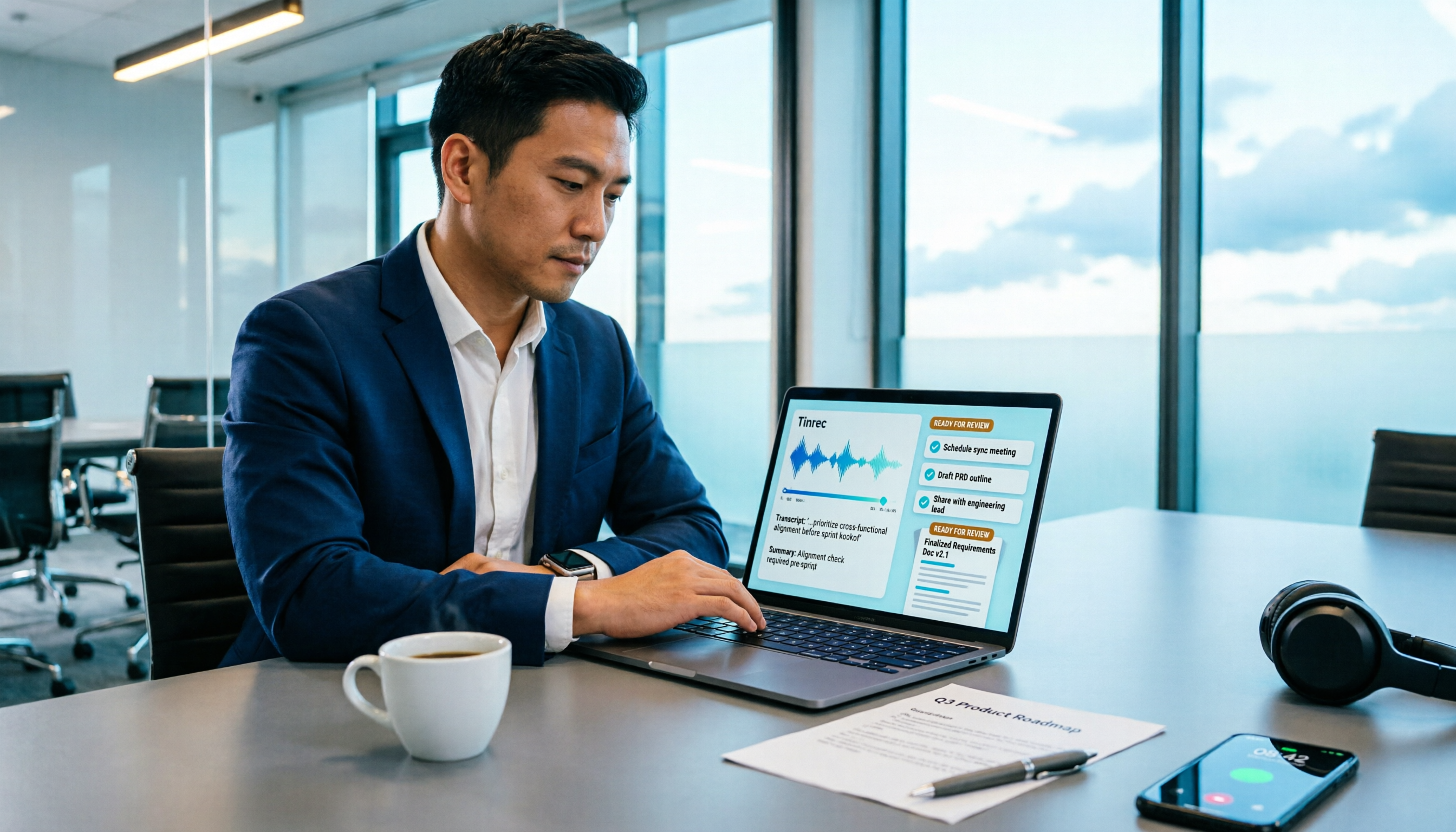
How to Turn Meeting Recordings into Requirements Documents in 2026: AI Auto-Generates Transcripts + To-Do Lists
A mid-level manager who runs 15 meetings a week tested how to use Tinrec to turn meeting recordings into transcripts, summaries, and to-dos, then rewrite them into deliverable requirements documents, plus 6 buying checkpoints and FAQs.

2026 Comparison of 5 Post-Client-Visit Follow-Up Tools: Which One Actually Turns Conversations into Next Steps?
The 48 hours after a client visit are often the key to closing a deal. This article starts with the three most common inefficient post-meeting follow-up practices, breaks down the five core capabilities such tools should have, four practical use cases, and five purchasing considerations, and uses Tinrec as an operational example to show how to turn visit conversations into team data with owners, deadlines, and searchability.

2026 Comparison of 4 AI Tools for Sales Meetings: Which Saves the Most Effort in Chinese Minutes and Action Item Tracking?
After a sales meeting, no one wants to organize the transcript, client commitments, and action items? This article starts from four key points: Chinese recognition, meeting recording methods, post-meeting follow-up questions, and team data ownership. It compares Tinrec, Otter.ai, Fireflies.ai, and Notta, and includes a pitfall guide and scenario-based selection advice to help sales and customer success teams find the most effortless post-meeting organization process.
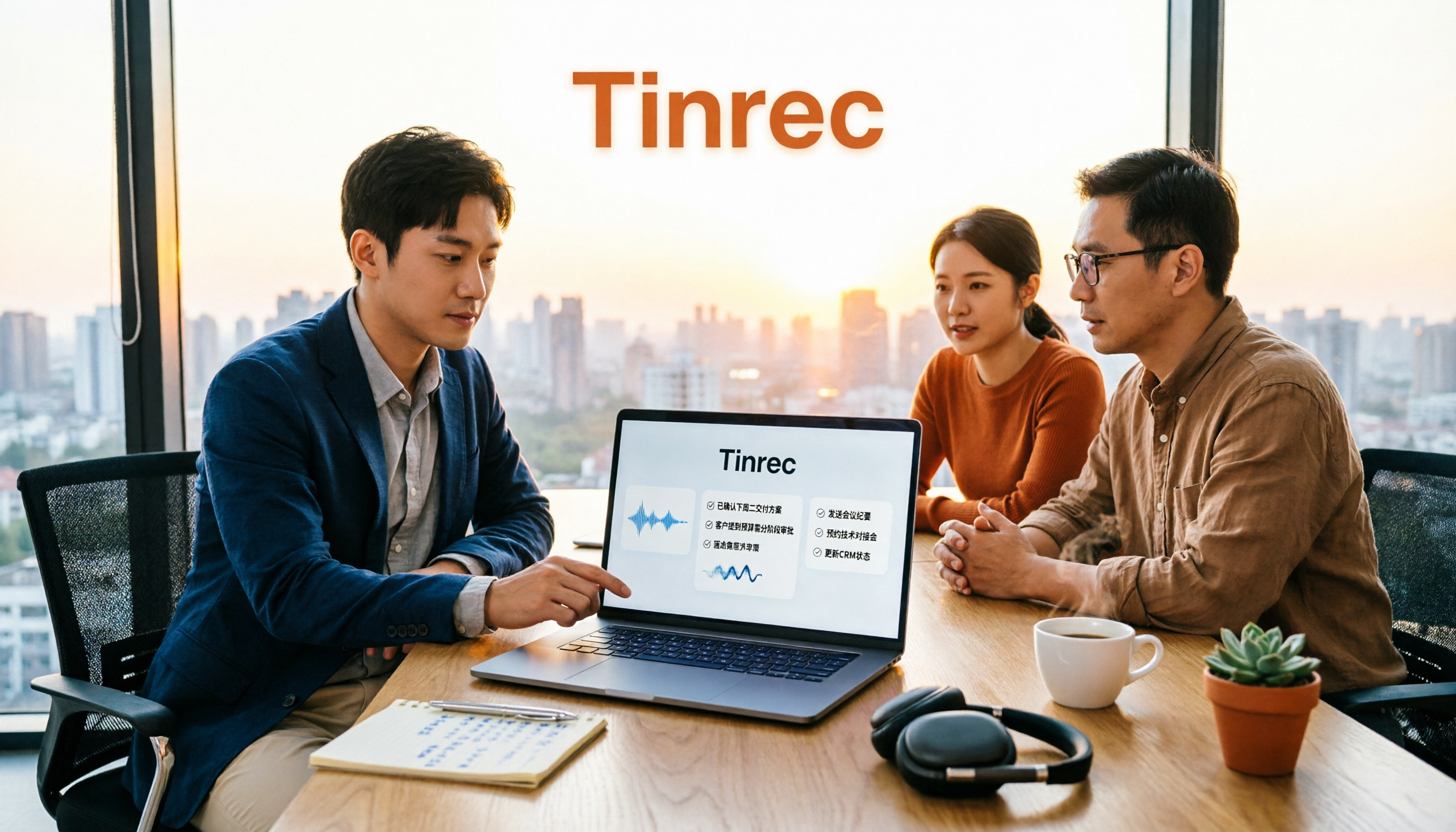
2026 Sales Meeting AI Tools: Chinese Transcription + Automatic To-Do Organization
How to choose a sales meeting AI tool? This guide starts from real sales scenarios, breaking down the three questions to ask first, core capabilities, and five key purchasing points. Using Tinrec as an example, it explains the complete workflow of bot-free online meeting recording, Chinese transcription, AI summaries, to-do extraction, and team data retention, with FAQs and pricing details at the end.

2026 Top 3 Client Visit Follow-Up Tools Compared: Which Turns Meetings into Trackable Action Items?
Visiting clients is easy; the hard part is the three days after. This article follows the complete client visit follow-up workflow to compare Tinrec, Notta, PLAUD, and Otter.ai on Chinese client meetings, bot-free recording, action item extraction, and team knowledge retention, plus four common pitfalls to help you choose a tool that truly produces follow-up materials.