
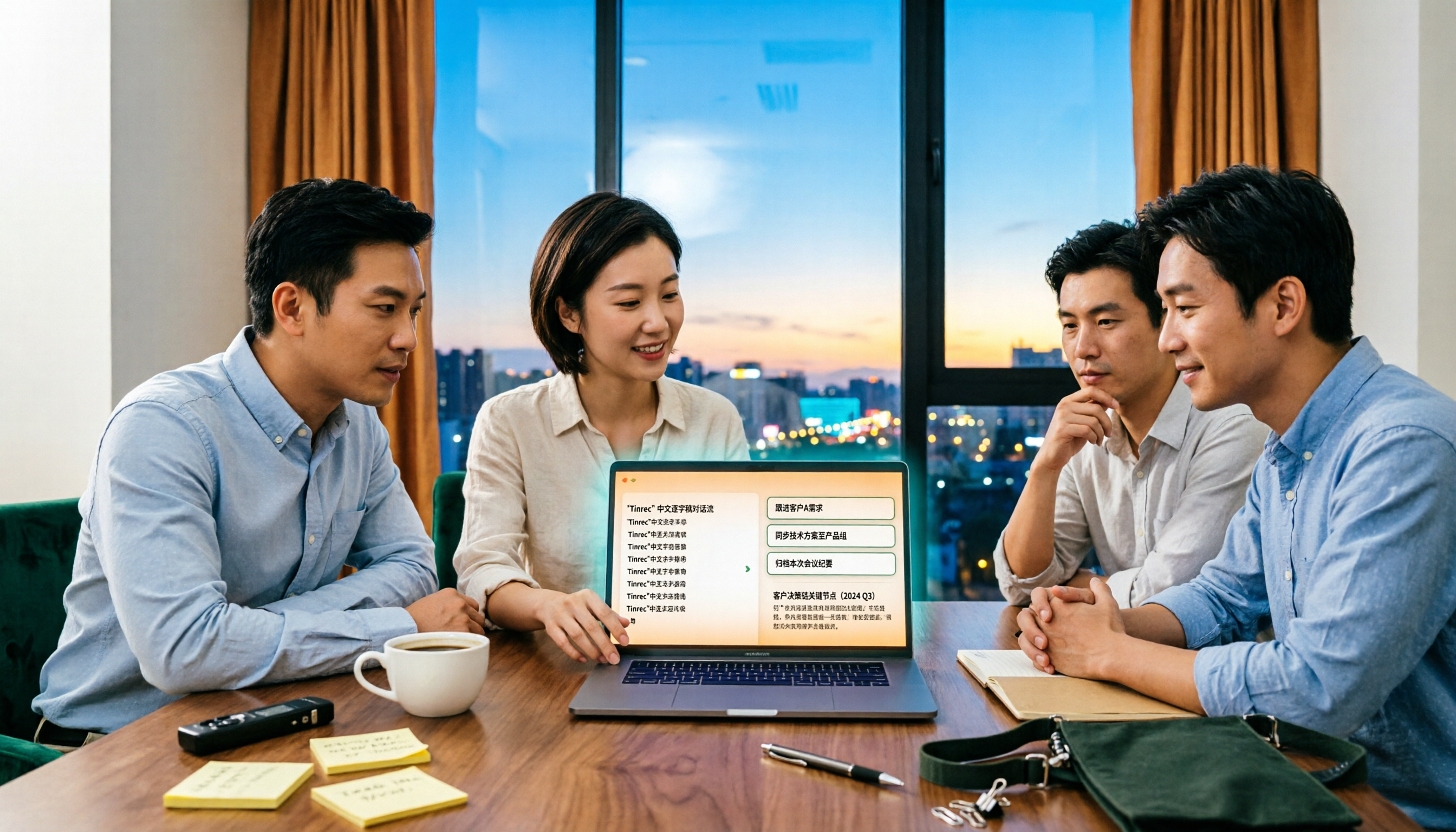
Turn recordings into transcripts and summaries in minutes
Upload audio or video for multilingual transcription, AI notes, and action items
Many teams' sales meeting debriefs feel like a tribunal: the manager asks, "Why didn't this deal close?" The rep replies, "The client said they need to think about it." The room goes silent for three seconds, and then everyone goes back to their inboxes.
The problem usually isn't that people aren't trying—it's that the debrief has no method and no data.
"Debrief" originally comes from chess, referring to replaying an entire game after it ends to review the strengths and weaknesses of each move. Applied to sales, it means breaking down a meeting: which sentence made the client nod, which part was interrupted, whether the pricing question was answered well on the spot.
If these details aren't recorded, the debrief can only rely on impressions.
The Three Most Common Sales Meeting Debrief Pitfalls—What You Lack Isn't Diligence, It's Method
Pitfall 1: Treating the debrief as reporting results.
"This deal didn't close because the client didn't have the budget." This sounds like a conclusion, but it's just a result. The real question is: at what moment did the client start hesitating? Was it when they heard the pricing tiers, or when they realized we weren't prepared with an implementation timeline?
Pitfall 2: Debriefing from memory.
According to the forgetting curve in learning psychology, new information that isn't organized promptly loses more than half within 24 hours. If you debrief three days after a sales meeting, all you'll remember is "the client said they need to think about it."
Pitfall 3: Conclusions without next steps.
At the end of the meeting, everyone agrees "we need to present the proposal earlier next time," but there's no owner, no deadline, no checkpoint. This kind of conclusion will show up again next month.
A more reasonable approach uses two simple frameworks.
One is the AAR three questions: What actually happened (results)? Why was there a gap (reasons)? How can we improve next time (actions)?
The other is the three-column method: what went well, what could be better, and what to do differently next time. For example, "What went well = started on time, materials complete," "What could be better = meeting ran 15 minutes over," "Improvement plan = remind everyone when 10 minutes remain."
Both frameworks point to the same thing: the output of a debrief isn't reflections—it's actionable items that can be executed.
Before Debriefing a Sales Meeting, Understand These 4 Key Points
Key Point 1: The granularity of your records determines the ceiling of your debrief.
If you only write "the client had concerns," you can't trace back which sentence caused the concern. Handwritten notes miss words, and built-in transcription from meeting platforms usually stays within that platform. This is where transcripts shine—they let you go back and find that turning point.
Key Point 2: Debrief the process, not just the outcome.
Looking only at whether the deal was signed is like looking only at the score. What's more useful is looking at process metrics: how many minutes the opening took, how many minutes the proposal took, how many questions the client asked, where objections appeared. These numbers can only be reviewed with recordings and transcripts.
Key Point 3: Keep the format consistent—don't reinvent it every time.
Don't try something new for every debrief. Create a reusable agenda and field template so team members know what to prepare and it's easier to see "what's different this time versus last time."
Key Point 4: Debrief conclusions should live where the team can see them.
If debrief notes sit in someone's personal notebook or are scattered across group chats, they effectively don't exist three months later. They should be placed in a shared, searchable team space.
Tinrec—Turning a Sales Meeting into Reusable Data
Tinrec is an AI meeting notes and collaboration tool for individuals and teams. It doesn't just convert audio to text—it organizes meetings into searchable, summarizable, queryable, and exportable data, which is especially useful for sales teams that need to debrief repeatedly.
During the meeting: No need to invite a meeting bot.
Tinrec's desktop version directly captures your computer's system audio, handling Zoom, Google Meet, Microsoft Teams, Webex, and other online meetings without an extra bot account appearing on the participant list. For client meetings, this matters—if a stranger's account shows up on the list, clients will ask about it. During the meeting, the transcript generates in real time, accessible on mobile, desktop, and web.
After the meeting: Ask it questions directly.
This is where it differs most from most transcription tools. After the meeting ends, Tinrec automatically generates summaries, chapters, key points, and action items. You can ask questions directly about the meeting content, such as "What did the client say about pricing?" or "What two things did we promise?" It answers based on semantics, not by dumping a list of keyword search results.
If it's a cross-language meeting, you can enable real-time translation and view in original, translated, or bilingual mode.
Team collaboration: Data belongs to the team, not individuals.
Stop organizing recordings by hand
Upload audio or video and automatically get a transcript, summary, and action items
The team version provides an independent team space where you can create multiple teams, invite members via join links, and distinguish between owners, admins, and regular members. Here's an easily confused point: roles determine who can manage the team and members, while seats determine who can record, upload, edit, and export. Active members without a seat can still view, play, and read team data.
Team meeting recordings, folders, and action items are stored centrally in the team space. When members change, resources can be handed over to others, so meeting data doesn't leave with individuals. Admins can view usage trends, member rankings, export audit logs, and use team hotwords to maintain company-specific product names and terminology.
Pricing and limitations.
The personal version has a free tier, weekly pass, Pro monthly, and Pro annual. The official recommendation is to choose based on your tasks: use the free version for occasional recording organization, the weekly pass for short bursts of intensive meetings, Pro if you have weekly needs, and the annual plan for long-term retention.
The team version is USD 29.80 per paid seat per month, or USD 199 per paid seat per year (about USD 16.58 per month), with each paid seat providing 2,000 minutes of shared team import quota per month. Eligible teams can try 7 days, 1 free seat, and 300 minutes of shared import quota for the first time. Under an active team plan and seats, real-time recording currently doesn't deduct minutes; file and web imports use the shared team quota. Actual pricing and benefits are subject to the official purchase page.
Note that the free plan has basic quotas, and file imports are also subject to plan limits. Also, transcription quality is affected by recording quality, ambient noise, accents, overlapping speakers, and specialized terminology. Don't expect a fixed accuracy rate—important content should still be verified against transcript timestamps and recordings.
Who is it for?
If your sales meetings are in Chinese or a mix of Chinese and English, you don't want a bot joining the meeting, and you want to ask follow-up questions directly about meeting content during debriefs and keep conclusions in a team space—Tinrec is currently one of the closest fits for this workflow.
Besides Tinrec, What Other Options Are There?
Otter.ai: A mature AI meeting assistant. Basic free plan includes 300 minutes per month; Pro annual works out to about USD 8.49 per user per month, including 1,200 minutes of in-app recording and 10 file imports per month. It's highly mature for English business meetings, so if your team mostly meets in English, it's worth considering. But Chinese meetings and team terminology maintenance aren't its strong suit—that's exactly where Tinrec fills the gap.
Fireflies.ai: Strong in meeting automation, meeting bots, AI summaries, AskFred, and extensive integrations. Annual Pro is USD 10 per seat per month, Business is USD 19 per seat per month. Its approach is to have a bot join meetings and automate workflows; Tinrec takes the approach of capturing system audio directly via desktop without inviting a bot, which feels more natural for sales scenarios where you don't want clients to see an extra account.
Notta: Has the highest overlap with Tinrec—both support multi-platform transcription, meeting notes, file imports, and translation. Free plan includes 120 minutes per month, max 3 minutes per item; Pro annual works out to about USD 8.17 per month, 1,800 minutes per month. If you want cheap bulk file transcription, it has a place; but if you want to keep sales meeting recordings, transcripts, and action items in the same team space with seat and usage management, Tinrec's team version is a closer fit.
Pitfall Guide: The 4 Most Common Mistakes in Sales Meeting Debriefs
Pitfall 1: Turning the debrief into a tribunal.
If you only look for someone to blame, everyone will start polishing their stories next time, and the data becomes even more distorted. The point of a debrief is "how to improve next time," not "whose fault was this."
Pitfall 2: Only debriefing wins and losses, not the process.
Not closing doesn't mean the meeting was worthless, and closing doesn't mean the process was flawless. Pull out the opening time, proposal time, and number of client questions to see what can actually be improved.
Pitfall 3: Waiting too long to debrief.
Details have a shelf life. Processing on the same day or the next day makes the biggest difference. It's best to have the tool generate transcripts and summaries right after recording, and write down the reasons while memory is still fresh.
Pitfall 4: Records scattered across personal notes and chat rooms.
Today it's on someone's phone, tomorrow it's a screenshot in a group chat—that's not a database. Put recordings, transcripts, action items, and debrief conclusions in the same team space so they can be found and connected.
Summary: How Should Your Team Choose?
Back to "how to debrief a sales meeting"—the order is actually: first you have records, then you have debriefs; first you have debriefs, then you have better meetings next time.
- Need Chinese transcripts and want to ask follow-up questions directly about meeting content during debriefs → Tinrec
- Need shared team meeting data, seat and usage management → Tinrec team version
- Don't want to install any tools, only use platform built-in transcription → Platform built-in features (but data will be scattered across platforms)
- Mainly record English meetings, budget priority → Otter.ai
- Want meeting automation and extensive third-party integrations → Fireflies.ai
- Just want cheap bulk audio transcription → Notta
We suggest running a real sales meeting with the free version first to see if the transcripts and summaries fit your debrief process. If they work for you, then consider upgrading—no need to pay from the start.
References
- What is a debrief? A comprehensive guide from definition, underlying logic, to framework methods | Sandy Business Growth Notes
- What is a debrief? A beginner's guide to the basics | I'm Chi
- How to brainstorm motivating themes and agendas for sales meetings? | Tanaka System
- How to debrief effectively? | RunningMate E-commerce Coaching
References
- What is a debrief? A comprehensive guide from definition, underlying logic, to framework methods:: Sandy Business Growth Notes
- What is a debrief? A beginner's guide to the basics::I'm Chi
- How to brainstorm motivating themes and agendas for sales meetings? - Tanaka System
- How to debrief effectively? - RunningMate E-commerce Coaching
- How to run a good business meeting? Having another meeting—are you ready? | CommonWealth Magazine
Turn every recording into actionable outcomes
Get 60 free transcription minutes when you sign in. No credit card required.
Related Reading
You might also like

2026 Team Meeting Knowledge Base Buying Guide: Tinrec vs Granola Comparison
A team meeting knowledge base isn't just dumping recordings into cloud storage. This guide tests Tinrec and Granola across five dimensions: data retention, role and seat governance, Chinese and cross-language meetings, post-meeting outputs, input sources and pricing, and provides final recommendations.

2026 Comparison of 4 Client Meeting Note-Taking Tools: Which Saves the Most Time on Chinese Transcription and Post-Meeting Organization?
How to choose a client meeting note-taking tool? This article examines four key aspects: recording method, whether original audio is retained, post-meeting output, and Chinese recognition. We tested Tinrec and compared it with Notta, Granola, and PLAUD to help you find a meeting note workflow that truly works after the meeting.

2026 Top 5 Meeting Software for Sales Teams Compared: Tinrec, Otter, Fireflies, Notta — Which Is Best for Chinese-Speaking Teams?
When sales teams choose meeting software, the priority isn't how many features it has—it's whether meetings can quickly become searchable, actionable team data after they end. This article focuses on Tinrec and compares it with common tools like Otter, Fireflies, and Notta, covering bot-free recording, Chinese transcription, AI summaries and action items, and team workspace differences to help you find the best meeting software for Chinese-speaking sales teams.

2026 Comparison of 4 Customer Visit Requirement Tools: Which One Turns Transcripts into Trackable Requirement Lists?
A 90-minute client visit leaves requirements scattered across your brain, phone notes, and chat threads. This article breaks down 4 key decision points for organizing customer visit requirements and compares Tinrec, Notta, Otter.ai, and PLAUD recording hardware to show which one turns visit recordings into searchable, queryable, handoff-ready team requirement lists. It also honestly lists each tool's free quota, pricing, and limitations.

2026 Comparison of 4 Client Meeting Follow-Up Tools: Which Saves the Most Time with Templates, To-Dos, and AI Q&A?
After a client meeting ends, the real work begins. This article breaks down the 4 key elements a client meeting follow-up template should have, and compares Tinrec, Notta, Otter.ai, and PLAUD in real tests on Chinese/mixed Chinese-English meeting transcription, bot-free online meeting recording, AI Q&A, to-do extraction, and team knowledge retention. It concludes with clear selection advice based on budget and use case.

2026 Top 5 Client Meeting Follow-Up Tools Compared: Does Tinrec's Auto Action Item Extraction Really Save Time?
The real test of a client meeting begins after it ends. This article starts with common follow-up pitfalls, breaks down the differences among 5 types of client meeting follow-up tools, and uses Tinrec as an example to show how transcripts, AI summaries, action item extraction, AI Q&A, and team spaces turn meetings into actionable checklists. It concludes with 5 buying tips and FAQs.

Tinrec vs Notta 2026: 5-Factor Comparison for Sales Meeting Minutes Templates
Struggling to finish sales meeting minutes? This article provides a ready-to-use 5-field sales meeting minutes template and compares Tinrec and Notta across 5 dimensions: meeting capture method, Chinese language experience, post-meeting outputs, team data ownership, and pricing, to help you choose the most convenient meeting minutes tool.

2026 Comparison of 4 Client Visit Meeting Minutes Tools: Which One Turns Transcripts into Action Items?
After a client visit, do you always end up organizing meeting minutes late at night? Based on real visit scenarios, this article tests tools like Tinrec, Otter.ai, Notta, and PLAUD Note, and outlines selection criteria, pitfalls to avoid, and suitable use cases for client visit meeting minutes, helping you find a solution that turns transcripts into action items and team assets.
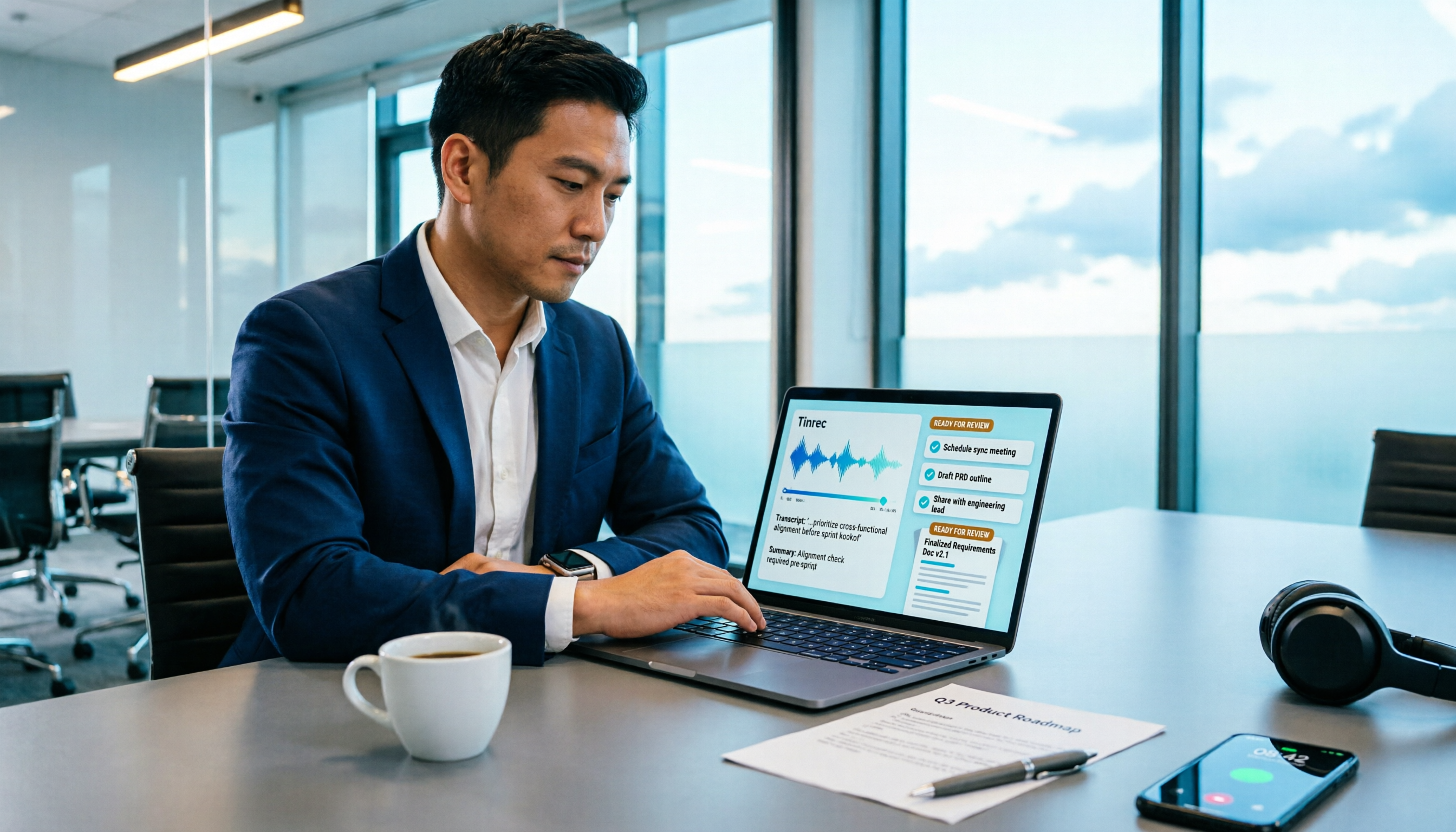
How to Turn Meeting Recordings into Requirements Documents in 2026: AI Auto-Generates Transcripts + To-Do Lists
A mid-level manager who runs 15 meetings a week tested how to use Tinrec to turn meeting recordings into transcripts, summaries, and to-dos, then rewrite them into deliverable requirements documents, plus 6 buying checkpoints and FAQs.