

Turn recordings into transcripts and summaries in minutes
Upload audio or video for multilingual transcription, AI notes, and action items
Tinrec vs Notta 2026: 5-Factor Comparison for Sales Meeting Minutes Templates
Why Sales Meeting Minutes Are Always Unfinished? You Need the Right Tool, Not Willpower
It's 4 PM on a Friday, and you just hung up a 60-minute client call. On your desk: a phone, three scattered keywords in your notebook, and two price figures the client quoted—but you can't remember which one they mentioned first.
The meeting minutes due next Monday need to show decisions, action items, owners, and deadlines. But all you have left is a blurry afterimage of the conversation.
Sales meetings are harder to record than other meetings because of three traits: clients interrupt, requirements get added on the fly, and prices go back and forth. If these exchanges aren't fully captured, three months later, trying to confirm "what exactly was agreed" becomes nearly impossible.
This article gives you two things: a sales meeting minutes template you can copy and use directly, and a 5-dimension comparison of Tinrec and Notta to see which is better suited for high-information-density scenarios like sales meetings.
A Ready-to-Use Sales Meeting Minutes Template: 5 Fields Are Enough
First, a common misconception: meeting minutes are not verbatim transcripts. 104 Job Bank's workplace column puts it well—meeting notes are not typing practice, but a way to converge conclusions and highlight key points. The key to good notes is logical summarization, not how much you write.
A usable sales meeting minutes template really only needs these 5 fields:
Sales Meeting Minutes
Meeting Name: (e.g., XX Client Q3 Solution Discussion)
Date/Time:
Attendees: (Title + Name, e.g., Sales Manager Amy, Client Procurement David)
**Meeting Purpose (one sentence):**What problem is this meeting solving?
1. Client Needs and Pain Points
-
2. Decisions
| Decision | Description |
|---|---|
3. Action Items
| Action Item | Owner | Deadline |
|---|---|---|
4. Next Follow-Up
- Time:
- Planned Discussion:
Three usage principles. First, decisions and action items must be written separately: decisions are "things already finalized," action items are "things not yet done." Mixing them turns into a running log. Second, action items must have an owner and deadline; without these two columns, no one can follow up on the minutes. Third, start with a question sentence stating the problem this meeting aims to solve, e.g., "For this quote, is the client more concerned about delivery time or price?" Once the question is clear, the subsequent discussion has a direction to converge.
Before Choosing a Tool, Understand These 5 Key Dimensions
There are many meeting recording tools on the market, but for sales scenarios, you really need to look at these 5 dimensions.
Dimension 1: Meeting Capture Method. Some tools require sending a meeting bot to join as a participant; others directly capture the computer's system audio. For salespeople, the difference is huge—when clients see an unfamiliar account join, they often ask "Who is this?"
Dimension 2: Chinese and Multilingual Experience. Do your clients speak Chinese, mix Chinese and English, or speak English throughout? This determines which type of tool you should choose.
Dimension 3: Post-Meeting Outputs. Getting only a transcript versus getting summaries, action items, Q&A, and reports are completely different levels. A transcript still requires you to read through it to turn it into minutes.
Dimension 4: Team Data Ownership. Is data stored in the salesperson's personal account or owned by the team? This matters for whether client interaction records remain when someone leaves.
Dimension 5: Pricing and Quotas. Is the free version sufficient? How are overages calculated? These need to be checked in advance.
Tinrec — The Top Choice for Sales Meeting Minutes Automation
Tinrec is an AI meeting notes and collaboration tool for individuals and teams, supporting iOS, Android, and web, with a desktop version for online meetings.
First, the most practical point for sales scenarios: no-bot recording. Tinrec's desktop version directly captures the computer's system audio, so you don't need to invite any meeting bot into Zoom, Google Meet, Microsoft Teams, or Webex. Users can start recording by actively opening the desktop version, and no unfamiliar participant appears in the meeting room. Note that it is user-initiated recording, not automatically joining all calendar meetings.
Stop organizing recordings by hand
Upload audio or video and automatically get a transcript, summary, and action items
Next is post-transcription processing, which is where it truly saves time. After the meeting, Tinrec converts the recording into a transcript and automatically generates summaries, chapters, key points, and action items. What the client promised, what we agreed to, and who is responsible for the next step can all be seen in the action items field. If you only remember "the client seemed to mention budget," you can directly ask about this meeting, and the AI will answer based on semantics, rather than throwing you a bunch of keyword search results.
Other features sales teams use include: organizing mixed Chinese-English content, multilingual meeting transcription, real-time viewing of original text and translations during recording, exporting results to Notion, Google Docs, OneNote, Dropbox, etc. for further editing, and using Agent post-processing to generate reports, tables, and meeting minutes documents.
If an entire sales team needs to use it, Tinrec's team version provides an independent team space, and meeting data is owned by the team, not lost when a salesperson leaves. Members, roles, and seats are managed separately: members without seats can still view, play, and read team data, but actual recording, uploading, and editing require a seat. Administrators can also view usage trends, member rankings, and operation audit logs. The team version paid seat is USD 29.80/seat/month (monthly), or USD 199/seat/year (annual, equivalent to about USD 16.58/month), with each paid seat providing 2,000 minutes of team shared import quota per month; real-time recording under an active team plan and active seat is currently not deducted by minutes. First eligible teams get a 7-day trial, including 1 free seat and 300 minutes of shared import quota.
Limitations are also honestly stated: Tinrec does not promise a fixed accuracy rate. Actual transcription results are affected by recording quality, background noise, accents, and multiple people talking over each other—sales meetings often have exactly these conditions, so important content should be verified with transcript timestamps and recording playback.
Who it's for: sales and customer success teams that frequently hold online meetings with Chinese clients, want complete records without disrupting the meeting, and want to consolidate content into team data afterward.
Besides Tinrec, What Other Options Are There?
Notta: A multilingual transcription tool covering multi-platform meeting notes, file import, and team plans, with significant overlap with Tinrec. The free version offers 120 minutes per month, with a single content limit of 3 minutes; Pro annual is about USD 8.17/month, with 1,800 minutes per month; Business annual is about USD 16.67/seat/month and provides role permissions and usage reports. It suits users already accustomed to file-based transcription, but if you want no-bot recording at the meeting site and a post-meeting workflow using AI Q&A and Agent-generated reports, that's where Tinrec excels.
Otter.ai: A mature choice for English business meetings. Basic is free with 300 minutes per month; Pro annual is about USD 8.49/user/month, including 1,200 minutes of in-app recording and 10 file imports per month. If your sales meetings are almost entirely in English and your clients are in the US, it's very capable. But Chinese meeting transcription and bilingual comparison are not its strong suit, which is exactly where Tinrec can fill the gap.
Fireflies.ai: Strong in meeting automation, meeting bots, AI summaries, and extensive integrations. Annual Pro is USD 10/seat/month, Business USD 19/seat/month. It takes the route of bots automatically joining meetings. If clients are sensitive to an unfamiliar account appearing in the meeting, Tinrec's desktop no-bot approach is less disruptive.
Pitfall Guide: 3 Most Common Mistakes When Choosing a Sales Meeting Minutes Tool
Pitfall 1: Only looking at the officially stated accuracy rate. Many tools advertise a beautiful number, but that's usually measured in a quiet recording studio. Real sales meetings have air conditioning noise, keyboard sounds, and clients talking over each other, so accuracy will definitely drop. Test with your own recordings, don't just look at ads.
Pitfall 2: Ignoring data ownership. This pitfall is the most expensive. If meeting data is tied to the salesperson's personal account, when they leave, the historical client interaction records go with them. Choose a tool that puts data into a team space to retain client context.
Pitfall 3: Buying a tool but only using it as a voice recorder. If you only use a transcription tool as "audio to text," you're using only a small part of it. For example, Tinrec's AI Q&A—asking it directly after the meeting "What was the client's budget bottom line in this meeting?" is much faster than flipping through a 40-minute transcript yourself.
Conclusion: Which Tool Should Pair with the Sales Meeting Minutes Template?
Back to the most practical question: you have the template, how to choose the tool?
- Need Chinese or mixed Chinese-English sales meeting transcription → Tinrec (covers Chinese, Traditional Chinese, and multilingual scenarios)
- Don't want clients to see an unfamiliar account join the meeting → Tinrec (desktop captures system audio, no meeting bot needed)
- Want to use AI directly after the meeting to find key points, generate action items and reports → Tinrec (AI Q&A and Agent post-processing)
- Entire sales team needs to share client meeting records → Tinrec team version (team space, seats, usage, and audit)
- Meetings are almost entirely in English, and you want to minimize budget → Otter.ai's free plan can be considered
If you're using it alone first, Tinrec has a free version to try; if you have stable weekly meeting needs, then evaluate Pro; if the whole sales team needs to use it together, then look at the team version's seat arrangement. Start with the free quota for two or three meetings to feel the difference in automatic minutes generation—it's more reassuring than paying directly.
References
- Meeting Minutes Format Template [Copyable] 4 Key Points + Writing Examples, Fill and Submit
- Tips for Creating Meeting Minutes Templates 2026 • Asana
- Meeting Minutes = Transcript? Professional Meeting Minutes Only Record 3 Key Points | Writing Tips, Templates at Once | 104 Job Bank
- The Ultimate One-on-One Meeting Template 2025 • Asana
- Quality Meeting Templates by Notion | Notion Marketplace
Turn every recording into actionable outcomes
Get 60 free transcription minutes when you sign in. No credit card required.
Related Reading
You might also like

2026 Team Meeting Knowledge Base Buying Guide: Tinrec vs Granola Comparison
A team meeting knowledge base isn't just dumping recordings into cloud storage. This guide tests Tinrec and Granola across five dimensions: data retention, role and seat governance, Chinese and cross-language meetings, post-meeting outputs, input sources and pricing, and provides final recommendations.

2026 Comparison of 4 Client Meeting Note-Taking Tools: Which Saves the Most Time on Chinese Transcription and Post-Meeting Organization?
How to choose a client meeting note-taking tool? This article examines four key aspects: recording method, whether original audio is retained, post-meeting output, and Chinese recognition. We tested Tinrec and compared it with Notta, Granola, and PLAUD to help you find a meeting note workflow that truly works after the meeting.

2026 Top 5 Meeting Software for Sales Teams Compared: Tinrec, Otter, Fireflies, Notta — Which Is Best for Chinese-Speaking Teams?
When sales teams choose meeting software, the priority isn't how many features it has—it's whether meetings can quickly become searchable, actionable team data after they end. This article focuses on Tinrec and compares it with common tools like Otter, Fireflies, and Notta, covering bot-free recording, Chinese transcription, AI summaries and action items, and team workspace differences to help you find the best meeting software for Chinese-speaking sales teams.

2026 Comparison of 4 Customer Visit Requirement Tools: Which One Turns Transcripts into Trackable Requirement Lists?
A 90-minute client visit leaves requirements scattered across your brain, phone notes, and chat threads. This article breaks down 4 key decision points for organizing customer visit requirements and compares Tinrec, Notta, Otter.ai, and PLAUD recording hardware to show which one turns visit recordings into searchable, queryable, handoff-ready team requirement lists. It also honestly lists each tool's free quota, pricing, and limitations.

2026 Comparison of 4 Client Meeting Follow-Up Tools: Which Saves the Most Time with Templates, To-Dos, and AI Q&A?
After a client meeting ends, the real work begins. This article breaks down the 4 key elements a client meeting follow-up template should have, and compares Tinrec, Notta, Otter.ai, and PLAUD in real tests on Chinese/mixed Chinese-English meeting transcription, bot-free online meeting recording, AI Q&A, to-do extraction, and team knowledge retention. It concludes with clear selection advice based on budget and use case.

2026 Top 5 Client Meeting Follow-Up Tools Compared: Does Tinrec's Auto Action Item Extraction Really Save Time?
The real test of a client meeting begins after it ends. This article starts with common follow-up pitfalls, breaks down the differences among 5 types of client meeting follow-up tools, and uses Tinrec as an example to show how transcripts, AI summaries, action item extraction, AI Q&A, and team spaces turn meetings into actionable checklists. It concludes with 5 buying tips and FAQs.
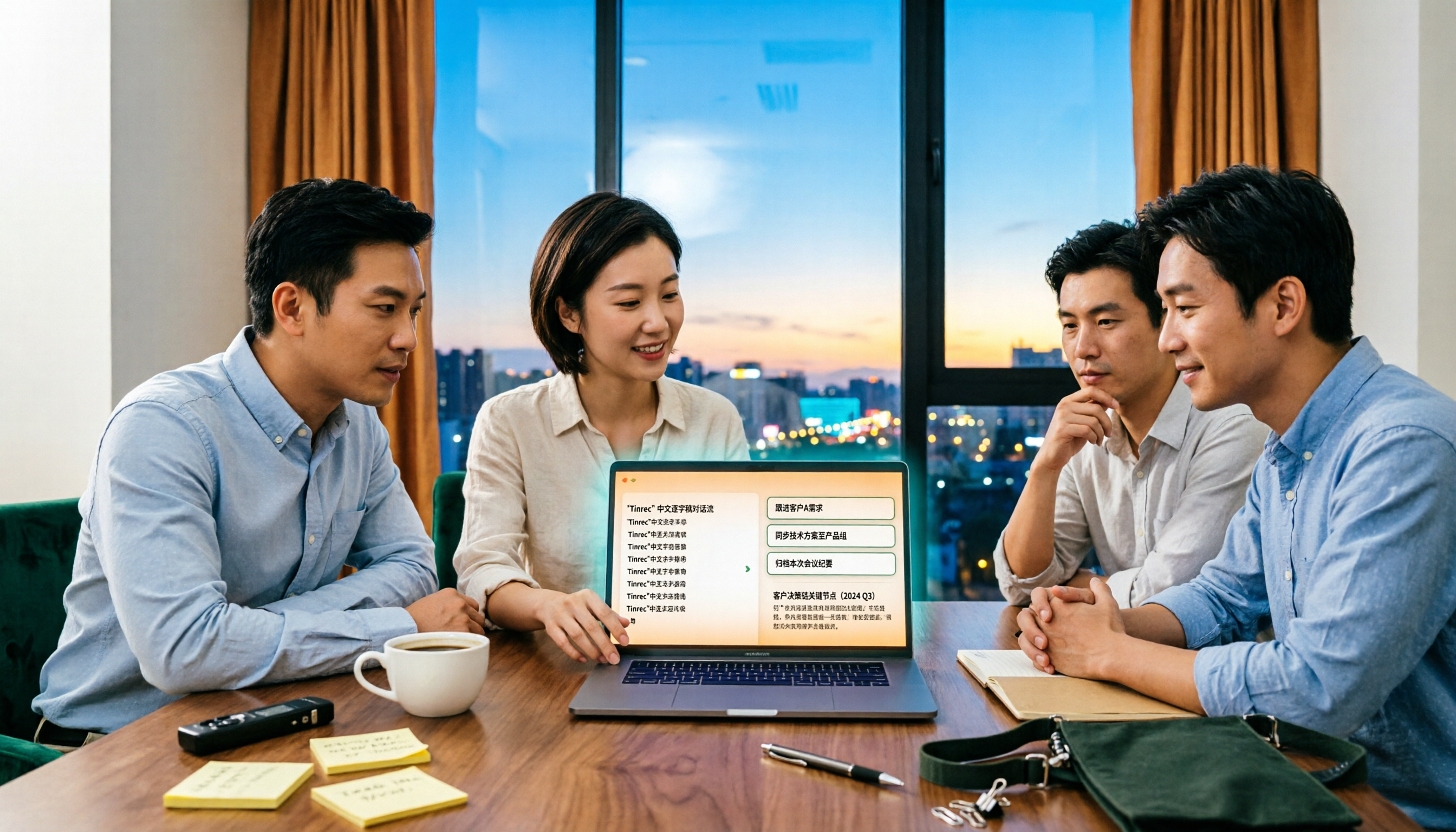
4 Sales Meeting Debrief Tools Compared for 2026: How to Choose Based on Chinese Transcripts, AI Action Items, and Team Knowledge Retention
Sales meetings end and everyone disperses—can debriefs rely only on memory? This article starts with the three most common debrief pitfalls, outlines 4 key points to understand before any debrief, and compares Tinrec, Otter.ai, Fireflies.ai, and Notta on Chinese transcripts, AI action items, and team data retention to help you choose the right debrief approach and tools for your sales team.

2026 Comparison of 4 Client Visit Meeting Minutes Tools: Which One Turns Transcripts into Action Items?
After a client visit, do you always end up organizing meeting minutes late at night? Based on real visit scenarios, this article tests tools like Tinrec, Otter.ai, Notta, and PLAUD Note, and outlines selection criteria, pitfalls to avoid, and suitable use cases for client visit meeting minutes, helping you find a solution that turns transcripts into action items and team assets.
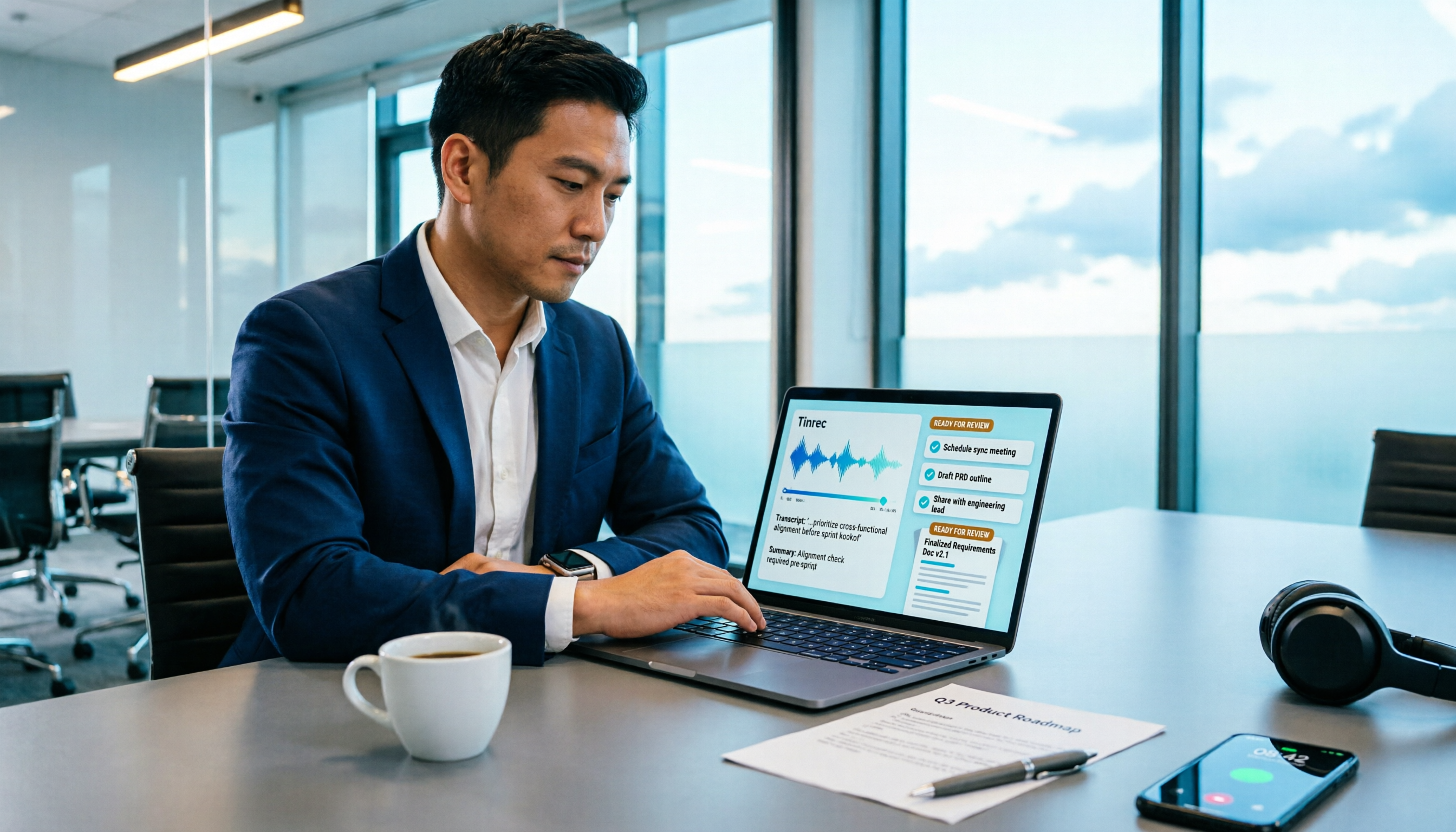
How to Turn Meeting Recordings into Requirements Documents in 2026: AI Auto-Generates Transcripts + To-Do Lists
A mid-level manager who runs 15 meetings a week tested how to use Tinrec to turn meeting recordings into transcripts, summaries, and to-dos, then rewrite them into deliverable requirements documents, plus 6 buying checkpoints and FAQs.