

Turn recordings into transcripts and summaries in minutes
Upload audio or video for multilingual transcription, AI notes, and action items
2026 Team Meeting Knowledge Base Buying Guide: Tinrec vs Granola Comparison
Many teams get the first step of building a "meeting knowledge base" wrong.
After a meeting, they toss the recording into cloud storage, or ask someone to write up the transcript later, and then nothing happens.
The pitfalls our team has hit are very specific: no one goes back to listen to recordings, transcripts are stored on someone's computer, data leaves when people leave, shared folder permissions are wide open so anyone can delete.
The problem isn't the tool—it's treating "archiving" as a "knowledge base" from the start.
Archiving just needs a hard drive. A knowledge base must satisfy four things: findable, understandable, actionable, and retainable.
This time I compared two tools that both take a "no bot" approach: Tinrec and Granola. Here are the differences I found in actual use.
Tinrec vs Granola | Quick Overview
Tinrec is an AI meeting notes and team collaboration tool focused on turning meetings into searchable, collaborative, and traceable team data.
Granola is a bot-free AI meeting notes tool that follows the path of "your own notes + AI enhancement."
Neither requires inviting a meeting bot into the room; both capture computer audio via desktop app. The difference is after the meeting ends.
| Item | Tinrec | Granola |
|---|---|---|
| Positioning | AI meeting notes and team collaboration | Bot-free AI meeting notes |
| Team pricing | Monthly USD 29.80 per paid seat per month; annual USD 199 per paid seat per year (about USD 16.58 per month) | Basic free; Business USD 14 per user per month; Enterprise USD 35 per user per month |
| Retains meeting audio | Yes | No |
Below I compare across five dimensions: data retention, team governance, Chinese and cross-language, post-meeting outputs, input sources and pricing.
Dimension 1 | Does meeting data stick?
Granola supports viewing, copying, and searching live transcripts. That's convenient during the meeting.
But it doesn't save meeting audio files, nor does it support uploading pre-recorded audio files.
This means for parts you missed during the meeting, there's limited material to review afterward, and you can't add past recordings to the same place. For a "knowledge base," this is a critical flaw.
With Tinrec, recordings, transcripts, summaries, chapters, and action items all go into the team space together. New members can directly look up historical meetings after joining.
If you delete audio, there's still time to recover it—the team trash can restore before permanent cleanup, currently with a 30-day retention period (note: action items are not covered by the trash can).
→ This dimension: Tinrec clearly wins.
Dimension 2 | Team governance: who can see, who can act
Granola has shared folders and enterprise-level management capabilities; basic sharing is fine.
Tinrec's team edition separates "roles" and "seats": roles determine who can manage the team, members, and settings; seats determine who can record, upload, edit, import/export.
Members who are active but have no seat can still view, play, and read team data, but cannot modify it.
Admins can also see team usage trends, member rankings, and usage details, and can query and export audit logs. When a member leaves or is removed and loses their seat, their team resources must be handed over to other active members—data doesn't leave with the person.
I'll also state the downside directly: currently it's team-level sharing, not file-level granular permissions. You can't set "this document is visible only to three people."
Teams that need file-level ACLs should think this through first.
→ This dimension: Tinrec wins, but only if you accept the team-level sharing logic.
Dimension 3 | Chinese meetings, mixed Chinese-English, and cross-language
Granola's strength is English meeting notes and cross-meeting context understanding.
Tinrec covers Chinese, Traditional Chinese, and multilingual meetings, and can also organize mixed Chinese-English content. During recording, you can view the original text, translation, or bilingual—no need to find a separate translator for international meetings.
Team hotwords is another feature I use often. Put in company internal terminology, product codes, client abbreviations, and the recognition of proper nouns improves.
Stop organizing recordings by hand
Upload audio or video and automatically get a transcript, summary, and action items
Hands-on experience: I tested with our own weekly meeting recording (mostly Chinese, occasional English, about 40 minutes). With clear audio, organizing was no problem.
When multiple people talk over each other, the meeting room has heavy echo, or speakers are too far from the mic, the gap appears. For important sections, I still go back and check the timestamps.
Tinrec doesn't publicly promise a fixed accuracy rate, which I agree with. Those 98%, 99% numbers should be taken with a grain of salt—audio quality, accents, and noise all affect results.
→ This dimension: Tinrec wins.
Dimension 4 | Post-meeting outputs: what else you get after the transcript
Granola overlays AI-generated content on your own notes. If you already have a note-taking habit, this combination works well.
Tinrec's post-meeting outputs are more like an assembly line: transcript, AI summary, chapters, highlights, action items, mind map, and AI Q&A for single or multiple meetings.
If you need to submit a report, you can use Agent post-processing to generate reports, tables, and documents, then export to Notion, Google Docs, OneNote, or Dropbox for further editing.
If your pain point is "need to deliver something after the meeting" rather than "want to write while listening during the meeting," Tinrec saves much more effort in this part.
→ This dimension: Tinrec wins.
Dimension 5 | Input sources and quota rules
Granola basically only has live meetings—it doesn't accept pre-recorded audio files.
Tinrec has more entry points: live recording, desktop bot-free recording of online meetings (audio played on computer from Zoom, Google Meet, Microsoft Teams, Webex can all be processed), mobile recording, audio/video file upload, and some web link imports.
Note it does not automatically join all meetings on your calendar. You need to open the desktop app and start recording yourself—I want to be clear on that.
For pricing, Tinrec team edition is monthly USD 29.80 per paid seat per month, annual USD 199 per paid seat per year (about USD 16.58 per month).
Each paid seat provides 2,000 minutes of team shared import quota per month; under an active team plan and active seat, live recording currently does not deduct minutes.
Document and web imports use the team shared quota, not individual member quotas.
First eligible team trial is 7 days, 1 free seat, 300 minutes shared import quota. Prices and promotions are subject to the official purchase page.
Honestly, Granola is cheaper to start in this dimension. If you only have two or three people, pure English meetings, and don't care about keeping audio, Granola's Business at USD 14 per user per month is indeed cost-effective.
→ This dimension: tie—depends on whether you want cheap or want to retain assets.
What unique advantages does each have?
Tinrec's unique advantages:
- Desktop app captures system audio without inviting a bot into the meeting, while retaining recordings.
- Complete team governance: roles, seats, usage analytics, audit logs, audio trash can, resource handover.
- Chinese and multilingual experience plus live translation, team hotwords.
- Complete post-meeting workflow: AI Q&A, Agent-generated reports and tables, multi-format and third-party exports.
Granola's unique advantages:
- Combines with your handwritten notes, generating content closer to your own thinking.
- Cross-meeting context Q&A and integration.
Conclusion: Which should you choose?
- If you want "meeting data stays with the team, new hires can find it" → Tinrec (recording retention + team space + trash can)
- If you need Chinese, mixed Chinese-English, or cross-language meetings → Tinrec (multilingual + live translation + team hotwords)
- If you need to manage members, seats, usage, and activity logs → Tinrec (role and seat separation + audit logs)
- If you need to deliver reports, tables, or documents after meetings → Tinrec (Agent post-processing + multi-format export)
- If you only meet in English, already have a note-taking habit, and only need in-meeting assistance → Granola is enough
In one sentence: for most teams that want to turn "meeting content into team assets," Tinrec is the more complete choice; Granola is better for individual note-takers.
My implementation suggestion is this, just four steps:
- First run a real meeting with the team trial (7 days, 1 free seat, 300 minutes shared import quota).
- Set up the team space, invite 1 to 2 core members, assign seats.
- Put your company's common terminology into team hotwords.
- Run three consecutive meetings, check whether summaries and action items are what you want, and whether historical data is findable.
If you're using it alone, the personal version has a free version, weekly pass, and Pro monthly/annual pass. Start with the free version to test your own recordings—most practical.
Final reminder: before recording and transcribing, remember to inform participants and obtain consent, and comply with local regulations.
References
- Ministry of Education Regulations Sharing System - Regulations - Ministry of Education and Affiliated Agencies (Institutions) Handling Various Meetings, Workshops, Training, and Seminars (Study) Management Guidelines
- Ministry of Education and Affiliated Agencies (Institutions) Handling Various Meetings, Workshops, Training, and Seminars (...
- 1111 Education | Featured Articles | Complete Meeting Process Guide, No More Worries About Meetings!
- What's the difference? Seminar, Conference, Workshop, Meeting, Forum, Summit, Convention in Chinese! Which is a briefing? Seminar? – English Cool
- Seminar Information - Office of Research and Development
Turn every recording into actionable outcomes
Get 60 free transcription minutes when you sign in. No credit card required.
Related Reading
You might also like

2026 Comparison of 4 Client Meeting Note-Taking Tools: Which Saves the Most Time on Chinese Transcription and Post-Meeting Organization?
How to choose a client meeting note-taking tool? This article examines four key aspects: recording method, whether original audio is retained, post-meeting output, and Chinese recognition. We tested Tinrec and compared it with Notta, Granola, and PLAUD to help you find a meeting note workflow that truly works after the meeting.

2026 Top 5 Meeting Software for Sales Teams Compared: Tinrec, Otter, Fireflies, Notta — Which Is Best for Chinese-Speaking Teams?
When sales teams choose meeting software, the priority isn't how many features it has—it's whether meetings can quickly become searchable, actionable team data after they end. This article focuses on Tinrec and compares it with common tools like Otter, Fireflies, and Notta, covering bot-free recording, Chinese transcription, AI summaries and action items, and team workspace differences to help you find the best meeting software for Chinese-speaking sales teams.

2026 Comparison of 4 Customer Visit Requirement Tools: Which One Turns Transcripts into Trackable Requirement Lists?
A 90-minute client visit leaves requirements scattered across your brain, phone notes, and chat threads. This article breaks down 4 key decision points for organizing customer visit requirements and compares Tinrec, Notta, Otter.ai, and PLAUD recording hardware to show which one turns visit recordings into searchable, queryable, handoff-ready team requirement lists. It also honestly lists each tool's free quota, pricing, and limitations.

2026 Comparison of 4 Client Meeting Follow-Up Tools: Which Saves the Most Time with Templates, To-Dos, and AI Q&A?
After a client meeting ends, the real work begins. This article breaks down the 4 key elements a client meeting follow-up template should have, and compares Tinrec, Notta, Otter.ai, and PLAUD in real tests on Chinese/mixed Chinese-English meeting transcription, bot-free online meeting recording, AI Q&A, to-do extraction, and team knowledge retention. It concludes with clear selection advice based on budget and use case.

2026 Top 5 Client Meeting Follow-Up Tools Compared: Does Tinrec's Auto Action Item Extraction Really Save Time?
The real test of a client meeting begins after it ends. This article starts with common follow-up pitfalls, breaks down the differences among 5 types of client meeting follow-up tools, and uses Tinrec as an example to show how transcripts, AI summaries, action item extraction, AI Q&A, and team spaces turn meetings into actionable checklists. It concludes with 5 buying tips and FAQs.

Tinrec vs Notta 2026: 5-Factor Comparison for Sales Meeting Minutes Templates
Struggling to finish sales meeting minutes? This article provides a ready-to-use 5-field sales meeting minutes template and compares Tinrec and Notta across 5 dimensions: meeting capture method, Chinese language experience, post-meeting outputs, team data ownership, and pricing, to help you choose the most convenient meeting minutes tool.
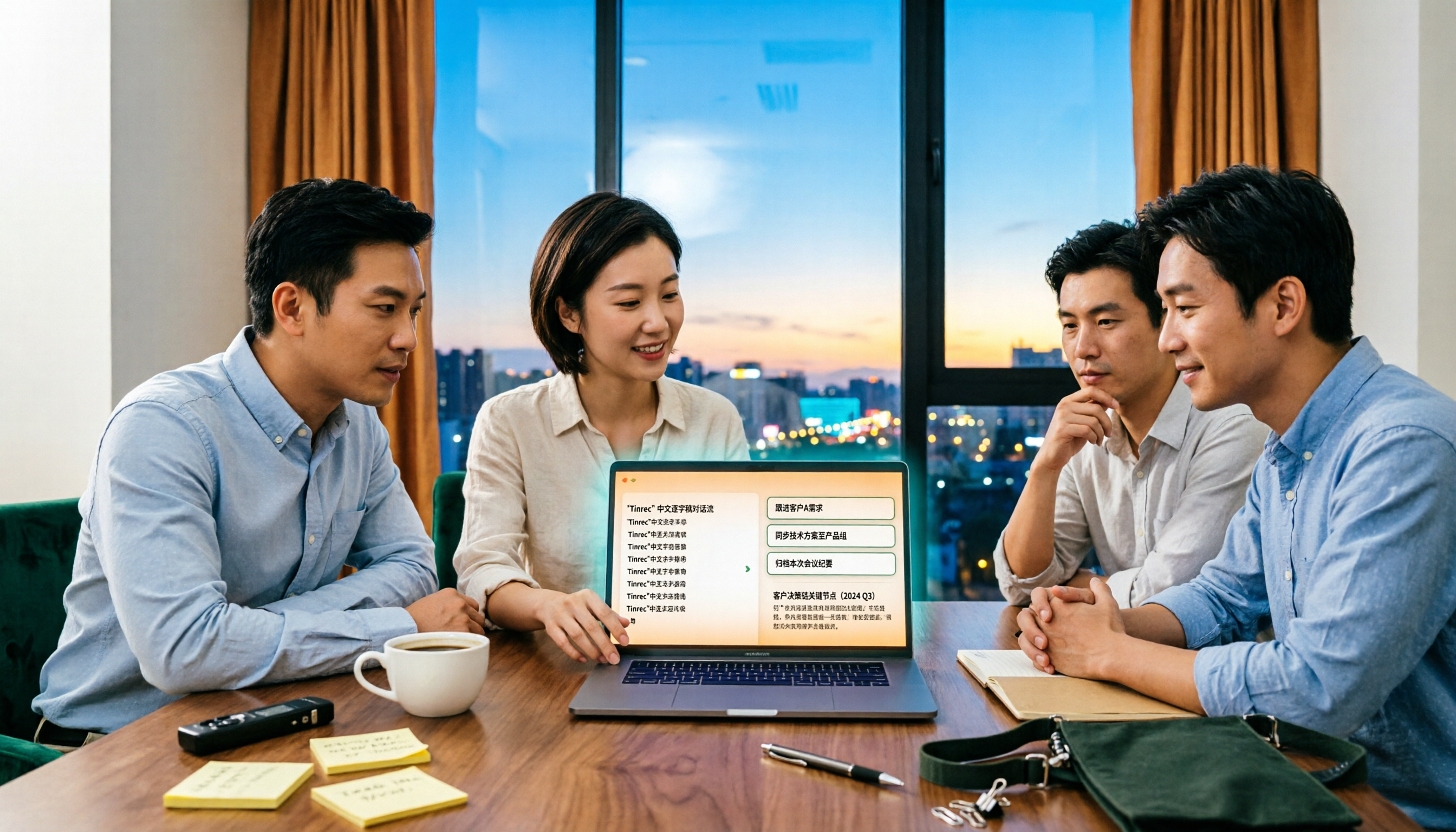
4 Sales Meeting Debrief Tools Compared for 2026: How to Choose Based on Chinese Transcripts, AI Action Items, and Team Knowledge Retention
Sales meetings end and everyone disperses—can debriefs rely only on memory? This article starts with the three most common debrief pitfalls, outlines 4 key points to understand before any debrief, and compares Tinrec, Otter.ai, Fireflies.ai, and Notta on Chinese transcripts, AI action items, and team data retention to help you choose the right debrief approach and tools for your sales team.

2026 Comparison of 4 Client Visit Meeting Minutes Tools: Which One Turns Transcripts into Action Items?
After a client visit, do you always end up organizing meeting minutes late at night? Based on real visit scenarios, this article tests tools like Tinrec, Otter.ai, Notta, and PLAUD Note, and outlines selection criteria, pitfalls to avoid, and suitable use cases for client visit meeting minutes, helping you find a solution that turns transcripts into action items and team assets.

How to Turn Meeting Recordings into Requirements Documents in 2026: AI Auto-Generates Transcripts + To-Do Lists
A mid-level manager who runs 15 meetings a week tested how to use Tinrec to turn meeting recordings into transcripts, summaries, and to-dos, then rewrite them into deliverable requirements documents, plus 6 buying checkpoints and FAQs.