

Turn recordings into transcripts and summaries in minutes
Upload audio or video for multilingual transcription, AI notes, and action items
When sales teams choose meeting software, I usually start with one question: after the meeting is recorded, where does the data live? Does it stay on the individual salesperson's phone, or does it become a team asset that can be searched and handed off? Most people initially only care about whether it can transcribe, but after actually using a few tools, they realize the real efficiency killer is that hour after the meeting—who summarizes, who follows up on action items, and whether new hires can look up what a client said three months ago.
If you're looking for meeting software for a sales team, this article uses Tinrec as the main focus and compares it with common options like Otter, Fireflies, and Notta to help you determine which workflow better fits Chinese-language sales scenarios.
Why are sales teams looking for meeting software beyond Otter and Fireflies?
Otter and Fireflies are mature AI meeting assistants that have accumulated many users for English business meetings, automatic summaries, and team analytics.
However, sales team meeting scenarios are usually more mixed: clients speak Chinese with English product names mixed in, meetings happen on Zoom, Google Meet, Teams, or Webex, and after the meeting you need to immediately organize requirements and commitments.
Notta is also a common option, covering multi-platform transcription and team plans; however, if a sales team values bot-free recording and Chinese post-meeting processing, Tinrec's positioning is more focused.
If you find team members spending more and more time re-listening to recordings and manually filling in meeting notes, you'll start looking for alternatives that better fit Chinese workflows. Tinrec is worth checking out.
Tinrec vs Otter, Fireflies: What's different in the core experience for sales teams?
Meeting capture method: No need to bring a bot into client meetings Sales meetings dread an uninvited guest. Otter and Fireflies commonly have a meeting bot join as a participant, which is convenient but some clients mind. Tinrec's desktop version directly captures computer system audio, and the user actively starts recording, without an extra bot joining the meeting. For external client meetings, this bot-free approach makes it easier to maintain professionalism.
Chinese and mixed Chinese-English recognition: Closer to Taiwan sales scenarios Sales team meetings often include Chinese, English, product codes, and client abbreviations. Tinrec supports transcription for Chinese, Traditional Chinese, and multilingual meetings, and you can view the original text, translation, or bilingual content during recording. Otter is stronger for English business meetings; if your clients mainly communicate in Chinese, Tinrec's language coverage will be more convenient.
Post-meeting workflow: From transcript to action items in one go Just getting a transcript isn't enough for a sales team. Tinrec automatically generates summaries, chapters, and action items, and can also perform AI Q&A on meeting content, such as asking directly "What is the budget cap the client mentioned?" Otter and Fireflies also have summary and action item features, but Tinrec emphasizes post-meeting organization for Chinese meetings and regenerating results into reports, tables, and documents.
Team data retention: Meetings belong to the team, not individuals Sales turnover is normal. Tinrec's team plan provides an independent team workspace where meeting data belongs to the team. Members can view historical meetings and search transcripts, while admins can manage roles, seats, usage, and audits. Fireflies is more mature in team analytics, but Tinrec's advantage is putting "meeting assets" and "member governance" in the same Chinese workspace.
Plan selection: First look at usage frequency, then team size Tinrec's free plan lets you experience basic recording, import, summaries, and transcription; if you have regular weekly meetings, the Pro plan is more suitable; when you need multi-person sharing and governance, consider the team plan. Otter Basic offers 300 free minutes per month, and Fireflies also has a free plan, but paid benefits and prices may change, so refer to the official pages.
Tinrec's core features at a glance
Bot-free online meeting recording Open Tinrec desktop, select the meeting audio to record, and you can do bot-free recording on platforms like Zoom, Google Meet, Microsoft Teams, and Webex. After the meeting, the transcript is already generated. For sales teams, this means no more asking participants to wait while you set up a bot, and no unfamiliar account appearing in front of clients.
Real-time recording to text and translation Tinrec supports real-time recording to text, so you can check for missing content during the meeting. If there are foreign-language clients, you can view the original text, translation, or bilingual content in real time. This is especially useful for cross-border sales or product agency meetings, so you don't discover key terms were misheard only after the meeting.
Stop organizing recordings by hand
Upload audio or video and automatically get a transcript, summary, and action items
AI summaries, chapters, and action item extraction For a one-hour sales meeting, Tinrec automatically organizes a summary, chapters, and key points, and extracts action items from the discussion. You can assign action items to team members shortly after the meeting, instead of spending forty minutes re-listening to the recording. For salespeople with multiple client meetings per week, this difference directly reflects in follow-up speed.
AI Q&A and Agent post-processing Tinrec supports AI Q&A around meeting content and can also use Agent post-processing to generate reports, tables, and meeting minutes. For example, you can ask "What are this client's concerns about pricing?" or ask it to organize an interview into a requirements specification table. These outputs can be exported to Notion, Google Docs, OneNote, and other tools to continue into your existing workflow.
Team workspace and member seat management Tinrec's team plan is not multiple people sharing one account, but an independent team collaboration space. You can create multiple teams, invite members via join links, set owners and admins, and assign or revoke seats. Team resources belong to the team, and when members leave, resources can be handed over to other active members, preventing meeting data from disappearing with personnel changes.
Real-world use cases
Client requirements interviews When salespeople visit clients, they can record the interview on a phone or desktop, and Tinrec will transcribe it in real time. After the meeting, use AI Q&A to find the client's budget, timeline, decision-makers, and objections, then export action items as a follow-up list. Compared to relying only on handwritten notes, the chance of missing important commitments is much lower.
Weekly sales meetings After each weekly sales meeting, Tinrec automatically generates a summary and chapters, so managers can quickly review progress by region. Action items are extracted directly from the discussion, and who is responsible for what and when it's due stays in the team workspace. Before the next meeting, no one needs to spend time piecing together what was said last time.
Cross-department reviews and proposal discussions Sales proposals often require review by product, legal, and finance together. Tinrec can centralize meeting transcripts, summaries, and follow-up documents in the team workspace, and new members can also view historical meetings. For teams that frequently need to review decision context, this is easier to manage than having recordings scattered on individual computers.
Personal sales notes Salespeople on the road can quickly record visit highlights or client-mentioned needs on their phones. Tinrec turns these snippets into searchable text, so when organizing weekly reports or client files later, you can find material directly from historical recordings.
Points to note when choosing meeting software for sales teams
Chinese and mixed Chinese-English recognition capability Sales team meetings rarely use a single language throughout; product names, specifications, and client abbreviations are often mixed. When choosing a tool, check whether it supports Chinese, multiple languages, and real-time translation, and whether it has team hotwords to maintain professional terminology. Tinrec provides Chinese, Traditional Chinese, and multilingual transcription, and supports bilingual viewing.
Will the meeting capture method disturb clients? If the tool requires a bot to join the meeting, the client side will see an extra account, which is not suitable for some formal occasions. Tinrec uses desktop system audio capture, no bot needed, and the user initiates recording. Before buying, test with an internal meeting to confirm the process is smooth.
Can it automatically become action items and summaries after the meeting? Transcripts are just raw material; what sales teams really need are summaries, chapters, action items, and meeting data that can be queried. Tinrec puts these features in the same workflow, reducing manual post-meeting organization time. When evaluating, test with your own meeting recording to see if the output summary captures the key points.
Team data ownership and handover When a salesperson leaves, meeting data should not disappear with their personal account. Tinrec's team plan resources belong to the team, and when a member exits or loses their seat, their responsible resources can be handed over to other active members. When choosing, confirm whether the tool distinguishes members, roles, and seats, and whether it has usage analytics and audit logs.
Are free quotas and paid plans transparent? Tinrec's free plan lets you experience basic recording, import, summaries, and transcription; Pro is suitable for regular users; the team plan is billed per paid seat and provides shared team import quotas and management capabilities. Actual prices and benefits are subject to the official purchase page. When evaluating, don't just look at minutes; also look at post-meeting organization and team governance features.
Conclusion: Is Tinrec worth a try for sales teams?
If you're looking for meeting software that can handle Chinese sales meetings, doesn't need a meeting bot, and can directly generate summaries and action items after the meeting, based on what I've tested so far, Tinrec is the choice that puts these three things in the same workflow.
It's especially suitable for sales teams whose clients mainly communicate in Chinese, managers who need to retain team meeting data, and salespeople who frequently organize requirements from interviews.
I suggest starting with Tinrec's free plan and testing it with a real client meeting or internal weekly meeting to see if the transcript, summary, and AI Q&A can save you the time you originally spent organizing meetings. That's more direct than reading any review.
References
- Top 5 Recommended Online Meeting Software to Greatly Improve Remote Work Meeting Efficiency | On-line to Know
- Google Meet: Online Voice and Video Meeting Calls | Google Workspace
- Video Conferencing Tools and Software | Microsoft Teams
- 2026 Free Online Meeting Software and Video Software Recommendation List! What's the Difference Between Teams, Zoom, and Google Meet? | Tasker Article Column
- How to Choose Online Meeting Software? Master 5 Software Features, Prices, and Use Cases at Once! - ALEN
Turn every recording into actionable outcomes
Get 60 free transcription minutes when you sign in. No credit card required.
Related Reading
You might also like

2026 Team Meeting Knowledge Base Buying Guide: Tinrec vs Granola Comparison
A team meeting knowledge base isn't just dumping recordings into cloud storage. This guide tests Tinrec and Granola across five dimensions: data retention, role and seat governance, Chinese and cross-language meetings, post-meeting outputs, input sources and pricing, and provides final recommendations.

2026 Comparison of 4 Client Meeting Note-Taking Tools: Which Saves the Most Time on Chinese Transcription and Post-Meeting Organization?
How to choose a client meeting note-taking tool? This article examines four key aspects: recording method, whether original audio is retained, post-meeting output, and Chinese recognition. We tested Tinrec and compared it with Notta, Granola, and PLAUD to help you find a meeting note workflow that truly works after the meeting.

2026 Comparison of 4 Customer Visit Requirement Tools: Which One Turns Transcripts into Trackable Requirement Lists?
A 90-minute client visit leaves requirements scattered across your brain, phone notes, and chat threads. This article breaks down 4 key decision points for organizing customer visit requirements and compares Tinrec, Notta, Otter.ai, and PLAUD recording hardware to show which one turns visit recordings into searchable, queryable, handoff-ready team requirement lists. It also honestly lists each tool's free quota, pricing, and limitations.

2026 Comparison of 4 Client Meeting Follow-Up Tools: Which Saves the Most Time with Templates, To-Dos, and AI Q&A?
After a client meeting ends, the real work begins. This article breaks down the 4 key elements a client meeting follow-up template should have, and compares Tinrec, Notta, Otter.ai, and PLAUD in real tests on Chinese/mixed Chinese-English meeting transcription, bot-free online meeting recording, AI Q&A, to-do extraction, and team knowledge retention. It concludes with clear selection advice based on budget and use case.

2026 Top 5 Client Meeting Follow-Up Tools Compared: Does Tinrec's Auto Action Item Extraction Really Save Time?
The real test of a client meeting begins after it ends. This article starts with common follow-up pitfalls, breaks down the differences among 5 types of client meeting follow-up tools, and uses Tinrec as an example to show how transcripts, AI summaries, action item extraction, AI Q&A, and team spaces turn meetings into actionable checklists. It concludes with 5 buying tips and FAQs.

Tinrec vs Notta 2026: 5-Factor Comparison for Sales Meeting Minutes Templates
Struggling to finish sales meeting minutes? This article provides a ready-to-use 5-field sales meeting minutes template and compares Tinrec and Notta across 5 dimensions: meeting capture method, Chinese language experience, post-meeting outputs, team data ownership, and pricing, to help you choose the most convenient meeting minutes tool.
4 Sales Meeting Debrief Tools Compared for 2026: How to Choose Based on Chinese Transcripts, AI Action Items, and Team Knowledge Retention
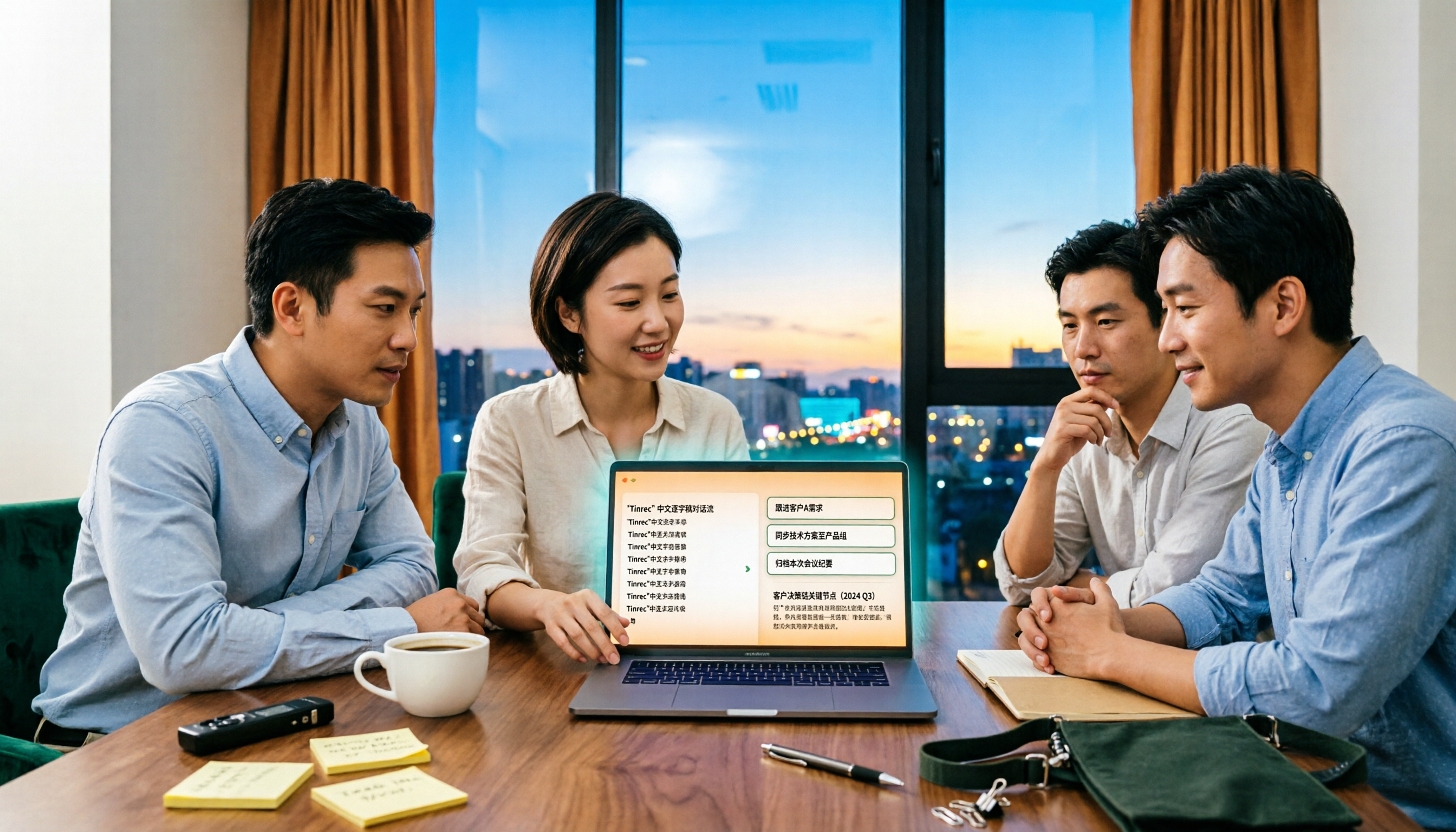
Sales meetings end and everyone disperses—can debriefs rely only on memory? This article starts with the three most common debrief pitfalls, outlines 4 key points to understand before any debrief, and compares Tinrec, Otter.ai, Fireflies.ai, and Notta on Chinese transcripts, AI action items, and team data retention to help you choose the right debrief approach and tools for your sales team.

2026 Comparison of 4 Client Visit Meeting Minutes Tools: Which One Turns Transcripts into Action Items?
After a client visit, do you always end up organizing meeting minutes late at night? Based on real visit scenarios, this article tests tools like Tinrec, Otter.ai, Notta, and PLAUD Note, and outlines selection criteria, pitfalls to avoid, and suitable use cases for client visit meeting minutes, helping you find a solution that turns transcripts into action items and team assets.
How to Turn Meeting Recordings into Requirements Documents in 2026: AI Auto-Generates Transcripts + To-Do Lists
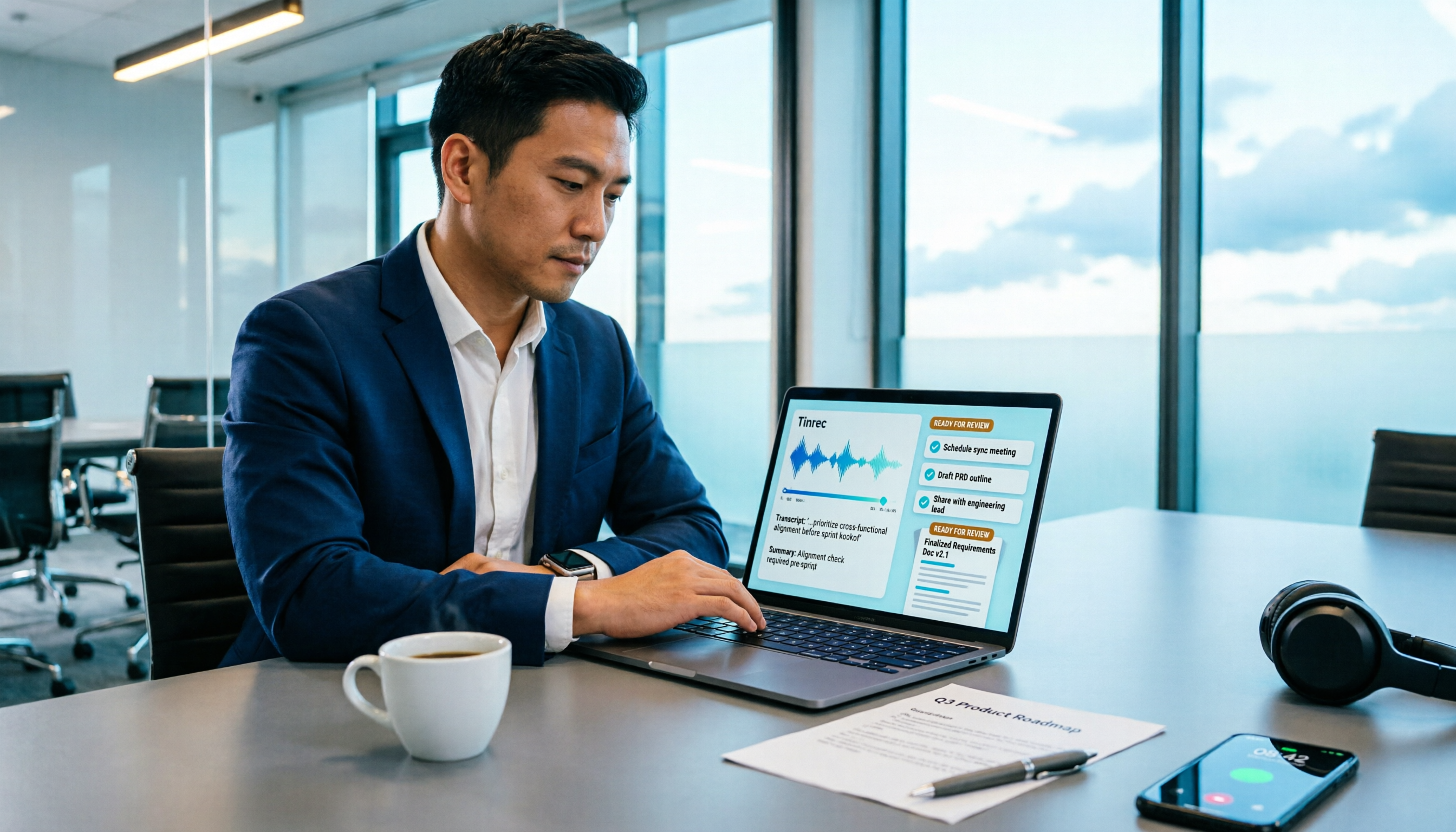
A mid-level manager who runs 15 meetings a week tested how to use Tinrec to turn meeting recordings into transcripts, summaries, and to-dos, then rewrite them into deliverable requirements documents, plus 6 buying checkpoints and FAQs.