

Turn recordings into transcripts and summaries in minutes
Upload audio or video for multilingual transcription, AI notes, and action items
2026 Comparison of 4 Customer Visit Requirement Tools: Which One Turns Transcripts into Trackable Requirement Lists?
Organizing customer visit requirements has never been about how to take notes. The real challenge is: when the visit ends and you walk out the client's door, what do you have in hand?
If you choose to reconstruct from memory back at the office, you're betting on your memory. If you choose to type while talking on site, you're betting on whether the client will wait for you.
This decision directly affects whether the requirement list is usable in the end.
I've tested tools for over a decade and seen too many salespeople write visit notes in their personal phone memos. Three months later, when they need to look up "what budget did the client mention at the time," they freeze.
This article breaks down: how to choose a tool for organizing customer visit requirements, and which one I found smoothest after testing.
Organizing Customer Visit Requirements: The Bottleneck Is Usually Retrieval, Not Recording
Scenario one: You just finished a 90-minute visit with a client. Requirements, objections, and commitments are all mixed in your head, and you still have an internal meeting back at the office. By the time you finally sit down, it's already 8 PM.
You remember the big picture, but the client's casual remark—"If you support export formats, it'll be easier for us to push internally"—is forgotten.
Scenario two: The client contact changes. The new contact asks, "Where did we leave off last time?" You search through your notes, chat threads, and emails—information is scattered in four places.
Scenario three: This is for team use. You organize thoroughly, but when a colleague takes over the same client, they can't see your notes.
The common thread across these three scenarios: the problem isn't whether you recorded it, but whether the record can be retrieved, handed off, and turned into next actions.
Choosing the right tool can solve this.
Before Choosing a Customer Visit Requirement Tool, Understand These 4 Key Points
1. Can you stay undistracted during the visit?
Taking notes while talking means you'll miss eye contact and tone changes. The ideal approach is to let the tool transcribe the conversation in the background while you focus on the conversation and organize afterward.
Note: Always inform and get client consent before recording. This is not just courtesy but also relates to local regulations.
2. Are requirements structurally extracted?
A transcript is just raw material. What you really need is: "Which 5 requirements did the client mention?" "Which one is the blocker?" "Who promised what and when?"
So whether the tool can automatically generate summaries, chapters, and to-dos is more critical than transcription itself.
3. Can you retrieve it with one query later?
Three months later, you want to know "Client A's attitude toward pricing." If you can only Ctrl+F and scroll slowly, the record is half useless.
Being able to ask in natural language, "What concerns did the client mention in the last visit?" makes a huge difference.
4. Is the data a personal asset or a team asset?
Sales turnover is normal. If requirement records only exist in personal accounts, the client context breaks when the person leaves.
Team-level tools should make data belong to the team and be transferable.
Tinrec — Our Top Pick After Testing
Tinrec is an AI meeting notes and collaboration tool for individuals and teams, supporting iOS, Android, and web.
In the customer visit scenario, its value isn't "recording" but turning visit content into searchable, queryable, and transferable data.
During the visit: Desktop recording without bots
If the visit is online (Zoom, Google Meet, Microsoft Teams, Webex), Tinrec's desktop version captures system audio directly without pulling an extra meeting bot into the room.
This matters in front of clients—you don't want them to see an unknown account in the meeting list. For offline visits, you can record directly on your phone and transcribe in real time.
After the visit: Summaries, chapters, and to-dos in one go
The transcript is just the starting point. Tinrec automatically generates AI summaries, chapters, and key points, and extracts to-dos from the discussion.
For requirement organization, this compresses what would take one or two hours of manual work into a reading session.
When delivering requirements: AI Q&A plus Agent post-processing
This is where I think it stands out most. You can directly ask Tinrec: "What implementation concerns did the client mention this time?"
It doesn't dump a list of keyword search results but answers based on semantic understanding.
Even better is Agent post-processing—you can directly generate reports, tables, or documents from visit content. For those who need to hand requirement sheets to product or engineering teams, it saves retyping time.
Stop organizing recordings by hand
Upload audio or video and automatically get a transcript, summary, and action items
Cross-language visits: Real-time translation and bilingual view
If the client speaks English and you speak Chinese, Tinrec supports real-time translation during recording, with options to view original, translated, or side-by-side bilingual.
It also supports team hotwords, so you can pre-build industry terms and product codes for more stable recognition of technical terms.
Team scenarios: Requirements don't leave with the person
This is the biggest difference between Tinrec's team and personal versions. The team version provides an independent team space where visit and meeting data belong to the team.
Admins can assign roles and seats, view usage trends and member details, and query and export audit logs. When a member leaves or loses their seat, their team resources are transferred to other members without interruption.
Note that roles and seats are separate: active members can still view, play, and read team data even without a seat; only with a seat can they record, upload, edit, and export.
Also, the team version currently focuses on team-level sharing, not file-level granular permission control.
Pricing and limitations (listed honestly)
The personal version starts with a free tier for basic quota, then splits into weekly, Pro monthly, and Pro annual plans based on usage pace. Free is enough for occasional recording organization; Pro for weekly client visits; annual for long-term client context accumulation.
The team version offers a 7-day trial for first-time eligible users, 1 free seat, and 300 minutes of shared team import quota. Paid is USD 29.80/seat/month, or USD 199/seat/year (about USD 16.58/month), with each paid seat providing 2,000 minutes of shared team import quota per month.
Under an active team plan and active seat, real-time recording currently does not deduct minutes. Actual prices, currencies, and promotions are subject to the official purchase page.
Limitations to clarify: Tinrec requires you to actively start recording; it's not a bot that automatically joins all calendar meetings.
Also, accuracy is affected by recording quality, noise, accents, and multiple people talking over each other. For important content, verify against transcript timestamps and recording playback.
Who it's for
For those who visit clients weekly, need to turn verbal requirements into written lists, and want team handoff, Tinrec is currently the most integrated choice.
Besides Tinrec, What Other Options Are There?
Notta: A multi-platform transcription and meeting notes tool with significant overlap with Tinrec. Free version: 120 minutes/month, max 3 minutes per session; Pro annual about USD 8.17/month; Business annual about USD 16.67/seat/month.
It performs well in pure document transcription and subtitles and offers multilingual support. However, team space, to-do extraction, and Agent post-processing—the workflow after transcription—are where Tinrec is more complete.
Otter.ai: A mature choice for English business meetings. Free version: 300 minutes/month; Pro annual about USD 8.49/user/month, plus 10 file imports.
If your client visits are almost entirely in English, Otter is a cost-effective option. But if visits are in Chinese or mixed Chinese-English, Tinrec's Chinese experience, real-time translation, and team data accumulation are closer to actual needs.
PLAUD Note/NotePin: A representative of AI recording hardware. NotePin is USD 159, Note Pro USD 189, with membership plans starting at 300 minutes/month.
The advantage of hardware is portability, long battery life, and phone call recording. But you need to carry an extra device, pay extra for hardware, and online meetings and team collaboration are not its strong suit—Tinrec handles that with a computer and phone.
Pitfall Guide: 4 Most Common Mistakes in Organizing Customer Visit Requirements
Pitfall 1: Relying on memory to reconstruct records. The 24 hours after a visit is when memory fades fastest. If you don't process it the same day, you're left with conclusions like "the client seemed interested" that can't be delivered.
Pitfall 2: Requirements only exist on personal devices. Phone memos, personal cloud drives, chat threads—these are personal assets. When contacts change or salespeople leave, client context breaks. Team-level requirement organization should make data belong to the team.
Pitfall 3: Stopping at the transcript. A transcript is raw material, not a finished product. If you still have to re-listen, extract key points, and type a requirement sheet after the visit, the tool only saves you the first 30% of time. When choosing a tool, look at whether it can directly produce deliverable output after transcription.
Pitfall 4: Forgetting to get consent before recording. This is the most easily overlooked and most troublesome point. Briefly explaining the purpose and getting client consent before the visit is basic practice and avoids later disputes.
Conclusion: Which One Should You Choose?
Simply put, the core question of organizing customer visit requirements is: do you want a "personal note" or a "requirement list the team can continue using"?
- Need Chinese visits, no extra bot in online meetings, team handoff → Tinrec (bot-free desktop recording, AI Q&A, team space and seat management)
- Want to directly produce reports, tables, requirement sheets from visit content → Tinrec (Agent post-processing, rare at this price)
- Client speaks a foreign language → Tinrec (real-time translation, bilingual view, team hotwords)
- All client visits in English → Otter.ai (mature English meeting experience)
- Only need to transcribe audio files and make subtitles → Notta-type transcription tools
- Prefer carrying hardware and recording phone calls → PLAUD series
I suggest first running a real customer visit process with Tinrec's free version, from recording to summary to to-do organization, then decide whether to upgrade.
After all, with requirement organization, you'll know the difference after one use.
References
Turn every recording into actionable outcomes
Get 60 free transcription minutes when you sign in. No credit card required.
Related Reading
You might also like

2026 Team Meeting Knowledge Base Buying Guide: Tinrec vs Granola Comparison
A team meeting knowledge base isn't just dumping recordings into cloud storage. This guide tests Tinrec and Granola across five dimensions: data retention, role and seat governance, Chinese and cross-language meetings, post-meeting outputs, input sources and pricing, and provides final recommendations.

2026 Comparison of 4 Client Meeting Note-Taking Tools: Which Saves the Most Time on Chinese Transcription and Post-Meeting Organization?
How to choose a client meeting note-taking tool? This article examines four key aspects: recording method, whether original audio is retained, post-meeting output, and Chinese recognition. We tested Tinrec and compared it with Notta, Granola, and PLAUD to help you find a meeting note workflow that truly works after the meeting.

2026 Top 5 Meeting Software for Sales Teams Compared: Tinrec, Otter, Fireflies, Notta — Which Is Best for Chinese-Speaking Teams?
When sales teams choose meeting software, the priority isn't how many features it has—it's whether meetings can quickly become searchable, actionable team data after they end. This article focuses on Tinrec and compares it with common tools like Otter, Fireflies, and Notta, covering bot-free recording, Chinese transcription, AI summaries and action items, and team workspace differences to help you find the best meeting software for Chinese-speaking sales teams.

2026 Comparison of 4 Client Meeting Follow-Up Tools: Which Saves the Most Time with Templates, To-Dos, and AI Q&A?
After a client meeting ends, the real work begins. This article breaks down the 4 key elements a client meeting follow-up template should have, and compares Tinrec, Notta, Otter.ai, and PLAUD in real tests on Chinese/mixed Chinese-English meeting transcription, bot-free online meeting recording, AI Q&A, to-do extraction, and team knowledge retention. It concludes with clear selection advice based on budget and use case.

2026 Top 5 Client Meeting Follow-Up Tools Compared: Does Tinrec's Auto Action Item Extraction Really Save Time?
The real test of a client meeting begins after it ends. This article starts with common follow-up pitfalls, breaks down the differences among 5 types of client meeting follow-up tools, and uses Tinrec as an example to show how transcripts, AI summaries, action item extraction, AI Q&A, and team spaces turn meetings into actionable checklists. It concludes with 5 buying tips and FAQs.

Tinrec vs Notta 2026: 5-Factor Comparison for Sales Meeting Minutes Templates
Struggling to finish sales meeting minutes? This article provides a ready-to-use 5-field sales meeting minutes template and compares Tinrec and Notta across 5 dimensions: meeting capture method, Chinese language experience, post-meeting outputs, team data ownership, and pricing, to help you choose the most convenient meeting minutes tool.

4 Sales Meeting Debrief Tools Compared for 2026: How to Choose Based on Chinese Transcripts, AI Action Items, and Team Knowledge Retention
Sales meetings end and everyone disperses—can debriefs rely only on memory? This article starts with the three most common debrief pitfalls, outlines 4 key points to understand before any debrief, and compares Tinrec, Otter.ai, Fireflies.ai, and Notta on Chinese transcripts, AI action items, and team data retention to help you choose the right debrief approach and tools for your sales team.

2026 Comparison of 4 Client Visit Meeting Minutes Tools: Which One Turns Transcripts into Action Items?
After a client visit, do you always end up organizing meeting minutes late at night? Based on real visit scenarios, this article tests tools like Tinrec, Otter.ai, Notta, and PLAUD Note, and outlines selection criteria, pitfalls to avoid, and suitable use cases for client visit meeting minutes, helping you find a solution that turns transcripts into action items and team assets.
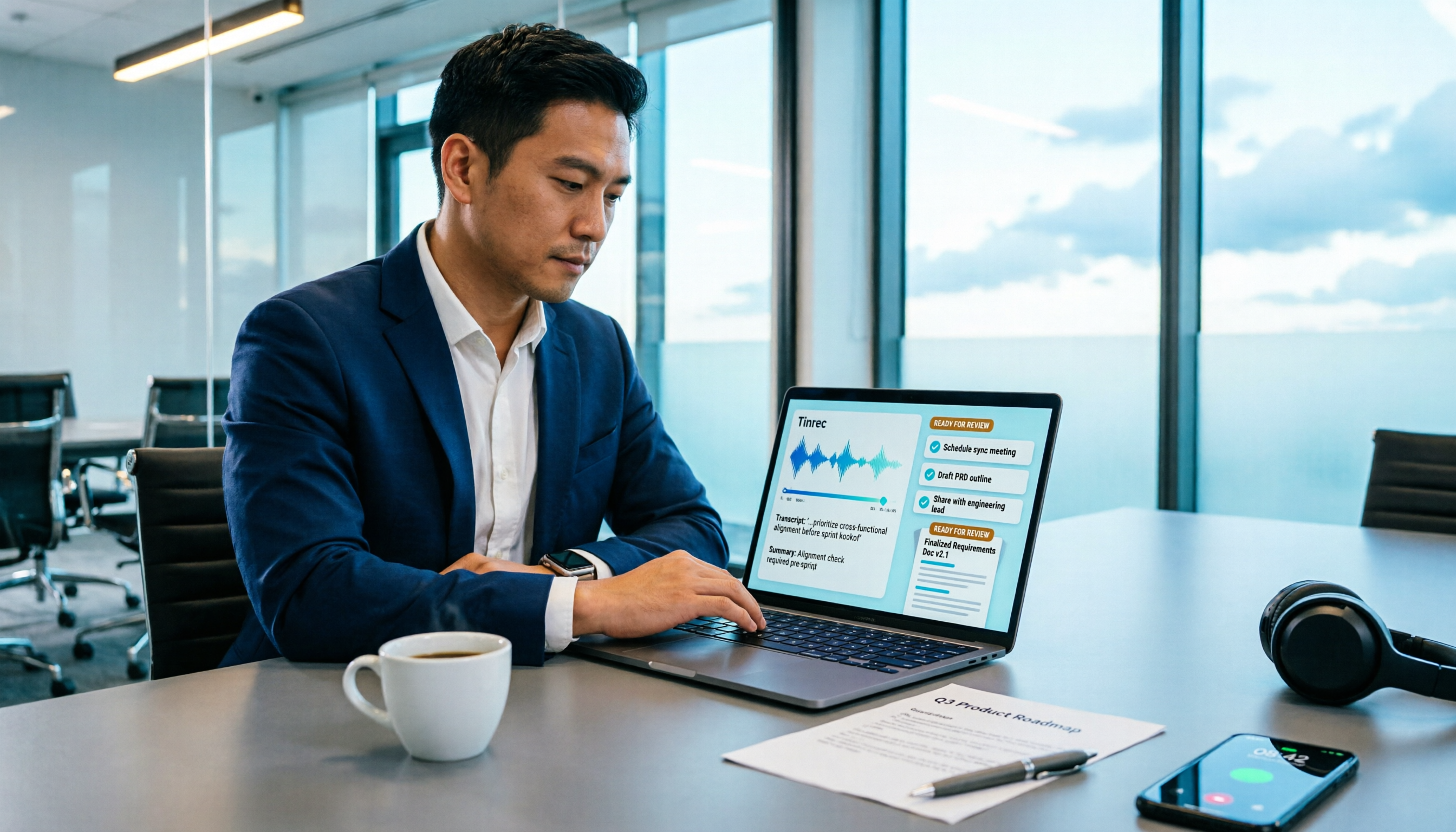
How to Turn Meeting Recordings into Requirements Documents in 2026: AI Auto-Generates Transcripts + To-Do Lists
A mid-level manager who runs 15 meetings a week tested how to use Tinrec to turn meeting recordings into transcripts, summaries, and to-dos, then rewrite them into deliverable requirements documents, plus 6 buying checkpoints and FAQs.