

Turn recordings into transcripts and summaries in minutes
Upload audio or video for multilingual transcription, AI notes, and action items
2026 Comparison of 4 Client Visit Meeting Minutes Tools: Which One Turns Transcripts into Action Items?
After a Client Visit, Your Biggest Fear Isn't Missing Records—It's Records You Can't Use
You leave the client's office at 3 PM with a densely written note. Back at the office, your manager asks: "What did the client care about most? Who will follow up next?" You flip through your notes and find only "price, features, discuss next week."
The hardest part of client visit meeting minutes usually isn't understanding—it's staying focused in the conversation and then reconstructing the context afterward. If you've been in this situation, the problem often isn't that you can't take notes, but that you lack a workflow that connects recording, transcription, summary, and action items.
Before Choosing a Client Visit Meeting Minutes Tool, Understand These 4 Key Points
First, can it transcribe while you talk? Client visits are often face-to-face, not necessarily with an online meeting link. The tool should be able to record and transcribe in real time on mobile or desktop, so you don't have to re-listen for an hour afterward.
Second, does it automatically organize? A transcript is just raw material. You need to see if it can produce summaries, chapters, action items, and key points. Tools like Tinrec reorganize meeting content into readable minutes, which is especially useful for client visits that require quick reporting.
Third, does it handle Chinese and mixed Chinese-English? In Taiwan, client visits often mix Mandarin, Taiwanese, and English product names. When choosing a tool, don't just look at English meeting reviews—check its actual performance with Chinese, multiple languages, and real-time translation.
Fourth, how do you use the data afterward? Client needs, commitments, objections, and next steps should ideally be exportable to Notion, Google Docs, or a team space. If they stay only on a personal phone, they'll be hard to find two weeks later.
Tinrec—Our Most Convenient Choice for Client Visits After Testing
Tinrec is an AI meeting notes and collaboration tool for individuals and teams, supporting iOS, Android, and web, with a desktop version that also handles online meetings on Zoom, Google Meet, Microsoft Teams, Webex, and more.
In short, it doesn't just turn sound into text—it turns client visits into searchable, summarizable, queryable, and deliverable data.
We tested with a simulated client visit recording: 5 minutes, indoor air conditioning background noise, mixed Chinese and English product names, recorded on iPhone 15. The most noticeable thing during testing was that Tinrec transcribes while recording, and after the visit it automatically generates summaries, chapters, and action items.
For sales or customer success teams, this means you no longer have to listen to the recording from the beginning—just read the summary to recall "the client said budget will be discussed in Q3" or "they want API documentation next week," and action items can be assigned directly to owners.
More importantly, AI Q&A. After the visit, you can ask Tinrec directly: "What were the client's concerns about pricing?" "What next steps did we commit to?" It answers based on meeting semantics, not just keyword search results.
Tinrec's desktop version also has a design that's very useful for online client meetings: it records by capturing computer system audio, without adding a meeting bot to the room. For teams that don't want an unfamiliar account appearing in client meetings, this is a plus.
Post-meeting outputs aren't limited to transcripts. Tinrec supports summaries, chapters, action items, mind maps, AI Q&A, multi-format export, and can further generate reports, tables, and documents. For those who need to write visit records, CRM notes, or internal reports, this saves double-handling time.
For Chinese and multilingual support, Tinrec covers Chinese, Traditional Chinese, and multilingual meeting scenarios, and supports real-time translation and team hotwords. Note that actual transcription quality is still affected by recording quality, accents, noise, overlapping speakers, and technical terms; no tool should be considered a 100% accurate transcript generator.
Stop organizing recordings by hand
Upload audio or video and automatically get a transcript, summary, and action items
For team use, Tinrec's team plan provides an independent team space where meeting data belongs to the team, and you can manage members, roles, seats, sharing permissions, usage analytics, and audit logs. Members without a seat can still view, play, and read team data; only with a seat can they record, upload, edit, import, and export. This helps sales teams retain client visit records, because data won't disappear when an individual leaves.
Pricing: Tinrec's personal plan includes a free version, weekly pass, Pro monthly, and Pro annual, suitable for different usage frequencies; the free version offers basic quota to experience recording, import, summary, and transcription. The team plan offers a 7-day trial for first-time eligible users, 1 free seat, and 300 minutes of team shared import quota; team monthly is USD 29.80 per paid seat per month, annual is USD 199 per paid seat per year (about USD 16.58 per month); each paid seat provides 2,000 minutes of team shared import quota per month, and real-time recording under an active team plan and seat is currently not deducted by minutes. Prices and benefits are subject to the official purchase page.
In short, if you need Chinese client visit records, post-meeting summaries, action item extraction, AI follow-up questions, and want to keep data for team sharing, Tinrec is currently the choice that best fits this workflow.
Besides Tinrec, What Other Options Are There?
Otter.ai is a mature English AI meeting assistant. The free version offers 300 minutes per month, and Pro annual is about USD 8.49 per user per month, suitable for English business meetings. But its Chinese and client visit scenarios are not its strong suit, and Tinrec's desktop version doesn't need a meeting bot to join, while still retaining recordings, importing files, and accumulating visit data in a team space.
Notta overlaps significantly with Tinrec, supporting multi-platform transcription, file import, translation, and team plans. The free version offers 120 minutes per month, up to 3 minutes per session, and Pro annual is about USD 8.17 per month. It's suitable for file transcription, but Tinrec emphasizes bot-free online meeting recording, AI Q&A, action items, and team data governance, making post-visit follow-up and handover more complete.
PLAUD Note is AI recording hardware. NotePin is priced at USD 159 and Note Pro at USD 189, suitable for those who like portable recording devices. However, it requires additional hardware purchase. Tinrec can handle online meetings and historical files directly via web, desktop, and mobile, and the team plan can centrally manage members, seats, and usage—something hardware solutions struggle to replace.
Pitfall Guide: 3 Most Common Mistakes When Choosing Client Visit Meeting Minutes Tools
Pitfall 1: Treating transcripts as meeting minutes. Transcripts are long; what client visits really need are conclusions, objections, commitments, and next steps. When choosing a tool, see if it can automatically extract action items and key points, otherwise you're just delaying the typing work.
Pitfall 2: Assuming meeting bots will automatically handle all visits. Many tools rely on bots joining online meetings, but client visits may be in-person, or you may not want a bot appearing in front of the client. Tinrec's desktop version uses system audio capture, no extra bot needed—just manually start recording before use.
Pitfall 3: Ignoring team data ownership. If client visit records exist only in personal accounts, they may be lost when a colleague leaves or changes phones. Team plans should distinguish roles, seats, and member relationships; active members can view team data, and only seat holders can record, upload, and edit. When purchasing, ask clearly whether data can be handed over, exported, and whether there's a recycle bin.
Finally, remember to comply with local laws before recording client visits, and obtain consent when necessary.
Conclusion: Which One Should You Choose?
Need to immediately produce summaries, action items, and queryable records after a client visit → Tinrec. Online client meetings without a bot joining → Tinrec desktop version. Mixed Chinese-English, need real-time translation or team hotwords → Tinrec. Sales team needs to share client visit records, manage seats and usage → Tinrec team plan. Zero budget, only recording English meetings → Otter.ai free version is the only exception.
Overall, the value of client visit meeting minutes isn't in "capturing sound," but in "whether it can be used directly afterward." Tinrec puts recording, transcription, summary, action items, Q&A, and team space into one workflow, making it a worthwhile choice to try for those who frequently visit clients.
References
- 10 Tips for Organizing Meeting Minutes to Make Your Interview Records More Professional - Consumer Life Navigation Station
- Meeting Minutes = Transcript? Professional Meeting Minutes Only Record 3 Key Points | Writing Tips and Templates at Once | 104 Workplace Power
- Client Interview Record Form
- 3 Basic Principles for Sales Visits to Clients! Neglect Them and You'll Lose More Than One Order - Mike Chang
- Attachment 2 System Requirements Interview Record Form Reference Format.odt
Turn every recording into actionable outcomes
Get 60 free transcription minutes when you sign in. No credit card required.
Related Reading
You might also like

2026 Team Meeting Knowledge Base Buying Guide: Tinrec vs Granola Comparison
A team meeting knowledge base isn't just dumping recordings into cloud storage. This guide tests Tinrec and Granola across five dimensions: data retention, role and seat governance, Chinese and cross-language meetings, post-meeting outputs, input sources and pricing, and provides final recommendations.

2026 Comparison of 4 Client Meeting Note-Taking Tools: Which Saves the Most Time on Chinese Transcription and Post-Meeting Organization?
How to choose a client meeting note-taking tool? This article examines four key aspects: recording method, whether original audio is retained, post-meeting output, and Chinese recognition. We tested Tinrec and compared it with Notta, Granola, and PLAUD to help you find a meeting note workflow that truly works after the meeting.

2026 Top 5 Meeting Software for Sales Teams Compared: Tinrec, Otter, Fireflies, Notta — Which Is Best for Chinese-Speaking Teams?
When sales teams choose meeting software, the priority isn't how many features it has—it's whether meetings can quickly become searchable, actionable team data after they end. This article focuses on Tinrec and compares it with common tools like Otter, Fireflies, and Notta, covering bot-free recording, Chinese transcription, AI summaries and action items, and team workspace differences to help you find the best meeting software for Chinese-speaking sales teams.

2026 Comparison of 4 Customer Visit Requirement Tools: Which One Turns Transcripts into Trackable Requirement Lists?
A 90-minute client visit leaves requirements scattered across your brain, phone notes, and chat threads. This article breaks down 4 key decision points for organizing customer visit requirements and compares Tinrec, Notta, Otter.ai, and PLAUD recording hardware to show which one turns visit recordings into searchable, queryable, handoff-ready team requirement lists. It also honestly lists each tool's free quota, pricing, and limitations.

2026 Comparison of 4 Client Meeting Follow-Up Tools: Which Saves the Most Time with Templates, To-Dos, and AI Q&A?
After a client meeting ends, the real work begins. This article breaks down the 4 key elements a client meeting follow-up template should have, and compares Tinrec, Notta, Otter.ai, and PLAUD in real tests on Chinese/mixed Chinese-English meeting transcription, bot-free online meeting recording, AI Q&A, to-do extraction, and team knowledge retention. It concludes with clear selection advice based on budget and use case.

2026 Top 5 Client Meeting Follow-Up Tools Compared: Does Tinrec's Auto Action Item Extraction Really Save Time?
The real test of a client meeting begins after it ends. This article starts with common follow-up pitfalls, breaks down the differences among 5 types of client meeting follow-up tools, and uses Tinrec as an example to show how transcripts, AI summaries, action item extraction, AI Q&A, and team spaces turn meetings into actionable checklists. It concludes with 5 buying tips and FAQs.

Tinrec vs Notta 2026: 5-Factor Comparison for Sales Meeting Minutes Templates
Struggling to finish sales meeting minutes? This article provides a ready-to-use 5-field sales meeting minutes template and compares Tinrec and Notta across 5 dimensions: meeting capture method, Chinese language experience, post-meeting outputs, team data ownership, and pricing, to help you choose the most convenient meeting minutes tool.
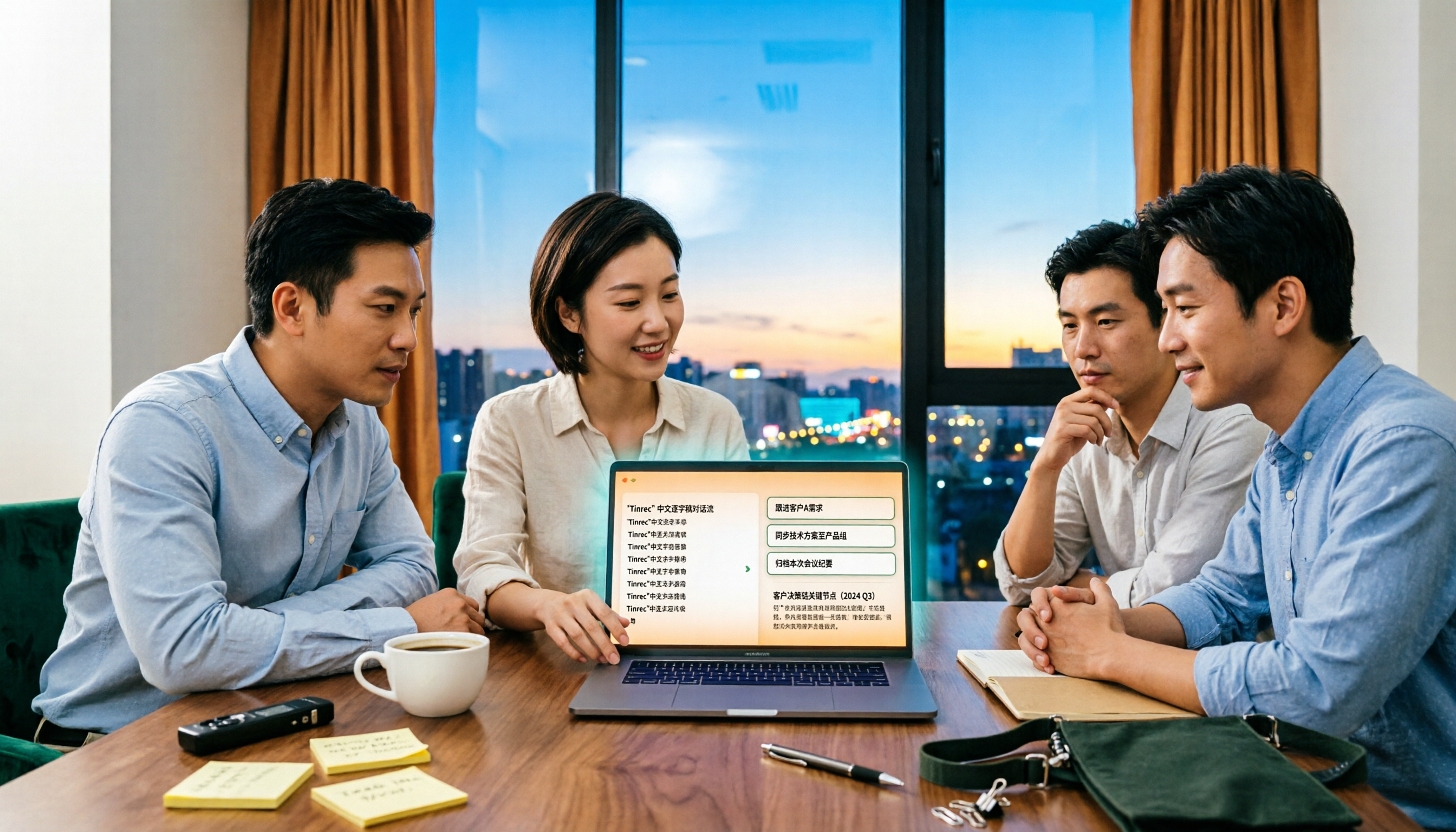
4 Sales Meeting Debrief Tools Compared for 2026: How to Choose Based on Chinese Transcripts, AI Action Items, and Team Knowledge Retention
Sales meetings end and everyone disperses—can debriefs rely only on memory? This article starts with the three most common debrief pitfalls, outlines 4 key points to understand before any debrief, and compares Tinrec, Otter.ai, Fireflies.ai, and Notta on Chinese transcripts, AI action items, and team data retention to help you choose the right debrief approach and tools for your sales team.
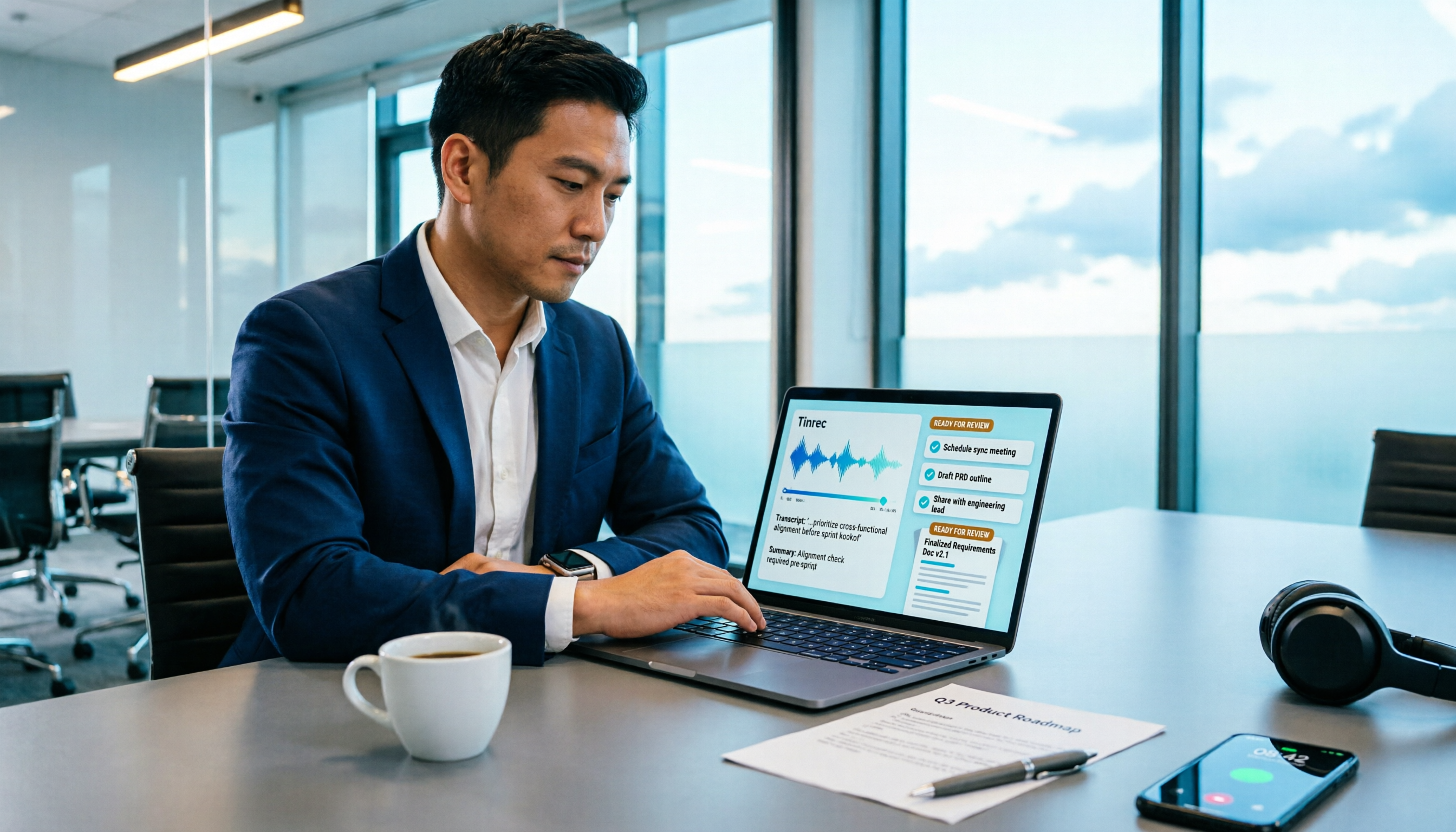
How to Turn Meeting Recordings into Requirements Documents in 2026: AI Auto-Generates Transcripts + To-Do Lists
A mid-level manager who runs 15 meetings a week tested how to use Tinrec to turn meeting recordings into transcripts, summaries, and to-dos, then rewrite them into deliverable requirements documents, plus 6 buying checkpoints and FAQs.