

Turn recordings into transcripts and summaries in minutes
Upload audio or video for multilingual transcription, AI notes, and action items
"Which free meeting notes app is best?" There's no single answer, because it's really a combination of three things: how many meetings you handle per month, whether your meetings are mainly online or in person, and whether the notes are just for you or need to be shared with a team. Figure out these three points first, then look at free tiers, so you don't end up downloading five apps and not using any of them smoothly.
Take Tinrec as an example. It offers both a free version and paid plans with different billing cycles. The free version lets you run through the full workflow once: record or import a file → generate a transcript → create summaries and action items. It's great for testing Chinese recognition quality and whether the workflow fits your own meeting habits.
What can a meeting notes app do for you?
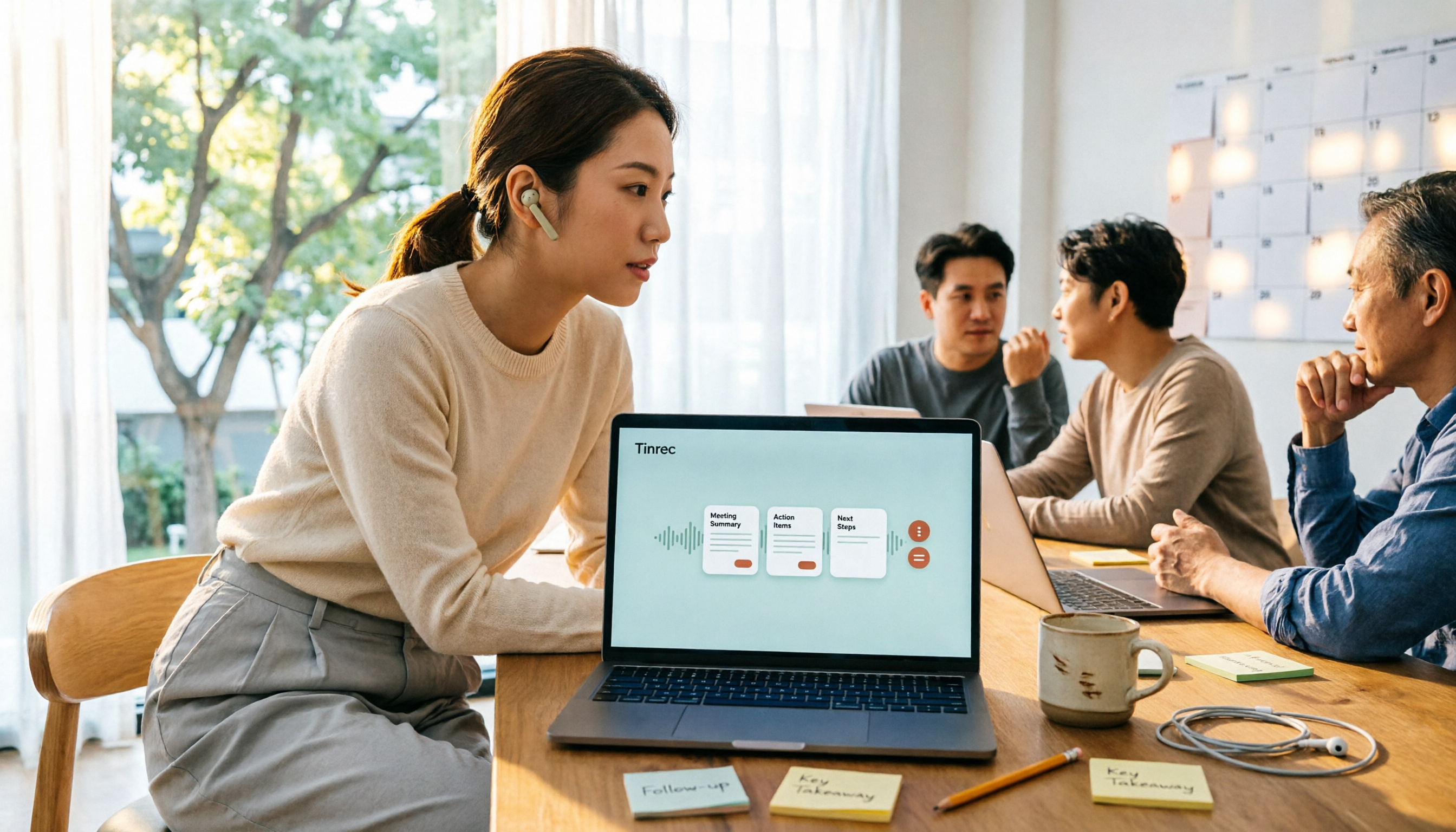
Scenario 1: The meeting ends, and your notes are already written In the past, after a two-hour meeting, you'd spend another hour organizing notes. With Tinrec, for example, the desktop version generates a transcript in real time during the meeting, and when it ends, it directly produces an AI summary, chapters, and action items—who's responsible for what and what's next, all clearly listed.
Scenario 2: Looking back at what was decided in a meeting three months ago Transcripts and summaries are stored in Tinrec's database. You can use AI Q&A to ask: "Who mentioned the budget in the last meeting?" "What were the client's concerns about pricing?" No need to re-listen to a two-hour recording.
Scenario 3: Turning meeting content directly into something you can deliver Tinrec can export results to common file formats, or export to Notion, Google Docs, OneNote, Dropbox for further editing. It can also use Agent post-processing to generate reports, tables, and documents—meeting notes are no longer just an archive, but the starting point for your next task.
What are Tinrec's core capabilities?
Real-time audio to text: Transcribes as you record, not after the file is done. In-person meetings, interviews, impromptu discussions—just hit record, and content is simultaneously captured as text.
Bot-free online meeting recording: Tinrec's desktop version directly captures your computer's system audio, handling Zoom, Google Meet, Microsoft Teams, Webex, and other online meetings without inviting a meeting bot or worrying about it appearing in the participant list. Note that this is initiated by the user actively opening the desktop version to start recording, not automatically joining all meetings on your calendar.
AI summaries, chapters, and action items: Not just condensing the transcript into a paragraph, but structurally organizing meeting topics, key discussion points, conclusions, and action items.
AI Q&A: After transcription, you can ask questions about a single meeting or across meetings, turning historical meetings into searchable data instead of recordings that sit unheard.
Real-time translation and bilingual view: During cross-language meetings, you can view the original text, translation, or bilingual content simultaneously.
Export and post-processing: Supports multiple export formats and third-party tool exports, and can generate reports, tables, and documents via Agent post-processing.
How to choose a free plan? Tinrec's 5 options at a glance
| Plan | Who it's for | Key points |
|---|---|---|
| Free | Those who want to test the results first | Experience recording, file import, summaries, and transcription with basic quota |
| Weekly pass | Meetings, courses, or interviews concentrated in a short period | Ideal for processing a large volume of recordings in a short time |
| Pro monthly | Those who have meetings to organize every week | Stable use, suitable for ongoing meetings and learning records |
| Pro annual | Those accumulating meeting data long-term | Lower monthly equivalent, suitable for treating recordings as long-term assets |
| Team | Departments or project teams needing shared meeting data | Independent team workspace, member and seat management. First-time eligible users can try 7 days, including 1 free seat and 300 minutes of team shared import quota |
The team plan is not just about "multiple people using it together": Team monthly is USD 29.80 per paid seat per month, annual is USD 199 per paid seat per year (about USD 16.58 per month). Each paid seat provides 2,000 minutes of team shared import quota per month. Under an active team plan and active seat, real-time recording currently does not deduct minutes; file and web imports use the team shared quota, not individual member quotas. Actual prices, currencies, and promotions are subject to the official purchase page.
When choosing a plan, don't just compare prices—look at your usage rhythm: for occasional recording organization, start with the free version; for short-term intensive meetings, the weekly pass is better; for regular weekly use, Pro monthly or annual is more cost-effective; for multi-person sharing and governance, you need the team plan.
Stop organizing recordings by hand
Upload audio or video and automatically get a transcript, summary, and action items
Practical use cases
Project weekly meetings and decision meetings: Use Tinrec desktop to record online weekly meetings without a bot, then paste summaries and action items directly into the group chat. Decision basis and responsible parties are all traceable.
Client interviews and requirement discussions: After the interview, use AI Q&A to confirm the client's mentioned feature requests and concerns, then export the transcript and summary as internal documents, reducing back-and-forth confirmation time.
Courses, lectures, and research interviews: Use your phone to record in real time or upload existing audio files, and Tinrec produces transcripts and key points. Long content can be quickly skimmed using chapters.
Team knowledge retention: Store meeting data centrally in Tinrec's team workspace. New members can view historical meeting content. When a member exits, is removed, or loses their seat, their team resources can be handed over to other active members, so data doesn't disappear with individual accounts.
5 things to note when choosing a free meeting notes tool
1. Is the free quota for "testing the workflow" or "long-term use": Tinrec's free version provides a basic quota, enough to run through transcription, summarization, and export once. Confirm recognition quality before deciding to upgrade—much safer than buying an annual plan upfront.
2. Does the tool retain audio files: Some tools only keep text and don't store audio, so you can't verify tone or details later. Tinrec retains audio files, and the team plan has an audio recycle bin where accidentally deleted audio can be recovered before permanent deletion (current retention period is 30 days).
3. Chinese and proper noun recognition performance: Tinrec covers Chinese, Traditional Chinese, and multilingual scenarios. The team plan also allows maintaining common terminology via team hotwords. Actual accuracy is affected by recording quality, ambient noise, accents, overlapping speech, and technical terms. It's best to test with your own real meeting, not just rely on promotional numbers.
4. Can you use it directly after transcription: A transcript is only a semi-finished product. Tinrec puts summaries, chapters, action items, AI Q&A, translation, and export all in one workflow. The time saved after the meeting is where the real value lies.
5. Permissions and data ownership for team use: Tinrec's team plan centrally stores meeting data in a team workspace and distinguishes member roles and seats—roles determine who can manage the team and members, seats determine whether members can record, upload, edit, import, and export; members without seats can still view, play, and read team data. Note that currently it's team-level shared visibility, not file-level granular permission settings.
Finally, a reminder: recording and transcription are regulated in many regions. Before recording, please confirm compliance with local laws and obtain participant consent when necessary.
FAQ
Q1: Is a free meeting notes app really enough? It can be, depending on how many meetings you have per month. If you only occasionally need to convert a meeting or interview to text, the free quota can handle it; if you regularly organize multiple meetings every week, the free quota usually won't be enough, and then consider a paid plan. Tinrec's free version lets you experience the full workflow with a basic quota.
Q2: Which online meeting platforms does Tinrec support? Tinrec's desktop version captures computer system audio, so it can handle meeting audio played on a computer from Zoom, Google Meet, Microsoft Teams, Webex, and other platforms without a meeting bot joining. This does not mean official partnerships with these platforms; it's device-side audio capture.
Q3: Do I need to add a bot to the meeting? No. Tinrec is initiated by the user actively opening the desktop version to start recording, so no additional AI bot appears in the participant list. It's also not designed to automatically join all meetings on your calendar.
Q4: What's the difference between the team plan and the personal plan? Personal plan data is managed by the individual account; the team plan provides an independent team workspace where meeting data belongs to the team, plus member, role, seat, shared benefits, usage analytics, audit logs, and audio recycle bin capabilities. It's suitable for departments or project teams needing sharing and governance.
Q5: What accuracy can I expect from audio-to-text? Tinrec does not claim a fixed accuracy rate, because results are affected by recording quality, noise, accents, overlapping speech, and technical terms. In practice, treat AI-generated summaries and action items as drafts, and verify important content against the transcript timestamps and recording.
Conclusion
Whether a free meeting notes app is good depends not on how long the feature list is, but on whether it frees you from "spending time organizing after the meeting." If your meetings are mainly in Chinese, you need to handle online meetings, and you want meeting content to be searchable, queryable, and shareable later, Tinrec is worth trying from the free version: run a real meeting through the full workflow of recording, transcript, summary, action items, and export, then decide whether to upgrade. That's more accurate than simply comparing plan prices.
References
- No time limit! 3 free AI transcription tools, highly recommended! AI voice notes generate meeting minutes, presentations, mind maps | 104 Career Power
- AI meeting notes software recommendations: 5 major apps tested and compared, automatic transcription makes meetings easy!
- r/ProductivityApps on Reddit: Does anyone know of a free or cheap app that will do meeting notes?
- Meeting Ink - 2026 AI meeting notes tool test | 7 voice-to-text and summary speed comparison | Meeting Ink - AI meeting notes assistant automatic transcription and summary
- Recently many people ask me if there's any AI tool for meeting notes. They still type manually, often can't multitask, and waste time. I always answer — SeaMeet. Why recommend? Here's a summary: - Tied to Google Meet, online meetings sync transcripts and real-time summaries, super convenient. - No need to refresh, after the meeting, it directly emails all participants. - Operation is super simple, even middle-aged and elderly people who've never used AI tools, I taught them in 10 minutes. - In-person meetings
Turn every recording into actionable outcomes
Get 60 free transcription minutes when you sign in. No credit card required.
Related Reading
You might also like

Free Meeting Notes App 2026: Tinrec Free Plan Tested + AI Summaries & Action Items in One Go
How to choose a free meeting notes app? This article uses the standard of 'can the free version handle a full meeting?' to compare the free quotas and limitations of Tinrec, Otter.ai, Notta, and PLAUD Note. It breaks down 5 key decision points and 4 common pitfalls, and fully explains Tinrec's workflow from no-bot recording to AI summaries, action items, and team spaces.

2026 Comparison of 5 Free Meeting Notes Apps: Which Free Version Is Actually Enough?
Which free meeting notes app is better? This article starts with three common misconceptions, then tests and compares free tier limits, Chinese language support, and post-meeting organization capabilities. It uses Tinrec as an example to demonstrate the complete workflow from recording to transcript, summary, action items, and AI Q&A, helping you decide whether a free version is truly sufficient.

2026 Free Meeting Notes App Guide: From Class to Group Projects, How to Choose Your Free Tier
A college student's hands-on review of free meeting notes apps, covering class recordings, group discussions, and capstone projects. We break down the 4 key factors: free tier limits, summary and to-do features, Chinese recognition, and cross-device support. Plus, we share which campus scenarios suit Tinrec, Otter.ai, Notta, and Granola, and what pitfalls to avoid.
5 Free Meeting Transcription Apps Tested for 2026: Which Free Tier Actually Lasts?
Which free meeting transcription app is worth using? We tested five tools with free plans—Tinrec, Granola, TurboScribe, PLAUD, and Otter.ai—comparing free minute limits, Chinese and mixed-language recognition, online meeting recording methods, and post-meeting summaries and Q&A. We also highlight four common pitfalls to help you find the one that truly covers a month of meetings.

5 Free Meeting Notes Apps Compared in 2026: Why Tinrec Beats Notta for Chinese Meetings
A guide to choosing a free meeting notes app in 2026, comparing Tinrec and Notta to help you decide which is better for Chinese meeting recognition, free quotas, post-meeting summaries, and team collaboration.

5 Free Meeting Notes Apps Tested in 2026: Which Free Version Is Actually Enough?
There are countless free meeting notes apps, but is the free version really enough? This article starts with common misconceptions, tests the free plans of several tools, and uses Tinrec as the main example to walk through the full workflow from recording to transcript to summary to action items. It also covers the differences between free and paid plans, 5 key points to consider when choosing, and frequently asked questions.

2 Free Meeting Transcription Apps Compared in 2026: How Do Chinese Transcripts, AI Summaries, and Post-Meeting Organization Differ?
What exactly does "free meeting transcription app" mean? This article breaks down the keyword using a student scenario and compares Tinrec and Otter.ai across five dimensions: free quota, Chinese recognition, meeting capture methods, post-meeting organization, and team collaboration, helping you decide which one better fits your classes and group discussions.

4 Free Meeting Notes Apps Tested for 2026: Which Free Version Is Actually Enough?
Which free meeting notes app is best? We tested Tinrec, Otter.ai, Notta, and Granola across five areas: free limits, Chinese and mixed Chinese-English recognition, recording methods, post-meeting organization, and team collaboration. We also break down free version restrictions, paid pricing, and common pitfalls to help you pick the one that saves the most time.

4 Free Meeting Transcription Apps Tested in 2026: How to Download and Which Free Tier Is Enough?
Starting from the common misconception that "free download doesn't mean free to use," we tested four popular free meeting transcription apps, covering their download methods, free tier limits, and real-world performance. We also explain how Tinrec differs for Chinese meetings and bot-free recording, and provide recommendations based on different scenarios.