
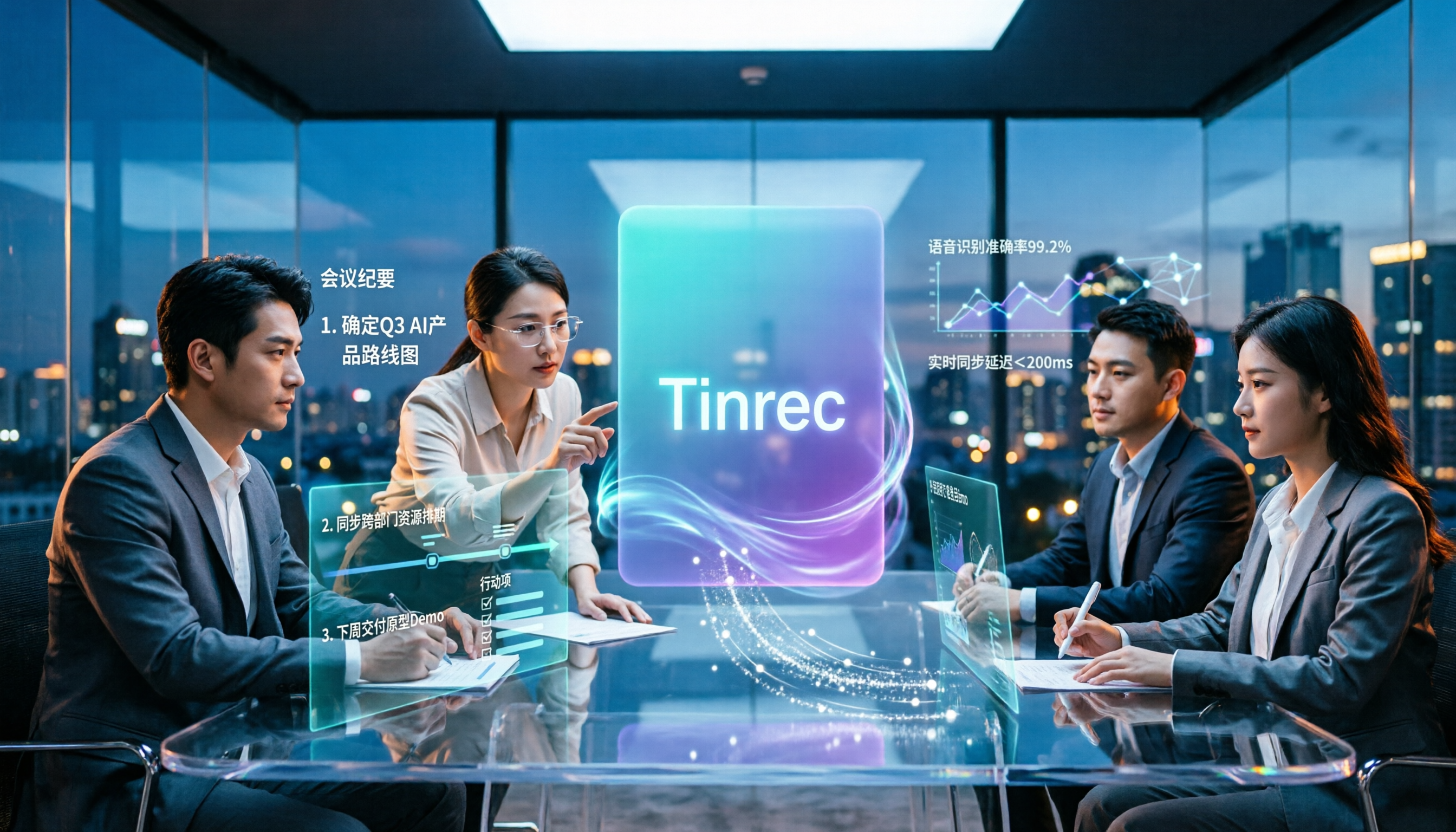
Turn recordings into transcripts and summaries in minutes
Upload audio or video for multilingual transcription, AI notes, and action items
2026 Free AI Office Tools Comparison: Which Is Best for Chinese Meeting Notes?
The Most Common Pitfall with Free AI Office Tools: It's Not That They're Not Good Enough, It's That You Picked the Wrong One from the Start
Most people follow a similar process when looking for free AI office tools: search for "free AI tools," open list after list, sign up for everything labeled Free, and end up actually using only one.
The problem often isn't that the tools aren't powerful enough—it's that the word "free" hides vastly different things. Some free versions give you 300 minutes per month, but limit each recording to 3 minutes, so a 40-minute meeting can't be recorded in one go. Others let you transcribe but don't allow exporting the transcript, meaning you can only view it, not bring it into your workflow.
There's also a common inefficient approach: treating AI tools as just a "voice recorder replacement," recording and then letting it sit, still spending time after the meeting re-listening and manually organizing. That's only using one-third of the tool's capabilities.
So this article won't just list tools again. Instead, it will first clarify the selection criteria, then compare the free plans you're most likely to use.
5 Key Points to Understand Before Choosing a Free AI Office Tool
1. Look at the "type of limit," not just the number. Even if they all say free, some limit the length per recording, some limit the total per month, and some allow transcription but not export. First confirm how many times a week you'll use it and how long each session is, then look at the quota. Doing it in reverse often leads to wasted sign-ups.
2. How meetings are captured. There are mainly two approaches: one sends a "meeting bot" to join online meetings as a participant; the other records system audio directly on your computer. The former requires checking if the other party accepts an extra attendee; the latter doesn't touch the meeting roster. This point is rarely mentioned in most reviews but makes a big difference in practice.
3. Performance with Chinese and mixed Chinese-English. Meetings in Taiwan are rarely pure Chinese or pure English; they're usually mostly Chinese with English technical terms mixed in. When choosing a tool, check if it handles professional terminology and whether it can display original text and translation simultaneously.
4. What the tool can do after the transcript. With only a transcript, you still have to read it all yourself. What really saves time is summaries, chapters, action items, and "asking it directly"—for example, asking "What was the decision in this meeting?" and having it find the answer from the content, rather than returning a bunch of keywords.
5. Whether data is stored in personal accounts or team spaces. Data in personal accounts follows the person and scatters when they leave. If meeting content involves projects or clients, it's best to confirm whether the tool has team spaces, member roles, and seat management.
Tinrec: Free Version Covers the Full Cycle from Recording to Post-Meeting
Tinrec is an AI meeting notes and collaboration tool for individuals and teams, available on desktop, mobile, and web. Its core purpose is to turn meetings from "audio" into searchable, queryable, and transferable data.
No bot needed for online meetings. The desktop version directly captures your computer's system audio, handling audio from Zoom, Google Meet, Microsoft Teams, and Webex played on your computer, without inviting an extra meeting bot. Note that it's not a calendar automation service—you need to open Tinrec and start recording yourself. It's not a "automatically join all meetings" tool, so expectations should be clear.
The real value is after recording. During the meeting, a transcript is generated in real-time; after the meeting, AI organizes a summary, chapters, and key points, and compiles follow-up actions into to-dos. Even better is AI Q&A: you can ask "Who mentioned the budget in the last meeting?" or "What were the client's concerns about pricing?" and it will answer from the meeting content, not just throw keyword search results. It also supports real-time translation (original, translated, or bilingual view), uploading existing audio and video files, and exporting to Notion, Google Docs, OneNote, Dropbox, etc. for further processing. You can also use Agent post-processing to generate reports, tables, and meeting documents.
Stop organizing recordings by hand
Upload audio or video and automatically get a transcript, summary, and action items
Team version keeps data within the team. Personal version data belongs to the individual account; the team version is a separate team space where meeting data belongs to the team, with member invitations, role and seat management, usage analytics, audit logs, audio recycle bin, and team hotwords. Clarify two concepts: roles determine who can manage the team and members; seats determine whether a member can record, upload, edit, and export. Members who are active but have no seat can still view and play team data. Also, the team version currently shares at the team level, not a system for setting file-level permissions.
Limits and pricing, listed honestly. The free version offers a basic quota to experience recording, importing, transcription, and summarization, suitable for light users who occasionally organize a recording. Once usage stabilizes, the personal version offers weekly, monthly Pro, and annual plans. The team version offers a 7-day trial for first-time eligible users, 1 free seat, and 300 minutes of shared team import quota; paid seats are USD 29.80/month or USD 199/year (about USD 16.58/month), with each paid seat providing 2,000 minutes of shared team import quota per month. Real-time recording under an active plan is currently not deducted by minutes. Actual prices and benefits are subject to the official purchase page.
Also, be honest: transcription quality is affected by recording quality, ambient noise, accents, overlapping speech, and technical terms. Don't expect "100% accuracy"; important content should be verified against the transcript timestamps and recording.
Who it's for. If you frequently have Chinese meetings, don't want a bot joining the meeting room, want to use AI to ask key points right after recording, and need meeting data to stay within the team, Tinrec is currently the smoothest workflow.
Besides Tinrec, What Other Free Options Are There?
Otter.ai: A mature choice for English meetings. The free Basic plan offers 300 minutes per month, which is generous for pure English online meetings. Note that its Chinese meeting experience is not a strength, and the free version lacks file import—existing audio files require an upgrade. If you only meet in English, its free quota is indeed more generous than Tinrec's; but for Chinese transcripts or organizing old recordings, Tinrec's approach is smoother.
Notta: Good multilingual transcription, free version offers 120 minutes per month, but limits each session to 3 minutes—meetings longer than 3 minutes must be split, which is cumbersome in practice. Tinrec's free version provides a full-process experience quota, and the desktop version can directly record system audio without a meeting bot. If you only occasionally transcribe a short voice clip, Notta works; for long meetings, it's not very suitable.
Granola: A bot-free AI meeting notes tool. Basic is free, Business is USD 14/user/month. Its feature is combining user's handwritten notes with meeting content. However, note that it does not save meeting audio and does not support uploading existing recordings—after recording, there's no audio file to refer back to. Tinrec retains audio, has a recycle bin to recover accidentally deleted recordings, and can import old files for organization, which makes a big difference for those who need post-meeting verification.
Pitfall Guide: 4 Most Common Mistakes When Choosing Free AI Office Tools
Pitfall 1: Only looking at the word "free," not the type of limit. 120 minutes per month sounds good, but if each session is only 3 minutes, a meeting must be split into a dozen segments, and just handling files is exhausting. Confirm your usage scenario first, then look at the quota.
Pitfall 2: Assuming it will automatically record meetings once installed. Whether it's desktop system audio recording or a meeting bot, you need to initiate or set it up yourself. Currently, most tools are not "open and automatically record all meetings," including Tinrec—you must manually start recording.
Pitfall 3: Treating "has transcript" as the only criterion. A transcript is just raw material. Whether it can automatically generate summaries, whether you can ask it directly, and whether it can export to your existing workflow are what truly determine how much time you save.
Pitfall 4: Thinking "team sharing" means "everyone can edit." Team tools usually distinguish roles and usage rights. For example, in Tinrec's team version, members without a seat can still view and play data, but to record, upload, edit, and export, they must have a seat. Understand this before implementation to avoid mismatched expectations.
Also note: recording and transcription involve others' conversations. Please be aware of local regulations and obtain consent from participants when necessary.
Conclusion: Which One Should You Choose?
Overall, there's no "best" free AI office tool—only the one that best fits your workflow. For meeting notes, here's how to choose:
- Mostly Chinese meetings and want to avoid meeting bots → Tinrec (desktop records system audio directly)
- Want to ask AI for key points right after recording, need summaries and to-dos → Tinrec (AI Q&A and Agent post-processing)
- Need to organize meeting audio and existing recordings together → Tinrec (supports audio and video file import)
- Team needs centralized management of meeting data, seats, and usage → Tinrec Team version
- Zero budget, only record English meetings → Otter.ai free version (300 minutes/month)
- Only occasionally transcribe a short voice clip, no post-meeting features needed → Notta free version
We recommend starting with the free version: record one of your own meetings, check the transcript quality, summary accuracy, and Q&A usability, then decide whether to upgrade. When it comes to tools, what works for others is one thing; only you know your own meeting room's audio conditions after trying it.
References
Turn every recording into actionable outcomes
Get 60 free transcription minutes when you sign in. No credit card required.
Related Reading
You might also like

5 AI Office Toolboxes Tested and Compared in 2026: Meeting Notes, Summaries, and To-Dos—Which One Actually Saves Time?
A mid-level manager who attends 15 meetings a week shares hands-on insights: the value of an AI office toolbox isn't how many tools you install, but whether it connects recording, understanding, action, and collaboration into one line. This article breaks down what an AI office toolbox can do, five core capabilities, four real-world scenarios, and five must-check indicators when choosing one, and explains how Tinrec carries a meeting from recording all the way to team data.

5 AI Office Tools Compared for 2026: How to Choose Based on Free Tiers and Meeting Summaries
With so many free AI office tools, how do you choose? This article compares Tinrec, Notta, Granola, Otter.ai and others across five key areas: free tier limits, meeting capture methods, post-meeting organization, Chinese language support, and team collaboration. It also covers four common pitfalls and offers scenario-based selection advice.

4 AI Meeting Tools Tested in 2026: Which One Saves the Most Time on Chinese Meeting Notes?
We tested four AI office tool suites in 2026, comparing everything from mixed Chinese-English meeting transcription and post-meeting organization to team knowledge retention. Tinrec (秒聽錄音) emerged as the top pick thanks to its bot-free online meeting recording, AI Q&A, and team workspace. This article also reviews when Otter.ai, Notta, and Granola make sense, plus buying criteria and pitfalls to avoid.

2026 AI Meeting Tools Compared: Which Platform Best Captures Meeting Notes and Team Knowledge?
Many assume AI office tools automatically save time, but after generating a transcript, you still have to read through it and extract key points yourself. This article addresses common misconceptions, outlines four key factors to consider when choosing AI meeting and office tools, and compares Tinrec, Otter.ai, Notta, and Granola on Chinese meeting support, online meeting recording, and team knowledge retention to help you find a platform that truly reduces post-meeting organization time.

2026 AI Office Tool Buying Guide: 5-Way Comparison Chart and Hands-On Recommendations
Still spending time writing up meeting notes after the call ends? We tested and compared 5 popular AI office tools, using a single comparison chart to break down the four key differences—meeting audio capture method, post-transcription processing, audio file retention, and team management—plus a pitfalls guide and selection advice to help you pick the one that truly cuts down your organizing time.

2026 AI Office Toolbox Comparison: Tinrec Leads in Meeting Collaboration Workflow
How to choose an AI office toolbox in 2026? This article compares key differences across meeting notes, transcription, summaries, action items, and team collaboration, using Tinrec as an example to show how meetings become searchable, actionable team data to help you make a purchasing decision.

4 AI Meeting Tools Tested in 2026: Which One Actually Saves You Time After the Meeting?
The meeting is over, but the real work is just beginning. This article looks at four key factors for choosing an AI meeting notes tool from real-world office scenarios, and compares Tinrec, Otter.ai, Notta, and Granola on recording methods, post-meeting output, team collaboration, and pricing, with a guide to common pitfalls and selection advice.

6 AI Office Tools Tested and Compared in 2026: Which Saves the Most Time for Chinese Meeting Notes, Presentations, and Document Translation?
A roundup of 6 practical AI office tools in 2026, covering meeting notes, transcripts, presentation generation, document translation, and data search. It compares free and paid plan limits and use cases to help you choose the right tool for your workflow.

2026 AI Meeting Tools Compared: Tinrec vs Notta — Which Saves More Time for Chinese Meeting Notes?
Discussions about AI office tools on PTT often focus only on 'free' and 'transcription minutes,' overlooking how meetings are captured, post-meeting organization depth, and team data ownership. This article compares Tinrec and Notta across 5 dimensions—from bot-free online meeting recording, Chinese transcripts, AI follow-up questions, to seat and audit management—to help you decide which is better for your team.