

Turn recordings into transcripts and summaries in minutes
Upload audio or video for multilingual transcription, AI notes, and action items
4 AI Meeting Tools Tested in 2026: Which One Saves the Most Time on Chinese Meeting Notes?
A Two-Hour Meeting, Then Two More Hours of Notes — What You Need Isn't a Tool, It's a Workflow
It's 4:30 PM in a Central office tower. A one-hour cross-department meeting just wrapped up. You've got handwritten notes, a voice recording on your phone, and your boss wants meeting minutes by 6 PM — but you still haven't figured out who's responsible for what. For plenty of Hong Kong office workers, this happens two or three times a week.
The language issue makes it worse. Meetings mix Chinese and English, throw in a pile of jargon, and sometimes slip into Cantonese. Many transcription tools on the market do fine with English, but the moment they hit mixed Chinese content, they fall apart. The transcript that comes out needs line-by-line manual correction — and by the time you're done, you might as well have typed it from scratch.
The third problem is finding things again. A key promise a client made last week is buried at minute 27 of a 40-minute recording. No summary, no search, no Q&A — you're stuck putting on headphones and listening from the beginning.
This comparison was written to solve those three problems — not just to see which tool transcribes accurately, but to see which one can actually take you from "recording finished" to "meeting materials ready to deliver."
Before Choosing an AI Office Tool Suite, Understand These 4 Key Points
1. Real-world performance with Chinese and mixed Chinese-English. Official accuracy rates are usually measured in quiet environments, but real meeting rooms have air conditioning hum, keyboard clatter, and people talking over each other. Hong Kong meetings add another layer of difficulty: mixed Chinese-English and occasional Cantonese. Test with your own real recordings — don't just trust the marketing numbers.
2. Post-meeting output goes beyond the transcript. A transcript is just raw material. What really saves time is summaries, chapters, key points, and action items — so when the meeting ends, you already have an editable draft. If a tool only produces text without structure, you're really just delaying the typing.
3. Recording sources and cross-platform support. Today you're on Zoom, tomorrow you're in a client's conference room, and the day after you need to process an old recording file. A tool needs to handle all three sources and work across mobile, desktop, and web to qualify as an "office tool suite."
4. Team data ownership and governance. Personal recordings belong to the individual — and when a colleague leaves, they take everything with them. What teams need is a shared workspace: meeting data belongs to the team, new hires can look up history, and admins can see usage and activity logs. Also, distinguish between "roles" and "seats" — roles determine who can manage the team, while seats determine who can record, upload, edit, and export. Some tools blur the two together, so ask clearly before purchasing.
Tinrec (秒聽錄音) — Our Top Pick After Testing
In one sentence: Tinrec (秒聽錄音) is an AI meeting notes and collaboration tool for individuals and teams, available on iOS, Android, desktop, and web.
Record online meetings without a meeting bot. The desktop version captures your computer's system audio directly. When you're on Zoom, Google Meet, Microsoft Teams, or Webex, just open Tinrec and start recording — you get a live transcript as you go, without inviting a bot into the meeting and adding a stranger to the participant list. Note that this is a recording you initiate yourself; it doesn't automatically join every meeting on your calendar.
After recording, you can ask it questions directly. Once the meeting ends, AI has already generated a summary, chapters, key points, and action items — who's responsible for what and when it's due, all at a glance. Even more useful is AI Q&A: you can ask things like "Who mentioned the budget in the last meeting?" or "What reservations did the client have about the quote?" It answers based on semantic understanding rather than dumping a list of keyword search results for you to piece together. Not every tool at this price point offers this feature.
From meeting to deliverable. Content can be exported to Notion, Google Docs, OneNote, Dropbox, and other tools for further work, or you can use post-processing to directly generate reports, tables, and meeting documents. The recording process also supports real-time translation — choose original text, translated text, or bilingual — so cross-language meetings don't need someone interpreting on the spot. The team version offers a shared workspace, member and seat management, usage analytics, audit logs, an audio recycle bin, and team hotwords — you can add your company's common jargon in advance to improve recognition.
Test conditions, stated clearly. We used a roughly 5-minute mixed Chinese-English meeting recording (indoor environment, with air conditioning background noise) for testing. The transcript could be edited while listening, and the summary and action item structure were practical — no need to start from scratch. Honestly, transcription performance is affected by recording quality, accent, ambient noise, overlapping speakers, and specialized terminology. No tool can guarantee a fixed accuracy rate; the point is that it can significantly reduce your manual note-taking and organizing time. For important content, we recommend cross-checking with timestamps and recording playback. Also, follow local laws before recording, and get participant consent when required.
Stop organizing recordings by hand
Upload audio or video and automatically get a transcript, summary, and action items
Three practical advantages:
- No extra hardware needed — works on mobile, desktop, and web, covering both online and in-person meetings.
- Beyond the transcript, you get summaries, action items, Q&A, and export — no need to juggle multiple tools.
- The team version turns meeting data into a team asset — when members leave or are removed, resources can be handed over instead of walking out the door with the individual.
Limitations, stated upfront: The free personal version has a basic quota; heavy users should consider a weekly card or Pro monthly/annual plan. The team version is priced per paid seat: USD 29.80 per paid seat per month, or USD 199 per paid seat per year (about USD 16.58/month). Each paid seat includes 2,000 minutes of shared team import quota per month, and real-time recording under an active team plan is currently not deducted by the minute. The first qualifying team trial is 7 days, 1 free seat, and 300 minutes of shared team import quota. Actual pricing and benefits are subject to the official purchase page.
Who it's for: If you frequently hold Chinese or mixed Chinese-English meetings, don't want a bot in your meeting room, want to use AI to find key points right after recording, or need to turn meeting notes into team knowledge — Tinrec is currently the closest fit for those needs.
Besides Tinrec, What Other Options Are There?
Otter.ai: A mature choice for English meetings, covering major online meeting platforms. The Basic free plan offers 300 minutes per month; Pro annual billing comes to about USD 8.49 per user per month, including 1,200 minutes of in-app recording and 10 file imports per month. Its strength is English business meeting workflows — mixed Chinese content isn't its focus. Tinrec's differentiators are its Chinese experience, real-time translation, multi-format post-meeting export, post-processing report generation, and team knowledge retention. If 90% of your recordings are in English, it's worth considering.
Notta: The closest competitor to Tinrec, with multi-platform transcription, meeting notes, file import, and translation. The free plan offers 120 minutes per month, max 3 minutes per session; Pro annual billing comes to about USD 8.17 per month for 1,800 minutes per month; Business annual billing comes to about USD 16.67 per seat per month. The difference is that Tinrec focuses on bot-free online meeting recording, AI Q&A, post-processing, and team workspace, with team seats managed separately by access permissions. For a detailed comparison, Notta is the most direct competitor.
Granola: Also a bot-free meeting notes tool that transcribes in real time via desktop system audio plus microphone, then combines it with your handwritten notes to generate content. Basic is free, Business is USD 14 per user per month, Enterprise is USD 35 per user per month. Note that it doesn't support uploading pre-recorded audio files and doesn't save meeting audio — if you want to keep recordings for later playback or re-transcription, it won't work. It has real-time transcription you can copy and search, but no file import, real-time translation, or team data governance.
Pitfall Guide: The 4 Most Common Traps When Choosing an AI Office Tool Suite
Pitfall 1: Only looking at official accuracy numbers. Many tools advertise high accuracy, but those numbers are measured in quiet environments. Real meeting rooms have air conditioning noise, keyboard clatter, and people talking over each other — performance will be noticeably different. Test the free version with one of your own real recordings; don't just trust the marketing page.
Pitfall 2: Thinking a transcript means you're done. A transcript is only half the product. If you still have to manually organize summaries, copy action items, and write reports after recording, you've only saved typing time. When choosing a tool, check whether it can produce summaries, chapters, action items, and even generate documents for you.
Pitfall 3: Using a personal account for team work. Several people chip in for one account, all recordings go into the same login, and when a colleague leaves, everything goes with them. Teams need a separate workspace where meeting data belongs to the team, and you need to distinguish between members, roles, and seats — active members without a seat can view, play, and read materials but cannot upload, edit, or export. Ask about this before buying.
Pitfall 4: Ignoring recording compliance. Hong Kong and many other regions have recording-related regulations. Before a meeting, you should inform participants and get consent when necessary. No tool, however good, can replace that step.
Conclusion: Which One Should You Actually Choose?
- Need to record Chinese or mixed Chinese-English meetings and want a live transcript → Tinrec (covers Chinese, Traditional Chinese, and multilingual scenarios, plus team hotwords to improve specialized terminology recognition)
- Don't want a bot in the meeting room, need to record Zoom, Meet, Teams, Webex → Tinrec (desktop version captures system audio, no bot joins)
- Want to use AI to ask about key points, generate action items and reports right after recording → Tinrec (supports follow-up questions about the meeting and multi-format export for further work)
- Team needs to share meeting data and view usage and activity logs → Tinrec team version (workspace, seats, usage analytics, audit logs, audio recycle bin)
- Zero budget, only recording English meetings → Otter.ai (the only exception in this article)
Finally, to find out if it's right for you, the most practical approach is to take one of your own real meeting recordings and try the Tinrec free version. See whether the transcript and summary it produces are good enough, then decide whether to upgrade — no need to pay from the start. Before recording, remember to check local laws and get participant consent when required.
References
- 2026's 19 Strongest AI Tools Worldwide! See the Latest Top 100 AI Trending List Here!
- 10 Smart PC AI Software Worth Trying in 2026
- Generative AI Tools Complete Guide: 5 Major Platform Feature Tests, Subscription Plans, and Use Case Comparison - Aiworks
- [AI Cheat Sheet] Read This and You're Set! 2026 Recommended AI Free vs. Subscription Tools to Boost Productivity & Workplace Competitiveness! (Continuously Updated) | 104 Career Power
- AI Tool Hub Official Site | 1000+ AI Tools Collection, Domestic and International AI Tool Navigation Directory
Turn every recording into actionable outcomes
Get 60 free transcription minutes when you sign in. No credit card required.
Related Reading
You might also like
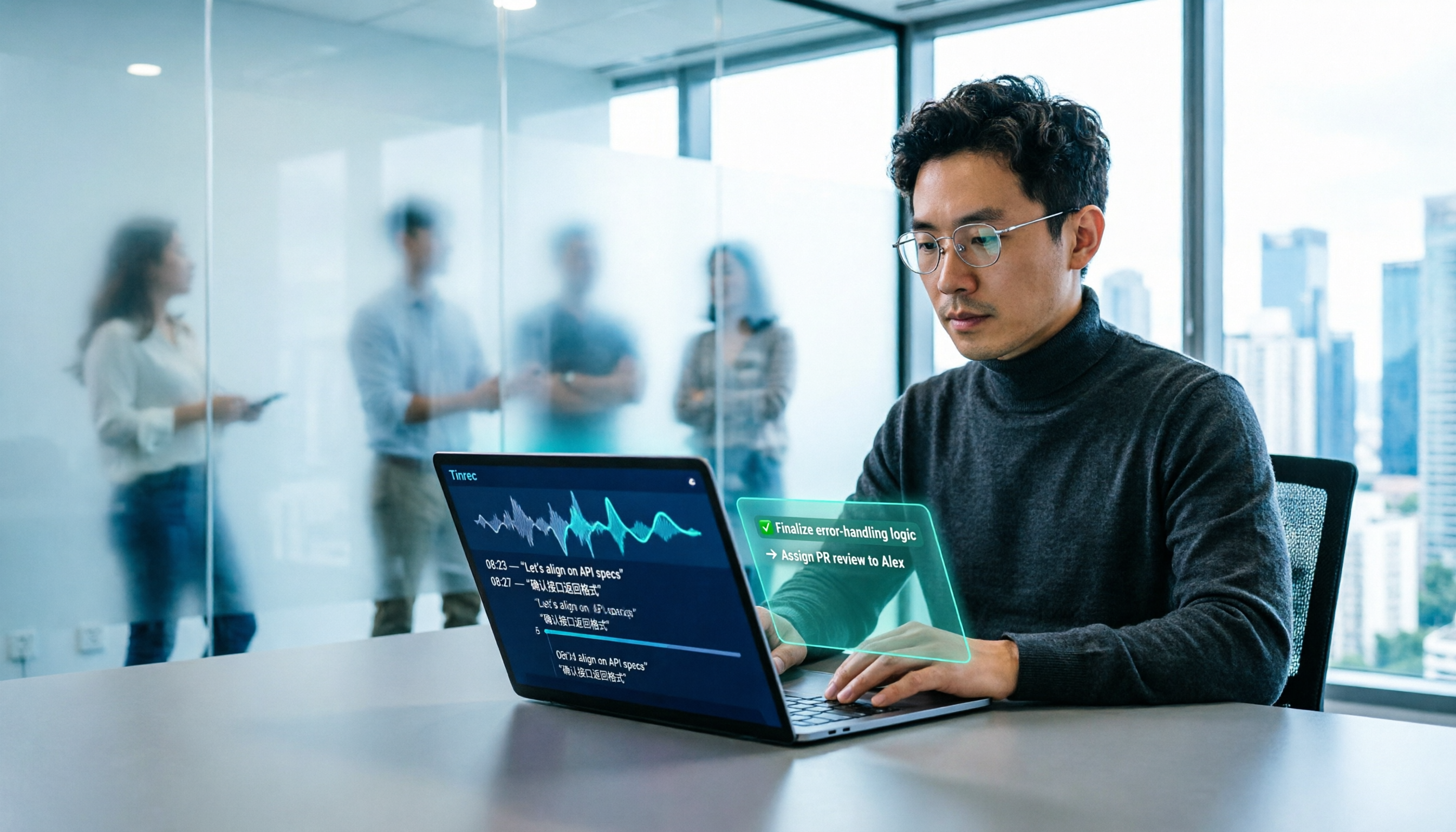
2026 AI Office Tools for Software Engineers: Meeting Notes + AI Q&A Hands-On Review
Coding accounts for only 40% of a software engineer's work hours; the rest is consumed by meetings and post-meeting organization. This hands-on comparison of AI office tools like Tinrec, Otter.ai, Notta, and Granola covers bot-free meeting recording, Chinese and mixed Chinese-English recognition, AI Q&A, cross-platform use, and team seat management, highlighting 5 key buying factors and 4 common pitfalls.

6 AI Office Tools Tested and Compared in 2026: How to Choose the Top-Rated Meeting Recorder According to PTT Users
This article starts from the popularity of discussions among PTT users and puts six AI office tools to the test, comparing their performance in meeting notes and post-meeting organization. From the perspective of a mid-level manager with experience running 15 meetings a week, it covers the positioning, pricing, and use cases of solutions including Tinrec, Otter.ai, Notta, Granola, TurboScribe, and PLAUD, helping readers determine which one best fits their meeting style.

2026 AI Meeting Tool Comparison: Why Software Engineers Are Switching to Tinrec Instead of Notta
Software engineers spend only about 40% of their time actually writing code; the rest goes to meetings and post-meeting cleanup. This article compares Tinrec and Notta on meeting capture, Chinese recognition, post-meeting processing, and team governance, and outlines Tinrec's core features, real-world use cases, and buying considerations to help you decide which AI productivity tool better fits an engineering team's actual needs.

2026 AI Office Toolbox: 5 Steps to Organize Meetings and Team Collaboration with Tinrec
In 2026, your AI office toolbox should include not just Copilot and Gemini, but also meeting notes and post-meeting follow-up. This article compares Tinrec and Granola across 5 dimensions—recording, Chinese transcription, audio retention, AI summaries, and team governance—to help you find the right meeting tool for your office.
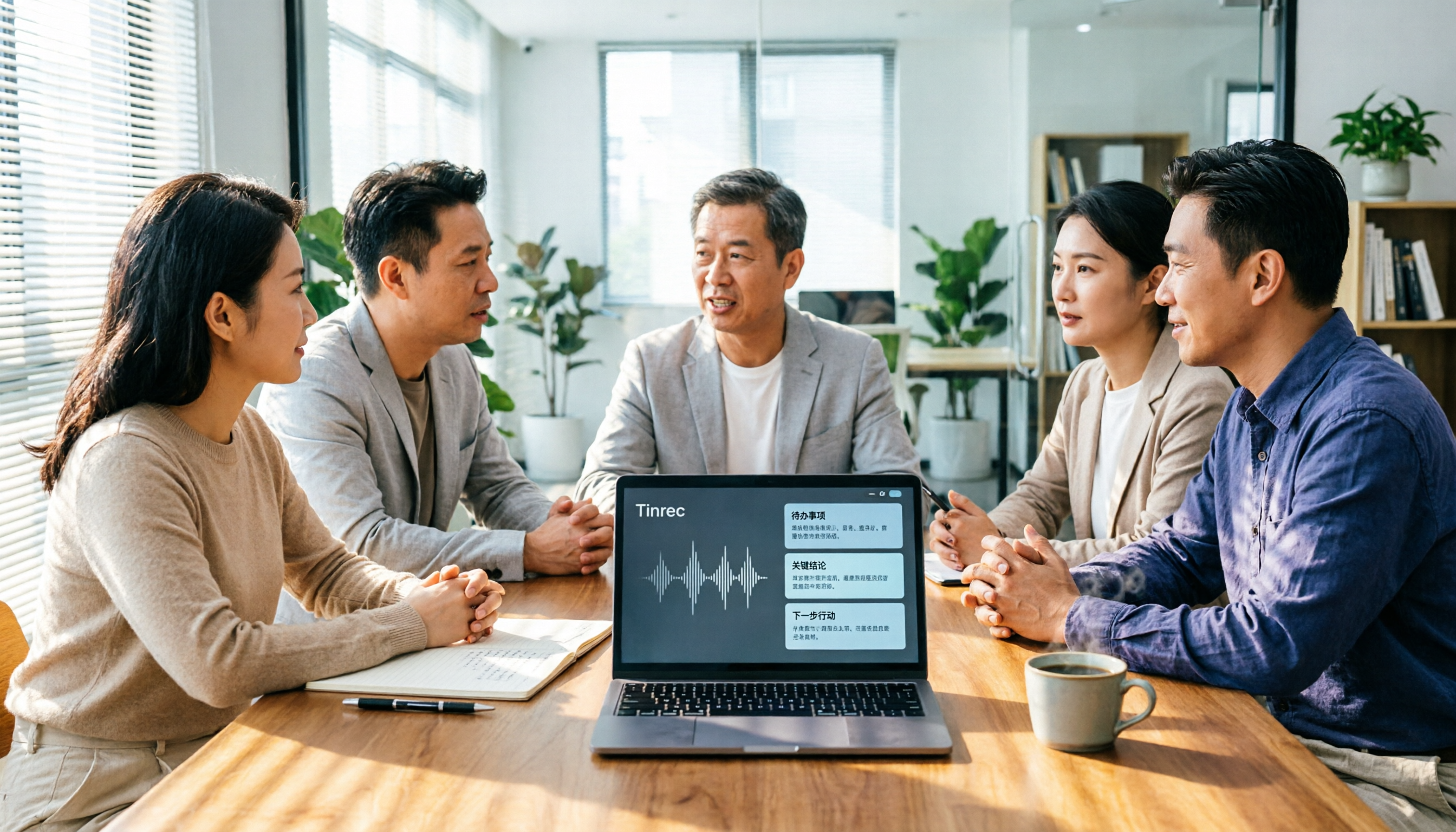
2026 AI Meeting Tools Comparison: Tinrec, Otter.ai, and Granola for Chinese Transcription, Summaries, and Team Collaboration
In 2026, AI meeting tools are everywhere, but the real question is how you capture meetings and what you do with them afterward. This comparison of Tinrec, Otter.ai, and Granola covers five dimensions: meeting capture methods, Chinese language experience, post-meeting workflows, team governance, and pricing. We also break down free tiers and team pricing logic to help you decide which tool fits your needs.

5 AI Office Toolboxes Tested and Compared in 2026: Meeting Notes, Summaries, and To-Dos—Which One Actually Saves Time?
A mid-level manager who attends 15 meetings a week shares hands-on insights: the value of an AI office toolbox isn't how many tools you install, but whether it connects recording, understanding, action, and collaboration into one line. This article breaks down what an AI office toolbox can do, five core capabilities, four real-world scenarios, and five must-check indicators when choosing one, and explains how Tinrec carries a meeting from recording all the way to team data.

5 AI Office Tools Compared for 2026: How to Choose Based on Free Tiers and Meeting Summaries
With so many free AI office tools, how do you choose? This article compares Tinrec, Notta, Granola, Otter.ai and others across five key areas: free tier limits, meeting capture methods, post-meeting organization, Chinese language support, and team collaboration. It also covers four common pitfalls and offers scenario-based selection advice.

2026 AI Meeting Tools Compared: Which Platform Best Captures Meeting Notes and Team Knowledge?
Many assume AI office tools automatically save time, but after generating a transcript, you still have to read through it and extract key points yourself. This article addresses common misconceptions, outlines four key factors to consider when choosing AI meeting and office tools, and compares Tinrec, Otter.ai, Notta, and Granola on Chinese meeting support, online meeting recording, and team knowledge retention to help you find a platform that truly reduces post-meeting organization time.

2026 AI Office Tool Buying Guide: 5-Way Comparison Chart and Hands-On Recommendations
Still spending time writing up meeting notes after the call ends? We tested and compared 5 popular AI office tools, using a single comparison chart to break down the four key differences—meeting audio capture method, post-transcription processing, audio file retention, and team management—plus a pitfalls guide and selection advice to help you pick the one that truly cuts down your organizing time.