

Turn recordings into transcripts and summaries in minutes
Upload audio or video for multilingual transcription, AI notes, and action items
2026 AI Office Tool Buying Guide: 5-Way Comparison Chart and Hands-On Recommendations
The Moment the Meeting Ends Is When the Trouble Begins
It's Wednesday afternoon, and you just wrapped up a 90-minute cross-departmental meeting. The discussion was lively and there were plenty of conclusions, but when you open your notebook to write up the meeting notes, you realize you only jotted down half a page.
Who's responsible for which item, what's due next week, and what were the three concerns the client mentioned—all scattered across two hours of conversation.
If it was an online meeting, the situation is a bit better, but not by much. The built-in transcripts in Zoom, Google Meet, and Teams can leave you with a text record, but that text is long and jumpy. Trying to fish out the "conclusions" and "action items" from it is often slower than just re-listening to the whole thing.
If your meeting also mixes Chinese and English technical terms, or a colleague speaks very quickly, typing notes by hand is nearly impossible to keep up with.
The problem isn't that you don't know how to take notes—it's that you picked the wrong tool. This article rounds up 5 popular AI office tools, puts them into a comparison chart, and adds hands-on judgment so you can figure out what to choose in ten minutes.
Before Choosing an AI Office Tool, Understand These 4 Key Points
There are at least twenty or thirty tools on the market that advertise "AI meeting notes," and their spec sheets all look similar. But only four things really affect whether they're actually usable.
First, how does the meeting audio get in? Most tools rely on a "meeting bot" that joins your meeting room with an extra account. This can be a bit awkward in external meetings when the other side sees an unfamiliar account on the participant list. Another approach is to capture system audio directly from your computer without adding any participants.
Second, what happens after the transcript? A tool that only gives you a transcript is essentially handing the organizing work right back to you. What you want to see is whether it can automatically generate summaries, chapters, and action items—or even let you ask questions directly about the meeting content.
Third, will the audio file be retained? Some tools keep only text and not the recording, so when you have doubts about a particular sentence, you can't go back and verify it.
Fourth, how well does it work for teams? Personal use and team use are two different things. For teams, you need to look at management capabilities like members, roles, seats, and usage—not just "can multiple people log in."
Once you think through these four points, your options will actually shrink by more than half.
Tinrec — After Testing, We Put It in the Top Pick
Tinrec is an AI meeting notes and collaboration tool for individuals and teams, supporting web, desktop, and mobile. It doesn't just turn audio into text—it turns meetings into data you can search, query, and continue to work with.
Let's start with the most immediately noticeable part: online meetings.
The Tinrec desktop app captures your computer's system audio directly, so you don't need to invite any meeting bot. When you're meeting on Zoom, Google Meet, Microsoft Teams, or Webex, just open the desktop app and it records while producing a transcript. Note that it's not the kind of mode that "automatically joins all meetings on your calendar"—you still have to press start yourself.
After the meeting ends is where it really pulls ahead.
It automatically generates summaries and chapters, breaking a long discussion into several topics; action items are picked out from the conversation, so you can see at a glance who needs to do what and when. If you just want a one-sentence conclusion, you can also ask directly about the meeting content—for example, "Which option did this meeting finally decide on?"—and it will answer your question directly instead of throwing a string of keywords at you to search through yourself.
Meetings that mix Chinese and English are another strength. Transcripts can be viewed in the original language, translation, or bilingual format, so cross-language meetings are less likely to miss content.
In real meeting scenarios—with mixed Chinese-English terminology, several sections of people talking over each other, and the background hum of air conditioning—a transcript can never be 100% perfect. Tinrec's performance lives up to its positioning, but what really made me keep using it was the structure after organizing, not the transcript itself.
Three clear advantages:
First, no meeting bot. For external meetings, you don't have to explain "who that unfamiliar account is"—which is very practical in client meetings.
Second, the workflow after the transcript is complete. Summary, chapters, action items, Q&A, translation, and export are all in one place, so you don't have to open three or four tools to piece things together.
Third, the team version is a real team structure. It creates an independent team space, and meeting data belongs to the team rather than being tied to one person's account; when a member leaves or is removed, the data can be handed over to other active members.
Limitations should also be stated clearly:
Stop organizing recordings by hand
Upload audio or video and automatically get a transcript, summary, and action items
The free version has a basic quota, suitable for occasional use. The team version's paid seat is USD 29.80/seat/month, or USD 199/seat/year with annual billing, equivalent to about USD 16.58/month, and each paid seat provides 2,000 minutes of team shared import quota per month; eligible teams get a 7-day trial, 1 free seat, and 300 minutes of shared quota for the first time. Prices, currencies, and promotions are subject to the official purchase page.
Also, the team version is currently "team-level sharing"—active members can all read team data, roles determine who can manage, and seats determine who can record and edit. It is not a system that lets you set individual permissions for a single file. If you need file-level permission control, confirm this point first.
Who it's for: People who frequently hold Chinese or mixed Chinese-English meetings, want to use AI to find key points right after recording, and need to leave meeting notes for the team. If you only record in English and only one person uses it, your options can be a bit broader.
Besides Tinrec, What Other Options Are There?
First, look at a comparison chart that lays out the core differences of several common tools. Table information is based on each product's official announcements; prices and plans change, so it's best to confirm again before use.
| Comparison Item | Tinrec | Notta | Granola | PLAUD Note/NotePin |
|---|---|---|---|---|
| Product Type | Web + Desktop + Mobile App | Multi-platform App | Desktop App | Recording Hardware + App |
| Meeting Audio Capture Method | Desktop captures system audio, no bot needed | Meeting bot, desktop, or file upload | Desktop captures system audio, no bot needed | Hardware device recording |
| Upload Existing Audio Files | Supported | Supported | Not supported | Mainly device recording |
| Retains Meeting Audio | Supported | Usually supported | Not retained | Supported |
| Post-Transcription Processing | Summary, chapters, action items, Q&A, translation, export, Agent | Subtitles, translation, summary | Note enhancement, Q&A, integrations | Summary, templates, Q&A |
| Team Management | Spaces, members, roles, seats, usage, audit, recycle bin | Business plan provides role permissions and usage reports | Shared folders and management features | Team membership and device management |
Notta: The competitor with the most overlap with Tinrec, offering multi-platform transcription, file import, translation, and team plans; the free version gives 120 minutes per month (max 3 minutes per session), Pro annual billing is about USD 8.17/month, and Business annual billing is about USD 16.67/seat/month. Its strength is file transcription and subtitles. If what you care about is desktop bot-free recording of online meetings and asking questions directly about meeting content after recording, Tinrec's approach is closer.
Granola: Also takes the bot-free route, using desktop system audio combined with your own notes and then letting AI enhance them. Basic is free, and Business is USD 14/user/month. Keep in mind that it doesn't support uploading existing audio files and doesn't save meeting audio. If you have a pile of old recordings to organize or need to go back and verify the original audio, you'll need another approach.
PLAUD Note/NotePin: The hardware representative, with NotePin priced at USD 159 and Note Pro at USD 189, paired with plans like Starter (300 minutes/month) and Pro (USD 99.99/year, 1,200 minutes/month), suitable for scenarios requiring portable recording and phone call recording. But you have to buy a device first, and online meeting processing still has to go back to the computer; if you don't want to carry an extra piece of hardware, completing the same workflow with your existing computer and phone will be easier.
Pitfalls Guide: The 4 Most Common Mistakes When Choosing AI Office Tools
Pitfall 1: Only looking at the accuracy rate stated by the official source. Many tools advertise "98% accuracy," but that's usually measured under quiet conditions with a single person reading aloud. Real meetings have air conditioning noise, keyboard sounds, and people talking over each other, so performance will definitely drop. A more reliable approach is to take a short real recording of your own and test it, rather than just looking at advertising numbers.
Pitfall 2: Thinking a transcript means the meeting is done. A transcript is just raw material; what really saves time is the organized output like summaries, chapters, and action items. If you handle three meetings a day, filtering by "does it have AI Q&A and action item extraction" will be more accurate than filtering by "how much per hour."
Pitfall 3: Ignoring the ownership of team data. No matter how good a personal account is, the data is tied to that person. If a colleague leaves or the account is deactivated, the meeting notes disappear with it. For team use, prioritize tools with independent team spaces, seat management, and data handover mechanisms.
Pitfall 4: Not paying attention to the legal issues of recording. Recording involves personal data and local regulations, especially for cross-border meetings. Notifying participants in advance and obtaining consent when necessary is the user's own responsibility, not something a tool can handle for you.
Summary: Which One Should You Actually Choose?
Simply put, it depends on your meeting type:
- Chinese or mixed Chinese-English meetings, wanting meeting notes you can use directly → Tinrec
- Don't want an extra bot account on the participant list → Tinrec desktop version
- Want to ask questions directly about meeting content and find conclusions after recording → Tinrec (AI Q&A is its most differentiated part)
- Need to leave meeting data for the whole team and manage members and usage → Tinrec team version
- Exception: Only recording English meetings, zero budget → Otter.ai's free quota can be considered
If you're still not sure, it's recommended to try Tinrec's free version first, run it on one of your own real meetings, and see whether the summary and action items capture the key points. If it works for you, then consider upgrading—no need to pay from the start.
References
- Image/Diagram Comparison AI System MIIDEL
- Free AI Comparison Tool | Simplify Complexity Instantly
- Compare Images Online or Offline and Find Differences - Diffchecker
- Which AI Is Best? Detailed Introduction to Six Major AI Tools—Three Heads and Six Arms, Five Tiger Generals, Build Your Own Team!
- 2026 Global Top 19 Strongest AI Tools Recommended! See the Latest Top 100 AI Hot List Here!
Turn every recording into actionable outcomes
Get 60 free transcription minutes when you sign in. No credit card required.
Related Reading
You might also like
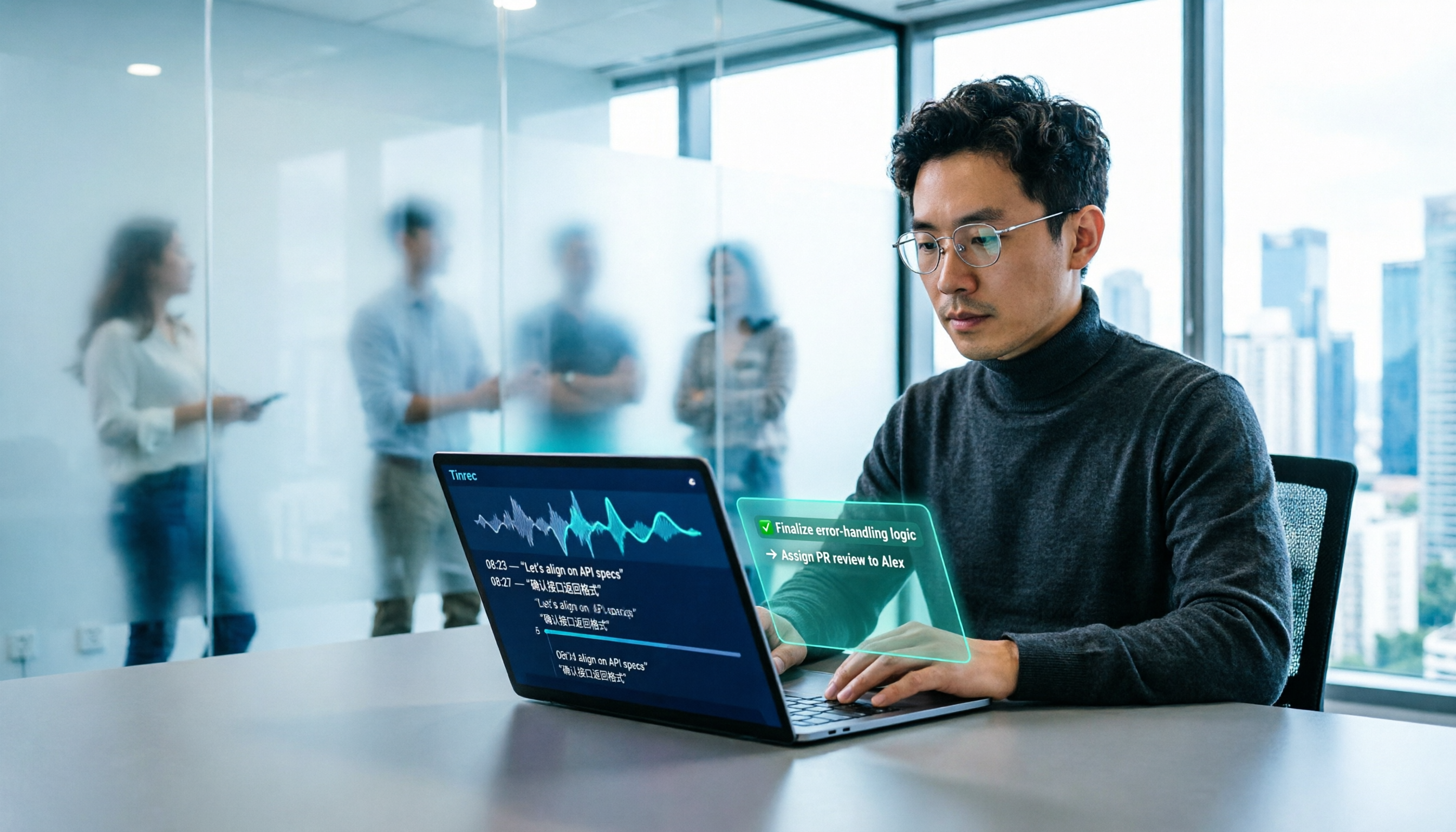
2026 AI Office Tools for Software Engineers: Meeting Notes + AI Q&A Hands-On Review
Coding accounts for only 40% of a software engineer's work hours; the rest is consumed by meetings and post-meeting organization. This hands-on comparison of AI office tools like Tinrec, Otter.ai, Notta, and Granola covers bot-free meeting recording, Chinese and mixed Chinese-English recognition, AI Q&A, cross-platform use, and team seat management, highlighting 5 key buying factors and 4 common pitfalls.

6 AI Office Tools Tested and Compared in 2026: How to Choose the Top-Rated Meeting Recorder According to PTT Users
This article starts from the popularity of discussions among PTT users and puts six AI office tools to the test, comparing their performance in meeting notes and post-meeting organization. From the perspective of a mid-level manager with experience running 15 meetings a week, it covers the positioning, pricing, and use cases of solutions including Tinrec, Otter.ai, Notta, Granola, TurboScribe, and PLAUD, helping readers determine which one best fits their meeting style.

2026 AI Meeting Tool Comparison: Why Software Engineers Are Switching to Tinrec Instead of Notta
Software engineers spend only about 40% of their time actually writing code; the rest goes to meetings and post-meeting cleanup. This article compares Tinrec and Notta on meeting capture, Chinese recognition, post-meeting processing, and team governance, and outlines Tinrec's core features, real-world use cases, and buying considerations to help you decide which AI productivity tool better fits an engineering team's actual needs.

2026 AI Office Toolbox: 5 Steps to Organize Meetings and Team Collaboration with Tinrec
In 2026, your AI office toolbox should include not just Copilot and Gemini, but also meeting notes and post-meeting follow-up. This article compares Tinrec and Granola across 5 dimensions—recording, Chinese transcription, audio retention, AI summaries, and team governance—to help you find the right meeting tool for your office.
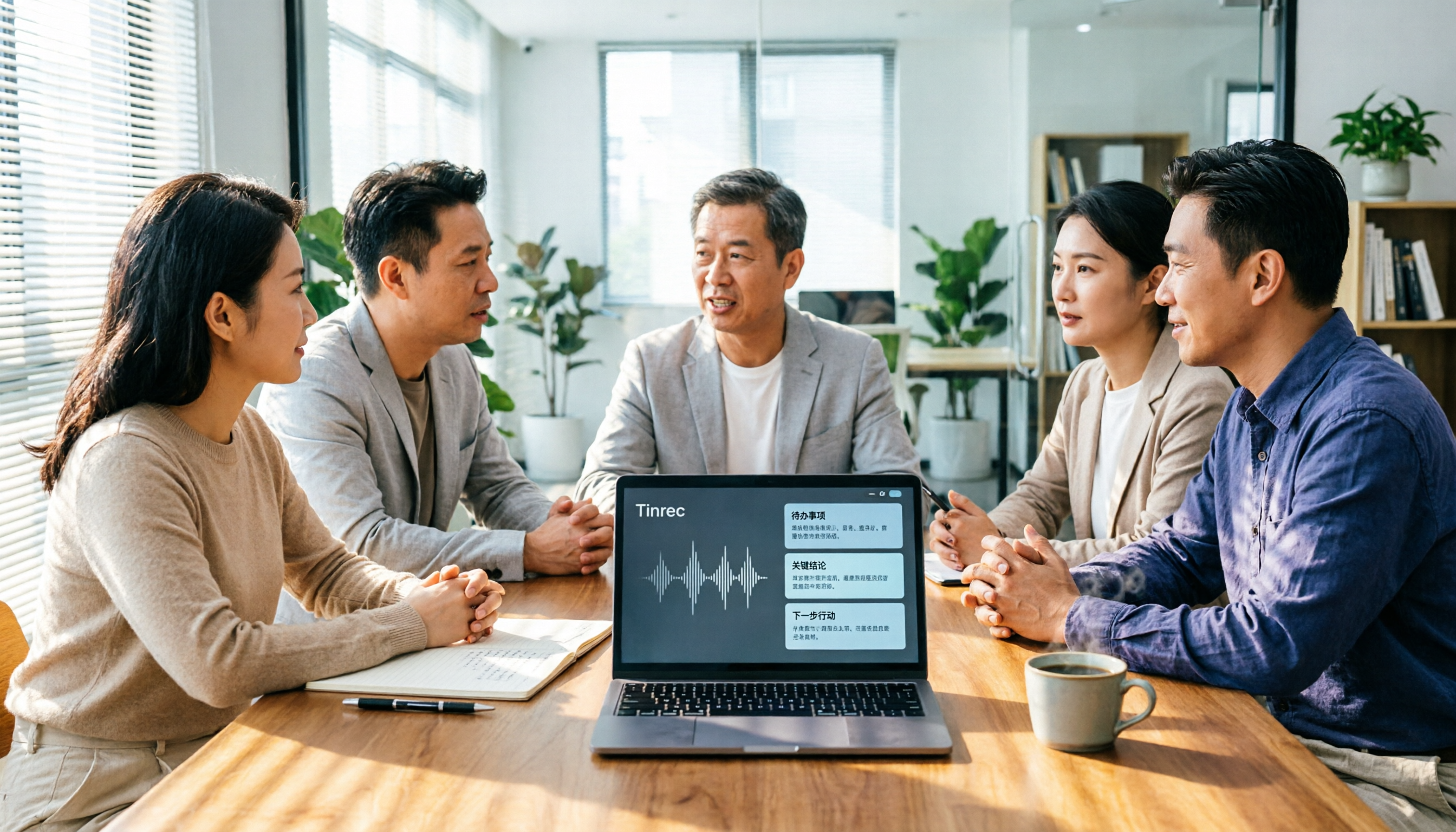
2026 AI Meeting Tools Comparison: Tinrec, Otter.ai, and Granola for Chinese Transcription, Summaries, and Team Collaboration
In 2026, AI meeting tools are everywhere, but the real question is how you capture meetings and what you do with them afterward. This comparison of Tinrec, Otter.ai, and Granola covers five dimensions: meeting capture methods, Chinese language experience, post-meeting workflows, team governance, and pricing. We also break down free tiers and team pricing logic to help you decide which tool fits your needs.

5 AI Office Toolboxes Tested and Compared in 2026: Meeting Notes, Summaries, and To-Dos—Which One Actually Saves Time?
A mid-level manager who attends 15 meetings a week shares hands-on insights: the value of an AI office toolbox isn't how many tools you install, but whether it connects recording, understanding, action, and collaboration into one line. This article breaks down what an AI office toolbox can do, five core capabilities, four real-world scenarios, and five must-check indicators when choosing one, and explains how Tinrec carries a meeting from recording all the way to team data.

5 AI Office Tools Compared for 2026: How to Choose Based on Free Tiers and Meeting Summaries
With so many free AI office tools, how do you choose? This article compares Tinrec, Notta, Granola, Otter.ai and others across five key areas: free tier limits, meeting capture methods, post-meeting organization, Chinese language support, and team collaboration. It also covers four common pitfalls and offers scenario-based selection advice.

4 AI Meeting Tools Tested in 2026: Which One Saves the Most Time on Chinese Meeting Notes?
We tested four AI office tool suites in 2026, comparing everything from mixed Chinese-English meeting transcription and post-meeting organization to team knowledge retention. Tinrec (秒聽錄音) emerged as the top pick thanks to its bot-free online meeting recording, AI Q&A, and team workspace. This article also reviews when Otter.ai, Notta, and Granola make sense, plus buying criteria and pitfalls to avoid.

2026 AI Meeting Tools Compared: Which Platform Best Captures Meeting Notes and Team Knowledge?
Many assume AI office tools automatically save time, but after generating a transcript, you still have to read through it and extract key points yourself. This article addresses common misconceptions, outlines four key factors to consider when choosing AI meeting and office tools, and compares Tinrec, Otter.ai, Notta, and Granola on Chinese meeting support, online meeting recording, and team knowledge retention to help you find a platform that truly reduces post-meeting organization time.