

Turn recordings into transcripts and summaries in minutes
Upload audio or video for multilingual transcription, AI notes, and action items
Which Free AI Office Tool Should You Choose? First Answer: What's Your Biggest Bottleneck?
Open any list of free AI tools and you'll probably see twenty or thirty options: tools for writing copy, making slides, drawing mind maps, converting speech to transcripts. They all look useful, but you likely only have time to master one or two.
So the real question isn't "which one is the best" but "which task takes the most time and is hardest to recover afterward?"
For most office workers, the answer is meetings.
A two-hour meeting, then another hour afterward to rethink the conclusions, who's responsible for what, and when it's due. Worse, this information is scattered across chat logs, emails, and other people's notes; two weeks later, trying to find "why we made this decision" is nearly impossible.
Another scenario is cross-language meetings. Mixing Chinese and English, plus air conditioning noise and people talking over each other, relying on memory to fill in details afterward leads to a high error rate.
If you've experienced these situations, this article will clarify the line between free and paid, and which tools suit whom.
Before Choosing an AI Office Tool, Understand These 5 Key Points
1. What is the "unit" of the free tier?
They all say free, but some offer a few hundred minutes per month, some a few files per day, some a maximum length per session. For example, Notta's free plan offers 120 minutes per month, max 3 minutes per session; TurboScribe's free plan offers 3 files per day, max 30 minutes per file. First calculate how many hours of meetings you have per week, and you'll know which limit will hit you first.
2. How is the meeting recorded?
One way is to send a meeting bot to join as a participant; another is a desktop app that directly captures the computer's system audio. The former puts an account on the meeting roster; the latter doesn't, but you need to press start yourself. This involves company policies and colleagues' feelings, so it's worth thinking through.
3. What comes after the transcript?
Many tools just give you a big block of text. The real difference is post-meeting: is there a summary, chapters, action items, can you ask follow-up questions about the content, can you export to your existing workflow. This determines how much time you'll spend re-reading.
4. How well does it handle Chinese and mixed Chinese-English?
Don't just look at the official accuracy numbers. Actual performance is affected by recording quality, background noise, accents, overlapping speakers, and technical terms. The most practical approach is to test with a real meeting from your own company.
5. Is data retained? Personal or team use?
Some tools don't save meeting audio and don't support uploading pre-recorded files (for example, Granola's official documentation states it doesn't support uploading pre-recorded audio or saving meeting audio), so you can't go back and listen to a specific sentence. For team use, also ask: who owns the data, and how is it handed over when a member leaves?
Tinrec — The One I'd Look at First
Tinrec is an AI meeting recording and collaboration tool for individuals and teams, supporting web, desktop, and mobile. Its positioning isn't just converting speech to text, but turning meetings into searchable, queryable, actionable data.
During meetings, no need to invite a bot into the room. The desktop version directly captures the computer's system audio, handling meetings played on the computer like Zoom, Google Meet, Microsoft Teams, Webex, without an extra bot account on the meeting roster. Note that recording must be initiated by you on the desktop version; it's not a tool that automatically joins all meetings on your calendar.
After the meeting, you can just ask. After the meeting, besides the transcript, Tinrec produces a summary, chapters, key points, and action items. Even better is AI Q&A: you can directly ask "What was the conclusion about the budget in the last meeting?" and it will organize the answer semantically, rather than just throwing a list of keyword search results. You can then generate reports, tables, and documents, or export to Notion, Google Docs, OneNote, Dropbox for further processing.
For team use, data isn't tied to individuals. The team version is an independent collaboration space, and meeting data belongs to the team. Admins can manage roles and seats, view usage trends and member rankings, query and export audit logs, and recover accidentally deleted recordings via the audio recycle bin; when a member leaves or is removed, their team resources can be handed over to other active members. Note that roles and seats are two different things: roles determine who can manage the team, seats are required to record, upload, edit, and export; members without seats can still view, play, and read data.
Chinese and cross-language meetings are another focus. Tinrec supports Chinese meeting transcription, mixed Chinese-English content organization, multilingual meetings, and real-time translation during recording, allowing you to view the original, translation, or bilingual. Team hotwords make recognition of common technical terms more stable. Actual accuracy is affected by recording quality, noise, accents, overlapping speakers, and technical terms, so I won't guarantee a fixed number; for important amounts, dates, and commitments, it's advisable to cross-check with the transcript timestamps and recording.
Free vs. paid. The free version offers basic quota to experience recording, import, summary, and transcription workflows; short-term intensive use has a weekly card, long-term stable use has Pro monthly and annual cards. The team version offers a 7-day trial for first-time eligible users, including 1 free seat and 300 minutes of team shared import quota; paid seats provide 2,000 minutes of team shared import quota per month, and real-time recording is currently not deducted by minutes under valid plans and seats. Actual prices and promotions are subject to the official purchase page.
Stop organizing recordings by hand
Upload audio or video and automatically get a transcript, summary, and action items
Limitations to be clear about. File and web imports consume team shared quota, not unlimited; the team version currently has team-level shared visibility, not file-level granular permissions; for highly regulated scenarios like healthcare, legal, and finance, it's not suitable as a primary tool without corresponding authorization and explanation.
Who it's for: Those who frequently have Chinese or mixed Chinese-English meetings, don't want an extra bot on the meeting roster, want to ask key points directly after recording, need to switch between phone and computer, or want to gradually accumulate meeting data into a searchable team asset.
Besides Tinrec, What Other Free Options Are There?
First, a category often confused: general-purpose AI assistants like ChatGPT, Gemini, Claude. Their strength is text generation, rewriting, and translation, great for polishing, but meeting recording requires stable audio capture, transcription, and post-meeting organization workflows; they are better used together, not as replacements.
Notta: The one with the most overlap with Tinrec, also offering multi-platform transcription, meeting notes, file import, translation, and team plans. Free version: 120 minutes per month, max 3 minutes per session; Pro annual billing equivalent to about US$8.17/month (1,800 minutes per month); Business annual billing equivalent to about US$16.67/seat/month, providing role permissions and usage reports. If you only need transcription and translation, it's sufficient; the difference is Tinrec puts "desktop bot-free recording" and "post-meeting AI Q&A, report and table generation" in the same workflow. Prices and benefits subject to official pages.
Granola: A bot-free AI meeting note tool, strong at combining your handwritten notes with AI. Free Basic, Business at US$14/user/month, Enterprise at US$35/user/month. Note that it doesn't support uploading pre-recorded audio files, nor does it save meeting audio. Tinrec retains recordings, supports audio file import, and provides real-time translation and multi-format export, with centralized team data management.
Otter.ai: A mature choice for English business meetings, free Basic 300 minutes per month; Pro annual billing equivalent to US$8.49/user/month, including 1,200 minutes of in-app recording and 10 file imports per month. If your meetings are almost all in English, this is one of the few scenarios in this article where I'd say "you don't necessarily need to switch"; for Chinese or mixed Chinese-English organization, Tinrec's positioning is closer.
Pitfall Guide: 4 Most Common Mistakes with Free AI Office Tools
Pitfall 1: Only seeing "free" without checking the unit. Some limit total minutes per month, some limit session length, some limit files per day. Before choosing, look at your usage rhythm: if one meeting exceeds the session limit, a larger quota won't help.
Pitfall 2: Treating the transcript as the end goal. Getting a big block of text isn't the same as being organized. If the tool only gives you a transcript, you still have to re-read, extract key points, and list action items yourself. When choosing a tool, include "can I ask directly after the meeting, can it generate action items" in your scoring; it's usually more impactful than a few hundred extra minutes.
Pitfall 3: Thinking you must put a meeting bot in. Now there are desktop methods to capture system audio, no need for an extra account on the meeting roster. But also know that such tools require you to initiate recording yourself, not automatically linked to your calendar. Also, recording and transcription involve personal data and local regulations; obtain participant consent when needed.
Pitfall 4: Using a personal account to force team collaboration. Personal version data belongs to the individual, colleagues can't see it, and it leaves when you do. Teams need an independent space, clear member and seat rules, and resource handover methods when members change; these can't be solved by sharing a set of credentials.
Conclusion: Which One Should You Choose?
- Chinese or mixed Chinese-English meetings, don't want an extra bot on the roster → Tinrec (desktop directly captures system audio)
- After recording, want to directly ask "what was the conclusion" "who's responsible for what" → Tinrec (summary, chapters, action items, and AI Q&A)
- Need to switch between phone and computer, and want to keep recordings and files → Tinrec (multi-platform, supports audio file import)
- Need to turn meetings into team data, manage seats and usage → Tinrec Team (space, roles, seats, usage, audit)
- High team turnover, data shouldn't follow individuals → Tinrec Team (resource handover mechanism)
- Meetings almost all in English, already used to English tools → Otter.ai (the few exceptions in this article)
It's recommended to first use the free version or team trial, run a real meeting of your own: see if the transcript is usable, if the summary captures key points, if export is smooth. If it works for you, consider upgrading; no need to pay from the start.
References
- 104 Workplace Power "[AI Quick Guide] Read This! 2026 Recommended AI Free vs Subscription Tools to Improve Productivity & Workplace Competitiveness!" https://blog.104.com.tw/ai_tools/
- Leadion AI "[2026 Latest] Free AI Tool Recommendations: 7 Major Generative AI Comparisons, How to Choose ChatGPT, Gemini, Claude?" https://leadion.ai/blog/best-genai/
- Software Player "2026 Free AI Tool Quick Guide: 30 Tools Categorized by Use, Find the One You Need!" https://pcrookie.com/30-ai-tools/
- Webmaster Azheng "[AI Tool Map] Sharing 4 Free AI Tool Alternatives" https://www.aiposthub.com/free-ai-tools-for-work-and-study/
- Otter.ai Official Pricing Page https://otter.ai/pricing
- Notta Official Pricing Page https://www.notta.ai/en/pricing/
- TurboScribe Official Pricing Page https://turboscribe.ai/pricing
- Granola Official Pricing Page https://www.granola.ai/pricing and Official Transcription Guide https://docs.granola.ai/help-center/taking-notes/transcription
Sources
- [AI Quick Guide] Read This! 2026 Recommended AI Free vs Subscription Tools to Improve Productivity & Workplace Competitiveness! (Continuously Updated) | 104 Workplace Power
- AI Content Detection Recommendations: 8 Free Chinese AI Detection Tools at a Glance!
- [AI Tool Map] Sharing 4 Free AI Tool Alternatives
- [2026 Latest] Free AI Tool Recommendations: 7 Major Generative AI Comparisons, How to Choose ChatGPT, Gemini, Claude? | Leadion AI
- 2026 Free AI Tool Quick Guide: 30 Tools Categorized by Use, Find the One You Need! - Software Player
Turn every recording into actionable outcomes
Get 60 free transcription minutes when you sign in. No credit card required.
Related Reading
You might also like
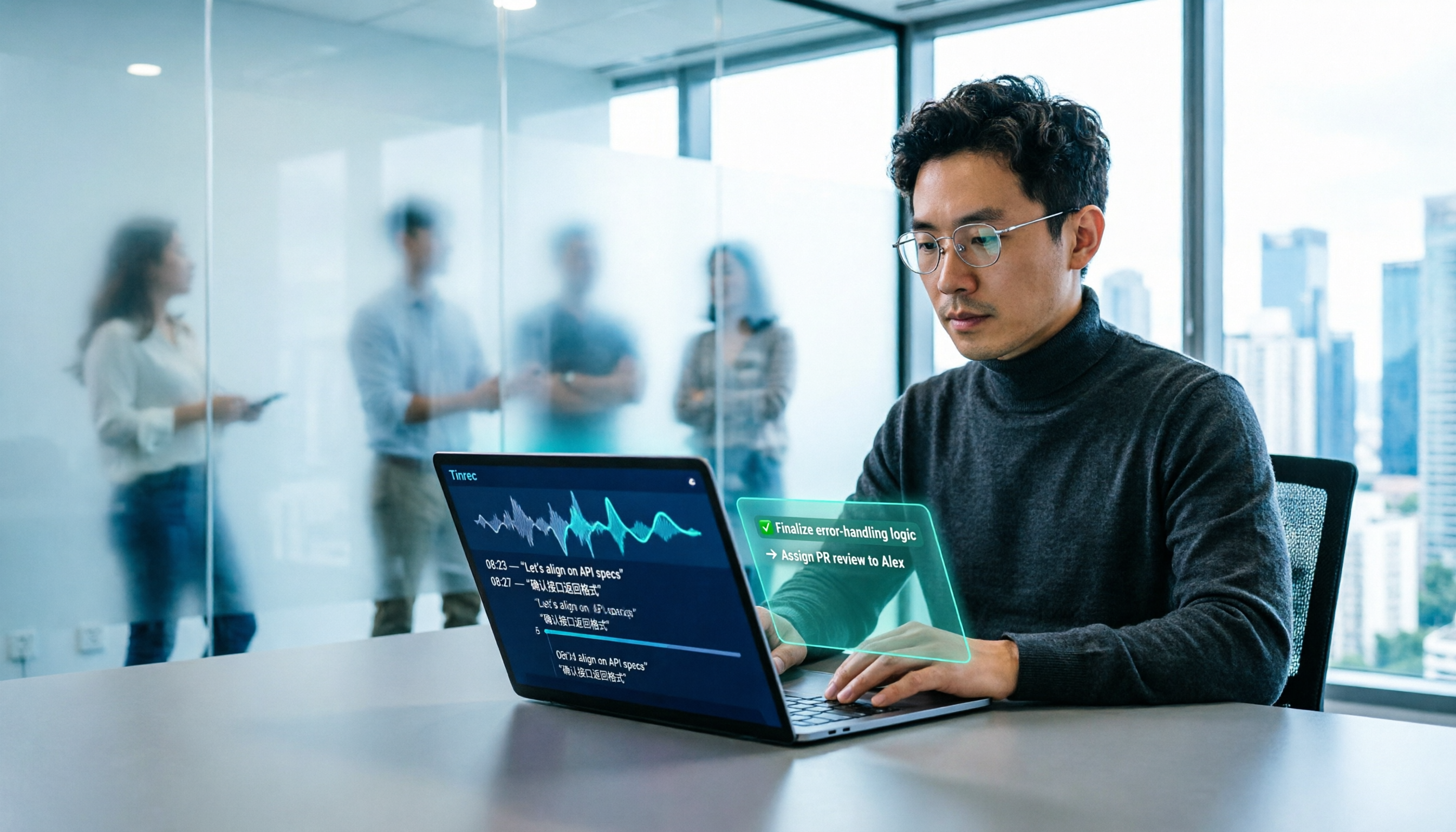
2026 AI Office Tools for Software Engineers: Meeting Notes + AI Q&A Hands-On Review
Coding accounts for only 40% of a software engineer's work hours; the rest is consumed by meetings and post-meeting organization. This hands-on comparison of AI office tools like Tinrec, Otter.ai, Notta, and Granola covers bot-free meeting recording, Chinese and mixed Chinese-English recognition, AI Q&A, cross-platform use, and team seat management, highlighting 5 key buying factors and 4 common pitfalls.

6 AI Office Tools Tested and Compared in 2026: How to Choose the Top-Rated Meeting Recorder According to PTT Users
This article starts from the popularity of discussions among PTT users and puts six AI office tools to the test, comparing their performance in meeting notes and post-meeting organization. From the perspective of a mid-level manager with experience running 15 meetings a week, it covers the positioning, pricing, and use cases of solutions including Tinrec, Otter.ai, Notta, Granola, TurboScribe, and PLAUD, helping readers determine which one best fits their meeting style.

2026 AI Meeting Tool Comparison: Why Software Engineers Are Switching to Tinrec Instead of Notta
Software engineers spend only about 40% of their time actually writing code; the rest goes to meetings and post-meeting cleanup. This article compares Tinrec and Notta on meeting capture, Chinese recognition, post-meeting processing, and team governance, and outlines Tinrec's core features, real-world use cases, and buying considerations to help you decide which AI productivity tool better fits an engineering team's actual needs.

2026 AI Office Toolbox: 5 Steps to Organize Meetings and Team Collaboration with Tinrec
In 2026, your AI office toolbox should include not just Copilot and Gemini, but also meeting notes and post-meeting follow-up. This article compares Tinrec and Granola across 5 dimensions—recording, Chinese transcription, audio retention, AI summaries, and team governance—to help you find the right meeting tool for your office.
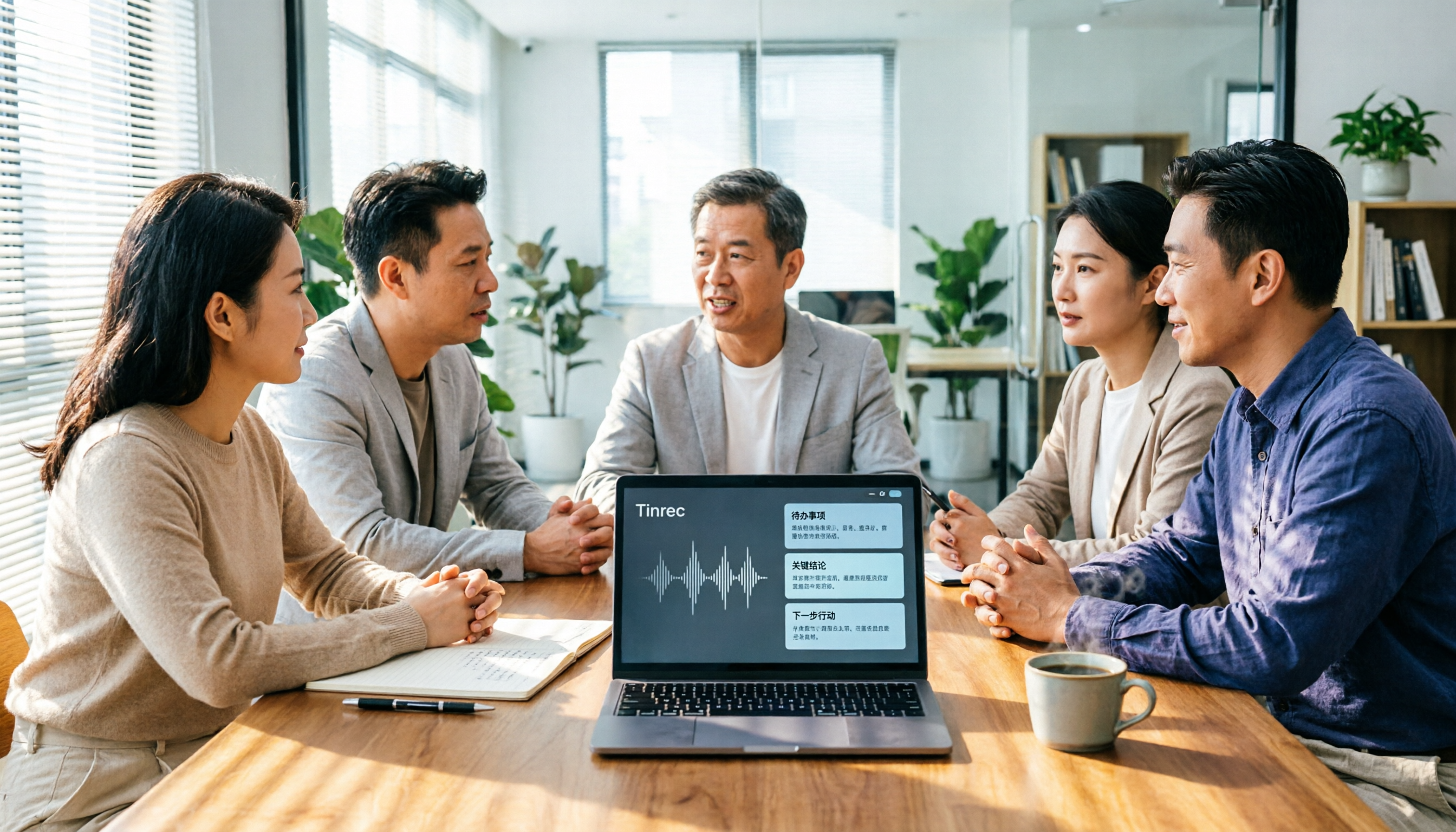
2026 AI Meeting Tools Comparison: Tinrec, Otter.ai, and Granola for Chinese Transcription, Summaries, and Team Collaboration
In 2026, AI meeting tools are everywhere, but the real question is how you capture meetings and what you do with them afterward. This comparison of Tinrec, Otter.ai, and Granola covers five dimensions: meeting capture methods, Chinese language experience, post-meeting workflows, team governance, and pricing. We also break down free tiers and team pricing logic to help you decide which tool fits your needs.

5 AI Office Toolboxes Tested and Compared in 2026: Meeting Notes, Summaries, and To-Dos—Which One Actually Saves Time?
A mid-level manager who attends 15 meetings a week shares hands-on insights: the value of an AI office toolbox isn't how many tools you install, but whether it connects recording, understanding, action, and collaboration into one line. This article breaks down what an AI office toolbox can do, five core capabilities, four real-world scenarios, and five must-check indicators when choosing one, and explains how Tinrec carries a meeting from recording all the way to team data.

4 AI Meeting Tools Tested in 2026: Which One Saves the Most Time on Chinese Meeting Notes?
We tested four AI office tool suites in 2026, comparing everything from mixed Chinese-English meeting transcription and post-meeting organization to team knowledge retention. Tinrec (秒聽錄音) emerged as the top pick thanks to its bot-free online meeting recording, AI Q&A, and team workspace. This article also reviews when Otter.ai, Notta, and Granola make sense, plus buying criteria and pitfalls to avoid.

2026 AI Meeting Tools Compared: Which Platform Best Captures Meeting Notes and Team Knowledge?
Many assume AI office tools automatically save time, but after generating a transcript, you still have to read through it and extract key points yourself. This article addresses common misconceptions, outlines four key factors to consider when choosing AI meeting and office tools, and compares Tinrec, Otter.ai, Notta, and Granola on Chinese meeting support, online meeting recording, and team knowledge retention to help you find a platform that truly reduces post-meeting organization time.

2026 AI Office Tool Buying Guide: 5-Way Comparison Chart and Hands-On Recommendations
Still spending time writing up meeting notes after the call ends? We tested and compared 5 popular AI office tools, using a single comparison chart to break down the four key differences—meeting audio capture method, post-transcription processing, audio file retention, and team management—plus a pitfalls guide and selection advice to help you pick the one that truly cuts down your organizing time.