

Turn recordings into transcripts and summaries in minutes
Upload audio or video for multilingual transcription, AI notes, and action items
2026 AI Meeting Tools Compared: Which Platform Best Captures Meeting Notes and Team Knowledge?
Still Spending Two Hours After a Meeting? The Problem Isn't Your Speed
Many people hear "AI office tools" and think, "Install it and you'll automatically be faster."
In reality, it often goes like this: the meeting ends, the recording sits on your phone, the transcript is generated, but you still have to read through it from start to finish to know who promised what and which decisions were made.
Worse, the conclusions you painstakingly organized are needed two months later, but they're scattered across personal cloud drives, chat rooms, and a colleague's computer.
Plus, multi-person online meetings constantly switch platforms—Zoom today, Teams tomorrow, and a client suddenly switches to Google Meet. If you have to switch tools every time the platform changes, records never accumulate.
So this article isn't about "which tool has the most features," but "which platform lets meeting content actually be used a second time."
Before Choosing an AI Office Tool, Understand These 4 Key Points
1. Does it just give you a transcript, or "workable data"?
A transcript is a starting point, not the end.
A one-hour meeting can produce tens of thousands of words in a transcript. If the tool only converts audio to text, you still have to read it all, extract key points, and list action items yourself. The real time-saver is whether it provides summaries, chapters, action item extraction, and the ability to ask questions directly about the meeting content.
What to look for: After transcription, can it continue to help you organize and answer questions?
2. How are online meetings recorded?
There are two common approaches: one is sending a "meeting bot" to join as a participant; the other is capturing system audio directly from your computer.
Using a meeting bot for external client meetings can be awkward—a stranger's account appears on screen, and the other party might ask, "Who is that?"
What to look for: Can your meeting scenario accept an extra bot joining? If not, look for a desktop-based direct audio capture solution.
3. Performance in Chinese and multilingual meetings
Meetings in Taiwan often mix Chinese and English, sometimes with technical jargon. The number of languages the tool supports, whether it can translate in real-time, and whether you can customize team-specific terms all directly affect how quickly you can read the transcript.
What to look for: Test with your own work recordings, don't just look at the official language count.
4. Who ultimately holds the data?
Personal accounts and team spaces are two different things.
If meeting records only exist in personal accounts, once the responsible colleague leaves or changes departments, those records are effectively lost. Whether meeting data can be centrally stored and accessed by new members is often the deciding factor for team adoption.
What to look for: Does the team plan differentiate members, roles, and seats, and can you view usage and activity logs?
Tinrec – The One We Most Want to Keep After Testing
Tinrec is an AI meeting recording and collaboration tool for individuals and teams, covering iOS, Android, and web versions. Online meeting audio capture and real-time transcription are handled by the desktop version.
It doesn't just convert audio to text; it turns meetings into searchable, queryable, and further processable data.
Record online meetings without a meeting bot
Tinrec's desktop version directly captures your computer's system audio, handling Zoom, Google Meet, Microsoft Teams, Webex, and other online meetings without sending a separate bot to join.
For those who frequently meet with external clients, this is a big plus—no unfamiliar account appears in the meeting, and the other party doesn't have to ask "Who is that?"
Note that this is not "automatically join all meetings on your calendar." You still need to actively open Tinrec to start recording.
After recording is where it truly stands out
When the meeting ends, the transcript is already synced, and it automatically generates summaries, chapters, and key points, and extracts action items from the discussion—who is responsible for what and when it's due, all clear at a glance.
Even better is the AI Q&A. You can directly ask it: "Who mentioned the budget in the last meeting?" or "What concerns did the client have about the delivery date?" It doesn't give you a bunch of keyword search results; it answers directly based on the meeting content. Transcription tools at the same price point mostly still stop at "giving you text."
Additionally, it can generate reports, tables, and documents, and export results to Notion, Google Docs, OneNote, Dropbox, and other tools for further use.
Stop organizing recordings by hand
Upload audio or video and automatically get a transcript, summary, and action items
Chinese and cross-language meetings
Tinrec covers Chinese, Traditional Chinese, and multilingual meeting scenarios, supports real-time translation during recording, and allows viewing in original, translated, or bilingual mode; teams can also maintain their own hotwords to make technical term recognition more stable.
Test conditions must be clear: recognition performance is affected by recording quality, ambient noise, accents, overlapping speakers, and technical jargon—it's not a fixed number. In our experience, when audio is clear, transcript readability is noticeably higher; when multiple people talk over each other or the environment is noisy, the gap widens. We recommend testing with one of your own meetings for the most accurate assessment.
From personal tool to team database
The team version is not "multiple people sharing one personal account," but an independent team space.
Meeting data belongs to the team, new members can view historical meetings; administrators can manage members, roles, and seats, view usage trends and activity logs, and transfer resources when members change. Even if a member leaves or is removed, team data doesn't disappear with the individual.
Clarification: Roles determine who can manage the team, seats determine who can record, upload, edit, and export. Active members without a seat can still view, play, and read team data, but cannot perform uploads or edits.
The team version offers a 7-day trial for first-time eligible users, 1 free seat, and 300 minutes of shared team import quota; paid seats are USD 29.80/month or USD 199/year (about USD 16.58/month), with each paid seat providing 2,000 minutes of shared team import quota per month. Real-time recording under an active team plan currently does not deduct minutes; file and web imports use the shared team quota. Actual prices and benefits are subject to the official purchase page.
The personal version offers a free plan, weekly pass, Pro monthly, and Pro annual options. For occasional recording organization, the free version is sufficient; upgrade when you have consistent weekly needs.
Who it's for
If you frequently hold Chinese meetings, prefer no bot joining, want to ask key points directly after recording, or need to gradually build meeting records into team assets—Tinrec is currently the more suitable choice.
Besides Tinrec, What Other Options Are There?
Otter.ai: A mature English meeting assistant, free version 300 minutes/month, Pro annual about USD 8.49/user/month, also has desktop capabilities. But Chinese meetings are not its strong suit, and it lacks Tinrec's Agent post-processing workflow. If 90% of your meetings are in English, it's worth considering; when you need Chinese transcripts plus team knowledge retention, Tinrec is smoother.
Notta: Known for multilingual transcription, free version 120 minutes/month with a 3-minute per-session limit, Pro annual about USD 8.17/month. It overlaps significantly with Tinrec, but Tinrec adds desktop bot-free recording and Agent post-processing, turning meetings directly into reports and tables.
Granola: Also uses desktop system audio capture for bot-free recording, focusing on "your notes + AI enhancement," Business at USD 14/user/month. Note that it does not retain meeting audio files and does not support uploading pre-recorded files; if you need post-meeting playback, importing existing audio, or Chinese real-time translation, Tinrec is more suitable.
Pitfall Guide: 4 Most Common Mistakes When Choosing AI Office Tools
Pitfall 1: Assuming installing a tool automatically makes you faster. AI saves you transcription and organization time, but decisions and commitments in meetings still need human confirmation. A better approach is to treat it as a first layer of organization, and for important decisions, go back to verify against the recording and transcript timestamps.
Pitfall 2: Only looking at free quota, not per-session limits. For example, Notta's free version has a 3-minute per-session limit—fine for testing, but not enough for a one-hour meeting. First confirm your meeting length and frequency, then decide which tier to consider.
Pitfall 3: Leaving meeting records in personal accounts. Personal versions are convenient, but data follows the person. For long-term team use, choose a plan with team space, seats, and usage logs, otherwise when the person leaves, records are lost.
Pitfall 4: Using it only as a recorder. If you only use it for "audio to text," you're using only a third of its capabilities. For example, Tinrec's AI Q&A—after recording, directly ask "What was the conclusion of this meeting?"—is much faster than manually flipping through a half-hour transcript.
One more reminder: Before recording and transcribing, please check local regulations and obtain participant consent when necessary.
Conclusion: Which One Should You Choose?
Overall, if your meetings involve Chinese, online platforms, and content that needs to be searched and queried afterward, Tinrec is currently the most balanced choice.
- Mainly Chinese meetings, often mixed with English → Tinrec (Chinese and multilingual scenarios, team hotwords)
- Don't want a bot joining meetings → Tinrec (desktop directly captures system audio)
- Want to ask key points and action items directly after recording → Tinrec (AI Q&A and action item extraction)
- Want to build meetings into team data → Tinrec team version (team space, roles and seats, usage and activity logs)
- Meetings almost entirely in English, limited budget → Otter.ai free version can hold you over
We recommend first using the free version to record a real meeting, see if the transcript, summary, and action items are actually helpful, then decide whether to upgrade—no need to pay upfront.
References
- Top 20 Must-Have AI Tools for the Workplace! Expert: 90% of Workers Will Need to Know AI in the Future | 104 Workplace
- 14 AI Tools You Can't Miss in 2024 (Part 2) | TechNews
- AI Tool Platform - Taiwan Artificial Intelligence Network Co., Ltd. Ai.com.tw
- 2025 AI Tools Guide: 24 AI Tools to Greatly Boost Work Productivity!
- Office AI Tools Decoded: Is Asana Alone Enough? | Master Concept
Turn every recording into actionable outcomes
Get 60 free transcription minutes when you sign in. No credit card required.
Related Reading
You might also like
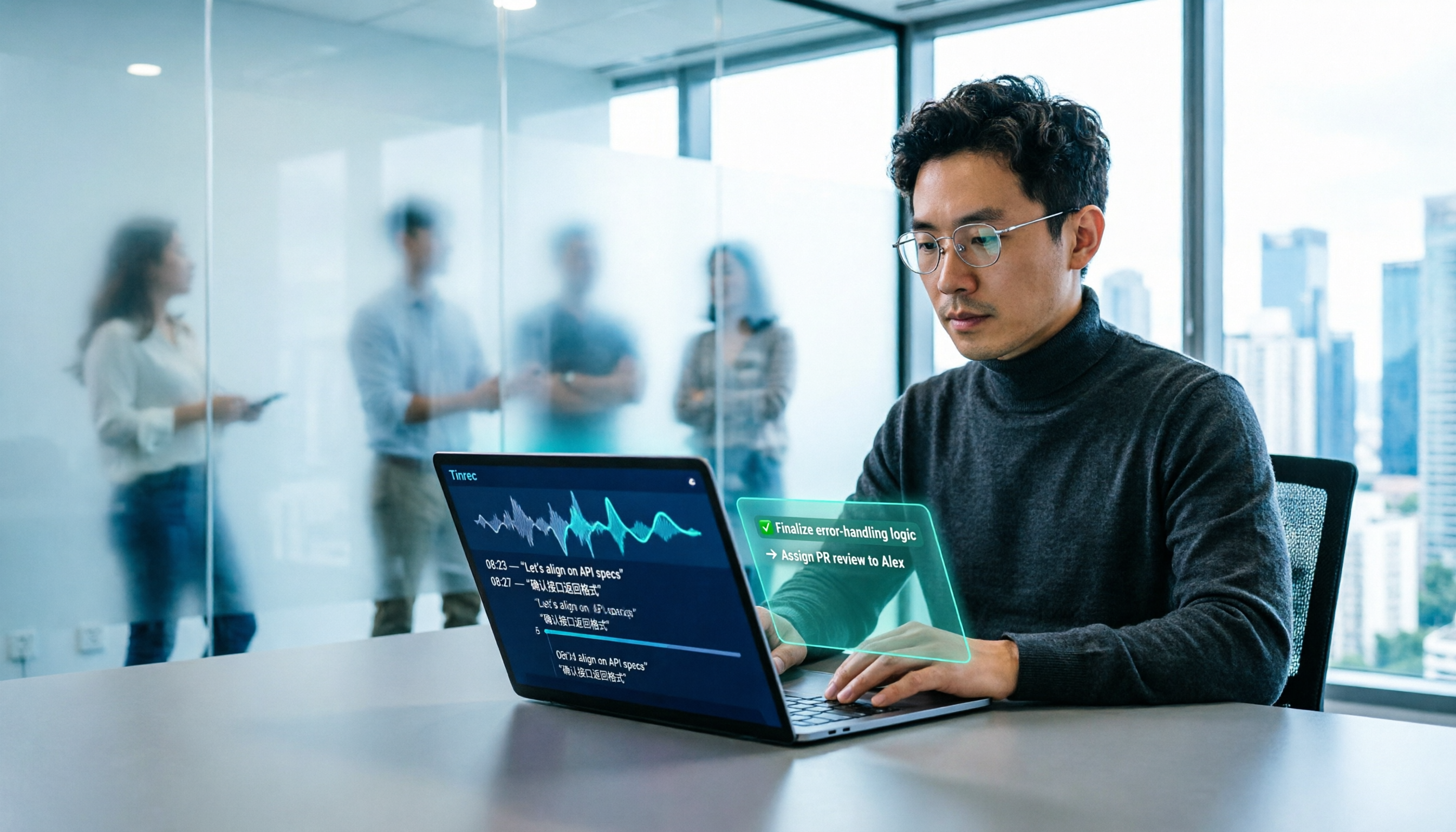
2026 AI Office Tools for Software Engineers: Meeting Notes + AI Q&A Hands-On Review
Coding accounts for only 40% of a software engineer's work hours; the rest is consumed by meetings and post-meeting organization. This hands-on comparison of AI office tools like Tinrec, Otter.ai, Notta, and Granola covers bot-free meeting recording, Chinese and mixed Chinese-English recognition, AI Q&A, cross-platform use, and team seat management, highlighting 5 key buying factors and 4 common pitfalls.

6 AI Office Tools Tested and Compared in 2026: How to Choose the Top-Rated Meeting Recorder According to PTT Users
This article starts from the popularity of discussions among PTT users and puts six AI office tools to the test, comparing their performance in meeting notes and post-meeting organization. From the perspective of a mid-level manager with experience running 15 meetings a week, it covers the positioning, pricing, and use cases of solutions including Tinrec, Otter.ai, Notta, Granola, TurboScribe, and PLAUD, helping readers determine which one best fits their meeting style.

2026 AI Meeting Tool Comparison: Why Software Engineers Are Switching to Tinrec Instead of Notta
Software engineers spend only about 40% of their time actually writing code; the rest goes to meetings and post-meeting cleanup. This article compares Tinrec and Notta on meeting capture, Chinese recognition, post-meeting processing, and team governance, and outlines Tinrec's core features, real-world use cases, and buying considerations to help you decide which AI productivity tool better fits an engineering team's actual needs.

2026 AI Office Toolbox: 5 Steps to Organize Meetings and Team Collaboration with Tinrec
In 2026, your AI office toolbox should include not just Copilot and Gemini, but also meeting notes and post-meeting follow-up. This article compares Tinrec and Granola across 5 dimensions—recording, Chinese transcription, audio retention, AI summaries, and team governance—to help you find the right meeting tool for your office.
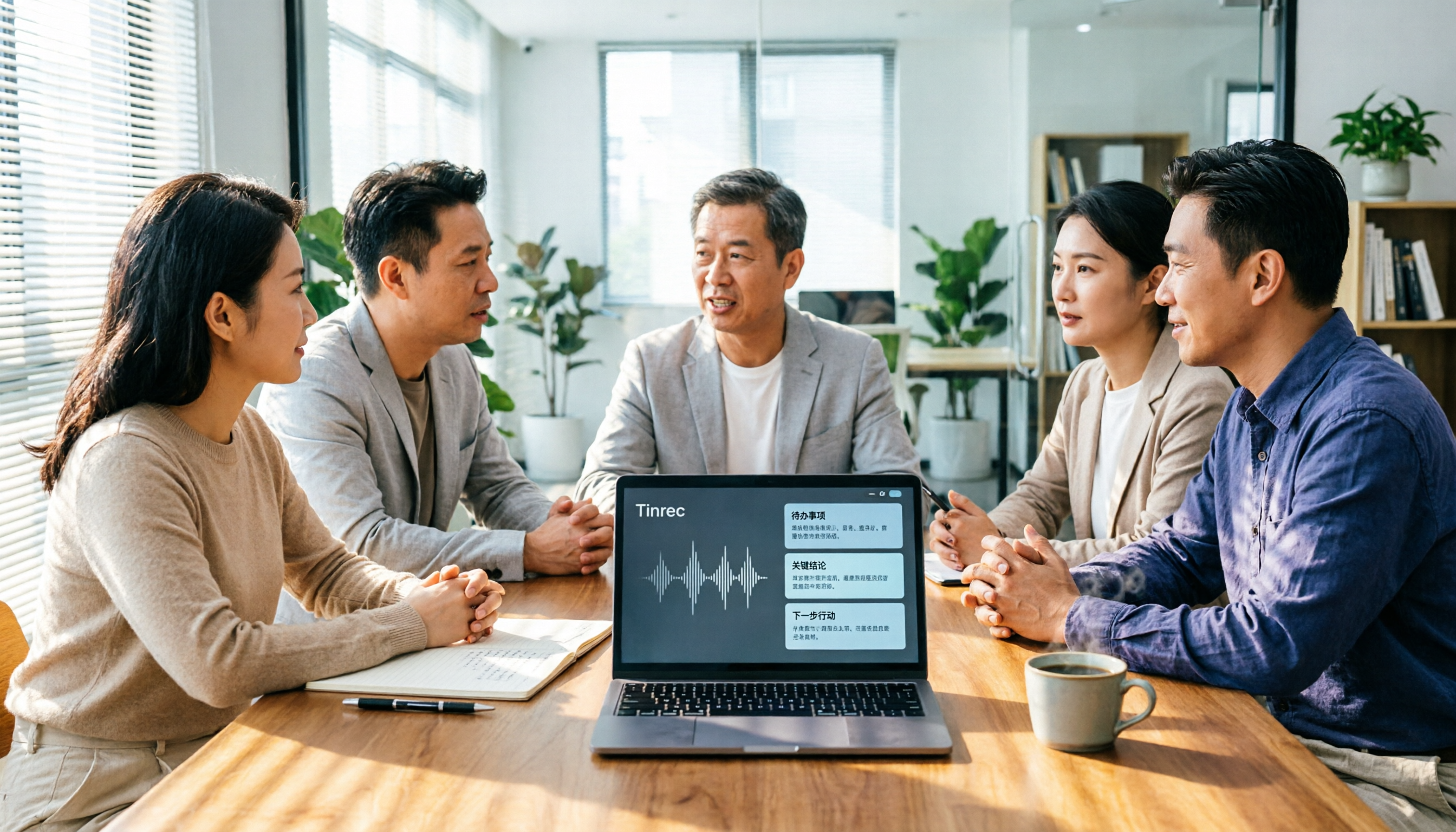
2026 AI Meeting Tools Comparison: Tinrec, Otter.ai, and Granola for Chinese Transcription, Summaries, and Team Collaboration
In 2026, AI meeting tools are everywhere, but the real question is how you capture meetings and what you do with them afterward. This comparison of Tinrec, Otter.ai, and Granola covers five dimensions: meeting capture methods, Chinese language experience, post-meeting workflows, team governance, and pricing. We also break down free tiers and team pricing logic to help you decide which tool fits your needs.

5 AI Office Toolboxes Tested and Compared in 2026: Meeting Notes, Summaries, and To-Dos—Which One Actually Saves Time?
A mid-level manager who attends 15 meetings a week shares hands-on insights: the value of an AI office toolbox isn't how many tools you install, but whether it connects recording, understanding, action, and collaboration into one line. This article breaks down what an AI office toolbox can do, five core capabilities, four real-world scenarios, and five must-check indicators when choosing one, and explains how Tinrec carries a meeting from recording all the way to team data.

5 AI Office Tools Compared for 2026: How to Choose Based on Free Tiers and Meeting Summaries
With so many free AI office tools, how do you choose? This article compares Tinrec, Notta, Granola, Otter.ai and others across five key areas: free tier limits, meeting capture methods, post-meeting organization, Chinese language support, and team collaboration. It also covers four common pitfalls and offers scenario-based selection advice.

4 AI Meeting Tools Tested in 2026: Which One Saves the Most Time on Chinese Meeting Notes?
We tested four AI office tool suites in 2026, comparing everything from mixed Chinese-English meeting transcription and post-meeting organization to team knowledge retention. Tinrec (秒聽錄音) emerged as the top pick thanks to its bot-free online meeting recording, AI Q&A, and team workspace. This article also reviews when Otter.ai, Notta, and Granola make sense, plus buying criteria and pitfalls to avoid.

2026 AI Office Tool Buying Guide: 5-Way Comparison Chart and Hands-On Recommendations
Still spending time writing up meeting notes after the call ends? We tested and compared 5 popular AI office tools, using a single comparison chart to break down the four key differences—meeting audio capture method, post-transcription processing, audio file retention, and team management—plus a pitfalls guide and selection advice to help you pick the one that truly cuts down your organizing time.