

Turn recordings into transcripts and summaries in minutes
Upload audio or video for multilingual transcription, AI notes, and action items
I attend about 15 meetings a week—weekly meetings, project progress meetings, one-on-ones, cross-department coordination. Last year, for a while, my browser bookmarks bar was stuffed with all kinds of AI tools: a colleague recommended one, I saved it; I saw an ad that looked impressive, I saved another.
It turned out to be the biggest trap I've ever fallen into—treating an "AI office toolbox" as a collection list.
The more tools I had, the fewer things got done. Before a meeting, I had to spend five minutes deciding "which one to use for this meeting." After the meeting, organizing was still a mess: the transcript was in tool A, to-dos were on sticky notes, decisions were scattered in group messages. When I needed to report last month's conclusions to my boss, I was still digging around.
Then I figured it out: the real question isn't "how many tools have I installed," but "do these tools connect into one line?" From recording, transcription, organizing, to delivering to the team, if any link breaks, you have to fill that gap manually.
Now my toolbox is just one workflow, with Tinrec at its core. It's not a cure-all, but it connects the whole "meeting" process from start to finish: it records and transcribes during the meeting, directly generates summaries and pulls to-dos afterward, and when I need to find a decision from three months ago, I just ask it. Below are my hands-on insights from the past year, plus the points you really should look at when choosing an AI office toolbox.
(A bit of background: my team has 10 people. I tried Tinrec myself before recommending it to the team—it wasn't pushed on me by a vendor.)
What Can an AI Office Toolbox Do for You?
Let me start with the conclusion: a good AI office toolbox doesn't save you "typing time"—it saves you that least productive yet unavoidable time after a meeting. Here are four scenarios where I've felt the impact.
Scenario 1: Get meeting notes within 5 minutes after the meeting Previously, after a two-hour meeting, I'd spend about 40 minutes organizing—reading through the transcript, highlighting key points, listing who does what. With Tinrec, for example, as the meeting ends, the summary, chapters, and to-dos are already organized, with who's responsible for what and deadlines listed out item by item. My current approach: after the meeting, I first look at the AI summary and only go back to verify a few key numbers.
Scenario 2: Cross-language meetings without waiting for translation We have a group of suppliers in Southeast Asia, and meetings mix Chinese and English. Tinrec supports real-time translation; during recording, you can switch between original text, translation, or bilingual view—no need to wait for someone to translate afterward.
Scenario 3: Find a decision from three months ago with one question This is the feature I've felt most. When my boss asks "What was the conclusion on that budget last time?" I used to flip through notes for three minutes and still might not find it. Tinrec's AI Q&A lets me directly ask "Who mentioned the budget in the meeting?" "What was the client's feedback originally?"—it answers based on the meeting content and even provides the source paragraph.
Scenario 4: Someone helps you follow up on what you've assigned Verbal assignments are the easiest to drop. Now I pull to-dos from Tinrec and paste them directly into the team's work list. During weekly meetings, we check against the list—no more relying on "I remember I said it."
What Are the Core Capabilities of an AI Office Toolbox?
There are many tools branded as "AI office," but when you break them down, whether they truly save time depends on the following five things. For each, I'll use Tinrec's actual performance to illustrate.
1. Real-time transcription while recording Not transcribing after recording, but text appearing as you speak. Tinrec's real-time transcription lets me follow the text during the meeting and ask for clarification on the spot if I miss something—this is far more effective than listening to a replay afterward.
2. Bot-free online meeting recording Many meeting tools use a "meeting bot" that joins as a participant. Tinrec takes a different approach: the desktop version directly captures the computer's system audio, handling meeting audio played on platforms like Zoom, Google Meet, Microsoft Teams, and Webex, without an extra bot appearing in the participant list. For external client meetings, this difference is huge—you don't want a strange participant in front of a client. Note that this requires you to open Tinrec and start recording yourself; it's not the kind of mode that "automatically joins all meetings on your calendar."
3. AI summary, chapters, and to-do extraction A summary isn't condensing the transcript into a useless paragraph; it's structured organization: meeting topic, discussion conclusions, to-dos, and owners listed separately. Tinrec breaks long meetings into chapters so I can focus only on the part I care about. To-dos are extracted directly from the discussion, which is most practical for someone like me who assigns work after meetings.
4. AI Q&A and post-meeting outputs Transcription is just the first step; whether you can continue using it afterward is key. Tinrec supports follow-up questions about meeting content and can turn results into reports, tables, or documents; for integration into existing workflows, it supports export to Notion, Google Docs, OneNote, Dropbox, and other tools. My most common use is turning a quarterly review meeting directly into a draft, then editing it manually.
5. Team space and governance This is the dividing line between personal and team versions. Tinrec's team version is an independent team space, not "multiple people sharing one account": you can create multiple team spaces, invite members via link, set owners/admins/regular members, assign or revoke seats, view usage trends and member details, manage team hotwords, and query and export audit logs. One thing that's easy to confuse—roles determine whether you can manage the team, seats determine whether you can record, upload, edit, and export. Active members without seats can still view, play, and read team data, but cannot use resources. Also, team data belongs to the team; when a member leaves or is removed, their team resources need to be transferred to other active members—data doesn't follow the person.
Stop organizing recordings by hand
Upload audio or video and automatically get a transcript, summary, and action items
Real-World Application Scenarios
Department weekly meetings and project progress meetings This is a scenario I use regularly every week. Monday morning meeting, I start Tinrec recording, and by the end, the summary and to-dos are already there. After the meeting, I spend three minutes scanning to confirm owners and deadlines are correct, then forward to the team channel. This used to eat up half my morning.
Cross-department coordination and decision meetings The most time-consuming part of cross-department work isn't the communication itself, but the follow-up and confirmation afterward. Now I keep recordings of every coordination meeting in the same team space. Next time someone says "That's not what was said," I pull up the transcript timestamp from that meeting and speak to the original text—much faster than digging through old messages.
Customer interviews and sales meetings Customer needs, concerns, and commitments are scattered throughout a two-hour conversation. After transcribing with Tinrec, I use AI Q&A to pull out "the three main concerns the customer mentioned" and organize them into a follow-up list. Note: before recording, remember to inform and get consent—this is not just courtesy, but also relates to local regulations.
Training and personal knowledge retention I also put recordings of my own courses and external lectures in the same place. Tinrec supports uploading existing audio and video files. Three months later, when I need to find a concept, I just search or ask—no need to re-listen to two hours.
5 Things to Watch When Choosing an AI Office Toolbox
1. How does it "get into" your meeting? This is the first question to ask. Does it require a meeting bot to join, extra recording hardware, or does it capture system audio directly like Tinrec's desktop version? If your meetings often have external clients present, an extra bot participant is a cost. Tinrec's approach: it doesn't join as a participant; it records directly from your computer.
2. After transcription, what does it give you? A transcript is only a semi-finished product. You need to confirm: Is there a structured summary? Are there chapters? Can it automatically extract to-dos? Can you ask questions about the content? Tinrec includes all of this, which is the main reason I ultimately chose it—I didn't want to find another tool to organize transcripts.
3. Real performance in Chinese and multiple languages Don't just look at official accuracy numbers—they're not reliable. I suggest trying it with a recording of one of your own meetings, especially noting mixed Chinese-English, technical terms, and multiple people speaking at once. Tinrec covers Chinese, Traditional Chinese, and multilingual meeting scenarios, and also provides real-time translation and team hotwords (you can add your company's common proper nouns in advance), but actual performance is still affected by recording quality, accents, background noise, overlapping speech, and technical terms. In my experience: when the conference room air conditioning was loud, recognition got noticeably worse; after moving to a quieter room, it improved.
4. Data ownership and team governance If your toolbox will be used by the whole team, this is more important than features. Ask clearly: Is data stored in personal accounts or team spaces? What happens to data after a member leaves? Can you see who used how much quota? Tinrec's team version gives the team ownership of meeting data and provides seat management, usage analytics, and audit logs—recently, we used usage analytics to discover that one subgroup had unusually high import volume, and upon checking, it was duplicate uploads of the same batch of files.
5. Quota and pricing Money comes last. Tinrec's personal version is divided into Free, Weekly Pass, Pro Monthly, and Pro Annual. The logic is simple: for occasional transcription of a recording, the Free version is enough; for short-term intensive interviews or courses, consider the Weekly Pass; if you have steady weekly usage, go straight to Pro. For the team version, first-time eligible teams get a 7-day trial, 1 free seat, and 300 minutes of team shared import quota; after payment, it's USD 29.80 per paid seat per month, or USD 199 per paid seat per year (about USD 16.58 per month), with each paid seat providing 2,000 minutes of team shared import quota per month. Real-time recording under an active team plan and active seat currently does not deduct by minutes; file and web link imports consume team shared import minutes. Actual prices and promotions are subject to the official purchase page.
Frequently Asked Questions
Q1: How is Tinrec different from a regular recording app? A regular recording app solves "recording it." Tinrec solves "how to use it after recording." It turns recordings into transcripts, then organizes summaries, chapters, key points, and to-dos, and also supports AI Q&A, real-time translation, export to Notion/Google Docs/OneNote/Dropbox, and sharing in team spaces.
Q2: Do I need to install a meeting bot? No. Tinrec's desktop version directly captures the computer's system audio, so no extra participant appears in the list. But note: you need to open Tinrec and start recording yourself; it's not a mode that automatically joins all meetings on your calendar.
Q3: What's the difference between "roles" and "seats" in the team version? Roles determine who can manage the team, members, audits, and team settings; seats determine whether a member can record, upload, edit, import, and export. Active members without seats can still view, play, and read team data, but cannot perform resource-using operations. Also, currently the team version is primarily team-level sharing, not a file-level granular permission system.
Q4: Is the free version enough? It depends on how many meetings you have. If you only have 2-3 meetings a week and occasionally transcribe a recording, the free version is enough to test the waters. If you have meetings every day like me, going straight to Pro is more practical—it saves you the evening organizing time.
Q5: Can deleted recordings be recovered? After team audio enters the recycle bin, it can be restored before permanent cleanup begins; the current retention period is 30 days (to-dos are not in the recycle bin). It's still advisable for teams to have a clear cleanup process and not pile everything up.
Conclusion
After going around in circles, my takeaway is simple: the value of an AI office toolbox isn't in quantity, but in whether it connects the line from "recording → understanding → action → collaboration."
Most people buy tools to solve "can't remember," but what really eats up time is the latter three stages—organizing, tracking, and not being able to find things when the boss asks three months later. Tinrec stays in my toolbox because it puts all four stages in one place: record and transcribe during the meeting, automatically generate summaries and to-dos afterward, ask questions directly about meeting content when needed, and finally settle into team-shareable data.
If you have more than 3 meetings a week, I suggest starting with the free version. You don't need to convince yourself to go all-in at once—just use one real meeting to see how AI organizes your meeting notes, then decide whether to bring it into your team.
References
- 12 Best AI Productivity Tools You Can't Miss in 2026
- AI Compare - One-click comparison of ChatGPT, Gemini, Grok, and more - Chrome Web Store
- Which AI is best? Detailed introduction to six major AI tools—three heads and six arms, five fierce generals, build your own team!
- Office AI tools decoded: Is Asana alone enough? | Master Concept
- [AI cheat sheet] Just read this! 2026 recommended AI free vs subscription tools to improve work productivity & workplace competitiveness! (Continuously updated) | 104 Workplace
Turn every recording into actionable outcomes
Get 60 free transcription minutes when you sign in. No credit card required.
Related Reading
You might also like
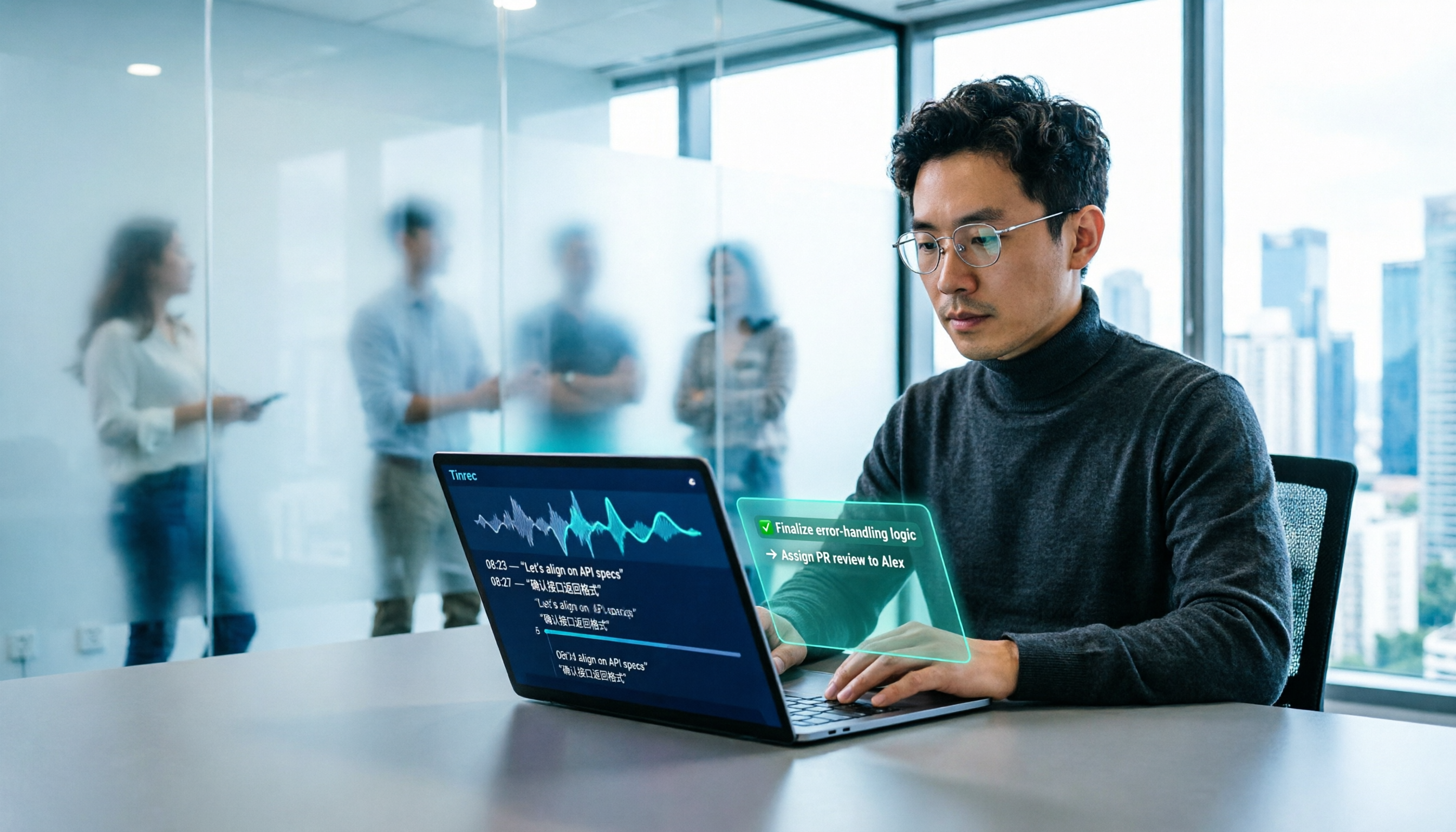
2026 AI Office Tools for Software Engineers: Meeting Notes + AI Q&A Hands-On Review
Coding accounts for only 40% of a software engineer's work hours; the rest is consumed by meetings and post-meeting organization. This hands-on comparison of AI office tools like Tinrec, Otter.ai, Notta, and Granola covers bot-free meeting recording, Chinese and mixed Chinese-English recognition, AI Q&A, cross-platform use, and team seat management, highlighting 5 key buying factors and 4 common pitfalls.

6 AI Office Tools Tested and Compared in 2026: How to Choose the Top-Rated Meeting Recorder According to PTT Users
This article starts from the popularity of discussions among PTT users and puts six AI office tools to the test, comparing their performance in meeting notes and post-meeting organization. From the perspective of a mid-level manager with experience running 15 meetings a week, it covers the positioning, pricing, and use cases of solutions including Tinrec, Otter.ai, Notta, Granola, TurboScribe, and PLAUD, helping readers determine which one best fits their meeting style.

2026 AI Meeting Tool Comparison: Why Software Engineers Are Switching to Tinrec Instead of Notta
Software engineers spend only about 40% of their time actually writing code; the rest goes to meetings and post-meeting cleanup. This article compares Tinrec and Notta on meeting capture, Chinese recognition, post-meeting processing, and team governance, and outlines Tinrec's core features, real-world use cases, and buying considerations to help you decide which AI productivity tool better fits an engineering team's actual needs.

2026 AI Office Toolbox: 5 Steps to Organize Meetings and Team Collaboration with Tinrec
In 2026, your AI office toolbox should include not just Copilot and Gemini, but also meeting notes and post-meeting follow-up. This article compares Tinrec and Granola across 5 dimensions—recording, Chinese transcription, audio retention, AI summaries, and team governance—to help you find the right meeting tool for your office.
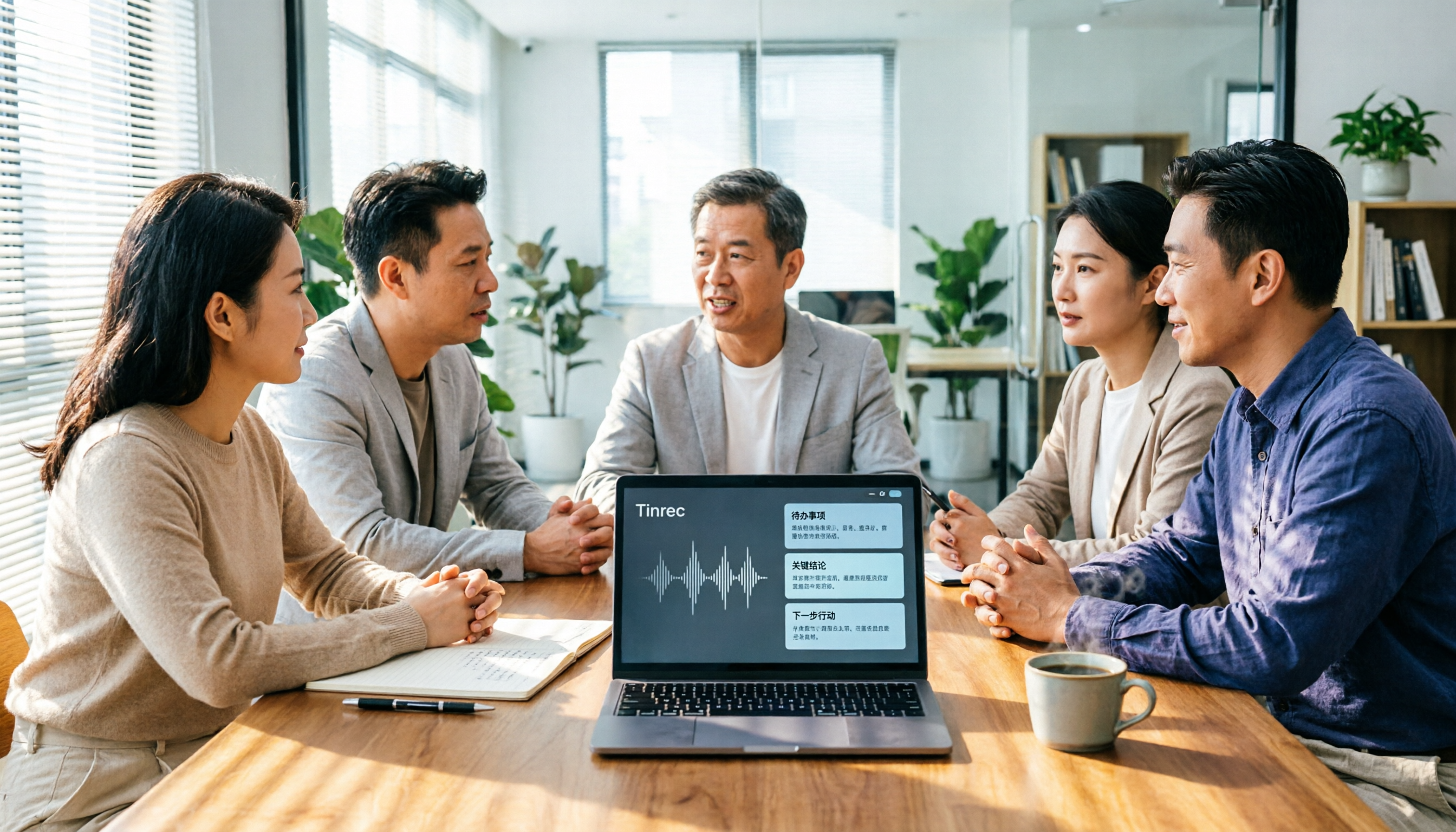
2026 AI Meeting Tools Comparison: Tinrec, Otter.ai, and Granola for Chinese Transcription, Summaries, and Team Collaboration
In 2026, AI meeting tools are everywhere, but the real question is how you capture meetings and what you do with them afterward. This comparison of Tinrec, Otter.ai, and Granola covers five dimensions: meeting capture methods, Chinese language experience, post-meeting workflows, team governance, and pricing. We also break down free tiers and team pricing logic to help you decide which tool fits your needs.

5 AI Office Tools Compared for 2026: How to Choose Based on Free Tiers and Meeting Summaries
With so many free AI office tools, how do you choose? This article compares Tinrec, Notta, Granola, Otter.ai and others across five key areas: free tier limits, meeting capture methods, post-meeting organization, Chinese language support, and team collaboration. It also covers four common pitfalls and offers scenario-based selection advice.

4 AI Meeting Tools Tested in 2026: Which One Saves the Most Time on Chinese Meeting Notes?
We tested four AI office tool suites in 2026, comparing everything from mixed Chinese-English meeting transcription and post-meeting organization to team knowledge retention. Tinrec (秒聽錄音) emerged as the top pick thanks to its bot-free online meeting recording, AI Q&A, and team workspace. This article also reviews when Otter.ai, Notta, and Granola make sense, plus buying criteria and pitfalls to avoid.

2026 AI Meeting Tools Compared: Which Platform Best Captures Meeting Notes and Team Knowledge?
Many assume AI office tools automatically save time, but after generating a transcript, you still have to read through it and extract key points yourself. This article addresses common misconceptions, outlines four key factors to consider when choosing AI meeting and office tools, and compares Tinrec, Otter.ai, Notta, and Granola on Chinese meeting support, online meeting recording, and team knowledge retention to help you find a platform that truly reduces post-meeting organization time.

2026 AI Office Tool Buying Guide: 5-Way Comparison Chart and Hands-On Recommendations
Still spending time writing up meeting notes after the call ends? We tested and compared 5 popular AI office tools, using a single comparison chart to break down the four key differences—meeting audio capture method, post-transcription processing, audio file retention, and team management—plus a pitfalls guide and selection advice to help you pick the one that truly cuts down your organizing time.