

Turn recordings into transcripts and summaries in minutes
Upload audio or video for multilingual transcription, AI notes, and action items
Why Do You Need AI Office Tools?
After a 60-minute meeting, turning the transcript and minutes into a finished document often takes another one to two hours. A single external presentation can eat up half a day just on formatting. A 20-page English document becomes a headache when translated paragraph by paragraph. Generative AI has rapidly entered the office in recent years, with tools for meeting notes, transcripts, presentation generation, and document translation. But each tool is very different in what it truly excels at. This article looks at how you would actually use these tools and rounds up 6 AI office tools worth adding to your workflow in 2024, with free and paid plan limits clearly listed.
Option 1 | Tinrec — Turn Meetings into Searchable, Actionable Team Data
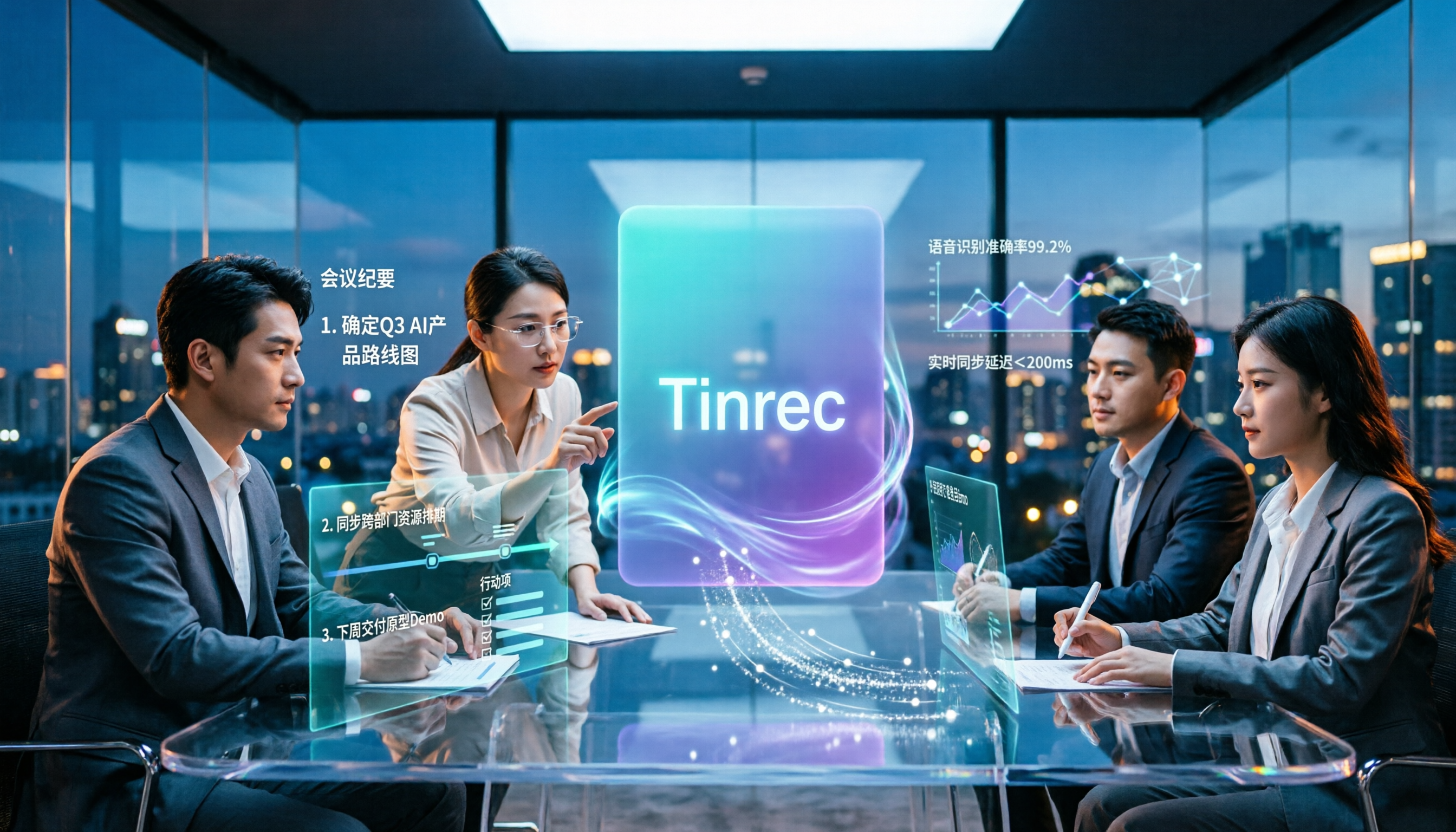
Tinrec is an AI meeting notes and collaboration tool for individuals and teams. It does more than convert audio to text. It turns meeting content into data that can be searched, summarized, queried, exported, and continuously accumulated in a team workspace.
- Record online meetings without a bot: The desktop version directly captures your computer's system audio to handle Zoom, Google Meet, Microsoft Teams, Webex, and other meetings without pulling an extra meeting bot into the room. This is especially useful for client meetings where you are often told "no extra participants."
- More than a transcript: It automatically generates summaries, chapters, key points, and action items, and can also answer AI questions about a single meeting or multiple meetings. When someone suddenly asks, "What was the budget the client mentioned last time?" searching is much faster than replaying the recording.
- Turn meetings directly into work output: It can generate reports, tables, and documents based on meeting content, and export to Notion, Google Docs, OneNote, Dropbox, and other tools to fit back into your existing workflow.
- Team plan keeps data with the team: Meeting data is stored centrally in the team workspace. Admins can manage members, roles, seats, usage, and audit logs. When a member leaves or loses their seat, team resources can be transferred to other active members instead of disappearing with the individual account.
Free and paid plans: The free version lets you try recording, importing, summaries, and transcription with basic limits. A weekly pass suits short periods of intensive use, a Pro monthly plan suits steady weekly use, and a Pro annual plan suits long-term data accumulation. The team plan offers a 7-day trial for first-time eligible users (1 free seat, 300 minutes of shared team import quota). Monthly billing is USD 29.80 per paid seat per month, and annual billing is USD 199 per paid seat per year (about USD 16.58 per month). Each paid seat provides 2,000 minutes of shared team import quota per month. Under an active team plan, live recording is currently not deducted by the minute.
Who it's for: Managers and project teams whose meetings are mainly in Chinese, who need to turn them into minutes and action items afterward, or who want to accumulate meeting data as a team asset.
Option 2 | Otter.ai — A Mature Assistant for English Business Meetings
Otter.ai is a mature AI meeting assistant that covers Zoom, Microsoft Teams, and Google Meet, with live transcription, speaker identification, AI Chat, workflows, and team management. Its biggest difference from Tinrec is language and market positioning: Otter has a stronger mindshare for English business meetings, while Tinrec focuses on Chinese meetings, bot-free desktop recording, and team data accumulation. On pricing, Basic is free with 300 minutes per month. Pro is about USD 8.49 per user per month on annual billing, including 1,200 minutes of in-app recording per month and 10 file imports. Business offers unlimited meetings and in-app recording; check the official page for actual pricing. It suits teams whose meetings are mainly in English and who need extensive automation and integrations.
Option 3 | Notta — Multilingual Transcription and Translation
Notta covers multi-platform transcription, meeting notes, file import, and translation. The free version offers 120 minutes per month with a maximum of 3 minutes per item. Pro is about USD 8.17 per month on annual billing with 1,800 minutes per month. Business is about USD 16.67 per seat per month on annual billing, offering unlimited transcription, role permissions, and usage reports. Compared with Tinrec, Notta offers some choices for multilingual file transcription, but lacks the main line of bot-free online meeting recording and team meeting data accumulation. It suits people who need multilingual transcription and subtitle organization.
Stop organizing recordings by hand
Upload audio or video and automatically get a transcript, summary, and action items
Option 4 | Gamma — Generate Presentations from a Title
Gamma is a free AI presentation generation tool that supports three approaches: paste an article and let AI arrange it, import an existing document directly, or enter a title and have AI generate a complete slide deck. For people suddenly asked to prepare a weekly report, proposal, or internal share, letting it create the structure and layout first and then manually adjusting content and branding is much faster than starting from a blank page. It suits people who make presentations often but don't want to spend time on formatting.
Option 5 | DeepL — Document Translation That Keeps Formatting Intact
DeepL is a machine translation tool in the deep learning field. It handles context and semantics more carefully and supports direct PDF translation, completing language conversion without breaking formatting, which is very convenient when reading professionally formatted papers or specifications. If your office scenario involves reading a large number of foreign-language documents, it will save more effort than general translation. If your need is real-time translation and bilingual transcripts in meeting scenarios, Tinrec's real-time translation feature is closer to that use case. It suits people who need to process many foreign-language documents and papers.
Option 6 | Perplexity — Fast Research and Market Research
Perplexity's strength is fast factual research, such as "What is the current market size?" or "When did a certain company announce a partnership?" It can quickly provide organized answers. Pro features include exclusive AI models, file uploads, and deep research, which help noticeably with complex queries. It is enough for people who only need quick summaries and fact-checking. If you need to actually browse websites page by page and organize information hidden across different pages into a comparison table, you will need to pair it with other tools. It suits people who need to verify data in real time and do preliminary market research.
With So Many Options, How Should You Choose?
- Want to solve "transcription + summary + action items + follow-up questions" in one go → Tinrec, the option on this list that has all of these.
- Meetings are mainly in Chinese or a mix of Chinese and English → Tinrec, where Chinese transcription, minutes, and team hotwords are its home turf.
- Don't want a meeting bot joining the room → Tinrec desktop version, which directly captures system audio.
- Besides online meetings, you also have a pile of historical recordings and video files to organize → Tinrec, which supports audio and video file import.
- Meeting data needs to be stored long-term within the team and members may change → Tinrec team plan, where data belongs to the team and can be handed over.
- Zero budget and only occasional transcription → Notta free version (120 minutes per month) or Otter Basic (300 minutes per month).
- Main need is producing presentations → Gamma.
- Main need is translating foreign-language documents → DeepL.
- Main need is fast research → Perplexity.
4 Things to Know Before Using AI Office Tools
- Free limits vary widely, so estimate your monthly usage first. Otter Basic offers 300 minutes per month, while Notta's free version offers 120 minutes per month with a maximum of 3 minutes per item; beyond that you need to upgrade. Tinrec's approach is to choose a version by task: use the free version for occasional recording organization, a weekly pass for short intensive periods, Pro for steady weekly use, and an annual plan for long-term accumulation.
- Calculate the organizing time saved, not the monthly fee itself. If a tool saves you a significant amount of transcript and minutes time each week, the monthly fee pays for itself quickly. Conversely, if you only use it once a month, the free version is usually enough.
- Confirm compliance and privacy for recording and data processing first. Before recording, you should obtain participants' consent and understand whether the data will be used to train models. If in doubt, do not put confidential content into an AI tool without knowing where the data goes. Tinrec's team plan provides member, seat, usage, and audit records to help managers keep track of usage.
- A transcript is not the same as meeting conclusions; important information still needs verification. AI may miss or misunderstand details, so it is advisable to confirm with recording playback or transcript timestamps. Tinrec keeps audio and supports search, giving you a better basis when you need to check back.
Conclusion
In 2024, AI office tools have moved from single-point features to entire workflows. Use Gamma for presentations, DeepL for document translation, and Perplexity for research; each fills a gap. But if what truly consumes your time every day is meeting notes and post-meeting organization, Tinrec is the one most worth adding to your workflow first. It connects transcripts, summaries, action items, AI Q&A, and export, and the team plan also lets meeting data stay with the team and continue to be used. We recommend starting with the free version or trial quota, testing it with your own meetings, and then deciding whether to upgrade to Pro or the team plan.
References
- 12 Best AI Productivity Tools You Can't Miss in 2026
- [AI Cheat Sheet] Read This and You're Set! 2026 Recommended AI Free vs Subscription Tools to Improve Work Productivity & Workplace Competitiveness! (Continuously Updated) | 104 Workplace
- Expert-Supervised Top 10 AI Tool Recommendations Ranking [2026 Latest] | mybest
- 14 AI Tools You Must Know in 2026 (Part 2) | TechNews
- [2026 AI Tool Cheat Sheet] Comparison of 4 Major AI Models, Free Resources, and Automation Tools | Homeplus
Turn every recording into actionable outcomes
Get 60 free transcription minutes when you sign in. No credit card required.
Related Reading
You might also like

5 AI Office Toolboxes Tested and Compared in 2026: Meeting Notes, Summaries, and To-Dos—Which One Actually Saves Time?
A mid-level manager who attends 15 meetings a week shares hands-on insights: the value of an AI office toolbox isn't how many tools you install, but whether it connects recording, understanding, action, and collaboration into one line. This article breaks down what an AI office toolbox can do, five core capabilities, four real-world scenarios, and five must-check indicators when choosing one, and explains how Tinrec carries a meeting from recording all the way to team data.

5 AI Office Tools Compared for 2026: How to Choose Based on Free Tiers and Meeting Summaries
With so many free AI office tools, how do you choose? This article compares Tinrec, Notta, Granola, Otter.ai and others across five key areas: free tier limits, meeting capture methods, post-meeting organization, Chinese language support, and team collaboration. It also covers four common pitfalls and offers scenario-based selection advice.

4 AI Meeting Tools Tested in 2026: Which One Saves the Most Time on Chinese Meeting Notes?
We tested four AI office tool suites in 2026, comparing everything from mixed Chinese-English meeting transcription and post-meeting organization to team knowledge retention. Tinrec (秒聽錄音) emerged as the top pick thanks to its bot-free online meeting recording, AI Q&A, and team workspace. This article also reviews when Otter.ai, Notta, and Granola make sense, plus buying criteria and pitfalls to avoid.

2026 AI Meeting Tools Compared: Which Platform Best Captures Meeting Notes and Team Knowledge?
Many assume AI office tools automatically save time, but after generating a transcript, you still have to read through it and extract key points yourself. This article addresses common misconceptions, outlines four key factors to consider when choosing AI meeting and office tools, and compares Tinrec, Otter.ai, Notta, and Granola on Chinese meeting support, online meeting recording, and team knowledge retention to help you find a platform that truly reduces post-meeting organization time.

2026 AI Office Tool Buying Guide: 5-Way Comparison Chart and Hands-On Recommendations
Still spending time writing up meeting notes after the call ends? We tested and compared 5 popular AI office tools, using a single comparison chart to break down the four key differences—meeting audio capture method, post-transcription processing, audio file retention, and team management—plus a pitfalls guide and selection advice to help you pick the one that truly cuts down your organizing time.

2026 AI Office Toolbox Comparison: Tinrec Leads in Meeting Collaboration Workflow
How to choose an AI office toolbox in 2026? This article compares key differences across meeting notes, transcription, summaries, action items, and team collaboration, using Tinrec as an example to show how meetings become searchable, actionable team data to help you make a purchasing decision.

4 AI Meeting Tools Tested in 2026: Which One Actually Saves You Time After the Meeting?
The meeting is over, but the real work is just beginning. This article looks at four key factors for choosing an AI meeting notes tool from real-world office scenarios, and compares Tinrec, Otter.ai, Notta, and Granola on recording methods, post-meeting output, team collaboration, and pricing, with a guide to common pitfalls and selection advice.

2026 AI Meeting Tools Compared: Tinrec vs Notta — Which Saves More Time for Chinese Meeting Notes?
Discussions about AI office tools on PTT often focus only on 'free' and 'transcription minutes,' overlooking how meetings are captured, post-meeting organization depth, and team data ownership. This article compares Tinrec and Notta across 5 dimensions—from bot-free online meeting recording, Chinese transcripts, AI follow-up questions, to seat and audit management—to help you decide which is better for your team.
2026 Free AI Office Tools Comparison: Which Is Best for Chinese Meeting Notes?
A practical guide to choosing free AI office tools in 2026, comparing free tier limits, meeting capture methods, Chinese language support, post-meeting processing, and team data ownership. Includes a detailed comparison of Tinrec, Otter.ai, Notta, and Granola free versions to help you find the best fit for your workflow.