
Turn recordings into transcripts and summaries in minutes
Upload audio or video for multilingual transcription, AI notes, and action items
Fed up with your boss reversing decisions, missing critical exam points from professors, or spending hours transcribing recordings? Many consider buying a Philips voice recorder to protect their interests. This article breaks down the options from two angles: hardware device (Philips VTR5900) and software solution (AI transcription tool Tinrec), helping you choose based on different scenarios. We provide a full comparison table, step-by-step tutorials, and a buying FAQ.
Quick verdict: If you need offline, discreet recording, go with a hardware recorder. If you value automatic meeting summaries, action items, and real-time cross-device transcription, prioritize an AI software tool.
1. Why Upgrade Your Recording Gear? 3 Pain Points of Traditional Recording
In today’s fast-paced workplace and classroom, traditional recording methods often fail to meet efficiency needs:
- Time-consuming transcription: Traditional recordings have low information density; replaying and manually typing transcripts cost huge time.
- No focus on decisions: Most of the time we need not verbatim text but meeting conclusions and action items.
- Language and context limitations: With multilingual meetings or multiple speakers, simple recordings are hard to review and clarify later. To solve these pain points, the market offers hardware upgrades like the PHILIPS smart AI voice recorder (VTR5900) and pure software-driven AI transcription tools.
2. Hardware vs Software: Philips Voice Recorder vs AI Transcription Tool
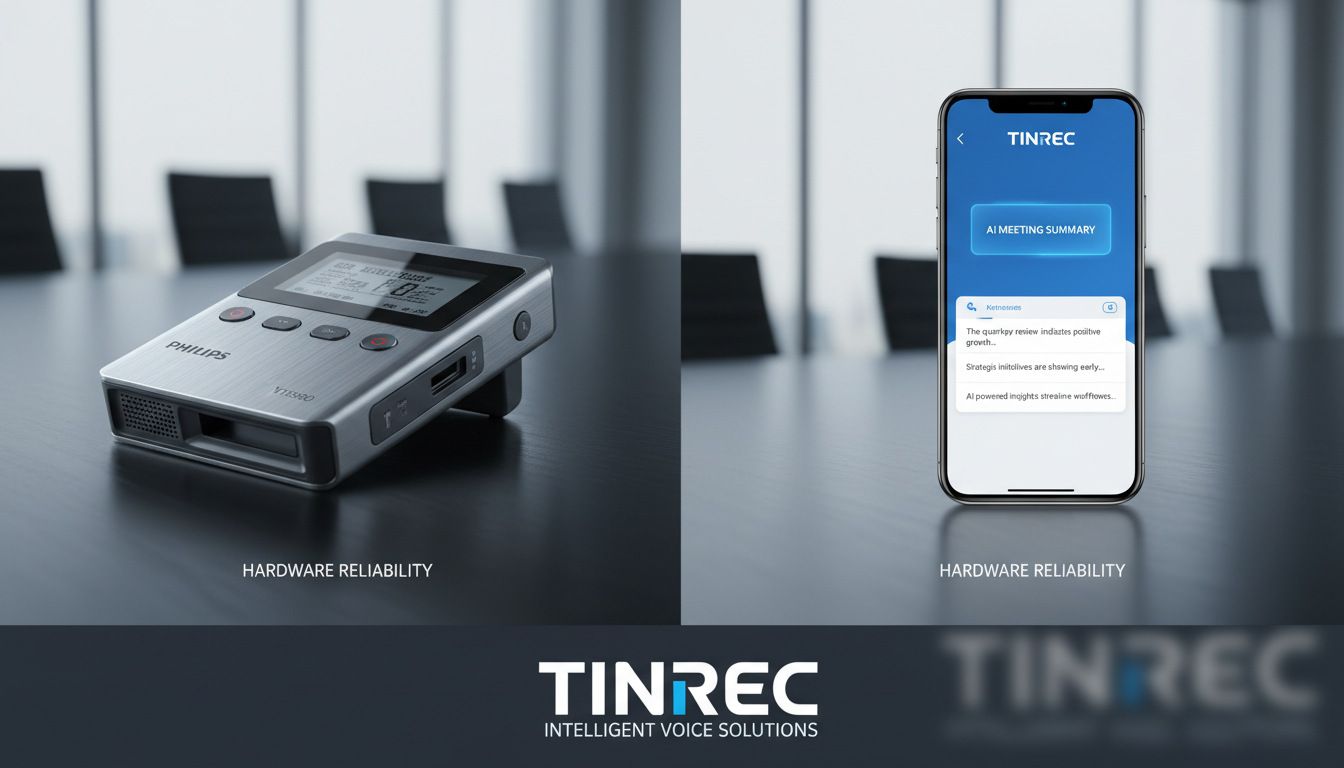
We compare Philips VTR5900 with the multi-platform AI recording assistant Tinrec to highlight differences in features and use cases. Philips VTR5900 excels in offline and real-time recording. It boasts 16GB storage and up to 64 hours of battery life, looks like a pen, requires no network, and records instantly—ideal for conversations with a manager or situations where you need to record discreetly. Through its dedicated app, it can also transcribe recordings. Tinrec focuses on the complete workflow from recording to understanding to action. It works on iOS, Android, and web, independent of specific hardware. Unlike tools that only transcribe, it emphasizes post-recording efficiency, automatically generating meeting summaries and action items, supporting automatic recognition of 10 languages, and AI semantic search.
Core Comparison Table
| Dimension | Philips VTR5900 (Hardware + App) | Tinrec (AI Software Tool) |
|---|---|---|
| Portability & Discreetness | Very high (pen-shaped, no phone needed) | Medium (requires phone or computer) |
| Real-time Voice to Text | Requires dedicated app for sync processing | Supports multi-platform real-time transcription, seamless sync |
| Network Dependency | Recording fully offline; transcription requires connection | Needs internet for real-time AI processing |
| Summaries & Action Items | Mainly provides transcript and basic translation | Auto-generates meeting minutes, conclusions, and to-do lists |
| AI Chat Query | Not available | Supports semantic AI chat; you can ask questions about the recording |
| Price / Free Tier | Hardware purchase required (approx. $119 USD), app features free | 100 free minutes per month; advanced plans from $4.90 USD |
Stop organizing recordings by hand
Upload audio or video and automatically get a transcript, summary, and action items
3. How to Choose the Right Recording Solution? Decision Guide
The key is your use case:
- Workplace protection and in-person negotiations: If you often need to record conversations discreetly (e.g., dealing with difficult vendors), a Philips voice recorder that works offline and records with one press acts as a safety net.
- Remote meetings and efficient review: If you primarily use Teams or Meet, or need to organize foreign language lecture notes, a software tool like Tinrec can transform time-based content into searchable decision summaries, drastically reducing manual effort.
4. Hands-On Tutorial: How to Turn Recordings into High-Value Notes with AI
If you choose a software solution or want to process audio files from a recorder more deeply, here’s a step-by-step guide using Tinrec:
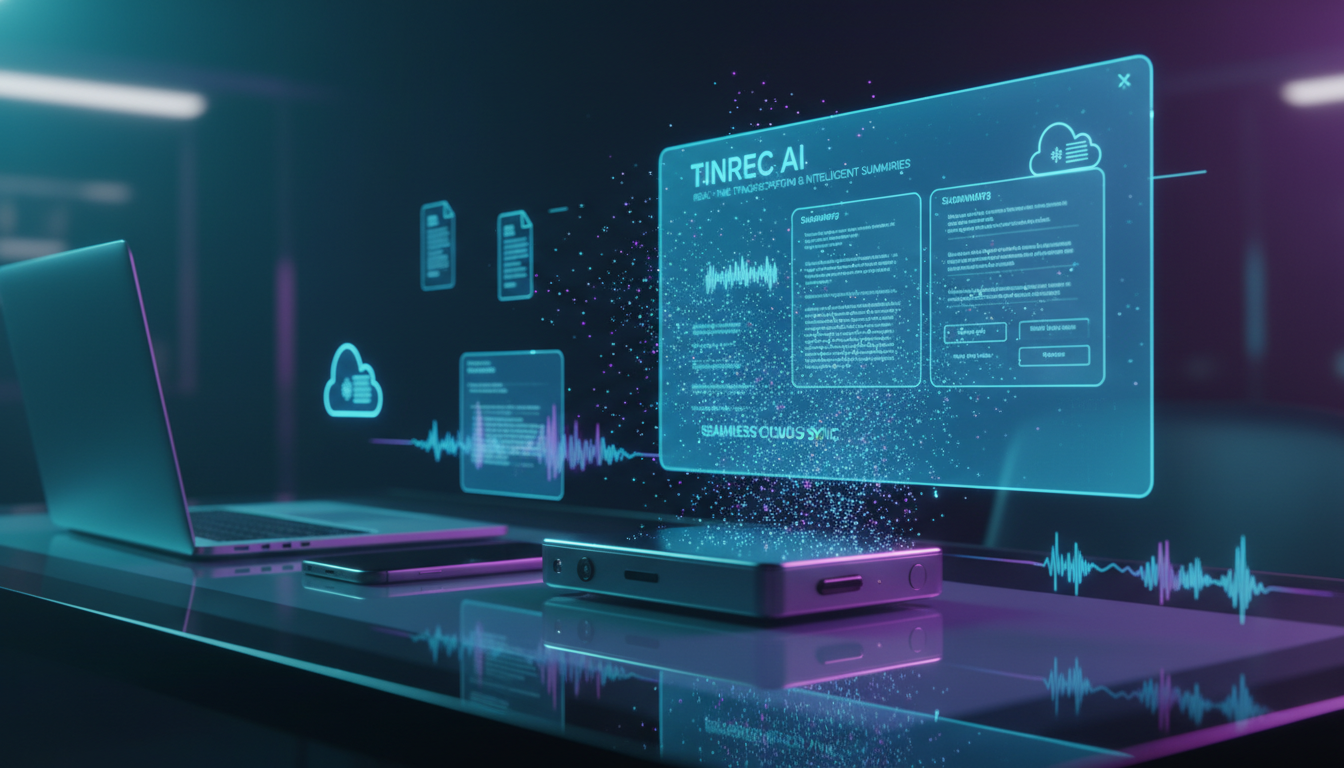
Step 1: Real-Time Voice to Text
At the start of a class or meeting, open Tinrec’s web or mobile app, go to the real-time transcription page. Tap start recording, and the system will convert speech to text in real time, so you never miss a beat.

Step 2: Import Audio Files to Generate Summaries
If you already recorded a meeting with a Philips voice recorder, export the audio file and go to the audio to text feature. After uploading, the system quickly generates a transcript and automatically extracts key points and action items.

Step 3: Transcribe Online Videos & Podcasts
For self-study with online courses, simply copy a YouTube or podcast URL and paste it into the video to text tool. The system will parse the full text notes, perfect for exam review.

Step 4: Use AI Chat to Find Key Information
With a one-hour transcript, traditional Ctrl+F search is inefficient. Use the AI chat feature to ask questions like “What tasks did the manager assign?” and let AI quickly retrieve answers—like having an assistant who attended the entire meeting.

5. Frequently Asked Questions (FAQ)
Q1: Can the Philips VTR5900 record without a phone?
Yes, this recorder has built-in storage (16GB) and battery, requiring no network or phone for one-tap recording—perfect for situations where pulling out a phone is inconvenient.
Q2: Is the iPhone’s built-in voice memos good enough? How does it differ from professional tools?
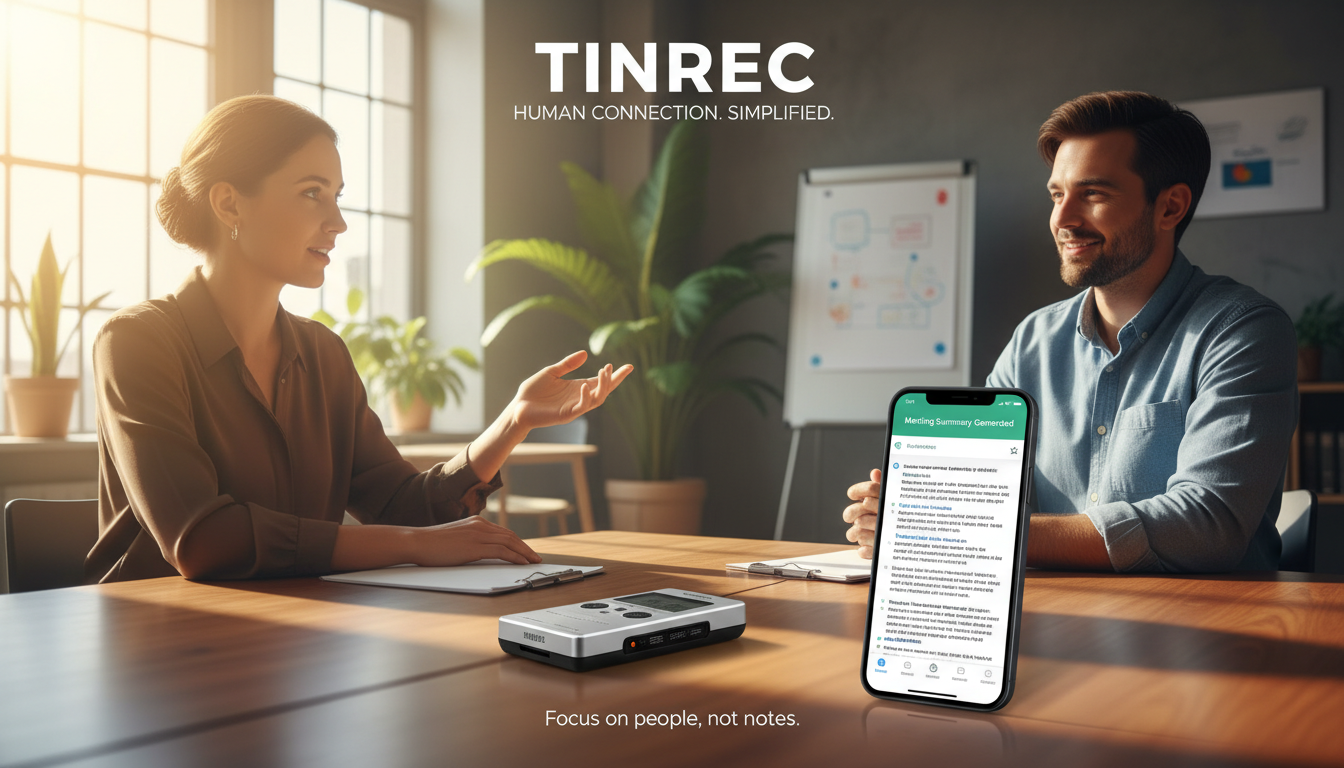
iPhone’s built-in recording works for simple reminders but cannot differentiate speakers or offer real-time transcription and AI summaries. For efficient review, a professional AI transcription tool is recommended.
Q3: Can I use these tools directly for Teams or Meet meetings?
Hardware recorders need to be placed next to speakers; software tools like Tinrec can run on the same computer via web or on a phone as a secondary device, transcribing online meetings in real time and extracting action items.
Q4: Do AI transcription tools offer free tiers?
Most software has different pricing. For example, Tinrec offers up to 100 free minutes per month; beyond that, you can choose Basic or Pro subscription plans.
Q5: Can AI tools accurately recognize mixed English and Chinese?
Modern AI speech recognition has improved dramatically. Quality tools support automatic multilingual recognition, effectively reducing the effort needed to understand mixed-language meetings or foreign language courses.
Q6: Can I import audio files from a hardware recorder into AI software for advanced processing?
Yes. You can save files from your recorder (e.g., MP3 or WAV) to a computer, then upload them to a platform that supports audio-to-text transcription to get detailed AI meeting minutes and decision summaries.
Turn every recording into actionable outcomes
Get 60 free transcription minutes when you sign in. No credit card required.
Related Reading
You might also like

2026 AI Recorder Comparison: How to Use Plaud & Tinrec's Hardware-Free Approach
Starting from the practical question 'How do you use a Plaud recorder?', this article first breaks down PLAUD's device pairing, dual-mode recording, and app transcription workflow, then compares PLAUD and Tinrec across 5 dimensions: ease of use, meeting scenarios, post-meeting organization, team collaboration, and cost. It ends with a selection checklist to help you decide whether to buy a portable recording device or use a hardware-free AI meeting notes tool.

How to Use Plaud for AI Voice Notes in 2026: A Complete 5-Step Tutorial
Got a Plaud device but only know how to record, not organize? This practical guide breaks down the 5 steps from recording to transcription to generating notes, and compares dedicated hardware recorders with bot-free meeting tools for online meetings and team collaboration, helping you choose the right approach.

6 AI Recording Tools Tested for 2026: Is the Plaud Recorder Worth It and How to Choose?
People searching "Is the Plaud recorder worth it?" are really deciding between buying a dedicated recording device or using software to handle the entire meeting notes workflow. This article covers 6 practical options, from the hardware experience of Plaud Note Pro and NotePin to software approaches like Tinrec, Notta, Otter, Granola, and TurboScribe, with real pricing and usage limits to help you find the right fit.

2026 AI Voice Recorder Comparison: What Is Plaud? Hardware vs. App
What is Plaud? This article explains the positioning, pricing, and limitations of Plaud Note and NotePin, and compares Tinrec, Notta, and Granola in meeting notes, transcription, AI summaries, and team collaboration to help you decide between hardware and software.
2026 Comparison of 4 Recording Sync Solutions: How to Transfer Plaud Recordings to Your Phone and Which Cross-Device Workflow Is Easiest?
Recording is just the beginning. Starting from the real pain point of 'how to sync Plaud recordings to your phone,' this article breaks down the Bluetooth/Wi-Fi transfer process and bottlenecks of hardware recording, compares four cross-device approaches—Tinrec, PLAUD, Notta, and Granola—and finally offers selection advice based on use cases plus 3 common pitfalls to avoid.
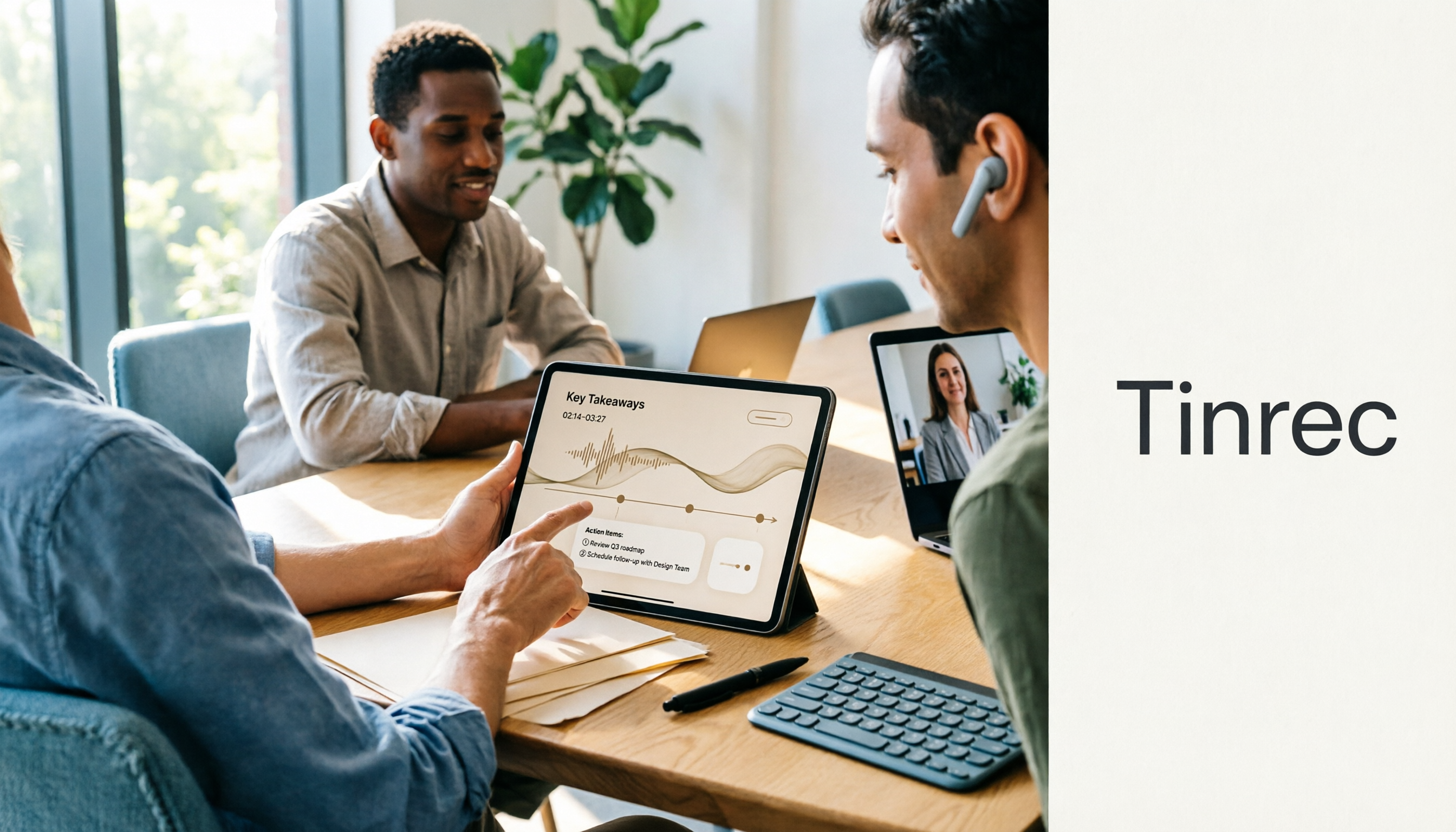
How to Use the Plaud Voice Recorder in 2026? 3 Methods Tested and Compared: Tinrec Is Easier with No Hardware
A clear guide to operating the Plaud voice recorder and setting up call recording, plus a hands-on comparison of hardware and software approaches across five dimensions: hardware threshold, online meeting recording, post-transcription organization, input sources, and team collaboration—helping you decide whether to buy a device or choose a hardware-free AI meeting notes tool like Tinrec.
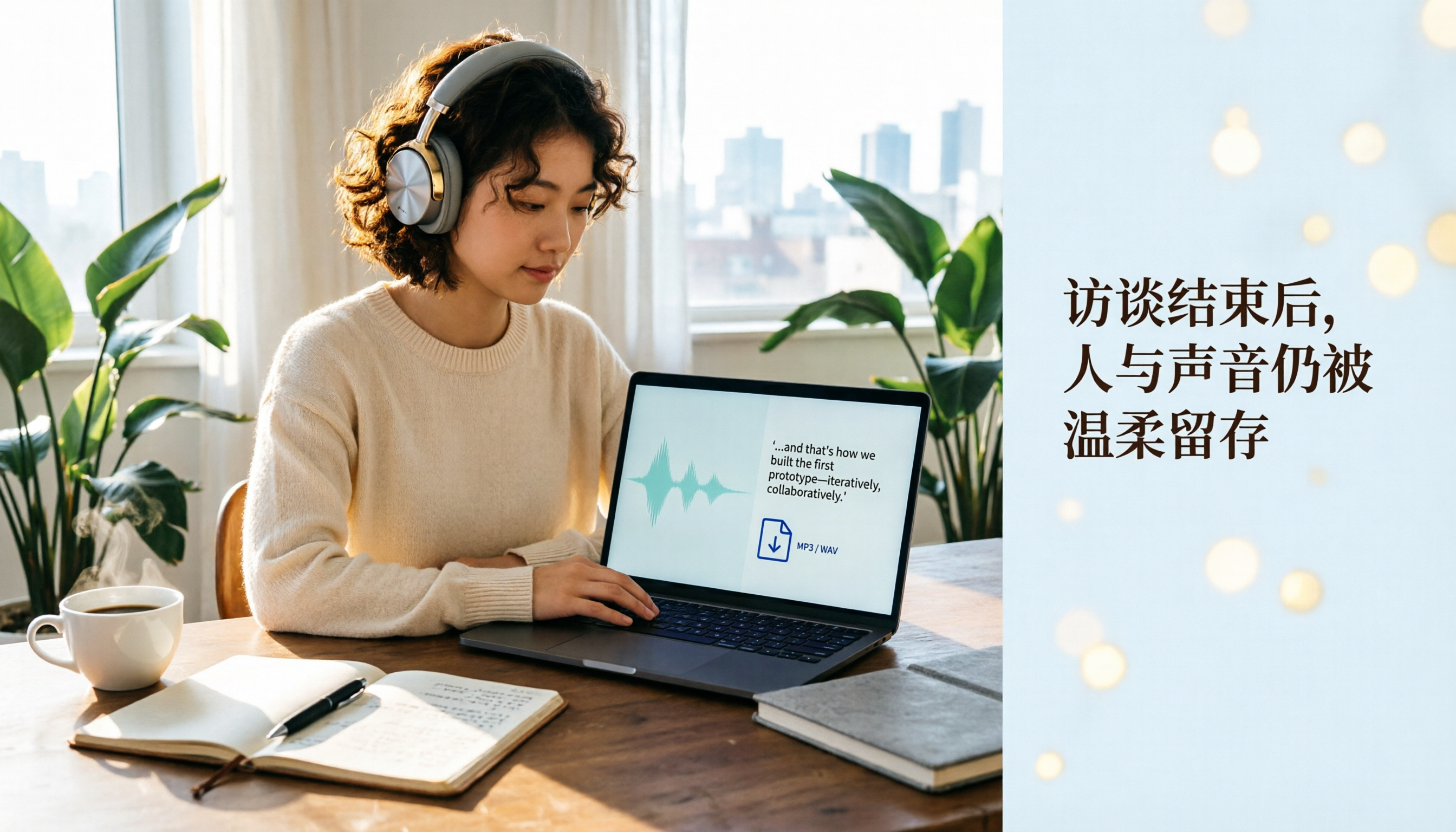
Plaud Recording Files in 2026: How to View Transcripts & Export MP3/WAV
Where are Plaud recording files stored and how do you export them? This guide walks through the app after recording ends, showing you how to view transcripts, tap captions to jump, and export MP3 or WAV. It also covers a hardware-free alternative and 3 common mistakes.

5 Best Ways to Transcribe PLAUD Recordings in 2026: Free vs Paid Comparison
What are PLAUD recordings? They are audio files captured by AI recording devices like PLAUD Note, NotePin, and Note Pro, typically stored on the device or in the PLAUD App. This article explains the sources and limitations of PLAUD recordings, then compares 5 solutions to convert them into transcripts, summaries, and action items—from the free tier of the official app to team collaboration tools—with actual pricing and ideal use cases to help you decide which one to use.

How to Use Plaud Recording in 2026: Button Start, App Trigger, and Everything In Between
How exactly do you start recording on your Plaud device, sync it, and where do you find the transcript and summary afterward? This guide walks through the actual workflow, including pre-recording prep, battery and storage specs, firmware updates, and reset procedures. It also compares Plaud with Tinrec across 5 dimensions to help you decide between a dedicated hardware recorder and a software solution that turns meetings into collaborative data.