
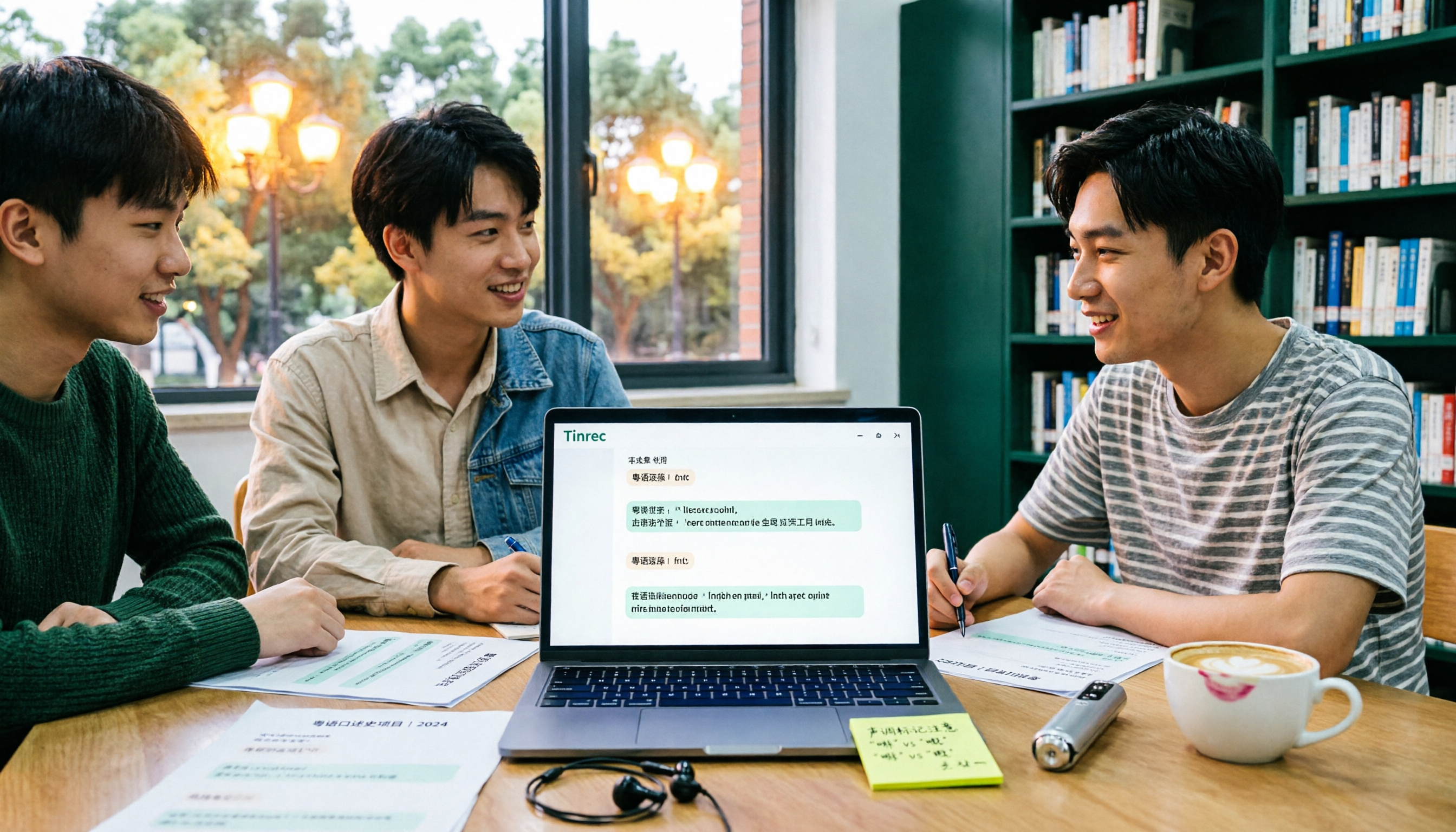
Turn recordings into transcripts and summaries in minutes
Upload audio or video for multilingual transcription, AI notes, and action items
At first, I thought speech-to-text was simple: drop in an audio file, wait for the text. But when I tested it on a Cantonese interview from my general education class, the transcript jumbled the context around “presentation,” mixed spoken and written language, and turned overlapping speech into an incomprehensible block of text. That’s when I realized the biggest pitfall in Cantonese speech-to-text isn’t whether it has AI—it’s whether it truly understands Cantonese and mixed Chinese-English. A smarter approach: first check if it supports Cantonese, handles mixed Chinese-English, lets you choose spoken or written output, and offers enough free usage for a month. Only then look at summaries and Q&A. Below are my takeaways from actually using four tools this semester to organize class interviews and group discussions.
Pain Point: Two-Hour Lecture Recordings, Two More Hours to Transcribe—You Don’t Need More Audio Files
The first scenario is a Cantonese interview in a general education course. The professor speaks fast and flips slides even faster. I can’t keep up with handwritten notes, so I open the recording at home and have to listen from minute one to the end just to find “what day is the report deadline next week.” The second scenario is group discussion, with Hong Kong exchange students and Taiwanese classmates mixing languages—one sentence contains “deadline,” “report,” “due next week”—and generic tools often produce gibberish. The third scenario is before finals: piles of recordings with no summaries or segmentation, and finding key points is more exhausting than studying. If you’ve been there, this article is for you: instead of recording more audio, choose a tool that actually turns Cantonese recordings into usable notes.
Before Buying a Cantonese Speech-to-Text Tool, Understand These 4 Key Points
If you’re also searching for “Cantonese speech-to-text comparison chart,” I suggest breaking the chart into four columns: Cantonese recognition, mixed Chinese-English, free tier, and post-meeting organization. Looking at just a spec sheet makes it easy to be fooled by the words “supports Cantonese.”
1. How to judge Cantonese accuracy: Don’t just look at the official accuracy rate. Ask if it’s optimized for Cantonese, spoken language, and mixed Chinese-English, and ideally test with your own class recordings. A quiet studio is very different from a real discussion room—air conditioning, keyboard clicks, and multiple people talking over each other will degrade results.
2. Output format and spoken/written language: If the transcript only outputs plain text, you’ll have to organize it manually later. For students, speaker separation, punctuation, choice of spoken or written style, and export to DOCX or TXT directly affect how fast you can submit reports.
3. Free tier and student budget: Students dread “free version only allows three minutes.” Check the free quota, per-file limits, and whether export costs extra before deciding to upgrade. Don’t get locked into an annual contract for a tool you’ll barely use.
4. Can it directly produce summaries and action items after transcription: Getting only a transcript means you’re halfway done. If the tool can automatically extract summaries, chapters, and action items—or even let you ask “who said they’d email the professor”—you’ll save hours of re-listening.
Tinrec—My Top Choice After Testing
Tinrec is an AI meeting notes and collaboration tool for individuals and teams, available on mobile, desktop, and web. Its core isn’t just converting sound to text, but turning recordings into searchable, summarizable, queryable, and exportable data. This semester I mainly used it for Cantonese interviews and group discussions. My takeaway: it’s more suited for student projects than the “transcription app” I originally imagined.
First scenario: class interview. I recorded in real time on my phone, and by the end of class a draft transcript was ready; it automatically generated summaries and chapters, so I could scan the summary for key points and then check the transcript. Second scenario: online group discussion. We met on Google Meet, and Tinrec’s desktop version captured system audio directly—no need to add a meeting bot, which is convenient for budget-conscious student groups. After the meeting, AI summaries and action items listed “who will organize the survey” and “who will email the teacher.” Third scenario: finals review. After transcribing imported audio/video files, I used AI Q&A to ask “what’s the conclusion of this interview” and “what suggestions did the interviewee have for the course” without scrubbing the timeline. For cross-language meetings, it can display original, translated, or bilingual views—very practical for our Cantonese-plus-English-terminology discussions.
Stop organizing recordings by hand
Upload audio or video and automatically get a transcript, summary, and action items
My test conditions: library discussion room, about 15 minutes of phone recording, with air conditioning noise and two people speaking simultaneously. In this real-world scenario, its recognition of Cantonese and mixed Chinese-English was better than I expected, but I wouldn’t say 100% accurate—with proper nouns, overlapping speech, or poor audio, I still click back to the recording to verify. The product itself doesn’t promise a fixed accuracy rate, which I find honest.
Three advantages I felt most: First, no bot for online meetings—desktop captures system audio without pulling an extra account into the meeting. Second, complete post-transcription workflow—summaries, chapters, action items, mind maps, AI Q&A, and multi-format export all in one place. Third, Chinese and multilingual scenarios—it supports Chinese, Traditional Chinese, and multilingual meetings, and handles mixed Chinese-English content. Limitations to note: the free version has only basic quota; heavy use requires a paid plan. Actual recognition is affected by recording quality, accent, noise, and overlapping speakers—important content should be re-listened. If you only occasionally record an interview, try the free version first; if you have continuous project interviews this semester, consider the weekly card or Pro; if a graduation project team needs to share recordings and divide transcription work, the team version offers independent team spaces, member roles, seats, usage analytics, and audit logs—pricing and benefits per the official website. Overall, if you need Cantonese/mixed Chinese-English transcription, post-meeting summaries, AI Q&A, and don’t want extra hardware, Tinrec is my most handy choice so far.
Besides Tinrec, What Are the Alternatives?
Subanana: Oriented toward video subtitles and Cantonese transcription. Upload audio, video, or paste a YouTube link to transcribe; supports mixed Chinese-English, speaker separation, spoken/written language, and exports like SRT, VTT, DOCX. First 15 minutes of each file can be previewed for free. It’s better for subtitles and single-file organization; but if you want desktop system audio capture and recording Zoom/Meet meetings, Tinrec’s meeting scenario is more direct.
Good Tape: The source categorizes it as a pure transcription tool, suitable for “I just need a text transcript.” Its workflow is relatively simple, but if you also want summaries, action items, and AI Q&A, Tinrec handles all that post-meeting organization without needing another tool.
Otter.ai: A mature choice for English meetings. The free tier offers a generous 300 minutes per month, great for lots of English interviews. But its Cantonese support is insufficient—not recommended as the main tool for Cantonese classes or Hong Kong student discussions. If you record English content, consider it; for Cantonese and mixed Chinese-English, Tinrec is a better fit.
Pitfall Guide: 3 Most Common Mistakes When Choosing Cantonese Speech-to-Text
Pitfall 1: Only looking at “supports Cantonese.” Many tools claim Cantonese support but fail with mixed Chinese-English. The right approach: test with a recording containing “deadline,” “report,” “presentation”—don’t just test news broadcasts.
Pitfall 2: Treating free quota as the only criterion. A large free quota is nice, but if export costs extra and summaries are a separate purchase, it’s the same. First look at your usage frequency: if you only record a few interviews per semester, free may suffice; if you have weekly group discussions, consider a paid plan.
Pitfall 3: Treating the transcript as the end goal. A transcript is raw material, not notes. Instead of spending two hours re-listening, use AI summaries and Q&A to grasp key points first, then verify against the original. Tinrec’s AI Q&A lets you keep asking follow-up questions about the meeting content—that’s where I save the most time.
Conclusion: Which One Should You Choose?
In one sentence: if you’re dealing with Cantonese, mixed Chinese-English class or group recordings, and want to see summaries and ask key questions right after recording, Tinrec is my top pick after this round of testing. Scenario breakdown for reference:
- Cantonese classes, Hong Kong student group discussions, mixed Chinese-English interviews → Tinrec (supports Cantonese and mixed Chinese-English, with post-meeting summaries and Q&A)
- Online meetings without adding a bot → Tinrec desktop (captures system audio, no extra account in meeting)
- Just adding subtitles to videos, quick single-file transcription → Subanana (subtitle and Cantonese transcription oriented)
- Pure English meetings, free quota priority → Otter.ai (mature for English, but not recommended for Cantonese)
- Graduation project team sharing recordings and dividing work → Tinrec team version (team space, seats, usage and audit, pricing on official site)
I suggest starting with Tinrec’s free version and running your most difficult Cantonese recording through it. If summaries and transcripts help you, then consider upgrading; no need to pay upfront. For me, the most worthwhile thing this semester wasn’t buying another tool, but reclaiming the time spent re-listening to recordings to prepare for finals.
References
- 2026 Latest 4 Cantonese Speech-to-Text Tools Recommended: Solving Mixed Chinese-English and Meeting Notes Pain Points - Tinrec Blog
- 2026 Latest 5 Cantonese Speech-to-Text AI Recommendations: Solving Mixed Chinese-English and Transcription Challenges - Tinrec Blog
- Free Cantonese Speech-to-Text App 2026 | Subanana
- Top 5 Speech-to-Text Tools in Hong Kong: Accurate Cantonese Recognition, Doubling Meeting and Interview Efficiency!
- Free Transcription of Chinese (Cantonese) Audio in Seconds
Turn every recording into actionable outcomes
Get 60 free transcription minutes when you sign in. No credit card required.
Related Reading
You might also like

How to Choose a Meeting Transcription Tool in 2026: Notta vs. Transkriptor + Tinrec's Differentiated Advantages
Meeting recordings sitting around for three days with no one organizing them? This article starts from real pain points, compares the positioning differences between Notta and Transkriptor, and explains how Tinrec uses bot-free recording, AI summary Q&A, and team spaces to turn meetings into searchable, transferable team data.

Yating Transcript Pricing 2026: Free Minutes and Hourly Rates Explained
Does Yating Transcript cost money? This guide breaks down the free quota, the NT$100 per hour plan, bulk purchases, and API billing. It also covers 4 key things to understand before choosing a transcription tool, and compares pricing models from Tinrec, Notta, Otter.ai, and others to help you decide which option is most cost-effective for you.

Notta vs TurboScribe in 2026: 3 Speech-to-Text Tools Tested—Which Saves the Most Time After Meetings?
Notta and TurboScribe are both popular speech-to-text tools, but one leans toward meeting notes and the other toward batch file transcription. This hands-on comparison examines their positioning, free tiers, and limitations, and explains how Tinrec differs in post-meeting organization and team collaboration to help you decide which fits you best.

2026 Guide: 5 Artistic Vocology Training Resources Compared — How to Choose Italian Courses, Societies, and Lecture Recording Tools
Planning to study vocologia artistica in 2026? Italian course info is scattered across four or five websites, all in Italian, with different deadlines. This guide compares 2026 programs from Nuova Artec, GIVA, Unicusano, La Voce Artistica, and the University of Bologna, and shares a tested method using Tinrec to capture Italian lectures.

2026 AI Voice Collaboration Platform Comparison: vocol.ai vs. Tinrec — Which One Ends the Post-Meeting Cleanup Nightmare?
Endless weekly meetings are bad, but post-meeting cleanup is the real nightmare. This article compares vocol.ai, Tinrec, Otter.ai, and Notta from a mid-level manager's hands-on perspective, covering Chinese transcription, post-meeting summaries, AI Q&A, team collaboration, and pricing. It also honestly points out each tool's limitations to help you decide which one deserves a spot in your team's workflow.

2026 Vocology Master's Programs: 5 Continuing Education Options at a Glance
If you're considering a master's in vocology in 2026, the first thing to determine is whether you want a clinical or artistic path—not which school is best. This article compiles five Italian continuing education programs: Nuova Artec, Dialogos, the University of Bologna, and Polo Nazionale Artistico, including start dates, delivery methods, and published costs. It also offers tool suggestions for organizing course notes during synchronous remote classes.

2026 Comparison of 4 Cantonese Speech-to-Text Tools: Which Handles Mixed Chinese-English and Colloquial Speech Best?
Still stuck transcribing after meetings? We tested 4 Cantonese speech-to-text tools using real Cantonese meeting and interview recordings, comparing mixed Chinese-English recognition, post-meeting summary generation, and team collaboration capabilities. We also cover key buying factors, common pitfalls, and scenario recommendations to help you find the tool that truly saves time.
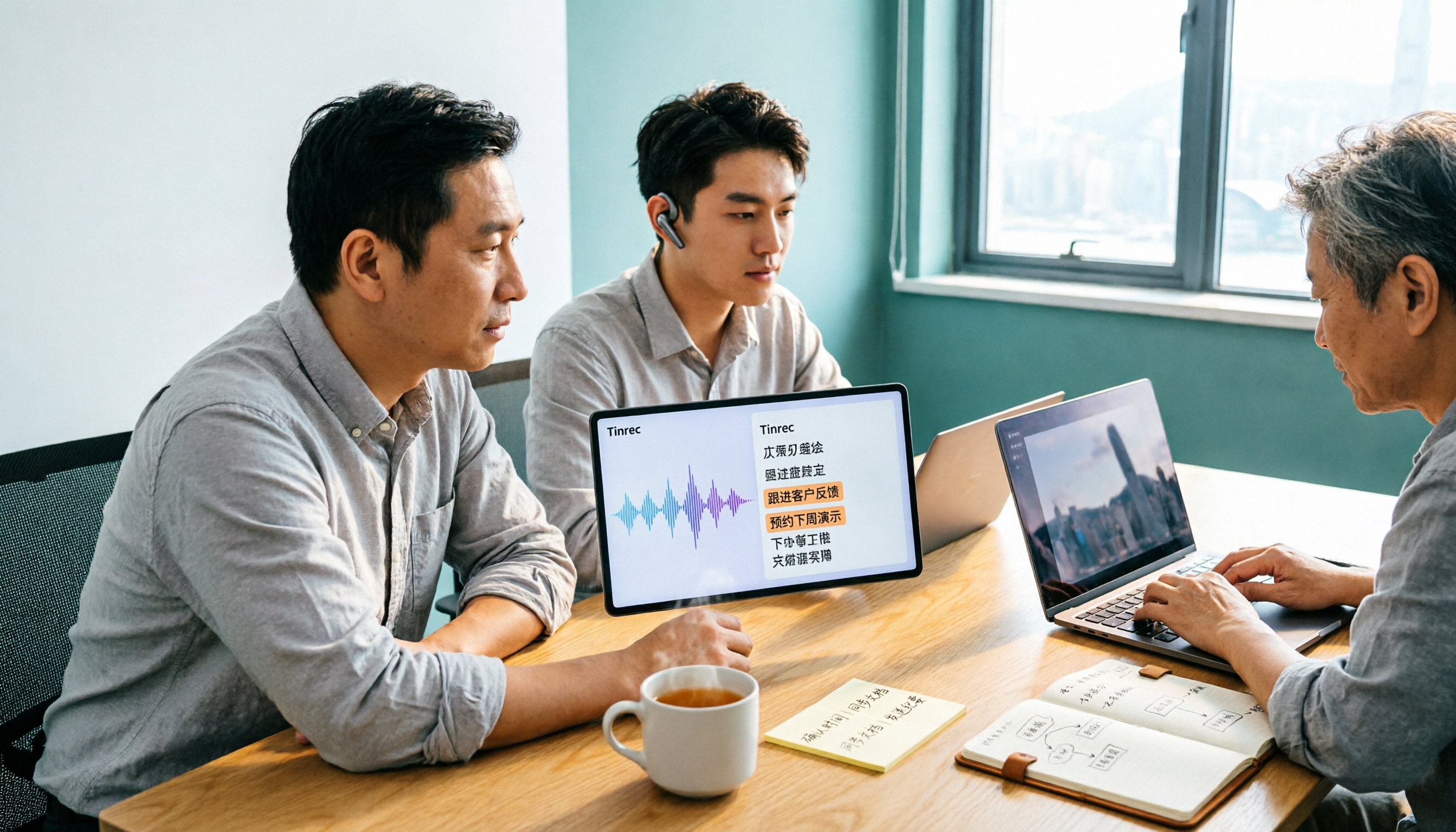
Tinrec vs Subanana 2026: 5-Dimension Comparison, Which Is Better for Cantonese Meeting Notes?
How to choose a Cantonese audio-to-text app? This article compares Tinrec and Subanana across 5 dimensions: meeting notes, subtitles, free quota, and team collaboration. It also covers 6 options including iFLYTEK, Notta, Notely Voice, and iPhone built-in transcription, helping you decide based on needs rather than price.

5 Best Cantonese Speech-to-Text Tools in 2026: Free Tiers and Mixed Chinese-English Compared
A comparison of Tinrec, Subanana, cSubtitle, Google AI Studio, and SoundType AI covering use cases, free limits, output formats, and team collaboration. Find out which free tier is enough and which handles mixed Chinese-English best before deciding whether to pay.