

Turn recordings into transcripts and summaries in minutes
Upload audio or video for multilingual transcription, AI notes, and action items
2026 Comparison of 4 Cantonese Speech-to-Text Tools: Which Handles Mixed Chinese-English and Colloquial Speech Best?
After a meeting, your boss says, "I need the meeting minutes by tomorrow," and you know you're in for a late night. Meetings in Cantonese are especially painful: "呢個 deadline 前要搞掂個 proposal,下星期 review" — mixed Chinese-English, colloquialisms flying everywhere. Throw that into most transcription tools, and the output often requires you to re-listen and re-edit sentence by sentence, which is slower than taking notes yourself.
This time, we used several real Cantonese meeting, interview, and classroom recordings to hands-on test 4 tools commonly used by Hong Kong users. We focused on three things: recognition performance for Cantonese and mixed Chinese-English, whether usable meeting minutes can be generated directly after the meeting, and how data is managed when teams use it together.
1. The Real Torture Isn't the Meeting—It's the Two Hours After
If any of these four scenarios sounds familiar, keep reading.
**Scenario 1: Two-hour meeting, two more hours to organize notes.** A review article estimates that manually transcribing a 60-minute recording into a transcript takes an average of 3 to 4 hours. The meeting itself already eats into work hours; organizing notes can only be done after hours.
**Scenario 2: The gap between spoken Cantonese and written Chinese.** You say "唔該幫我跟一跟" but need to write "Please assist with follow-up." If the tool only does literal transcription, you still have to manually edit the entire document.
**Scenario 3: A week later, you want to find "who mentioned the budget at that time."** Audio files are hard to search; you remember it was discussed but forget which minute.
**Scenario 4: A colleague leaves, and the meeting records disappear with them.** Data stays in someone's personal account, and you only realize at handover that you can't get it back.
Choosing the right tool can solve all four problems at once. The key is to know whether you need "transcription" or "transcription that's directly usable."
2. Before Choosing a Tool, Understand These 4 Key Points
1. Test Cantonese and mixed Chinese-English with your own recordings Don't just look at advertised accuracy numbers. Real meeting rooms have air conditioning noise, keyboard sounds, people talking over each other, and plenty of English jargon. Rather than trusting ads, take a recording from your own meeting last week and test it. Tools that claim to support Chinese and multilingual meetings are usually closer to Hong Kong scenarios than pure English meeting tools; but actual performance is still affected by recording quality, accents, noise, and terminology—no tool can guarantee a fixed accuracy rate.
2. Does it offer post-processing after transcription? A transcript alone means turning "typing what you hear" into "reading and reorganizing." Look for automatic summaries, chapter segmentation, action items, and whether you can ask questions directly about the meeting content.
3. How does meeting content get in? For online meetings, there are generally two approaches: one is sending a bot to join the meeting as a participant; the other is capturing system audio directly on your computer without adding any participants. For external client meetings, the latter is much more presentable.
4. For team sharing, look at permissions and seats For multi-person collaboration, ask three things clearly: who owns the data, whether data leaves when a member leaves, and whether there are roles and seats. These differences are invisible in personal plans but cause problems in teams.
3. Tinrec — After Testing, We Ranked It First
In one sentence: Tinrec is an AI meeting notes and collaboration tool for individuals and teams. Beyond converting speech to text, it organizes meetings into searchable, summarizable, queryable, and exportable data.
During the meeting: live transcription while recording, no extra bot needed For in-person meetings, start real-time recording and text appears on screen instantly. For online meetings (Zoom, Google Meet, Microsoft Teams, Webex, etc.), use the desktop app to capture computer system audio—no need to invite any bot to join the meeting. For client-facing meetings, this is more practical than any fancy feature. Note that this doesn't mean it automatically joins all meetings on your calendar; you still need to start recording yourself.
After the meeting: summaries, chapters, and action items generated automatically After recording, AI generates summaries and chapters, breaking long meetings into easy-to-scan sections and extracting action items from discussions. Who's responsible and what needs to be done—no need to take notes during the meeting.
The real differentiator: ask questions about meeting content This was the most impressive part of our testing. Previously, finding key points meant Ctrl+F for keywords, or listening from the beginning if you couldn't find them. Now you can directly ask "What did colleagues think about this budget?" or "What was the risk mentioned last time?" and the tool will answer by semantically organizing relevant sections. The other tools we tested mainly stop at the transcript stage and don't offer similar meeting Q&A.
Stop organizing recordings by hand
Upload audio or video and automatically get a transcript, summary, and action items
Other practical details
- Supports uploading audio and video files to organize historical meeting and interview recordings
- During recording, you can switch between original text, translation, or bilingual view—no need for a separate translator in cross-language meetings
- Export to Notion, Google Docs, OneNote, Dropbox, etc., to fit back into your existing workflow
- Team plan offers independent team spaces: meeting data belongs to the team, with members, roles, seats, usage analytics, audit logs, and audio recycle bin
Pros
- Bot-free recording for online meetings—clean participant list, suitable for external meetings.
- Complete post-transcription workflow: summaries, chapters, action items, Q&A, and export all in one place—no need to move text between tools.
- Team plan addresses the old problem of "people leave, data leaves too"—resources belong to the team, and when a member exits, they can be handed over to other active members; members without seats can still view, play, and read team data but cannot upload, edit, or export.
Limitations (to be clear upfront)
- Free plan has only basic quota; heavy users need to pay. Personal plans include free, weekly pass, Pro monthly, and annual—choose according to your usage rhythm, don't buy the most expensive right away.
- No guaranteed fixed accuracy. Overlapping speakers, dense technical terminology, and poor recording quality still require manual verification against the original audio.
- Team plan currently focuses on team-level sharing, managing who can view and edit via roles and seats, not per-file authorization. If your company requires file-level granular permissions, you'll need to evaluate separately.
Who it's for People who frequently hold Cantonese meetings, need to submit minutes afterward, and want to use AI to find key points directly; departments or project teams that need to turn meetings into team assets—the team plan's role and seat design is more practical than buying several personal accounts.
4. Besides Tinrec, These Alternatives Are Available
Good Tape A pure transcription tool focused on simple upload and fast transcript output, with a low learning curve—suitable for users who occasionally organize a recording. But its positioning is "turn voice into text," with no meeting summaries, action item extraction, or team spaces; in our testing, we also couldn't find a feature to ask questions about meeting content. If you want ready-to-use minutes after meetings, you'll still need to process them yourself.
Subanana Video subtitle-oriented, suitable for YouTubers and short video creators handling subtitle timelines. Using it for meeting notes is like using a subtitle tool for minutes: you get a transcript, but who's responsible for what and what's next still need to be organized yourself. Tinrec goes one step further with summaries and action items.
cSubtitle Official documentation mainly focuses on Chinese and mentions the model is trained on Mandarin Chinese corpus; output options include Word files with time codes and .srt/.vtt subtitles—quite handy for subtitles and Mandarin content transcription. However, Cantonese with mixed Chinese-English meetings common in Hong Kong workplaces are not its main scenario; post-meeting minutes, permissions, and team collaboration also require separate solutions.
5. Pitfall Guide: 4 Most Common Mistakes When Choosing Cantonese Transcription Tools
Pitfall 1: Only looking at advertised accuracy Many tools claim "98% accuracy," but that's usually measured in quiet environments. Real meeting rooms have air conditioning noise and people talking over each other—numbers will noticeably degrade. The right approach is to test with your own recordings, not just ads.
Pitfall 2: Ignoring mixed Chinese-English Sentences like "下星期 review 個 proposal" can easily cause single-language models to hard-translate English words or produce gibberish, requiring you to edit sentence by sentence—all the time saved is lost. When testing, deliberately try a mixed Chinese-English recording.
Pitfall 3: Using the tool only as a recorder If you only use it for "audio to text," you're using only one-third of its capability. After recording, directly ask "What was the conclusion of this meeting?"—much faster than manually scrolling through a 30-minute transcript.
Pitfall 4: Teams still buying one account per person No matter how many personal accounts, data remains scattered: new hires can't see historical meetings, and records break when colleagues leave. For sharing, look at team spaces, seats, and auditing—not just comparing minutes.
One more reminder: recording and transcription involve personal data. Before meetings, it's best to inform participants and obtain consent, and handle recordings according to company policy.
6. Conclusion: Which One Should You Choose?
In one sentence: For Cantonese-dominant meeting notes, Tinrec is the smoothest overall in this test.
- Need to handle Cantonese with mixed Chinese-English and get ready-to-use minutes after meetings → Tinrec
- Want to ask questions directly about content to find key points after recording → Tinrec (meeting AI Q&A)
- Need to use on phone, computer, and web → Tinrec
- Department needs to share meeting data with personnel changes → Tinrec Team Plan (roles + seats + usage & audit)
- Mainly doing video subtitles and timelines → Subtitle tools like Subanana are more suitable
- Mainly Mandarin content or need bulk subtitle files → cSubtitle is worth considering
On pricing, the team plan is currently USD 29.80 per paid seat per month, or USD 199 per paid seat per year, with each paid seat including 2,000 minutes of team shared import quota per month; the first eligible trial is 7 days, 1 free seat, 300 minutes of team shared import quota, and real-time recording under an active plan is currently not deducted by minutes. Actual amounts, currencies, and benefits are subject to the official purchase page.
Don't pay upfront. Start with the free quota and test with a recording from your own meeting last week; if the transcript and minutes truly save you a night of overtime, then consider upgrading.
References
- 2026 Latest 4 Cantonese Speech-to-Text Tool Recommendations: Solving Mixed Chinese-English and Meeting Record Pain Points - Tinrec Blog
- AI Speech to Text Fast Audio File Online Transcription, Transcripts and Video Subtitles - Free Trial - cSubtitle
- Online AI Speech, Video, Audio File Automatic Transcription - Free Trial - cSubtitle
- AI Cantonese Speech to Text Professional Cantonese Recognition
- 2026 Latest 5 Cantonese Speech Recognition Software Recommendations: Solving Mixed-Language Meetings and Transcript Pain Points - Tinrec Blog
Turn every recording into actionable outcomes
Get 60 free transcription minutes when you sign in. No credit card required.
Related Reading
You might also like

How to Choose a Meeting Transcription Tool in 2026: Notta vs. Transkriptor + Tinrec's Differentiated Advantages
Meeting recordings sitting around for three days with no one organizing them? This article starts from real pain points, compares the positioning differences between Notta and Transkriptor, and explains how Tinrec uses bot-free recording, AI summary Q&A, and team spaces to turn meetings into searchable, transferable team data.

Yating Transcript Pricing 2026: Free Minutes and Hourly Rates Explained
Does Yating Transcript cost money? This guide breaks down the free quota, the NT$100 per hour plan, bulk purchases, and API billing. It also covers 4 key things to understand before choosing a transcription tool, and compares pricing models from Tinrec, Notta, Otter.ai, and others to help you decide which option is most cost-effective for you.

Notta vs TurboScribe in 2026: 3 Speech-to-Text Tools Tested—Which Saves the Most Time After Meetings?
Notta and TurboScribe are both popular speech-to-text tools, but one leans toward meeting notes and the other toward batch file transcription. This hands-on comparison examines their positioning, free tiers, and limitations, and explains how Tinrec differs in post-meeting organization and team collaboration to help you decide which fits you best.
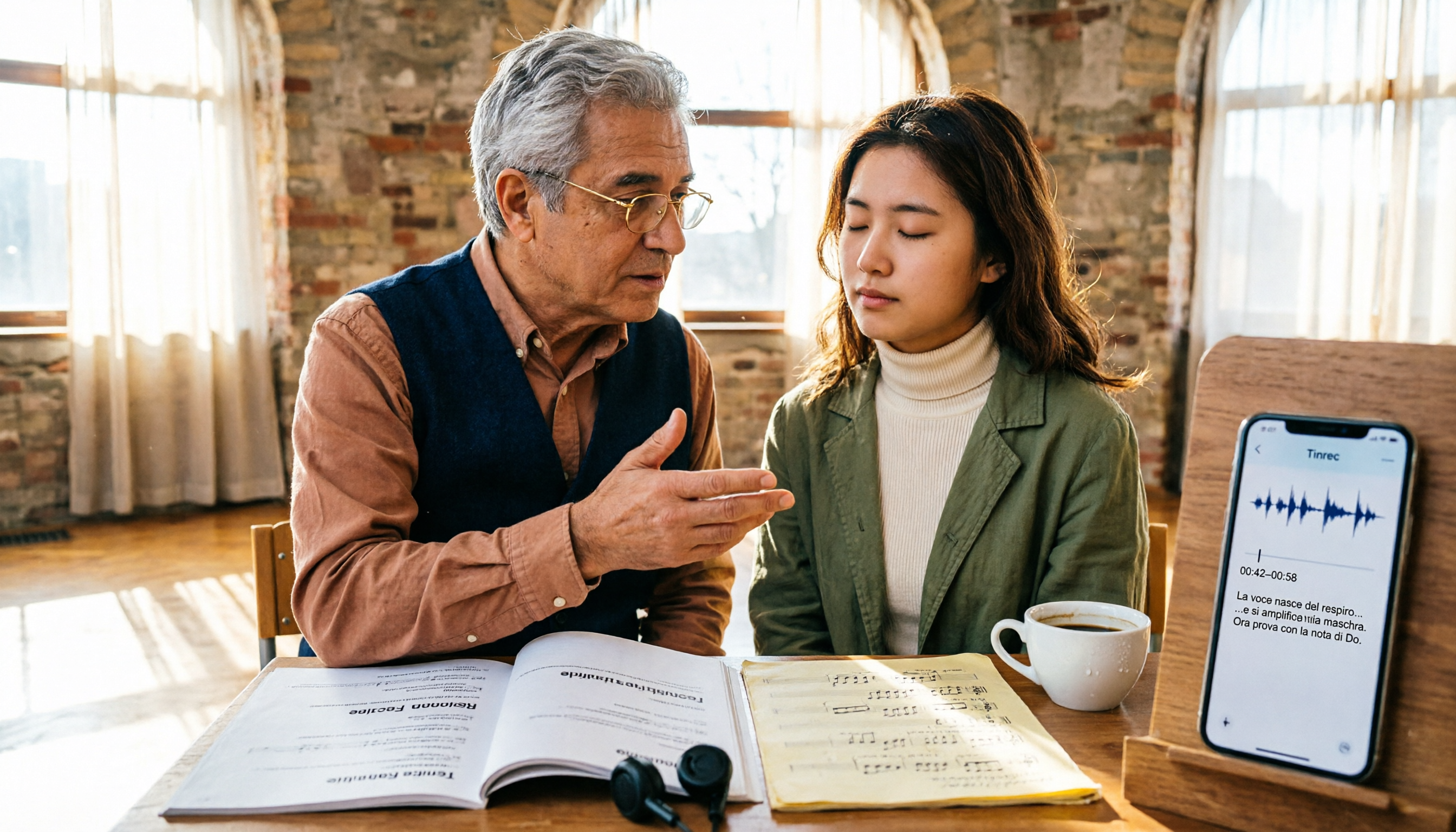
2026 Guide: 5 Artistic Vocology Training Resources Compared — How to Choose Italian Courses, Societies, and Lecture Recording Tools
Planning to study vocologia artistica in 2026? Italian course info is scattered across four or five websites, all in Italian, with different deadlines. This guide compares 2026 programs from Nuova Artec, GIVA, Unicusano, La Voce Artistica, and the University of Bologna, and shares a tested method using Tinrec to capture Italian lectures.

2026 AI Voice Collaboration Platform Comparison: vocol.ai vs. Tinrec — Which One Ends the Post-Meeting Cleanup Nightmare?
Endless weekly meetings are bad, but post-meeting cleanup is the real nightmare. This article compares vocol.ai, Tinrec, Otter.ai, and Notta from a mid-level manager's hands-on perspective, covering Chinese transcription, post-meeting summaries, AI Q&A, team collaboration, and pricing. It also honestly points out each tool's limitations to help you decide which one deserves a spot in your team's workflow.

2026 Vocology Master's Programs: 5 Continuing Education Options at a Glance
If you're considering a master's in vocology in 2026, the first thing to determine is whether you want a clinical or artistic path—not which school is best. This article compiles five Italian continuing education programs: Nuova Artec, Dialogos, the University of Bologna, and Polo Nazionale Artistico, including start dates, delivery methods, and published costs. It also offers tool suggestions for organizing course notes during synchronous remote classes.

2026 Cantonese Speech-to-Text Showdown: 4 Tools Tested for Mixed Chinese-English Accuracy
I was drowning in Cantonese interview and group discussion transcripts this semester, so I tested four tools: Tinrec, Subanana, Good Tape, and Otter.ai. This comparison focuses on student budgets and campus scenarios, covering Cantonese recognition, mixed Chinese-English handling, free tiers, summaries, and export formats. I also share why I ultimately stuck with Tinrec. Ideal for college students, grad students, and anyone who needs to organize interview notes.
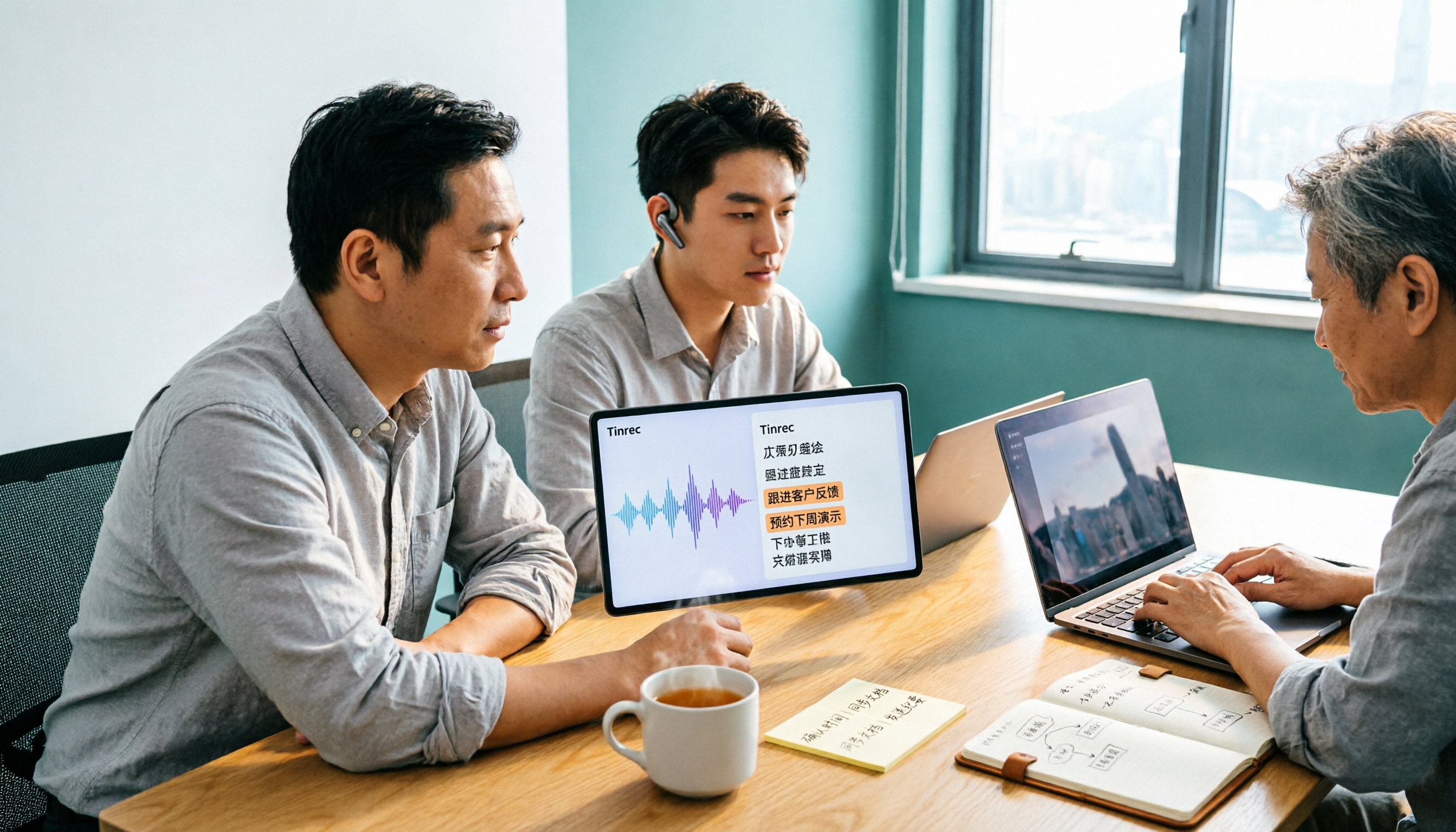
Tinrec vs Subanana 2026: 5-Dimension Comparison, Which Is Better for Cantonese Meeting Notes?
How to choose a Cantonese audio-to-text app? This article compares Tinrec and Subanana across 5 dimensions: meeting notes, subtitles, free quota, and team collaboration. It also covers 6 options including iFLYTEK, Notta, Notely Voice, and iPhone built-in transcription, helping you decide based on needs rather than price.

5 Best Cantonese Speech-to-Text Tools in 2026: Free Tiers and Mixed Chinese-English Compared
A comparison of Tinrec, Subanana, cSubtitle, Google AI Studio, and SoundType AI covering use cases, free limits, output formats, and team collaboration. Find out which free tier is enough and which handles mixed Chinese-English best before deciding whether to pay.