

Turn recordings into transcripts and summaries in minutes
Upload audio or video for multilingual transcription, AI notes, and action items
Best Live Transcript Translation Tools in 2026: We Tested 6, and This One Is the Easiest for Cross-Language Meetings
Why Do You Need Live Transcript Translation?
My team took on two overseas clients this quarter. In a single meeting, Chinese, English, and product codes were mixed together, and afterward we had to report the conclusions up the chain. In this kind of scenario, most people's first instinct is: use a tool to turn the meeting into a transcript first, then paste it into a translation website afterward.
That is the approach most likely to cause problems. First, paragraphs, speakers, and timestamps all get scrambled during copy-paste. Second, product codes, names, and regulatory terms get translated into completely different things when fed into a translator. Third, by the time you finish translating, the meeting is long over, and the question you should have asked in the moment has already passed.
A more reasonable approach is to choose a tool that keeps transcription and translation in the same workflow, so the original text and translation can be viewed side by side and confirmed on the spot. The following six options are solutions my team and I have actually used or evaluated, ranging from the most complete to purely free.
Tinrec | Putting Transcripts, Translation, and Post-Meeting Organization into One Workflow
In one sentence: This is not just recording-to-text; it turns meetings into searchable, queryable, deliverable data.
- Real-time translation and bilingual view: During recording, you can switch between original text, translation, or side-by-side bilingual view. In cross-language meetings, I listen to the client while reading the Chinese translation, and raise my hand to ask about parts I don't understand on the spot, instead of guessing afterward.
- No bot needed to record online meetings: The desktop version directly captures computer system audio, so Zoom, Google Meet, Microsoft Teams, and Webex require no additional bot to join. Previously, when clients saw an unfamiliar account on the meeting list, they would ask "Who is this?" Now that question no longer comes up.
- Usable after transcription (core differentiator): Automatically generates summaries, chapters, key points, and action items, and supports AI Q&A around meeting content. The most impactful thing I actually used was asking: "What were the payment terms the client mentioned last week?" Just ask directly, and it goes back into that meeting to find the answer, so you don't have to re-listen to a 40-minute recording.
- Team space accumulation: The team version centralizes meeting data in one space and provides member, role, seat, usage analytics, audit logs, and an audio recycle bin. Team data belongs to the team, so when members leave, they don't take meeting records with them.
Plans and pricing: The free version offers basic quota to experience recording, import, summaries, and transcription; for short-term intensive needs, consider a weekly pass; for steady use, Pro monthly or annual plans are suitable. The team version offers, for first-time eligible users, 7 days, 1 free seat, and 300 minutes of team shared import quota; monthly payment is USD 29.80 per paid seat per month, annual payment is USD 199 per paid seat per year (about USD 16.58 per month), each paid seat gets 2,000 minutes of team shared import quota per month, and real-time recording under active seats is currently not deducted by minute. Actual prices and promotions are subject to the official purchase page.
Who it's for: People who need Chinese meetings, mixed Chinese-English content, and post-meeting minutes and action items. Managers leading teams should look directly at the team version's seat and usage design.
Google Translate | The Most Accessible Real-Time Transcription on Android
Positioning: No need to install a new tool; just open it on your phone to record and transcribe, but it is Android-only and currently supports eight languages: English, French, German, Hindi, Portuguese, Russian, Spanish, and Thai, with any combination among the eight.
Highlights: Tap the "transcribe" icon in the upper right corner of the Google Translate interface to start recording. For example, if a speech is in Spanish, you can directly produce an English transcript; however, you cannot upload existing audio files—only audio recorded through it can be converted.
Free. Who it's for: Temporary situations abroad when listening to foreign-language speeches and only needing a rough understanding. It is not stable enough for formal meeting minutes.
Stop organizing recordings by hand
Upload audio or video and automatically get a transcript, summary, and action items
Transcribe (transcribe.com) | AI Live Transcription Plus Automatic Translation Workflow
Positioning: Binds live transcription and transcript translation into the same online editor, featuring over 120 languages and dialects.
Highlights: After stopping recording, there are two options—"Save" keeps the original transcript, which is fast but may contain small errors; "Optimize" uses a more advanced transcription engine to fill gaps and fix errors, taking only a few minutes and consuming only half the usual time quota. This is essentially the trade-off between "real-time" and "accuracy": save when in a hurry, optimize when delivering.
Who it's for: People with clear multilingual needs who are willing to spend a few minutes revising after the meeting.
cSubtitle | Chinese-Focused Online Transcription and Subtitles
Positioning: An online transcription service focused on Mandarin Chinese training, leaning toward "file upload" rather than "real-time translation during meetings."
Highlights: Upload audio or video files, and download text files and Word files in as little as a few minutes, including punctuation, paragraphing, and timestamps, plus automatically generated .sub and .vtt subtitle files; single files up to 4GB and 5 hours, formats include MP4/MOV/MP3/WAV/M4A/OGG/WMA, no account registration required, use and go, and the official claim is Chinese accuracy of over 94%.
Who it's for: People who only get the recording after the meeting and need Chinese transcripts and video subtitles.
Notta | A Veteran Choice for Multilingual Transcription and Translation
Positioning: Multi-platform transcription, meeting notes, file import, translation, and team plans, with significant overlap with Tinrec.
Highlights and pricing: Free is 120 minutes per month, up to 3 minutes per item; Pro annual billing is equivalent to USD 8.17 per month, 1,800 minutes per month; Business annual billing is equivalent to USD 16.67 per seat per month, including unlimited transcription, role permissions, and usage reports.
Who it's for: People with clear multilingual needs who prioritize minutes when choosing a tool.
TurboScribe | A High-Value Option for Long Files and Batch Transcription
Positioning: A cost-effective file transcription tool featuring long files, batch uploads, subtitles, and translation.
Highlights and pricing: Free is 3 files per day, up to 30 minutes per file; Unlimited annual billing is USD 120 (about USD 10 per month), paid version supports up to 10 hours or 5GB per file, and up to 50 files uploaded at once.
Who it's for: People with a pile of historical recordings to process all at once. But real-time meetings and post-meeting collaboration are not its strong suit.
With So Many Options, How Should You Choose?
- Want "transcription + real-time translation + post-meeting Q&A" in one workflow → Tinrec, currently one of the few solutions with all of these.
- Meetings are in Chinese or mixed Chinese-English → Tinrec, which can use team hotwords to maintain product codes and technical terms, reducing mistranslation.
- Don't want a bot joining the meeting → Tinrec desktop version captures system audio; Granola is also a no-bot approach, but it does not support uploading pre-recorded files and does not retain meeting audio.
- Need to switch between phone and computer → Tinrec covers iOS, Android, web, and desktop.
- Leading a team and need to manage seats and usage → Tinrec for Teams, with roles, seats, usage analytics, and audit logs.
- Only use Android and occasionally listen to foreign-language speeches → Google Translate, good enough and free.
- Zero budget and only occasionally transcribe a file → TurboScribe free version or cSubtitle trial to get by.
Four Things to Know Before Using Live Transcript Translation
- Translation quality depends on transcript quality. Noise, accents, overlapping speakers, and technical terms all affect results. Rather than complaining about inaccurate translation, build a terminology list first (Tinrec's team hotwords are designed for this), and try to speak in a quiet environment with one person at a time.
- Don't expect 100% accuracy. Key information such as amounts, names, and contract terms must be checked against the original text and recording. Tools help you type less; they don't take responsibility for you.
- "Real-time" and "accuracy" usually involve a trade-off. Transcribe's "Save" and "Optimize" are an obvious example; my habit is to use real-time translation during the meeting to grasp the gist, then use summaries and AI Q&A afterward to fill in details.
- Pay attention to regulations and consent for recording and transcription. This is especially true for international meetings—notify when required and obtain consent when required. Also, for the team version, distinguish between "roles" and "seats": roles govern administration, seats govern whether one can record, upload, and edit; members without seats can still view and read team data but cannot upload or export.
Conclusion
The real difficulty of live transcript translation is not "whether it can translate," but "whether what comes out can be used directly." Putting transcription, translation, summaries, Q&A, and export into one workflow saves those few hours after the meeting.
If, like me, you are chased by meetings every week and have to report conclusions up and down, my suggestion is to first run a real meeting with Tinrec's free version and see whether the real-time translation and post-meeting AI Q&A fit into your workflow; if you really use it every day, then consider Pro or the team version and plan seats and usage clearly at once.
References
- Google Translate Upgraded Again! Record and Transcribe Live Transcripts - INSIDE
- Live Transcription Service | Transcribe App & Web Editor
- Yating Transcription
- Online AI Speech, Video, and Audio File Automatic Transcription - Free Trial - cSubtitle
- AI Speech-to-Text Fast Audio File Online Transcription, Transcripts and Video Subtitles - Free Trial - cSubtitle
Turn every recording into actionable outcomes
Get 60 free transcription minutes when you sign in. No credit card required.
Related Reading
You might also like
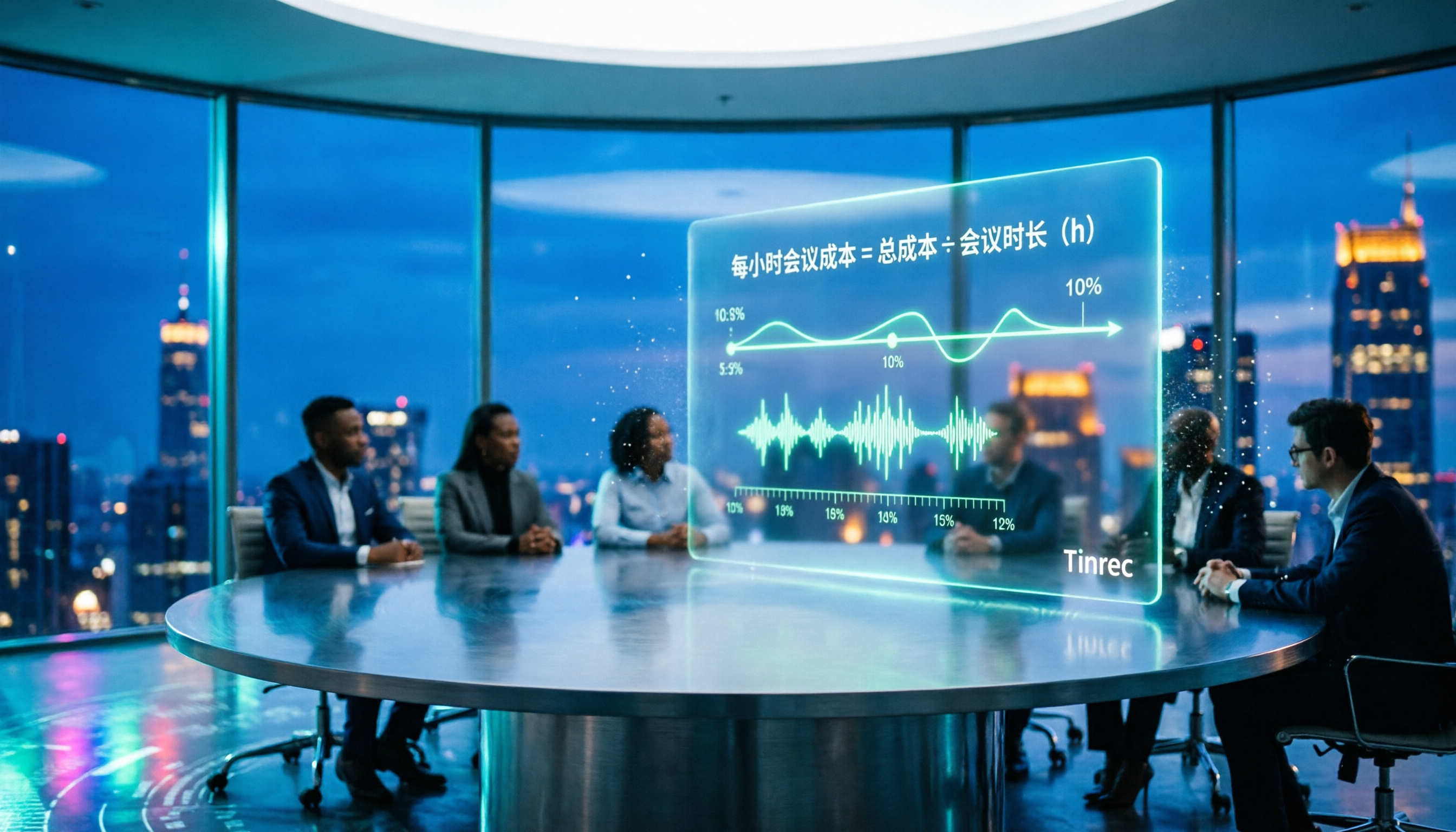
2026 AI Meeting Notes Tools Compared: How to Calculate Costs Without Wasting Money
Many people only look at the monthly fee when choosing an AI meeting notes tool, but overlook usage caps, per-meeting length limits, and post-meeting organization costs. This article recalculates using 'cost per meeting hour' and compares the pricing structures and use cases of Tinrec, Notta, Otter.ai, Granola, and PLAUD, plus four common pricing traps.
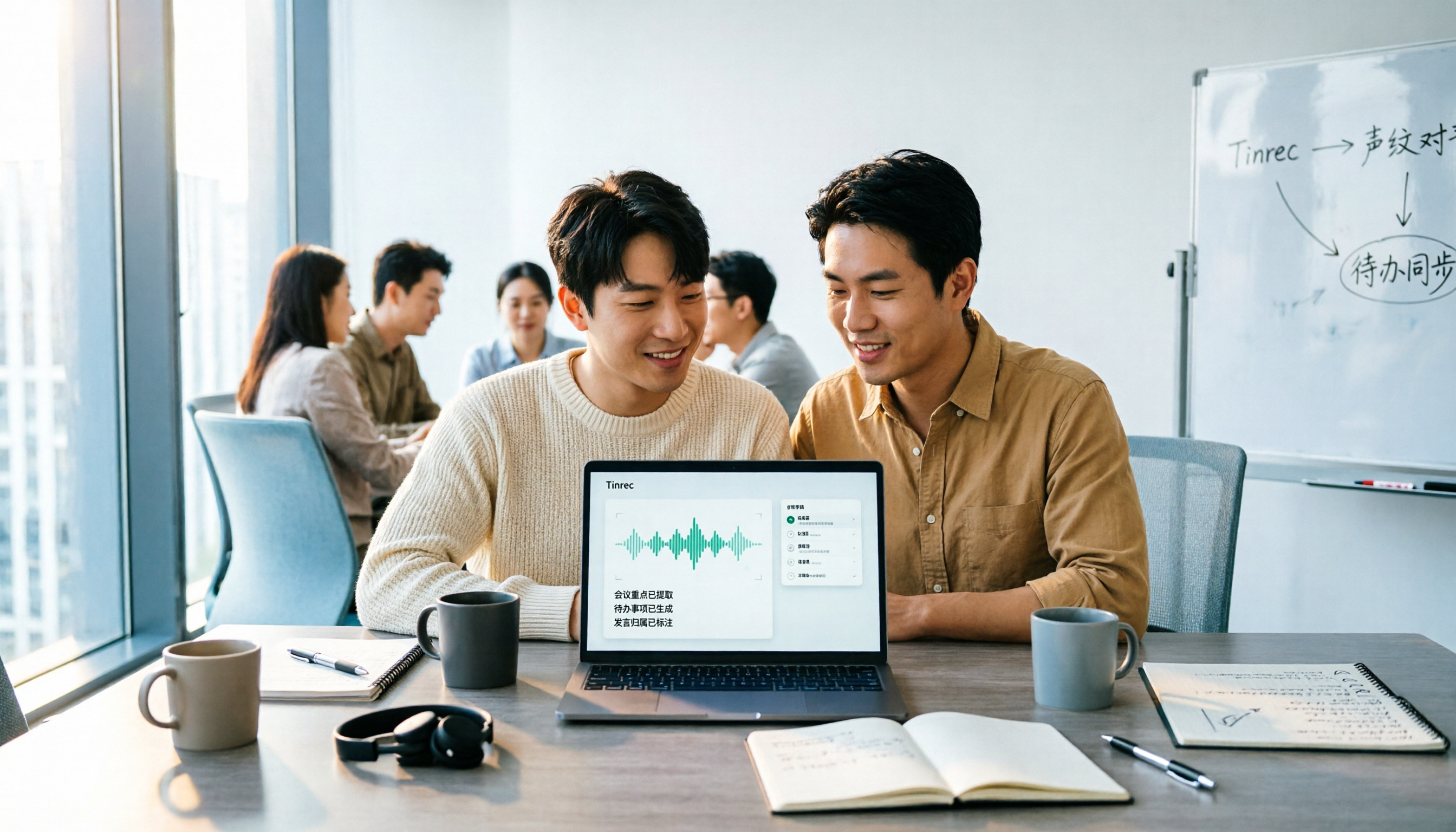
2026 AI Meeting Notes Comparison: Tinrec vs Notta Across 5 Dimensions — Which One Really Saves You Time?
The time between a meeting ending and delivering the minutes — replaying, pulling out key points, confirming action items — often wears you down more than the meeting itself. This article puts Tinrec and Notta side by side, comparing them across 5 dimensions: meeting capture, Chinese transcription, post-meeting output, team governance, and pricing/quotas. It also honestly lists each tool's limitations and best-fit scenarios to help you decide which tool should handle your meeting notes in 2026.
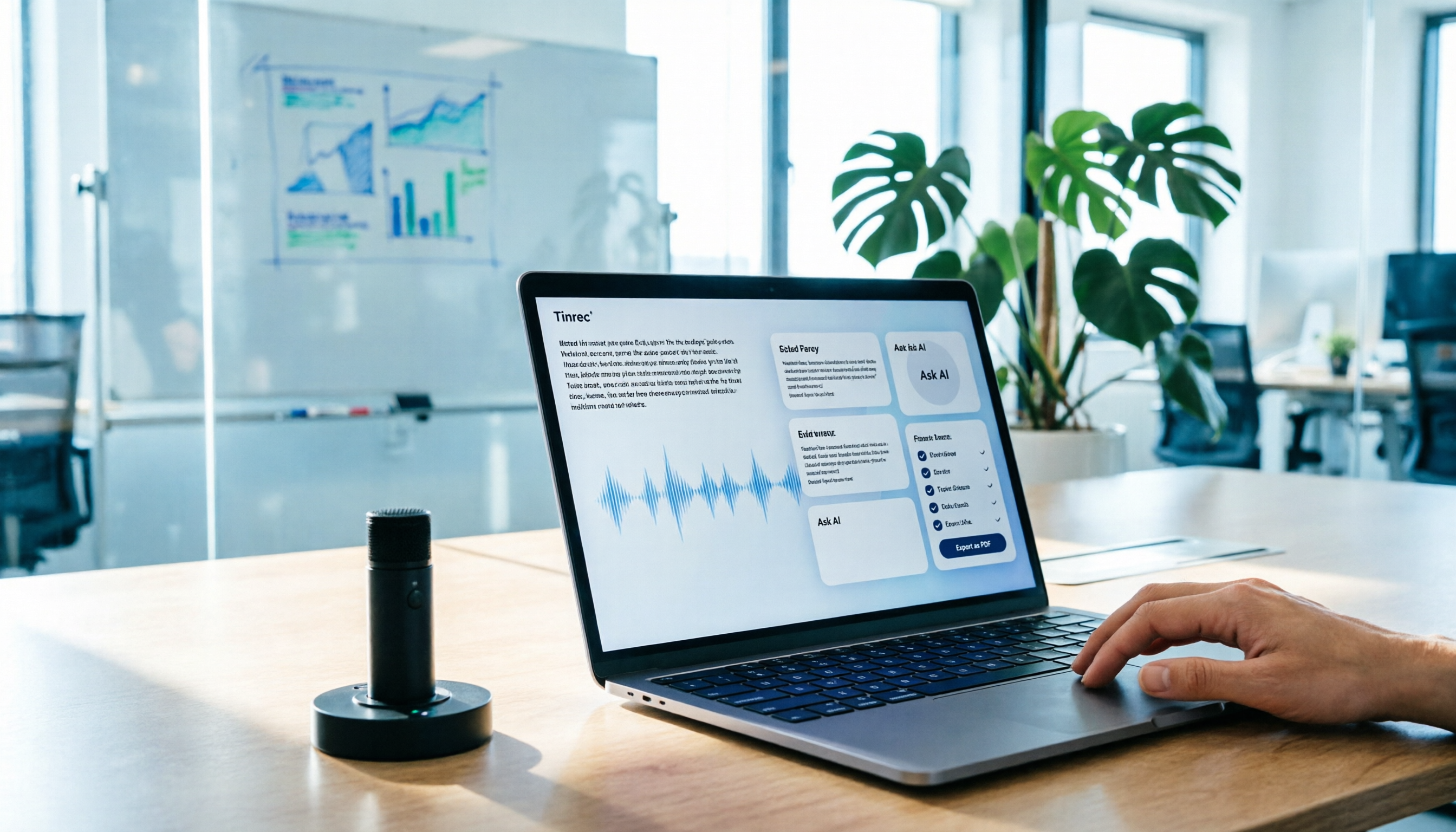
AI Meeting Notes in 2026: My Tinrec Workflow + Auto Summaries & Action Items
Meeting notes shouldn't mean replaying recordings and typing them up. This article breaks down AI meeting notes into five steps using my actual workflow: bot-free recording, live transcription, chapter summaries, AI follow-up questions, and action item export—with Tinrec as the example tool, plus a copy-paste follow-up checklist and buying considerations.

2026 AI Meeting Recorder Comparison: 5 Tools Tested for Chinese Transcripts and Post-Meeting Efficiency
Most people choose AI meeting recorder tools based only on free minutes, but still have to re-listen to recordings afterward. This article starts from real pain points, breaks down the core capabilities AI meeting recorder tools should have, 4 real use cases, and 5 purchase checkpoints. Using Tinrec as an example, it explains the complete workflow from bot-free recording, transcription, summaries, action items, AI Q&A, to team knowledge retention.

2026 AI Meeting Notes Free Plans Compared: Tinrec, Otter.ai, Notta, Granola Pricing at a Glance
Dcard discussions about AI meeting notes often focus on whether free versions are enough and how pricing works. This article compares Tinrec, Otter.ai, Notta, and Granola across four dimensions—free quota, per-upload limit, post-meeting output, and seat-based pricing—and highlights four common purchasing pitfalls to help you understand your meeting rhythm before spending money.
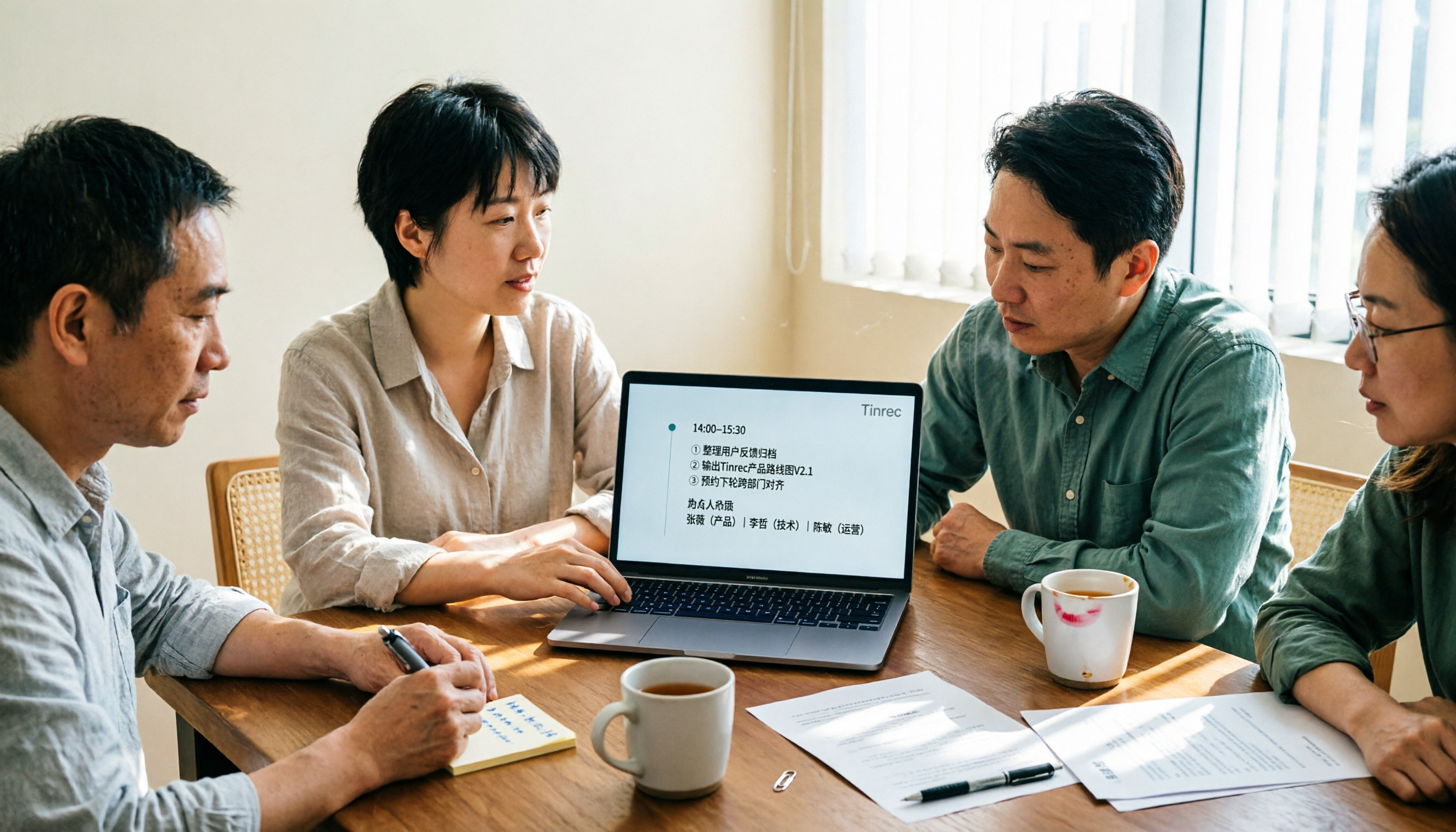
2026 AI Meeting Notes Comparison: Free Tiers, Chinese Transcription, and Team Knowledge Retention
Most people can't finish their meeting notes, and the problem isn't typing speed—it's choosing the wrong tool and workflow. This article addresses three common misconceptions, outlines four key purchasing factors: capture method, post-meeting organization, Chinese language performance, and data ownership. It then compares the positioning and limitations of Tinrec, Otter.ai, Notta, and Granola, and provides selection recommendations based on use cases.

How to Take AI Meeting Notes in 2026: 5 Steps from Recording to Team Sharing
The three most common questions in Dcard discussions about "AI meeting notes" are: how accurate is Chinese transcription, is the free quota enough, and can it automatically generate summaries. This article breaks down the complete process from recording to team sharing in 5 steps, using Tinrec (Miao Ting Lu Yin) as a hands-on example to show you how to choose and use AI meeting notes.

5 AI Meeting Note Tools Tested and Compared in 2026: Which Free Version Is Good Enough?
How to choose an AI meeting note tool? This article tests and compares Tinrec, Otter.ai, Notta, Granola, and TurboScribe from four angles: free quota, Chinese transcription, post-meeting organization, and team collaboration. It provides a ready-to-use meeting notes table format and key pitfalls to help you decide which tool truly fits your meeting scenario.

How to Choose AI Meeting Notes in 2026: 5 Steps for an Evidence-Based Evaluation
Most AI meeting notes reviews only check if the summary reads well, but they overlook how transcription errors cascade into decisions. This article uses 5 steps to guide you through designing an evaluation like writing a paper: define outputs, test with three real meetings, check transcripts, verify action item traceability, and clarify privacy and permissions. It also demonstrates how to compare using Tinrec and Notta as examples.