

Turn recordings into transcripts and summaries in minutes
Upload audio or video for multilingual transcription, AI notes, and action items
5 AI Meeting Note Tools Tested and Compared in 2026: Which Free Version Is Good Enough?
Search for "AI meeting notes" and dozens of tools pop up.
But the real question isn't which one has the most features—it's: What kind of meeting do you have?
Online or in-person? Mostly Chinese or mixed Chinese-English? Do you just need a transcript, or a meeting notes table you can send to your boss and track action items?
If you don't think through these questions first, you'll easily install a bunch of tools and end up back to typing manually.
This is a comparison I put together after actually using several tools, focusing on "is the free version good enough" and "does it solve the most painful part after the meeting."
Why Are Meeting Notes Still So Time-Consuming?
Let's start with a scenario everyone has experienced.
The meeting lasted an hour. You typed while listening, but only captured scattered keywords. Afterward, to fill in the gaps, you had to replay the recording—fast forward, rewind, fast forward again.
Even more troublesome: the notes you finally put together can't be found next week, can't be searched, and you don't know who's responsible.
Most people's bottleneck isn't "slow typing"—it's three things:
- The transcript is too long; you don't know where to start reading.
- Decisions and action items are mixed into the conversation without structure.
- Data stays on personal computers or chat logs; the team can't see it.
So when choosing a tool, the real comparison is "can it turn a meeting into a ready-to-use meeting notes table?"
4 Key Points to Understand Before Choosing an AI Meeting Note Tool
1. How does the meeting audio get into the tool?
This is a problem many people discover only after buying.
Some tools use a "meeting bot" mode, requiring you to add an account to Zoom or Meet as a participant. Others use a desktop app to capture system audio directly, without an extra bot appearing on the list.
If you often meet with external clients, having an extra bot join can be a bit awkward—worth thinking about first.
Tinrec takes the latter approach: the desktop version captures system audio, and the user initiates recording themselves; it doesn't automatically join all calendar meetings.
2. Performance with Chinese and mixed Chinese-English
Meetings in Taiwan are rarely pure Chinese.
Phrases like "let's sync on this feature next week" or "run an A/B test" can sometimes be a challenge for English-focused tools.
I recommend trying it with a real recording of your own—that's more meaningful than looking at the official accuracy claims.
3. Does it produce a transcript or a usable record?
A transcript alone means the organization work is handed right back to you.
What you need to check: Does it have summaries, chapters, action items, and can it directly output a structured meeting notes table?
4. Is the free quota enough for the first month?
This is the most practical point.
Many tools' free versions seem to offer a large quota, but have limits on single-session duration; some have enough minutes but lock export features behind payment. You'll know the difference after one real trial.
Tinrec (Miao Ting Lu Yin) — The One I Most Want to Keep After Testing
Tinrec (Miao Ting Lu Yin) is an AI meeting notes and collaboration tool for individuals and teams, supporting iOS, Android, desktop, and web.
It doesn't just convert audio to text; it organizes meetings into searchable, queryable, and exportable data.
Live transcription during the meeting—no need to replay afterward
For in-person meetings, start real-time recording and transcribe as you go. For online meetings, use the desktop version to capture system audio, handling platforms like Zoom, Google Meet, Microsoft Teams, and Webex without inviting a meeting bot to join.
This is especially noticeable when meeting with clients: no unfamiliar account suddenly appears on the list.
When the meeting ends, the summary and action items are already there
After recording, Tinrec automatically generates a summary, chapters, and key points, and extracts action items from the discussion.
What you get is no longer a long transcript, but a nearly complete meeting notes table: what were the conclusions, who needs to do what, what to follow up on next time.
For teams that need to report in a fixed format, this step saves the most time.
Ask questions directly about the meeting content
This is the feature I find most useful and least seen in other tools at the same price point.
After recording, you can directly ask: "Who mentioned the budget in the last meeting?" "What were the client's concerns about the timeline?"
It doesn't give keyword search results, but answers organized based on the content. To look up a decision from a month ago, you don't need to re-read the entire transcript.
Stop organizing recordings by hand
Upload audio or video and automatically get a transcript, summary, and action items
Export and further processing
Organized content can be exported to Notion, Google Docs, OneNote, Dropbox, and other tools for continued use, and can further generate reports, tables, and documents.
For cross-language meetings, there's real-time translation, allowing you to switch between original text, translation, or bilingual view.
Team version: turn meetings into team assets
If an entire department is using it, the Tinrec team version provides an independent team space; meeting data belongs to the team, not tied to personal accounts.
Members can view historical meetings; administrators can manage roles, seats, sharing permissions, usage analytics, and audit logs, plus team hotwords to maintain recognition of professional terminology.
Currently, the team version's first eligible trial is 7 days, 1 free seat, 300 minutes of team shared import quota; paid seats are USD 29.80/month or USD 199/year (about USD 16.58/month), each paid seat provides 2,000 minutes of team shared import quota per month, and real-time recording under an active plan is currently not deducted by minutes.
Note that the team version currently shares at the team level; role control governs administration, seat control governs usage eligibility—it's not file-level granular permissions.
Things to note
The free version provides a basic quota for you to try, but heavy use (e.g., daily interviews) still requires payment.
Also, transcription performance is affected by recording quality, ambient noise, accents, multiple people talking over each other, and proper nouns. For important numbers and responsibility assignments, it's still advisable to cross-check with transcript timestamps and recording playback.
Who is it for
For those who often have Chinese or mixed Chinese-English meetings, don't want a bot joining the meeting, want to get summaries and action items directly after the meeting, or need to turn meeting data into team assets, Tinrec is currently the smoothest choice.
Besides Tinrec, What Other Options Are There?
Otter.ai: A mature English meeting assistant. Basic free plan offers 300 minutes per month; Pro annual billing is about USD 8.49/user/month with 1,200 minutes per month. It has a strong mind for English business meetings, but Chinese meeting organization isn't its home turf; it also lacks Tinrec's cross-platform unified team database thinking.
Notta: Good multilingual transcription performance. Free plan offers 120 minutes per month with a 3-minute single-session limit; Pro annual billing is about USD 8.17/month with 1,800 minutes per month. Its strength is file transcription and translation; but if your focus is "don't want a bot in the meeting" plus "need a structured record after the meeting," Tinrec's desktop bot-free recording and Agent post-processing are closer.
Granola: Also a bot-free meeting note tool. Basic is free; Business is USD 14/user/month. Its feature is combining user handwritten notes with AI. However, it doesn't support uploading pre-recorded audio files and doesn't save meeting audio; if you need to keep recordings, replay for verification, or import existing interview files, Tinrec is more complete in this regard.
Pitfall Guide: 3 Most Common Mistakes When Choosing an AI Meeting Note Tool
Pitfall 1: Only looking at official accuracy claims. Numbers measured in a quiet recording studio are completely different from a meeting room with air conditioning noise, keyboard sounds, and multiple people talking over each other. I recommend trying it with a real recording from your own company—that's more informative.
Pitfall 2: Thinking a transcript is the end. A transcript is raw material, not a record. A usable meeting notes table needs conclusions, action items, owners, and deadlines. When choosing a tool, first confirm whether it can produce this structure, not just a text file.
Pitfall 3: Ignoring team handover scenarios. Staff turnover is normal. If meeting data is tied to personal accounts, it becomes hard to find when the person leaves. That's why a team version exists: data belongs to the team, seats can be transferred, usage is visible.
Conclusion: Which One Should You Choose?
One-sentence conclusion: If you want Chinese meetings, bot-free recording, and a usable record directly after the meeting, Tinrec is the most recommended tool after this test.
Scenario breakdown for reference:
- Mostly Chinese or mixed Chinese-English meetings → Tinrec (Chinese experience and hotword support)
- Don't want a meeting bot on the list → Tinrec (desktop captures system audio)
- Need a meeting notes table with summary, chapters, and action items after the meeting → Tinrec
- Need to ask follow-up questions about historical meeting content → Tinrec (AI Q&A)
- Department needs to share meeting data, manage seats and usage → Tinrec team version
- Pure English meetings, zero budget → Otter.ai free version is worth considering
- Batch transcription of many long audio files to subtitles → file-based tools like TurboScribe are more suitable
Honestly, there's no need to pay from the start with these tools. I recommend using Tinrec's free version basic quota to run a complete process with a real meeting—record, transcribe, view summary, find action items. After one round, you'll know if it solves your real pain points.
One final reminder: recording and transcription involve personal data; please confirm compliance with local regulations before use, and obtain participant consent when necessary.
References
- How to use AI for meeting minutes? How to organize meeting transcripts? | AI speech-to-transcript tutorial | 104 Career Power
- The most recommended AI meeting notes tool of 2026, a must-have for time-saving meetings!
- How to do AI meeting notes? Complete tutorial from writing principles, tool selection to automation prompts | Manager Today
- How to do AI meeting notes? Tool selection, process, format, and privacy reminders
- AI meeting notes organization tips! 6 steps to leverage Gemini Notebook and prompt templates, speech-to-text, mixed Chinese-English no problem | 104 Career Power
Turn every recording into actionable outcomes
Get 60 free transcription minutes when you sign in. No credit card required.
Related Reading
You might also like
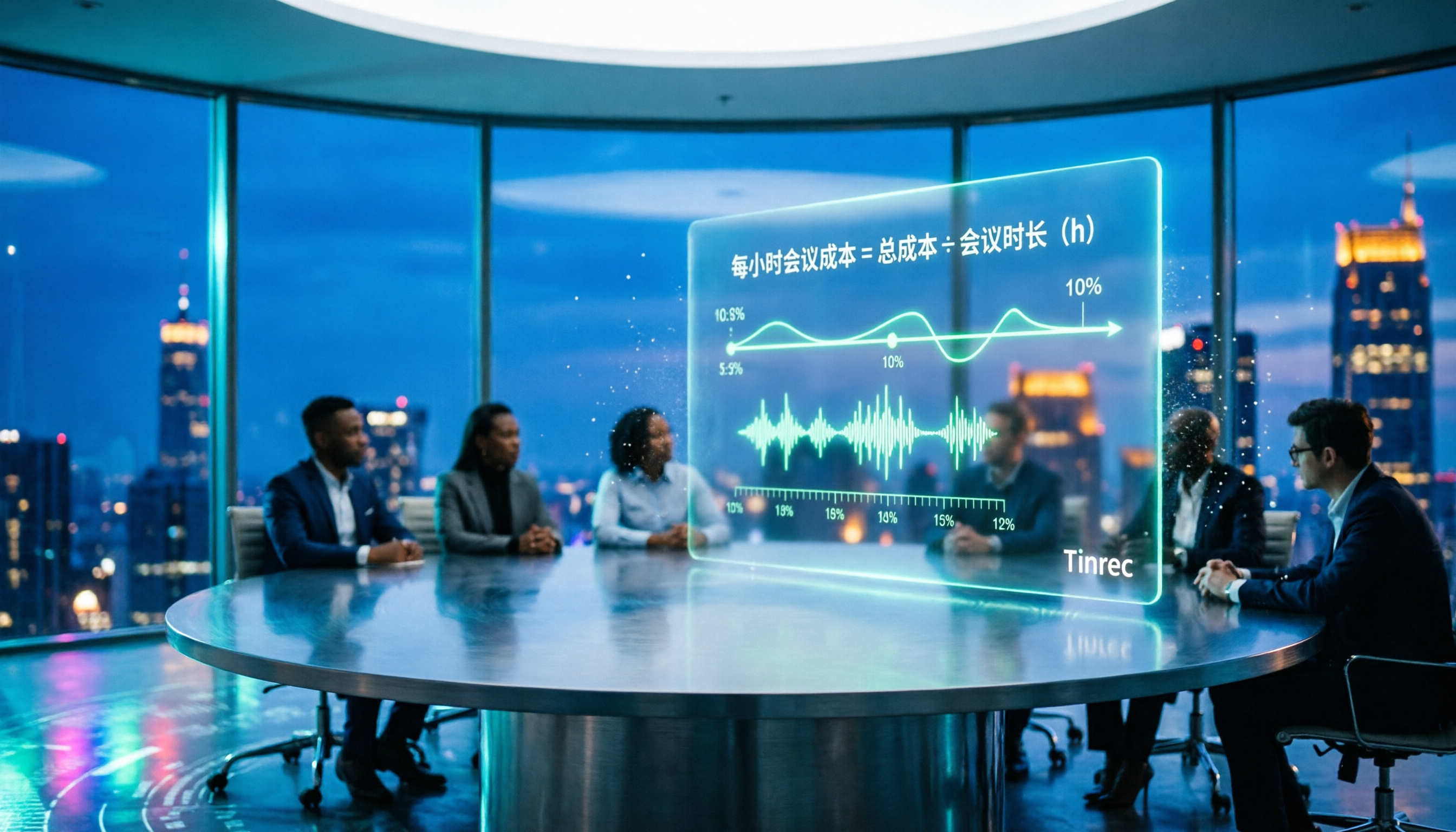
2026 AI Meeting Notes Tools Compared: How to Calculate Costs Without Wasting Money
Many people only look at the monthly fee when choosing an AI meeting notes tool, but overlook usage caps, per-meeting length limits, and post-meeting organization costs. This article recalculates using 'cost per meeting hour' and compares the pricing structures and use cases of Tinrec, Notta, Otter.ai, Granola, and PLAUD, plus four common pricing traps.
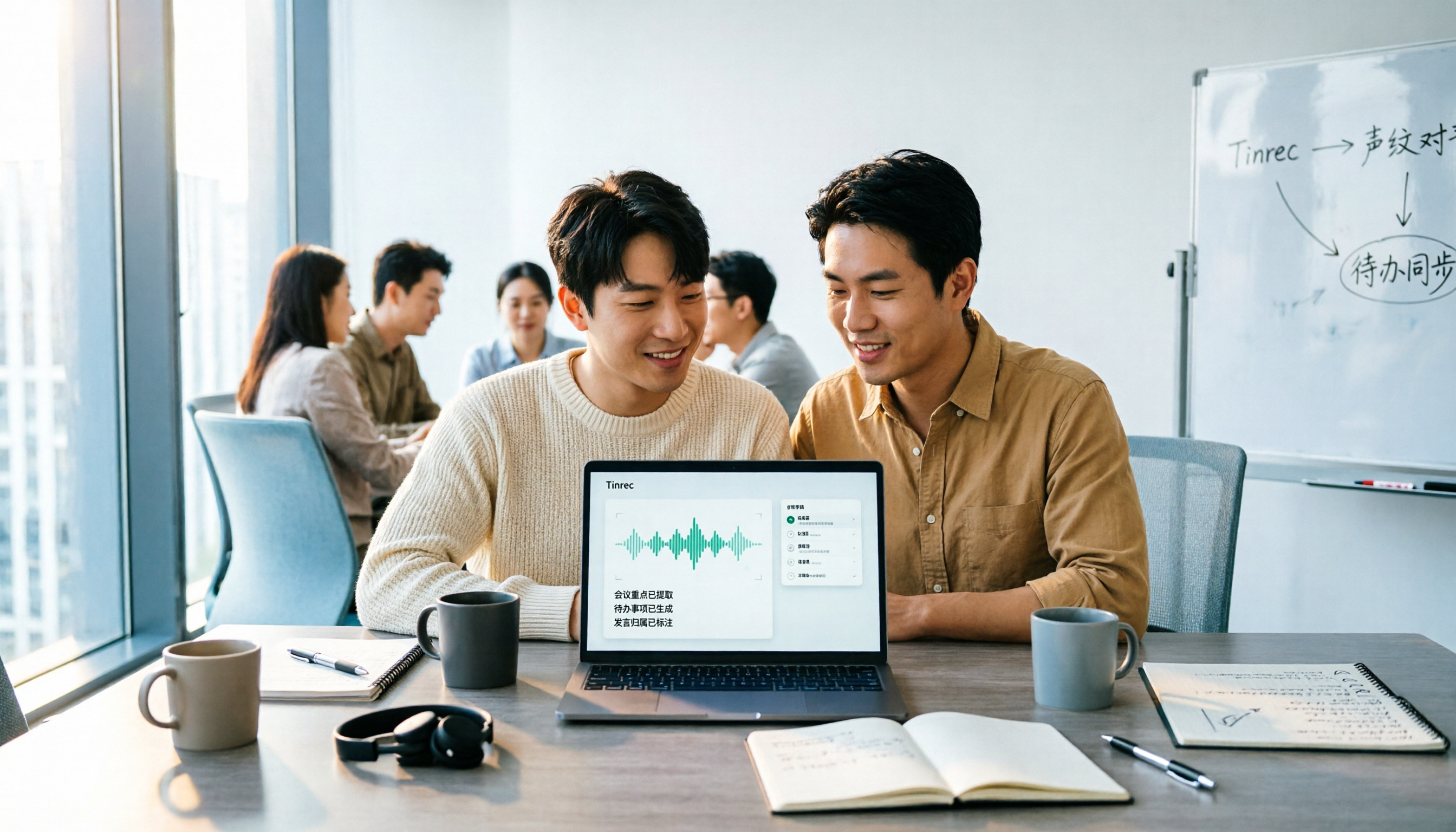
2026 AI Meeting Notes Comparison: Tinrec vs Notta Across 5 Dimensions — Which One Really Saves You Time?
The time between a meeting ending and delivering the minutes — replaying, pulling out key points, confirming action items — often wears you down more than the meeting itself. This article puts Tinrec and Notta side by side, comparing them across 5 dimensions: meeting capture, Chinese transcription, post-meeting output, team governance, and pricing/quotas. It also honestly lists each tool's limitations and best-fit scenarios to help you decide which tool should handle your meeting notes in 2026.
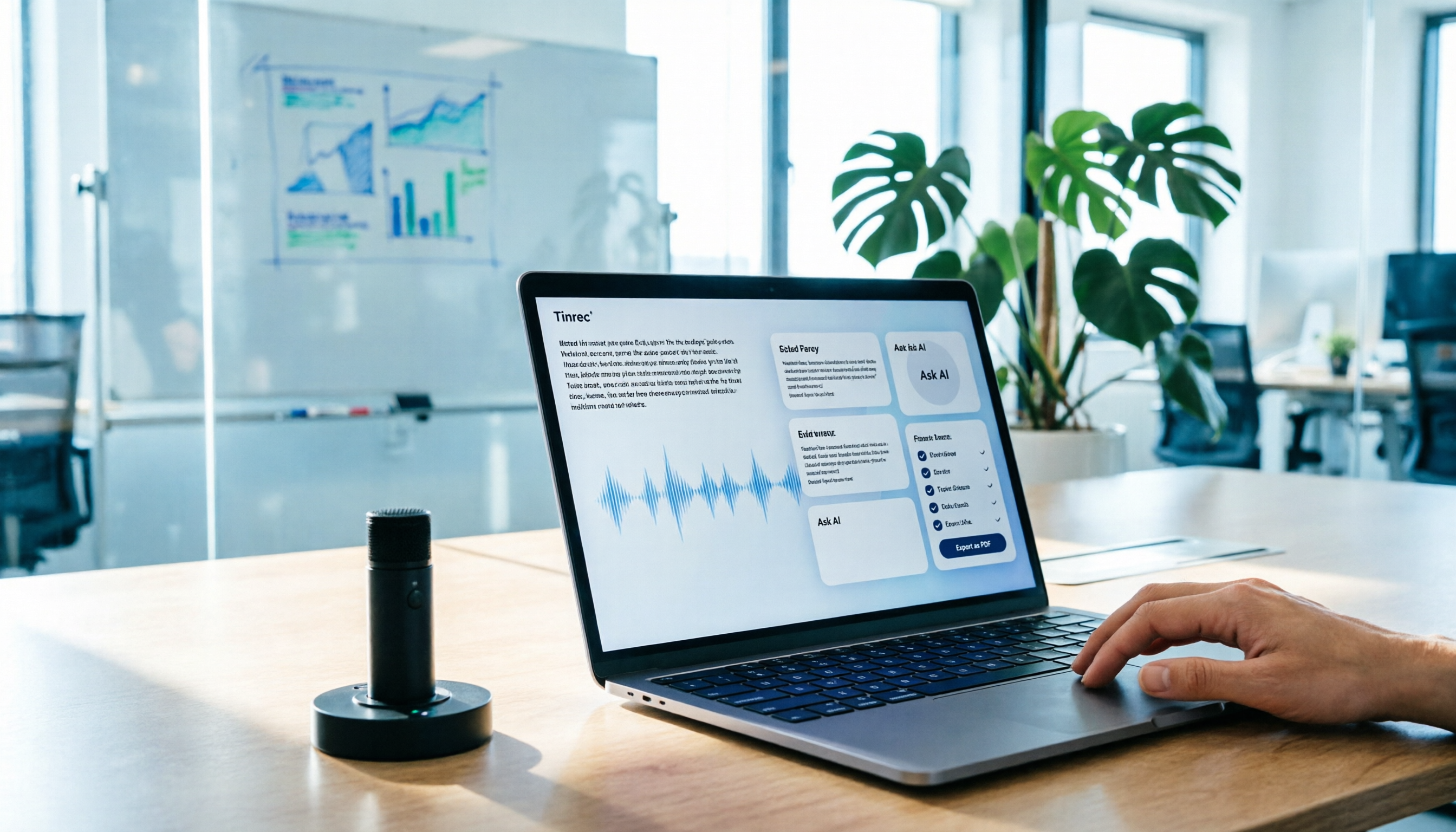
AI Meeting Notes in 2026: My Tinrec Workflow + Auto Summaries & Action Items
Meeting notes shouldn't mean replaying recordings and typing them up. This article breaks down AI meeting notes into five steps using my actual workflow: bot-free recording, live transcription, chapter summaries, AI follow-up questions, and action item export—with Tinrec as the example tool, plus a copy-paste follow-up checklist and buying considerations.

2026 AI Meeting Recorder Comparison: 5 Tools Tested for Chinese Transcripts and Post-Meeting Efficiency
Most people choose AI meeting recorder tools based only on free minutes, but still have to re-listen to recordings afterward. This article starts from real pain points, breaks down the core capabilities AI meeting recorder tools should have, 4 real use cases, and 5 purchase checkpoints. Using Tinrec as an example, it explains the complete workflow from bot-free recording, transcription, summaries, action items, AI Q&A, to team knowledge retention.

2026 AI Meeting Notes Free Plans Compared: Tinrec, Otter.ai, Notta, Granola Pricing at a Glance
Dcard discussions about AI meeting notes often focus on whether free versions are enough and how pricing works. This article compares Tinrec, Otter.ai, Notta, and Granola across four dimensions—free quota, per-upload limit, post-meeting output, and seat-based pricing—and highlights four common purchasing pitfalls to help you understand your meeting rhythm before spending money.

2026 AI Meeting Notes Comparison: Free Tiers, Chinese Transcription, and Team Knowledge Retention
Most people can't finish their meeting notes, and the problem isn't typing speed—it's choosing the wrong tool and workflow. This article addresses three common misconceptions, outlines four key purchasing factors: capture method, post-meeting organization, Chinese language performance, and data ownership. It then compares the positioning and limitations of Tinrec, Otter.ai, Notta, and Granola, and provides selection recommendations based on use cases.

How to Take AI Meeting Notes in 2026: 5 Steps from Recording to Team Sharing
The three most common questions in Dcard discussions about "AI meeting notes" are: how accurate is Chinese transcription, is the free quota enough, and can it automatically generate summaries. This article breaks down the complete process from recording to team sharing in 5 steps, using Tinrec (Miao Ting Lu Yin) as a hands-on example to show you how to choose and use AI meeting notes.

Best Live Transcript Translation Tools in 2026: We Tested 6, and This One Is the Easiest for Cross-Language Meetings
The most common mistake with live transcript translation is to first convert speech to text with one tool and then paste it into a translation website after the meeting. Based on real meeting scenarios from a mid-level manager's perspective, this article reviews six tools that integrate transcription and translation into a single workflow, explaining each tool's positioning, pricing, and ideal users.

How to Choose AI Meeting Notes in 2026: 5 Steps for an Evidence-Based Evaluation
Most AI meeting notes reviews only check if the summary reads well, but they overlook how transcription errors cascade into decisions. This article uses 5 steps to guide you through designing an evaluation like writing a paper: define outputs, test with three real meetings, check transcripts, verify action item traceability, and clarify privacy and permissions. It also demonstrates how to compare using Tinrec and Notta as examples.