

Turn recordings into transcripts and summaries in minutes
Upload audio or video for multilingual transcription, AI notes, and action items
It's 3 PM on a Wednesday, and a two-hour project meeting has just ended. You close the video call, look down at your notes that are only three lines long, and three questions pop into your head: Who was responsible for that budget item again? Which week was the client's deadline? Did anyone actually write down the conclusions everyone verbally agreed on?
This is probably the most common sentiment in the "AI meeting notes" discussion threads on Dcard. No matter how fast you take notes, you can't keep up with the pace of people taking turns speaking in the meeting room; you recorded the audio, but you don't have time to listen to it a second time.
I went through a round of these discussions on Dcard and found that what people care about is actually quite focused: how accurate is Chinese transcription, is the free quota enough, and can it automatically generate summaries instead of dumping a pile of transcripts on you. This article doesn't discuss deep principles; it starts directly from "how to do it," using 5 steps to turn a meeting from a recording into data that the team can share.
The full article uses Tinrec (Miao Ting Lu Yin) as an operation example because it puts recording, transcription, summarization, Q&A, and team sharing into a single workflow, so you don't have to move files between multiple tools.
What can AI meeting notes do for you?
Let's start with the conclusion: what it saves is not "typing time," but "time spent looking for information later."
Scenario 1: The meeting ends, and the notes are already done Previously, a two-hour meeting often required another hour of organizing. Take Tinrec as an example: when the meeting ends, the transcript, summary, chapters, and action items are already generated, listing who is responsible for what and when it's due. What you need to do is verify, not start from scratch.
Scenario 2: Three months later, you need to find "that one sentence" When your boss asks you "What was the price range we discussed last time?" you don't need to scroll through chat logs or re-listen to the recording. Tinrec's transcript is searchable, and you can also ask questions directly about the meeting content, such as "What was the budget cap the client mentioned?" and it will answer based on the content.
Scenario 3: Meeting data is no longer locked in personal computers Storing meeting recordings on your own desktop doesn't actually help the team. Tinrec's team version centralizes meeting data in a team space, so new colleagues can see historical meetings, and data from departing colleagues won't disappear with them.
What are the core capabilities of AI meeting notes?
Real-time transcription, not processing after recording Text appears as people speak, so you can confirm on the spot whether any key points were missed. Tinrec supports real-time recording to text, and also supports uploading existing audio and video files, so interview recordings that have been sitting on your phone can also be organized.
No-bot recording of online meetings Most people imagine AI meeting tools as having a bot account join the meeting. Tinrec takes a different approach: the desktop version directly captures the computer's system audio, handling meetings played on Zoom, Google Meet, Microsoft Teams, and Webex without adding another participant. Note that this is not "automatically joining all meetings on your calendar," but rather you actively opening Tinrec to start recording.
AI summaries and chapters turn long meetings into short ones A one-hour meeting transcript can easily be tens of thousands of words, and reading it directly is painful. Tinrec organizes summaries, chapters, and key points, allowing you to grasp the full picture in two minutes and then decide whether to read the details.
Action item extraction and AI follow-up questions The real value of a meeting is "what to do after the meeting." Tinrec organizes action items from the discussion, and you can continue to ask follow-up questions, such as "List all paragraphs that mention deadlines," and it will answer based on semantics, not just keyword matching.
Translation, export, and post-meeting processing For cross-language meetings, you can enable real-time translation and view in original, translated, or bilingual mode. Organized content can be exported as files to continue using in Notion, Google Docs, OneNote, or Dropbox, and can also be post-processed through Agent to generate reports, tables, or meeting minutes documents.
5 steps to take meeting notes with Tinrec
Step 1: Decide on the recording method For online meetings, use the desktop version to directly capture system audio; for in-person meetings or external visits, use the mobile app to record; if you have existing files, upload audio or video directly. Three entry points, managed in the same place.
Step 2: Start recording and view the transcript in sync After pressing record, text appears in real time. If you hear key numbers or names that seem incorrectly recognized during the meeting, you can correct them on the spot, so you don't have to re-listen to the entire segment afterward.
Step 3: Let AI generate summaries and chapters After the meeting ends, open the summary and chapters. I first look at the chapter titles to confirm the structure, then look at the summary to verify the conclusions, and finally go back to read the paragraphs I have questions about. This order is much faster than reading the transcript from the beginning.
Step 4: Extract action items and use AI to fill in details Check whether action items are missing owners or deadlines, and ask the AI directly to fill in the gaps. Doing this step solidly ensures that post-meeting follow-up doesn't break down.
Stop organizing recordings by hand
Upload audio or video and automatically get a transcript, summary, and action items
Step 5: Export or put into the team space For personal use, you can export as a document for archiving; for team use, put the meeting into the team space so relevant colleagues can look it up themselves, saving the time of repeated forwarding.
Practical application scenarios
Weekly project meetings and decision meetings For regular weekly project meetings, the biggest fear is "forgetting what was supposed to be changed last time." Record each meeting with Tinrec, and decisions and action items will settle in the same place. Before the next meeting, a five-minute review will catch you up.
Client interviews and requirements communication When clients talk about requirements, a single sentence often contains three key points. Instead of rushing to take notes, it's better to listen attentively, and afterward use the transcript to organize the client's exact words, concerns, and commitments, then export them as material for follow-up proposals.
User research and expert interviews What researchers need are quotable original sentences. Tinrec's transcript preserves the original speech, and with search and question features, finding specific viewpoints is much faster than listening to the recording yourself.
Courses and internal training When attending lectures or internal training, record and directly generate summaries and key points, so you don't need to re-watch a two-hour video for review. Teams can also add commonly used terms to hotwords to make professional term recognition more stable.
5 things to note when choosing an AI meeting notes tool
1. Performance with Chinese and mixed Chinese-English Meetings in Taiwan rarely use "pure Chinese"; they usually mix Chinese with English terms. It's recommended to test with a real recording of your own, not just look at official promotions. Tinrec covers Chinese, Traditional Chinese, and multilingual scenarios, and provides team hotword management, but actual performance is still affected by recording quality, accents, noise, and overlapping speech.
2. Can it help you organize after transcription The transcript is just raw material. What really affects efficiency is post-processing capabilities like summaries, chapters, action items, and Q&A. Tinrec completes this entire process and can also export results or generate reports, which is the biggest difference from pure transcription tools.
3. How the meeting is recorded Does it send a bot to join the meeting, or capture audio from the local machine? The former is convenient but adds another participant; the latter is less disruptive to the process. Tinrec's desktop version belongs to the latter, suitable for occasions where you don't want an external account to appear on the participant list.
4. Free quota and pricing Some tools' free plans only give a few minutes of trial, which gets stuck for long meetings. Tinrec's personal version has a free version to experience basic recording, import, transcription, and summarization, and also offers weekly cards, Pro monthly cards, and Pro annual cards, suitable for different usage frequencies; the logic for choosing between short-term intensive meetings and regular weekly use is different.
5. Team governance capabilities If meeting data is to be used by the whole team, you need to see whether the tool distinguishes between "roles" and "seats." Tinrec's team version uses roles to determine who can manage the team and members, and seats to determine who can record, upload, edit, and export; members without seats can still view, play, and read team data, but cannot perform resource usage operations. This point must be clarified before purchasing.
Frequently asked questions
Q: Does Tinrec need to send a bot to join the meeting? No. The desktop version directly captures the computer's system audio, handling meeting content played on Zoom, Google Meet, Teams, and Webex. But note that this is not automatically joining calendar meetings; it is the user actively starting recording.
Q: Is the free version enough? You can start with the free version to experience basic recording, import, transcription, and summarization, and confirm that the recognition quality matches your meeting type. If you have stable needs every week, then consider Pro; for short-term sprints only (e.g., multiple interviews in one week), the weekly card is more cost-effective.
Q: What's the difference between the team version and the personal version? The personal version's data belongs to the individual account; the team version is an independent team space, meeting data belongs to the team, and it adds member invitations, role and seat management, usage analysis, audit logs, audio recycle bin, and team hotwords. The team monthly payment is USD 29.80 per paid seat per month, and annual payment is USD 199 per paid seat per year (approximately USD 16.58 per month), with each paid seat providing 2,000 minutes of team shared import quota per month; under a valid plan and valid seats, real-time recording is currently not deducted by minutes, while file and web imports use the team shared quota. Eligible new teams also have a 7-day trial, 1 free seat, and 300 minutes of shared import quota. Actual prices and benefits are subject to the official purchase page.
Q: Can all team members see all meeting data? Currently, it is mainly team-level sharing: valid members can read team data, but must have a seat to record, upload, edit, and export. This is role and seat management, not fine-grained file-level permissions.
Q: Can deleted recordings be recovered? After team audio enters the recycle bin, it can be restored before permanent cleanup. The current recycle bin retention period is 30 days.
Q: Can 100% accuracy be guaranteed? It is not recommended to judge by a single percentage. Transcription quality is greatly affected by the recording environment; noisy spaces, multiple people talking over each other, and heavy accents will all affect the results. A more practical approach is to treat AI as a tool that greatly reduces organizing costs, and still verify important numbers and commitments against the transcript and recording.
Conclusion
AI meeting notes are no longer future technology; they are tools that can be used now and will really change the way you work after meetings. What it truly solves is the old problem of "the meeting ended, but nothing was left behind."
If you have more than three meetings per week, it is recommended to start with Tinrec's free version, test its recognition performance on your accent and terminology with a real meeting, and then decide whether to upgrade. Teams can directly compare the differences between the personal and team versions, upgrading meetings from personal notes to data that the team can jointly search.
Finally, a reminder: recording and transcription involve personal data. Please confirm compliance with local regulations before use, and obtain consent from participants when necessary.
References
Turn every recording into actionable outcomes
Get 60 free transcription minutes when you sign in. No credit card required.
Related Reading
You might also like
2026 AI Meeting Notes Tools Compared: How to Calculate Costs Without Wasting Money
Many people only look at the monthly fee when choosing an AI meeting notes tool, but overlook usage caps, per-meeting length limits, and post-meeting organization costs. This article recalculates using 'cost per meeting hour' and compares the pricing structures and use cases of Tinrec, Notta, Otter.ai, Granola, and PLAUD, plus four common pricing traps.
2026 AI Meeting Notes Comparison: Tinrec vs Notta Across 5 Dimensions — Which One Really Saves You Time?
The time between a meeting ending and delivering the minutes — replaying, pulling out key points, confirming action items — often wears you down more than the meeting itself. This article puts Tinrec and Notta side by side, comparing them across 5 dimensions: meeting capture, Chinese transcription, post-meeting output, team governance, and pricing/quotas. It also honestly lists each tool's limitations and best-fit scenarios to help you decide which tool should handle your meeting notes in 2026.
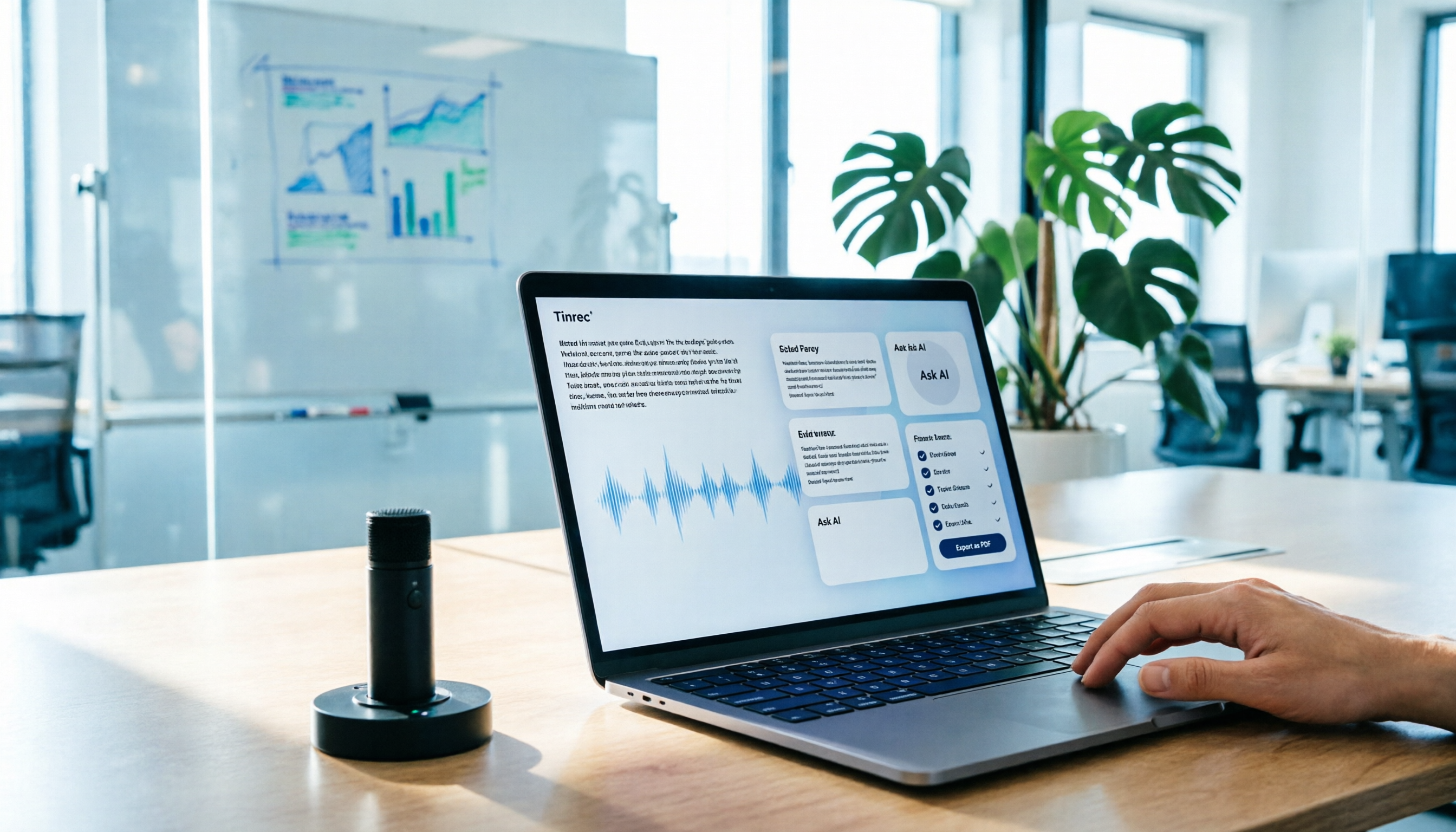
AI Meeting Notes in 2026: My Tinrec Workflow + Auto Summaries & Action Items
Meeting notes shouldn't mean replaying recordings and typing them up. This article breaks down AI meeting notes into five steps using my actual workflow: bot-free recording, live transcription, chapter summaries, AI follow-up questions, and action item export—with Tinrec as the example tool, plus a copy-paste follow-up checklist and buying considerations.

2026 AI Meeting Recorder Comparison: 5 Tools Tested for Chinese Transcripts and Post-Meeting Efficiency
Most people choose AI meeting recorder tools based only on free minutes, but still have to re-listen to recordings afterward. This article starts from real pain points, breaks down the core capabilities AI meeting recorder tools should have, 4 real use cases, and 5 purchase checkpoints. Using Tinrec as an example, it explains the complete workflow from bot-free recording, transcription, summaries, action items, AI Q&A, to team knowledge retention.

2026 AI Meeting Notes Free Plans Compared: Tinrec, Otter.ai, Notta, Granola Pricing at a Glance
Dcard discussions about AI meeting notes often focus on whether free versions are enough and how pricing works. This article compares Tinrec, Otter.ai, Notta, and Granola across four dimensions—free quota, per-upload limit, post-meeting output, and seat-based pricing—and highlights four common purchasing pitfalls to help you understand your meeting rhythm before spending money.

2026 AI Meeting Notes Comparison: Free Tiers, Chinese Transcription, and Team Knowledge Retention
Most people can't finish their meeting notes, and the problem isn't typing speed—it's choosing the wrong tool and workflow. This article addresses three common misconceptions, outlines four key purchasing factors: capture method, post-meeting organization, Chinese language performance, and data ownership. It then compares the positioning and limitations of Tinrec, Otter.ai, Notta, and Granola, and provides selection recommendations based on use cases.

Best Live Transcript Translation Tools in 2026: We Tested 6, and This One Is the Easiest for Cross-Language Meetings
The most common mistake with live transcript translation is to first convert speech to text with one tool and then paste it into a translation website after the meeting. Based on real meeting scenarios from a mid-level manager's perspective, this article reviews six tools that integrate transcription and translation into a single workflow, explaining each tool's positioning, pricing, and ideal users.

5 AI Meeting Note Tools Tested and Compared in 2026: Which Free Version Is Good Enough?
How to choose an AI meeting note tool? This article tests and compares Tinrec, Otter.ai, Notta, Granola, and TurboScribe from four angles: free quota, Chinese transcription, post-meeting organization, and team collaboration. It provides a ready-to-use meeting notes table format and key pitfalls to help you decide which tool truly fits your meeting scenario.

How to Choose AI Meeting Notes in 2026: 5 Steps for an Evidence-Based Evaluation
Most AI meeting notes reviews only check if the summary reads well, but they overlook how transcription errors cascade into decisions. This article uses 5 steps to guide you through designing an evaluation like writing a paper: define outputs, test with three real meetings, check transcripts, verify action item traceability, and clarify privacy and permissions. It also demonstrates how to compare using Tinrec and Notta as examples.