

Turn recordings into transcripts and summaries in minutes
Upload audio or video for multilingual transcription, AI notes, and action items
Why Do You Need Automatic Meeting Minutes?
Many people think that "automatic meeting minutes" means throwing the audio file into a tool after the meeting, and AI will spit out a perfect record that can be sent out directly. Honestly, after using a few rounds, I found that there are roughly three pitfalls.
The first pitfall is only getting a transcript. The tool diligently converts every sentence into text, but conclusions, decisions, and who is responsible for what still need to be extracted from thousands of words by yourself.
The second pitfall is that the meeting bot joins the meeting as an "extra attendee." Some teams or clients may mind, especially in external communication situations.
The third pitfall is choosing a personal account for team sharing. Meeting records are scattered in each person's own account, and when someone leaves, there is a gap.
So a more reasonable order is: first confirm whether you want a "transcript" or "actionable minutes," then confirm the meeting format (online, offline, external) and whether it is for team sharing, and finally look at the price.
This article covers 6 tools, from free to paid, from software to hardware, and honestly lists plans and limitations.
Tinrec — From Transcript to Collaborative Team Meeting Data
Tinrec is an AI meeting notes and collaboration tool for individuals and teams, supporting iOS, Android, and web, and the desktop version can directly capture computer system audio. Its design logic is "record → understand → act," not just giving you text, but caring more about what you do with the text.
Record online meetings without a bot. The desktop version directly captures device system audio, and can handle Zoom, Google Meet, Microsoft Teams, and Webex without pulling an extra bot into the meeting room. This is especially noticeable for external meetings because the attendee list won't have an extra unfamiliar account.
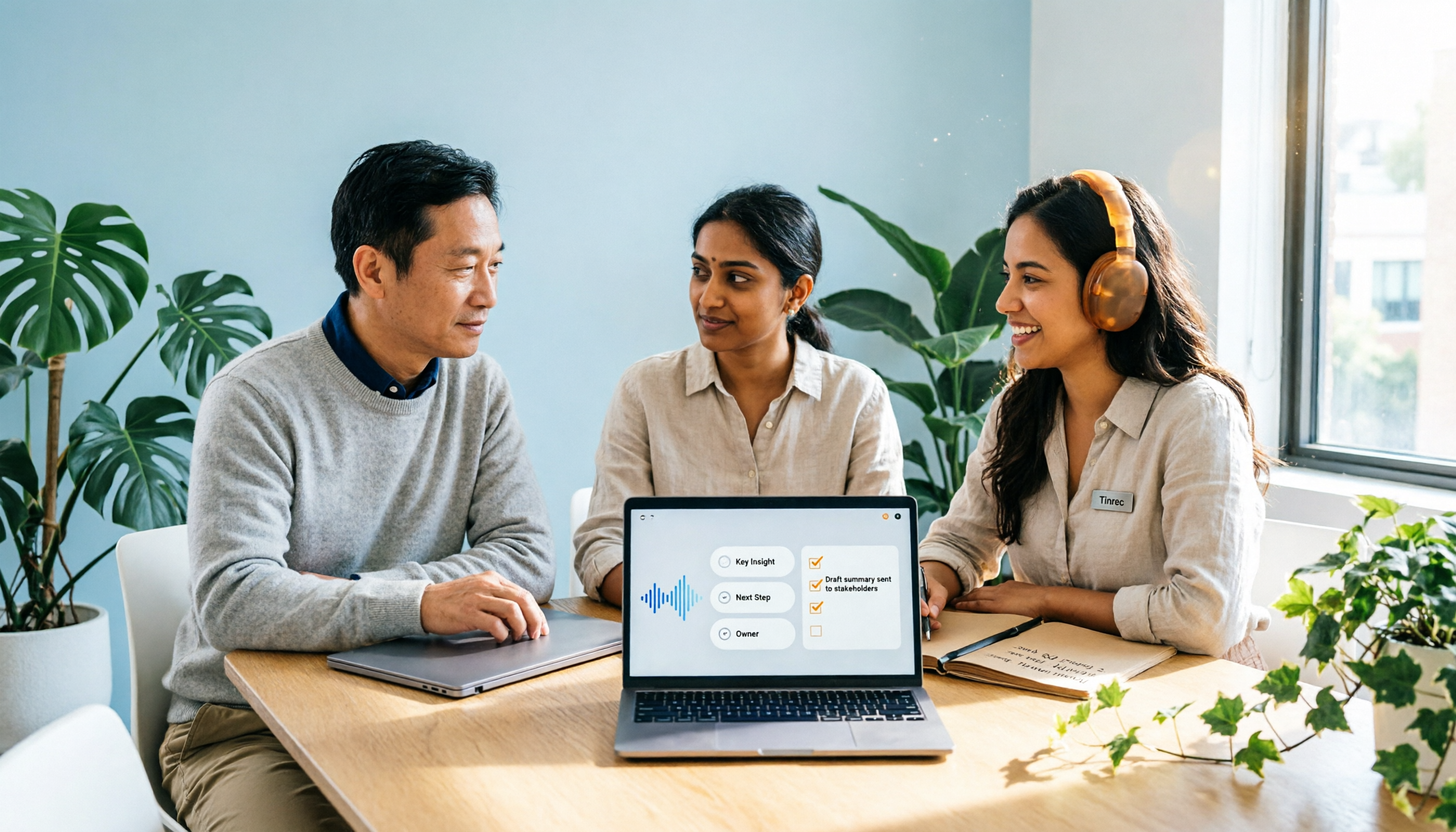
Automatically generate minutes and action items. AI organizes summaries, chapters, and key points, and clearly lists conclusions and action items. This solves the most difficult summarization part of "how to write meeting minutes," and the first draft is already there when the meeting ends.
AI chat query. You can continue to ask questions about a single meeting or across meetings, such as "what was decided last time" or "what was the budget cap the client mentioned." This is the part I find most different; the transcript is no longer just an archive.
Continue to use after the meeting. Supports exporting common formats, and can be brought to Notion, Google Docs, OneNote for further processing, or use Agent post-processing to generate reports, tables, and documents.
In terms of plans and pricing, the personal version has a free version (basic quota), weekly card, Pro monthly card, and Pro annual card, choose according to usage frequency, actual prices are subject to the official website purchase page. The team version offers a 7-day trial for first-time eligible users, 1 free seat, and 300 minutes of team shared import quota; team monthly payment USD 29.80 per paid seat per month, annual payment USD 199 per paid seat per year (approximately USD 16.58 per month), each paid seat provides 2,000 minutes of shared import quota per month, and real-time recording is currently not deducted by minutes under valid plans and valid seats.
Note that Tinrec requires you to actively open the desktop version to start recording, and does not automatically join all calendar meetings.
Who it's for: office workers and project teams who mainly have Chinese meetings, need bot-free recording, and want to follow up, export, and accumulate team data after the meeting.
Otter.ai — A Veteran Assistant for English Business Meetings
Otter.ai is a mature AI meeting assistant covering Zoom, Microsoft Teams, and Google Meet, providing real-time transcription, speaker identification, AI Chat, and team management.
In terms of pricing, Basic is free, 300 minutes per month; Pro annual payment is equivalent to USD 8.49 per user per month, including 1,200 minutes of in-app recording per month and 10 file imports; Business pricing may be affected by promotions, subject to the official page.
Its English meeting mindset is strong, suitable for teams whose meetings are mainly in English and need to connect to existing workflows. For Chinese meeting organization, Tinrec is more focused.
Notta — Multilingual Transcription and Meeting Notes
Notta and Tinrec have a lot of overlap, both covering multi-platform transcription, meeting notes, file import, and translation.
Current official plans: Free 120 minutes per month, single content up to 3 minutes; Pro annual payment equivalent to USD 8.17 per month, 1,800 minutes per month; Business annual payment equivalent to USD 16.67 per seat per month, including unlimited transcription, role permissions, and usage reports.
Suitable for people who need to handle multilingual files and meeting notes at the same time. If you care more about bot-free online meeting recording and post-meeting follow-up, Tinrec is closer.
Granola — Bot-Free AI Meeting Notes
Granola also takes a bot-free approach, using desktop system audio and microphone for real-time transcription, combined with your handwritten notes to generate more focused content.
Stop organizing recordings by hand
Upload audio or video and automatically get a transcript, summary, and action items
Pricing is Basic free, Business USD 14 per user per month, Enterprise USD 35 per user per month.
Note that Granola does not support uploading pre-recorded audio files, nor does it save meeting audio; it supports viewing, copying, and searching real-time transcripts. If you need to keep records for retrospective, think about this first.
TurboScribe — Cost-Effective File Transcription
TurboScribe is closer to a file transcription tool, focusing on long files, batch uploads, subtitles, and translation.
Free 3 files per day, single file up to 30 minutes; Unlimited annual payment USD 120 (equivalent to USD 10 per month), paid version single file up to 10 hours or 5 GB, can upload 50 files at a time.
If you have a bunch of long recorded audio files, it's a good deal; but real-time meetings, post-meeting action items, and team collaboration are not its main focus.
PLAUD Note / NotePin — Buying Hardware for Portable Recording
PLAUD is a representative of AI recording hardware, with selling points of independent device, portable recording, and phone call recording.
The US official website shows NotePin USD 159, Note Pro USD 189; membership Starter 300 minutes per month, Pro USD 99.99 per year (1,200 minutes per month), Unlimited USD 239.99 per year.
Suitable for people who are often on the go and need a physical device to record anytime. If most meetings are on the computer, the necessity of buying an extra device is not high.
With So Many Options, How Should You Choose?
- Want transcription, automatic minutes, action items, and AI follow-up all in one → Tinrec, these are completed in the same workflow.
- Need bot-free recording and don't want clients to see an extra account → Tinrec or Granola, but Granola does not keep audio.
- Meetings are mainly in Chinese or mixed Chinese-English → Tinrec, Chinese and multilingual meetings are its main focus.
- Team needs to share meeting records, manage seats and usage → Tinrec team version, with team space, roles, seats, usage analysis, and audit logs.
- Meetings are mainly in English and already used to the existing ecosystem → Otter.ai.
- Need batch transcription of many long audio files → TurboScribe.
- Often outdoors and need a physical recording device → PLAUD Note series.
- Zero budget and only want to occasionally transcribe a few short recordings → Try Tinrec free version or TurboScribe free quota first.
4 Things to Know Before Using Automatic Meeting Minutes
1. Minutes are not equal to transcripts. Meeting minutes focus on "what was done," not "what was said." When choosing a tool, look at whether it automatically captures conclusions and action items, not just transcription speed.
2. Free versions always have quota limits. Minutes, single length, and export formats may be limited. For example, Notta free version only has 3 minutes per session, TurboScribe free version has 30 minutes per file; check clearly before using for formal meetings.
3. Don't use personal accounts for team sharing. Records follow the individual, and when the person leaves, it breaks. A more stable approach is like Tinrec team version, where data belongs to the team and can be handed over when members change.
4. AI organization still needs proofreading. Proper nouns, numbers, and names are most prone to errors. Spending a minute or two to check against the transcript timestamps will save much more trouble than fixing later.
Conclusion
The point of automatic meeting minutes has never been how fast the transcription is, but whether you get something after the meeting that you can directly execute.
Based on the three conditions of Chinese meetings, bot-free recording, and post-meeting follow-up, Tinrec is the most complete process in this list, and you can try the free version first.
If budget is limited, you might want to run one or two real meetings with the free quota first, then decide whether to upgrade.
FAQ
Q1: Are AI-generated meeting minutes accurate? Do they still need manual organization?
The accuracy of summaries and action items is affected by recording quality, accents, overlapping speech, and technical terms. A more practical approach is to treat it as a high-quality first draft, and confirm important decisions and numbers against the transcript or recording; overall, it still saves a lot of organization time.
Q2: Is the free version really enough?
For occasionally organizing short recordings of ten-plus minutes, the free version is usually enough. But for formal meetings over an hour, multiple speakers, and needing automatic action items and export, the return on investment of a paid plan is higher. Tinrec free version provides a basic quota, you can run one meeting to see.
Q3: What's the difference between meeting bots and bot-free recording?
Meeting bots join the meeting as an extra participant, with the advantage of high automation; the disadvantage is that some clients or teams may mind an extra account on the list. Bot-free methods use the desktop version to capture system audio, without adding attendees. There is no absolute good or bad; it depends on your meeting participants.
Q4: What's the difference between team and personal versions?
Personal version data belongs to the personal account. Team version is an independent team space, data belongs to the team, and additionally has roles, seats, shared benefits, usage analysis, audit logs, and audio recycle bin. Note that roles manage governance, seats manage usage; members without seats can still view and play data but cannot upload, edit, or export.
Q5: Do I need to inform participants about recording?
Yes. Recording and transcription involve local regulations and personal data protection. In practice, it is recommended to inform at the start of the meeting, obtain consent if necessary, and establish data retention and cleanup rules within the team.
Q6: Where can organized minutes be exported?
Most tools support PDF or text files. Tinrec can also be brought to Notion, Google Docs, OneNote, etc. for further editing, or further generate reports and tables, saving the copy-paste effort.
References
- 2025 Latest 9 Meeting Minutes Automatic Generation Tools Recommendation: Say Goodbye to Transcript Nightmares, One-Click Decision Summary - Tinrec Blog
- How to Write Meeting Minutes in 2026? 5 Efficient Templates and AI Automatic Generation Tool Reviews - Tinrec Blog
- AI Meeting Notes Generator
- 2026 4 AI Meeting Summary Tools Tested and Compared: Who Saves the Most Time with Automatic Minutes? - Tinrec Blog
- 2026 Automatic Action Item Generation Tools Recommendation: From Recording to Text to AI Meeting Minutes, 5 High-Performance Solutions Tested - Tinrec Blog
Turn every recording into actionable outcomes
Get 60 free transcription minutes when you sign in. No credit card required.
Related Reading
You might also like
2026 Comparison of 2 Post-Meeting Automation Tools: Tinrec vs. Notta for Actionable Follow-Ups
The meeting ends, but the work begins. This article focuses on post-meeting automation and compares Tinrec and Notta across meeting capture, post-meeting summaries, action item extraction, AI Q&A, team knowledge retention, and pricing plans. It also outlines automation workflows for cross-departmental meetings and provides a buying checklist to help you decide which tool better suits professionals and teams with multiple daily meetings.

2026 Comparison of 5 AI Meeting Workflow Tools: Which One Can Actually Help You Send Meeting Minutes Before You Leave Work?
The real challenge for AI meeting workflow tools isn't transcription—it's post-meeting organization, follow-up questions, deliverables, and team knowledge retention. Using Tinrec as the primary example, this article breaks down bot-free recording, real-time transcripts and translation, summaries with chapters and action items, AI Q&A, export options, and team governance, plus 5 key buying considerations and FAQs.

2026 Complete Guide to AI Office Automation: From Meeting Notes to Team Collaboration
A complete 2026 guide to AI office automation, starting from meeting note pain points, analyzing selection criteria, hands-on experience with Tinrec, differences between Otter, Notta, TurboScribe, and Fireflies, and pitfalls to avoid during implementation, helping you turn meeting content into actionable, collaborative team data.

2026 Comparison of 4 Meeting Follow-Up Automation Tools: Whose To-Dos Actually Get Tracked?
Meeting follow-up automation is more than just transcription. This article breaks down the three layers of transcription, organization, and follow-up, demonstrates the complete workflow from recording to to-dos, Q&A, export, and team knowledge retention using Tinrec, and outlines 5 key purchasing checkpoints and team pricing.

2026 Comparison of 5 AI Meeting Action Item Tools: Which One Actually Captures Owners and Deadlines?
After meetings, action items get scattered across group chats and recordings with no one following up? This article starts from the actual workflow of action item extraction, outlines 4 key points for choosing an AI meeting action item tool, and compares Tinrec, Otter.ai, Notta, Granola, and others on Chinese recognition, bot-free recording, to-do structure, and team tracking, with a pitfalls guide and selection advice.

2026 AI Office Automation Tools Compared: Which Really Saves Time on Meeting Notes and To-Dos?
Where should you start with office automation? This article examines the hidden work hours before and after meetings, compares five types of AI office automation approaches, and uses Tinrec as the main hands-on test subject to explain what bot-free recording, transcripts, summaries, action items, AI Q&A, and team spaces can and cannot do. It includes pricing and five key buying criteria.

6 AI Meeting Note Tools Compared for 2026: From Meeting Notes to Actionable Tasks
From small group discussions to project meetings, AI meeting tools shouldn't stop at transcripts. This article uses a student's hands-on perspective to compare 6 AI meeting note tools in 2026, covering recording, summarization, to-dos, and team collaboration, and organizes pricing, free quotas, and use cases to help you decide which one truly turns meetings into actionable tasks.

AI To-Do List Generation in 2026: Turn Meetings into Action Items with Owners
Tired of spending hours after meetings organizing action items? This guide tackles the real pain points of mid-level managers, breaks down what automated to-do generation can and cannot do, and uses Tinrec as an example to demonstrate the complete workflow from recording and transcription to AI summaries, action item extraction, and team knowledge retention. Includes a buying checklist and FAQs.

Tinrec vs Notta in 2026: 5-Dimension Comparison — Which Speech-to-Text App Should You Choose?
Just finished a meeting and realized you have to type up the transcript yourself? This article rounds up speech-to-text apps worth trying in 2026, from Tinrec, Notta, and Otter.ai to the free iPhone Notes app. We compare Chinese recognition, post-meeting organization, team collaboration, and pricing to help you pick the right tool in one go.