

Turn recordings into transcripts and summaries in minutes
Upload audio or video for multilingual transcription, AI notes, and action items
After the meeting ends, action items disappear into the group chat
It's 3 PM on a Wednesday, and a one-hour project meeting has just ended. You scroll up through 40 messages in the group chat, trying to find that date someone mentioned earlier, but all you see are stickers and "got it." The recording sits on your phone, unheard, and your notebook has only three lines written in it.
Three days later, your manager asks: "Who was supposed to handle that thing from last time?" You can't answer.
This is everyday life in many workplaces. The value of a meeting isn't in what was discussed, but in what was decided and who needs to do what by when. But the reality is:
- The person taking notes is busy typing and ends up not participating in the discussion.
- Even if there are notes, no one opens them afterward, and decisions are forgotten within days.
- To-dos are scattered throughout the notes, with no owner, no deadline, and no one following up.
This is what's commonly called "meet without discussing, discuss without deciding, decide without acting." This article will cover how AI meeting action item tools can actually help you, and how several tools differ in real-world use.
Before choosing an AI meeting action item tool, understand these 4 key points
1. Can it capture "who, what, and when"?
Many tools give you a beautiful summary, but a summary is not the same as action items. What you really need to check is whether it highlights the "owner" and "deadline." AI easily picks up vague instructions like "handle it ASAP," but whether it can follow up and fill in the missing fields is the real differentiator.
2. Where does the audio come from?
Are your meetings in person, online, or a pile of old recordings? For online meetings, check whether it requires inviting a bot into the meeting room (for small client meetings, an extra unfamiliar account can be awkward); for in-person meetings, check whether phone recording is sufficient; for old files, check whether upload is supported.
3. Can it handle Chinese and mixed Chinese-English?
Meetings in Taiwan almost always mix Chinese with English product names and abbreviations. When choosing a tool, Chinese recognition quality and how it handles technical terms matter far more than whether the interface looks nice. Most tools allow you to create custom vocabulary lists; importing your company's common abbreviations first will noticeably improve accuracy.
4. Where do the extracted items go?
No matter how nicely action items are captured, if they just sit in a place no one opens, their fate is the same as before. Consider where your team normally works: can it export to Notion or Google Docs, and can it be centralized in a shared space so the first item in the next meeting is to review it?
Tinrec — Turning transcripts into to-dos with owners
Tinrec is an AI meeting notes and collaboration tool for individuals and teams, available on iOS, Android, web, and desktop. It doesn't just convert audio to text; it organizes meetings into searchable, summarizable, queryable, and exportable data.
During the meeting: no bot to invite, no frantic note-taking
The desktop version directly captures your computer's system audio, handling online meetings on Zoom, Google Meet, Microsoft Teams, Webex, and others without needing an extra bot account to join. For in-person meetings, use your phone for real-time recording and transcription, generating a transcript as you record. For cross-language meetings, you can enable real-time translation and view the original, translation, or bilingual side-by-side.
After the meeting: summary, chapters, and action items all at once
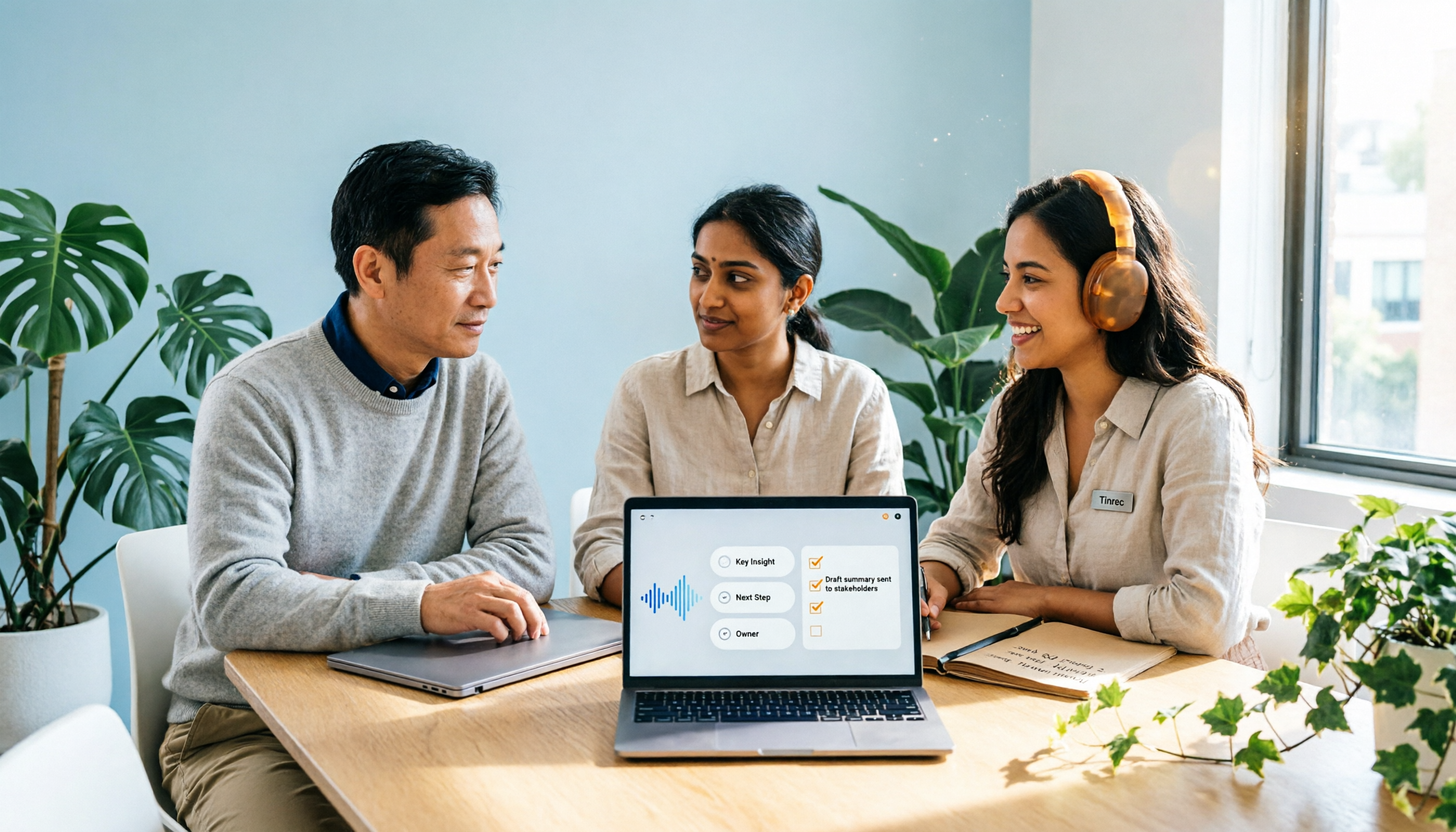
AI automatically generates a summary and chapters, breaking long meetings into readable sections and extracting action items from the discussion. But note: AI-extracted to-dos sometimes stop at the level of "deal with the budget," and the real value comes in the next step.
After recording: ask questions directly about the meeting content
This is where Tinrec stands out from ordinary transcription tools. You can directly ask it: "What needs to be done by next Friday, and who is responsible?" "What was the conclusion of the budget discussion earlier?" It doesn't give you keyword search results; it answers directly based on semantics. Compared with transcription-only tools, this step saves the most time.
The organized content can also be exported to Notion, Google Docs, OneNote, or Dropbox for further processing, or through Agent post-processing to generate reports, tables, and meeting minutes documents.
For team use: data belongs to the team, not individuals
Stop organizing recordings by hand
Upload audio or video and automatically get a transcript, summary, and action items
The team version is a separate collaboration space, not multiple people sharing a personal account. Meeting data is stored centrally in the team space, and new members can view past meetings; administrators can manage roles and seats, view usage trends and member details, and query and export audit logs; when a member leaves or loses a seat, resources are transferred to other active members and don't disappear with the individual. There are also team hotwords to maintain company terminology and a 30-day audio recycle bin.
To be honest about the team version's scope: roles determine governance permissions, and seats determine whether you can record, upload, edit, and export. Active members without a seat can view, play, and read data but cannot edit. Currently, it's team-level sharing, not file-level granular permissions. Also, Tinrec requires you to actively start recording; it doesn't automatically join all calendar meetings.
Pricing and limitations
The personal version has a free tier, weekly card, Pro monthly, and Pro annual, depending on usage frequency: for occasional transcription of a recording, the free version is enough; for short-term intensive meetings, consider the weekly card; for regular weekly use, choose Pro; for long-term data accumulation, choose annual.
The team version offers a 7-day trial for first-time eligible users, 1 free seat, and 300 minutes of shared team import quota. Paid seats are USD 29.80/seat/month or USD 199/seat/year (about USD 16.58/month), with each paid seat providing 2,000 minutes of shared team import quota per month; under an active plan and seat, real-time recording is currently not deducted by minutes. Actual prices and benefits are subject to the official purchase page.
Who it's for
People who frequently hold Chinese meetings, don't want an extra bot account in online meetings, want to ask AI directly for key points after recording, and need to turn meeting data into team assets.
Besides Tinrec, what other options are there?
Otter.ai
A mature choice for English business meetings, with a generous free tier of 300 minutes per month, and Pro annual at about USD 8.49/user/month. If 90% of your meetings are in English, it's more cost-effective than Tinrec. However, its performance with Chinese and mixed Chinese-English, as well as the Chinese language quality of extracted action items, is usually not as good as tools optimized for Chinese, and real-time bilingual comparison is not its strength.
Notta
A veteran tool for multi-platform transcription and translation, with a free tier of 120 minutes per month and a maximum of 3 minutes per item, and Pro annual at about USD 8.17/month. The downside is the 3-minute limit per item on the free tier, which is not friendly for meetings that often last an hour. It leans toward transcription, subtitles, and translation; if you want to continuously ask questions about meeting content or need team-level seat and usage management, Tinrec's post-meeting workflow is more complete.
Granola
A bot-free AI meeting notes tool focused on "your handwritten notes + AI enhancement," with Basic free and Business at USD 14/user/month. Note that it does not save meeting audio and does not support uploading pre-recorded audio files. If you need to replay for verification afterward or organize existing historical recordings, Tinrec retains the path of recording and file import.
Pitfalls guide: 4 most common mistakes when using AI to capture action items
Pitfall 1: Trusting AI completely without proofreading
Wrong owners and wrong dates are more troublesome than no notes at all. It's recommended to treat AI output as a draft and have the host or project lead spend three minutes scanning it.
Pitfall 2: Only recording, not tracking
No matter how nicely action items are captured, if they just sit in a document, it's as good as not done. The key is to send each item to where the team normally looks, fill in the owner and deadline, and make it a fixed first item to review in the next meeting.
Pitfall 3: Accepting to-dos like "handle it ASAP"
A task without an owner is a task no one does; a task without a deadline is a task that never gets done. When you see vague instructions, use AI to ask: "What is the specific deadline?"
Pitfall 4: Putting sensitive meetings into free tools of unknown origin
Recordings involve personal data and company secrets. When choosing a tool, check the data retention and permission design clearly, and obtain participant consent when required by local regulations.
Conclusion: Which one should you choose?
- Chinese meetings, need to capture owners and deadlines → Tinrec, with post-meeting Q&A to fill in fields
- Online meetings without an extra bot account → Tinrec desktop captures system audio
- Need team-shared meeting data, seat and usage management → Tinrec team version
- Need to keep recordings and organize existing audio files → Tinrec (Granola doesn't save audio or accept pre-recorded files)
- 90% of meetings are in English → Otter.ai, generous free tier
Tools are just aids; what really makes meetings efficient is habit: consistently use AI to generate summaries and to-dos, consistently have someone proofread, consistently send to a tracking system, and consistently review in the next meeting. When this process becomes the team's default behavior, meeting quality will improve noticeably.
It's recommended to start with a free trial, run through the process with one of your own real meetings, see whether the action items it captures are specific enough, and then decide whether to upgrade.
References
- Meeting To-Do List/Action Item Auto-Extraction: 2026 Review of 7 AI Tools and Practical Tutorial (incl. Tinrec) - Tinrec Blog
- 2026 Comparison of 5 AI Tools for Automatically Organizing Meeting Action Items: Chinese Recognition, Action Item Accuracy, Price Review - Tinrec Blog
- Using AI to Prepare for and Follow Up on Meetings: A Complete Method from Agenda to Post-Meeting Tracking | TheAI Academy
- AI Meeting Notes Generator
- AI Meeting Notes and To-Do Tracking: Practical Approaches for SMEs to Say Goodbye to Meet-Without-Decide | TheAI Academy
Turn every recording into actionable outcomes
Get 60 free transcription minutes when you sign in. No credit card required.
Related Reading
You might also like

4 Meeting Minutes Automation Software Compared for 2026: From Transcripts to Summaries to Action Items
Starting from the most common pitfalls of meeting minutes automation, this comparison of Tinrec, Otter.ai, Notta, and Granola covers meeting capture, post-meeting output, Chinese language experience, and team governance to help mid-level managers choose a tool that truly reduces post-meeting cleanup time.

2026 AI Meeting SOP Tools Buying Guide: 2 Hands-On Tests and Recommendations
Starting from common pitfalls in building an AI meeting SOP, this guide explains how to turn meeting recordings, transcripts, summaries, action items, and team knowledge bases into a repeatable workflow. It compares Tinrec and Notta to help you choose the right tool.

7 AI Meeting Workflow Tools Tested and Compared for 2026: Which Free Version Is Actually Enough?
Still putting off meeting notes until after the meeting? This article starts with the most common misconception and breaks down a three-stage AI meeting workflow—before, during, and after the meeting. It also tests and compares 7 options: Tinrec, Otter, Fireflies, Notta, Granola, TurboScribe, and built-in platform transcription. Free quotas and paid prices are listed honestly to help you decide which fits your meeting style best.

2026 Comparison of 5 Meeting Notes Automation Tools: Tinrec vs. Notta — Which Should You Choose?
Starting from the pain point of still organizing meeting notes before leaving work on Friday, this comparison examines the differences between Tinrec and Notta in meeting capture, post-meeting organization, Chinese and multilingual support, team collaboration, and pricing, helping you decide which meeting notes automation tool is better suited for teams in Taiwan.

One-Click Meeting PPT Generators Compared: 2026 Test of 4 Tools — The Key Is Your Meeting Material
Still starting your meeting deck from scratch after the meeting ends? The problem usually isn't the layout tool—it's the meeting material you have on hand. This article starts with 'where does the material come from' and compares four approaches: Tinrec, GenApe, AI One-Click PPT, and ppt-master. It outlines 5 key buying factors and 4 common pitfalls to help you decide which part of your workflow to fix first.
2026 Comparison of 2 Post-Meeting Automation Tools: Tinrec vs. Notta for Actionable Follow-Ups
The meeting ends, but the work begins. This article focuses on post-meeting automation and compares Tinrec and Notta across meeting capture, post-meeting summaries, action item extraction, AI Q&A, team knowledge retention, and pricing plans. It also outlines automation workflows for cross-departmental meetings and provides a buying checklist to help you decide which tool better suits professionals and teams with multiple daily meetings.

2026 Comparison of 5 AI Meeting Workflow Tools: Which One Can Actually Help You Send Meeting Minutes Before You Leave Work?
The real challenge for AI meeting workflow tools isn't transcription—it's post-meeting organization, follow-up questions, deliverables, and team knowledge retention. Using Tinrec as the primary example, this article breaks down bot-free recording, real-time transcripts and translation, summaries with chapters and action items, AI Q&A, export options, and team governance, plus 5 key buying considerations and FAQs.

2026 Complete Guide to AI Office Automation: From Meeting Notes to Team Collaboration
A complete 2026 guide to AI office automation, starting from meeting note pain points, analyzing selection criteria, hands-on experience with Tinrec, differences between Otter, Notta, TurboScribe, and Fireflies, and pitfalls to avoid during implementation, helping you turn meeting content into actionable, collaborative team data.

2026 Comparison of 4 Meeting Follow-Up Automation Tools: Whose To-Dos Actually Get Tracked?
Meeting follow-up automation is more than just transcription. This article breaks down the three layers of transcription, organization, and follow-up, demonstrates the complete workflow from recording to to-dos, Q&A, export, and team knowledge retention using Tinrec, and outlines 5 key purchasing checkpoints and team pricing.