

Turn recordings into transcripts and summaries in minutes
Upload audio or video for multilingual transcription, AI notes, and action items
2026 Comparison of 5 Meeting Notes Automation Tools: Tinrec vs. Notta — Which Should You Choose?
It's 5 p.m. on Friday, the meeting has just ended, and everyone is rushing to leave. But you're left with a 47-minute recording, three pages of messy notes, and the need to sort out who is responsible for what by tomorrow. At times like this, instead of spending another hour re-listening, it's better to let a tool turn your meeting into searchable, organized information.
This time, we look at the commonly used Otter, Fireflies, Notta, TurboScribe, and Tinrec within the same workflow. This article focuses on the Chinese-language meetings, mixed Chinese-English conversations, and post-meeting collaboration scenarios that teams in Taiwan encounter most often, and uses Notta as a direct comparison to help you determine whether Tinrec is a good fit.
Why are some people starting to look for Notta alternatives?
Notta is a transcription tool many people are familiar with. It supports multiple platforms, meeting notes, file import, translation, and team plans. When the need is just to occasionally convert a recording into text, tools like this can usually solve most of the problem.
But once the use case becomes regular weekly meetings, cross-department discussions, and client interviews, the need is no longer just "produce a transcript." You start to care about how meetings are recorded, whether summaries can directly become action items, and how data is retained after team members leave.
If you have similar concerns, Tinrec is worth looking into. It focuses on the workflow after the meeting notes are created, rather than stopping at transcription.
Tinrec vs. Notta: What are the differences in core experience?
Meeting capture method The biggest fear with online meetings is adding another bot that makes participants feel awkward. Tinrec's desktop version directly captures your computer's system audio, so when handling meetings on Zoom, Google Meet, Microsoft Teams, Webex, and others, no additional bot needs to join as a participant. For external client meetings, this approach is less disruptive. If you value "meetings proceed as usual while recording happens in the background," Tinrec's workflow will be closer to your needs.
Depth of post-meeting organization With only a transcript, you usually still have to manually paste it into a large language model for organization. Tinrec automatically generates summaries, chapters, and action items, and also supports AI Q&A around the meeting content. Notta also provides meeting notes and transcription capabilities; the difference is that Tinrec connects summaries, chapters, action items, Q&A, and export into a single post-meeting workflow, reducing the number of times you move data between tools.
Chinese and multilingual meetings Meetings in Taiwan rarely use only one language throughout; it's normal to mix English product names and project codes into Chinese. Tinrec can handle Chinese, Traditional Chinese, and multilingual meeting content, and supports real-time translation, original text, and bilingual viewing. Actual transcription quality will still be affected by recording quality, accents, background noise, overlapping speakers, and technical terminology; for important content, it's recommended to go back and check the recording against the transcript timestamps.
Team data retention When personal tools are used for a long time, meeting data easily gets scattered across different accounts and chat rooms. Tinrec's team edition provides an independent team space where meeting data belongs to the team, and members, roles, seats, usage, audit logs, and audio recycle bin can be managed. Notta's Business plan provides role permissions and usage reports. Both are moving toward team use, but Tinrec places more emphasis on turning each meeting into searchable, collaborative, and traceable team data.
Free quota and pricing Notta's free version offers 120 minutes per month, with a maximum of 3 minutes per item; Pro annual billing is approximately USD 8.17/month, with 1,800 minutes per month; Business annual billing is approximately USD 16.67/seat/month. Tinrec's free version provides a basic quota, suitable for trying it out first; for short-term intensive use, you can look at the weekly card, and for steady use, you can look at the Pro monthly or annual card. The team edition's first eligible trial is 7 days, 1 free seat, and 300 minutes of team shared import quota; team monthly billing is USD 29.80/paid seat/month, annual billing is USD 199/paid seat/year, equivalent to approximately USD 16.58/month. Prices and benefits are subject to the official purchase page.
Overview of Tinrec's core features
Bot-free online meeting recording Open Tinrec's desktop version, select recording of computer system audio, and you can generate transcripts in real time during Zoom, Google Meet, Microsoft Teams, and Webex meetings. Meetings don't need an extra bot account, making it more natural both internally and externally. Recording requires you to initiate it actively; it does not automatically join all calendar meetings.
Real-time recording-to-text and real-time translation For in-person meetings, interviews, or on-site discussions, you can use Tinrec to record and transcribe simultaneously. During recording, you can view the original text, translation, or bilingual content, making it less likely to miss key information in cross-language meetings. By the time the meeting ends, the transcript already has basic content, so you don't need to start from scratch.
Stop organizing recordings by hand
Upload audio or video and automatically get a transcript, summary, and action items
AI summaries, chapters, and action items The most time-consuming part of long meetings is going back to find the key points. Tinrec organizes meetings into summaries, chapters, and key points, and extracts action items from discussions. Instead of re-watching a 40-minute video, you can first look at the summary and then click into chapters to confirm details. This is especially useful for weekly meetings, project reviews, and client meetings.
AI Q&A and Agent post-processing This is something I find very useful. After recording a one-hour meeting, you can directly ask Tinrec "What was the conclusion?" "Who is responsible for what?" "What are the three issues the client cares about?" It will provide answers based on the meeting content without manually searching through the transcript. When post-meeting deliverables are needed, you can also use Agent post-processing to generate reports, tables, and documents.
Team space and governance Tinrec's team edition is not multiple people sharing a single personal account, but an independent team space. Members can view the team's historical meeting data; administrators can assign seats, view usage trends, and audit logs. Note that the team edition currently focuses on team-level sharing; roles control governance, and seats control usage eligibility. It is not a granular file-level permission system.
Actual use scenarios
Weekly team meetings Weekly meetings are where disputes about "what did we say we were going to do last time" most easily arise. Record the meeting with Tinrec, and after it ends, directly view the summary, chapters, and action items to sort out owners and deadlines. Before the next week's meeting, search back through the previous decisions. Compared with keeping only a transcript, this makes it easier to track action items.
Client interviews and requirements meetings Client meetings often mix requirements, objections, and commitments. Tinrec can record online meetings without disturbing the client, and after the meeting, use AI Q&A to organize client pain points and follow-up actions. For content that needs to be shown to managers or the team, export it as a document or table. Important commitments should still be confirmed manually to avoid AI summaries missing tone or context.
Cross-language meetings In meetings that mix English and Chinese, real-time translation and bilingual viewing can lower the comprehension barrier. Tinrec supports multilingual meeting transcription and real-time translation, and after the meeting, you can also use Q&A to clarify sections. Actual performance will be affected by accents and technical terminology; teams can maintain commonly used names through hotwords.
Team handover and knowledge retention When team members change, the biggest fear is that meeting data disappears with personal accounts. Tinrec's team edition data belongs to the team; when a member leaves, is removed, or loses their seat, the team resources they were responsible for can be handed over to other active members. New members can also view historical meetings without having to ask from scratch.
Points to keep in mind when choosing a meeting notes automation tool
First, look at how meetings are recorded If it's an online meeting, confirm whether the tool requires a bot to join or can directly capture system audio. Tinrec uses bot-free desktop recording, suitable for teams that don't want an external bot in the meeting.
Can transcripts become actions? Transcribing text alone is not enough; you also need to see whether summaries, chapters, action items, and Q&A are easy to use. Tinrec puts these in the same workflow, reducing post-meeting copy-paste time.
Chinese and mixed-language performance Teams in Taiwan often speak Chinese mixed with English, so when choosing a tool, test it with your own recordings. Tinrec supports Chinese, Traditional Chinese, and multiple languages, and provides real-time translation and team hotwords; however, you should still pay attention to recording quality and overlapping speakers.
Team permissions and data ownership For the team edition, it's important to distinguish between roles, seats, and member relationships. Tinrec's active members can view, play, and read team data even without a seat; only with a seat can they record, upload, edit, and export. Team resources belong to the team, not to the individual uploader.
Quota and pricing rules The quota rules for real-time recording and file import may differ. Under Tinrec's team edition with an active plan and seat, real-time recording currently does not deduct by minute; file and web imports use the team shared import quota. Before purchasing, confirm your meeting types and usage.
Privacy and authorization Meetings may involve company secrets or client data. Before recording, confirm team policy, obtain participant consent when necessary, and comply with local regulations. No matter how convenient the tool is, it should not replace basic authorization procedures.
Conclusion: Is Tinrec worth a try?
If what you want is "transcripts, summaries, and action items right after the meeting," and your meetings are mainly in Chinese or mixed Chinese-English, Tinrec's workflow is indeed closer to actual work. It doesn't require a meeting bot to join; the desktop version can record online meetings, and after the meeting, you can use AI Q&A to find key points.
For team use, Tinrec's team space, roles, seats, usage, and audit capabilities are suitable for gradually consolidating scattered meeting data. It is not a file-level permission system, and it is not recommended to treat AI summaries as 100% accurate records; important decisions should still be checked against the original text and recording.
Overall, teams looking for a Notta alternative or wanting to upgrade from "just transcribing text" to "actionable right after the meeting" can put Tinrec on their comparison list first. It's recommended to start with the free version or team trial and test with your own real meeting recordings; this is more direct than looking at any specification sheet.
References
- AI Meeting Notes Software Recommendations: 5 Major App Reviews, Automatic Transcription Makes Meetings Easy!
- The Most Recommended AI Meeting Notes Tools of 2026, Time-Saving Must-Have Tools for Meetings!
- Taking Meeting Minutes Is a Hassle? ChatGPT + Whisper Does It All! Automatic Transcription, Summaries, and Sending Are All Possible | BusinessNext
- AI Meeting Notes Generator
- Top Eight AI Meeting Notes Tools: Adopting Smart Meeting Notes
Turn every recording into actionable outcomes
Get 60 free transcription minutes when you sign in. No credit card required.
Related Reading
You might also like
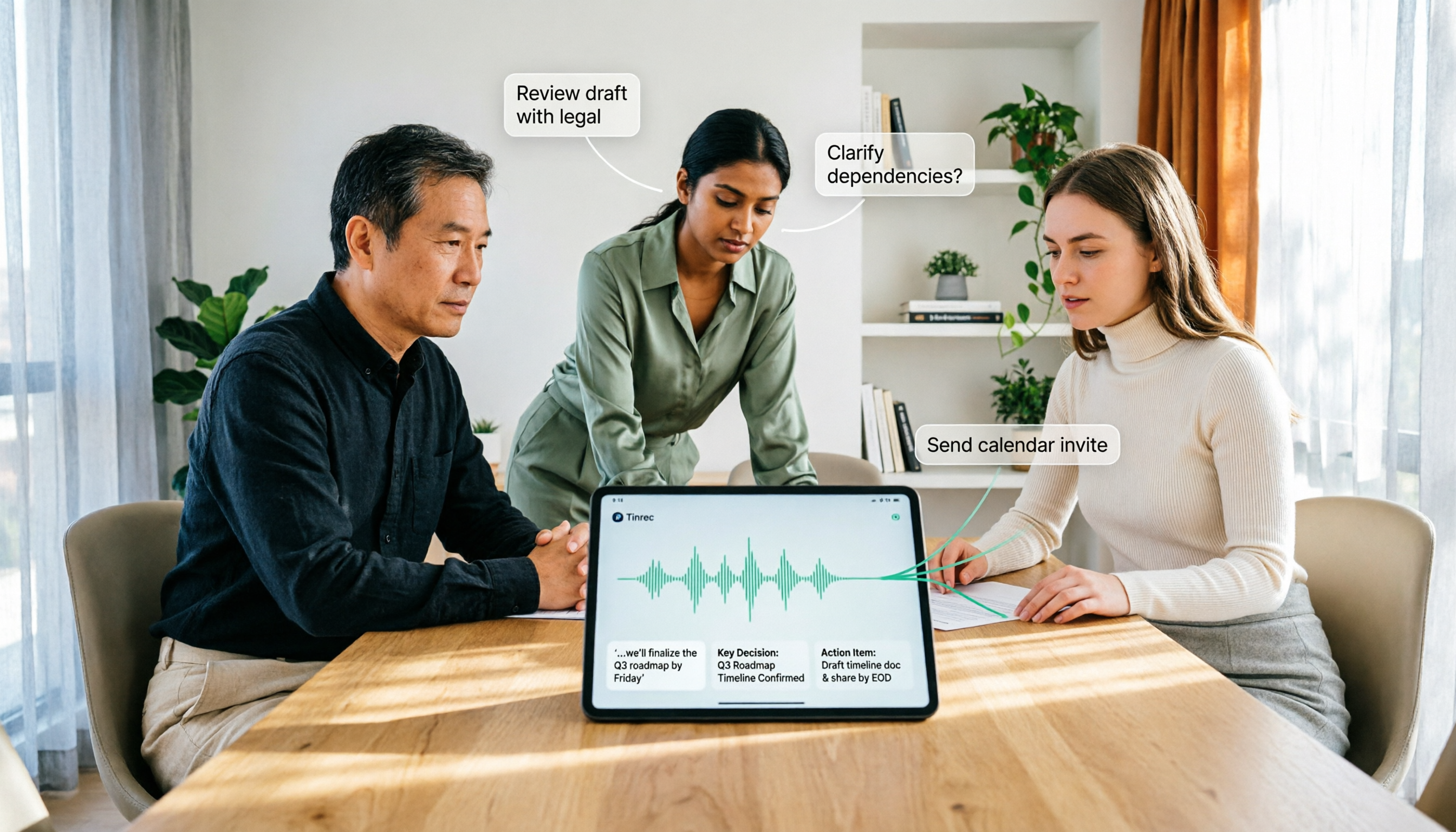
How to Use AI Agent Multi-Turn Conversations in 2026: 5 Steps to Build an Automated Meeting Workflow
Many people treat AI Agent multi-turn conversations as asking the same question multiple times, which only repeats the same blind spots and doubles costs. This article breaks down what multi-turn conversations should really have: memory, tool invocation, and stopping conditions, and uses Tinrec to demonstrate how to turn a meeting from recording, transcription, summarization to post-meeting follow-up into a truly deliverable workflow.

2026 Guide: AI Post-Meeting Processing — Auto Summaries + Action Item Extraction, Team Knowledge Retention
Post-meeting processing isn't just converting recordings into transcripts. This article addresses common misconceptions, outlines 5 key selection criteria, shares hands-on testing of Tinrec and team plan details, briefly reviews Granola and Notta, and provides a pitfall-avoidance guide and scenario-based recommendations to help you choose the right tool.

2026 AI Meeting Follow-Through Comparison: Which Tool Actually Tracks Action Items to Completion?
Meeting notes look great, but nothing gets done? This article breaks down the three most common pitfalls and the closed-loop workflow of capture, correction, assignment, tracking, and review. It compares Tinrec, Notta, Granola, and Otter.ai on bot-free recording, post-meeting Q&A, and team governance, with real pricing and tips to avoid common mistakes.
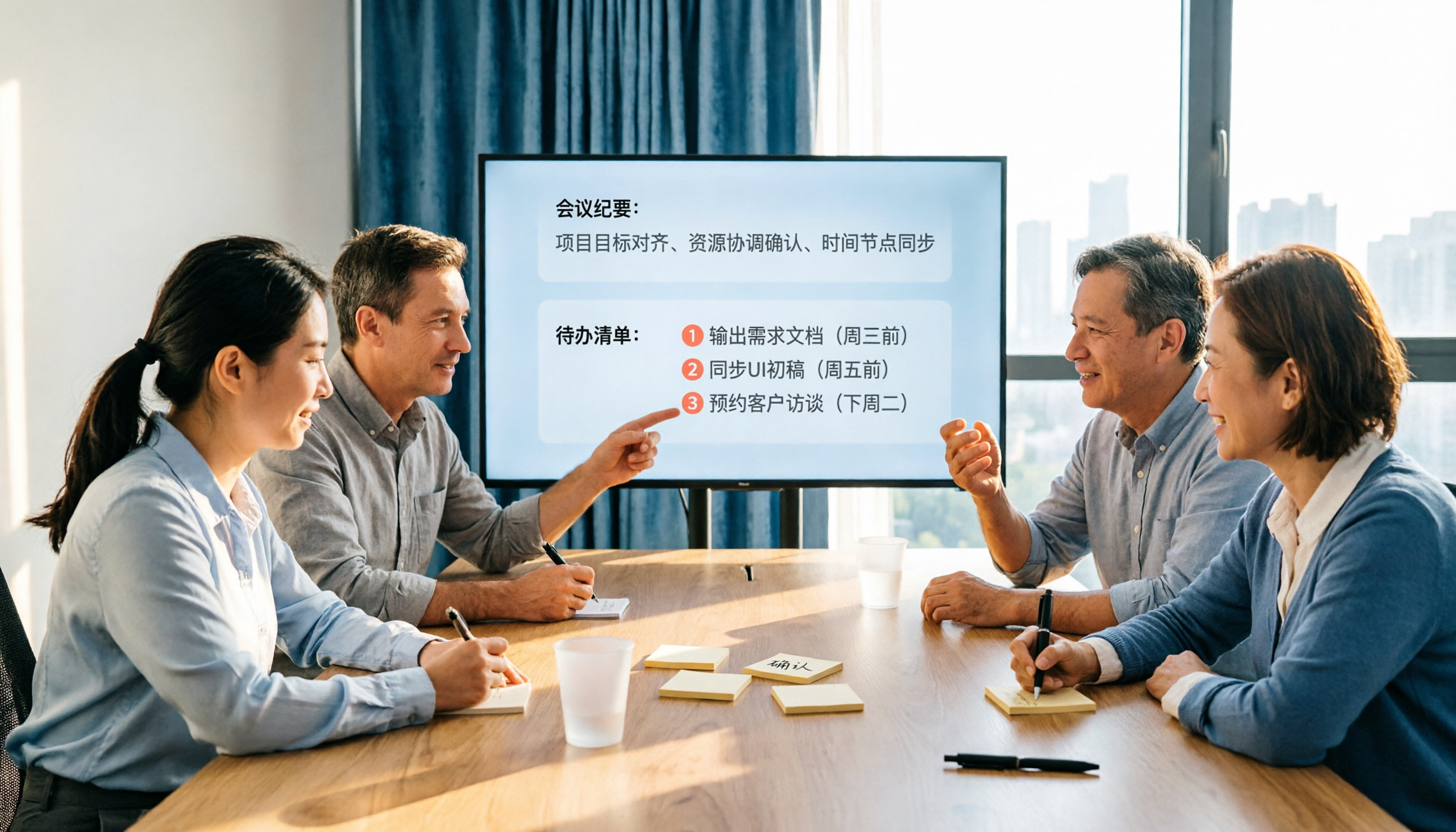
2026 AI Meeting Notes Comparison: Which Tool Extracts Action Items Best?
Action items scattered after meetings? This hands-on comparison of Tinrec, Otter.ai, Notta, and Granola evaluates automatic action item extraction from four angles: Chinese-language meetings, bot-free recording, post-meeting follow-up, and team collaboration—helping you decide which fits your meeting workflow.

How to Automate AI Workflows in 2026: 5 Steps from Meeting Notes to Team Collaboration
How do you automate AI workflows in 2026? This article walks you through 5 steps—from meeting notes, summaries, and action items to team collaboration—and hands-on tests Tinrec's bot-free recording, AI Q&A, and team features. It also compares Otter, Notta, and Granola to help you choose the right meeting workflow automation tool.

4 Meeting Minutes Automation Software Compared for 2026: From Transcripts to Summaries to Action Items
Starting from the most common pitfalls of meeting minutes automation, this comparison of Tinrec, Otter.ai, Notta, and Granola covers meeting capture, post-meeting output, Chinese language experience, and team governance to help mid-level managers choose a tool that truly reduces post-meeting cleanup time.

2026 AI Meeting SOP Tools Buying Guide: 2 Hands-On Tests and Recommendations
Starting from common pitfalls in building an AI meeting SOP, this guide explains how to turn meeting recordings, transcripts, summaries, action items, and team knowledge bases into a repeatable workflow. It compares Tinrec and Notta to help you choose the right tool.

7 AI Meeting Workflow Tools Tested and Compared for 2026: Which Free Version Is Actually Enough?
Still putting off meeting notes until after the meeting? This article starts with the most common misconception and breaks down a three-stage AI meeting workflow—before, during, and after the meeting. It also tests and compares 7 options: Tinrec, Otter, Fireflies, Notta, Granola, TurboScribe, and built-in platform transcription. Free quotas and paid prices are listed honestly to help you decide which fits your meeting style best.

One-Click Meeting PPT Generators Compared: 2026 Test of 4 Tools — The Key Is Your Meeting Material
Still starting your meeting deck from scratch after the meeting ends? The problem usually isn't the layout tool—it's the meeting material you have on hand. This article starts with 'where does the material come from' and compares four approaches: Tinrec, GenApe, AI One-Click PPT, and ppt-master. It outlines 5 key buying factors and 4 common pitfalls to help you decide which part of your workflow to fix first.