

Turn recordings into transcripts and summaries in minutes
Upload audio or video for multilingual transcription, AI notes, and action items
2026 AI Meeting Follow-Through Comparison: Which Tool Actually Tracks Action Items to Completion?
The meeting ended, but nothing moved—the problem usually isn't note-taking
Many teams have adopted AI meeting notes but still feel like "nothing has really changed."
The reason is simple: most people think having a transcript equals having a closed loop, but that's only one-third of the job.
Here are the three most common pitfalls. First, treating AI-generated action items as gospel without correcting owners or dates, which creates more confusion. Second, taking notes without tracking—no matter how polished the minutes, they sit in a folder unopened, with the same fate as before. Third, action items without an owner or deadline aren't really action items; they're just wishes.
This is what's commonly called "meet without discussing, discuss without deciding, decide without acting."
A more sensible approach is to connect capture, correction, assignment, tracking, and review into one line: spend two minutes before the meeting ends confirming who does what and by when, then put those items where the team actually looks every day. The first thing in the next meeting should be reviewing the previous round's completion status.
This article compares which tool can walk this line with you, not just generate a transcript.
Before Choosing an AI Meeting Follow-Through Tool, Understand These 5 Key Points
1. How does meeting audio get in?
There are two main approaches: sending a "meeting bot" to join online meetings as a participant, or using a desktop app to capture the computer's system audio directly.
If you often meet with external clients, the second approach saves a lot of explanation—no need to tell the other side "who that account is on the meeting list." This is rarely the first question people ask when choosing a tool, but it actually has the biggest impact on willingness to use it.
2. Is the output "data" or "something actionable"?
Summaries, chapters, and highlights are already table stakes. What really sets tools apart is whether decisions are organized into action items and whether you can add owners and deadlines.
With transcript-only tools, you still have to fish through a sea of text after the meeting.
3. After recording, can you keep asking questions?
If all you remember from last month's meeting is "someone mentioned the budget," keyword search will be painful. Being able to ask questions semantically and have the tool answer "who said what and when" is what truly saves time.
4. Can the team handle it?
Whether meeting data is a personal asset or a team asset makes a big difference. Look at: team spaces, member roles and seats, export methods, usage visibility, activity logs, and how data is handed over when a member leaves.
5. How are quotas calculated?
Even when it says "X minutes per month," some are for live recording and some are for file imports; team plans also involve differences between "shared quotas" and "personal quotas." If you don't read this column carefully, you may buy and then find it's not enough.
Tinrec—The Closest to a "Closed Loop" After Testing
Tinrec is an AI meeting notes and collaboration tool for individuals and teams. It supports live recording, bot-free recording of online meetings via desktop app, audio and video file imports, live translation, and generates summaries, chapters, action items, and mind maps.
It comes first because it gives the most complete answer for "what to do after the meeting." Here's a breakdown using real scenarios you'll encounter.
Scenario 1: No need to pull a bot into the meeting
Tinrec's desktop app captures the computer's system audio directly, handling meeting content played on Zoom, Google Meet, Microsoft Teams, and Webex without an extra bot joining as a participant.
Note that this doesn't mean "automatically join all meetings"—you still need to open Tinrec and start recording yourself. Think of it as "a record button that doesn't disturb the meeting," which is closer to reality.
Scenario 2: Transcribe while recording, review highlights right after
During the meeting, the transcript is generated in sync. After it ends, AI organizes summaries and chapters, so for long meetings you can quickly find which part discussed budget and which part discussed timeline.
For cross-language meetings, you can enable live translation and view in original, translated, or bilingual mode. For teams mixing Chinese and English, this feature is more practical than you'd think.
Scenario 3: Keep asking after recording
This is where it differs most from most pure transcription tools. You can ask questions directly about the meeting content, such as "who mentioned the budget cap last time," and it gives an answer instead of dumping keywords for you to search.
You can also ask across multiple meetings, which is especially useful for project reviews.
Scenario 4: Bring results back to your existing workflow
Beyond transcripts, it can generate reports, tables, and documents, and export to Notion, Google Docs, OneNote, Dropbox, and other common tools for further processing.
In other words, the meeting result isn't the endpoint—it's the starting point for the next deliverable.
Scenario 5: Team plan turns it into a team asset
The team plan isn't "multiple people sharing one personal account"—it's an independent team space. You can create multiple teams, invite members via join links, set Owner/Admin/Member roles, and assign or revoke seats.
Team data (recordings, folders, action items) belongs to the team; there are also team hotwords, usage analytics, activity logs, and an audio recycle bin.
Here's a commonly misunderstood point: roles and seats are two different things. Roles determine who can manage the team; seats determine whether a member can record, upload, edit, and export. Members without a seat can still view, play, and read team data, but cannot perform resource-using operations.
Stop organizing recordings by hand
Upload audio or video and automatically get a transcript, summary, and action items
Also, the team plan currently focuses on team-level sharing, not file-level granular permission control—be prepared for that.
Observations from testing
We tried it with a recording of a weekly meeting mixing Chinese and English. With clear recording quality and a stable microphone, recognition of Chinese and Chinese-English switching was quite stable, and speaker separation was helpful.
But to be honest: when multiple people talk over each other, proper nouns are dense, or there's echo in the room, there will still be segments needing manual correction. Any claim of "fixed 98% accuracy" is worth doubting. For important names, numbers, and dates, we recommend checking against the transcript timestamps and recording playback.
Three reasons I think it's worth recommending
First, bot-free recording is really friendly for external meetings—no more explaining "who that AI is."
Second, after transcription there's a whole set of things you can do: summarize, action items, ask questions, translate, export, generate reports. If you only use it as "audio-to-text," you're using only a small part of its capabilities.
Third, the team plan's data ownership design is solid. When a member leaves or loses a seat, their team resources can be handed over to other members, so data doesn't disappear with the person.
Limitations to know before use
The free plan has a basic quota to try recording, import, summaries, and transcription, but it's limited; heavy use requires payment.
Live recording and file import are billed differently; the team plan uses shared import quota and won't dip into members' personal quotas.
Before officially adopting the team plan's governance capabilities (seats, usage, activity logs, etc.), we recommend confirming the actual status of your plan.
Also, it won't automatically join every meeting on your calendar—you need to start recording yourself.
Plans and pricing
The personal plan includes Free, Weekly Pass, Pro Monthly, and Pro Annual. The logic is simple: use Free for occasional recording organization; consider Weekly Pass for short-term intensive meetings or interviews; Pro for steady weekly needs; Annual for long-term accumulation of recording data. Actual prices are subject to the official purchase page.
The team plan currently states:
| Item | Details |
|---|---|
| First eligible team trial | 7 days, 1 free seat, 300 minutes team shared import quota |
| Team monthly | USD 29.80 per paid seat per month |
| Team annual | USD 199 per paid seat per year, about USD 16.58 per month |
| Paid seat benefits | 2,000 minutes team shared import quota per seat per month |
| Live recording | Currently not deducted by minute under an active team plan and active seat |
Prices, currency, and promotions are subject to the official purchase page.
Who it's for
People who often hold Chinese-English mixed meetings, don't want an extra bot on the meeting list, want to use AI to find highlights and ask follow-up questions after meetings, and need to turn meeting data into team assets will find it handy.
Besides Tinrec, what other options are there?
Notta: A representative for multi-platform transcription and translation. Free plan: 120 minutes per month, 3 minutes per session; Pro annual about USD 8.17 per month, 1,800 minutes per month; Business annual about USD 16.67 per seat per month. Transcription volume and multilingual support are its strengths. However, it lacks Tinrec's Agent post-processing (directly generating reports, tables), and team governance lacks activity logs and an audio recycle bin.
Granola: Also bot-free, using desktop system audio plus your own notes to generate content. Basic is free; Business is USD 14 per user per month. Note that it doesn't support uploading pre-recorded audio files and doesn't save meeting audio. If you need to keep recordings, import existing files, and do live Chinese translation, Tinrec is more complete in these areas.
Otter.ai: A mature choice for English meetings. Basic is free with 300 minutes per month; Pro annual about USD 8.49 per user per month. It has a strong mindshare in English business scenarios and now has desktop capabilities, not just meeting bots. But if you mainly record Chinese or Chinese-English mixed content, Tinrec's experience will be closer to your needs.
Pitfall Guide: The 5 Most Common Mistakes When Adopting AI Meeting Follow-Through
Pitfall 1: Thinking buying a tool will automatically close the loop. The tool only organizes content; "who does it, by when, and review next meeting" still need people to fill in. We recommend making "review last round's action items" the first agenda item—this is more effective than any feature.
Pitfall 2: Trusting AI completely without proofreading. Names, amounts, and dates are the three most error-prone fields. Spending two minutes to verify is much cheaper than rework later.
Pitfall 3: Only looking at free minutes. Look at "which action deducts quota." Live recording and file import are often calculated differently, and team plans use shared quotas—if you don't understand this, you may get stuck midway.
Pitfall 4: Leaving meeting data in personal accounts. Personal records look nice, but colleagues can't see them, new hires can't pick up, and they're gone when someone leaves. If meeting content affects team decisions, it should go into a team space.
Pitfall 5: Ignoring recording consent and privacy. Before recording, confirm the other party is aware and agrees, and choose tools with clear data handling practices. Don't put sensitive meetings into unknown free services.
Conclusion: Which one should you choose?
In one sentence: the point of meeting follow-through isn't "how complete the notes are," but "whether action items are tracked to completion."
If you need Chinese and Chinese-English mixed transcription and don't want an extra bot on the meeting list → Tinrec.
If after recording you want to directly ask AI "what was the conclusion last time" without manually flipping through transcripts → Tinrec (AI Q&A is its most impressive part).
If you want multi-platform use across phone, computer, and web, and need to generate reports or tables after meetings → Tinrec.
If you need to manage an entire team's meeting data, including seats, usage, and activity logs → Tinrec team plan; confirm governance capabilities meet your needs before adopting.
If you mainly record English meetings and budget is a priority → Otter.ai's free quota is generous and a reasonable alternative.
If you have many long files and batch transcription needs → file transcription tools like TurboScribe are more cost-effective; Tinrec isn't strong in that area.
We recommend trying a real meeting with the free plan first to see transcription recognition quality, action item accuracy, and whether AI Q&A answers what you need. Upgrade if it fits—no need to rush and pay first.
References
- AI Meeting Notes and Action Item Tracking: Practical Ways for SMEs to End "Meet Without Discussing" | TheAI Academy
- Kuailu Meeting Major Upgrade! Full-link AI "Presence," Cross-border, Bilingual, and Hosted Meetings in One Click - Business News
- Kuailu Meeting Major Upgrade! Full-link AI "Presence," Cross-border, Bilingual, and Hosted Meetings in One Click
- Kuailu Meeting Major Upgrade! Full-link AI "Presence," Cross-border, Bilingual, and Hosted Meetings in One Click - International News - PChome Online News
- No Time Limit! 3 Free AI Transcript Tools, Highly Recommended! AI Voice Notes Generate Meeting Minutes, Presentations, Mind Maps | 104 Workplace
Turn every recording into actionable outcomes
Get 60 free transcription minutes when you sign in. No credit card required.
Related Reading
You might also like
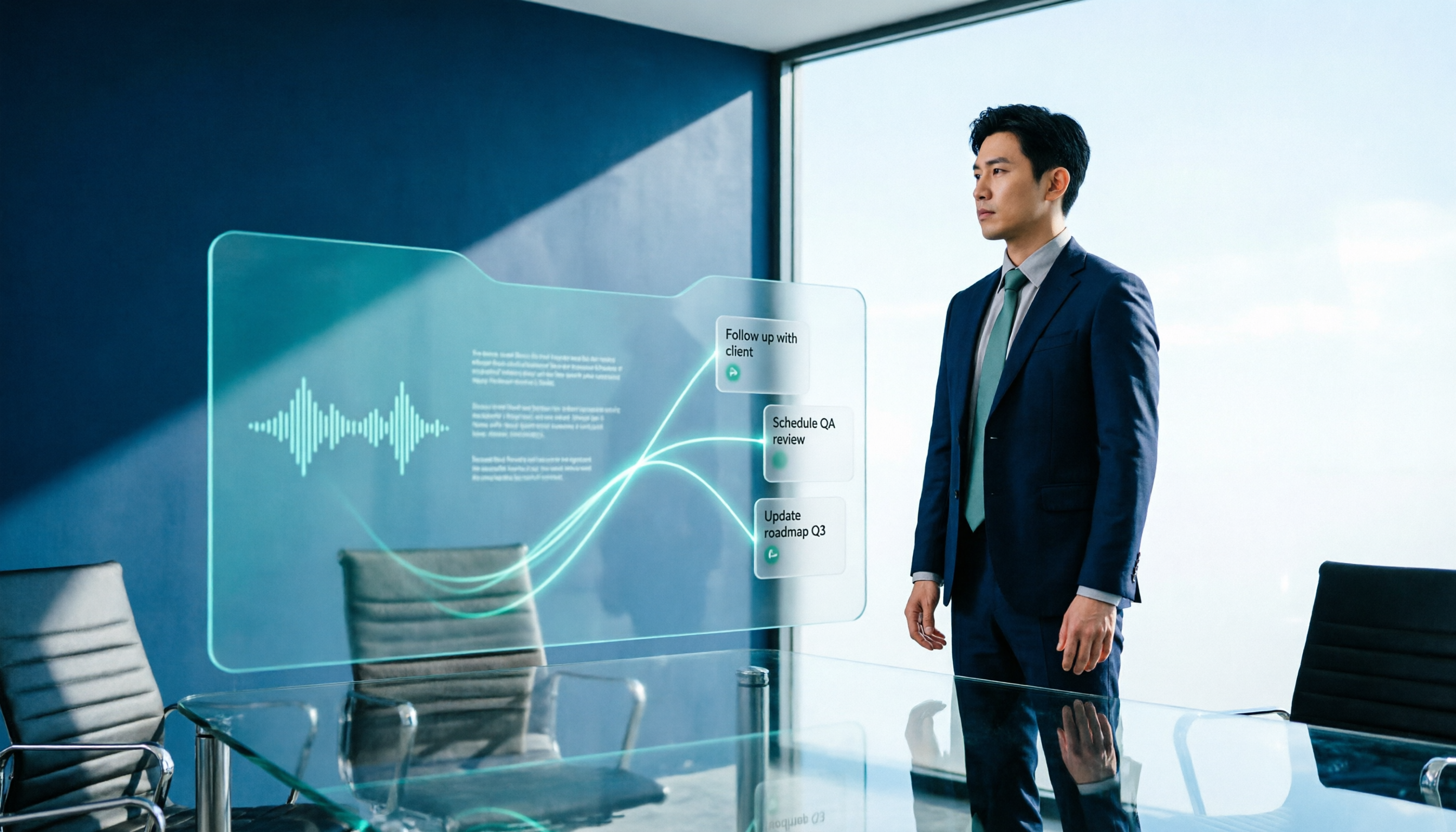
2026 AI Meeting Workflow Tools Compared: Which One Turns Discussions into Actionable To-Dos?
Many people think an AI meeting workflow is just 'record, hand it to AI, wait for a summary,' but the resulting notes often go unread. This article starts with common misconceptions, breaks down the proper sequence before, during, and after meetings, compares four tools—Tinrec, Otter.ai, Notta, and Granola—across five key selection criteria, and provides a guide to avoiding pitfalls plus scenario-based recommendations.

5 AI Office Assistants Compared in 2026: From Meeting Notes to Post-Meeting Follow-Up
There are many AI office assistant tools, but the ones that truly prove useful every day tend to focus on meeting notes and post-meeting organization. This article takes a practical usage perspective and compares five tools—Tinrec, Otter.ai, Fireflies.ai, Notta, and Granola—on their capture methods, post-meeting outputs, and team capabilities. It also outlines 5 purchase checkpoints and answers common questions.

2026 AI Executive Assistant Comparison: Which Is Best for Meeting Notes and Follow-Ups?
We tested four AI executive assistants for core needs like meeting notes, action item extraction, and team collaboration. Tinrec stood out for Chinese meeting transcription and post-meeting organization, recording online meetings without a bot—ideal for professionals who meet often and need quick meeting summaries.

Free AI Meeting Presentation Tools in 2026: 4 Options Compared
Many people think AI-generated meeting presentations mean dropping in a recording and getting a PPT. In reality, the bottleneck is organizing the meeting content. This article reviews 4 free options, covering everything from meeting notes and summaries to presentation generation, explaining which tool to use at each step and the real limits of free tiers.

Tinrec vs Granola 2026: 5-Factor Comparison — Which Meeting Follow-Up AI Is Better for Professionals?
Compare Tinrec and Granola across post-meeting summaries, action items, follow-up questions, recording retention, and team governance to see which is better suited for meeting follow-up AI workflows.
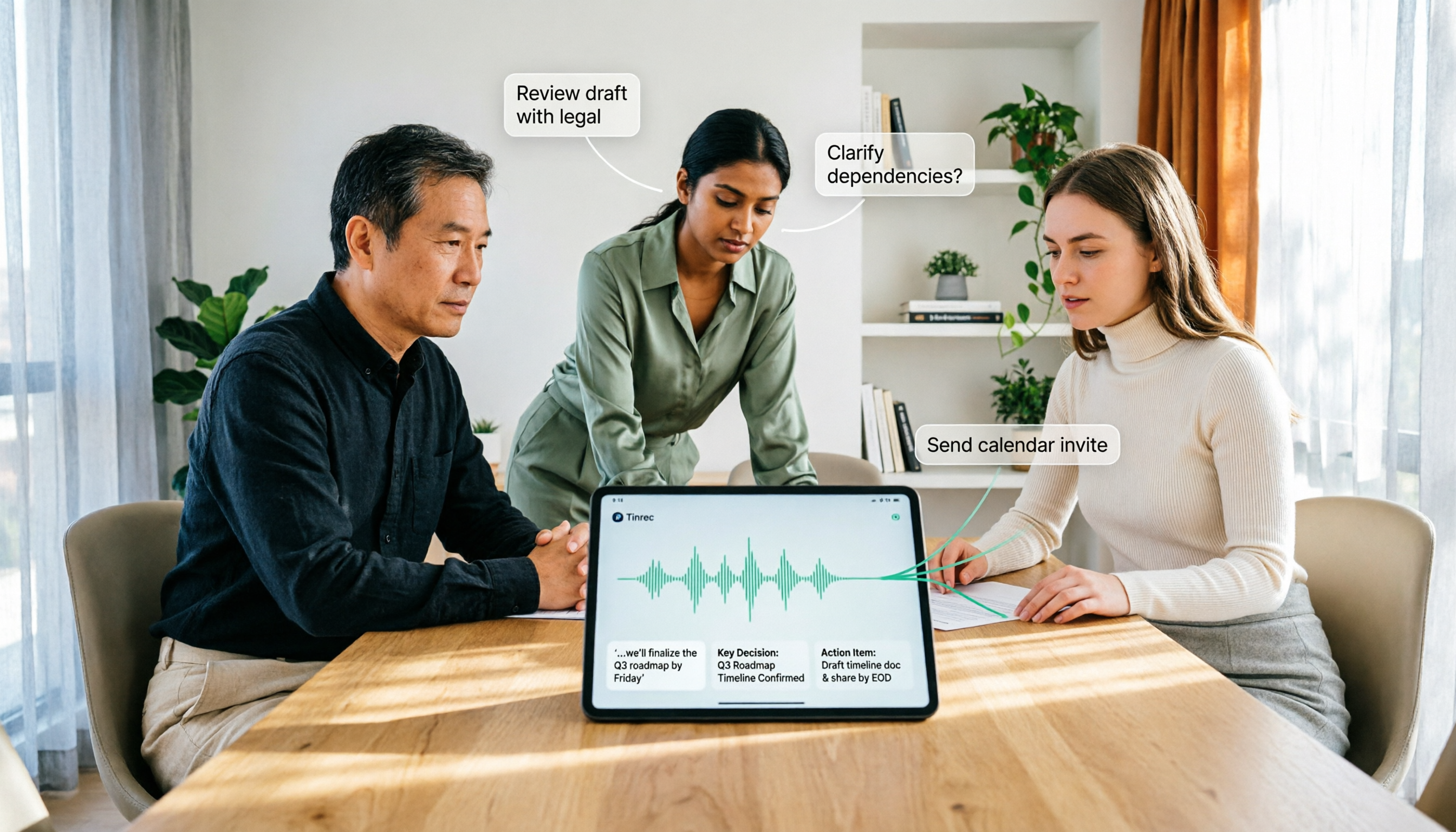
How to Use AI Agent Multi-Turn Conversations in 2026: 5 Steps to Build an Automated Meeting Workflow
Many people treat AI Agent multi-turn conversations as asking the same question multiple times, which only repeats the same blind spots and doubles costs. This article breaks down what multi-turn conversations should really have: memory, tool invocation, and stopping conditions, and uses Tinrec to demonstrate how to turn a meeting from recording, transcription, summarization to post-meeting follow-up into a truly deliverable workflow.

2026 Guide: AI Post-Meeting Processing — Auto Summaries + Action Item Extraction, Team Knowledge Retention
Post-meeting processing isn't just converting recordings into transcripts. This article addresses common misconceptions, outlines 5 key selection criteria, shares hands-on testing of Tinrec and team plan details, briefly reviews Granola and Notta, and provides a pitfall-avoidance guide and scenario-based recommendations to help you choose the right tool.
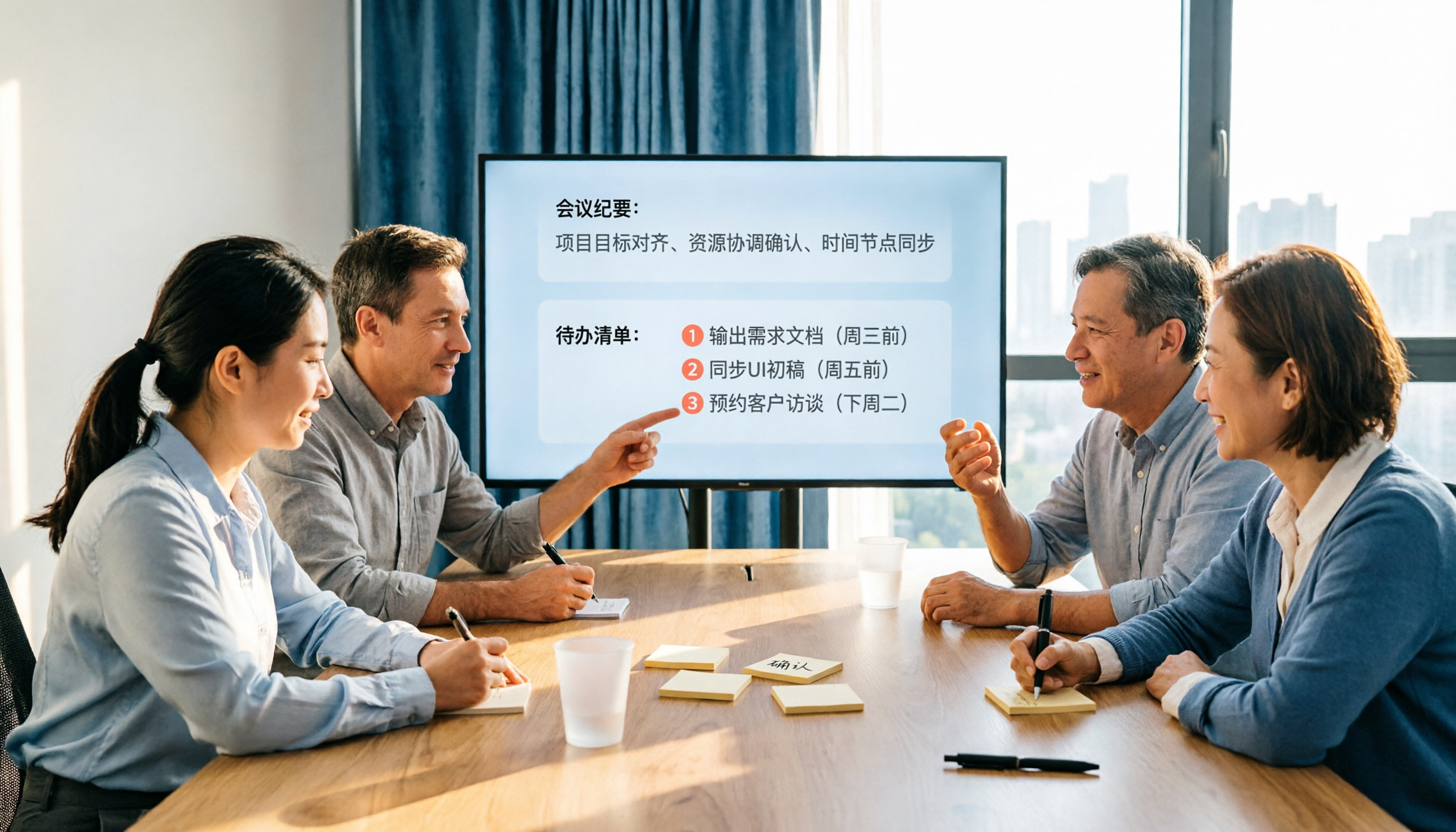
2026 AI Meeting Notes Comparison: Which Tool Extracts Action Items Best?
Action items scattered after meetings? This hands-on comparison of Tinrec, Otter.ai, Notta, and Granola evaluates automatic action item extraction from four angles: Chinese-language meetings, bot-free recording, post-meeting follow-up, and team collaboration—helping you decide which fits your meeting workflow.

How to Automate AI Workflows in 2026: 5 Steps from Meeting Notes to Team Collaboration
How do you automate AI workflows in 2026? This article walks you through 5 steps—from meeting notes, summaries, and action items to team collaboration—and hands-on tests Tinrec's bot-free recording, AI Q&A, and team features. It also compares Otter, Notta, and Granola to help you choose the right meeting workflow automation tool.