
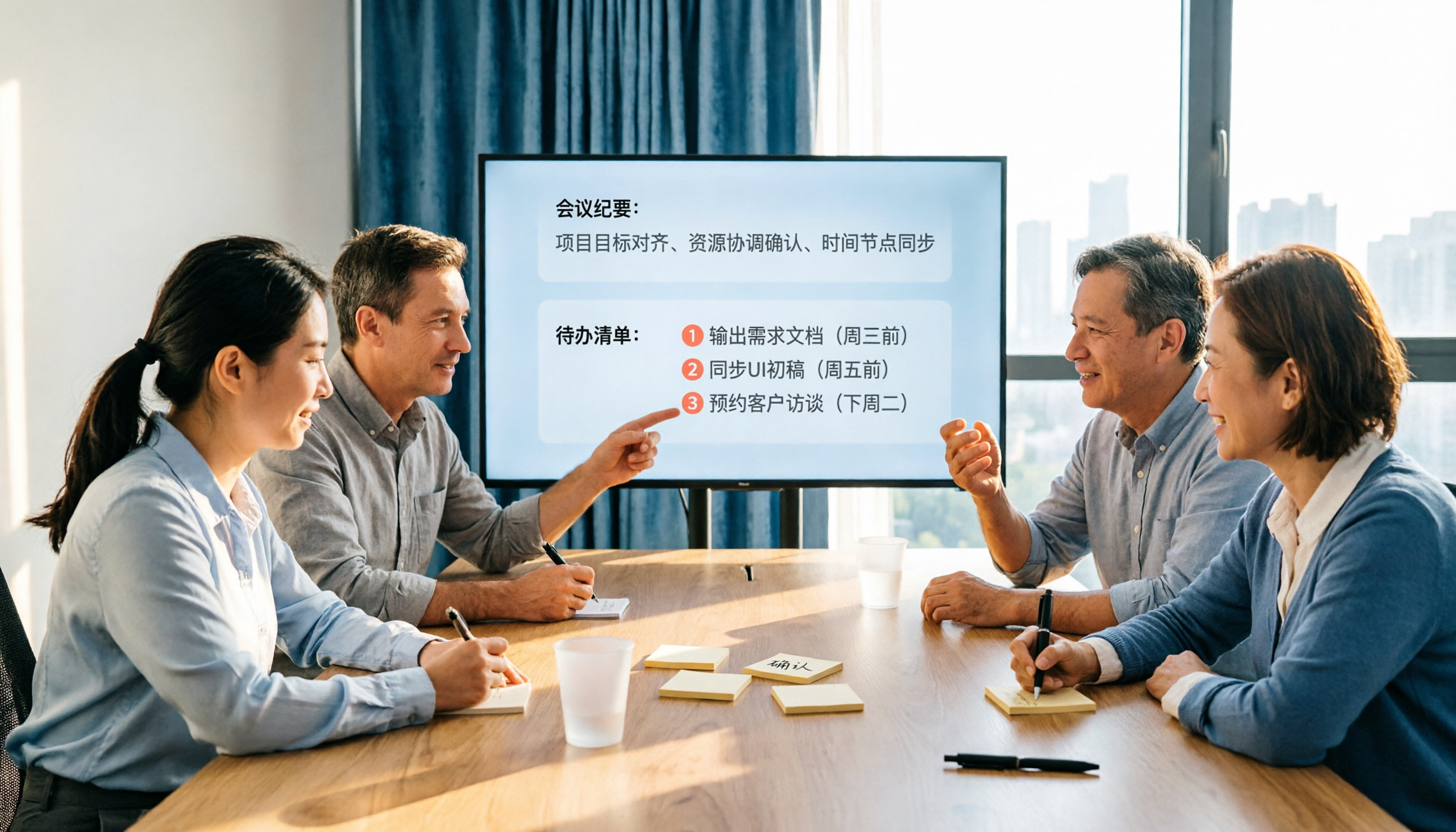
Turn recordings into transcripts and summaries in minutes
Upload audio or video for multilingual transcription, AI notes, and action items
2026 AI Meeting Notes Comparison: Which Tool Extracts Action Items Best?
Meeting's over, but the action items are still buried in the recording—do you want to listen through it again yourself, or find a tool that can automatically extract tasks and let your team take them over? This isn't a feature-spec checklist; it's here to help you decide: in real scenarios like Chinese-language meetings, bot-free recording, post-meeting follow-ups, and team knowledge retention, which AI meeting notes tool's automatic action item extraction actually saves you time.
Meeting's Over, But No One Remembers the Action Items—The Problem Isn't Memory, It's That Your Tools Aren't Connected
Many people's meeting workflow looks like this: frantically take notes during the meeting, then spend time organizing afterward. But the real hassle isn't the notes—it's that "who needs to do what by when" easily falls through the cracks.
These three situations are the most common trouble spots:
- In Chinese meetings mixed with English product names and project codes, transcriptions turn into gibberish, and action items get distorted along with them.
- Online meetings recorded with a meeting bot—but the bot wasn't allowed to join, so nothing got recorded.
- Action items written in personal notes; when someone leaves or switches projects, follow-up tracking breaks down.
Choosing the right tool can eliminate most of these problems. The key is finding a meeting notes tool that can "record reliably, extract action items, and retain data."
Before Buying a Meeting Action Item Extraction Tool, Understand These 4 Key Points
1. Action Item Extraction Isn't Enough—Can It Be Tracked?
Some tools list "action items" as a block of text, but without an owner, a deadline, or a place to check off completion. That kind of action item is as good as nonexistent. What you need to look for: can extracted tasks be centrally managed, and can you trace them back to the original passage for verification?
2. Meeting Recording Method Affects Whether You Can Actually Record
Meeting bots are convenient, but some companies don't allow extra bots to join meetings, or meeting platforms restrict automated interactions. In that case, a tool that can capture system audio directly from the desktop version is more reliable than a bot. Tinrec's desktop version takes this approach—no need to invite a bot to join the meeting.
3. Chinese and Mixed Chinese-English Is Everyday Reality in Taiwanese Workplaces
Pure English meeting tools are strong in English scenarios, but when it comes to Chinese, mixed Chinese-English, proper nouns, and product codes, the recognition experience varies widely. Team hotword features can help with terminology recognition—that's something to look out for when choosing.
4. Team Data Ownership Matters More Than Individual Quotas
If meeting data only lives in individual accounts, it's easily lost when members leave, switch projects, or adjust seats. A team edition should be able to distinguish member roles, seats, and usage permissions, and ensure meeting resources belong to the team.
Tinrec—Our Top Pick After Hands-On Testing
Tinrec is an AI meeting notes and collaboration tool for individuals and teams, supporting iOS, Android, web, and desktop. It doesn't just turn audio into text—it organizes meeting recordings into team data that's searchable, summarizable, queryable, exportable, and ready for further processing.
We actually walked through the full flow of "record → transcribe → extract action items → query → export," and what stood out most was that it puts action items within the meeting results, rather than opening a separate blank list.
Scenario 1: Record online meetings without a meeting bot. Tinrec's desktop version captures computer system audio directly, so when handling Zoom, Google Meet, Microsoft Teams, Webex, and other online meetings, you don't need to add an extra bot to the meeting. For internal and external meetings, this removes the communication overhead of "please let the bot in." Note that this isn't automatically joining all calendar meetings—it's the user actively opening Tinrec to start recording.
Scenario 2: After automatic action item extraction, you can ask AI directly. After the meeting ends, Tinrec generates a transcript, summary, chapters, and action items. You can ask questions directly about the meeting content, such as "Who was assigned to the website redesign in this meeting?" or "What were the three objections the client mentioned?" It answers based on meeting semantics, not just keyword search results. This is very helpful for post-meeting follow-up because you don't have to re-listen to the entire recording.
Scenario 3: Team spaces keep action items from leaving with people. The team edition provides independent team spaces where meeting data belongs to the team, with management of members, roles, seats, sharing permissions, usage analytics, and audit logs. Active members without seats can still view, play, and read team data, but need a seat to record, upload, edit, and import/export. When members leave or lose their seats, team resources can be handed over to other active members—they don't leave with the individual.
Stop organizing recordings by hand
Upload audio or video and automatically get a transcript, summary, and action items
In our testing, we used a roughly 15-minute Chinese project meeting recording (indoor environment, two main speakers). Tinrec was able to extract task-type statements like "who's responsible for what" and "complete before the next meeting"; when multiple people spoke over each other, we still recommend going back to the transcript timestamps for verification. It doesn't promise a fixed accuracy rate—actual results depend on recording quality, accents, noise, and technical terminology.
Pros:
- Meeting recording, transcription, summarization, action items, Q&A, and export all in one workflow—no switching between multiple tools.
- Desktop version records without a bot—especially useful for meetings that don't allow bots to join.
- Team edition separates roles, seats, usage, audit, and recycle bin management—suitable for teams that need governance.
Limitations:
- The personal free version only has basic quota; long-term high-frequency use requires considering a weekly card or Pro.
- Real-time recording isn't deducted by the minute, but file and web imports consume the team's shared import quota. Team monthly billing is USD 29.80/paid seat/month; annual billing is USD 199/paid seat/year, about USD 16.58/month; paid seats provide 2,000 minutes of team shared import quota per month. Prices are subject to the official purchase page.
- Currently the team edition focuses on team-level sharing, not file-level granular permissions.
Who it's for: If you frequently hold Chinese-language meetings, want to use AI to find key points and action items right after meetings, and need to retain meeting data for your team, Tinrec is a very suitable choice right now.
Besides Tinrec, What Other Options Are There?
Otter.ai: A mature choice for English meetings. Otter is a mature AI meeting assistant supporting Zoom, Microsoft Teams, Google Meet, real-time transcription, speaker identification, and AI Chat. The Basic free version offers 300 minutes per month; Pro annual billing works out to about USD 8.49/user/month, including 1,200 minutes of in-app recording and 10 file imports per month. If your meetings are primarily in English, Otter's English business meeting experience is very complete; but if you need action item extraction for Chinese meetings and team data retention, Tinrec's Chinese experience and team spaces will be closer to your needs. Otter also currently offers desktop capabilities, not just a meeting bot.
Notta: Multilingual transcription and file processing. Notta covers multi-platform transcription, meeting notes, file import, and translation. The free version offers 120 minutes per month with a maximum of 3 minutes per item; Pro annual billing works out to about USD 8.17/month with 1,800 minutes per month; Business annual billing works out to about USD 16.67/seat/month. It overlaps significantly with Tinrec. The difference is that Tinrec emphasizes bot-free desktop recording, team role and seat management, and post-meeting Agent-generated reports, tables, and files; if you mainly need bulk file transcription and subtitle translation, Notta's language support is very complete, but for team meeting data governance and tracking, Tinrec's design is more focused.
Granola: Bot-free meeting notes, but doesn't retain meeting audio. Granola transcribes in real time through desktop system audio and microphone, and combines with user handwritten notes to generate meeting content. Basic is free, Business is USD 14/user/month, Enterprise is USD 35/user/month. It supports real-time transcript viewing, copying, and searching, but doesn't support uploading pre-recorded audio files and doesn't save meeting audio. If you're used to writing notes during meetings and only need real-time summaries, Granola is lightweight; but if you need to retain recordings, import historical files, use AI to query action items after meetings, or put meeting data into team spaces, Tinrec's coverage is more complete.
Pitfall Guide: The 3 Most Common Mistakes When Choosing a Meeting Action Item Tool
Pitfall 1: Only looking at whether it has "action item extraction," not whether extracted items can be tracked. Some tools list action items as plain text, with no central management, no owner, no completion status. Those action items end up back in your personal notes. When choosing, confirm whether action items can be cross-referenced with the original meeting text and continuously updated in team spaces.
Pitfall 2: Assuming a meeting bot will always record successfully. Meeting bots need permission to join meetings, and some platforms or company policies restrict them. Rather than gambling on whether the bot can get in, confirm whether the tool has desktop system audio capture. Tinrec's desktop version is user-initiated recording—no extra bot needed to join.
Pitfall 3: Ignoring data ownership when team members change. If meeting data is tied only to individual accounts, action items and meeting context easily break when members leave or switch projects. The team edition should distinguish roles and seats, and hand over resources to other active members when members leave. This is more worth asking about upfront than price when choosing a team plan.
Conclusion: Which One Should You Choose?
One-sentence conclusion: If what you want is "Chinese meetings that can be recorded, action items that can be automatically extracted, post-meeting queries, and team takeover," Tinrec is the top pick in this article.
Scenario-based recommendations:
- Need Chinese meetings and mixed Chinese-English transcription, and want to find action items directly after meetings → Tinrec (Chinese experience, AI Q&A, action item extraction)
- Company doesn't allow meeting bots to join, but you still need to record online meetings → Tinrec (desktop version captures system audio without a bot)
- Team needs to share meeting data, manage seats and usage → Tinrec (team spaces, roles, seats, audit logs)
- Meetings are primarily in English, budget is zero → Otter.ai (free version 300 minutes per month, mature English meetings)
- Mainly bulk historical file transcription and subtitles → Notta (multilingual file transcription)
If you're not sure whether the team edition suits you, start with the free version or the eligible 7-day team trial to confirm your meeting workflow really connects, then decide whether to upgrade. No need to pay upfront.
References
- Copilot Tasks Tutorial | The To-Do List That Completes Itself
- TurnIn: Automatic Task Handover - 178 WoW Addon Site - BigFoot Addon Site
- Quest Automation Quest-o-matic - QiLe - World of Warcraft Chinese Addon Supply Station
- GitHub - Alex-Beng/Yap: Ultra-fast Genshin Impact Auto Pickup · GitHub
- Scheduled Tasks in ChatGPT | OpenAI Help Center
Turn every recording into actionable outcomes
Get 60 free transcription minutes when you sign in. No credit card required.
Related Reading
You might also like
2026 AI Meeting Workflow Tools Compared: Which One Turns Discussions into Actionable To-Dos?
Many people think an AI meeting workflow is just 'record, hand it to AI, wait for a summary,' but the resulting notes often go unread. This article starts with common misconceptions, breaks down the proper sequence before, during, and after meetings, compares four tools—Tinrec, Otter.ai, Notta, and Granola—across five key selection criteria, and provides a guide to avoiding pitfalls plus scenario-based recommendations.

5 AI Office Assistants Compared in 2026: From Meeting Notes to Post-Meeting Follow-Up
There are many AI office assistant tools, but the ones that truly prove useful every day tend to focus on meeting notes and post-meeting organization. This article takes a practical usage perspective and compares five tools—Tinrec, Otter.ai, Fireflies.ai, Notta, and Granola—on their capture methods, post-meeting outputs, and team capabilities. It also outlines 5 purchase checkpoints and answers common questions.

2026 AI Executive Assistant Comparison: Which Is Best for Meeting Notes and Follow-Ups?
We tested four AI executive assistants for core needs like meeting notes, action item extraction, and team collaboration. Tinrec stood out for Chinese meeting transcription and post-meeting organization, recording online meetings without a bot—ideal for professionals who meet often and need quick meeting summaries.

Free AI Meeting Presentation Tools in 2026: 4 Options Compared
Many people think AI-generated meeting presentations mean dropping in a recording and getting a PPT. In reality, the bottleneck is organizing the meeting content. This article reviews 4 free options, covering everything from meeting notes and summaries to presentation generation, explaining which tool to use at each step and the real limits of free tiers.

Tinrec vs Granola 2026: 5-Factor Comparison — Which Meeting Follow-Up AI Is Better for Professionals?
Compare Tinrec and Granola across post-meeting summaries, action items, follow-up questions, recording retention, and team governance to see which is better suited for meeting follow-up AI workflows.
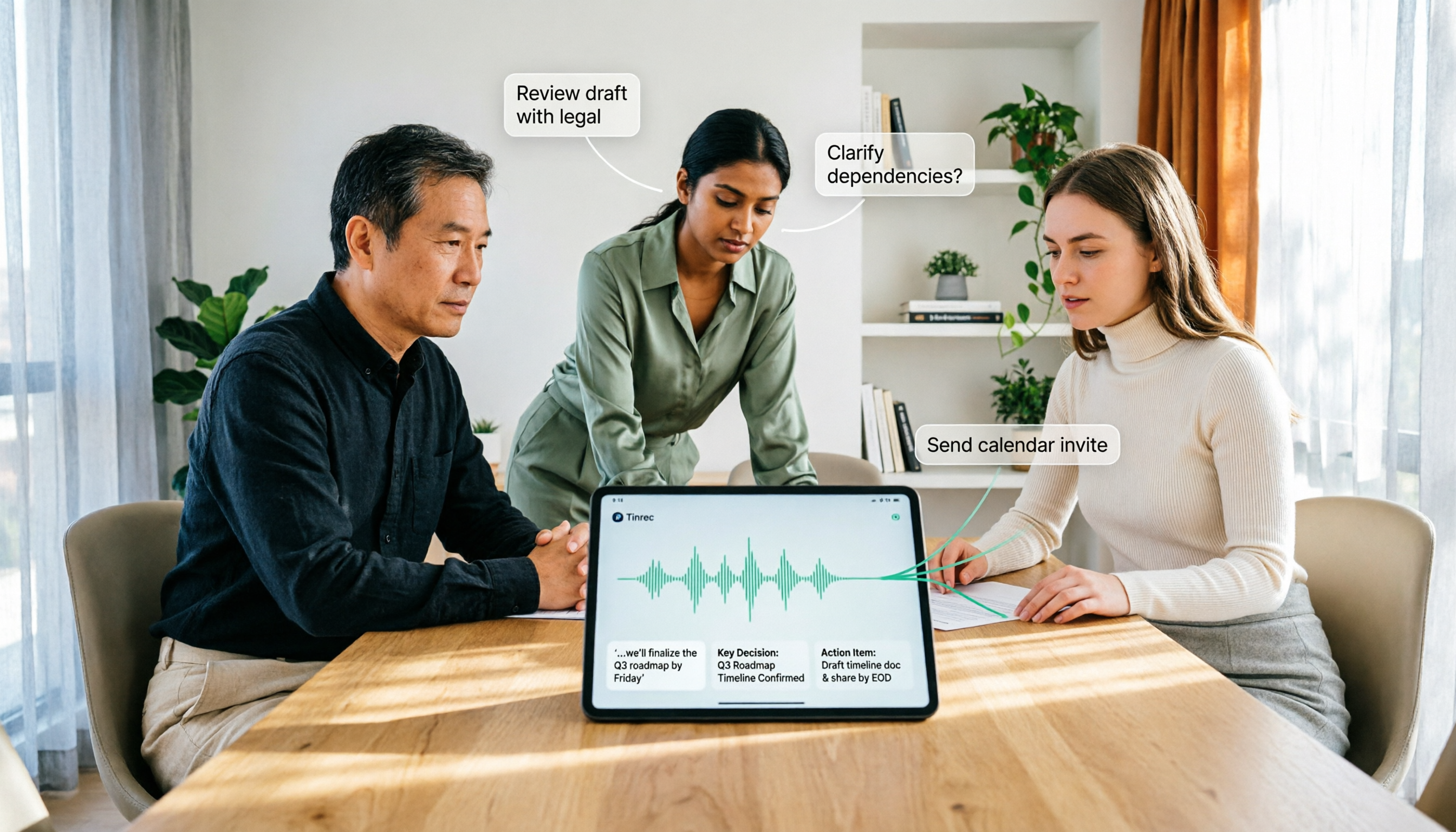
How to Use AI Agent Multi-Turn Conversations in 2026: 5 Steps to Build an Automated Meeting Workflow
Many people treat AI Agent multi-turn conversations as asking the same question multiple times, which only repeats the same blind spots and doubles costs. This article breaks down what multi-turn conversations should really have: memory, tool invocation, and stopping conditions, and uses Tinrec to demonstrate how to turn a meeting from recording, transcription, summarization to post-meeting follow-up into a truly deliverable workflow.

2026 Guide: AI Post-Meeting Processing — Auto Summaries + Action Item Extraction, Team Knowledge Retention
Post-meeting processing isn't just converting recordings into transcripts. This article addresses common misconceptions, outlines 5 key selection criteria, shares hands-on testing of Tinrec and team plan details, briefly reviews Granola and Notta, and provides a pitfall-avoidance guide and scenario-based recommendations to help you choose the right tool.

2026 AI Meeting Follow-Through Comparison: Which Tool Actually Tracks Action Items to Completion?
Meeting notes look great, but nothing gets done? This article breaks down the three most common pitfalls and the closed-loop workflow of capture, correction, assignment, tracking, and review. It compares Tinrec, Notta, Granola, and Otter.ai on bot-free recording, post-meeting Q&A, and team governance, with real pricing and tips to avoid common mistakes.

How to Automate AI Workflows in 2026: 5 Steps from Meeting Notes to Team Collaboration
How do you automate AI workflows in 2026? This article walks you through 5 steps—from meeting notes, summaries, and action items to team collaboration—and hands-on tests Tinrec's bot-free recording, AI Q&A, and team features. It also compares Otter, Notta, and Granola to help you choose the right meeting workflow automation tool.