

Turn recordings into transcripts and summaries in minutes
Upload audio or video for multilingual transcription, AI notes, and action items
When you search for "AI workflow automation," the first decision isn't "which tool is the most powerful." It's whether you're automating cross-departmental form approvals or the most time-consuming, least-automated part of every meeting: note-taking and post-meeting follow-up.
Most teams get stuck with automation not because there aren't enough tools, but because they start in the wrong place. Instead of trying to automate company-wide processes all at once, start with the meeting workflow that happens every day and has relatively clear rules. This article uses 5 steps to help you automate that process—from meeting notes and summaries to action items and team collaboration.
Why Do Meeting Notes and Follow-Ups Always Eat Up Half Your Day?—You Don't Need More Tools, You Need a Solution
A two-hour meeting, then another hour or more to organize the transcript, pull out key points, and write action items. This is the daily reality for many office workers.
What's worse, meeting conclusions end up scattered across different people's notes, chat rooms, and emails. When it's time to follow up next week, no one remembers who agreed to what.
If you've been in these situations, the problem usually isn't "missing a recording app." It's missing a process that automatically turns meeting content into something searchable, queryable, and transferable.
Before Choosing an AI Workflow Automation Tool, Understand These 4 Key Points
1. How Is Meeting Audio Captured?
There are three common approaches: a meeting bot joins the online meeting, a desktop app captures system audio directly, or you upload a recording afterward. Bots are convenient, but some participants may not want another account in the meeting room. Desktop capture doesn't require a bot and suits teams that value meeting privacy and simplicity. Tinrec's desktop version takes the bot-free route, directly processing the meeting audio played on your computer.
2. Are Post-Meeting Outputs Complete Enough?
The era of transcript-only tools is over. What matters is: can it automatically generate summaries, chapters, and action items? Can you ask questions about the meeting content? Can you export to Notion or Google Docs for further editing? Tinrec connects summaries, chapters, action items, AI Q&A, multi-format export, and Agent post-processing—essentially turning "post-meeting organization" into automatic output.
3. Can Team Data Be Retained?
Personal tools solve one person's problem; team tools solve "data ownership." When a member leaves, do meeting recordings and notes disappear with them? Is there a team workspace, roles, seats, usage analytics, and audit logs? Tinrec's team version creates an independent team workspace where meeting data belongs to the team, and resources can be transferred when members change.
4. Are Quotas and Pricing Transparent?
Free plan quotas, paid seats, shared minutes—you need to understand these clearly. Tinrec's team version offers a 7-day trial for first-time eligible users, 1 free seat, and 300 shared import minutes for the team. Paid seats are USD 29.80/seat/month billed monthly, or USD 199/seat/year billed annually (about USD 16.58/month), with 2,000 shared import minutes per paid seat per month. Under an active plan and seat, real-time recording currently does not deduct minutes; file and web imports use shared import minutes. Prices and benefits are subject to the official purchase page.
Tinrec—Our Top Pick for Meeting Workflow Automation After Hands-On Testing
Tinrec is an AI meeting notes and collaboration tool for individuals and teams. It supports real-time recording, bot-free online meeting transcription via the desktop app, audio/video file import, real-time translation, and automatically generates summaries, chapters, action items, and mind maps. It doesn't just turn audio into text—it turns meetings into searchable, collaborative, actionable team data.
In practice, I first open the desktop app and directly record the audio from a Google Meet or Teams meeting. During the meeting, the transcript generates as it goes; if I need to see bilingual content, I can switch between original text, translation, or side-by-side view. After the meeting, the AI summary and chapters have already broken down the main discussion points, and action items have been extracted from the conversation. Then I ask Tinrec directly: "What decisions were made in this meeting? Who is responsible for what?" It answers based on the meeting content, not just keyword search results. This is especially useful when following up after the meeting.
Its core workflow can be broken into 5 steps:
- Create a team workspace (team version) or use a personal account and invite members.
- Use the desktop app for bot-free recording of online meetings, or upload existing audio/video files; for in-person meetings, use your phone or real-time recording.
- Transcribe while recording, and enable real-time translation and bilingual view when needed.
- After the meeting, automatically generate summaries, chapters, key points, and action items, and use AI Q&A to dig into details.
- Export results to Notion, Google Docs, OneNote, or use Agent post-processing to generate reports, tables, and meeting minutes, then store everything in the team workspace.
Stop organizing recordings by hand
Upload audio or video and automatically get a transcript, summary, and action items
As for advantages: first, "no meeting disruption." The desktop app captures system audio without inviting a bot, which is especially friendly for external client meetings. Second, "complete post-meeting outputs"—from transcript, summary, and action items to AI Q&A and Agent-generated documents, it significantly automates manual post-meeting work. Third, "the team version turns data into an asset"—team workspace, member roles, seat management, usage analytics, audit logs, and audio recycle bin ensure meeting data doesn't scatter when people leave.
Limitations should also be clear. The free version offers basic quota, suitable for light trial use; if you have a high volume of weekly meetings, you'll need to evaluate a paid plan. The team version is priced per paid seat and currently offers team-level sharing, not file-level granular permissions; members without seats can view, play, and read team data but cannot upload, edit, or import/export. Also, Tinrec does not promise a fixed accuracy rate—actual transcription is affected by recording quality, accents, noise, and overlapping speakers. For important content, verify against transcript timestamps and recording playback.
Who is it for? If you frequently hold Chinese-language meetings, want to use AI to find key points directly after meetings, don't want to add a bot to meetings, or need to turn meeting data into a collaborative team asset, Tinrec is a well-matched choice.
Besides Tinrec, What Other AI Meeting Note Options Are There?
Otter.ai is a mature English meeting assistant with a free plan of 300 minutes per month and Pro at USD 8.49/user/month billed annually. It's great for English business meetings, but if you need Chinese meeting minutes, team hotwords, and post-meeting Agent-generated reports, Tinrec's localized workflow is more complete; plus, Tinrec's desktop version doesn't require a bot to join meetings. If you mainly record English content, Otter's free plan is still a good deal.
Notta supports multilingual transcription and file import. The free plan offers 120 minutes per month with a maximum of 3 minutes per item; Pro is about USD 8.17/month billed annually. It's suitable for short audio files and cross-language material organization, but the free plan's per-item limit is strict; Tinrec's team version offers shared import minutes, better suited for meeting scenarios and team collaboration. Notta lacks Tinrec's team role/seat governance and Agent post-processing workflow.
Granola is a bot-free AI meeting notes tool. Basic is free, and Business is USD 14/user/month. It emphasizes "handwritten notes + AI enhancement," but note that it does not retain meeting audio and does not support uploading pre-recorded files. Tinrec retains recordings, supports audio/video file import, and offers AI Q&A, real-time translation, and more export options. If you only need real-time notes and don't need recording playback, consider Granola; if you need post-meeting verification and team data retention, Tinrec is more suitable.
Pitfall Guide: The 3 Most Common Mistakes When Adopting AI Workflow Automation
Mistake #1: Comparing only transcription minutes. Minutes matter, but the value of AI workflows lies in post-meeting outputs. Rather than finding the "cheapest per hour" transcription, find a tool that automatically generates summaries, action items, Q&A, and reports. Tinrec's strength is connecting these pieces.
Mistake #2: Assuming meeting bots are omnipotent. Bots are convenient for joining meetings, but some client meetings don't want an extra account, and ad-hoc meetings may not allow time for setup. Tinrec's desktop version captures system audio without a bot; however, remember that you still need to actively start recording—it doesn't automatically join all calendar meetings.
Mistake #3: Treating the team version as "multiple people sharing one personal account." A team version should have an independent workspace, roles, and seats. Tinrec's team version distinguishes owners, admins, and regular members; seats determine whether a member can record, upload, edit, and import/export; members without seats can only view. Before purchasing, confirm your team size and which members actually need seats to avoid buying the wrong plan.
Conclusion: How Should Your Team Choose?
Need Chinese meeting notes, post-meeting AI Q&A, and report generation → Tinrec.
Don't want to add a bot to online meetings and want to capture system audio directly → Tinrec desktop version.
Team needs to share meeting data and manage member seats and usage → Tinrec team version.
Need real-time translation and bilingual transcripts → Tinrec.
Need to export meeting results to Notion, Google Docs, or Agent-generated reports → Tinrec.
Only record English meetings and have zero budget → Otter.ai free plan (the only exception in this article).
Need to batch transcribe many long files → Start with Tinrec for meeting files; if a single file truly exceeds 10 hours, supplement with tools like TurboScribe.
Need cross-system general automation (forms → CRM → notifications) → Export Tinrec meeting results and connect with Zapier, Make, or n8n.
Overall, AI workflow automation doesn't have to be all-or-nothing. Start with the meeting workflow that happens every day. Run one meeting with Tinrec's free version to see if the transcript, summary, and AI Q&A fit your habits; teams can evaluate the 7-day trial (eligible users get 1 free seat and 300 shared import minutes) before deciding whether to upgrade to paid seats. Once you automate the meeting process, you'll find you're saving not just organization time but also the cost of back-and-forth confirmation across the team.
References
- AI Workflow Automation: 14 Tools to Boost Team Efficiency and Scale Faster | monday.com Blog
- What Is a Workflow? 2026 Complete Guide to AI Workflows | Enterprise Automation Solutions
- Customer Support Automation: A Complete Guide (2026)
- Workflow Automation Tools for Building Smarter Systems
- AI Process Automation Tool Comparison: Zapier, Make, n8n, IFTTT | Yourator Career Platform Column
Turn every recording into actionable outcomes
Get 60 free transcription minutes when you sign in. No credit card required.
Related Reading
You might also like
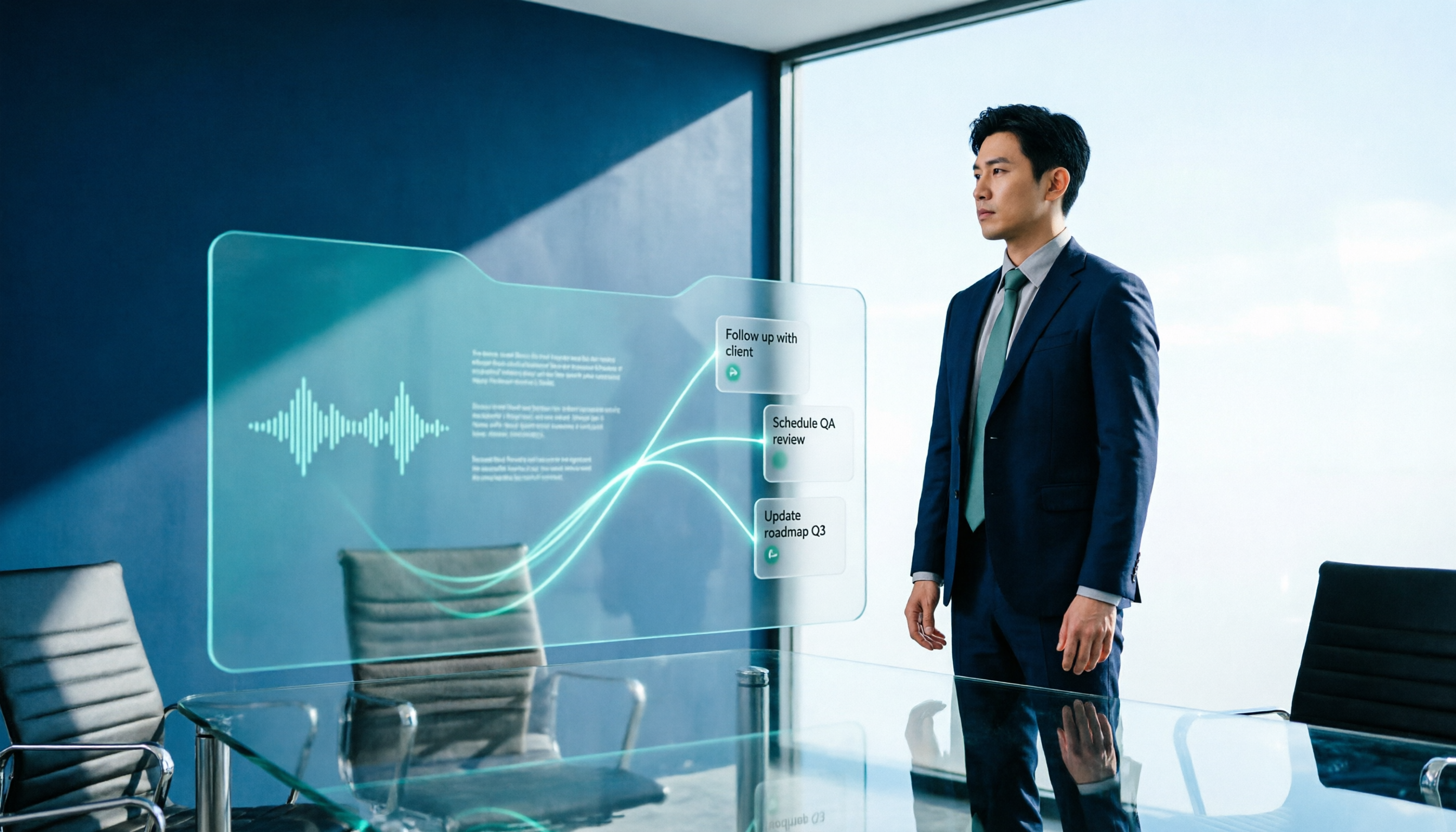
2026 AI Meeting Workflow Tools Compared: Which One Turns Discussions into Actionable To-Dos?
Many people think an AI meeting workflow is just 'record, hand it to AI, wait for a summary,' but the resulting notes often go unread. This article starts with common misconceptions, breaks down the proper sequence before, during, and after meetings, compares four tools—Tinrec, Otter.ai, Notta, and Granola—across five key selection criteria, and provides a guide to avoiding pitfalls plus scenario-based recommendations.

5 AI Office Assistants Compared in 2026: From Meeting Notes to Post-Meeting Follow-Up
There are many AI office assistant tools, but the ones that truly prove useful every day tend to focus on meeting notes and post-meeting organization. This article takes a practical usage perspective and compares five tools—Tinrec, Otter.ai, Fireflies.ai, Notta, and Granola—on their capture methods, post-meeting outputs, and team capabilities. It also outlines 5 purchase checkpoints and answers common questions.

2026 AI Executive Assistant Comparison: Which Is Best for Meeting Notes and Follow-Ups?
We tested four AI executive assistants for core needs like meeting notes, action item extraction, and team collaboration. Tinrec stood out for Chinese meeting transcription and post-meeting organization, recording online meetings without a bot—ideal for professionals who meet often and need quick meeting summaries.

Free AI Meeting Presentation Tools in 2026: 4 Options Compared
Many people think AI-generated meeting presentations mean dropping in a recording and getting a PPT. In reality, the bottleneck is organizing the meeting content. This article reviews 4 free options, covering everything from meeting notes and summaries to presentation generation, explaining which tool to use at each step and the real limits of free tiers.

Tinrec vs Granola 2026: 5-Factor Comparison — Which Meeting Follow-Up AI Is Better for Professionals?
Compare Tinrec and Granola across post-meeting summaries, action items, follow-up questions, recording retention, and team governance to see which is better suited for meeting follow-up AI workflows.
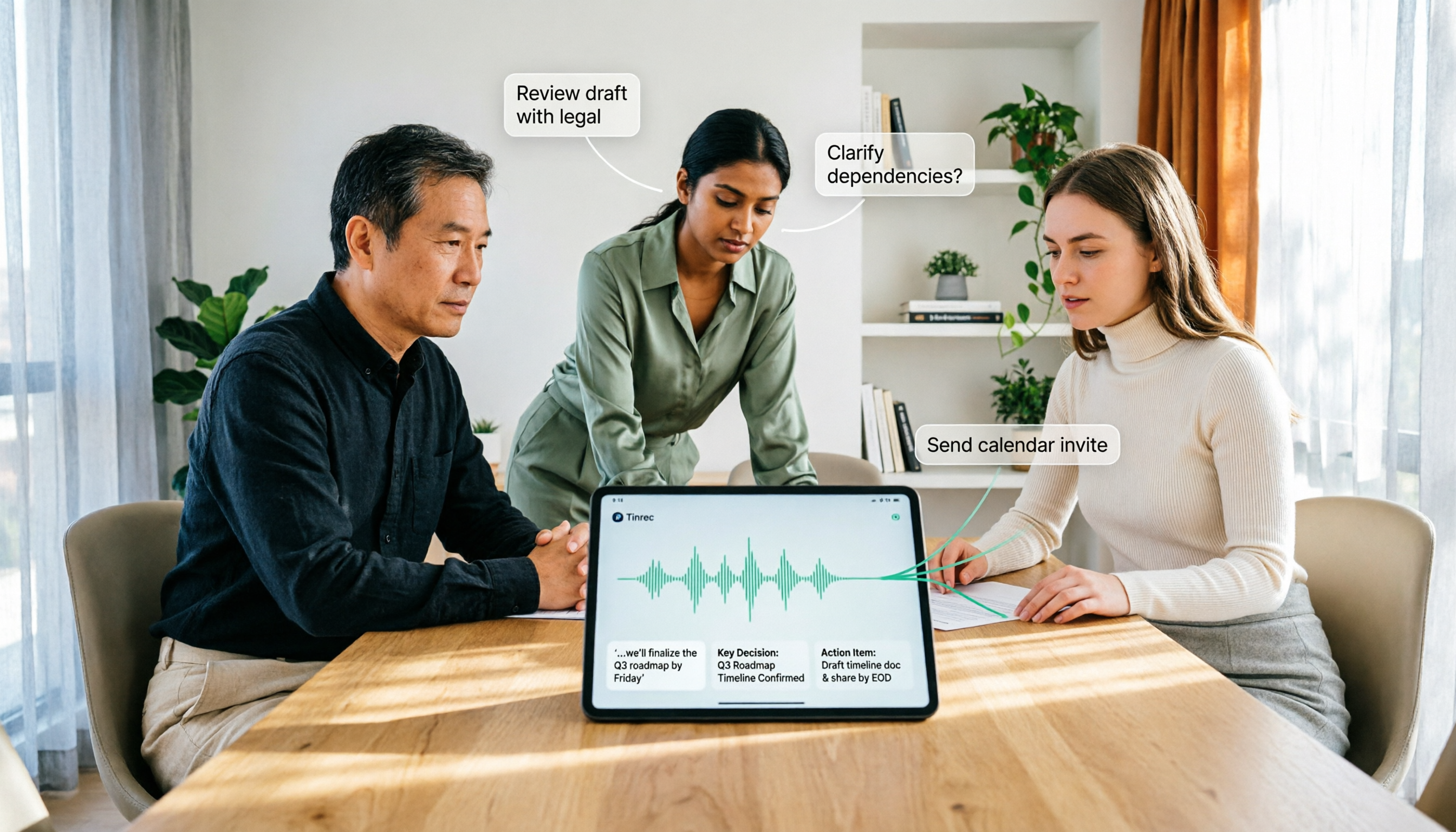
How to Use AI Agent Multi-Turn Conversations in 2026: 5 Steps to Build an Automated Meeting Workflow
Many people treat AI Agent multi-turn conversations as asking the same question multiple times, which only repeats the same blind spots and doubles costs. This article breaks down what multi-turn conversations should really have: memory, tool invocation, and stopping conditions, and uses Tinrec to demonstrate how to turn a meeting from recording, transcription, summarization to post-meeting follow-up into a truly deliverable workflow.

2026 Guide: AI Post-Meeting Processing — Auto Summaries + Action Item Extraction, Team Knowledge Retention
Post-meeting processing isn't just converting recordings into transcripts. This article addresses common misconceptions, outlines 5 key selection criteria, shares hands-on testing of Tinrec and team plan details, briefly reviews Granola and Notta, and provides a pitfall-avoidance guide and scenario-based recommendations to help you choose the right tool.

2026 AI Meeting Follow-Through Comparison: Which Tool Actually Tracks Action Items to Completion?
Meeting notes look great, but nothing gets done? This article breaks down the three most common pitfalls and the closed-loop workflow of capture, correction, assignment, tracking, and review. It compares Tinrec, Notta, Granola, and Otter.ai on bot-free recording, post-meeting Q&A, and team governance, with real pricing and tips to avoid common mistakes.
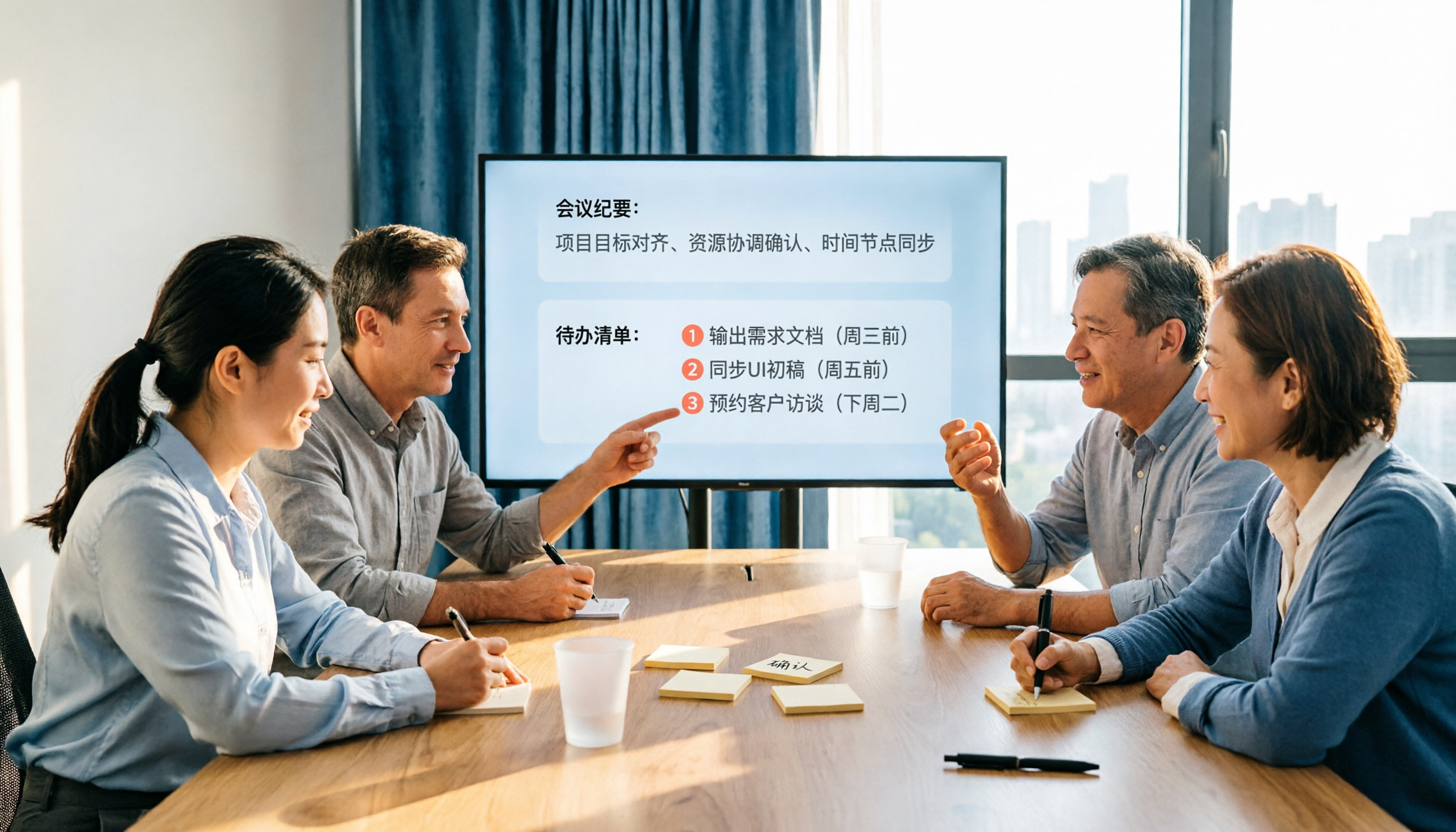
2026 AI Meeting Notes Comparison: Which Tool Extracts Action Items Best?
Action items scattered after meetings? This hands-on comparison of Tinrec, Otter.ai, Notta, and Granola evaluates automatic action item extraction from four angles: Chinese-language meetings, bot-free recording, post-meeting follow-up, and team collaboration—helping you decide which fits your meeting workflow.