

Turn recordings into transcripts and summaries in minutes
Upload audio or video for multilingual transcription, AI notes, and action items
The Most Common Misconception About Post-Meeting Processing: Having a Transcript Doesn't Mean You Have Meeting Notes
After a meeting, the recording sits on your phone, and the transcript turns out to be a huge wall of text. You still have to scroll from top to bottom yourself to find out who said what and who's responsible for which task. This is the daily reality for many office workers.
An even more common inefficient approach is equating "post-meeting processing" with "throwing the recording into AI to convert it to text." You get the text, but action items are scattered throughout the conversation, and you'll still have to dig through it again before the next meeting. What really needs to be solved is: can you quickly produce summaries, chapters, and action items after the meeting, and can this content be queried, exported, and reused by the team? If you're also stuck at the "I have a transcript but no time to organize it" stage, the directions outlined below can help you avoid some detours.
Before Choosing a Post-Meeting AI, Understand These 5 Key Points
1. Does it give you a piece of text, or a workable result? A tool that only provides a transcript is essentially handing the organization work right back to you. I first look at whether it can produce summaries, chapters, key points, and action items, and ideally allow follow-up Q&A around the meeting content. Tinrec's design in this area connects post-transcription organization with follow-up queries.
2. Are the input sources sufficient for your real meetings? Your meetings might be on Zoom, Google Meet, Microsoft Teams, or Webex, or they could be offline interviews, impromptu phone recordings, or audio and video files left over from before. Tinrec's desktop version records online meetings by capturing computer system audio, without needing a meeting bot to join; it also supports live recording, audio and video file import, and phone recording. Note that this is not "automatically joining all calendar meetings"—you initiate the recording actively.
3. Does it handle Chinese and mixed Chinese-English organization smoothly? Meetings in Taiwan rarely use a single language throughout; mixing Chinese and English, proper nouns, and product codes are all common. Tinrec can handle Chinese, Traditional Chinese, and multilingual meetings, and provides real-time translation, bilingual viewing, and team hotwords. Actual performance will be affected by recording quality, accents, noise, and overlapping speech, so it's not recommended to treat any fixed accuracy rate as the sole basis for purchase.
4. Can you follow up, export, and continue processing after the meeting? Meeting notes aren't finished once they're written. You'll likely need to turn them into email drafts, reports, tables, or a team knowledge base. Tinrec supports AI Q&A, multi-format export, and can use Agent post-processing to generate reports, tables, and documents; these results can also be carried to Notion, Google Docs, OneNote, Dropbox, and other tools for further use.
5. Who owns the team data, and how are permissions managed? The difference between personal tools and team tools isn't just the number of seats. For team plans, you need to look at whether data is owned by the team, how data is handed over when members leave, and how roles and seats are allocated. Tinrec's team plan has independent team spaces, role and seat management, usage analytics, audit logs, and an audio recycle bin; active members without a seat can view, play, and read team data, but cannot upload, edit, or export. This is team-level sharing, not file-level ACL.
Tinrec — Our Top Choice After Hands-On Testing
Tinrec is an AI meeting notes and collaboration tool for individuals and teams, covering live recording, online meetings, audio and video file import, AI summaries, action item extraction, Q&A, translation, export, and team spaces. Simply put, it doesn't just convert sound to text; it turns meetings into searchable, queryable, actionable data.
When starting an online meeting, I usually initiate recording with the desktop version first. It captures computer system audio, so there's no need to pull a bot into the meeting room, and no unfamiliar account appears in the participant list. During the meeting, the transcript is captured in real time; after it ends, summaries, chapters, and action items already have a first draft, saving the first round of manual organization. For offline interviews or impromptu discussions, you can directly use your phone or desktop version for live recording, and add summaries afterward.
After recording, the more useful feature is AI Q&A. You can directly ask "What were the conclusions of this meeting?" "Who mentioned the budget?" "What are the three points the client cares about?" without having to Ctrl+F through thirty pages of transcript yourself. When you need to deliver, export the results to Google Docs, Notion, or OneNote, or use Agent to generate reports, tables, and meeting minutes. For those who need to write weekly reports, client visit records, or project retrospectives, this part saves more time than transcription itself.
Stop organizing recordings by hand
Upload audio or video and automatically get a transcript, summary, and action items
Our hands-on testing conditions were a Chinese meeting recording with air conditioning noise and multiple people talking over each other. The transcript was readable, and proper nouns needed correction with team hotwords. Actual performance will still be affected by audio quality, accents, noise, and overlapping speech; for important decisions or numbers, it's recommended to go back to the transcript timestamp and recording for verification. This is a usage habit that all AI meeting tools should have, not a problem unique to Tinrec.
I'll list three advantages: First, bot-free recording of online meetings causes minimal disruption to external perception; second, Chinese meetings, mixed Chinese-English, real-time translation, and team hotwords are all in one workflow; third, after the meeting, it doesn't just give you a transcript but connects summaries, action items, Q&A, export, and team knowledge retention. The limitations should also be clearly stated: the free version has a basic quota, and heavy use requires payment; the personal version has a free version, weekly card, Pro monthly card, and Pro annual card—choose according to your usage frequency, and actual quotas and prices are subject to the official website; the team version currently focuses on team-level sharing, not independent permissions for each file; it also doesn't automatically join all calendar meetings—you need to record actively.
For team use, Tinrec for Teams centralizes meeting recordings, transcripts, summaries, action items, and member management in one team space, rather than multiple people sharing a personal account. Currently, the first eligible team trial is 7 days, 1 free seat, and 300 minutes of team shared import quota; team monthly payment is USD 29.80 per paid seat per month, annual payment is USD 199 per paid seat per year (equivalent to about USD 16.58 per month), and each paid seat provides 2,000 minutes of team shared import quota per month. Live recording is currently not deducted by minutes under a valid team plan and valid seat, while file and web import consume team shared import minutes. Prices, currencies, and benefits are subject to the official purchase page.
Besides Tinrec, What Other Options Are There?
Granola: A bot-free AI meeting notes tool that transcribes in real time through desktop system audio and microphone, and combines user handwritten notes to generate content. Basic is free, Business is USD 14 per user per month, Enterprise is USD 35 per user per month (subject to official pricing page). It's suitable for those who only do live meeting notes and don't need to retain audio; however, Granola does not support uploading pre-recorded audio files and does not save meeting audio. If you need to organize historical recordings, retain audio files, and manage them in a team space, Tinrec is more complete in this regard.
Notta: A multi-platform transcription and meeting notes tool. The free version offers 120 minutes per month, with a maximum of 3 minutes per single content; Pro annual payment is equivalent to USD 8.17 per month, with 1,800 minutes per month; Business annual payment is equivalent to USD 16.67 per seat per month, providing unlimited transcription, role permissions, and usage reports (subject to official pricing page). It's suitable for those who need multilingual transcription and translation. Tinrec's differentiators are bot-free recording on desktop, post-meeting AI Q&A, Agent post-processing, and team knowledge retention; if you want to turn meetings directly into reports, tables, or queryable team data, Tinrec's workflow is closer to this need.
Pitfall Avoidance Guide: The 4 Most Common Mistakes When Choosing a Post-Meeting AI
Pitfall 1: Treating "transcription" as "post-meeting processing." A transcript is just raw material. The correct approach is to see whether the tool can turn raw material into summaries, chapters, action items, and queryable Q&A; a tool that only converts text will still leave you organizing it yourself in the end.
Pitfall 2: Only looking at free minutes and ignoring the complete workflow. Free quota is important, but export formats, AI Q&A, team permissions, data retention, and handover methods are the keys to whether you can use it long-term. Rather than just comparing minutes, run a complete workflow with a real meeting.
Pitfall 3: Thinking meeting bots are the only way. Meeting bots appear in the participant list, and some clients or external meetings may not be suitable for them. Tinrec's desktop version uses system audio capture, so no bot needs to join; but it's active recording, not automatic joining of all meetings—clarify this first.
Pitfall 4: Ignoring recording consent and team data governance. Before recording, confirm local regulations and participant consent. For team use, also distinguish roles, seats, and member relationships: active members can view team data, but without a seat they cannot upload, edit, or export. Treating "can view" as "can edit" easily leads to permission design errors.
Conclusion: Which One Should You Choose?
If you need Chinese meetings, mixed Chinese-English, post-meeting summaries and action items, and don't want an extra bot in the meeting → Tinrec. If after recording you want to directly ask AI "What were the conclusions?" "Who's responsible for what?" without manually flipping through the transcript → Tinrec's AI Q&A and Agent post-processing. If you have historical recordings and interview files to organize, or even want to retain audio files for later listening → Tinrec supports file import and audio retention. If you're a team and need to share meeting data, manage seats, view usage, and audit → Tinrec's team version puts these in one team space. If you only do live meeting notes, don't need to upload pre-recorded files, and don't plan to retain meeting audio → Granola can be included in the comparison.
Overall, the value of post-meeting AI isn't in "how many words it transcribes," but in "how much organization time it saves you, and whether this content can continue to be used by the team." It's recommended to first run a free version with your own real meeting to confirm whether the output format, summary quality, and export workflow suit you, then decide whether to upgrade. This is more practical than just looking at the minutes advertised.
References
- How to Use AI for Meeting Minutes? How to Organize Meeting Transcripts? | AI Speech-to-Transcript Tutorial | 104 Career Power
- After a Meeting, Do You Only Ask AI to Summarize Key Points? That's Just the Most Basic 1% Technique | Three-Level Meeting Notes Prompts to Turn AI into Your Strategic Analyst | Personal Knowledge Management X AI Applications | Coach Jiang Jiang
- AI Meeting Notes in Notion | Capture Ideas, Summaries ...
- I Spent Four Hours Building an AI Meeting Notes Tool, Costing Less Than Ten Taiwan Dollars | WenHao Yu
- How to Do AI Meeting Minutes? A Complete Tutorial from Writing Principles, Tool Selection to Automation Prompts | Manager Today
Turn every recording into actionable outcomes
Get 60 free transcription minutes when you sign in. No credit card required.
Related Reading
You might also like
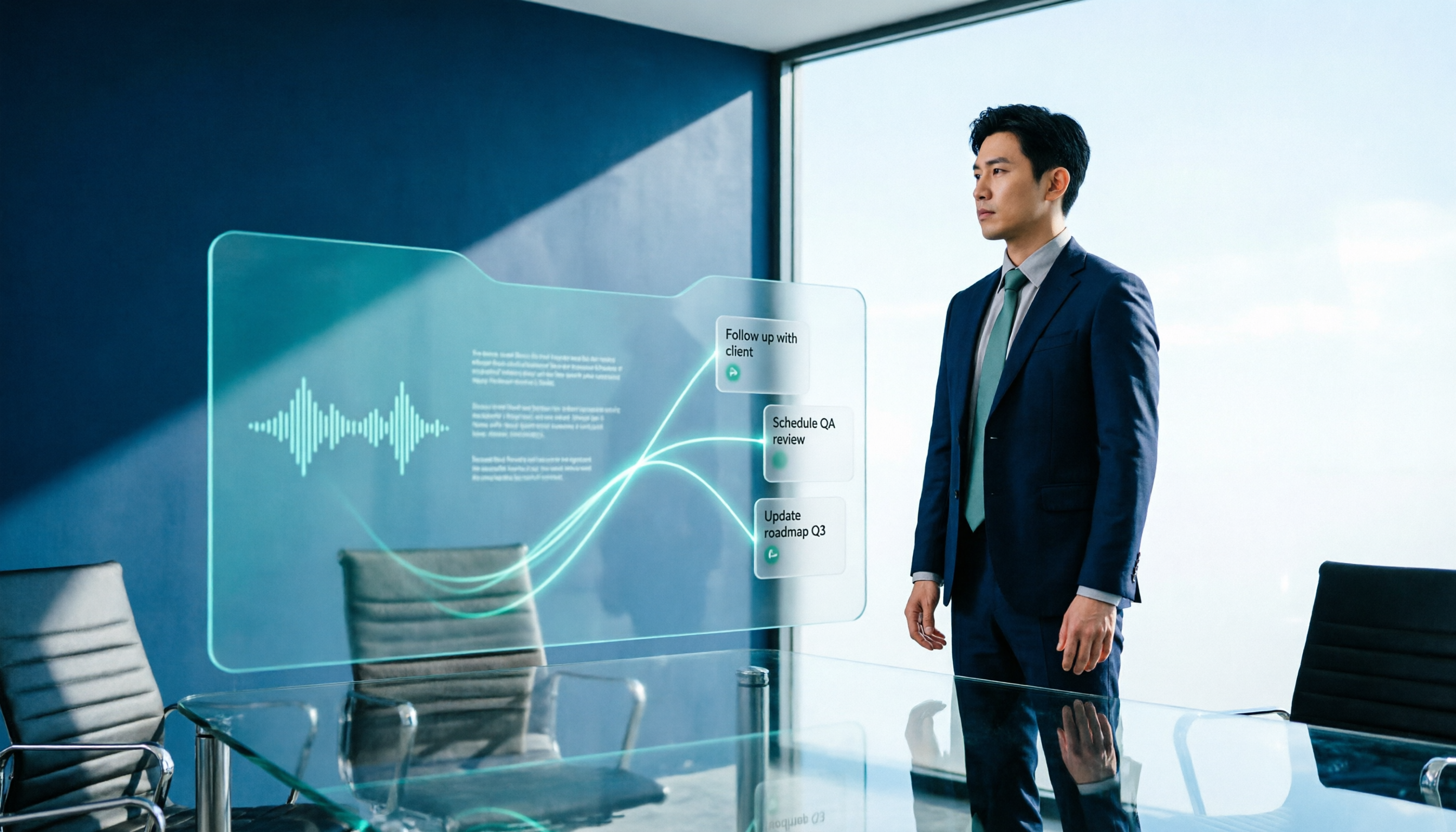
2026 AI Meeting Workflow Tools Compared: Which One Turns Discussions into Actionable To-Dos?
Many people think an AI meeting workflow is just 'record, hand it to AI, wait for a summary,' but the resulting notes often go unread. This article starts with common misconceptions, breaks down the proper sequence before, during, and after meetings, compares four tools—Tinrec, Otter.ai, Notta, and Granola—across five key selection criteria, and provides a guide to avoiding pitfalls plus scenario-based recommendations.

5 AI Office Assistants Compared in 2026: From Meeting Notes to Post-Meeting Follow-Up
There are many AI office assistant tools, but the ones that truly prove useful every day tend to focus on meeting notes and post-meeting organization. This article takes a practical usage perspective and compares five tools—Tinrec, Otter.ai, Fireflies.ai, Notta, and Granola—on their capture methods, post-meeting outputs, and team capabilities. It also outlines 5 purchase checkpoints and answers common questions.

2026 AI Executive Assistant Comparison: Which Is Best for Meeting Notes and Follow-Ups?
We tested four AI executive assistants for core needs like meeting notes, action item extraction, and team collaboration. Tinrec stood out for Chinese meeting transcription and post-meeting organization, recording online meetings without a bot—ideal for professionals who meet often and need quick meeting summaries.

Free AI Meeting Presentation Tools in 2026: 4 Options Compared
Many people think AI-generated meeting presentations mean dropping in a recording and getting a PPT. In reality, the bottleneck is organizing the meeting content. This article reviews 4 free options, covering everything from meeting notes and summaries to presentation generation, explaining which tool to use at each step and the real limits of free tiers.

Tinrec vs Granola 2026: 5-Factor Comparison — Which Meeting Follow-Up AI Is Better for Professionals?
Compare Tinrec and Granola across post-meeting summaries, action items, follow-up questions, recording retention, and team governance to see which is better suited for meeting follow-up AI workflows.
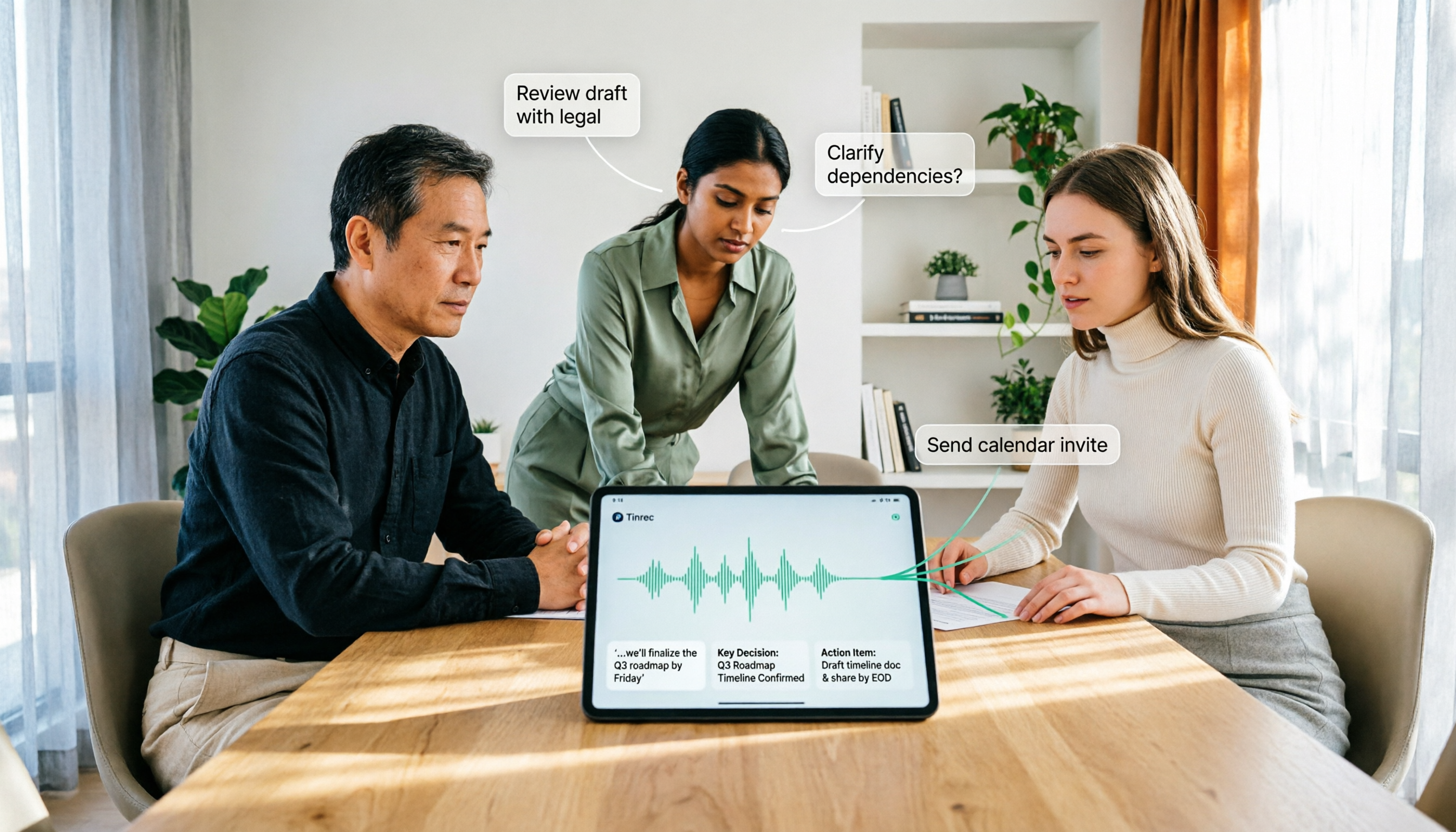
How to Use AI Agent Multi-Turn Conversations in 2026: 5 Steps to Build an Automated Meeting Workflow
Many people treat AI Agent multi-turn conversations as asking the same question multiple times, which only repeats the same blind spots and doubles costs. This article breaks down what multi-turn conversations should really have: memory, tool invocation, and stopping conditions, and uses Tinrec to demonstrate how to turn a meeting from recording, transcription, summarization to post-meeting follow-up into a truly deliverable workflow.

2026 AI Meeting Follow-Through Comparison: Which Tool Actually Tracks Action Items to Completion?
Meeting notes look great, but nothing gets done? This article breaks down the three most common pitfalls and the closed-loop workflow of capture, correction, assignment, tracking, and review. It compares Tinrec, Notta, Granola, and Otter.ai on bot-free recording, post-meeting Q&A, and team governance, with real pricing and tips to avoid common mistakes.
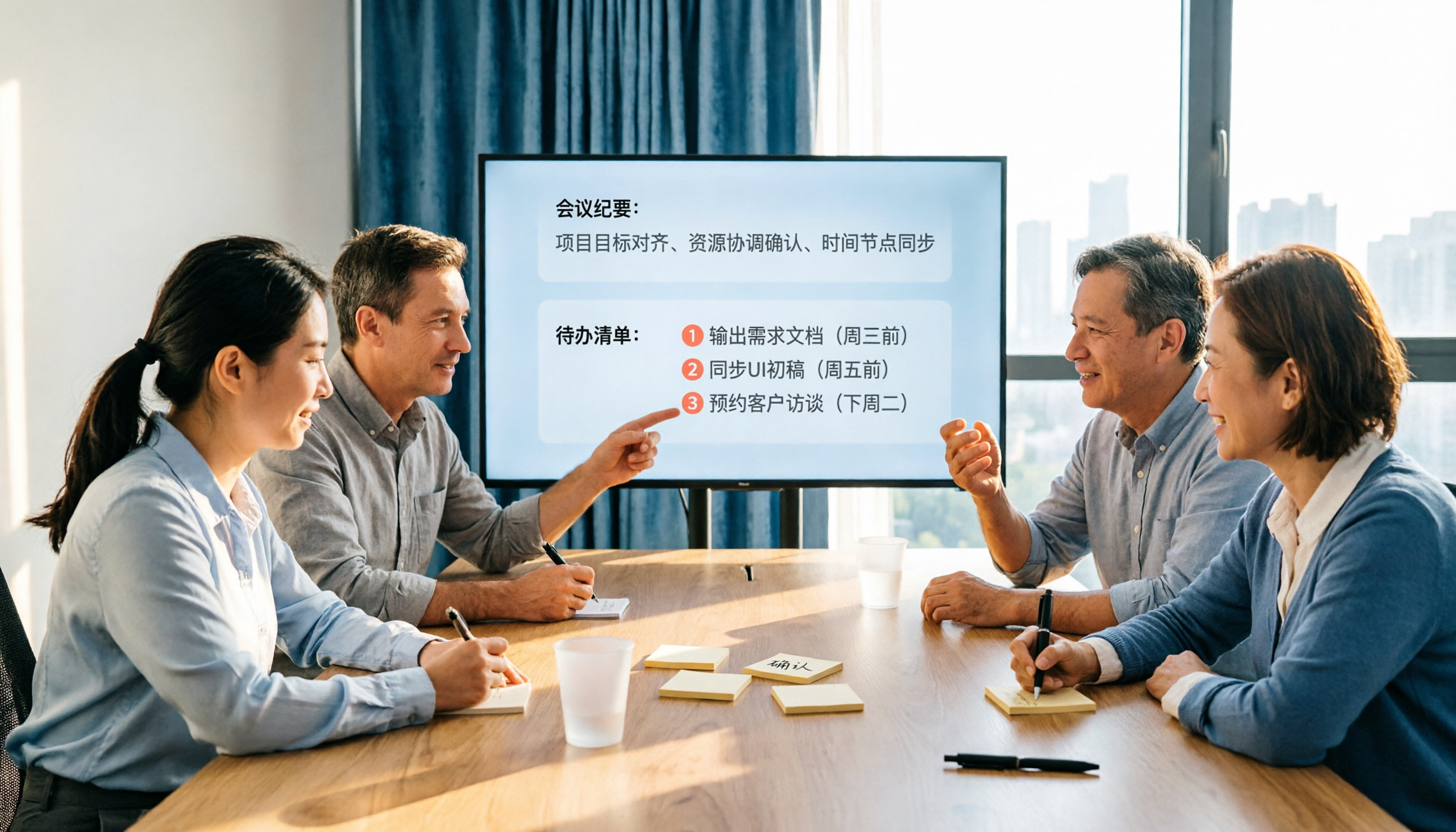
2026 AI Meeting Notes Comparison: Which Tool Extracts Action Items Best?
Action items scattered after meetings? This hands-on comparison of Tinrec, Otter.ai, Notta, and Granola evaluates automatic action item extraction from four angles: Chinese-language meetings, bot-free recording, post-meeting follow-up, and team collaboration—helping you decide which fits your meeting workflow.

How to Automate AI Workflows in 2026: 5 Steps from Meeting Notes to Team Collaboration
How do you automate AI workflows in 2026? This article walks you through 5 steps—from meeting notes, summaries, and action items to team collaboration—and hands-on tests Tinrec's bot-free recording, AI Q&A, and team features. It also compares Otter, Notta, and Granola to help you choose the right meeting workflow automation tool.