
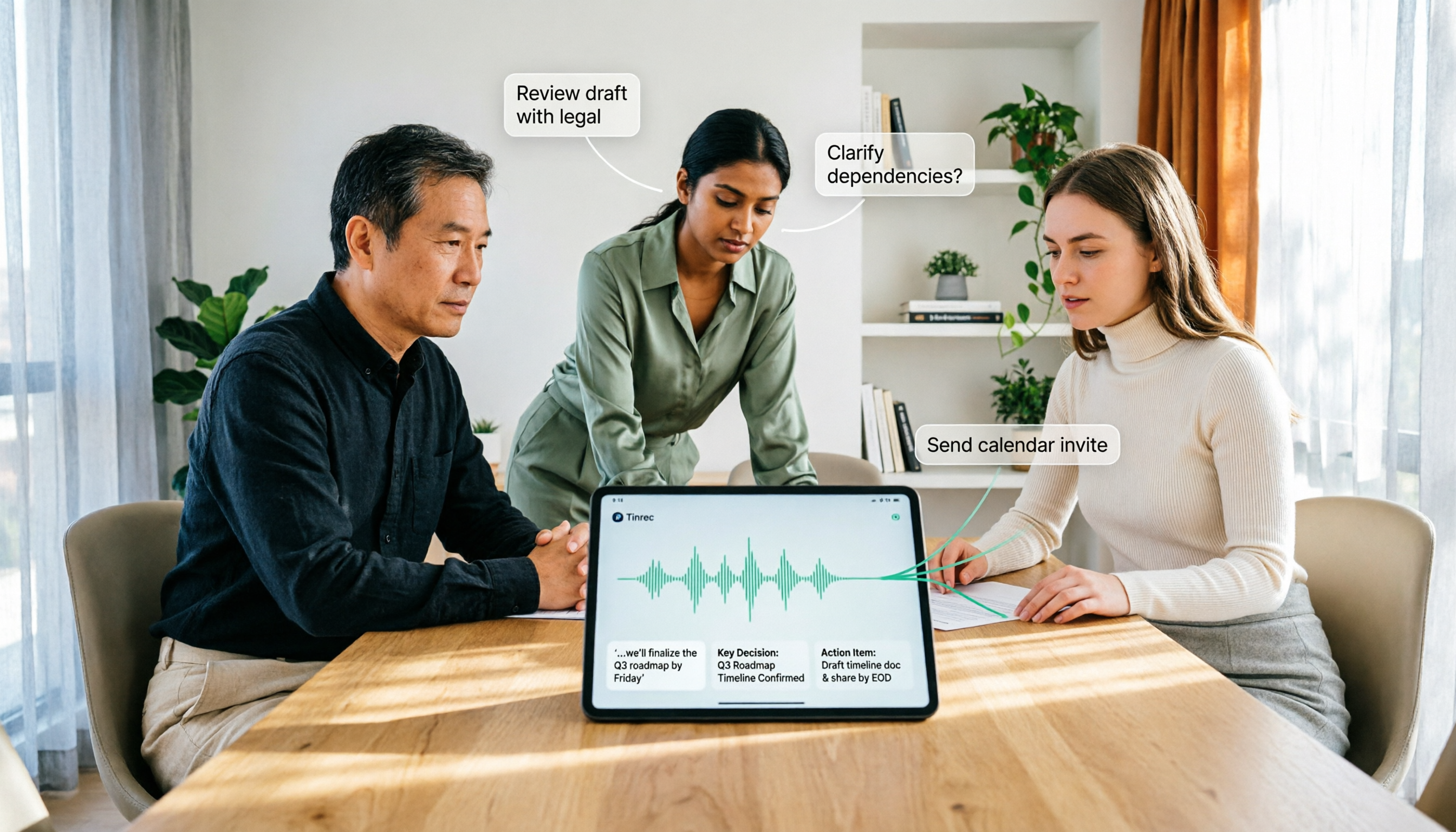
Turn recordings into transcripts and summaries in minutes
Upload audio or video for multilingual transcription, AI notes, and action items
How to Use AI Agent Multi-Turn Conversations in 2026: 5 Steps to Build an Automated Meeting Workflow
Let's start with a common misconception: many people think that "multi-turn conversation" means asking the same question multiple times, or repeatedly querying the same model for five rounds, and the answer will improve on its own. In practice, it's usually the opposite—repeated questioning of the same model just repeats the same blind spots five times, and the bill really does multiply several times over.
True multi-turn conversation means the Agent repeatedly executes a loop: the model requests to use a tool, the program executes the tool, the result is passed back to the model, and the model decides the next step. Each round resends the entire package of "original goal + what was done in previous rounds + tool return results," so rounds are not free—each round costs money and time.
Meeting scenarios are where this loop most needs to be well-designed. Below, using Tinrec as an example, we break down a meeting from recording to post-meeting follow-up into 5 steps you can follow.
What Can AI Agent Multi-Turn Conversations Do for You?
Scenario 1: After a meeting, no need to re-listen to the recording—just ask for key points After a two-hour meeting, you just want to confirm "does the client care more about price or delivery time." With Tinrec, for example, after the transcript is generated, you can directly ask questions about the meeting content, and the AI will answer based on semantics, without having to pull the timeline and re-listen yourself. This is the most basic round of multi-turn conversation: you ask, it searches, it answers.
Scenario 2: Turn the transcript into something you can deliver Just getting the transcript actually means you're not done yet. Tinrec's Agent post-processing can generate reports, tables, and documents based on the meeting content, essentially handing over the "organizing" step to a second round, and you're only responsible for the final confirmation.
Scenario 3: Continuous follow-up across meetings After three months of a project, which meeting changed the decision? Tinrec keeps each meeting's transcript, summary, and to-dos in the same space, and you can continue to ask questions about single or multiple meetings. This is where multi-turn conversation truly makes a difference—memory stays in the system, not in your head.
4 Core Capabilities for Smooth Multi-Turn Conversations
1. Cross-turn memory, not starting from scratch each time Agents have no memory between different calls, and must resend the full conversation each time—this is the first killer of cost and quality. Tinrec's approach is to retain the meeting data itself: transcripts, summaries, chapters, and to-dos all stay in the same meeting record, and the next round of questions directly attaches to this data, so you don't have to manually paste context.
2. Tool invocation and post-processing, connecting conversation to action The value of an Agent is not in "smarter conversation" but in "connecting conversation to action." In addition to generating summaries and chapters, Tinrec can also extract to-dos, generate mind maps, and produce reports and tables through Agent post-processing, so the endpoint of multi-turn conversation is a deliverable file, not just a nice reply.
3. Clear stopping conditions The biggest fear of multi-turn conversation is an infinite loop. The design must first clarify "what counts as complete"—for example, stop when all to-dos are listed and owners and deadlines are filled in. Tinrec outputs summaries and to-dos in structured fields, so it's clear at a glance what's complete, which is much more reliable than "let's ask another round and see."
4. Human review and traceable records AI is responsible for judgment and drafting, but it's best for a human to press send. Tinrec supports exporting results to common formats and third-party tools, and important content can be verified by combining transcript timestamps with recording playback; the team version also provides audit logs for easy querying and exporting of important team operations.
Practical Application Scenarios
Meeting notes and post-meeting follow-up Weekly meetings, review meetings, and cross-departmental meetings—the biggest fear is "the meeting ends and everything disperses." With Tinrec desktop version, you can directly capture computer system audio to record online meetings without inviting an extra meeting bot to join; after the meeting, AI generates summaries, chapters, and to-dos, and you can ask another round of questions about unclear paragraphs, so meeting notes can be finalized the same day.
Customer interviews and requirements sorting After sales and customer success teams visit clients, what's most often missed is "the client's tone at the time." Tinrec retains recordings and transcripts, so you can later ask continuous questions about things like "the budget range the client mentioned" or "main objections," clean up requirements, objections, and commitments all at once, and then export them as follow-up materials.
Research and interview transcripts A one-hour user interview can easily produce tens of thousands of words in transcript. Tinrec supports importing audio and video files for transcription, and can translate in real-time and view in original/translated/bilingual modes, so cross-language interviews can also be handled; when organizing viewpoints and citation materials, asking questions directly about that interview is much faster than searching paragraph by paragraph.
Stop organizing recordings by hand
Upload audio or video and automatically get a transcript, summary, and action items
Team data retention Personnel turnover is the biggest risk to meeting data. Tinrec team version keeps Audio, Folder, and TODO centrally in the team space, and data belongs to the team, not to the individual uploader; when a member exits or is removed, their team resources can be transferred to other active members, so historical meetings won't disappear with the person.
5 Things to Note When Designing a Multi-Turn Conversation Workflow
1. First decide whether this task should use an Agent The judgment is straightforward: can you draw a flowchart of the steps for this task in advance? If you can, don't use an Agent—a hardcoded process is faster, cheaper, and easier to debug. What truly suits multi-turn conversation are tasks that require back-and-forth confirmation and have data scattered in multiple places, such as follow-up and consolidation of meeting content.
2. Design the memory layer first—it's not that the model isn't strong enough Many people find after a few days that the Agent "forgets last time's decision," and the root cause is usually that the memory layer wasn't designed, not insufficient model capability. When choosing a tool, check whether it stores data in a structured way—Tinrec keeps transcripts, summaries, and to-dos per meeting, and supports team hotwords to maintain common terminology, so the same set of professional terms maintains consistent recognition experience in subsequent sessions.
3. Estimate cost by "number of rounds × context length" In a single conversation, you only send one message; an Agent doesn't. Each additional round resends the goal, history, and tool results, getting longer as it goes. In practice, you can use summaries, trim old tool outputs, and cache stable prompt prefixes to reduce costs. Meeting scenarios have another advantage: under Tinrec's effective team plan, real-time recording is currently not deducted by the minute, and file and web imports use the team shared import quota, so cost boundaries are relatively clear.
4. Write down stopping conditions and human checkpoints in advance Add human approval for steps that are external-facing or cost money, give credentials only the minimum permissions needed for this task, and record what was done in each round. When teams onboard, Tinrec's audit logs can fill in the "who did what" part, so you can trace back when something goes wrong.
5. Understand the difference between "roles" and "seats" in permissions Once multi-turn conversation involves teams, unclear permissions will cause problems. Tinrec team version separates roles (who can manage the team, members, audit, and settings) from seats (who can record, upload, edit, import/export): active members without seats can still view, play, and read team data, but cannot perform resource usage operations. Also note that currently it's mainly team-level sharing, not file-level granular permissions.
Frequently Asked Questions
Q: What's the difference between multi-turn conversation and regular single-turn Q&A? The difference is "whether the result is fed back into the next round." Single-turn Q&A gives you a piece of text; multi-turn conversation calls tools, gets results, decides the next step, and finally produces something deliverable. Tinrec's difference is connecting meeting transcripts, summaries, to-dos, and post-processing into the same workflow.
Q: Do I have to write code to connect APIs myself? Not necessarily. Writing code to call models yourself offers the most flexibility, but you have to handle error handling, retries, and logging yourself—the first version runs fast, but running it stably is slow. If your goal is meeting notes and post-meeting organization, using a tool like Tinrec that already connects recording, transcription, summarization, Q&A, and export will get you there much faster.
Q: Can it handle Chinese or mixed Chinese-English meetings? Yes. Tinrec covers Chinese, Traditional Chinese, and multilingual meeting scenarios, and supports mixed Chinese-English content organization, real-time translation, and bilingual viewing. Actual results will still be affected by recording quality, noise, accents, overlapping speakers, and technical terminology, so it's not recommended to assume a fixed accuracy rate.
Q: What's the difference between the team version and the personal version? Personal version data is managed by the individual account, with free version, weekly card, Pro monthly card, and annual card options depending on usage pace. The team version is an independent team collaboration space with additional member and role management, seat allocation, shared benefits, usage analysis, audit logs, audio recycle bin, and ownership transfer. Currently, team monthly payment is USD 29.80 per paid seat per month, annual payment is USD 199 per paid seat per year, and paid seats provide 2,000 minutes of team shared import quota per month; eligible teams can enjoy a 7-day trial, 1 free seat, and 300 minutes of shared import quota for the first time. Actual prices and benefits are subject to the official purchase page.
Q: Can AI-organized meeting minutes be used directly as official records? It's not recommended. AI may miss or misunderstand details; a safer approach is to treat it as a draft that greatly reduces manual organization costs, and verify important information by combining transcript timestamps with recording playback.
Conclusion
Multi-turn conversation is not about asking the same question endlessly, but about designing four things well: "memory, tools, stopping conditions, and human approval," so that each round advances the task. Meetings are the best entry scenario: open Tinrec to record the meeting, transcripts, summaries, chapters, and to-dos are automatically generated, and for anything unclear, ask another round with AI Q&A, and finally export to the report or document you need.
If you have more than three meetings per week, start with the free version's basic quota for two or three meetings to experience the efficiency of "the meeting ends, and the notes are almost ready," then decide whether to move to the team version. Recording and transcription involve personal data, so remember to comply with local regulations and obtain participant consent when needed.
References
- Multi-Agent Collaboration—From Solo AI to a Team of Specialized AI Experts | Summer。桑莫。夏天
- AI Agent Tutorial (2026) | What It Is, Tool Comparison, Implementation and Security Complete Guide | Little Penguin Penchan
- AI Agent: Multi-round AI Agents Collaborative Cooperation - iThome Help::Helping Together to Solve Problems, Save IT People a Day
- AI Agent Tutorial: Four Components to Build an AI That Does Things on Its Own
- Learn AI Agents from Scratch: 6-Stage Implementation Roadmap
Turn every recording into actionable outcomes
Get 60 free transcription minutes when you sign in. No credit card required.
Related Reading
You might also like
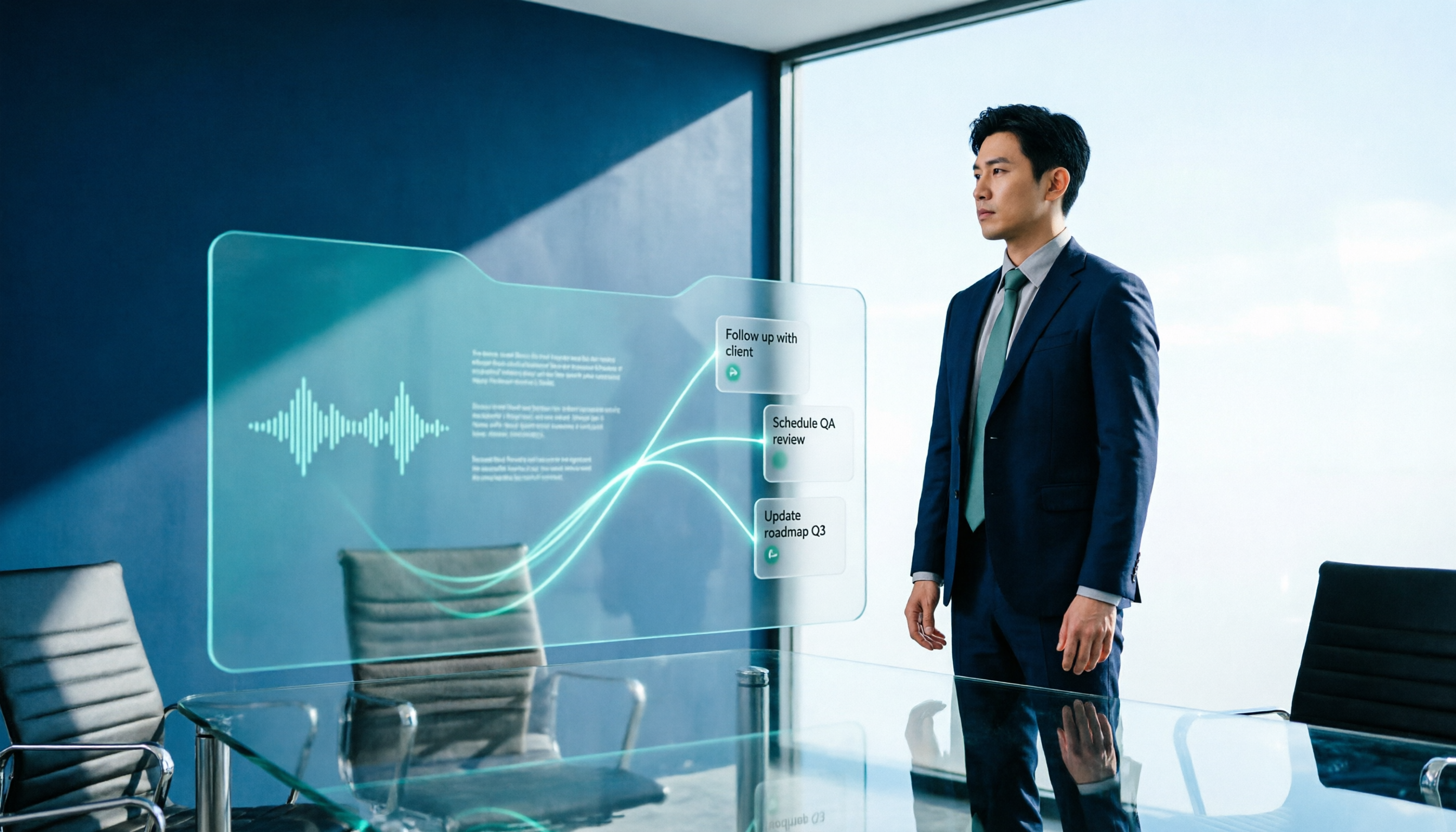
2026 AI Meeting Workflow Tools Compared: Which One Turns Discussions into Actionable To-Dos?
Many people think an AI meeting workflow is just 'record, hand it to AI, wait for a summary,' but the resulting notes often go unread. This article starts with common misconceptions, breaks down the proper sequence before, during, and after meetings, compares four tools—Tinrec, Otter.ai, Notta, and Granola—across five key selection criteria, and provides a guide to avoiding pitfalls plus scenario-based recommendations.

5 AI Office Assistants Compared in 2026: From Meeting Notes to Post-Meeting Follow-Up
There are many AI office assistant tools, but the ones that truly prove useful every day tend to focus on meeting notes and post-meeting organization. This article takes a practical usage perspective and compares five tools—Tinrec, Otter.ai, Fireflies.ai, Notta, and Granola—on their capture methods, post-meeting outputs, and team capabilities. It also outlines 5 purchase checkpoints and answers common questions.

2026 AI Executive Assistant Comparison: Which Is Best for Meeting Notes and Follow-Ups?
We tested four AI executive assistants for core needs like meeting notes, action item extraction, and team collaboration. Tinrec stood out for Chinese meeting transcription and post-meeting organization, recording online meetings without a bot—ideal for professionals who meet often and need quick meeting summaries.

Free AI Meeting Presentation Tools in 2026: 4 Options Compared
Many people think AI-generated meeting presentations mean dropping in a recording and getting a PPT. In reality, the bottleneck is organizing the meeting content. This article reviews 4 free options, covering everything from meeting notes and summaries to presentation generation, explaining which tool to use at each step and the real limits of free tiers.

Tinrec vs Granola 2026: 5-Factor Comparison — Which Meeting Follow-Up AI Is Better for Professionals?
Compare Tinrec and Granola across post-meeting summaries, action items, follow-up questions, recording retention, and team governance to see which is better suited for meeting follow-up AI workflows.

2026 Guide: AI Post-Meeting Processing — Auto Summaries + Action Item Extraction, Team Knowledge Retention
Post-meeting processing isn't just converting recordings into transcripts. This article addresses common misconceptions, outlines 5 key selection criteria, shares hands-on testing of Tinrec and team plan details, briefly reviews Granola and Notta, and provides a pitfall-avoidance guide and scenario-based recommendations to help you choose the right tool.

2026 AI Meeting Follow-Through Comparison: Which Tool Actually Tracks Action Items to Completion?
Meeting notes look great, but nothing gets done? This article breaks down the three most common pitfalls and the closed-loop workflow of capture, correction, assignment, tracking, and review. It compares Tinrec, Notta, Granola, and Otter.ai on bot-free recording, post-meeting Q&A, and team governance, with real pricing and tips to avoid common mistakes.
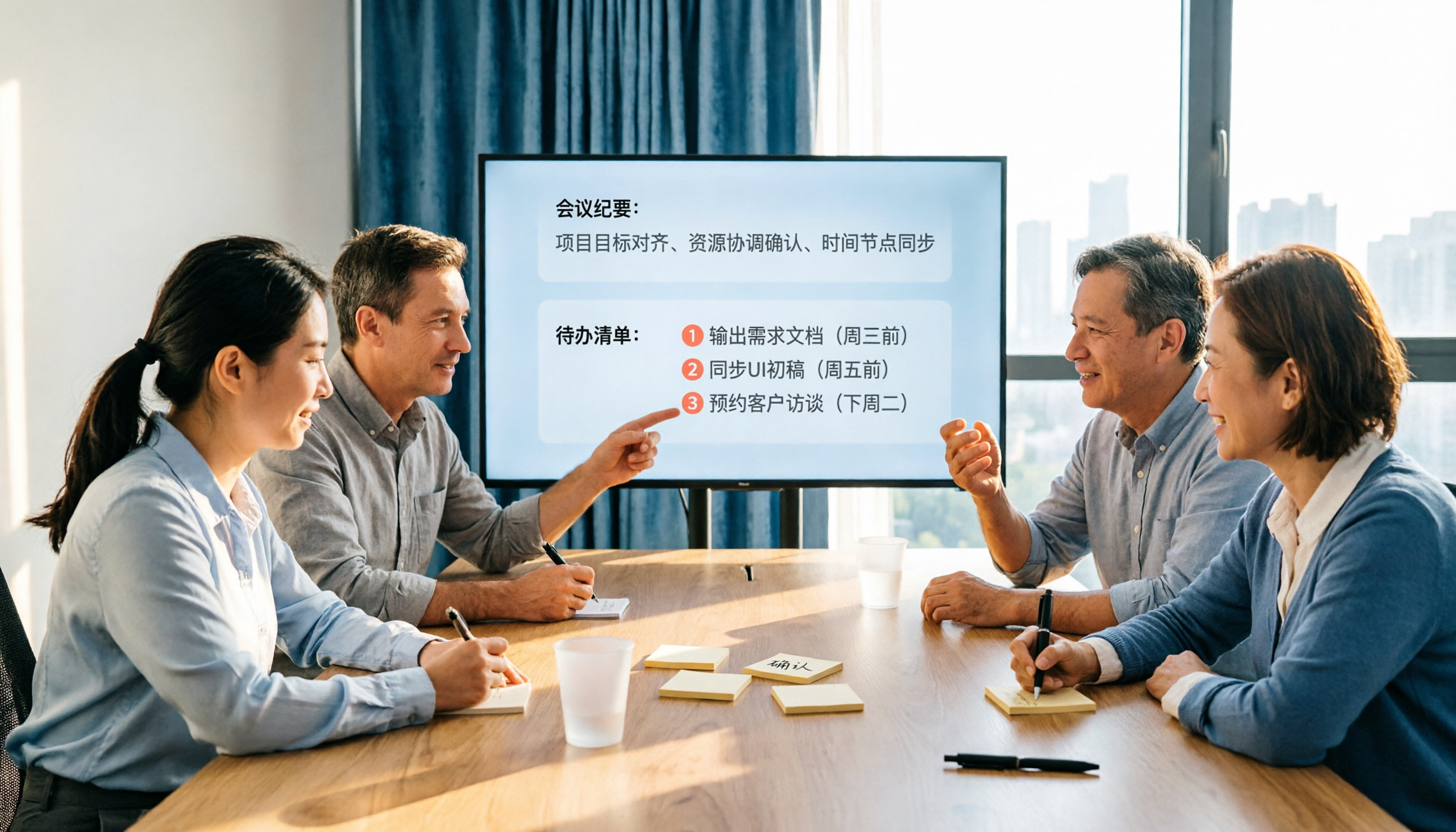
2026 AI Meeting Notes Comparison: Which Tool Extracts Action Items Best?
Action items scattered after meetings? This hands-on comparison of Tinrec, Otter.ai, Notta, and Granola evaluates automatic action item extraction from four angles: Chinese-language meetings, bot-free recording, post-meeting follow-up, and team collaboration—helping you decide which fits your meeting workflow.

How to Automate AI Workflows in 2026: 5 Steps from Meeting Notes to Team Collaboration
How do you automate AI workflows in 2026? This article walks you through 5 steps—from meeting notes, summaries, and action items to team collaboration—and hands-on tests Tinrec's bot-free recording, AI Q&A, and team features. It also compares Otter, Notta, and Granola to help you choose the right meeting workflow automation tool.