
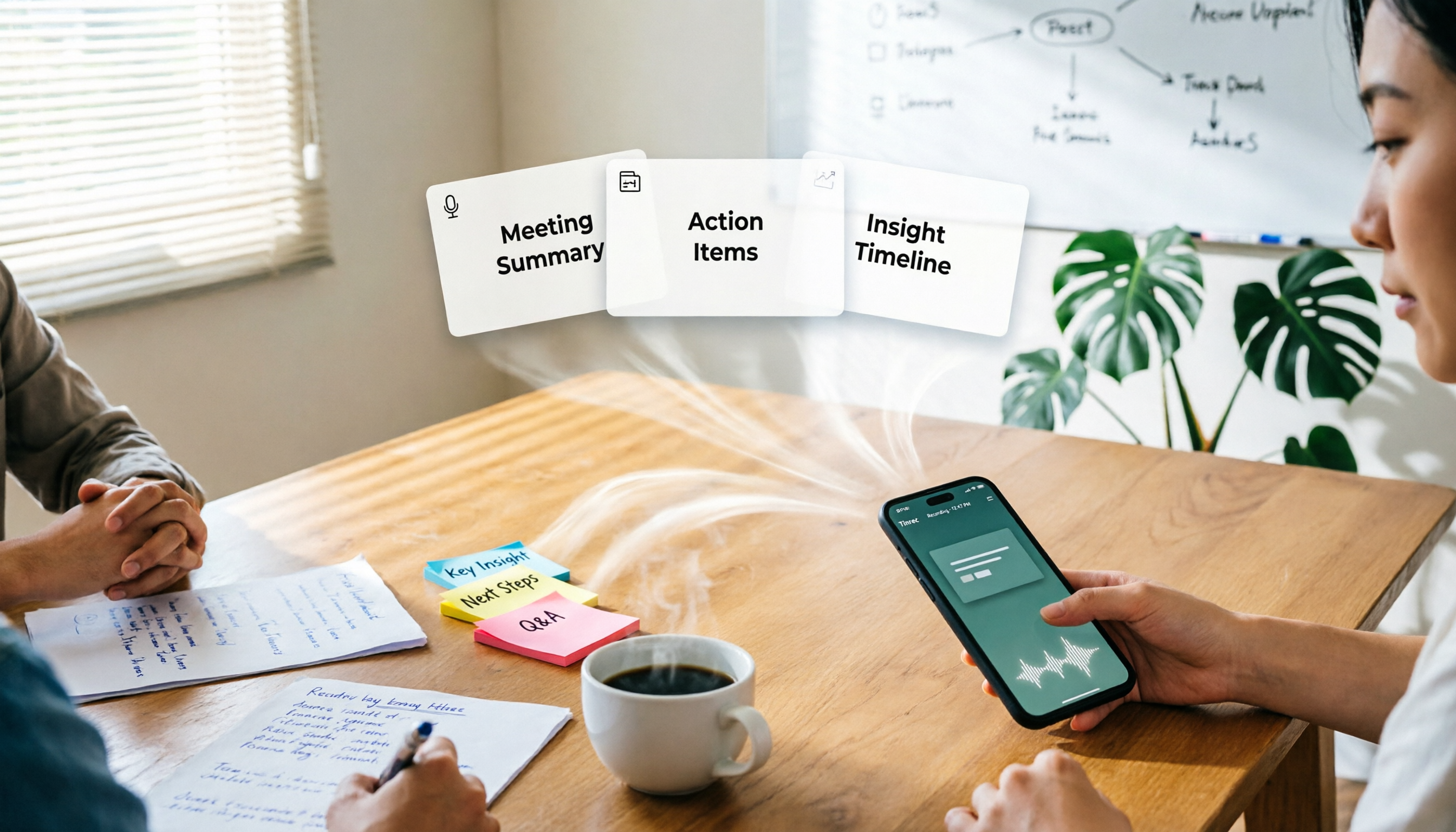
Turn recordings into transcripts and summaries in minutes
Upload audio or video for multilingual transcription, AI notes, and action items
Two hours of meeting, three hours of slides: Are you missing layout or content?
Most people searching for 'one-click meeting PPT' have just finished a two-hour meeting and are staring at a blank slide. They spend half an hour picking a template and revise the title five times, but what's really blocking them isn't aesthetics—it's 'I remember we talked about the budget, but what was the exact number?'
Another common scenario is a cross-department weekly meeting: three people take turns presenting, and afterward you need to produce a progress deck for your manager. Your material is a few phone photos of the whiteboard plus whatever you can recall. Feed that to any AI, and you'll get a beautiful but empty slide deck.
Online meetings are even trickier. After a Zoom or Teams call, the recording sits in the cloud for 40 minutes. You can't rewatch the whole thing just to find three decisions. So you end up writing from memory, and the next day when asked for details, you can only say 'let me double-check.'
So the real issue is this: there are plenty of one-click presentation tools, but what determines the quality of the output is the meeting material you feed them. This article first clarifies 'where the material comes from,' then compares how to pair the four tools.
Before Choosing a 'One-Click Meeting PPT' Tool, Understand These 5 Key Points
1. Where the material comes from. This is the biggest dividing line. Some tools require you to input the topic and key points yourself; some can directly ingest audio recordings; others can start capturing content while the meeting is in progress. Your meetings last at least an hour, and typing up key points afterward usually recovers only about 30%.
2. Does it generate an editable structure or 'an image'? Some solutions render each slide as an image—looks great, but you can't change a single word in PowerPoint. When choosing, check whether it outputs native text boxes, shapes, and tables, or flat images.
3. Handling Chinese and mixed Chinese-English. Meetings in Taiwan are rarely pure Chinese: 'lower this KPI by 5%,' 'review this version of the spec.' If a tool only recognizes standard Mandarin and clean English, the transcript becomes gibberish, and the subsequent summary is naturally unreliable.
4. Export formats and downstream workflow. Can it export .pptx? Can you bring the organized content into Notion or Google Docs to continue writing? If the tool only gives you a PDF, your work isn't actually done.
5. Quotas, pricing, and commercial use licensing. Free plans commonly have three limitations: usage caps, feature cuts, and no commercial use license. Company presentations are commercial use, so confirm this before the trial—don't wait until the day before you present.
Tinrec (MiaoTing Recording) — First Turn Meetings into a 'Generatable' Material Library
One-line positioning: Tinrec (MiaoTing Recording) is an AI meeting notes and collaboration tool for individuals and teams, available on iOS, Android, desktop, and web. It doesn't directly produce .pptx; it handles the most time-consuming work before the presentation: turning meetings into structured, searchable, queryable material.
Scenario 1: Online meeting notes without a meeting bot. Open the Tinrec desktop app, and it directly captures your computer's system audio, handling Zoom, Google Meet, Microsoft Teams, and Webex meetings played on your computer—no extra bot needed to join as a participant. The transcript is generated in sync during the meeting—this is especially critical for people who absolutely don't want to rewatch recordings afterward.
Scenario 2: Ask directly after the meeting. When the meeting ends, AI summaries, chapters, key points, and action items are automatically organized. When writing a quarterly report, you can directly ask it 'What concerns did customers mention most last quarter?' It answers based on semantics, not a string of keyword matches. Manually Ctrl+F through a 40-minute transcript takes at least half an hour; asking takes three minutes.
Scenario 3: Turn material into deliverable documents. Besides transcripts and summaries, Tinrec can generate reports, tables, and documents based on meeting content, and export to Notion, Google Docs, OneNote, Dropbox, and other tools for further processing. You can also upload existing audio and video files to organize past meetings as well.
| Material you get after the meeting | Direct presentation use |
|---|---|
| Timestamped transcript | Pages that need direct quotes |
| AI summary and chapters | Presentation outline and slide titles |
| Action items | Next steps and owner page |
| Mind map | Topic structure page |
| Reports, tables, documents | Appendix and data pages |
Three practical reasons to buy: First, material is traceable. The transcript keeps timestamps, so you can click back to the original audio to verify uncertain numbers—much safer than writing from impression. Second, the path from individual to team is continuous—the personal plan has a free version, weekly pass, Pro monthly, and annual; choose by task, and for occasional recording organization, the free version is enough. Third, handling Chinese and multilingual meetings is a focus, with real-time translation and original/translation/bilingual comparison; teams can also maintain a glossary to improve recognition of technical terms.
Stop organizing recordings by hand
Upload audio or video and automatically get a transcript, summary, and action items
Limitations to be clear about: It won't arrange a 'ready-to-present without edits' slide deck for you; you still need to handle final layout in PowerPoint or a presentation tool. Also, transcription quality is affected by recording quality, ambient noise, accents, overlapping speech, and technical terms. Important numbers and commitments should be verified against the recording; it's not recommended as a complete replacement for human proofreading.
If your meeting data needs to be shared within the department, the team version is a separate space, not 'multiple people sharing one account': Currently offers a 7-day trial for first-time eligible teams (1 free seat, 300 minutes of team shared import quota), USD 29.80 per paid seat per month, or USD 199 per paid seat per year (about USD 16.58/month). Each paid seat provides 2,000 minutes of shared import quota per month; under an active plan and active seat, real-time recording currently does not deduct minutes. Note that roles and seats are two different things: members without a seat can still view, play, and read team data, but need a seat to record, upload, edit, and export. Prices and benefits are subject to the official purchase page.
Who it's for: People who have 2–3 meetings per week and need to turn meeting content into presentations, reports, or action items; people who use both phone and computer; and teams that need to turn meetings into departmental assets.
Besides Tinrec, What Other One-Click Presentation Options Are There?
GenApe: An AI presentation generator developed by a Taiwan team. You can set the number of pages (e.g., 1–5), words per page, and target audience, and it generates a complete presentation with titles, paragraphs, page design, and icon suggestions in one click. It supports .pptx and plain text export, and can produce content in Traditional Chinese, English, Japanese, and Korean. The prerequisite is that you've already thought out the topic and input the data—it won't record your meeting for you, and the free membership has usage limits and is not for commercial use. It and Tinrec are actually a relay: one supplies material, the other does layout.
AI One-Click PPT: Generates presentations after you input commands and set parameters. It has a built-in editing interface to directly modify text formatting, continue writing, and polish, and can activate AI drawing to generate images for insertion. When done, you can export in PPT format. Suitable for people who already have a clear script and just want a quick draft. But if your starting point is a 40-minute recording, the middle step of 'turning speech into text and key points' still needs to be handled first.
ppt-master: Open-sourced by the hugohe3 team (MIT license, Python implementation, about 25k stars on GitHub). Feed it Markdown, Word, PDF, or a piece of text, and it analyzes the structure, generates an outline, then uses python-pptx to generate a .pptx with native shapes and animations. After delivery, you can freely re-edit in PowerPoint, Keynote, or WPS. It doesn't record meetings, and is more for developers who can deploy it themselves and want to control the generation process.
Pitfall Guide: The 4 Most Common Mistakes When Choosing These Tools
Pitfall 1: Thinking 'one-click generation' equals 'no preparation.' The vaguer the material, the emptier the output. Input 'discuss Q3 marketing' and you'll get a generic slide deck; input a timestamped transcript and decisions, and you'll get a draft with numbers.
Pitfall 2: Only checking whether it can export, not whether the export is editable. Image-based slides are dead files in PowerPoint. When choosing, ask: does it output native text boxes and shapes?
Pitfall 3: Presenting AI-generated content as-is. Numbers, commitments to customers, legal and contract language must be manually verified. Many tools note during testing that the accuracy of generated content is your responsibility—this isn't a disclaimer, it's a practical reminder.
Pitfall 4: Sharing one account across the team. It looks like saving money short-term, but long-term it means permissions can't be traced and data leaves with departing members. If meeting data belongs to the company, choose a team solution with roles, seats, usage, and activity logs, rather than lending personal accounts back and forth.
Pitfall 5: Only using it as 'audio-to-text.' If you only use the transcript, you're using only one-third of its capability. After recording, directly ask 'What are the three conclusions from this meeting?'—much faster than manually flipping through a 30-minute transcript, and this is also the key to whether you can smoothly generate a presentation afterward.
Conclusion: Which One Should You Choose?
To sum up in one sentence: the upper limit of presentation quality is determined by meeting material; the layout tool determines the lower limit.
- Your pain point is 'the meeting ends, I can't organize the content, and I can't remember who said what' → Choose Tinrec. It handles the most time-consuming part before the presentation, which this article believes is what most people are truly missing.
- You already have a complete script and just want to quickly lay out a presentation → GenApe or AI One-Click PPT. Set the number of pages and audience, generate directly, then fine-tune manually.
- You want to control the generation process yourself and need a natively editable .pptx → ppt-master, provided you already have a structured document.
- Meeting data needs to stay in the department, and you need to manage members and usage → Tinrec team version, using a separate space instead of a shared account.
Practical advice: don't rush to pay. Use the free version to run through a real meeting from start to finish—record or import, generate a transcript, see if the summary and action items capture the key points, export as a text file, then put it into a presentation tool for layout. After this round, you'll clearly know whether you're missing the material side or the layout side, and then decide where to spend your money.
References
- AI One-Click PPT | AI PPT | Fast Presentation Generation and Template Application
- AI PPT – Best AI Presentation Generator - GenApe
- What is ChatBCG? The PPT generation tool is here! One-click presentation generation, and export to PDF | BusinessNext
- ppt-master: One-click generation of truly editable PPT from any document — Open Source AI Project
- AI One-Click PPT Generation_Enter ...
Turn every recording into actionable outcomes
Get 60 free transcription minutes when you sign in. No credit card required.
Related Reading
You might also like
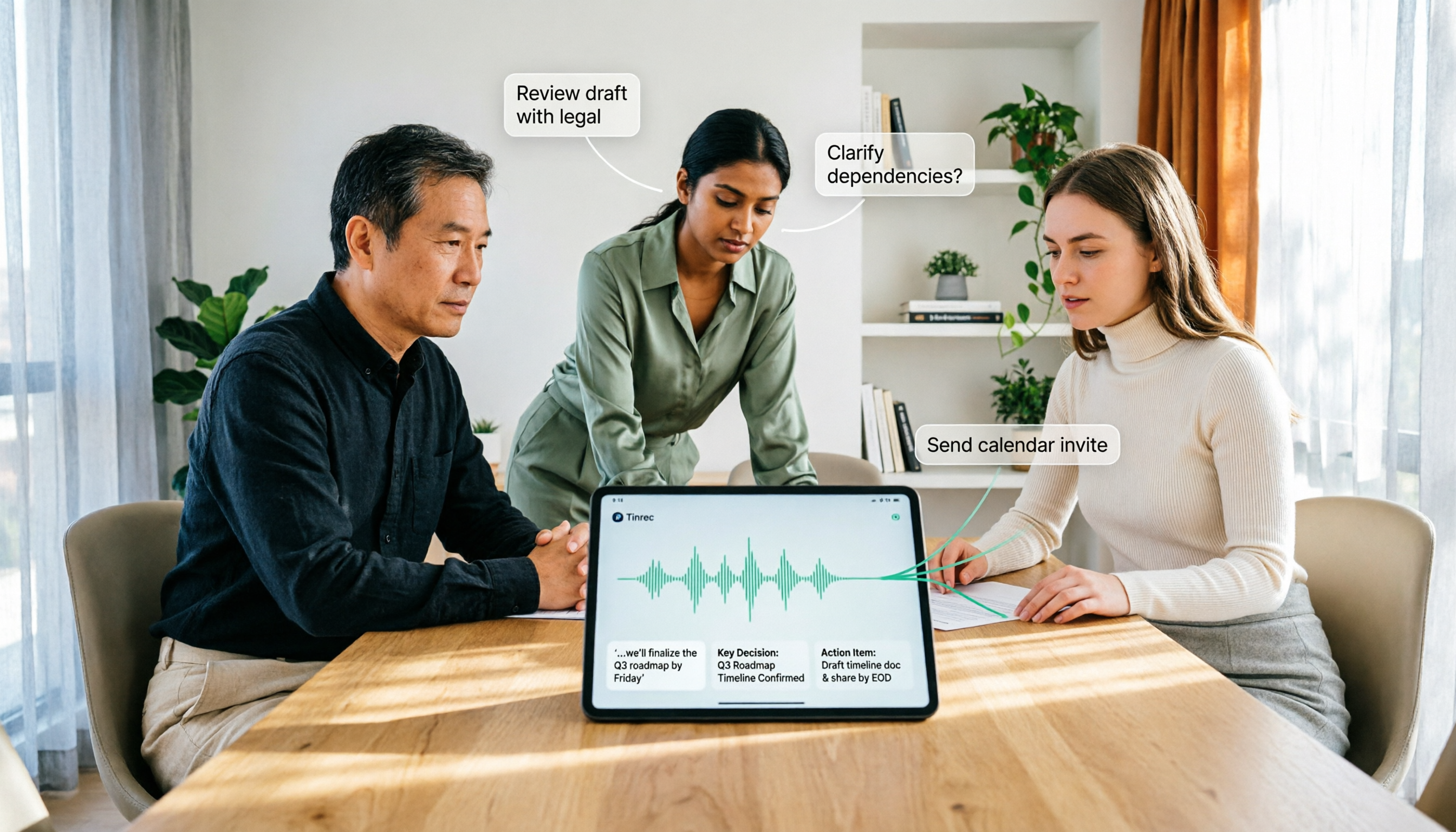
How to Use AI Agent Multi-Turn Conversations in 2026: 5 Steps to Build an Automated Meeting Workflow
Many people treat AI Agent multi-turn conversations as asking the same question multiple times, which only repeats the same blind spots and doubles costs. This article breaks down what multi-turn conversations should really have: memory, tool invocation, and stopping conditions, and uses Tinrec to demonstrate how to turn a meeting from recording, transcription, summarization to post-meeting follow-up into a truly deliverable workflow.

2026 Guide: AI Post-Meeting Processing — Auto Summaries + Action Item Extraction, Team Knowledge Retention
Post-meeting processing isn't just converting recordings into transcripts. This article addresses common misconceptions, outlines 5 key selection criteria, shares hands-on testing of Tinrec and team plan details, briefly reviews Granola and Notta, and provides a pitfall-avoidance guide and scenario-based recommendations to help you choose the right tool.

2026 AI Meeting Follow-Through Comparison: Which Tool Actually Tracks Action Items to Completion?
Meeting notes look great, but nothing gets done? This article breaks down the three most common pitfalls and the closed-loop workflow of capture, correction, assignment, tracking, and review. It compares Tinrec, Notta, Granola, and Otter.ai on bot-free recording, post-meeting Q&A, and team governance, with real pricing and tips to avoid common mistakes.
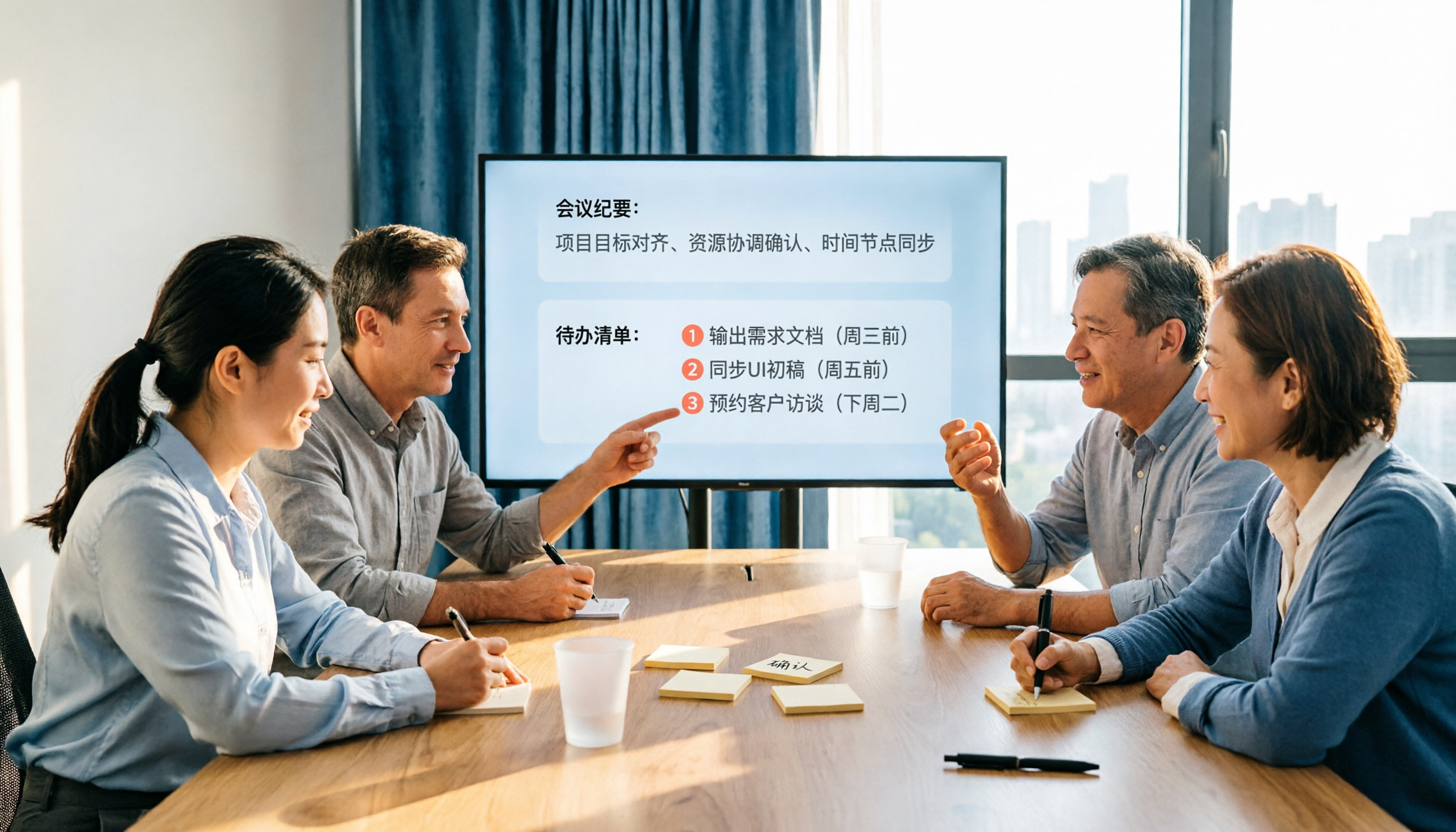
2026 AI Meeting Notes Comparison: Which Tool Extracts Action Items Best?
Action items scattered after meetings? This hands-on comparison of Tinrec, Otter.ai, Notta, and Granola evaluates automatic action item extraction from four angles: Chinese-language meetings, bot-free recording, post-meeting follow-up, and team collaboration—helping you decide which fits your meeting workflow.

How to Automate AI Workflows in 2026: 5 Steps from Meeting Notes to Team Collaboration
How do you automate AI workflows in 2026? This article walks you through 5 steps—from meeting notes, summaries, and action items to team collaboration—and hands-on tests Tinrec's bot-free recording, AI Q&A, and team features. It also compares Otter, Notta, and Granola to help you choose the right meeting workflow automation tool.

4 Meeting Minutes Automation Software Compared for 2026: From Transcripts to Summaries to Action Items
Starting from the most common pitfalls of meeting minutes automation, this comparison of Tinrec, Otter.ai, Notta, and Granola covers meeting capture, post-meeting output, Chinese language experience, and team governance to help mid-level managers choose a tool that truly reduces post-meeting cleanup time.

2026 AI Meeting SOP Tools Buying Guide: 2 Hands-On Tests and Recommendations
Starting from common pitfalls in building an AI meeting SOP, this guide explains how to turn meeting recordings, transcripts, summaries, action items, and team knowledge bases into a repeatable workflow. It compares Tinrec and Notta to help you choose the right tool.

7 AI Meeting Workflow Tools Tested and Compared for 2026: Which Free Version Is Actually Enough?
Still putting off meeting notes until after the meeting? This article starts with the most common misconception and breaks down a three-stage AI meeting workflow—before, during, and after the meeting. It also tests and compares 7 options: Tinrec, Otter, Fireflies, Notta, Granola, TurboScribe, and built-in platform transcription. Free quotas and paid prices are listed honestly to help you decide which fits your meeting style best.

2026 Comparison of 5 Meeting Notes Automation Tools: Tinrec vs. Notta — Which Should You Choose?
Starting from the pain point of still organizing meeting notes before leaving work on Friday, this comparison examines the differences between Tinrec and Notta in meeting capture, post-meeting organization, Chinese and multilingual support, team collaboration, and pricing, helping you decide which meeting notes automation tool is better suited for teams in Taiwan.