

Turn recordings into transcripts and summaries in minutes
Upload audio or video for multilingual transcription, AI notes, and action items
4 Meeting Minutes Automation Software Compared for 2026: From Transcripts to Summaries to Action Items
The Most Common Pitfall in Meeting Minutes Automation—You Don't Need More Transcripts, You Need a Post-Meeting Workflow
Most people imagine meeting minutes automation like this: press record during the meeting, and afterward you'll have a perfect record. That's the easiest pitfall to fall into. Because what you usually get is just a transcript—conclusions, decisions, and who's responsible for what still require you to dig through it yourself. Another inefficient approach is relying solely on built-in transcription features of platforms: one for Meet, one for Teams, another for in-person meetings—data scattered everywhere. Next time your boss asks "What was the conclusion last time?" you still have to check three places.
I have about 15 meetings a week—weekly meetings, project progress meetings, one-on-ones, cross-department coordination. What used to bother me most wasn't the meetings themselves, but the aftermath: a 45-minute meeting could take another 30 minutes to organize; verbal assignments, when I asked a colleague two days later, they'd say "I thought it was due next week." It's not that anyone isn't serious—it's that meetings aren't turned into trackable data.
So this article doesn't discuss "which tool is cheapest for transcription," but rather compares 4 meeting minutes automation software using my actual team-leading standards: how meetings are recorded, whether action items can be directly generated afterward, how smooth Chinese meetings are, and whether team data can be accumulated.
Before Choosing Meeting Minutes Automation Software, Understand These 4 Key Points
1. How meetings are recorded is more important than how fast transcription is. Some tools require sending a meeting bot to join the meeting—fine for internal weekly meetings, but not necessarily suitable for external clients or sensitive cross-department meetings. I later made "no bot joining" my first criterion: the desktop version directly captures computer system audio, and the user actively starts recording, making the process closer to a real meeting.
2. Post-meeting output isn't just a summary. A summary only lets you quickly review; what really affects work efficiency is: are there chapters, key points, action items, can you ask follow-up questions about the meeting content, can you export to existing workflows. A tool that only provides a transcript is equivalent to doing only one-third of the work for you.
3. Chinese and mixed Chinese-English depend on your own recording conditions. Don't just look at the official accuracy rate. Real meetings have air conditioning noise, keyboard sounds, multiple people talking over each other, technical terms, and mixed Chinese-English. Rather than looking at lab numbers, take a recording of your own weekly meeting and try it—see if the summary captures decisions and if action items miss anyone.
4. Team usage requires distinguishing roles and seats. Roles govern who can manage the team, members, and audits; seats govern who can record, upload, edit, and export. Many teams think that buying a plan means everyone can edit, but in reality, members without seats may only be able to view. Rather than looking at "how many people the plan supports," first confirm these two things.
Tinrec—The One Our Team Kept Using After Testing
Tinrec is an AI meeting notes and collaboration tool for individuals and teams, supporting real-time recording, bot-free online meeting recording via desktop, audio and video file import, and multi-device use. It doesn't just convert audio to text; it organizes meetings into data that can be searched, queried, exported, and collaborated on.
The first most noticeable feature is bot-free online meeting recording. The desktop version directly captures computer system audio, handling meetings played on the computer via Zoom, Google Meet, Microsoft Teams, Webex, etc., without pulling an extra bot into the meeting. To be clear: it doesn't automatically join all calendar meetings; you actively open Tinrec to start recording. For those of us who often meet with external vendors, having one less bot join makes the meeting process much cleaner.
The second is not having to reread the entire transcript after the meeting. After the meeting, Tinrec generates a transcript, AI summary, chapters, and action items, and can also produce a mind map. My habit is to first look at the summary and chapters to confirm no decisions were missed, then go back to the original speech to verify action items. When I need to bring it to other tools, I can export to common workflows like Notion, Google Docs, OneNote, Dropbox, etc.
The third is AI Q&A. I directly ask: "What was the budget cap the client mentioned?" "Who was responsible for following up on the contract last meeting?" It answers based on the meeting content, without me having to Ctrl+F in the transcript. This is the main reason I switched from a regular transcription tool: rather than giving me keyword search, just give me the answer.
Stop organizing recordings by hand
Upload audio or video and automatically get a transcript, summary, and action items
The fourth is the team version. It's not multiple people sharing a personal account, but an independent team space: you can create multiple teams, invite members via link, set owners/admins/regular members, assign or revoke seats, centrally store meeting data, view team usage trends, member rankings and details, manage team hotwords, query and export audit logs, and there's an audio recycle bin. Team resources belong to the team; when a member leaves or is removed, resources can be handed over to other active members and won't disappear with the individual. Currently, the team's first eligible trial is 7 days, 1 free seat, 300 minutes of team shared import quota; team monthly payment is USD 29.80 per paid seat per month, annual payment is USD 199 per paid seat per year, about USD 16.58 per month, and paid seats provide 2,000 minutes of team shared import quota per month. Real-time recording under an active plan and seat is currently not deducted by minutes; file and network imports use the team shared quota. Prices and benefits are subject to the official purchase page.
Limitations should also be clearly stated. The free version is a basic quota; heavy users need to pay. Tinrec does not promise a fixed 98% or 99% accuracy rate; actual results are affected by recording quality, accent, noise, overlapping speech, and technical terms. For important decisions, it's still recommended to cross-check with the original text and recording. Also, the team version currently focuses on team-level sharing, not document-level or member-level granular permissions; roles govern governance, seats govern usage eligibility—don't confuse the two.
My test conditions were simple: a mixed Chinese-English team weekly meeting with 6 participants, recorded via desktop system audio. I didn't take the official accuracy rate as the conclusion, but looked at whether I could jump directly from the summary to action items and then go back to verify the original speech. This kind of testing is closer to how we meet every day than just looking at lab numbers.
If you are a mid-level manager, department head, or someone who needs to report upward and track downward simultaneously, Tinrec's most suitable scenarios are: many Chinese meetings, not wanting bots to join, needing to directly ask questions and grab action items after meetings, and wanting meeting data to stay in the team space.
Besides Tinrec, What Other Options Are There?
Otter.ai: A veteran choice for English meetings. Basic is free with 300 minutes per month; Pro annual billing is about USD 8.49 per user per month, with 1,200 minutes per month and 10 file imports. If your meetings are mainly in English, it's very mature. But we need post-meeting follow-up in Chinese and mixed Chinese-English, and to accumulate data in a team space; Otter's strengths aren't here—Tinrec is closer in this regard.
Notta: Excels in multilingual transcription and subtitles. Free is 120 minutes per month, max 3 minutes per session; Pro annual billing is about USD 8.17 per month, with 1,800 minutes per month. It's suitable for workflows mainly based on file transcription and subtitles. But Tinrec's desktop bot-free recording, AI Q&A, and team seats/audit are more convenient for those who need to "directly track actions after meetings."
Granola: Bot-free meeting notes. Basic is free; Business is about USD 14 per user per month. It's strong in combining real-time meetings with handwritten notes. But it doesn't retain meeting audio and doesn't support uploading pre-recorded audio files; we often need to replay client interviews and organize historical recordings—Tinrec can retain audio, support file import, and put them into the team space.
Pitfall Guide: The 4 Most Common Mistakes When Choosing Meeting Minutes Automation Software
Pitfall 1: Only looking at transcription, not the post-meeting workflow. Many tools can turn recordings into transcripts, but what you need is "directly usable after the meeting." Before buying, ask: Are there summaries, chapters, action items, Q&A, export? If you only treat the tool as a transcript machine, you're only using one-third of its capabilities.
Pitfall 2: Treating "having a recording" as "having tracking." Archiving a recording doesn't mean action items are executed. After the meeting, action items need an owner, a deadline, the ability to go back to the original speech for verification, and ideally export to the team. With only an audio file, no one will open it two weeks later.
Pitfall 3: Ignoring the difference between roles and seats. Team plans aren't as simple as "buying a few accounts." Members without seats may only be able to view, play, and read, not upload, edit, import, or export. Before purchasing, confirm why you need seats and who really needs to record and edit.
Pitfall 4: Taking official accuracy rates as a guarantee. Official numbers usually have test conditions. If your meetings have accents, mixed Chinese-English, multiple people talking over each other, performance will definitely differ. The most practical approach is to take a recording of your own meeting for a trial and see if the summary and action items capture the key points.
Conclusion: Which One Should You Choose?
First, the conclusion: If you want a post-meeting workflow mainly for Chinese meetings, Tinrec is the choice I would recommend first. It's not the strongest in every dimension, but on the line of "bot-free recording + summary/action items + AI Q&A + team accumulation," it's the most practical for managers.
- Many Chinese meetings, often mixed Chinese-English, need to directly ask questions after meetings → Tinrec.
- Don't want meeting bots joining external meetings → Tinrec desktop version.
- Need team sharing, seat management, usage and audit → Tinrec team version.
- Meetings mainly in English, budget-sensitive → Otter.ai can be tried first.
- Only need real-time meeting notes, no need to retain audio → A tool like Granola is enough.
If you're like me, with a dozen meetings a week and a bunch of things to follow up on afterward, I suggest first using Tinrec's free version for a real meeting to see if the summary and action items can save you from flipping through the transcript once. The free version is a basic quota; first confirm whether the process is smooth, then decide whether to upgrade—that's more practical than buying the most expensive plan from the start.
References
- 2026 Auto-Generate Action Items Tool Recommendations: From Audio Transcription to AI Meeting Minutes, 5 High-Performance Solutions Tested - Tinrec Blog
- Top 8 Google Meet Audio-to-Text Transcript AI Tools (2026): One-Stop Meeting Minutes and Action Items - Tinrec Blog
- Automated Meeting Minutes Complete Guide: How AI Can Save You 90% of Meeting Note Time - Tinrec Blog
- 2026 Latest 9 AI Meeting Notes Tools: Solving the Pain of Time-Consuming Transcript Organization - Tinrec Blog
- 2026 Latest 5 AI Meeting Assistant Tools: Automatically Organize Key Points and Action Items - Tinrec Blog
Turn every recording into actionable outcomes
Get 60 free transcription minutes when you sign in. No credit card required.
Related Reading
You might also like
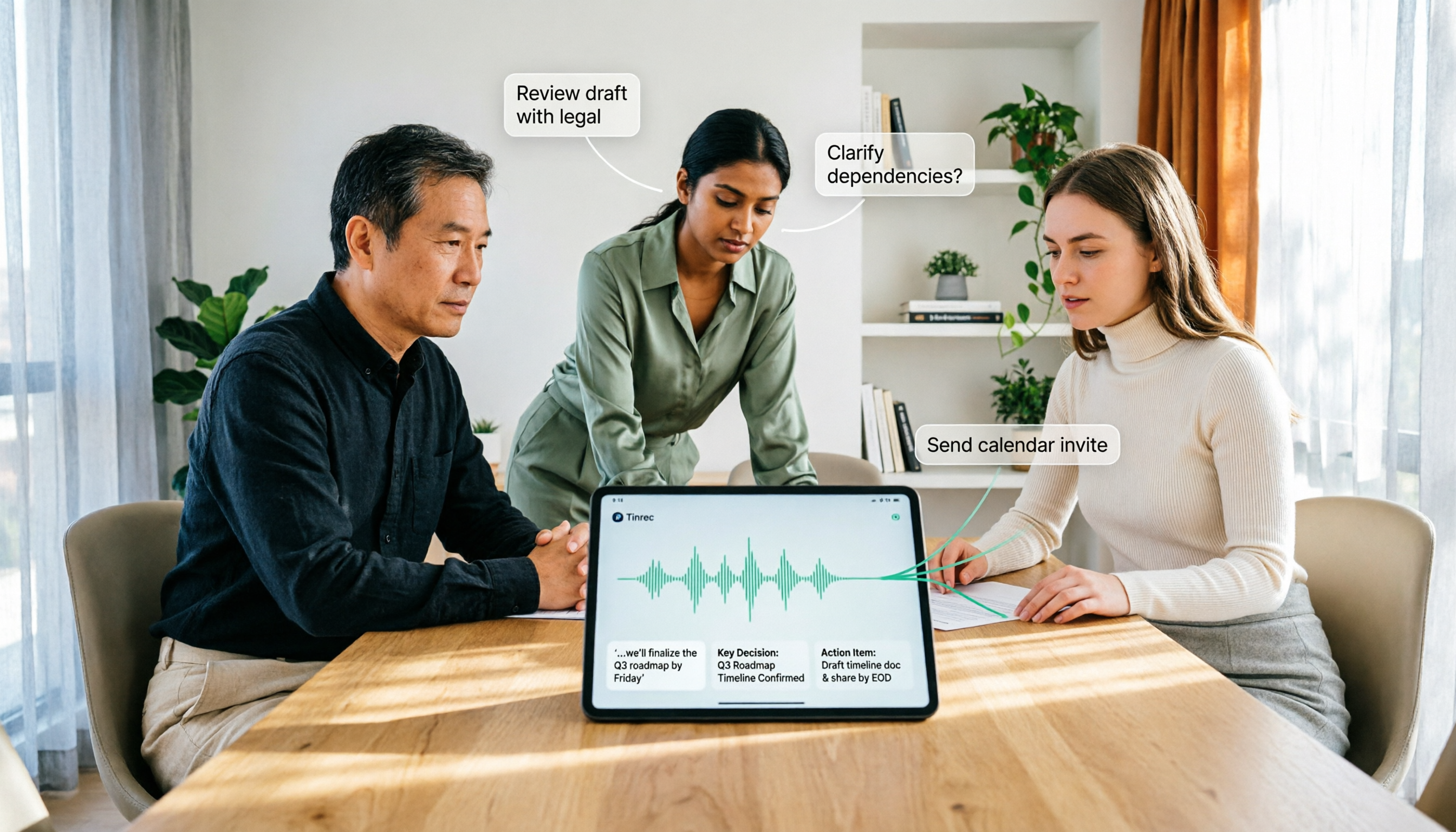
How to Use AI Agent Multi-Turn Conversations in 2026: 5 Steps to Build an Automated Meeting Workflow
Many people treat AI Agent multi-turn conversations as asking the same question multiple times, which only repeats the same blind spots and doubles costs. This article breaks down what multi-turn conversations should really have: memory, tool invocation, and stopping conditions, and uses Tinrec to demonstrate how to turn a meeting from recording, transcription, summarization to post-meeting follow-up into a truly deliverable workflow.

2026 Guide: AI Post-Meeting Processing — Auto Summaries + Action Item Extraction, Team Knowledge Retention
Post-meeting processing isn't just converting recordings into transcripts. This article addresses common misconceptions, outlines 5 key selection criteria, shares hands-on testing of Tinrec and team plan details, briefly reviews Granola and Notta, and provides a pitfall-avoidance guide and scenario-based recommendations to help you choose the right tool.

2026 AI Meeting Follow-Through Comparison: Which Tool Actually Tracks Action Items to Completion?
Meeting notes look great, but nothing gets done? This article breaks down the three most common pitfalls and the closed-loop workflow of capture, correction, assignment, tracking, and review. It compares Tinrec, Notta, Granola, and Otter.ai on bot-free recording, post-meeting Q&A, and team governance, with real pricing and tips to avoid common mistakes.
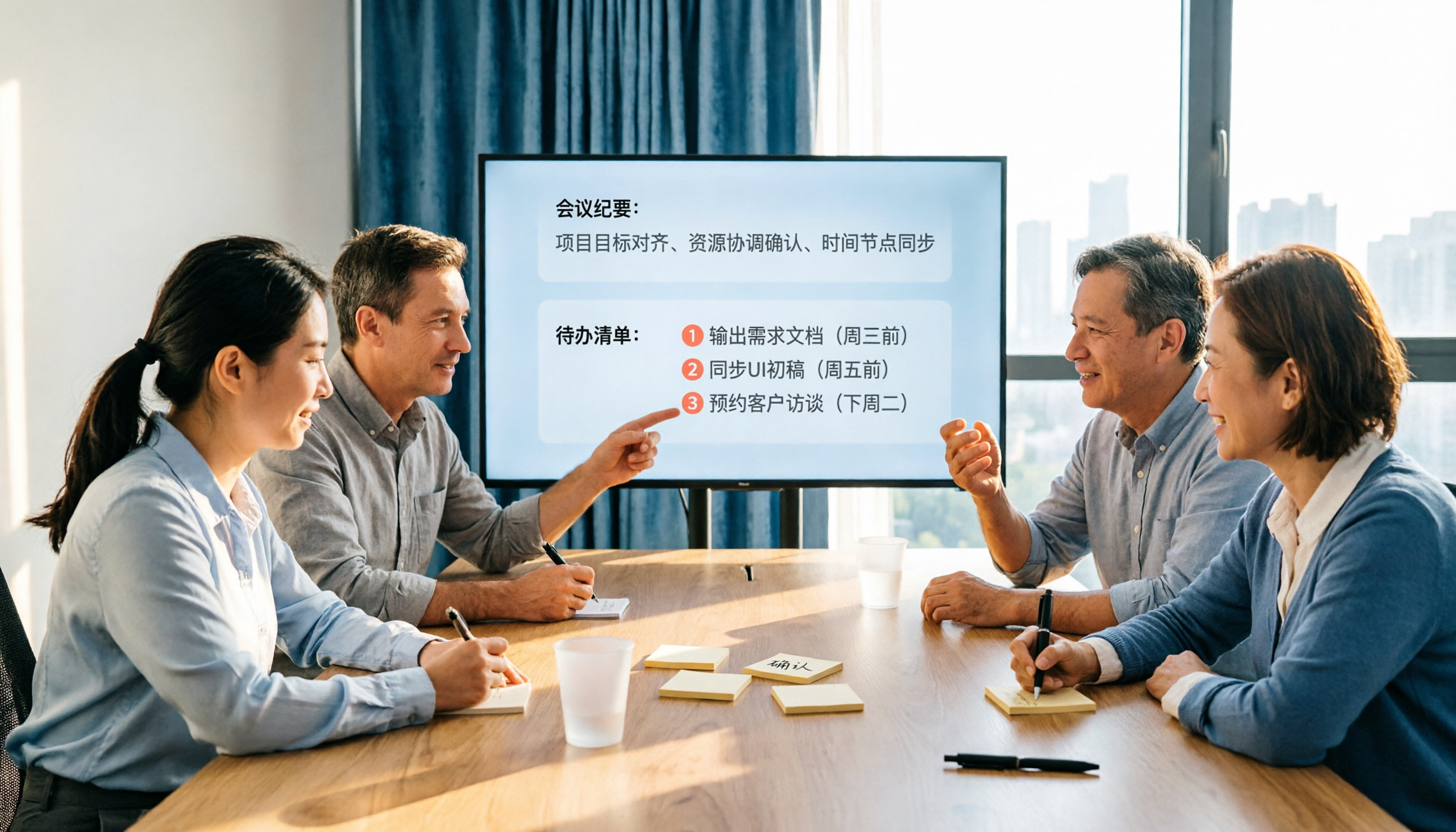
2026 AI Meeting Notes Comparison: Which Tool Extracts Action Items Best?
Action items scattered after meetings? This hands-on comparison of Tinrec, Otter.ai, Notta, and Granola evaluates automatic action item extraction from four angles: Chinese-language meetings, bot-free recording, post-meeting follow-up, and team collaboration—helping you decide which fits your meeting workflow.

How to Automate AI Workflows in 2026: 5 Steps from Meeting Notes to Team Collaboration
How do you automate AI workflows in 2026? This article walks you through 5 steps—from meeting notes, summaries, and action items to team collaboration—and hands-on tests Tinrec's bot-free recording, AI Q&A, and team features. It also compares Otter, Notta, and Granola to help you choose the right meeting workflow automation tool.

2026 AI Meeting SOP Tools Buying Guide: 2 Hands-On Tests and Recommendations
Starting from common pitfalls in building an AI meeting SOP, this guide explains how to turn meeting recordings, transcripts, summaries, action items, and team knowledge bases into a repeatable workflow. It compares Tinrec and Notta to help you choose the right tool.

7 AI Meeting Workflow Tools Tested and Compared for 2026: Which Free Version Is Actually Enough?
Still putting off meeting notes until after the meeting? This article starts with the most common misconception and breaks down a three-stage AI meeting workflow—before, during, and after the meeting. It also tests and compares 7 options: Tinrec, Otter, Fireflies, Notta, Granola, TurboScribe, and built-in platform transcription. Free quotas and paid prices are listed honestly to help you decide which fits your meeting style best.

2026 Comparison of 5 Meeting Notes Automation Tools: Tinrec vs. Notta — Which Should You Choose?
Starting from the pain point of still organizing meeting notes before leaving work on Friday, this comparison examines the differences between Tinrec and Notta in meeting capture, post-meeting organization, Chinese and multilingual support, team collaboration, and pricing, helping you decide which meeting notes automation tool is better suited for teams in Taiwan.
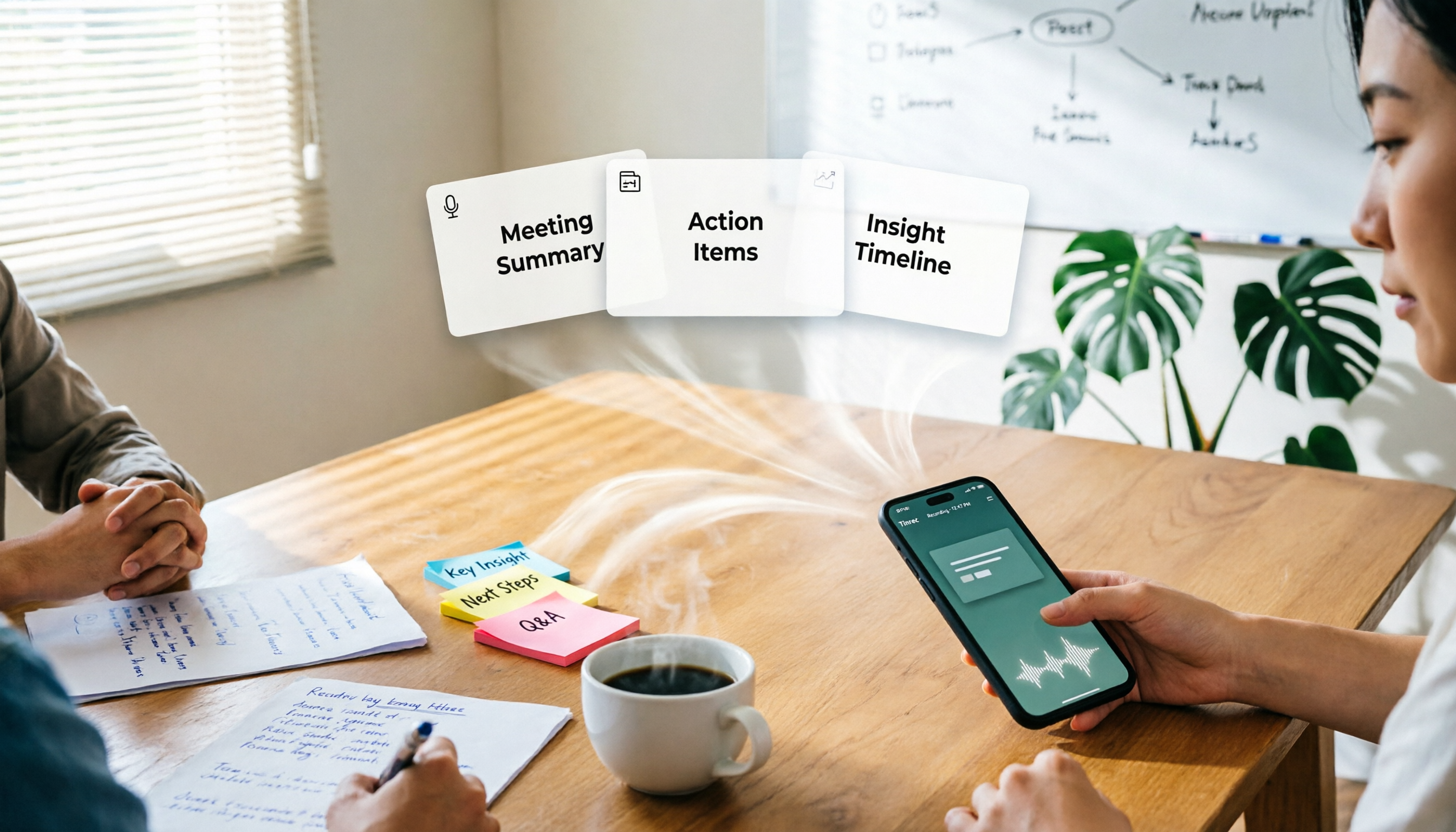
One-Click Meeting PPT Generators Compared: 2026 Test of 4 Tools — The Key Is Your Meeting Material
Still starting your meeting deck from scratch after the meeting ends? The problem usually isn't the layout tool—it's the meeting material you have on hand. This article starts with 'where does the material come from' and compares four approaches: Tinrec, GenApe, AI One-Click PPT, and ppt-master. It outlines 5 key buying factors and 4 common pitfalls to help you decide which part of your workflow to fix first.