

Turn recordings into transcripts and summaries in minutes
Upload audio or video for multilingual transcription, AI notes, and action items
2026 AI Meeting SOP Tools Buying Guide: 2 Hands-On Tests and Recommendations
When I coach teams on building processes, the most common first mistake I see is equating an "AI meeting SOP" with "throwing the recording at AI for a summary after the meeting."
That's not ineffective—it just tends to stop at one-time convenience.
Because you haven't defined what to ask before the meeting, what to produce after, and where to put the results for the next person to use.
So everyone still organizes things their own way, and meeting notes end up as just another running log.
I later broke the AI meeting SOP into three minimum outputs: a list of decision questions before the meeting, a timestamped transcript during the meeting, and a summary plus action items plus owners after the meeting.
The tool's role is to make these three outputs repeatable, not to decide what the meeting should cover.
That's also the lens for this tool selection: I don't just look at transcription accuracy, but whether it can connect the post-meeting follow-through.
Tinrec vs Notta | Quick Overview
Tinrec is an AI meeting notes and collaboration tool for individuals and teams, focusing on desktop bot-free recording of online meetings, post-meeting summaries, action items, AI Q&A, Agent post-processing, and team spaces.
Notta is a multi-platform transcription and meeting notes tool covering document import, translation, and team plans. Those who need multilingual and file transcription often think of it first.
| Item | Tinrec | Notta |
|---|---|---|
| Core positioning | AI meeting notes and team collaboration | Multi-platform transcription, translation, and meeting notes |
| Meeting recording | Desktop captures system audio, no bot joining required | Meeting notes and file import; actual recording method depends on plan and scenario |
| Post-meeting outputs | Transcript, summary, chapters, action items, Q&A, Agent-generated documents | Transcript, summary, translation, and team plans |
| Best for | Those who want to turn meetings into team knowledge | Those who need multilingual transcription and file processing |
Plans and pricing are subject to change; refer to the official website for current details.
Next, we compare across five dimensions: meeting recording method, post-meeting organization depth, Chinese and mixed-language experience, team governance, and workflow export.
Bottom line first: if you want an AI meeting SOP that can be embedded in a team, Tinrec is more complete on the path of "bot-free recording + post-meeting follow-up + team knowledge retention." If you only need to quickly convert files to text and prefer transparent minute-based plans, Notta remains a reasonable choice.
Dimension 1 | Meeting Recording Method: Who Can Avoid Disrupting the Meeting Flow?
Notta's core usage includes meeting notes and file import. For teams with established recording habits, this isn't a problem; but in external client meetings, an extra recording step or participant role often requires prior explanation.
Tinrec's desktop version directly captures computer system audio, with no extra bot joining Zoom, Google Meet, Microsoft Teams, or Webex. Users proactively open Tinrec to start recording, and a live transcript is generated during the meeting.
The difference here isn't the length of the feature list, but that participants don't need to change their meeting habits.
→ This dimension: Tinrec clearly wins. For teams that frequently hold external meetings, one less bot means one less layer of communication overhead.
Dimension 2 | Post-Meeting Organization Depth: After the Transcript, Who Helps You Get to Action?
Notta can convert meeting content into transcripts and offers summaries, translation, and team plans. For the need to "turn audio into text," it already handles most of the work. But if your SOP requires directly producing action items, owners, and a queryable meeting database after the meeting, you still need to connect the steps yourself.
Tinrec puts transcripts, AI summaries, chapters, action items, mind maps, AI Q&A, and Agent post-processing into a single flow. You can first read the summary to grasp the big picture, then go back to transcript timestamps to verify, and finally use AI Q&A to ask follow-ups like "What budget constraints did the client mention?" or "Has the previous decision changed?" When you need to produce reports or tables, hand it to Agent post-processing to generate documents.
→ This dimension: Tinrec wins. What it sells isn't transcription minutes, but the most time-consuming organization work after transcription.
Dimension 3 | Chinese and Mixed-Language Meetings: Who Is Closer to Taiwanese Teams?
Notta has a solid reputation for multilingual transcription and translation, which is very useful for teams handling multilingual documents. That's its strength, and there's no denying it.
Stop organizing recordings by hand
Upload audio or video and automatically get a transcript, summary, and action items
Tinrec, on the other hand, emphasizes Chinese meetings, Chinese-English mixed content, multilingual transcription, real-time translation, and bilingual viewing, and offers team hotwords to maintain professional terminology. In practice, product meetings with mixed Chinese and English are most prone to recognition gaps in names, product names, and abbreviations; hotwords aren't a panacea, but at least they let teams retain commonly used terms.
→ This dimension: Tie, leaning Tinrec. If your meetings are mainly in Chinese with occasional Chinese-English mixing, Tinrec's overall experience is closer; if you handle a large volume of multilingual files, Notta is still worth testing.
Dimension 4 | Team Collaboration and Governance: Who Owns Meeting Data?
Notta's Business plan offers role permissions and usage reports, which is sufficient governance for teams already using Notta.
Tinrec's team edition separates "roles" and "seats": roles determine who can manage the team, members, audit, and settings; seats determine who can record, upload, edit, and import/export. Active members without seats can still view, play, and read team data. The team space centrally stores Audio, Folder, TODO, and meeting data, plus usage analytics, audit logs, audio recycle bin, and team hotwords. When a member leaves or loses a seat, resources can be handed over to other active members.
→ This dimension: Tinrec wins. For those who need to turn meetings into team assets, the design of roles, seats, and resource ownership is more critical than "can we share a link."
Dimension 5 | Workflow Export: Can Meeting Results Return to Your Original Work?
Notta centers on transcription, translation, and summaries, which is straightforward for those who need subtitles or file processing. If your workflow is "get the text file and manually paste it elsewhere," it won't cause much friction.
Tinrec supports multi-format export to Notion, Google Docs, OneNote, Dropbox, and other tools, and can generate reports, tables, and documents from meeting results. For an AI meeting SOP, this means post-meeting outputs don't stop inside the tool but can directly enter project management, document collaboration, or client follow-up processes.
→ This dimension: Tinrec wins. The difference is "you can continue processing after export," rather than just getting a transcript.
What Unique Advantages Does Each Have?
Tinrec's unique advantages:
- Bot-free desktop recording: No need to add an extra account to the meeting, suitable for external clients and cross-company meetings.
- Post-meeting follow-up and Agent post-processing: From summary and action items to reports, tables, and documents, all can be completed in one flow.
- Team governance: Roles, seats, usage, audit, recycle bin, and hotwords make meeting data not just personal assets.
- Audio retention and import: Supports live recording, online meetings, audio and video files, and mobile, so historical data can be searched and queried again.
Notta's unique advantages:
- Multilingual and file transcription: For those who need to handle multilingual content or large volumes of files, Notta is a mature choice.
- Transparent plans and minutes: For example, the free plan offers 120 minutes per month, up to 3 minutes per item, suitable for estimating usage before deciding.
Conclusion: Who Should You Choose?
• If you want to build a repeatable AI meeting SOP and meetings are mainly in Chinese → Tinrec (bot-free recording, post-meeting Q&A, team knowledge retention)
• If you need to turn meeting results directly into action items, reports, or tables → Tinrec (Agent post-processing and multi-format export)
• If you need to manage team members, seats, usage, and audit → Tinrec team edition (separate roles and seats, resource handover)
• If you need real-time translation and bilingual viewing for Chinese meetings → Tinrec (real-time translation and bilingual transcripts)
• If you handle a large volume of multilingual files and only need quick transcription and translation → Notta remains a suitable choice (transparent plan minutes, multilingual reputation)
In one sentence: For most teams that need "post-meeting follow-through," Tinrec is the more complete choice. But a tool is only half of the SOP; the other half is whether you're willing to lock down the pre-meeting agenda, post-meeting action items, and owners. I recommend testing with your own meeting recordings first, then deciding whether to move the process into a team space.
Quick Start: AI Meeting SOP Starter Checklist
- Before the meeting: Write the meeting purpose as three decision questions and put them in the agenda.
- During the meeting: Record with Tinrec desktop or mobile, confirm the transcript has timestamps, and confirm participant consent has been obtained.
- Within 10 minutes after the meeting: First review the AI summary and chapters, and mark sections that need verification.
- Use AI Q&A to ask three questions: What was decided? Who is responsible? What is the next deadline?
- Paste action items into the team space or project tool and assign owners.
- Once a week, spot-check transcripts and action items, and refine team hotwords and prompt templates.
Copy-Paste Post-Meeting Prompt
"Based on this meeting transcript, organize it into the following format:
- One-sentence summary
- Three key decisions
- Action item list (item, owner, deadline, transcript timestamp reference)
- Unresolved issues
- Sections that need to be checked against the original text Do not add information that does not appear in the transcript."
References
- AI Meeting Notes & Document Processing: Meeting Summaries, Official Document Writing, SOP Automation | Mason AI Lab
- After the meeting, do you only ask AI to summarize key points? That's just the most basic 1% technique | Three-level meeting notes prompts to turn AI into your strategic analyst | Personal Knowledge Management X AI Applications | Coach Jiang Jiang
- Learning Meeting SOPs from AI Debates: Breaking the Groupthink Trap of Team Decision Failure
- How to use AI for meeting minutes? How to organize meeting transcripts? | AI Speech-to-Transcript Tutorial | 104 Workplace Power
- Organizing meeting notes is painful? 5 NotebookLM "AI Note Transformation Techniques" that accurately translate mixed Chinese-English and technical terms | BusinessNext
Turn every recording into actionable outcomes
Get 60 free transcription minutes when you sign in. No credit card required.
Related Reading
You might also like
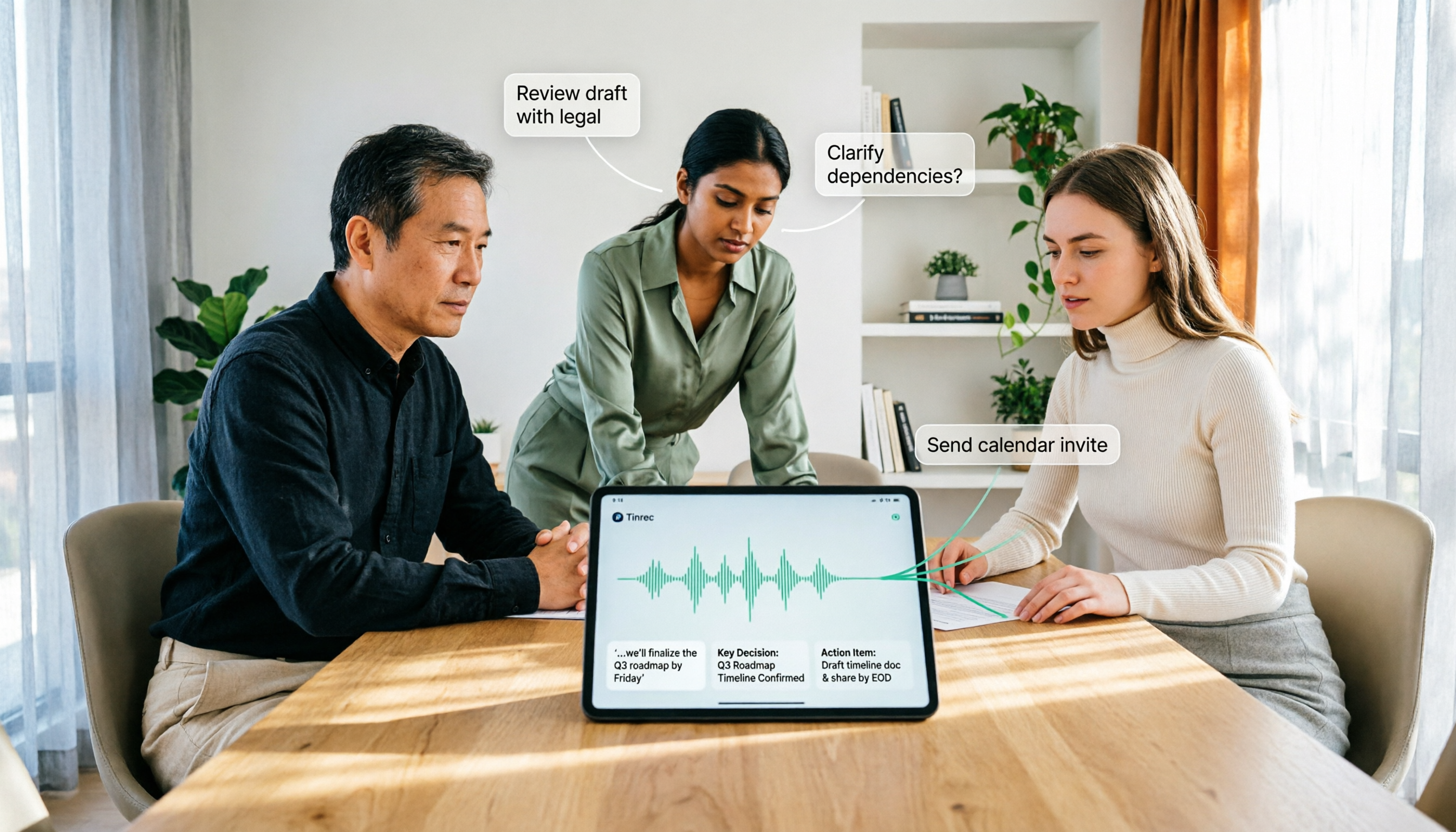
How to Use AI Agent Multi-Turn Conversations in 2026: 5 Steps to Build an Automated Meeting Workflow
Many people treat AI Agent multi-turn conversations as asking the same question multiple times, which only repeats the same blind spots and doubles costs. This article breaks down what multi-turn conversations should really have: memory, tool invocation, and stopping conditions, and uses Tinrec to demonstrate how to turn a meeting from recording, transcription, summarization to post-meeting follow-up into a truly deliverable workflow.

2026 Guide: AI Post-Meeting Processing — Auto Summaries + Action Item Extraction, Team Knowledge Retention
Post-meeting processing isn't just converting recordings into transcripts. This article addresses common misconceptions, outlines 5 key selection criteria, shares hands-on testing of Tinrec and team plan details, briefly reviews Granola and Notta, and provides a pitfall-avoidance guide and scenario-based recommendations to help you choose the right tool.

2026 AI Meeting Follow-Through Comparison: Which Tool Actually Tracks Action Items to Completion?
Meeting notes look great, but nothing gets done? This article breaks down the three most common pitfalls and the closed-loop workflow of capture, correction, assignment, tracking, and review. It compares Tinrec, Notta, Granola, and Otter.ai on bot-free recording, post-meeting Q&A, and team governance, with real pricing and tips to avoid common mistakes.
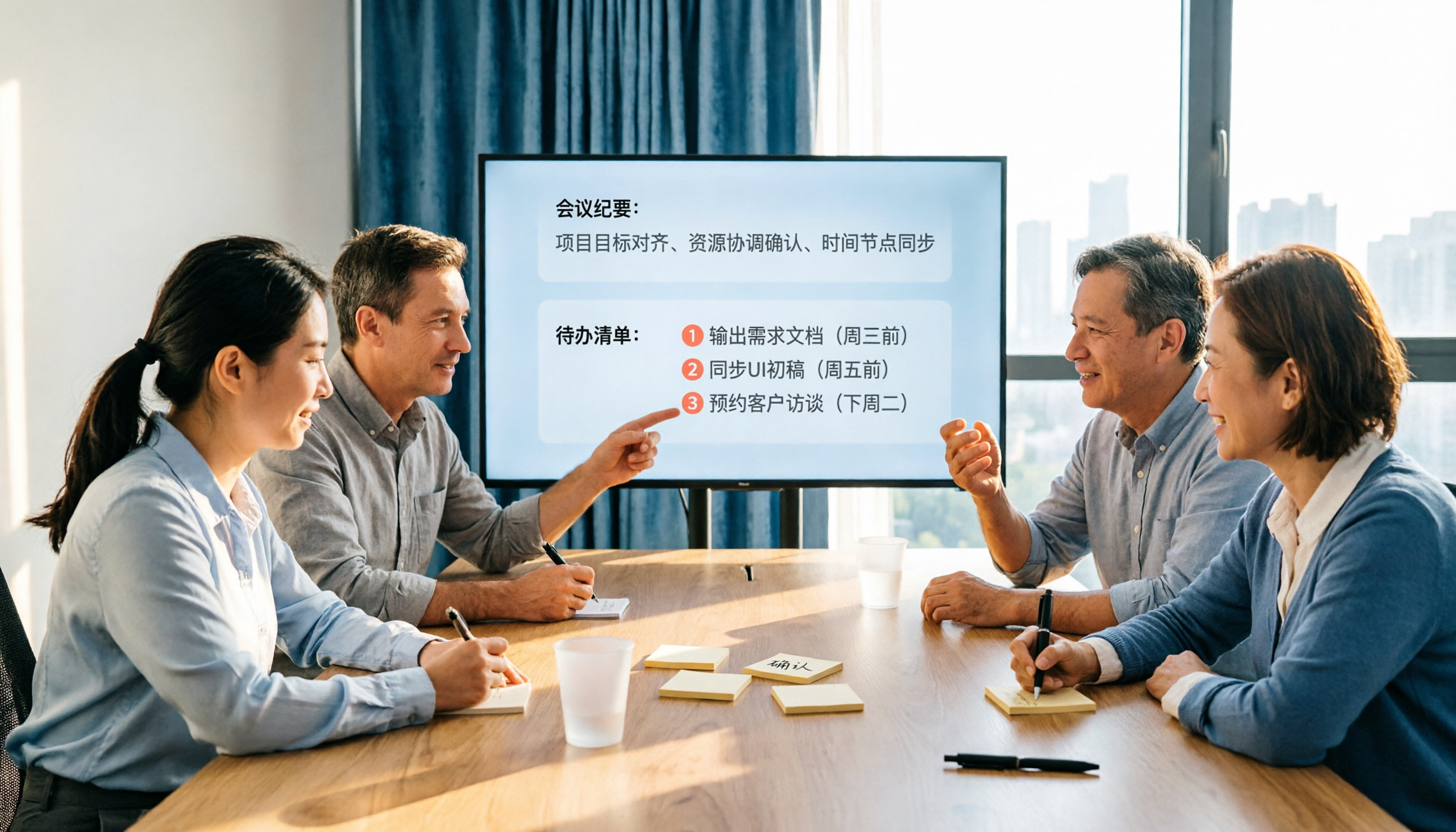
2026 AI Meeting Notes Comparison: Which Tool Extracts Action Items Best?
Action items scattered after meetings? This hands-on comparison of Tinrec, Otter.ai, Notta, and Granola evaluates automatic action item extraction from four angles: Chinese-language meetings, bot-free recording, post-meeting follow-up, and team collaboration—helping you decide which fits your meeting workflow.

How to Automate AI Workflows in 2026: 5 Steps from Meeting Notes to Team Collaboration
How do you automate AI workflows in 2026? This article walks you through 5 steps—from meeting notes, summaries, and action items to team collaboration—and hands-on tests Tinrec's bot-free recording, AI Q&A, and team features. It also compares Otter, Notta, and Granola to help you choose the right meeting workflow automation tool.

4 Meeting Minutes Automation Software Compared for 2026: From Transcripts to Summaries to Action Items
Starting from the most common pitfalls of meeting minutes automation, this comparison of Tinrec, Otter.ai, Notta, and Granola covers meeting capture, post-meeting output, Chinese language experience, and team governance to help mid-level managers choose a tool that truly reduces post-meeting cleanup time.

7 AI Meeting Workflow Tools Tested and Compared for 2026: Which Free Version Is Actually Enough?
Still putting off meeting notes until after the meeting? This article starts with the most common misconception and breaks down a three-stage AI meeting workflow—before, during, and after the meeting. It also tests and compares 7 options: Tinrec, Otter, Fireflies, Notta, Granola, TurboScribe, and built-in platform transcription. Free quotas and paid prices are listed honestly to help you decide which fits your meeting style best.

2026 Comparison of 5 Meeting Notes Automation Tools: Tinrec vs. Notta — Which Should You Choose?
Starting from the pain point of still organizing meeting notes before leaving work on Friday, this comparison examines the differences between Tinrec and Notta in meeting capture, post-meeting organization, Chinese and multilingual support, team collaboration, and pricing, helping you decide which meeting notes automation tool is better suited for teams in Taiwan.

One-Click Meeting PPT Generators Compared: 2026 Test of 4 Tools — The Key Is Your Meeting Material
Still starting your meeting deck from scratch after the meeting ends? The problem usually isn't the layout tool—it's the meeting material you have on hand. This article starts with 'where does the material come from' and compares four approaches: Tinrec, GenApe, AI One-Click PPT, and ppt-master. It outlines 5 key buying factors and 4 common pitfalls to help you decide which part of your workflow to fix first.