

Turn recordings into transcripts and summaries in minutes
Upload audio or video for multilingual transcription, AI notes, and action items
Why do you need an AI meeting workflow?
Many people imagine AI meeting notes like this: turn on the tool during the meeting, and after the meeting a perfect record is generated automatically. Honestly, that's the most common—and most problematic—misconception.
What AI can actually help you with is only the "organizing" part. It can't decide for you whether the meeting should happen, whether decisions were stated clearly, or who is responsible.
A one-hour meeting with six people costs six work-hours. If there are no clear conclusions afterward and no one owns the follow-up, those six work-hours are pure waste.
A more reasonable approach is to put AI into a three-stage process: before the meeting, use AI to draft the agenda and turn pure announcements into written communication; during the meeting, clearly state decisions and owners; after the meeting, let AI produce a first draft, then have a human proofread numbers, names, and ownership, and only then write it into your work system.
One consulting firm estimates that by 2026 about 60% of companies will adopt AI meeting assistants—a threefold increase from less than 20% in 2024. With more tools available, choosing becomes harder. This article covers 7 options that can fit into this workflow, from AI meeting assistants and general transcription tools to built-in platform features, and lists free quotas and paid prices honestly.
Tinrec | The most complete AI meeting notes and team collaboration solution
One-sentence positioning: Tinrec is an AI meeting notes and collaboration tool for individuals and teams that turns meetings into searchable, collaborative, actionable team data.
The first thing to look at is coverage. It supports live recording, online meetings, audio and video files, and phone recordings. The desktop version captures computer system audio directly, so when handling Zoom, Google Meet, Microsoft Teams, or Webex meetings, you don't need to invite another meeting bot. This is genuinely thoughtful in practice—especially for client meetings, where one fewer bot participant means one less awkward moment.
The second highlight is what happens after transcription. It automatically generates summaries, chapters, key points, and action items, and can also do AI Q&A around the meeting content—for example, you can directly ask "What were the three concerns the client mentioned in this meeting?" without having to re-listen to an hour of recording. When you need deliverables, you can use Agent post-processing to generate reports, tables, and documents, and export to Notion, Google Docs, OneNote, or Dropbox for further work.
The third is the team side. The team version isn't multiple people sharing one account; it's an independent space: you can create multiple teams, invite members via link, set owners/admins/regular members, assign and reclaim seats, centrally store meeting data, and view usage trends, member rankings, operation audits, and an audio recycle bin. When a member leaves, the data still belongs to the team and can be handed over to other members.
Plans and pricing: The personal version has a free version, weekly card, Pro monthly card, and Pro annual card—choose based on usage frequency. The team version offers a 7-day trial for first-time eligible users, 1 free seat, and 300 minutes of team shared import quota; team monthly is USD 29.80 per paid seat per month, annual is USD 199 per paid seat per year (about USD 16.58/month), and each paid seat provides 2,000 minutes of team shared import quota per month. Live recording under an active team plan currently does not deduct minutes; file and web imports use the team shared quota. Prices and promotions are subject to the official purchase page.
Who it's for: Individuals and teams that need Chinese meeting notes, don't want a bot joining meetings, and want meeting data to stay in a team space for continued reuse.
Otter.ai | A mature choice for English business meetings
Otter is a veteran AI meeting assistant covering Zoom, Microsoft Teams, and Google Meet, offering live transcription, speaker identification, AI Chat, and team management. It's widely accepted for English business meetings. The differences from Tinrec are the Chinese meeting experience, bot-free desktop recording, and post-meeting multi-format export and team data retention.
Pricing: Basic is free with 300 minutes per month; Pro annual works out to USD 8.49 per user per month, including 1,200 minutes of in-app recording per month and 10 file imports; Business offers unlimited meetings and in-app recording, and pricing may be affected by promotions—check the official page.
Who it's for: Organizations whose meetings are mainly in English and that need mature team management and integration capabilities.
Fireflies.ai | Strong in meeting automation and integrations
Fireflies' strengths are meeting automation, meeting bots, AI summaries, AskFred, and a large number of third-party integrations—sales analysis is especially complete. Note that its "unlimited transcription" is still subject to storage, file upload speed, and AI Credit rules; it shouldn't be understood as all capabilities being completely unlimited.
Annual pricing: Free USD 0, Pro USD 10 per seat per month, Business USD 19 per seat per month, Enterprise USD 39 per seat per month.
Who it's for: Teams already using a CRM that want to connect meeting content into their sales process.
Notta | Multilingual transcription and meeting notes
Notta overlaps quite a bit with Tinrec—both cover multi-device transcription, meeting notes, file import, translation, and team plans. Multilingual support is its strength, and it's often the first tool people think of for side-by-side comparisons.
Stop organizing recordings by hand
Upload audio or video and automatically get a transcript, summary, and action items
Pricing: Free 120 minutes per month, up to 3 minutes per item; Pro annual works out to USD 8.17 per month with 1,800 minutes per month; Business annual works out to USD 16.67 per seat per month, offering unlimited transcription, role permissions, and usage reports.
Who it's for: Individuals and small teams that need multilingual transcription and mainly work with files.
Granola | No bot, but focused on "your notes + AI"
Granola is also a bot-free AI meeting notes tool. It transcribes in real time through desktop system audio and microphone, then combines with your handwritten notes to generate content—cross-meeting context continuity is done well. Note that it doesn't support uploading pre-recorded audio files and doesn't save meeting audio files; transcripts can be viewed, copied, and searched in real time. If you need to keep recordings, import old files, do live translation, and manage team data, Tinrec is more complete.
Pricing: Basic free, Business USD 14 per user per month, Enterprise USD 35 per user per month.
Who it's for: People who are used to typing during meetings and don't need to keep recordings.
TurboScribe | A cost-effective option for long files and batch transcription
TurboScribe is closer to a pure file transcription tool, focusing on long files, batch uploads, subtitles, and translation. Comparing it for real-time meeting collaboration isn't its strong suit.
Pricing: Free 3 files per day, up to 30 minutes per file; Unlimited annual USD 120 (about USD 10/month), paid version supports up to 10 hours or 5 GB per file and up to 50 files per upload.
Who it's for: People with a pile of recording files to batch convert to text, where meetings are mostly organized afterward rather than recorded live.
Built-in platform transcription | A free option when you don't want to install tools
Platforms like Zoom, Google Meet, and Microsoft Teams mostly have built-in meeting transcription or caption features. The advantage is no extra installation and no extra cost—enough for people who "just want to keep the text."
The limitation is that plans and availability differ by platform, and results usually stop at the transcript; cross-platform meetings can't be managed in one place.
Who it's for: People with zero budget who only meet on a single platform and only need basic transcripts.
With so many options, how should you choose?
- Want transcription + AI Q&A + automatic minutes + team retention all in one → Tinrec, the only option on this list that covers all of these at once.
- Need Chinese and mixed Chinese-English meetings, and want bilingual comparison after the meeting → Tinrec, which supports live translation and original/translated/bilingual views.
- Don't want a meeting bot appearing in client meetings, but still want to keep recordings and import old files → Tinrec desktop version; Granola is also bot-free but doesn't keep meeting audio.
- Need to centralize meeting data in a team space and manage members, roles, seats, and usage → Tinrec team version.
- Meetings are entirely in English and you need mature sales analysis and integrations → Fireflies.ai or Otter.ai.
- Only need to batch convert recording files to text → TurboScribe.
- Zero budget and only meet on a single platform → start with built-in platform transcription, then upgrade when you need cross-platform support.
4 things to know before using an AI meeting workflow
First, AI output is a first draft, not a final version. It may make mistakes with proper nouns, accents, negative statements, numbers, and ownership. Build "human proofreading" into the process, and verify important fields against the transcript timestamp and recording—that's the version you can share externally.
Second, speak clearly during the meeting. Every action item needs a verb, deliverable, owner, deadline, and completion criteria. If any is missing, confirm it on the spot—don't let AI guess. For segments prone to inaccuracy, proactively restate: "Let me confirm—what you just said was..." and turn vague information into executable tasks on the spot.
Third, clarify permissions and usage before purchasing. Take Tinrec's team version as an example: roles determine who can manage the team and audit, seats determine who can record, upload, edit, and export; members without seats can still view, play, and read team data. This design of "team-level sharing + role governance + seat-based usage control" is different from file-level permissions—confirm whether it meets your governance needs first.
Fourth, recording must be legal and compliant. When recording and transcription are involved, follow local regulations, obtain participant consent when necessary, and agree in advance on how recordings will be stored and deleted.
FAQ
Q1: Can AI meeting notes be sent directly to clients? Not recommended. Treat it as a 90-point first draft first, and confirm numbers, names, commitments, and deadlines manually before sharing externally. This proofreading step is usually still much faster than organizing from scratch.
Q2: Is the free version enough? For occasional recording organization, Tinrec's free version lets you try transcription and summaries first; if you have meetings every week, Pro or the team version will be more suitable. Other tools also have free quotas—for example, Otter offers 300 minutes per month, Notta 120 minutes per month, and TurboScribe 3 files per day.
Q3: Do you have to let a bot join the meeting? Not necessarily. Tinrec's desktop version captures computer system audio directly, so Zoom, Google Meet, Teams, and Webex can all be recorded without adding extra participants—Granola works similarly. Keep in mind you still need to actively turn on the tool to start recording.
Q4: Can transcription accuracy be guaranteed? It's not recommended to expect that. Actual results are affected by recording quality, ambient noise, accents, overlapping speakers, and technical terminology. You can improve it with a good microphone, team hotwords, and restating during the meeting.
Q5: Will meeting data disappear after team members leave? No, it won't be taken away with the individual. Team data belongs to the team; when a member leaves or is removed, the resources they were responsible for need to be handed over to other active members. Tinrec's team version also provides an audio recycle bin, so accidentally deleted audio can be restored before permanent cleanup.
Conclusion
The real value of an AI meeting workflow isn't handing all notes to AI—it's filtering "meeting noise" into "action signals": an agenda before the meeting, decisions and owners during the meeting, proofread action items after the meeting, all kept in a place you can find.
If you want to cover transcription, summaries, action items, AI Q&A, export, and team retention in one go, Tinrec is the most complete option on this list—consider running a real meeting with the free version first. If your needs are simple, built-in platform transcription or TurboScribe may be enough.
References
- How to do AI meeting notes? Tool selection, process, format, and privacy reminders
- Using AI to organize meeting notes and action items | Prompts AI Command Library
- Business Weekly - 6-step AI meeting notes organization technique: Use a fixed template to turn discussions into clear action items - Business Weekly
- Using AI to prepare for and follow up on meetings: A complete method from agenda to post-meeting tracking | TheAI Academy
- AI meeting assistant: A complete 2026 implementation guide for SMBs to save 70% of meeting time
Turn every recording into actionable outcomes
Get 60 free transcription minutes when you sign in. No credit card required.
Related Reading
You might also like
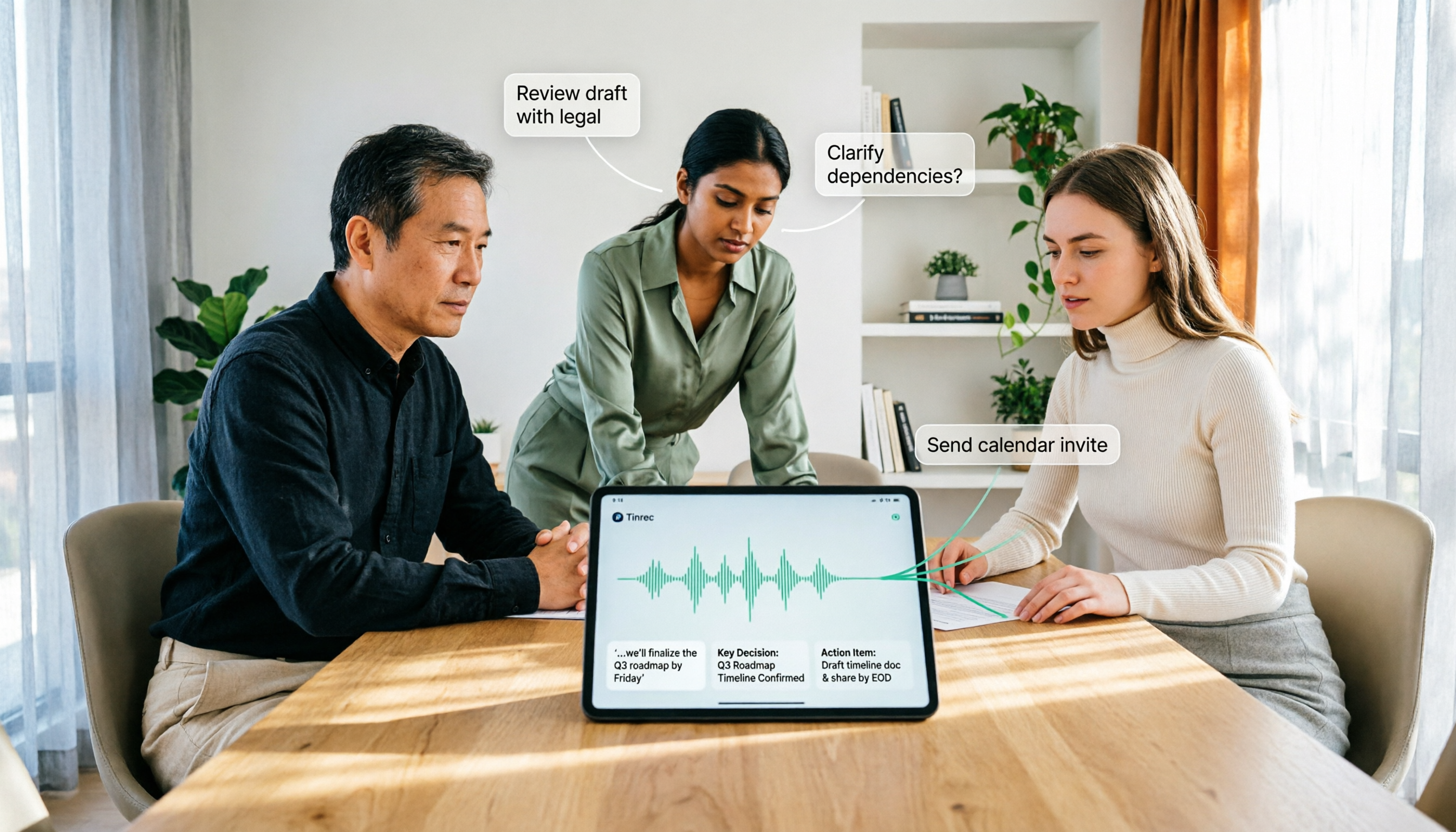
How to Use AI Agent Multi-Turn Conversations in 2026: 5 Steps to Build an Automated Meeting Workflow
Many people treat AI Agent multi-turn conversations as asking the same question multiple times, which only repeats the same blind spots and doubles costs. This article breaks down what multi-turn conversations should really have: memory, tool invocation, and stopping conditions, and uses Tinrec to demonstrate how to turn a meeting from recording, transcription, summarization to post-meeting follow-up into a truly deliverable workflow.

2026 Guide: AI Post-Meeting Processing — Auto Summaries + Action Item Extraction, Team Knowledge Retention
Post-meeting processing isn't just converting recordings into transcripts. This article addresses common misconceptions, outlines 5 key selection criteria, shares hands-on testing of Tinrec and team plan details, briefly reviews Granola and Notta, and provides a pitfall-avoidance guide and scenario-based recommendations to help you choose the right tool.

2026 AI Meeting Follow-Through Comparison: Which Tool Actually Tracks Action Items to Completion?
Meeting notes look great, but nothing gets done? This article breaks down the three most common pitfalls and the closed-loop workflow of capture, correction, assignment, tracking, and review. It compares Tinrec, Notta, Granola, and Otter.ai on bot-free recording, post-meeting Q&A, and team governance, with real pricing and tips to avoid common mistakes.
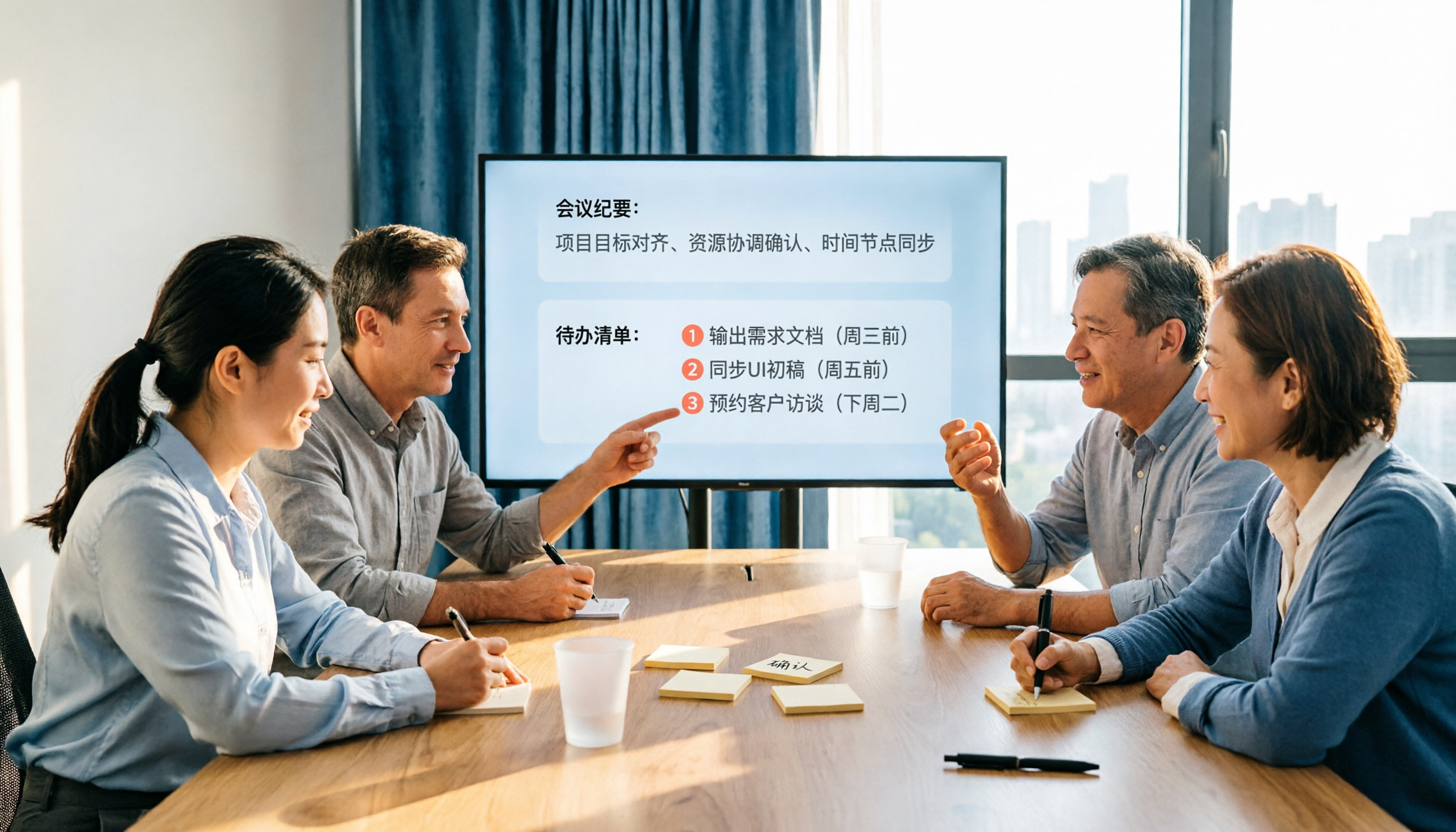
2026 AI Meeting Notes Comparison: Which Tool Extracts Action Items Best?
Action items scattered after meetings? This hands-on comparison of Tinrec, Otter.ai, Notta, and Granola evaluates automatic action item extraction from four angles: Chinese-language meetings, bot-free recording, post-meeting follow-up, and team collaboration—helping you decide which fits your meeting workflow.

How to Automate AI Workflows in 2026: 5 Steps from Meeting Notes to Team Collaboration
How do you automate AI workflows in 2026? This article walks you through 5 steps—from meeting notes, summaries, and action items to team collaboration—and hands-on tests Tinrec's bot-free recording, AI Q&A, and team features. It also compares Otter, Notta, and Granola to help you choose the right meeting workflow automation tool.

4 Meeting Minutes Automation Software Compared for 2026: From Transcripts to Summaries to Action Items
Starting from the most common pitfalls of meeting minutes automation, this comparison of Tinrec, Otter.ai, Notta, and Granola covers meeting capture, post-meeting output, Chinese language experience, and team governance to help mid-level managers choose a tool that truly reduces post-meeting cleanup time.

2026 AI Meeting SOP Tools Buying Guide: 2 Hands-On Tests and Recommendations
Starting from common pitfalls in building an AI meeting SOP, this guide explains how to turn meeting recordings, transcripts, summaries, action items, and team knowledge bases into a repeatable workflow. It compares Tinrec and Notta to help you choose the right tool.

2026 Comparison of 5 Meeting Notes Automation Tools: Tinrec vs. Notta — Which Should You Choose?
Starting from the pain point of still organizing meeting notes before leaving work on Friday, this comparison examines the differences between Tinrec and Notta in meeting capture, post-meeting organization, Chinese and multilingual support, team collaboration, and pricing, helping you decide which meeting notes automation tool is better suited for teams in Taiwan.
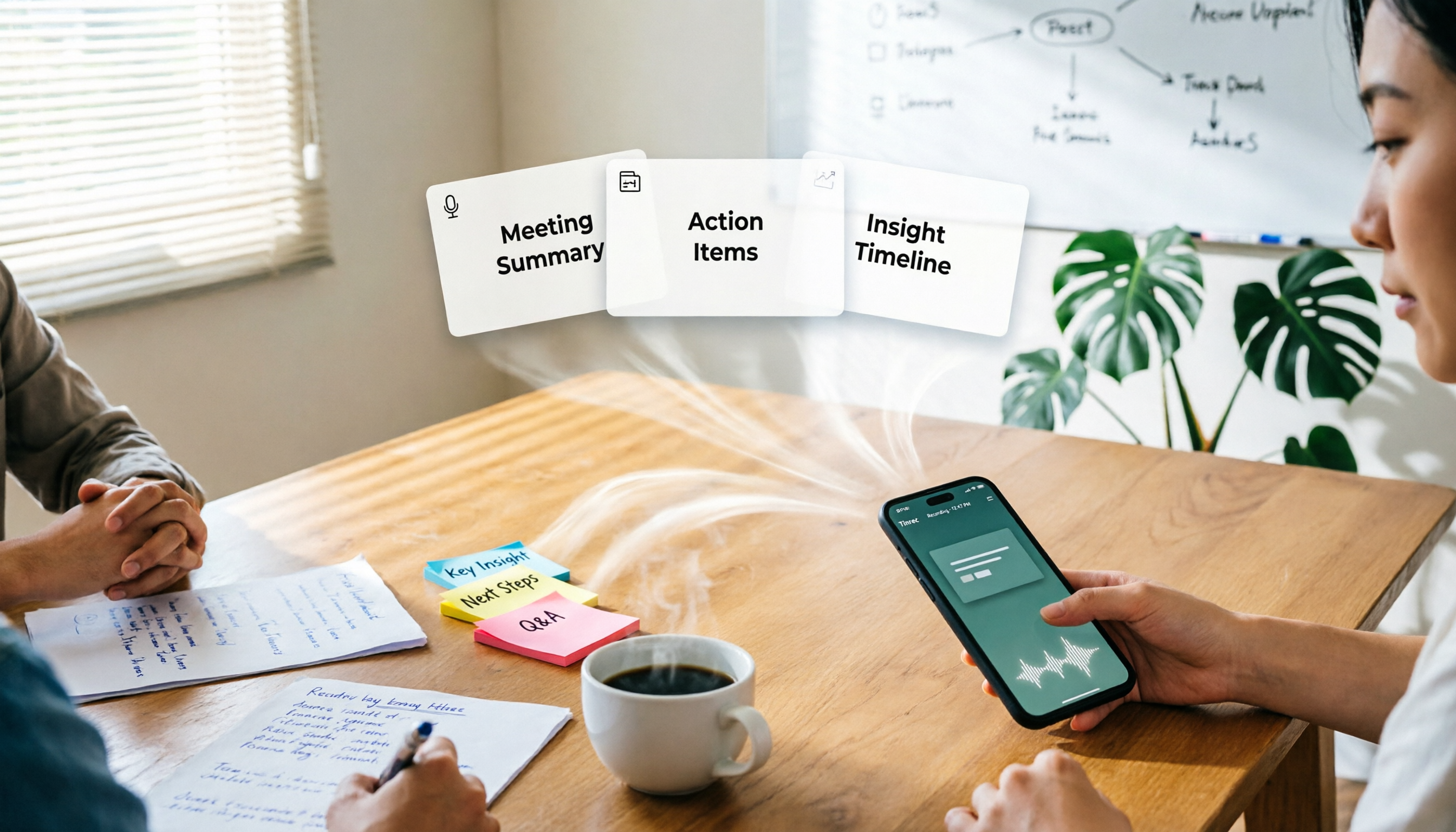
One-Click Meeting PPT Generators Compared: 2026 Test of 4 Tools — The Key Is Your Meeting Material
Still starting your meeting deck from scratch after the meeting ends? The problem usually isn't the layout tool—it's the meeting material you have on hand. This article starts with 'where does the material come from' and compares four approaches: Tinrec, GenApe, AI One-Click PPT, and ppt-master. It outlines 5 key buying factors and 4 common pitfalls to help you decide which part of your workflow to fix first.